Zoom Alternatives in 2026: 9 Meeting Tools Compared

How we put this together: we compare official feature and pricing pages, app store listings, privacy policies and public user reviews. Prices change, so check the provider's site before you pay.
Key takeaways
- Google Meet and Microsoft Teams are the best Zoom alternatives for most teams, because they come with the office suite many companies already pay for.
- Webex matches Zoom most closely on meeting features, with a free plan for 40-minute meetings with up to 100 attendees.
- Jitsi Meet is the best free option for quick calls with guests who have no account, while Discord suits communities and informal groups.
- GoTo Meeting and RingCentral Video suit businesses that need reliable hosting, phone options and larger meeting controls.
- Check free meeting length, attendee limits and recording rules first, because those three limits decide most switches.
Quick comparison
| Name | Who it suits | Starting price | Free option | |
|---|---|---|---|---|
 Google Meet Google Meet | Google Workspace teams | Free | Yes | Visit |
 Microsoft Teams Microsoft Teams | Microsoft 365 teams | Free | Yes | Visit |
 Webex Webex | Enterprise-style meetings | Free | Yes | Visit |
 Jitsi Meet Jitsi Meet | Free calls without accounts | Free | Yes | Visit |
 GoTo Meeting GoTo Meeting | Reliable business hosting | $12 per organizer per month | Free trial | Visit |
 Whereby Whereby | Simple browser meetings | $10.99 per month | Yes | Visit |
 Discord Discord | Communities and informal groups | Free | Yes | Visit |
 Zoho Meeting Zoho Meeting | Low-cost meetings for Zoho users | Free | Yes | Visit |
 RingCentral Video RingCentral Video | Phone plus video for business | $20 per user per month | Yes | Visit |
The best Zoom alternatives
We compared official pricing pages, feature pages and public documentation for video meeting tools that work today. Our pick for most teams is Google Meet, because it is simple, browser-based and included with Google Workspace, while Microsoft Teams is our pick for companies already on Microsoft 365.
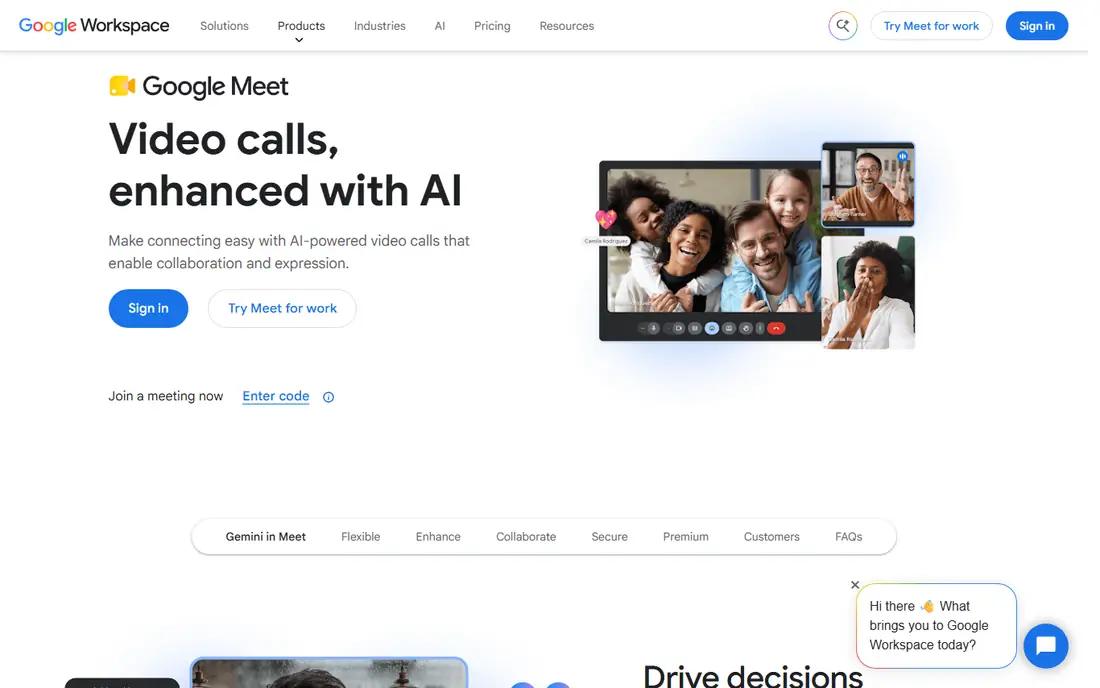
Google Meet is the easiest Zoom alternative to adopt if your team already uses Gmail, Calendar and Drive. You create a meeting from Calendar, share a link, and guests join from a browser without installing an app. The free plan covers one-to-one calls up to 24 hours and group calls up to 60 minutes with 100 participants, which handles most internal meetings.
Paid Workspace plans start at $7 per user per month for Business Starter on annual billing, with Business Standard at $14 per month adding recording and larger meetings. The catch is feature gating, since recording and breakout rooms sit on higher tiers. If your meetings are mostly internal and short, Meet is a clean, low-friction replacement for Zoom.
- Browser-based meetings with no app required for guests
- Free group calls up to 60 minutes with 100 people
- Tight Gmail and Calendar integration
- Recording starts on Business Standard
- Breakout rooms need higher Workspace tiers
- Webinar features are basic compared with Zoom
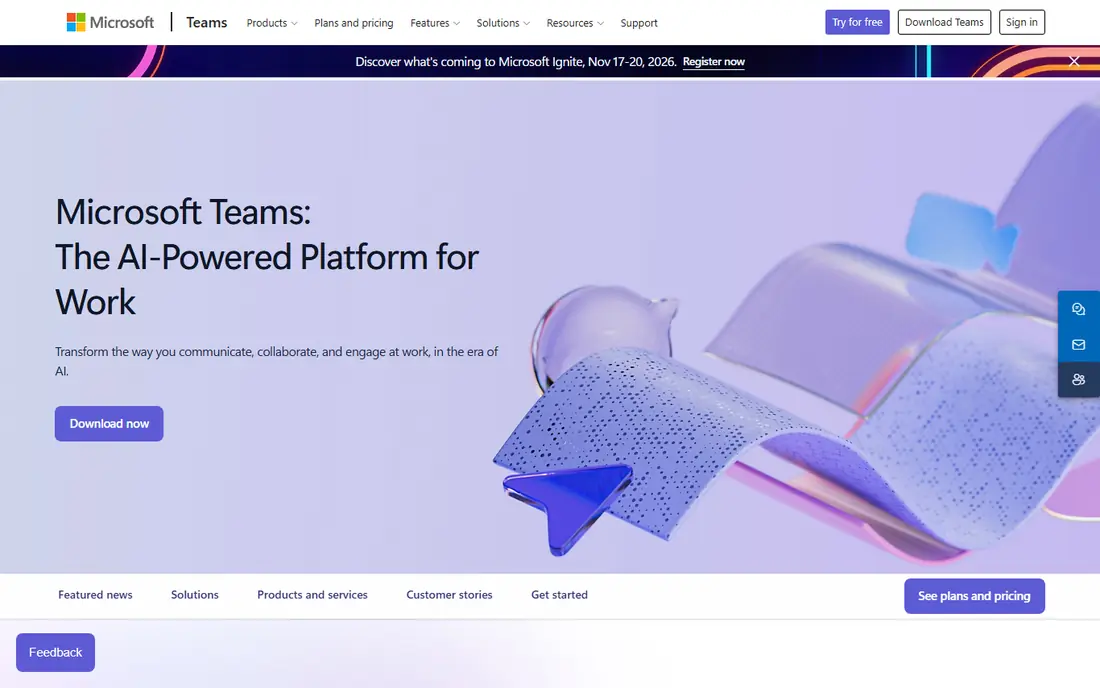
Microsoft Teams is the natural Zoom alternative for companies on Microsoft 365, because meetings, chat, channels and files live in one place. The free version covers group meetings up to 60 minutes with 100 participants, while Teams Essentials starts at $4 per user per month on annual billing and supports meetings with up to 300 attendees.
That breadth is both the strength and the weakness. Teams that want persistent chat and document collaboration will use it all day, while teams that only need a meeting link may find the app heavier than Zoom or Meet. If your company already pays for Microsoft 365, Teams is usually the cheapest credible switch, since you may already have it.
- Teams Essentials from $4 per user per month
- Free group meetings up to 60 minutes with 100 people
- Chat, channels and file sharing in one app
- App feels busy for meeting-only users
- Advanced AI features need a separate Copilot license
- Setup takes longer than Meet for small teams
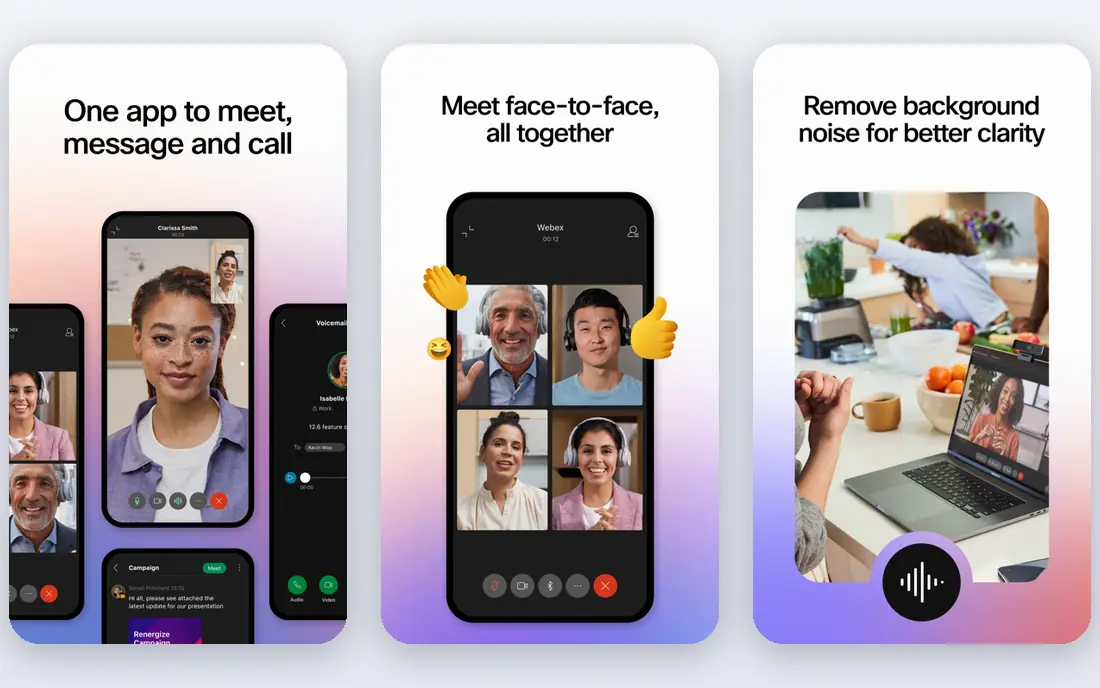
Webex, from Cisco, is the closest like-for-like Zoom replacement for larger companies. The free plan offers unlimited meetings up to 40 minutes with up to 100 attendees, screen sharing, whiteboards, local recording and messaging. Starter at $12 per user per month extends meetings to 24 hours, raises the attendee limit to 150 and adds cloud recording and AI assistant features.
The trade-off is that Webex does not fix the free-plan time limit that pushes many people away from Zoom. You switch to Webex for security, hardware integration and enterprise controls, not for a longer free call. For regulated industries and companies with Cisco hardware, that trade is often worth it.
- Free plan with 40-minute meetings and 100 attendees
- Starter at $12 per user per month with 24-hour meetings
- Strong security and noise cancellation
- Free plan keeps the same 40-minute limit as Zoom
- Paid tiers add cost quickly
- Interface feels more corporate than Meet
Jitsi Meet is the best option when you need a call right now and do not want anyone to create an account. You pick a room name, share the link, and guests join from a browser. Screen sharing, chat and basic meeting controls are included, and teams that need more control can self-host Jitsi on their own servers.
The catch is support and scale. The free public service has no vendor support, and some comparisons note a cap on active endpoints for free public use. Large, formal meetings with registration, webinars and detailed admin controls fit Zoom, Meet or Webex better. For quick team calls, interviews and community sessions, Jitsi is hard to beat on price, since it is free.
- No account needed for guests
- Open source and self-hosting options
- Browser-based calls with screen sharing and chat
- No vendor support on the free public service
- Free public use is capped in some listings at 25 active endpoints per month
- Fewer webinar and admin controls
GoTo Meeting has long focused on one job, which is reliable business meetings, and it still does that job well. Professional starts at $12 per organizer per month and covers up to 150 attendees with unlimited meeting length, screen sharing and recording. That simplicity appeals to companies that want a meeting tool without a full office suite attached.
The downside is the lack of a free plan. You get a 14-day trial, then you pay, while Meet, Teams and Webex all offer free tiers for basic calls. GoTo also splits webinars into a separate product, so training and marketing teams may need two subscriptions. Choose GoTo when meeting reliability and a clean host experience matter more than free access.
- Stable hosting with up to 150 attendees on Professional
- Unlimited meeting length on paid plans
- Mobile apps for on-the-go hosting
- No permanent free plan, only a trial
- Fewer free collaboration extras than Teams
- Webinar features sit on separate GoTo products
Whereby is built for teams that want a meeting room, not a platform. You create a room with a custom link, guests join from a browser, and the meeting starts without downloads or accounts for attendees. That simplicity makes it a good fit for consultants, coaches and small teams that meet clients often.
Paid plans start at $10.99 per month per host, with Pro covering up to 100 attendees and Business up to 200. The free plan is much narrower, with short meetings and only a few attendees in recent comparisons, so most business use needs a paid plan. If you embed video into your own product, Whereby also offers tools for that use case, which Zoom does not match as simply.
- Browser-based rooms with custom links
- Simple setup for small teams and clients
- Pro covers up to 100 attendees
- Free plan limits meetings to 30 minutes and four attendees in several listings
- No built-in webinar suite
- AI meeting notes are not a core feature
Discord works as a Zoom alternative for communities, study groups, creator teams and informal work groups, but not as a direct business replacement. Servers give you channels, voice rooms and video calls in one place, and the free plan covers most of what a community needs, including unlimited messaging and group calls.
Nitro Basic at $2.99 per month and Nitro at $9.99 per month add larger uploads, HD streaming and other perks, but they are individual upgrades rather than business meeting licenses. The limits show up for formal meetings, since server video is capped at 25 participants in several listings and client-facing polish is weaker than Meet or Teams. For ongoing community conversation, Discord is excellent. For client calls, pick a business tool.
- Free voice and video calls with up to 25 participants in server video
- Always-on voice channels
- Unlimited messaging on the free plan
- Built for communities, not client meetings
- Video chat limits are lower than Zoom
- Professional admin and compliance tools are basic
Zoho Meeting is the budget pick in this list, especially for teams already using Zoho CRM or other Zoho apps. The free plan covers meetings up to 60 minutes with 100 participants, which matches Meet and Teams on basic limits. Paid plans are listed from $1 per host per month on annual billing in several comparisons, with higher tiers raising attendee limits to 250.
The trade-off is familiarity and ecosystem size. External guests know Zoom, Meet and Teams at a glance, while Zoho Meeting may need a short explanation. Integration depth with Microsoft or Google tools is also thinner. If your team lives in Zoho and cost matters most, Zoho Meeting is a strong, low-cost alternative.
- Free plan with 60-minute meetings and 100 participants
- Paid plans from $1 per host per month in several listings
- Webinar options for Zoho teams
- Smaller ecosystem than Meet or Teams
- Advanced features sit on higher tiers
- Less familiar to external guests than Zoom
RingCentral Video suits businesses that want video, phone and messaging from one vendor rather than three separate tools. RingEX Core, listed at $20 per user per month, covers video meetings with up to 200 attendees and 24-hour meeting length, alongside phone and team messaging features. That bundle helps companies replacing both a phone system and Zoom at once.
The price is the main barrier for meeting-only teams. If you only need video, Teams Essentials or Google Meet cost far less. If you need a full business communications system with reliable video, RingCentral earns its place, and you should compare its total phone plus video cost against buying those tools separately.
- Video plus phone and messaging in one business system
- Meetings with up to 200 attendees on Core
- 24-hour meetings on paid plans
- Core pricing at $20 per user per month is higher than Teams Essentials
- Video alone may be more system than small teams need
- Free plan limits meeting length
How we picked these
We compared official pricing pages, feature pages and public documentation, and we kept only tools that exist today and truly fit video meetings as a Zoom replacement. We looked at free meeting length, attendee limits, guest access, recording, breakout rooms and paid starting prices. We also noted the honest catch for each tool, because free plans often limit time, attendees or recording in ways that only show up after you switch.
We did not claim hands-on testing we did not do. Our comparisons rest on vendor pages, pricing pages and public reviews, and prices can change, so check the vendor pricing page before you buy.
How to switch from Zoom without breaking meetings
Start with the suite you already pay for. If your team uses Google Workspace, Meet is usually already included. If you use Microsoft 365, Teams is usually already included. Switching to a tool you already own saves money and training time, even if a standalone tool looks slightly better on one feature.
Test the three limits that matter most
Test free meeting length, attendee limits and recording with your real meeting size. A 45-minute team meeting fails on a 40-minute free plan, a 150-person all-hands fails on a 100-person limit, and a training session fails without recording. Run those three tests before you move a whole team, and keep Zoom as a backup during the trial week.
Check guest access and calendar flow
Check how guests join, whether they need an account or an app, and how meetings appear in Calendar or Outlook. Guest friction is the most common reason a switch fails, because internal teams adapt faster than clients. Pick the tool with the smoothest guest join for your most common external meeting type.
Plan webinars separately from meetings
Webinars, town halls and large training sessions are not the same product as team meetings. Zoom, Webex and Teams handle large events differently, with separate tiers and attendee limits. If you run webinars, price that tier separately and do not assume a meeting plan covers it.
Frequently asked questions
What are the best alternatives to Zoom?
Google Meet and Microsoft Teams are the best alternatives to Zoom for most teams, because they are included with office suites many companies already pay for. Webex is the closest meeting-first replacement, Jitsi Meet is the best free option, and GoTo Meeting suits businesses that want reliable hosting without a full suite. The best alternative depends on your existing tools, meeting size and recording needs.
What is the best free alternative to Zoom?
Jitsi Meet is the best free alternative to Zoom for quick calls, because guests need no account and there is no published time limit on the open source tool. Google Meet and Microsoft Teams also offer free group calls up to 60 minutes with 100 participants. For longer free meetings, check paid tiers, since most free plans cap group calls at 40 or 60 minutes.
Which Zoom alternative is best for large meetings?
Microsoft Teams Essentials supports meetings with up to 300 attendees, Google Meet supports up to 1,000 attendees on Enterprise tiers, and Webex Business supports up to 200 attendees, with Enterprise up to 1,000. For webinars and town halls, check the separate webinar tier, since meeting limits and event limits differ. Price the event tier, not just the meeting tier, before you commit.
Can guests join without an account?
Yes, on most tools here. Google Meet, Microsoft Teams, Webex, Jitsi Meet and Whereby all let guests join from a link, usually from a browser, without creating an account for that meeting. Jitsi Meet is the simplest for guests, since it needs no account and no app install for basic calls. Always test guest join with a real external contact before you switch a client-facing workflow.
Is Microsoft Teams cheaper than Zoom?
Yes, for most teams. Teams Essentials starts at $4 per user per month on annual billing, while Zoom Pro is listed at $14.16 per user per month on annual billing in recent comparisons. Teams also includes chat, channels and file sharing, while Zoom charges separately for some add-ons. If your company already pays for Microsoft 365, Teams may already be included at no extra meeting cost.
How do I move recordings and scheduled meetings from Zoom?
Export or download important Zoom cloud recordings before you cancel, since access can change after a plan ends. Recreate recurring meetings in the new tool rather than trying to transfer them, and update Calendar invites with the new meeting links. Tell regular external guests about the new link format in advance, and keep Zoom active for one overlap week to catch missed invites.
Sources we checked (9)

Online Jobs is an independent blog about careers, online work, learning new skills and the tools that help people earn. More about us.
Keep reading
All posts
PowerPoint Alternatives
Compare the best PowerPoint alternatives, from free Google Slides and Canva to Prezi and Gamma, with prices, collaboration and export options covered.
Gmail Alternatives
Gmail alternatives compared for 2026: Proton Mail, Outlook, Tuta, Fastmail, Zoho Mail and more for privacy, business and cross-platform use for US readers.

Best Writing Software
Looking for the best writing software in 2026? We compared 9 writing apps for books, articles and screenplays on price, features and fit. All verified.