Which Software Is Best for PDF Page Removal in 2026: 9 Tools Compared

How we put this together: we compare official feature and pricing pages, app store listings, privacy policies and public user reviews. Prices change, so check the provider's site before you pay.
Key takeaways
- Smallpdf, iLovePDF, Sejda, and PDF2Go are the fastest options for a one-off page removal in a browser, with no install needed.
- PDF24 and PDFsam Basic are the best free desktop options for offline work and for files you do not want to upload.
- Adobe Acrobat and Foxit PDF Editor suit people who already edit PDFs often and need page removal inside a full editor.
- Always keep a copy of the original file, because page removal also removes bookmarks and links tied to the deleted pages.
Quick comparison
| Name | Who it suits | Starting price | Free option | |
|---|---|---|---|---|
 Adobe Acrobat | Full PDF editing | See website | Free trial | Visit |
 Smallpdf | Quick browser edits | Free | Yes | Visit |
 iLovePDF | Simple online page removal | Free | Yes | Visit |
 Sejda | Browser edits with no account | Free | Yes | Visit |
 PDF24 | Free offline desktop tools | Free | Yes | Visit |
 PDFsam Basic | Free offline page tools | Free | Yes | Visit |
 Foxit PDF Editor | Business PDF editing | See website | Free trial | Visit |
 PDF-XChange Editor | Windows desktop editing | Free | Yes | Visit |
 PDF2Go | Occasional online edits | Free | Yes | Visit |
The best software for PDF page removal
We compared official feature and pricing pages for tools that let you select pages and delete them without damaging the rest of the file. Our pick for most people is Smallpdf for a quick online job and PDF24 for offline work, because both are free to start and make page selection visual. If you edit PDFs every day, Adobe Acrobat is the more complete tool.
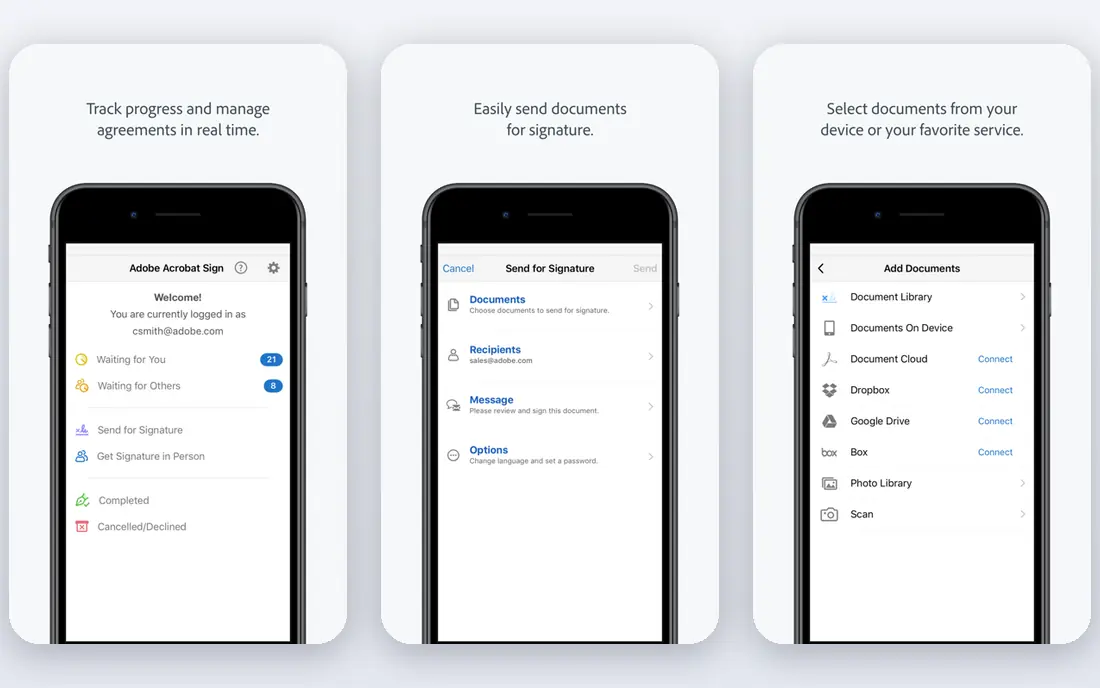
Adobe Acrobat is the standard answer when page removal is part of wider PDF work. Open the Organize Pages tool, view page thumbnails, select the pages you want gone, delete them, and save. The process is visual, so you are less likely to delete the wrong page than with a tool that asks you to type page numbers blind.
The catch is cost and scope. Acrobat is a subscription product, and buying it just to delete a few pages is hard to justify when free tools do the same job. It makes sense if you already use Acrobat for editing, signing, forms, or combining files, or if your workplace provides it. For a single cleanup, start with a free browser tool instead.
- Organize Pages tool with thumbnail selection
- Reliable output
- Full editing suite for later changes
- Paid subscription for full use
- More than most people need for a single deletion
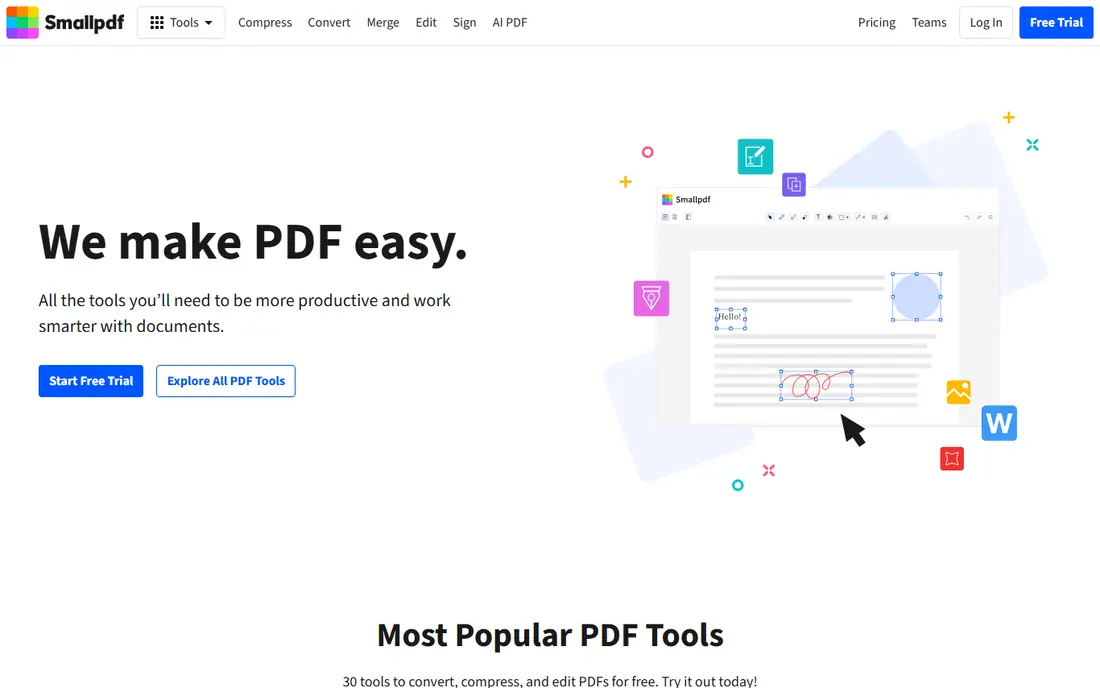
Smallpdf is one of the easiest ways to remove pages from a PDF. Drag the file into the browser, click the thumbnails you want to delete, and download the cleaned file. There is no software to install, and the interface is clear enough for someone doing this for the first time. It also sits beside merge, split, and compress tools, which helps when a cleanup turns into a larger tidy-up.
The limit is the free tier. Free use is capped, so heavy users will hit a limit and need a paid plan. You should also avoid uploading highly sensitive documents to any online tool, including Smallpdf. For ordinary reports, school files, and scanned documents, Smallpdf is fast and reliable, and it is our first pick for a one-off online job.
- Drag and drop upload
- Visual page selection
- No install needed
- Free use has task limits
- Uploading sensitive files to a web service needs care
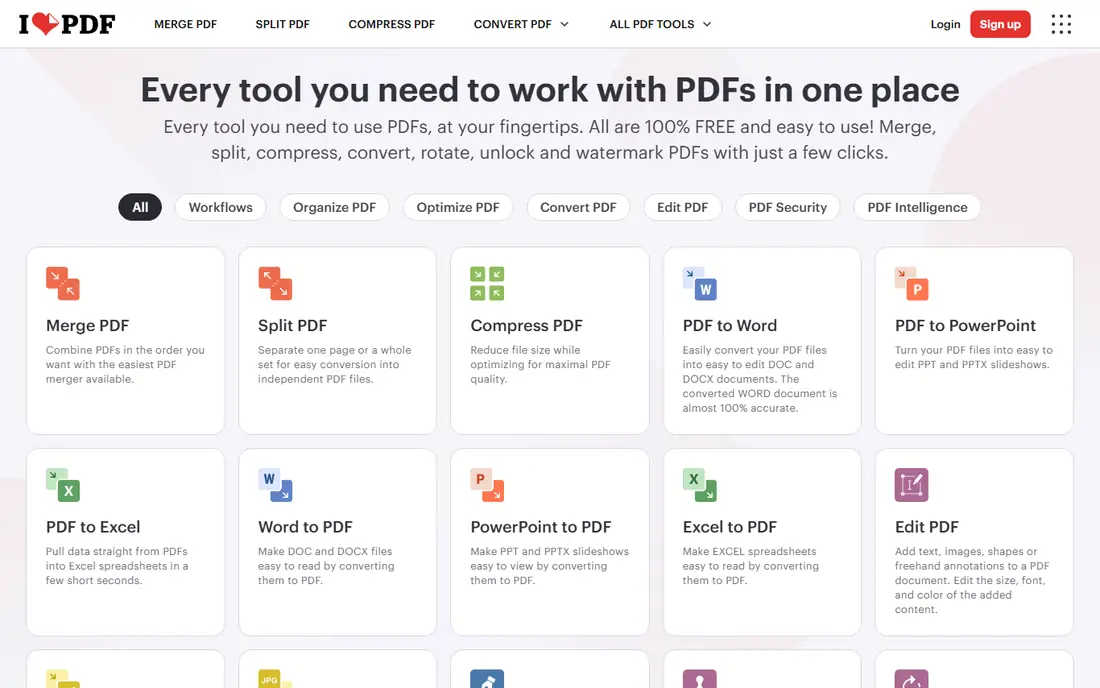
iLovePDF takes a similar approach to Smallpdf, with a clean upload, thumbnail view, and delete step. It suits people who want a straightforward tool without learning a desktop editor. The surrounding tools for merging, splitting, and compressing PDFs mean you can finish a document cleanup in one session, rather than switching between sites.
The trade-off is the same as with most free online tools. Free use has limits, and paid plans remove those limits and add more features. If you only delete pages a few times a month, the free tier is usually enough. For sensitive files, use a desktop tool instead of uploading, since online processing means your file leaves your computer.
- Clear page selection
- Many related PDF tools in one place
- Works in a browser
- Free tier has usage limits
- Some tools add a watermark on free use
Sejda is a good middle ground for people who dislike signing up for every tool they try. You can open the delete pages tool, upload a file, pick pages, and download the result without creating an account for most tasks. The interface is simple, and the page thumbnails make it easy to spot blank pages, duplicates, and outdated sections.
The limit is volume. Free use is limited to a few tasks per hour, so batch work will push you toward a paid plan. Sejda also offers a desktop version for users who prefer offline processing. For occasional use, especially when you want to avoid another account, Sejda is a strong choice.
- No account needed for most tools
- Visual page picker
- Desktop version also available
- Free tier limits tasks per hour
- Larger files may need a paid plan
PDF24 stands out because its desktop tools are free and work offline, which solves the privacy worry that comes with browser tools. You can delete pages, merge files, and split documents without sending files to a server. That matters for contracts, medical forms, and work documents that should stay on your own computer.
The downside is polish. PDF24 looks more functional than stylish, and new users may need a few minutes to find the right tool. The online version is also available for quick jobs, but the desktop app is the better pick for regular use. If you want a free tool you can keep and use without limits or accounts, PDF24 is our top offline pick.
- Free desktop app
- Offline processing
- Wide set of PDF tools
- Interface feels utilitarian
- Online tools still require upload
PDFsam Basic is a free, open source desktop tool built around page operations. It can split a PDF by page, extract selected pages, merge files, and rotate pages, which covers most cleanup jobs. Because it runs offline, your files never leave your machine, and there are no daily task limits to work around.
The limit is scope. PDFsam Basic does not try to be a full PDF editor, so you cannot edit text or add annotations in the same way Acrobat allows. That is fine if your job is only to remove pages, but not if you also need to rewrite content. For a free, private, and reliable page tool, PDFsam Basic is an excellent choice.
- Free and open source
- Offline
- Split, merge, and extract pages
- Focus is on page operations, not full editing
- Interface is plain
Foxit PDF Editor suits workplaces that need a full PDF editor at a lower cost than Acrobat in many plans. Page deletion sits inside a wider set of tools for editing text, adding comments, filling forms, and securing files. The ribbon interface will feel familiar to Microsoft Office users, which shortens the learning curve.
The catch is that Foxit is still a paid editor, so it is overkill for a one-off deletion. It earns its place here for people who already use it at work or who need editing, page management, and collaboration in one tool. Check the current pricing page, since Foxit offers several editions and the right one depends on whether you need basic editing or business features.
- Full editing plus page management
- Good for teams
- Familiar ribbon interface
- Paid product
- More complex than a single-purpose deleter
PDF-XChange Editor is a Windows desktop editor with a free version that covers page deletion and many other tasks. You can delete single pages or ranges, view thumbnails, and combine deletion with annotations and other edits. Offline processing keeps sensitive files on your computer, and batch handling helps when you have many files to clean.
The main limits are platform and complexity. PDF-XChange Editor is Windows only, so Mac users need another tool. The interface also packs in many options, which can feel technical for a first-time user. For Windows users who want a free desktop editor with precise page control, it is a strong pick.
- Free version handles page deletion
- Offline
- Detailed page controls
- Windows only
- Interface can feel technical
PDF2Go rounds out the list as a simple browser tool for occasional page removal. Upload a file, select pages to remove, and download the result. It also offers related tools for merging, splitting, and converting PDFs, so a small cleanup job does not require a new site for each step.
The trade-off is familiar. Free use has limits on file size and tasks, and online use means uploading your file. For a quick, low-stakes job, PDF2Go works well. For sensitive documents or frequent use, PDF24 or PDFsam Basic are better, since they run offline and have no such limits.
- Browser based
- Simple page selection
- Optional desktop and mobile options
- Free tier has file size and task limits
- Upload needed for online use
How we picked these
We compared official feature and pricing pages for tools that clearly offer page deletion, not just PDF viewing. We favored tools that show page thumbnails, allow multiple pages to be deleted at once, and produce a clean file without changing the remaining pages. We included both browser and desktop options, because privacy and convenience pull in different directions, and we excluded tools that only delete pages as a paid extra with no free trial or free tier.
How to remove pages from a PDF without mistakes
Start by saving a copy of the original file with a clear name, such as the original name plus the word original. Then open the copy, not the original, in your chosen tool. Use thumbnail view and check page numbers carefully, especially near the start and end of the document, since blank pages and duplicates are easy to miss in a list view.
After deletion, open the cleaned file and scroll through it. Check that page numbers, table of contents entries, and cross-references still make sense, since removing pages can break links tied to deleted content. If the document is for work or legal use, ask a colleague to glance through it before you send it. A two-minute check can prevent sending a file with a missing section or a broken reference.
Frequently asked questions
Which software is best for PDF page removal for free?
For a quick online job, Smallpdf, iLovePDF, and Sejda are the easiest free starting points. For offline work, PDF24 and PDFsam Basic are better, because they are free, run on your computer, and have no daily task limits. Choose the online tools for convenience and the desktop tools for privacy and frequent use.
Can I remove pages from a PDF without installing software?
Yes. Smallpdf, iLovePDF, Sejda, and PDF2Go all work in a browser. Upload the file, select the pages to delete, and download the cleaned file. Avoid uploading sensitive documents to any online tool, and use a desktop app like PDF24 or PDFsam Basic for private files.
How do I remove a single page from a PDF in Adobe Acrobat?
Open the file in Acrobat, open the Organize Pages tool, and view the page thumbnails. Select the page you want to remove, delete it, and save the file. Keep a copy of the original first, since deletion cannot be undone once you save over the original file.
Will deleting pages change the rest of my PDF?
The remaining pages should keep their content and formatting, but page numbers, bookmarks, and links tied to deleted pages can break. Check the cleaned file after deletion, especially the table of contents and any internal links. If the document relies on page numbers, update them after you finish.
Is it safe to use a free online PDF tool?
For ordinary, non-sensitive files, reputable online tools are generally safe, but your file is uploaded to a server for processing. For contracts, medical records, financial documents, or work files with private data, use an offline desktop tool instead. Always check the tool's privacy page if you are unsure how long files are kept.
Sources we checked (9)

Online Jobs is an independent blog about careers, online work, learning new skills and the tools that help people earn. More about us.
Keep reading
All posts
Zoom Alternatives
Zoom alternatives compared for 2026: Google Meet, Microsoft Teams, Webex, Jitsi and more for free calls, large meetings and webinars for teams and classrooms.

Which Software Is Best for Data Entry
Compare the best data entry software for forms, OCR scanning, and spreadsheets, with free plans, pricing, and honest limits for each tool before you commit.

What's the Best App to Read PDFs
Find what's the best app to read PDFs in 2026, from Adobe Acrobat Reader and Foxit to PDF Expert and Xodo, with free options and honest limits for every device.