Which Software Is Best for Data Entry in 2026: 9 Tools Compared

How we put this together: we compare official feature and pricing pages, app store listings, privacy policies and public user reviews. Prices change, so check the provider's site before you pay.
Key takeaways
- The best data entry software depends on where your data starts: forms for new data, OCR for paper, and spreadsheets for organizing it.
- Google Forms and Microsoft Forms are free and cover most simple data collection, while Zoho Forms and Jotform add volume and workflow features.
- ABBYY FineReader is the strongest desktop OCR pick for turning scanned documents into editable text.
- Test any tool with your real documents before buying, since OCR accuracy and form limits vary more than marketing pages suggest.
Quick comparison
| Name | Who it suits | Starting price | Free option | |
|---|---|---|---|---|
 Google Forms | Free simple forms | Free | Yes | Visit |
 Microsoft Forms | Forms inside Microsoft 365 | Free | Yes | Visit |
 Zoho Forms | High-volume forms | $12 per month | Yes | Visit |
 Jotform | Polished forms and payments | See website | Yes | Visit |
 Typeform | Conversational forms | See website | Yes | Visit |
 ABBYY FineReader | Desktop OCR and PDF editing | $99 per year | Free trial | Visit |
 Adobe Acrobat | PDF OCR and document work | See website | Free trial | Visit |
 Airtable | Organizing entered data | Free | Yes | Visit |
 Nanonets | Automated document extraction | See website | Free trial | Visit |
The best data entry software
Data entry is really three jobs wearing one name. Collecting new information through forms, turning paper and scans into digital text with OCR, and organizing the results so they can be used. The tools below cover all three, and we compared official pricing pages, feature pages, and public documentation to build this list. Start from where your data comes from, then pick the tool that handles that source best.
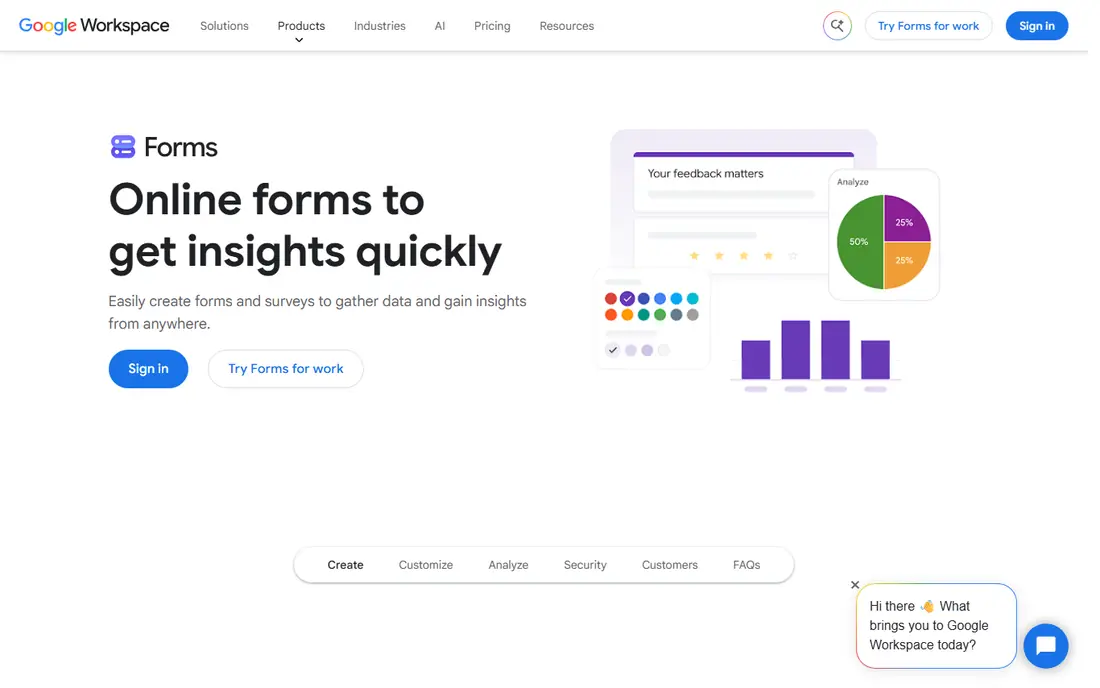
Google Forms is the default answer for simple data entry, and its price is hard to argue with. It is free, it takes minutes to build a form, and responses flow straight into Google Sheets for sorting and analysis. Schools, small businesses, and event organizers use it for surveys, signups, and intake forms without ever hitting a paywall.
The limits appear when data entry becomes a workflow. There are no built-in approval stages, limited design control, and no payment collection beyond add-ons. For straightforward collection, Google Forms is the best data entry app for most people. For approvals, payments, or high-volume business forms, Zoho Forms or Jotform fit better.
- Completely free
- Results flow into Google Sheets
- Very easy to share
- Limited design options
- No advanced approvals or payment workflows
Microsoft Forms is the natural pick for workplaces and schools that already run on Microsoft 365. It is free with a Microsoft account, forms are quick to build, and responses flow into Excel for analysis. Teams that live in Teams and Outlook can share forms without asking anyone to learn a new platform.
Feature depth is the trade. Microsoft Forms covers surveys, quizzes, and simple intake well, but it lacks the workflow, payment, and design options of paid form builders. If your organization already pays for Microsoft 365, use it first. If you need more, add a specialist form tool rather than forcing Microsoft Forms past its limits.
- Free with a Microsoft account
- Results flow into Excel
- Good for schools and workplaces
- Fewer features than Jotform or Zoho Forms
- Design options are basic
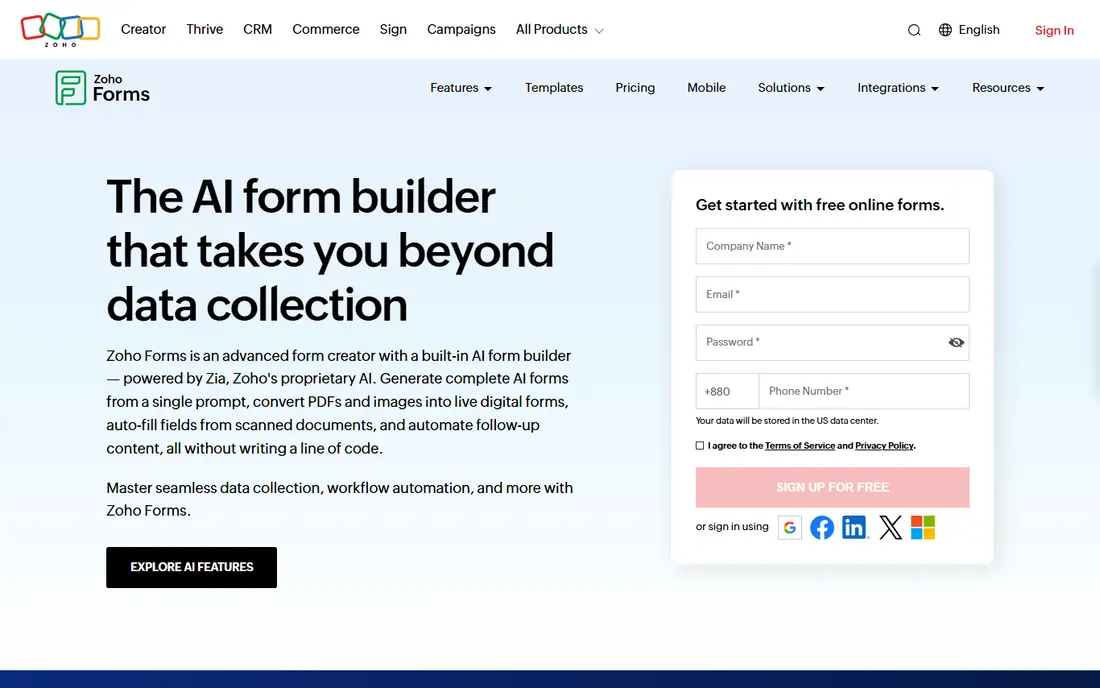
Zoho Forms is the capacity pick for data entry at volume. The Basic plan starts at $12 per month and includes 10,000 submissions a month, a number that costs far more elsewhere, and higher tiers add approvals, payments, and white labeling. The mobile app is genuinely good for field data collection, which matters for teams entering data away from a desk.
The catch is the ecosystem. Zoho Forms shines when responses flow into Zoho CRM and other Zoho apps, and its form designs look traditional next to Typeform. Outside Zoho, it is still a solid form builder, but the value case is weaker. If you run on Zoho, this is the obvious pick. If not, weigh the design and the lock-in first.
- Large submission allowances for the price
- Strong mobile app for field collection
- Deep Zoho CRM integration
- Design looks traditional
- Best value only inside the Zoho ecosystem
Jotform is the most versatile form builder on this list, with a large template library, payment collection, and workflow features such as approvals. Small businesses use it for order forms, registrations, applications, and intake forms that need to look professional without a designer. The drag-and-drop builder is approachable, and integrations cover sheets, CRMs, and payment providers.
The free plan limits monthly submissions, so high-volume users need a paid tier, and pricing climbs with volume. For a business that needs polished forms with payments and approvals, Jotform justifies its price. For a simple survey, Google Forms does the same job for free.
- Large template library
- Payment collection built in
- Approvals and workflow options
- Free plan limits submissions
- Paid tiers climb with volume
Typeform takes a different approach to data entry: one question at a time, in a clean conversational flow. That design suits surveys, feedback forms, and lead capture, where completion rates matter more than cramming many fields onto one screen. Logic and branching let forms adapt to answers, so respondents only see relevant questions.
The trade is density. Typeform is not the right tool for entering many rows of structured data quickly, and its pricing sits above basic form builders. For customer-facing surveys where experience drives completions, Typeform is the best data entry software choice. For internal bulk entry, a spreadsheet or database tool fits better.
- Beautiful one-question-at-a-time design
- Higher completion rates for surveys
- Good logic and branching
- Pricier than basic form tools
- Less suited to dense data entry grids
ABBYY FineReader is the strongest desktop pick for turning scanned paper into editable text. Its OCR handles printed documents across many languages, and the PDF editing tools let you correct, convert, and organize the results in one place. Teams processing invoices, contracts, and archives use it where cloud upload is not wanted or not allowed.
Handwriting remains the weak spot, as it is for most OCR tools, and FineReader is desktop software rather than a cloud service, so collaboration features are thinner. For printed documents at volume, on a desktop, FineReader is the best data entry software in the OCR category. Test it with your own scans before buying, since accuracy varies with scan quality.
- Dedicated OCR with broad language support
- Strong PDF editing
- Handles large document volumes
- Desktop software, not a cloud service
- Handwriting accuracy is weaker than print
Adobe Acrobat is the tool most offices already have for PDFs, and its built-in OCR turns scanned pages into searchable, editable text. That makes it a practical data entry choice for teams that already pay for Acrobat: scan, recognize text, and export or copy the results without buying a separate OCR product. Signing, commenting, and form filling round out the document workflow.
The subscription cost is the catch if OCR is the only feature you need, and specialist tools such as FineReader or Nanonets may beat Acrobat on extraction accuracy for structured documents. If your team already uses Acrobat daily, use its OCR first. If document extraction is a core job, compare it against a specialist before committing.
- Built-in OCR for scanned PDFs
- Full PDF editing and signing
- Widely used standard
- Subscription pricing
- OCR is one feature among many, not a specialist tool
Airtable sits between a spreadsheet and a database, which makes it a strong home for entered data. Its built-in forms collect information straight into structured tables, and views for grid, calendar, and kanban let teams work with the same data in different ways. Small teams use it to track inventory, applicants, orders, and projects without building a custom database.
Pricing climbs as collaborators and records grow, and Airtable does not do OCR, so paper documents need another tool first. Pair it with a form tool or an OCR tool, and Airtable becomes the organized destination where entered data actually gets used.
- Spreadsheet ease with database structure
- Forms built in
- Views for grid, calendar, and kanban
- Pricing climbs with collaborators and records
- Not a pure OCR tool
Nanonets is the automation pick for teams drowning in documents. Its AI models extract structured data from invoices, receipts, and forms, then send the results to sheets, accounting tools, or databases through integrations and an API. That turns a manual data entry job into a review job, where staff check extracted values instead of typing them.
Usage-based pricing can climb with volume, and custom document types need setup and training time. For high-volume, repetitive document processing, Nanonets saves more time than any form or desktop OCR tool on this list. For occasional scans, a cheaper desktop tool is enough.
- AI extraction from invoices, receipts, and forms
- API and integrations
- Handles structured data well
- Pricing is usage-based and can climb
- Setup takes care for custom document types
How we picked these
We compared official pricing pages, feature pages, and public documentation for each tool, and we covered all three data entry jobs: forms, OCR, and organization. We favored tools that are actively maintained and available in the US, and we marked pricing as See website where plans and usage rates made a single figure misleading. We did not claim hands-on testing we did not do.
Matching the tool to your data source
If data arrives as answers from people, start with a form tool: Google Forms or Microsoft Forms for free, Zoho Forms or Jotform for volume and workflows. If data arrives on paper, start with OCR: ABBYY FineReader for desktop work, Adobe Acrobat if you already have it, or Nanonets for automated extraction at scale. Then send the results to Airtable or a spreadsheet where the team can actually use them.
Testing before you commit
Run a real batch through any tool before paying: fifty forms, or twenty of your worst scans. Check accuracy, export quality, and how long review takes. A tool that looks good on a demo page and fails on your documents is the wrong tool, no matter how good its feature list reads.
Frequently asked questions
Which software is best for data entry?
The best data entry software depends on your source. Google Forms is best for free simple forms, Zoho Forms is best for high-volume forms, ABBYY FineReader is best for desktop OCR, and Airtable is best for organizing the results.
Which app is best for data entry on a phone?
Zoho Forms has a strong mobile app for field data collection, and Google Forms and Microsoft Forms both work well on phones for simple entry. For scanning documents with a phone camera, Adobe Scan and Microsoft Lens capture pages, though structured extraction needs a tool like Nanonets.
What is the best data entry software for small business?
A small business usually needs one form tool and one place to organize results. Zoho Forms or Jotform for collection plus Airtable or Google Sheets for organization covers most needs, with ABBYY FineReader added only if paper documents are a regular input.
Can OCR software replace manual data entry?
OCR can replace typing for clean printed documents, but accuracy drops on handwriting, poor scans, and unusual layouts. Treat OCR as a first pass with human review, especially for invoices and financial data where an error costs money.
Is there free data entry software?
Yes. Google Forms and Microsoft Forms are free for form-based entry, and Airtable offers a free plan for organizing data. Desktop OCR and automated extraction tools usually require a paid plan or trial, so test them before buying.
Sources we checked (9)

Online Jobs is an independent blog about careers, online work, learning new skills and the tools that help people earn. More about us.
Keep reading
All posts
Zoom Alternatives
Zoom alternatives compared for 2026: Google Meet, Microsoft Teams, Webex, Jitsi and more for free calls, large meetings and webinars for teams and classrooms.

What Is the Best Free Tool to Rotate a PDF
What is the best free tool to rotate a PDF? We compare eight free rotation tools on per-page control, limits, privacy and saved output quality in detail.

What Is the Best AI Dubbing Tool
We compared the best AI dubbing tools in 2026, from ElevenLabs and HeyGen to Rask AI, Dubverse and Veed, for videos and creators in many languages worldwide.