Best Zoho Alternatives in 2026: 8 Tools Compared

How we put this together: we compare official feature and pricing pages, app store listings, privacy policies and public user reviews. Prices change, so check the provider's site before you pay.
Key takeaways
- HubSpot CRM is the best free-first alternative, with a generous free CRM and paid hubs that grow with a team.
- Pipedrive suits sales teams that want a simple visual pipeline above all else.
- Salesforce suits large teams that need deep customisation and a huge app ecosystem, at a higher price and setup cost.
- Monday sales CRM and Freshsales suit teams that want flexibility or a low entry price without enterprise complexity.
Quick comparison
| Name | Who it suits | Starting price | Free option | |
|---|---|---|---|---|
 HubSpot CRM | Free-first all-in-one CRM | Free | Yes | Visit |
 Salesforce | Enterprise scale | $25 per user per month | No | Visit |
 Pipedrive | Visual sales pipeline | $14 per user per month | Free trial | Visit |
 Freshsales | Budget AI-assisted selling | Free | Yes | Visit |
 Monday sales CRM | Flexible visual workspace | $12 per seat per month | Free trial | Visit |
 Copper CRM | Google Workspace teams | See website | No | Visit |
 Insightly | CRM plus projects | $29 per user per month | Free trial | Visit |
 Nutshell | Simple small business CRM | $13 per user per month | Free trial | Visit |
The best zoho alternatives
We compared official pricing pages, feature pages and public comparisons for the tools below. Zoho CRM itself is a strong value product, so an alternative only makes sense when it fixes a specific problem: easier setup, better support, a better fit with Google or Microsoft tools, a clearer pipeline, or stronger marketing automation. We judged each option on that basis, not on feature count alone.
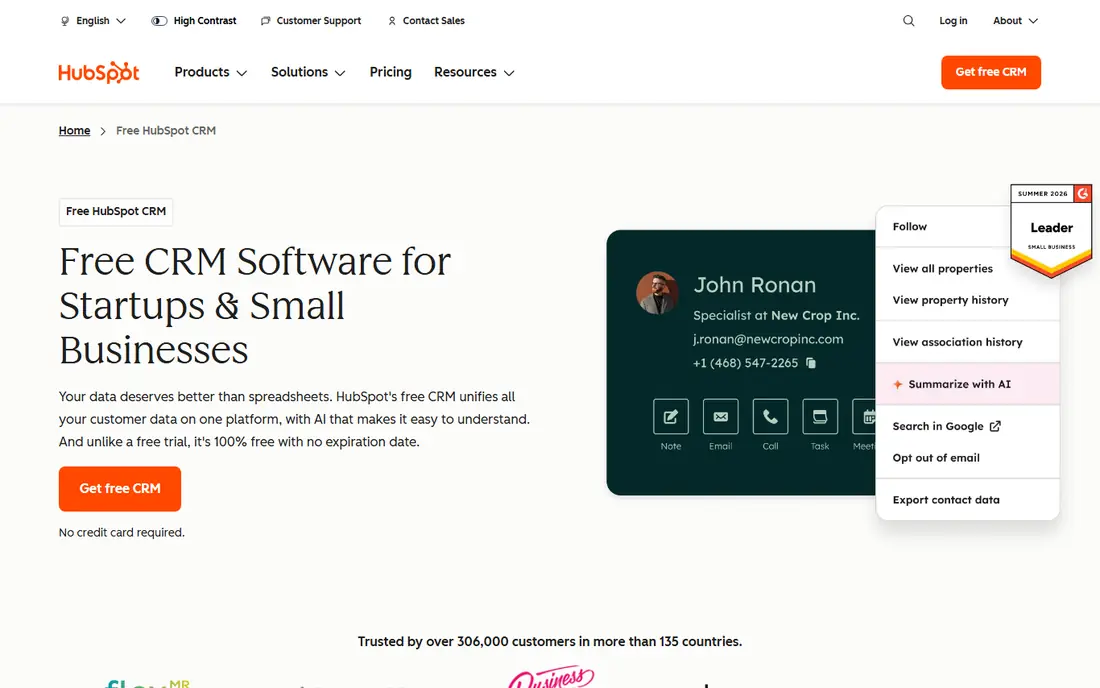
HubSpot is our first alternative for teams that found Zoho hard to set up or hard to learn. The free CRM covers contacts, companies, deals, pipelines and basic reporting, and the interface is clear enough for a new hire to use in a day. Marketing, sales and service hubs can be added later without migrating to a new system.
The cost curve is the thing to watch. Free is genuinely useful, but paid Starter, Professional and Enterprise tiers add up, especially when marketing automation and advanced reporting enter the picture. For a growing team that values ease and a single system, HubSpot is still the most balanced Zoho alternative.
- Generous free CRM
- Contacts, deals and pipelines included
- Native marketing, sales and service hubs
- Paid hubs rise in price as features grow
- Advanced automation needs higher tiers
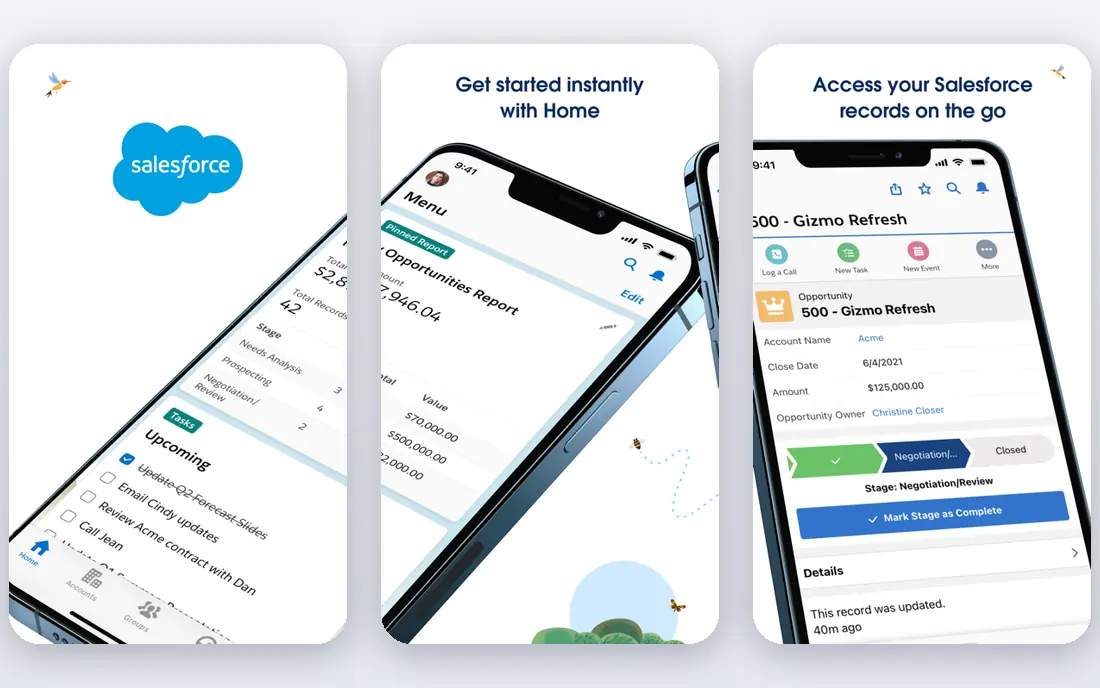
Salesforce suits a company that has outgrown a simple CRM, not a team looking for a simpler Zoho. Custom objects, workflows, approval processes and reporting can model complex sales, service and partner processes, and AppExchange adds thousands of integrations. That power is why large sales organisations standardise on it.
Small teams should be cautious. Even the Starter price is only the entry point, and a full rollout often needs an admin, training and integration work. Choose Salesforce when your process is complex, your team is large, and you have the budget and staff to run it well. Otherwise, a simpler alternative will get used more consistently.
- Deep customisation
- Huge AppExchange ecosystem
- Strong enterprise security and reporting
- Higher total cost
- Setup often needs an admin or partner
- Complexity can slow small teams
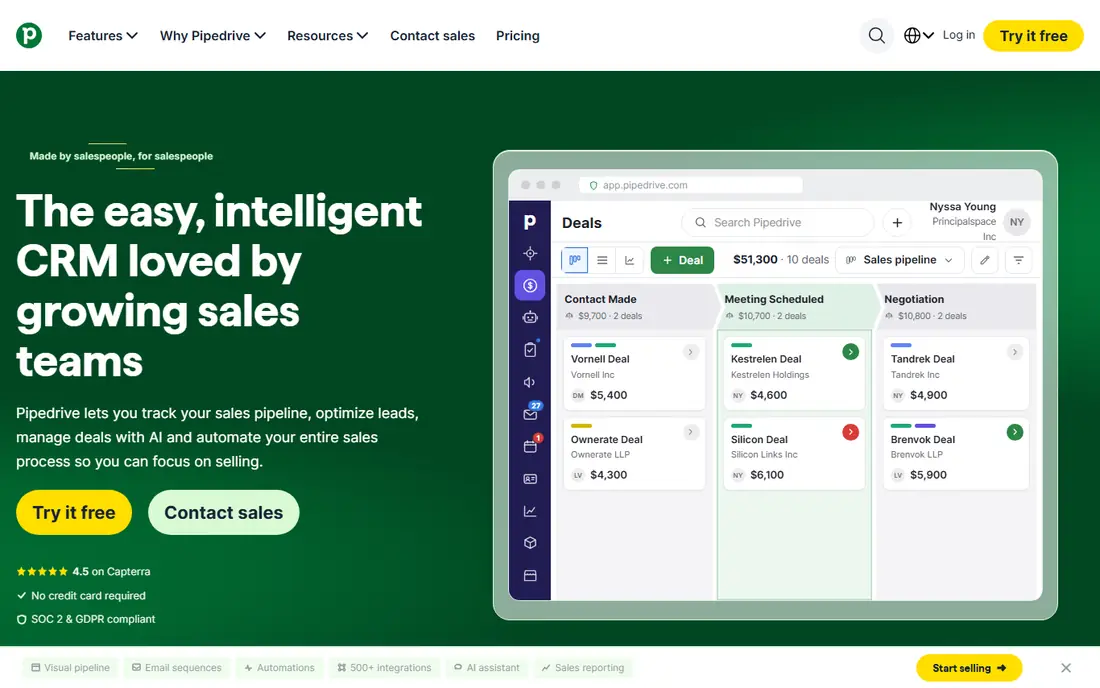
Pipedrive is the pick for a sales team that lives in its pipeline. Deals move by drag and drop, activities and next steps stay visible, and reps can see at a glance which deals need attention. That simplicity drives adoption, which matters more than a long feature list that nobody opens.
The trade-off is breadth. Marketing automation, service ticketing and project tools are thinner than HubSpot or Zoho, so a team that needs an all-in-one suite may need extra tools. For a sales-led small business that wants a pipeline reps actually update, Pipedrive is hard to beat.
- Clear visual pipeline
- Easy deal and activity tracking
- Fast adoption by sales reps
- No free plan, only a trial
- Marketing and service features are thinner than HubSpot
Freshsales, from Freshworks, suits a budget-conscious team that still wants modern CRM features. A free plan covers a small team, and paid plans add AI-assisted lead scoring, workflow automation and deeper reporting at prices below Salesforce and HubSpot Professional. The interface is clean, and setup is faster than an enterprise CRM.
Free limits are real, with user and feature caps that push growing teams to paid plans. Check which AI features sit on which tier before you choose it for that reason alone. For a small sales team that wants a low entry price and a clear upgrade path, Freshsales is a strong Zoho alternative.
- Free plan for small teams
- AI lead scoring and insights on paid plans
- Clean interface
- Free plan limits users and features
- Advanced automation needs higher tiers
Monday sales CRM suits teams that want a CRM shaped around their own process, not a fixed sales template. Boards, columns, automations and dashboards can track deals, projects and post-sale work in one workspace, which helps small teams that sell and deliver with the same people. The visual style also makes pipeline reviews easy in a meeting.
Pricing needs a careful read. Some plans have minimum seat counts, and automation and integration limits vary by tier. Test with your real pipeline, including post-sale stages, before you commit. For a team that values flexibility and visual work, Monday is a lively alternative to Zoho's more traditional CRM layout.
- Highly customisable boards and pipelines
- Visual workflows
- Strong project and sales overlap
- Minimum seat rules on some plans
- Pricing can rise as boards and automations grow
Copper is the natural Zoho alternative for a business that runs on Google Workspace. It lives inside Gmail, captures contacts and activities with less manual entry, and keeps deals, emails and files close together. For a team that already spends the day in Gmail, Calendar and Drive, that fit saves clicks and missed updates.
Outside Google Workspace, the advantage fades. Microsoft-centred teams will get less value, and some features assume Google tools. Confirm current pricing on the vendor site, since published Copper prices have varied. For a Google-first small business, Copper is a focused, low-friction choice.
- Lives inside Gmail and Google Workspace
- Automatic contact and activity capture
- Clean interface
- Less useful outside Google Workspace
- Pricing has changed over time, so confirm current plans
Insightly suits a service business that sells a project and then has to deliver it. Contacts, deals, projects, tasks and milestones sit in one system, so a handoff from sales to delivery does not mean re-entering the same client details. That overlap is valuable for agencies, consultancies and trades with project-based work.
The entry price is higher than budget rivals, and the interface can feel less modern than HubSpot or Monday. If you only need sales tracking, Pipedrive or Freshsales will cost less. If project delivery is half your business, Insightly's combined model can replace two tools and justify the price.
- CRM plus project management in one tool
- Good for service businesses
- Clear pipeline and task views
- Higher entry price than Pipedrive or Freshsales
- Interface feels less modern in places
Nutshell suits a small business that wants a CRM up and running without a consultant. Setup is simple, onboarding help is included, and the interface keeps contacts, deals and activities in plain view. Unlimited data storage on paid plans also removes a worry that affects some rivals.
The ecosystem is smaller, so check integrations with your email, calendar, accounting and marketing tools before switching. Nutshell is best for a team that values simplicity and support over a huge app marketplace. For a team that needs deep marketing automation, HubSpot remains the stronger alternative.
- Simple setup
- Unlimited data storage on paid plans
- Free onboarding help
- Clear reporting
- Smaller ecosystem than HubSpot or Salesforce
- Advanced marketing features are thinner
How we picked these
We compared official pricing and feature pages and public comparisons that checked vendor prices in 2026. We favoured CRMs that are actively sold, clearly state pricing or trial terms, and fix a distinct Zoho pain point: ease of use, pipeline clarity, Google or Microsoft fit, project overlap, or enterprise scale. We did not claim hands-on testing, and we did not invent prices. Where a vendor price varied by billing cycle or seat minimum, we gave the figure we could support and pointed readers to the pricing page.
What to check before you choose
Start with migration, not features. Check how contacts, deals, notes, files and custom fields move from Zoho, and whether the new vendor offers import help or a migration tool. A CRM that looks better in a demo can fail if your history arrives messy or incomplete.
Then test with your real sales process. Build one full pipeline, from lead to closed deal to post-sale task, and see where clicks, automations and reporting help or hinder. Check email and calendar integration, mobile use, user permissions and data export, so you are not locked in. Finally, price the whole team for a year, including any marketing or service hub you will actually use, not just the CRM entry price.
Frequently asked questions
What are the best alternatives to Zoho CRM?
HubSpot CRM is the best free-first alternative, Pipedrive is best for a simple visual pipeline, and Salesforce is best for enterprise scale. Freshsales suits budget teams, Monday suits flexible visual teams, and Copper suits Google Workspace teams.
Is there a free alternative to Zoho?
HubSpot CRM offers a generous free CRM, and Freshsales offers a free plan for small teams. Both limit advanced features, so check user limits and automation tiers before you rely on free alone for a growing team.
What is the best Zoho alternative for a small business?
HubSpot, Pipedrive, Freshsales and Nutshell all suit small businesses, with HubSpot offering the broadest free start, Pipedrive offering the clearest pipeline, Freshsales offering the lowest paid entry, and Nutshell offering simple setup with onboarding help.
Should I switch from Zoho to Salesforce?
Switch to Salesforce only when your sales process is complex, your team is large, and you have budget and admin support for setup and training. For most small teams, HubSpot, Pipedrive or Freshsales will be easier to adopt and cheaper to run.
How hard is it to migrate from Zoho CRM?
Migration difficulty depends on data cleanliness, custom fields and integrations. Clean duplicates and unused fields first, test an import with a small batch, and check that deals, notes and files arrive correctly before you move the full database.
Sources we checked (8)

Online Jobs is an independent blog about careers, online work, learning new skills and the tools that help people earn. More about us.
Keep reading
All posts
n8n Alternatives
n8n alternatives compared for 2026, with Zapier, Make, Activepieces, and more, covering visual builders, code steps, self-hosting, and pricing models.

ZoomInfo Alternatives
The best ZoomInfo alternatives in 2026, compared on price, free plans, data coverage, and which tool fits small teams or large sales teams best in detail.

Workday Alternatives
We compared the best workday alternatives for HR, payroll, and global hiring, from BambooHR and Gusto to Rippling, Deel, and HiBob for growing teams in 2026.