Zoom Alternatives for Webinars in 2026: 9 Platforms Compared


Browser-based marketing webinars · Starting price: $3 per attendee
How we put this together: we compare official feature and pricing pages, app store listings, privacy policies and public user reviews. Prices change, so check the provider's site before you pay.
Key takeaways
- Livestorm and Demio suit marketing teams that want browser-based rooms with no downloads.
- GoTo Webinar suits training teams running many sessions with large audiences.
- WebinarJam and EasyWebinar suit coaches and course sellers running live sales webinars.
- ON24 and Webex suit large enterprises with strict compliance and event scale needs.
- Price by attendee model matters: some tools charge per attendee, others per host or per organizer.
Quick comparison
| Name | Who it suits | Starting price | Free option | |
|---|---|---|---|---|
| Livestorm | Browser-based marketing webinars | $3 per attendee | Yes | Visit |
 Demio | Interactive marketing webinars | $45 per month | Free trial | Visit |
 GoTo Webinar | Training and large sessions | $59 per month | Free trial | Visit |
 WebinarJam | Live sales webinars | $39 per month | Free trial | Visit |
 Webex Webinars | Enterprise security and scale | See website | No | Visit |
 ON24 | Enterprise webinar programs | See website | No | Visit |
 BigMarker | Branded webinar hubs | See website | No | Visit |
 ClickMeeting | Trainers and paid webinars | $30 per month | Free trial | Visit |
 Zoho Webinar | Zoho users on a budget | See website | Yes | Visit |
The best Zoom alternatives for webinars
Zoom Webinars works well for many teams, but it is not the only option. The tools below offer different strengths: browser joining, marketing automation, sales features, enterprise controls and lower entry prices. Choose by audience size, registration needs and how webinars connect to your CRM.
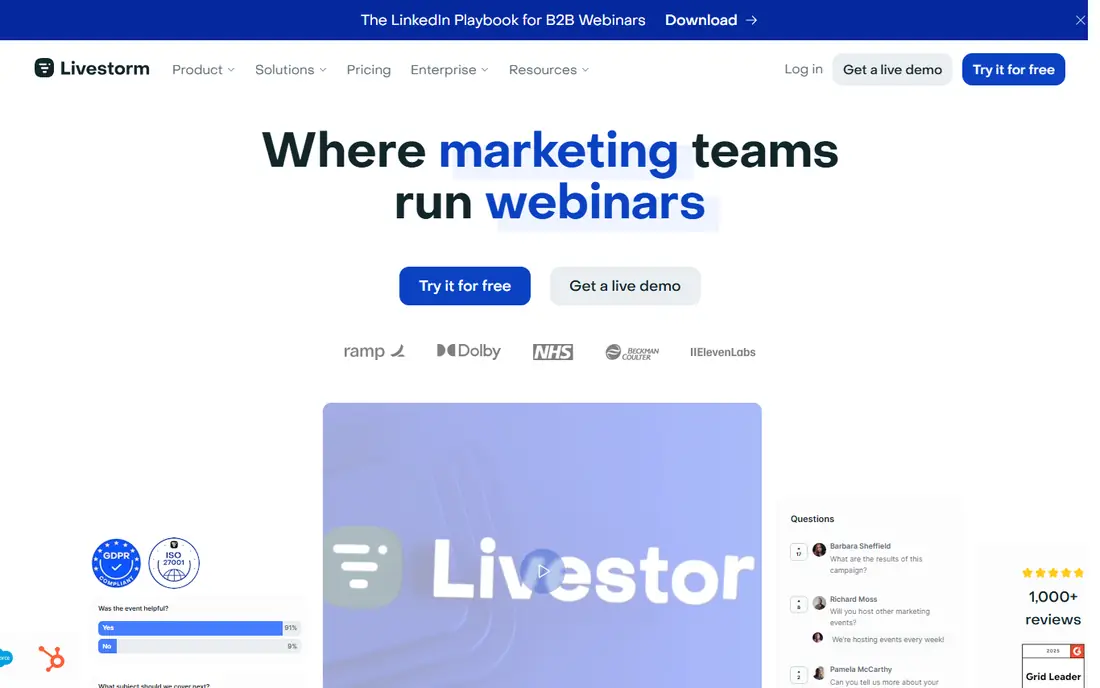
Livestorm runs fully in the browser, so attendees join without installing an app, which removes a common reason for drop-off. It includes branded registration pages, polls, Q and A, live calls to action and automated emails, with HubSpot sync on Pro in recent listings. Recent Livestorm pricing charges $3 per attendee on its annual credit pack, with hosts and no-shows not counted.
That attendee model is fair for small, high-show-up events, but it can grow quickly for large registration lists. Teams should compare the credit cost against a per-host plan like Demio before committing. For B2B marketing teams that value browser joining and clean registration, Livestorm is a strong Zoom alternative.
- No download for attendees
- Branded registration
- CRM sync on paid tiers
- Pricing by attendee can rise fast
- Advanced features need higher tiers
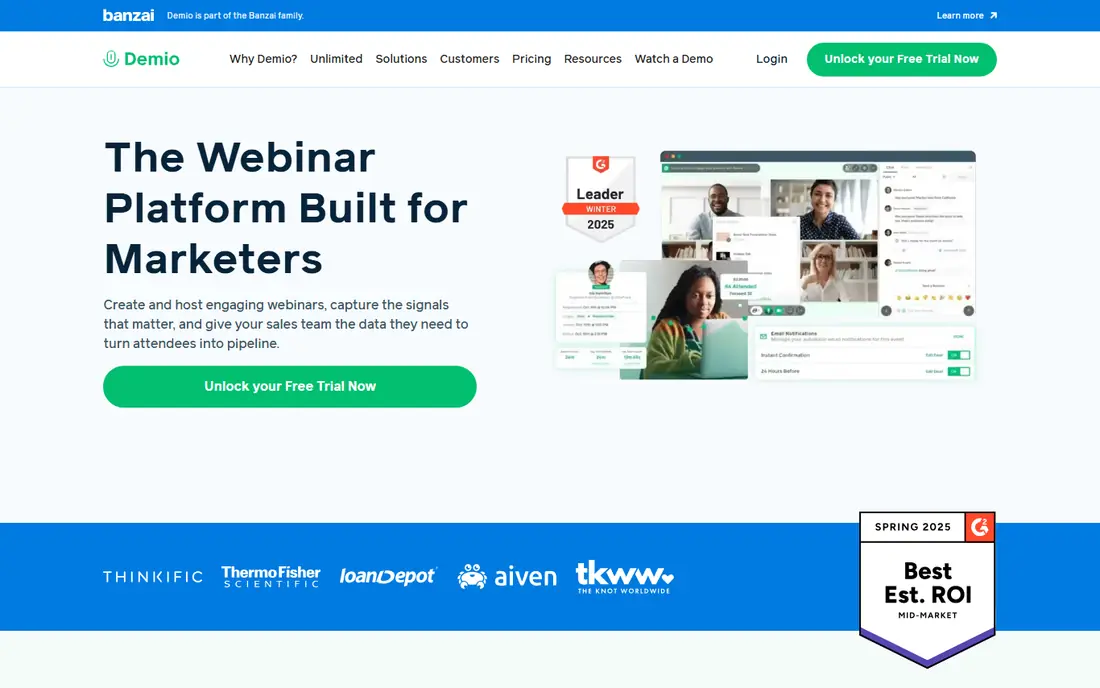
Demio is a browser-based marketing webinar tool with a simple room, polls, handouts, timed calls to action and engagement tracking. It supports live, automated and simulive webinars, so a recorded session can run on a schedule with chat and offers. Starter pricing is $45 per month billed annually for 50 attendees and one host in recent listings.
The limit is tiering. Larger audiences require Growth or Premium tiers priced by attendee tier, and each extra host adds cost. For a marketing team running regular webinars to a few hundred people, Demio is easy to run and easy for attendees to join. For very large events, compare enterprise options before buying.
- Browser-based rooms
- Polls, handouts and calls to action
- Automated replays
- Attendee tiers limit room size
- Extra hosts add cost
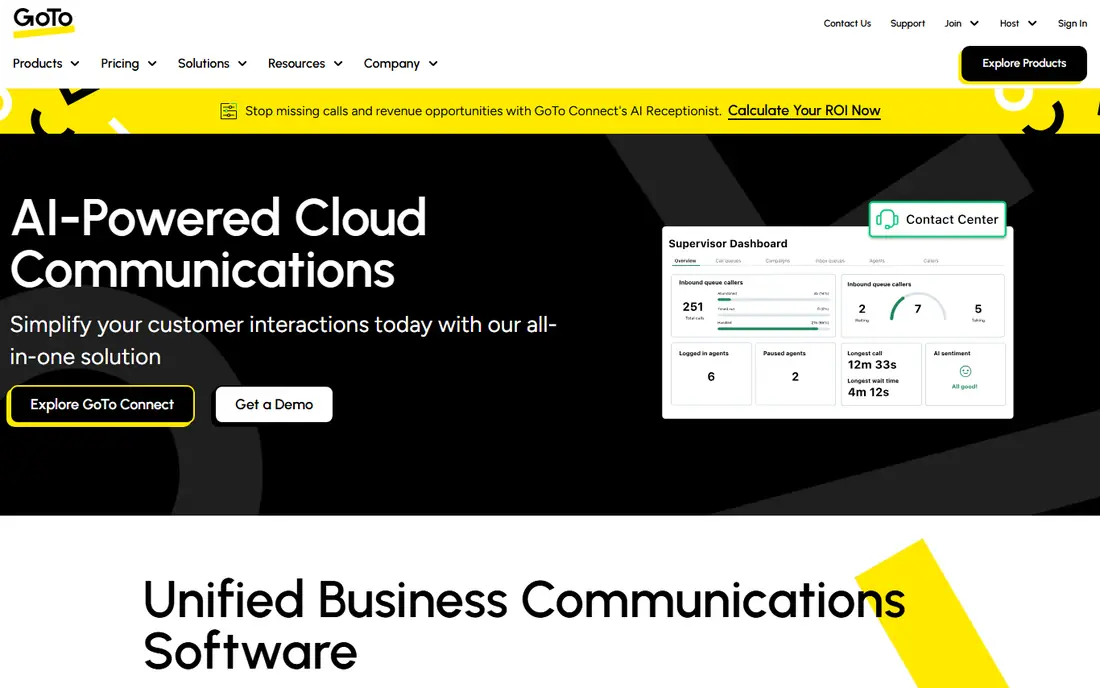
GoTo Webinar suits training teams and companies running multi-session programs. Recent listings show a Reach plan at $59 per month per organizer billed annually for 500 participants, with polls, handouts, Q and A and reporting included. It is a dependable, well-known platform for scheduled sessions where reliability matters more than flashy marketing features.
The downside is feel. The interface and registration experience feel more traditional than Livestorm or Demio, and higher participant tiers cost more. For a team that runs the same training many times to large groups, GoTo Webinar is a solid, low-drama choice.
- Large participant capacity
- Reliable sessions
- Polls, handouts and reporting
- Interface feels less modern than newer rivals
- Price rises with participant tier
WebinarJam is built for coaches, consultants and course sellers who run live webinars to sell a product. It includes live chat, offers, polls, Q and A and replay options, with EverWebinar as its automated companion. Recent listings show a Starter plan at $39 per month billed annually for 100 attendees, with a low-cost 14-day trial.
New hosts should allow time to learn the setup, since sales webinars involve registration, offers, emails and replay settings. For a team whose main goal is a live sales event, WebinarJam is purpose-built in a way that general meeting tools are not.
- Sales-focused features
- Live offers and chat
- Automated webinar options
- Learning curve for new hosts
- Trial is a low-cost trial, not a free plan
Webex Webinars, from Cisco, suits large enterprises with strict security, compliance and IT requirements. It supports large webinars and virtual events, with production features, registration, polling and reporting. For organizations already using Webex or Cisco tools, it fits existing IT policies and support contracts.
Pricing is custom, so small teams will find it hard to budget from a web page alone, and setup can feel heavy without IT support. For a small marketing team, Livestorm or Demio is simpler. For an enterprise that needs compliance controls at scale, Webex is a serious Zoom alternative.
- Strong security and compliance
- Large event capacity
- Cisco support and integrations
- Pricing is custom
- Setup can be heavy for small teams
ON24 treats webinars as a marketing program, not a single event. It offers live and on-demand webinars, engagement analytics, content hubs and integrations with CRM and marketing automation tools. B2B teams that run webinars every week and measure pipeline from them will find its analytics and repurposing tools useful.
The trade-off is scale and cost. ON24 uses custom annual contracts, so it suits enterprise budgets and regular programs, not occasional use. A team running one webinar a month will get more value from a per-host or per-attendee tool. For a large B2B program, ON24 is a leading choice.
- Deep engagement analytics
- On-demand hubs
- Strong CRM and marketing integrations
- Enterprise annual contracts
- Overkill for occasional webinars
BigMarker lets teams build branded webinar hubs and custom event pages, with live, automated and on-demand formats in one platform. It suits companies that want webinars to look like part of their own site, with custom registration, media libraries and series pages. Marketing teams that run webinar series will value the hub approach.
Pricing is custom, so budgeting requires a sales conversation and a clear attendee estimate. Teams should ask for a demo with their own branding and a real registration flow. For a brand-led webinar program, BigMarker is worth shortlisting alongside ON24.
- Branded media hubs
- Live, automated and on-demand formats
- Custom design options
- Custom pricing
- Feature depth needs a demo to judge
ClickMeeting covers live, automated and paid webinars, with registration, polls, Q and A, timeline interactions and monetization options. Recent listings show a Live plan from $30 per month for 25 attendees, with a free trial. That makes it accessible for trainers, educators and consultants running paid sessions.
The interface feels less modern than Livestorm, and larger rooms require higher tiers. For a trainer who needs paid registration and automated replays without enterprise cost, ClickMeeting is a practical, budget-friendly option.
- Automated and paid webinars
- Timeline interactions
- Wide webinar formats
- Some reviewers note dated interface
- Higher tiers needed for larger rooms
Zoho Webinar suits teams already using Zoho apps, since it fits the same account and pricing model. It supports live and on-demand webinars with registration, polls and basic analytics, and recent listings show low entry pricing per organizer. For a small team inside Zoho, it is the simplest path to running webinars.
Specialist platforms offer deeper marketing automation, analytics and event hubs, so a team running webinars as a core marketing channel may outgrow Zoho Webinar. For occasional webinars on a budget, especially inside Zoho, it is a sensible starting point.
- Low entry cost in Zoho ecosystem
- Live and on-demand formats
- Simple setup
- Less depth than specialist webinar platforms
- Pricing varies by plan
How we picked these
We compared vendor pages and recent webinar platform comparisons, and kept only tools that are live in October 2026 and truly host webinars, not general meetings alone. We covered browser-based, sales-focused, training and enterprise options, because Zoom alternatives differ by use case. Where pricing is custom, we wrote See website.
How to choose a Zoom webinar alternative
Start with audience size and show-up rate. A tool priced per attendee suits small, high-attendance events, while a per-host plan suits large registration lists with lower show-up. Next, check joining friction: browser joining usually beats a download, especially for external audiences.
Test registration, reminders and replay with a real audience, not just colleagues. Check CRM sync, since webinar data is only useful when it reaches sales and marketing systems. Finally, confirm recording, captions and on-demand options, because many attendees watch later, and a good replay can be worth as much as the live event.
Frequently asked questions
What are the best alternatives to Zoom webinar?
Livestorm, Demio and GoTo Webinar are strong general alternatives, while WebinarJam suits sales webinars and ON24 suits enterprise programs. The best choice depends on audience size, joining method and CRM needs. Test registration and joining with a real audience before switching.
Is there a free alternative to Zoom for webinars?
Livestorm offers a limited free plan, and Zoho Webinar offers a free tier in recent listings. Free plans limit attendees, session length or features, so they suit testing and small events. Regular webinars usually need a paid plan for larger rooms and automation.
Which Zoom alternative is best for marketing webinars?
Livestorm and Demio are strong marketing choices because they combine browser joining, branded registration, polls, calls to action and CRM sync. ON24 suits larger B2B programs with deeper analytics. Choose by audience size and how webinar data should flow into your CRM.
Can attendees join without downloading software?
Yes, with browser-based tools such as Livestorm and Demio, attendees join from a web browser. That reduces drop-off for external audiences. Always test joining on the devices your audience actually uses, including mobile browsers.
What should I check before leaving Zoom Webinars?
Check attendee limits, pricing model, registration pages, reminder emails, recording and replay, captions, polls and CRM integrations. Run a real test event with a small audience, and confirm that attendance and engagement data reach your sales system. A smooth test matters more than a feature list.
Sources we checked (9)

Online Jobs is an independent blog about careers, online work, learning new skills and the tools that help people earn. More about us.
Keep reading
All posts
n8n Alternatives
n8n alternatives compared for 2026, with Zapier, Make, Activepieces, and more, covering visual builders, code steps, self-hosting, and pricing models.

ZoomInfo Alternatives
The best ZoomInfo alternatives in 2026, compared on price, free plans, data coverage, and which tool fits small teams or large sales teams best in detail.

Yotpo Alternatives
Find cheaper alternatives to Yotpo for reviews and loyalty, with Judge.me, Loox, Stamped, and more compared for Shopify stores in 2026, all in one guide.