n8n Alternatives in 2026: 9 Tools Compared

How we put this together: we compare official feature and pricing pages, app store listings, privacy policies and public user reviews. Prices change, so check the provider's site before you pay.
Key takeaways
- Zapier is our pick for non-technical teams that need the widest app library and fastest setup.
- Make is the best visual alternative for complex, multi-step workflows with branches and data handling.
- Activepieces and Windmill are the strongest self-hosted options for teams that want control over data and cost.
- Pricing units differ sharply, so compare tasks, operations, credits, and executions for your real volume.
- The best alternative depends on who builds the workflows: business users, visual builders, or developers.
Quick comparison
| Name | Who it suits | Starting price | Free option | |
|---|---|---|---|---|
 Zapier | Widest app library | See website | Yes | Visit |
 Make | Visual multi-step workflows | See website | Yes | Visit |
 Activepieces | Open source visual builder | Free | Yes | Visit |
 Microsoft Power Automate | Microsoft 365 teams | See website | Yes | Visit |
 Pipedream | Developer workflows with code | See website | Yes | Visit |
 Windmill | Code-first internal tools | Free | Yes | Visit |
 Pabbly Connect | Budget flat-rate workflows | See website | Yes | Visit |
 IFTTT | Simple personal automations | Free | Yes | Visit |
 Node-RED | Free self-hosted flows | Free | Yes | Visit |
The best n8n alternatives
n8n appeals to technical teams who want visual workflows, code steps, and self-hosting. Alternatives split into three groups: easy SaaS builders, visual builders with deeper data tools, and developer or self-hosted platforms. The best pick depends on who will build and maintain the workflows.
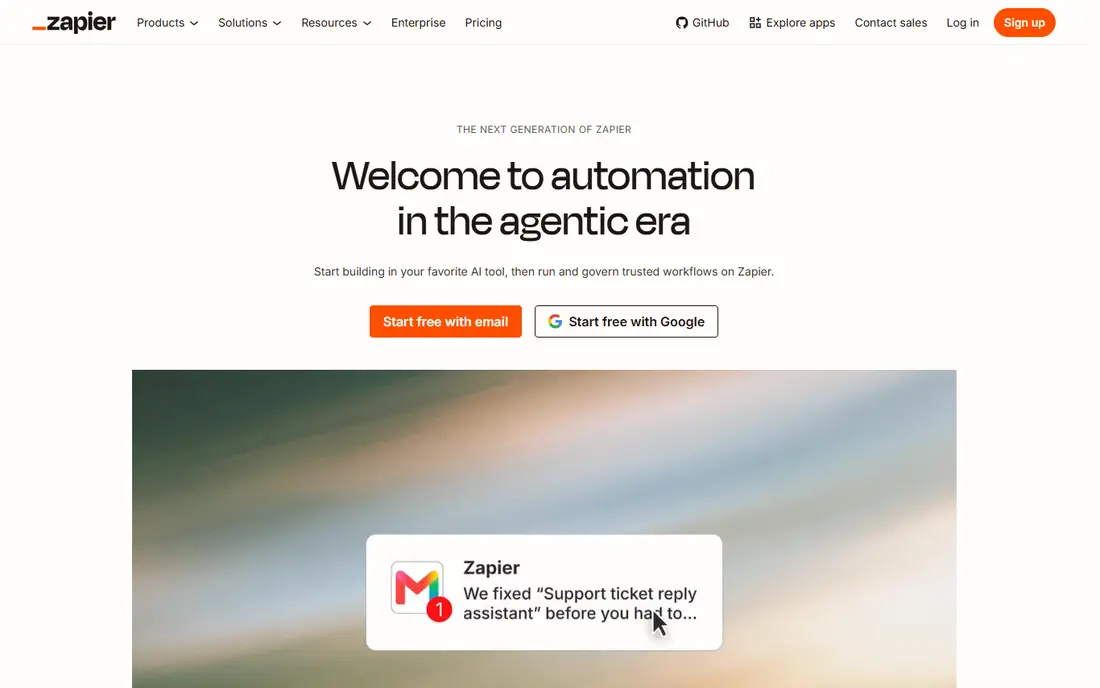
Zapier remains the default alternative for teams that do not want to write code. Its app catalogue is the widest in this list, templates cover common jobs such as lead routing and notifications, and a simple two-app workflow can be live in minutes. For business users who need a reliable, well-documented builder, that ease matters.
The limit is pricing at volume. Zapier bills by task, so every step in a workflow counts, and multi-step workflows with many runs can become expensive. Polling delays on cheaper plans can also matter for time-sensitive jobs. For small, simple automations, Zapier is excellent; for heavy, complex flows, Make or a self-hosted tool may cost less.
- Largest app catalogue
- Fastest setup for simple workflows
- Strong templates
- Task-based pricing climbs with volume
- Multi-step logic costs more
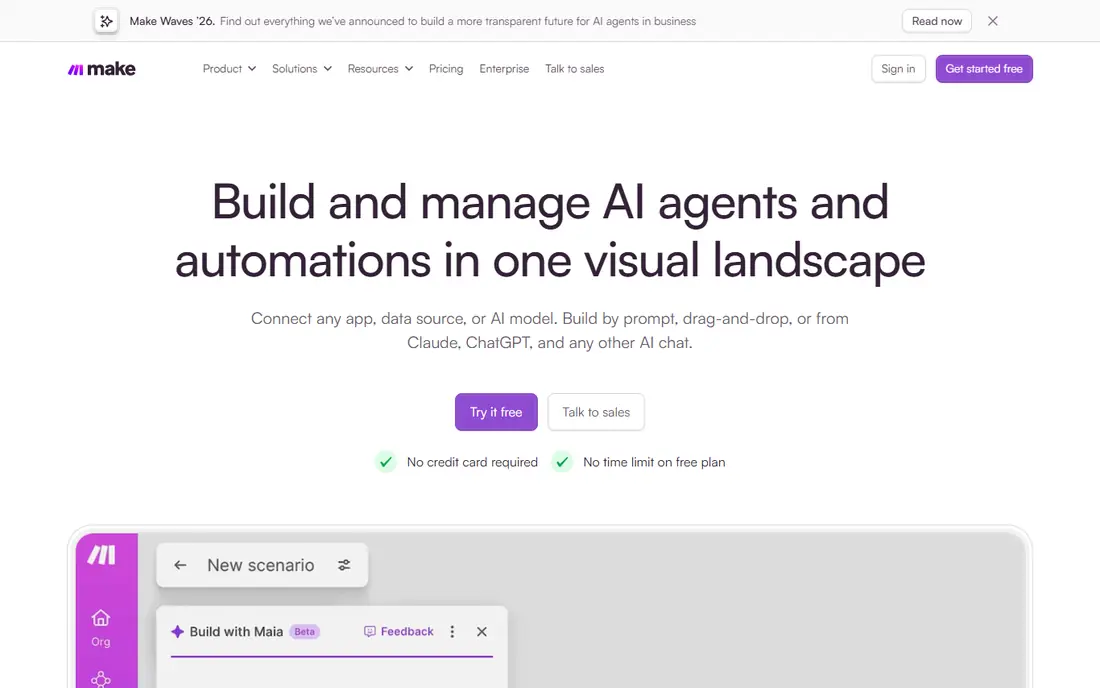
Make, formerly Integromat, is the closest visual replacement for n8n for many teams. Its scenario canvas shows data flowing between modules, with routers, filters, iterators, and aggregators for complex logic. That visual data handling makes it easier to build and debug a multi-step workflow than a simple trigger-and-action chain.
The learning curve is steeper than Zapier, especially for users new to data mapping. Pricing is by operations or credits, depending on the plan wording, so a workflow with many modules can use more units than expected. For teams that build real business processes, not just notifications, Make is our pick for visual power.
- Visual scenario builder
- Branches, filters, and data tools
- Good value for complex flows
- Learning curve is steeper than Zapier
- Pricing unit needs careful comparison
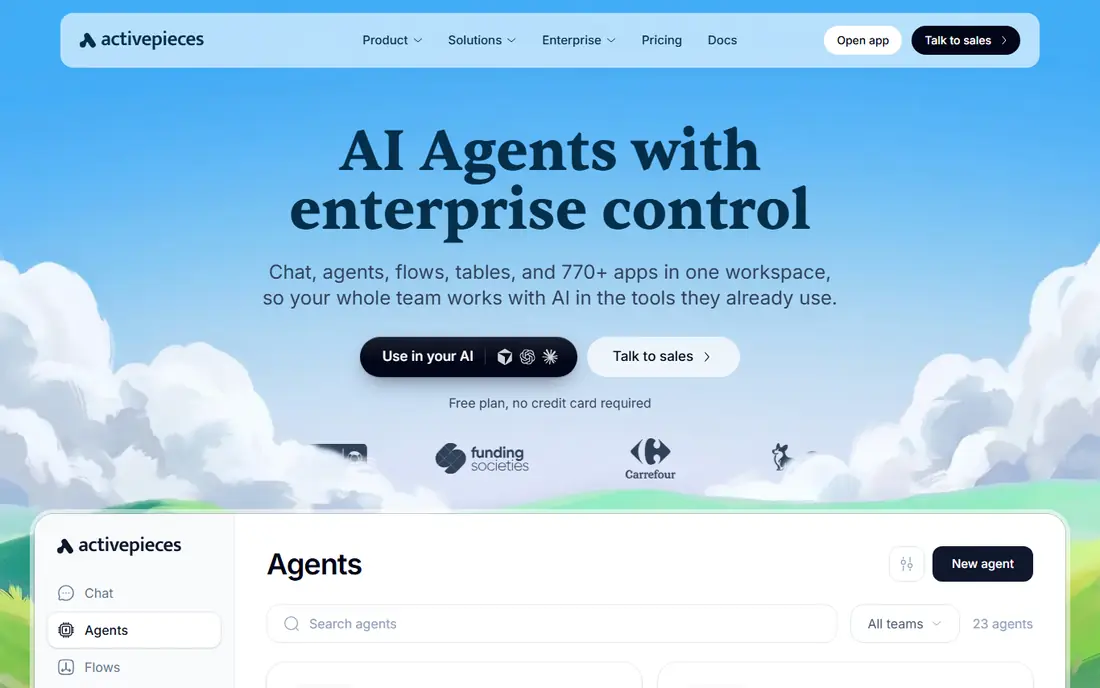
Activepieces is the most direct open source rival to n8n for no-code teams. It offers a visual builder, pieces for many common apps, and the option to self-host, which removes per-run fees at the cost of server and maintenance work. AI steps are built into the platform, which helps teams adding summarising or enrichment to workflows.
Its catalogue is smaller than Zapier, and some niche apps may need a webhook or HTTP step instead of a ready piece. Cloud plans also have their own limits, so self-hosting and cloud use should be compared separately. For teams that want an open source, Zapier-style builder they can host, Activepieces is a strong choice.
- Open source and self-hostable
- No-code builder
- AI steps built in
- Smaller app catalogue than Zapier
- Cloud pricing varies by plan
Power Automate is the natural alternative for organisations already running Microsoft 365. Flows connect Outlook, Teams, SharePoint, Excel, and Dynamics with less setup than a general tool, and desktop flows can automate older Windows apps. Enterprise controls, approvals, and governance suit larger teams with compliance needs.
Premium connectors and some advanced features need paid plans, and the builder can feel complex for simple jobs. Teams outside the Microsoft ecosystem will get less value. For Microsoft-centred organisations, though, Power Automate often costs less in effort than any general alternative.
- Deep Microsoft 365 and Dynamics integration
- Desktop flows
- Enterprise controls
- Premium connectors need paid plans
- Interface can feel complex
Pipedream suits developers who want code inside workflows without running servers. Workflows can mix app actions with code steps, use packages, and handle webhooks quickly. That flexibility makes it a good fit for API integrations, data transforms, and internal tools that need more than a visual builder allows.
Non-technical users will find it less welcoming than Zapier or Make, since code is central to its value. Pricing and limits also need care at high volume. For developer-led teams moving from n8n, Pipedream offers a familiar balance of visual steps and real code.
- Code steps in Node.js and Python
- Huge app component library
- Fast webhook handling
- Less friendly for non-technical users
- Pricing needs volume planning
Windmill is for engineering teams that treat workflows as code. Scripts, flows, and schedules live in a platform that can also build internal apps and dashboards. Self-hosting is available, and the code-first model suits teams that version, review, and test their automation like software.
That strength is also its limit. Business users without coding skills will struggle to build or change flows alone. The ready-made app catalogue is smaller than Zapier, so integrations may need API work. For teams building internal tools and scheduled jobs, Windmill is a powerful, open alternative.
- Open source and self-hostable
- Code in Python, TypeScript, and more
- Scheduled jobs and internal apps
- Needs developer skills
- App catalogue is smaller than SaaS builders
Pabbly Connect appeals to budget teams running many simple automations. Its pricing model is less metered by every step than some rivals, which can make costs easier to predict for steady volumes. The builder covers common trigger-and-action jobs, and unlimited workflows on some plans help small businesses automate broadly.
Advanced branching, data handling, and niche app coverage lag Make and Zapier. Teams with complex processes may outgrow it. For a small business that wants many simple workflows at a predictable price, Pabbly Connect is worth a close look.
- Flat-rate style pricing for many workflows
- Unlimited workflows on some plans
- Simple builder
- Smaller catalogue than leaders
- Advanced data tools lag Make
IFTTT is the simplest tool in this list, and that simplicity is its role. Applets connect two services, such as saving a photo, logging a smart home event, or posting a notification. Setup takes minutes, and the free plan covers a small number of applets for personal use.
It is not a business workflow platform. Multi-step logic, branching, and data transforms are limited, and teams will quickly need Make, Zapier, or a developer tool. For personal automations and smart home jobs, IFTTT remains a useful, low-cost companion to a heavier platform.
- Very simple applets
- Smart home and personal app support
- Low-cost paid plan
- Limited multi-step logic
- Not suited to business processes
Node-RED is a free, open source flow tool that runs on a server, a Raspberry Pi, or an edge device. Its browser editor lets users wire nodes together visually, and it is widely used for IoT, home automation, and device data. For teams comfortable running their own infrastructure, the cost is mainly time and hosting.
Business app coverage is thinner than Zapier or Make, and maintenance, updates, and security fall to the user. That makes Node-RED a poor fit for a non-technical team that wants a managed service. For technical users, hobbyists, and IoT projects, it is a flexible, zero-licence-cost alternative.
- Free and open source
- Browser-based flow editor
- Strong for IoT and edge devices
- Needs self-hosting and maintenance
- Business app catalogue is thinner
How we picked these
We compared official feature pages, pricing pages, and documentation, and we favoured tools that are actively maintained and cover a clear n8n use case: easy SaaS building, visual data workflows, developer code steps, or self-hosting. We also noted pricing units, since a cheap headline price can hide expensive per-step billing.
We did not claim hands-on production tests for every platform. Instead, we weighed builder type, app coverage, hosting model, code support, and pricing clarity. Automation pricing changes often, so test with your real workflow volume before committing to a paid plan.
How to choose the right n8n alternative
Start with the builder, not the price. If business users will build workflows, choose Zapier, Make, or Activepieces. If developers will build them, choose Pipedream, Windmill, or Node-RED. If the team already lives in Microsoft 365, start with Power Automate. A tool the right people cannot use will fail, however cheap it looks.
Compare pricing on your real volume
Count runs, steps, and data operations for a typical month, then map them to each tool's unit. A workflow with ten steps can cost ten times as much on a per-task tool as on a per-run tool. Run a trial with a real workflow, not a demo, and watch the usage meter.
Decide on hosting and data control
Self-hosted tools remove per-run fees but add server, update, and security work. Managed SaaS tools remove that work but keep data on vendor servers. For sensitive data or high volume, self-hosting may win; for a small team without IT support, managed hosting usually wins.
Check the apps you actually use
A catalogue of thousands of apps matters less than coverage of the five apps your business uses daily. Confirm that those apps have ready connectors, or that webhooks and API steps can fill the gap, before migrating a critical workflow.
Frequently asked questions
What are the best n8n alternatives?
Zapier, Make, Activepieces, Microsoft Power Automate, Pipedream, Windmill, Pabbly Connect, IFTTT, and Node-RED are the strongest alternatives. The best choice depends on builder skill, hosting needs, and workflow complexity.
What is the best alternative to n8n for non-technical users?
Zapier is best for non-technical users, because setup is fast and the app catalogue is the widest. Make is a good second choice when workflows need branches and data handling.
Are there free n8n alternatives?
Yes. Activepieces, Windmill, and Node-RED can be self-hosted for free, aside from hosting costs. Zapier, Make, Pipedream, and IFTTT also offer free plans with limits, which suit small or personal use.
Is Make better than Zapier as an n8n alternative?
Make is usually better for complex, multi-step workflows with data handling, and it often costs less at volume. Zapier is better for simple workflows, the widest app coverage, and fastest onboarding for new users.
Can I self-host an n8n alternative?
Yes. Activepieces, Windmill, and Node-RED all support self-hosting. Self-hosting removes per-run fees but adds maintenance, updates, and security work that a team must staff.
Which n8n alternative is best for developers?
Pipedream and Windmill are best for developers, since both support real code steps and API work. Node-RED is also strong for IoT and edge-device flows where a visual editor and local hosting matter.
Sources we checked (9)

Online Jobs is an independent blog about careers, online work, learning new skills and the tools that help people earn. More about us.
Keep reading
All posts
ZoomInfo Alternatives
The best ZoomInfo alternatives in 2026, compared on price, free plans, data coverage, and which tool fits small teams or large sales teams best in detail.

Workday Alternatives
We compared the best workday alternatives for HR, payroll, and global hiring, from BambooHR and Gusto to Rippling, Deel, and HiBob for growing teams in 2026.

Which SaaS Tools Have the Best Customer Support
Which SaaS tools have the best customer support? Compare eight popular tools on help centres, live help, response options and overall support quality.