Workfront Alternatives in 2026: 8 Tools Compared

How we put this together: we compare official feature and pricing pages, app store listings, privacy policies and public user reviews. Prices change, so check the provider's site before you pay.
Key takeaways
- ClickUp at $7 per user per month offers the most features per dollar, with a free plan that covers unlimited tasks and members.
- Asana at $10.99 per user per month suits structured, cross-team work, while monday.com at $9 per seat per month suits visual teams that need fast adoption.
- Smartsheet at $9 per member per month is the pick for spreadsheet-native operations teams, and Wrike at $10 per user per month suits enterprise resource and proofing work.
- Trello at $5 per user per month and Notion at $10 per user per month cover the simple and docs-driven ends, while Teamwork.com at $9.99 suits agencies billing clients.
Quick comparison
| Name | Who it suits | Starting price | Free option | |
|---|---|---|---|---|
 Asana | Structured cross-team work | $10.99 per user per month | Yes | Visit |
 monday.com | Visual boards, fast adoption | $9 per seat per month | Yes | Visit |
 ClickUp | Most features per dollar | $7 per user per month | Yes | Visit |
 Smartsheet | Spreadsheet-native operations | $9 per member per month | Free trial | Visit |
 Wrike | Enterprise resource and proofing | $10 per user per month | Yes | Visit |
 Trello | Simple kanban | $5 per user per month | Yes | Visit |
 Notion | Docs plus tasks | $10 per user per month | Yes | Visit |
 Teamwork.com | Agencies and billable work | $9.99 per user per month | No | Visit |
The best Workfront alternatives
Adobe Workfront is built for enterprise work management, with portfolios, resource planning, approvals, and reporting at scale. Teams look for alternatives when Workfront feels too heavy, too costly, or too slow to adopt for their size. The tools below cover the same ground at different levels of structure, from simple kanban to enterprise resource management, so the right pick depends on team size, work type, and how much process you actually need.
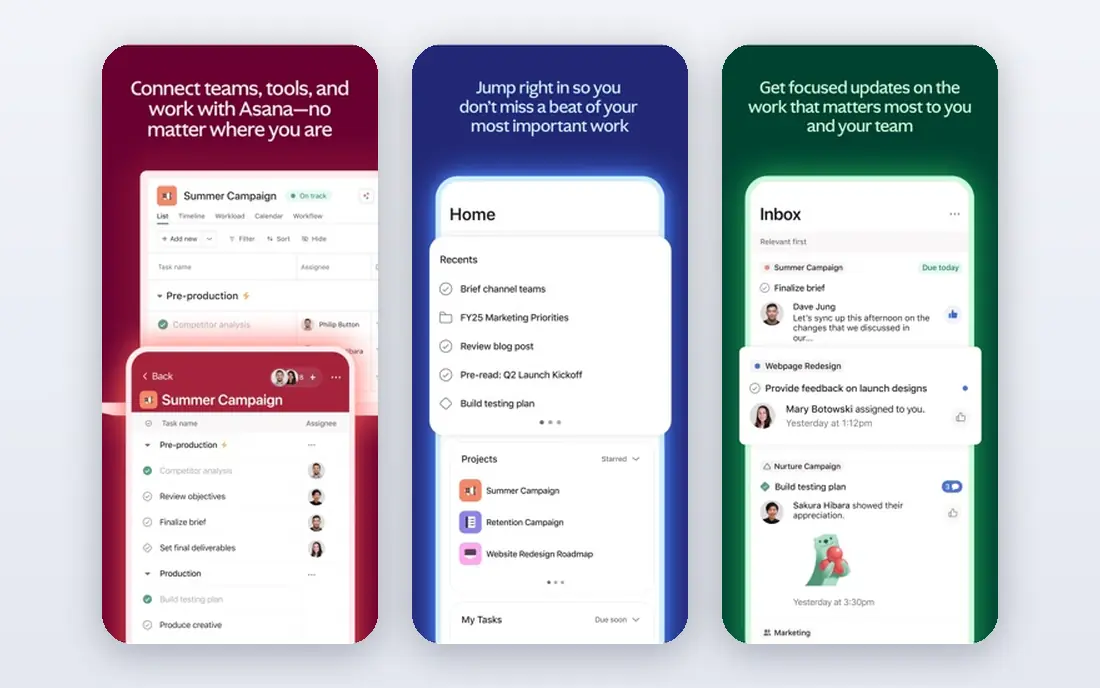
Asana is our pick for teams that want Workfront-style structure without enterprise weight. It organizes work into projects, tasks, timelines, and portfolios, with goals to tie projects to outcomes and a workflow builder for repeatable processes. Cross-functional teams in marketing, operations, and product tend to adopt it quickly because the structure is clear without heavy configuration.
The catch is plan limits. The free Personal plan covers only 2 users, paid plans start at $10.99 per user per month billed yearly, and time tracking starts on higher tiers, while resource planning is lighter than in Wrike. For a team that needs clean coordination, timelines, and portfolios, Asana is a strong, safe choice. For deep resource forecasting, check Wrike or Smartsheet first.
- Clear task, timeline, and portfolio structure
- Goals and workflow builder
- Strong adoption for cross-functional teams
- Free Personal plan caps at 2 users
- Time tracking and deeper resource planning need higher plans
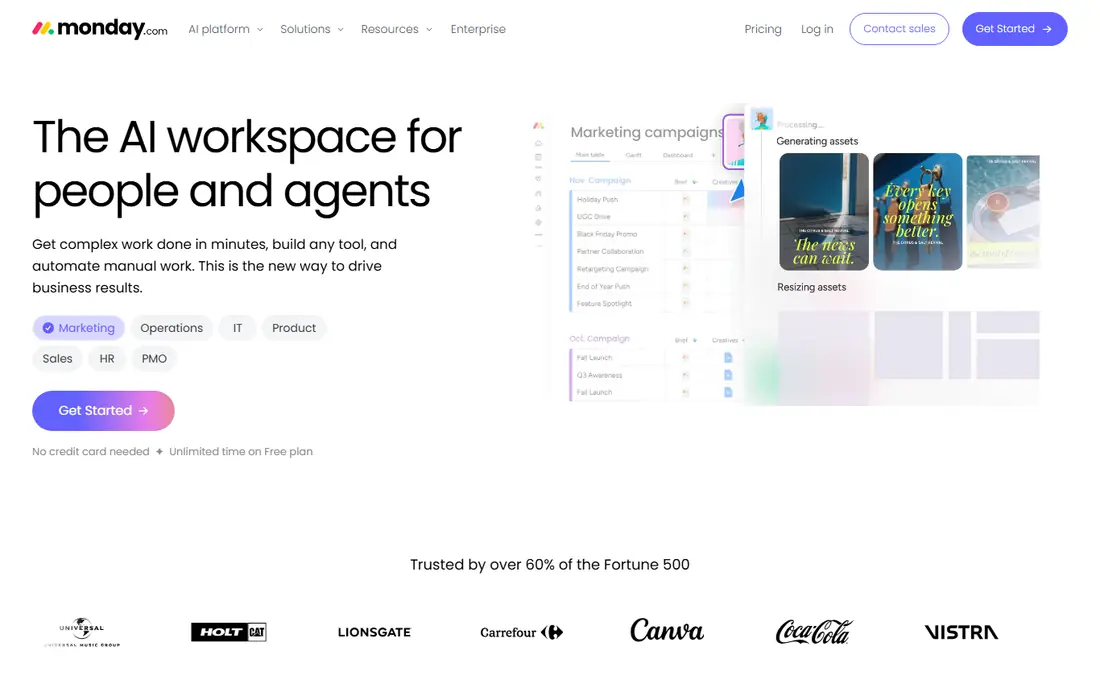
Monday.com suits teams where adoption is the main risk. Its boards are visual, color-coded, and easy to read at a glance, with columns for status, people, dates, files, and numbers, plus dashboards and automations for common workflows. Non-technical teams often learn it in days, not weeks, which matters when a Workfront rollout stalled because staff found it too complex.
The price catch is seat rules. Paid plans start at $9 per seat per month billed yearly, with a three-seat minimum, and the free plan covers up to 2 seats. Automation caps on lower plans can also push growing teams to higher tiers sooner than expected. For visual, fast-adopting teams, monday.com earns its price. For a two-person team or a team with heavy automation needs, check the caps before committing.
- Color-coded visual boards
- Many column types
- Dashboards and automations that non-technical teams grasp fast
- Three-seat minimum on paid plans
- Automation and action caps can raise costs as use grows
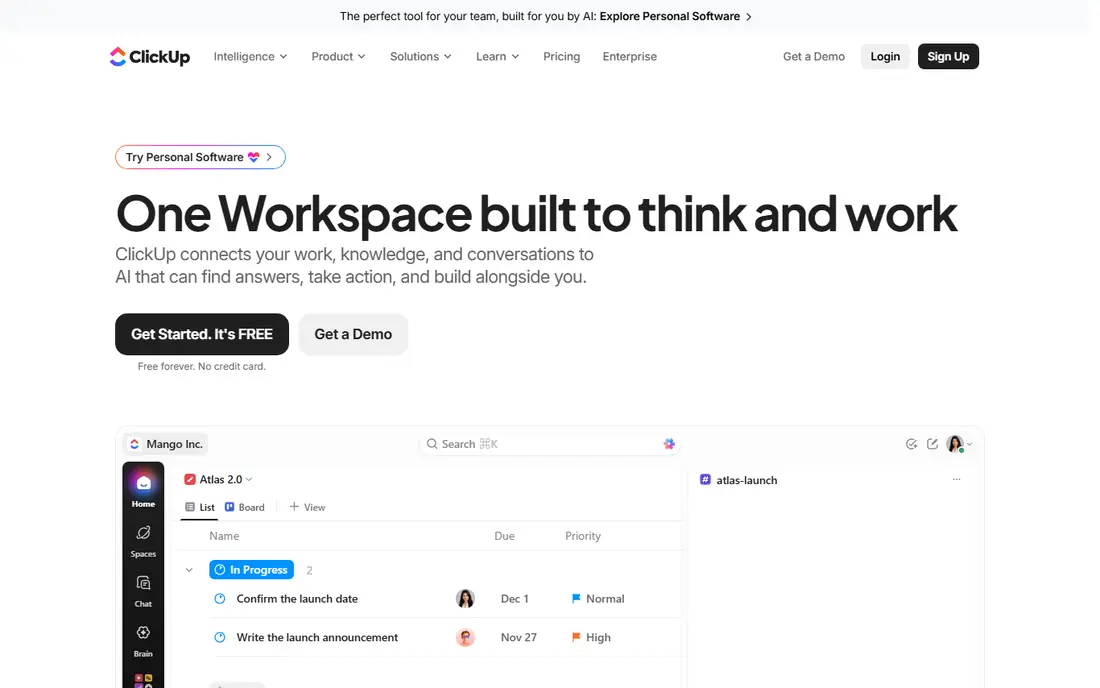
ClickUp is the value pick in this list. Its Unlimited plan at $7 per user per month billed yearly covers features rivals charge more for, including Gantt charts, custom fields, native time tracking, integrations, and a large automation allowance. The Free Forever plan covers unlimited tasks and members, which no rival here matches, making it easy to test with a real project before paying.
The honest catch is complexity. ClickUp ships so many views and features that a team without an owner can end up with a messy workspace, with duplicate projects and unclear statuses. Appoint an admin, turn off views you do not use, and start with one project template. Done that way, ClickUp replaces Workfront and several smaller tools at once. Done without ownership, it can feel heavier than Asana or Trello.
- Very wide feature set for the price
- Free plan with unlimited tasks and members
- Gantt, workload, docs, and dashboards in one workspace
- Can feel overwhelming without an owner
- Setup needs discipline to stay tidy
Smartsheet suits operations teams that already think in spreadsheets. Its grid view feels familiar, while Gantt charts, card views, reports, and dashboards add project structure on top. Larger programs can add resource management, control center, and dynamic views, which bring it closer to Workfront for portfolio work, though some of those features need higher plans or add-ons.
The catch is entry cost and packaging. Paid plans start at $9 per member per month, with a 30-day trial rather than a permanent free plan, and advanced features can require custom pricing. For a team that lives in rows and columns, Smartsheet is the most natural Workfront alternative. For a team that wants visual boards or docs-first work, monday.com or Notion will feel more natural.
- Grid-first project control
- Gantt, reports, and dashboards
- Resource management and control center options for larger programs
- No permanent free plan, only a 30-day trial
- Advanced portfolio and capacity features can need add-ons or custom pricing
Wrike is the closest enterprise alternative to Workfront in this list. It offers workload charts, resource planning, proofing and approvals for creative teams, and portfolio views that help managers see capacity across projects. Marketing, agency, and professional services teams that need resource truth, not just task lists, will find Wrike's structure familiar.
The trade-off is setup. Paid plans start at $10 per user per month billed yearly, with a free plan for small teams, but getting full value from resource views, custom workflows, and approvals takes configuration and training. Small teams that only need task tracking will find Wrike heavy. Mid-size and enterprise teams that outgrew Asana or monday.com on resource planning should shortlist it first.
- Workload charts and resource views
- Proofing and approvals for creative work
- Portfolio and financial views on higher plans
- Setup takes effort
- Business-tier depth can be too much for small teams
Trello is the pick when a team wants kanban done well and nothing more. Boards, lists, and cards are easy to grasp, the free plan covers up to 10 boards, and paid plans start at $5 per user per month billed yearly. Small teams, personal projects, and simple team workflows can run entirely in Trello without training sessions or admin overhead.
The limit is scale. Trello lacks the portfolio, resource, and reporting depth of Workfront, Wrike, or Smartsheet, and complex workflows need integrations or add-ons. Use Trello when simplicity and speed matter most, and when your work fits on boards. Move to Asana, monday.com, or Wrike when cross-project reporting and resource planning become daily needs.
- Simplest kanban in this list
- Very fast to learn
- Low paid entry price
- Weak for portfolios, resource planning, and complex reporting
- Needs Power-Ups or integrations for deeper work
Notion suits teams where documentation and tasks live together. It combines pages, wikis, databases, and task views, so a project plan, meeting notes, specs, and task list can sit in one place instead of across three tools. Paid plans start at $10 per user per month billed yearly for the Plus plan, with a free plan for individuals and small teams.
The catch is project depth. Notion task management is flexible, but it lacks the workload, proofing, and portfolio controls of Wrike or Workfront, and very large workspaces can feel slower. For docs-driven startups and product teams, Notion is a strong Workfront alternative. For operations teams that need resource planning and approvals, pair it with a dedicated work tool or choose Wrike or Smartsheet.
- Docs, wikis, databases, and tasks in one workspace
- Flexible database views
- Good for knowledge-led teams
- Project features are lighter than dedicated work tools
- Performance can lag on very large workspaces
Teamwork.com is built for client services, which is a gap in many general work tools. It combines projects with time tracking, retainers, expenses, client users, invoices, and profitability reporting, so an agency can see whether a client project actually makes money. Paid plans start at $9.99 per user per month, with a three-seat minimum on the entry paid tier in published sources.
The limit is fit. Internal teams without billable time or client reporting will not use much of what makes Teamwork.com special, and they may find Asana or monday.com simpler. For agencies and client-facing teams leaving Workfront, though, Teamwork.com covers billing and profitability in one workspace, which saves a separate time and invoicing tool.
- Time tracking, retainers, expenses, and invoicing
- Client users and profitability reporting
- Clear client project structure
- No permanent free plan on the main paid path
- Less useful for internal teams without billable work
How we picked these
We compared official pricing pages, feature documentation, and 2026 roundups of Workfront alternatives, focusing on tools that cover project and work management for teams, not just personal task lists. We kept tools with a free plan or trial where possible, with published entry prices, and with a clear difference in fit, from simple kanban to enterprise resource work. Prices are entry paid prices billed yearly where vendors state that term, and vendors change plans often, so confirm the current figure and seat minimum on the vendor pricing page before you buy.
What to check before you switch from Workfront
Start with the Workfront features your team actually uses, not the full feature list. List portfolios, approvals, resource views, reporting, and integrations that appear in weekly work, then check each alternative against that short list. Many teams pay for enterprise depth they never use, and a simpler tool that covers daily work will adopt faster and cost less. If resource planning and proofing are daily needs, keep Wrike or Smartsheet on the shortlist. If they are occasional, Asana or monday.com will do.
Next, run a real project in two finalists for two weeks. Use the same project, the same team, and the same reporting question at the end, such as which projects are at risk and who is overloaded. Watch for friction in creating work, updating status, and finding information. A tool that looks good in a demo but slows daily updates will fail, no matter how strong its feature list is.
Finally, check migration and integrations. Confirm how Workfront projects, tasks, files, and comments export, and how each alternative imports them. Check integrations for email, chat, file storage, and time tracking, since a work tool that sits apart from daily tools gets ignored. Price the full setup, including seat minimums, automation caps, and any add-ons for resource or portfolio features.
When to keep enterprise depth
Keep enterprise depth when you manage many projects, shared resources, client approvals, and portfolio reporting as daily work. Wrike and Smartsheet cover that ground best in this list. Drop to Asana or monday.com when your team is smaller, your projects are less interdependent, and adoption speed matters more than resource forecasting.
When simplicity wins
Simplicity wins when a team is small, work is mostly independent tasks, or a previous enterprise rollout failed because staff avoided the tool. Trello and Notion cover those cases, with Trello for pure kanban and Notion for docs plus tasks. A simple tool that everyone updates beats a powerful tool that only managers open.
Frequently asked questions
What is the best Workfront alternative for most teams?
Asana and monday.com are the safest general picks. Asana suits structured, cross-team work at $10.99 per user per month, while monday.com suits visual teams at $9 per seat per month. ClickUp at $7 per user per month is the value pick for teams willing to own setup. Run a real project in two of them before deciding.
What is the cheapest Workfront alternative?
Trello at $5 per user per month is the cheapest paid option here, with a free plan for small use. ClickUp at $7 per user per month offers more features per dollar, and its free plan covers unlimited tasks and members. Cheapest only helps if the tool covers your reporting and resource needs, so check those before choosing on price alone.
Which Workfront alternative is best for agencies?
Teamwork.com is built for agencies, with time tracking, retainers, invoicing, and profitability reporting alongside projects. Wrike also suits agencies that need proofing and resource planning for creative work. Choose Teamwork.com when billing and profitability are central, and Wrike when creative approvals and capacity planning matter more.
Can I migrate projects from Workfront to these tools?
Most alternatives offer import tools, templates, or migration help, but the ease varies by data type. Tasks and projects usually import cleanly, while custom workflows, approvals, and reporting may need rebuilding. Test migration with one real project before moving a full portfolio, and keep Workfront access until the new workspace is verified.
Do these tools offer free plans?
Asana, monday.com, ClickUp, Wrike, Trello, and Notion all offer free plans, though Asana and monday.com free plans cap users at 2. Smartsheet offers a 30-day trial rather than a permanent free plan, and Teamwork.com is paid on its main path. Free plans are best for testing, while paid plans open up timelines, automations, and reporting most teams need.
Is monday.com or Asana better than Workfront for small teams?
For most small teams, yes, because both are faster to adopt and cheaper at entry level than an enterprise Workfront setup. Asana suits structured work, monday.com suits visual work, and both avoid the configuration overhead of Workfront. Larger enterprises with deep resource and portfolio needs may still find Workfront or Wrike a better fit.
Sources we checked (8)

Online Jobs is an independent blog about careers, online work, learning new skills and the tools that help people earn. More about us.
Keep reading
All posts
n8n Alternatives
n8n alternatives compared for 2026, with Zapier, Make, Activepieces, and more, covering visual builders, code steps, self-hosting, and pricing models.

ZoomInfo Alternatives
The best ZoomInfo alternatives in 2026, compared on price, free plans, data coverage, and which tool fits small teams or large sales teams best in detail.

Zoom Alternatives for Webinars
Compare Zoom alternatives for webinars in 2026, from browser-based rooms to enterprise events, with prices, attendee limits, features and honest trade-offs.