Which SaaS Tools Have the Best Customer Support in 2026: 8 Tools Compared

How we put this together: we compare official feature and pricing pages, app store listings, privacy policies and public user reviews. Prices change, so check the provider's site before you pay.
Key takeaways
- The tools here stand out for a mix of help centres, in product help, community support and live channels, not for a single support feature.
- HubSpot and Zendesk offer the broadest support operations, while Slack, Zoom and Shopify offer the most accessible help for everyday users.
- Free plans usually include help centre and community support, while live chat, phone support and dedicated managers sit on paid plans.
- The best support experience also depends on your plan, region and issue type, so test the help centre and trial support before you commit a team.
Quick comparison
| Name | Who it suits | Starting price | Free option | |
|---|---|---|---|---|
 HubSpot HubSpot | All round support across sales and service | Free | Yes | Visit |
 Slack Slack | Fast help for team chat users | Free | Yes | Visit |
 Zoom Zoom | Reliable meeting support and guides | Free | Yes | Visit |
 Shopify Shopify | Store owners who need day to day help | See website | Free trial | Visit |
 Notion Notion | Documentation and community help | Free | Yes | Visit |
 Asana Asana | Guided onboarding and task help | Free | Yes | Visit |
 Zendesk Zendesk | Support teams that need deep help operations | $19 per agent per month | No | Visit |
 Intercom Intercom | In product support and AI answers | $29 per seat per month | No | Visit |
The best SaaS tools for customer support
This article answers a different question from a help desk roundup. It does not only list software that provides support to your customers. It lists popular SaaS tools whose own customer support is known for being helpful, well documented and easy to reach, so you can judge what kind of help you will get as a buyer. We looked at help centre depth, in product guidance, community resources, live channels and the clarity of plan based support differences, using official product and pricing pages.
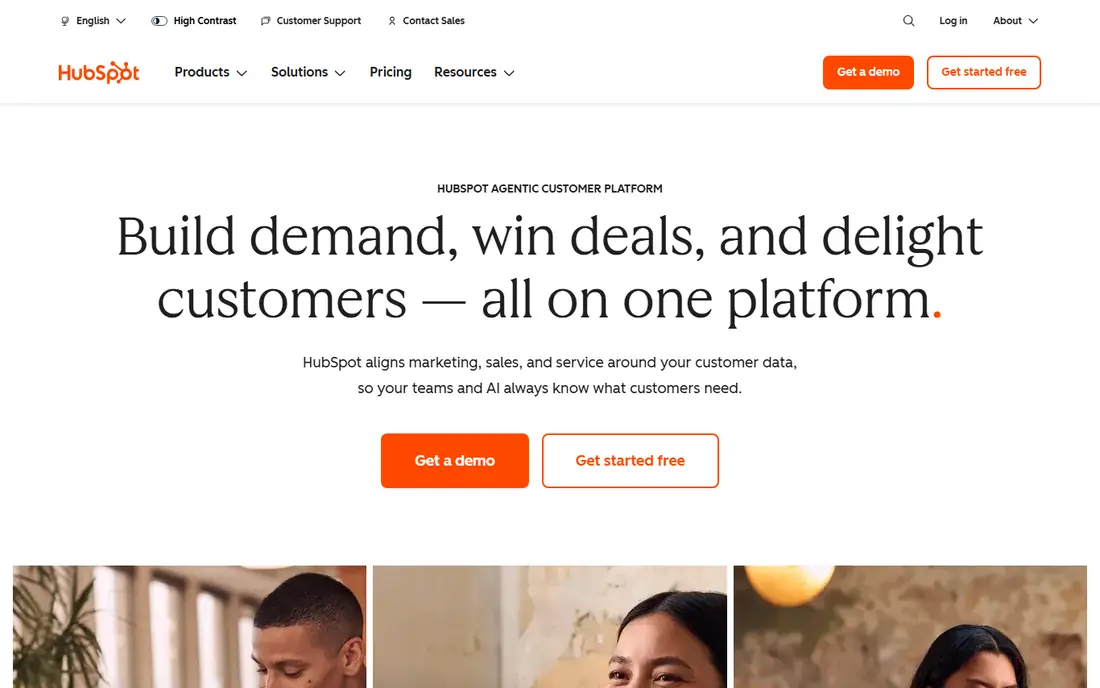
HubSpot is a strong support pick because help is built into the product ecosystem, not bolted on as an afterthought. Its help centre covers the CRM, marketing, sales and service hubs in detail, HubSpot Academy offers free courses that teach the platform, and the community forum lets users compare setups with other teams. That combination suits a small business learning the tool while using it.
The limit is plan based. Free users get help centre and community access, while live channels, onboarding help and dedicated support vary by paid hub and tier, so two HubSpot customers can have quite different support experiences. The platform is also broad, which means a search can return articles for a hub you do not use. Start with the free CRM, test the help centre on a real task, and check which support channels your intended paid plan includes before you migrate a team.
- Extensive help centre, academy and community
- Support across CRM, marketing, sales and service hubs
- Free tools to start with
- Phone and advanced support options vary by plan
- The platform breadth can make the right help article hard to find
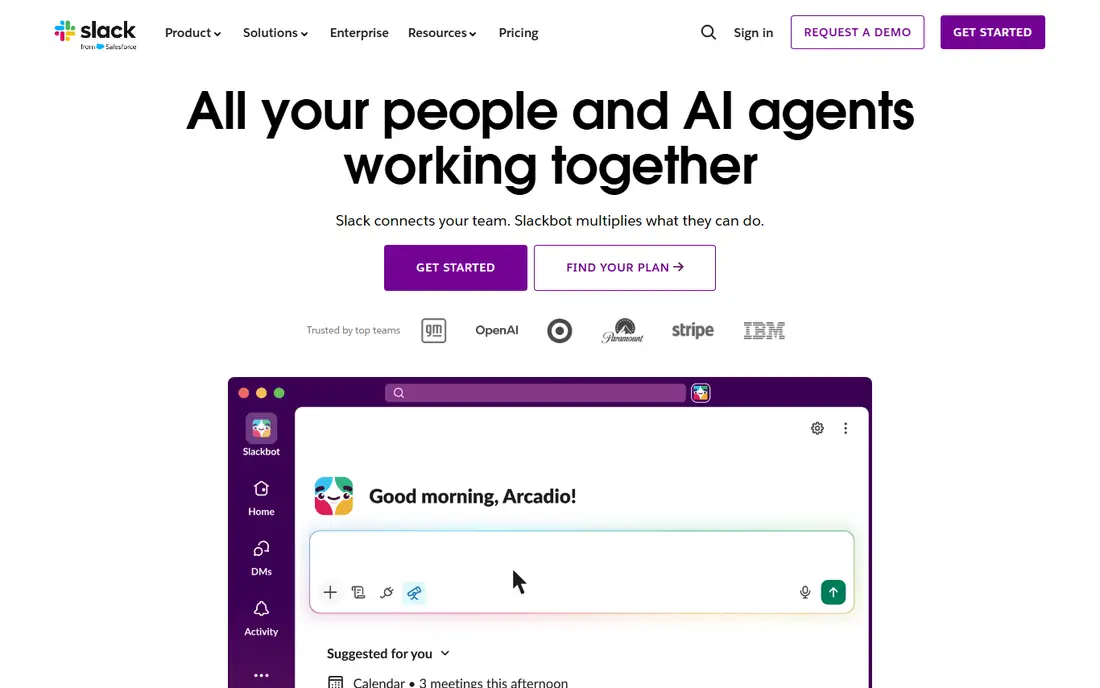
Slack support works well because most user questions are simple and the help centre answers them directly. Guides cover channels, threads, huddles, integrations and workspace settings in plain language, and in product tips help new users learn the layout without leaving the app. The app directory also documents popular integrations, which matters since many Slack problems turn out to be an integration setting, not a Slack fault. For a team adopting chat for the first time, that clarity shortens the learning curve.
The trade off is depth by plan. Free workspaces get help centre and community resources, while faster or more personal support routes sit on paid plans, and enterprise administration questions often need a support conversation rather than a single article. If you run a large, heavily integrated workspace, confirm the support level on your plan before you roll it out widely.
- Clear help centre and guides
- In product tips and onboarding
- Large user community and app directory help
- Live support depth varies by plan
- Complex workspace administration questions can need a paid plan conversation
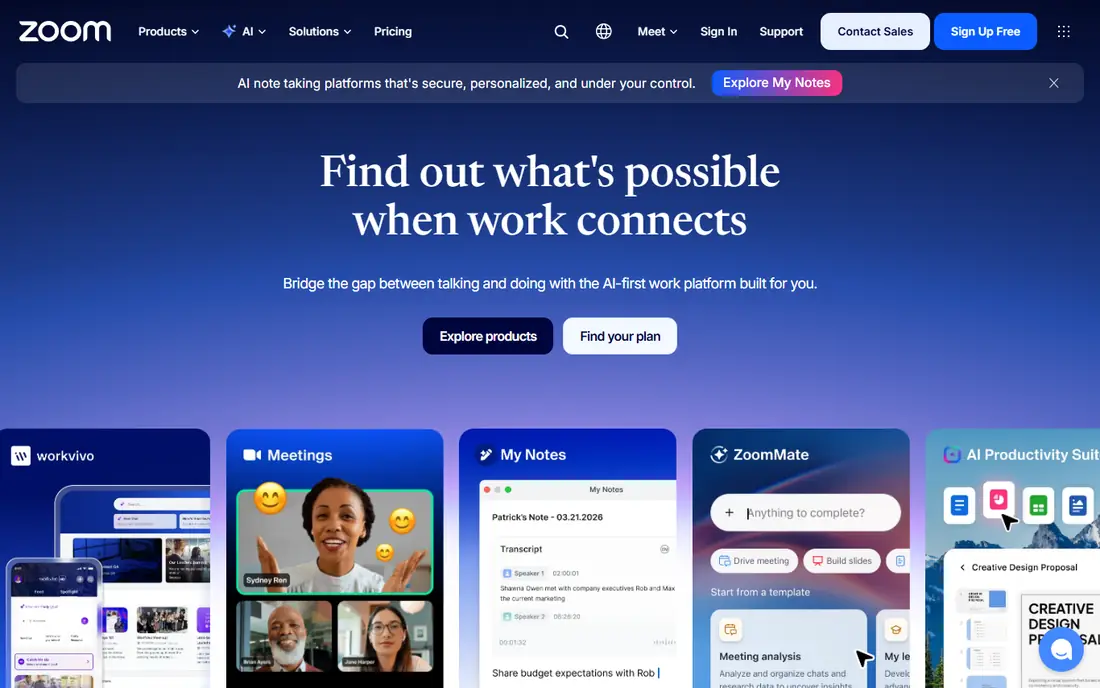
Zoom earns a place here for documentation that matches how people actually use it. The support centre covers joining, hosting, scheduling, webinars, rooms and phone features, with video guides for the tasks that confuse new users most, such as screen sharing, breakout rooms and recording settings. That matters for organisations where many users are not technical. The free plan also lets a new user learn the basics before a team pays.
The limits are familiar. Advanced support routes, onboarding help and account management vary by plan, and many meeting problems involve a headset, camera or network issue that Zoom support cannot fix remotely. Still, for a widely used meeting tool, Zoom documentation is unusually complete, and its status and support pages make it easy to check whether a problem is local or service wide. Test a meeting, a webinar and a recording on the free plan to see how the guides hold up.
- Extensive support centre and video guides
- Clear meeting, webinar and phone documentation
- Free plan to learn the basics
- Advanced support and dedicated help vary by plan
- Audio and device problems often depend on local hardware, not Zoom alone
Shopify support matters because store owners often need help at awkward moments, such as a checkout problem, a payment setting or a theme change before a sale. Its help centre covers store setup, products, payments, shipping and analytics, with guides for common tasks. Community forums add a second layer, especially for themes and apps.
The catch is scope. Shopify supports its own platform, while a third party theme or app problem may need that developer, which can slow a fix. Support channels and response options also vary by plan and region, so check the current plan page for your country before you rely on a specific channel. For a new store owner, the combination of guides, community and platform support is still one of the strongest in SaaS, provided you keep theme and app choices simple at first.
- Help centre, guides and community for store setup
- Support channels for store owners
- Large app and theme documentation
- Pricing and support details vary by plan and region
- Theme and app problems may need the theme or app developer, not Shopify
Notion support shines through documentation and community rather than through phone lines. Its help centre explains pages, databases, automations and permissions with examples, and its template gallery shows how other teams structure docs, projects and wikis. The community, including user made templates and guides, fills gaps quickly, which suits a tool where the best setup often depends on your workflow, not on a single correct answer. The free personal plan lets you learn the system before paying for a team.
The weakness is live help. Notion does not offer the same depth of live, plan based support as an enterprise service tool, so a complex workspace or permissions problem may take longer to resolve through help articles and community answers. That trade is acceptable for many small teams, especially since Notion documentation is so strong, but a large organisation with strict support needs should test the paid support route during a trial. Use the free plan to build a real workspace first, and judge support on a real problem.
- Excellent help centre and template guides
- Active community and template gallery
- Free plan for personal use
- Live support is more limited than on enterprise focused tools
- Complex database questions can need community help
Asana support is built around getting a team started well. Its help centre and academy cover projects, tasks, timelines, goals and automations, and its templates give a new team a working structure on day one, rather than a blank workspace. That guided start reduces the most common support need, which is confusion about how to organise work. The free plan covers small team basics.
As with other tools here, live support depth varies by plan, and the most complex workflow, reporting and enterprise administration questions sit on higher tiers. If your team uses Asana for straightforward project tracking, the documentation and templates will cover most needs. If you plan heavy automations, portfolios and cross team reporting, check the support and onboarding help included on your intended plan during the trial period.
- Clear help centre, academy and onboarding guides
- Templates for common projects
- Free plan for small teams
- Support channels vary by plan
- Advanced workflow and enterprise questions may need paid plan help
Zendesk appears here in two roles: it is a support platform, and its own support operation is mature. Its help centre, community and guides cover ticketing, messaging, voice, AI agents and reporting in depth, and its marketplace documents many integrations. For a team buying a help desk, that depth matters, since you will rely on Zendesk documentation to build your own support operation. The entry Support Team plan starts at $19 per agent per month on annual billing, while the fuller Suite plans start higher and add omnichannel channels and AI features.
The early experience can feel complex, since Zendesk is a platform with many settings, and a small team may need time to find the right guide. Advanced AI assistance, reporting and workforce tools also sit on higher plans or add ons. If you need a deep, scalable support operation and you are willing to invest in setup, Zendesk support resources are among the best documented in SaaS. If you need a simple shared inbox, a lighter tool may feel more helpful day to day.
- Mature help centre, community and documentation
- Omnichannel support for its own customers on higher plans
- Large marketplace and guides
- Setup complexity can make early support questions harder
- Advanced AI and reporting features need higher plans
Intercom is known for support inside the product, through its Messenger, help centre and Fin AI agent, which answers common questions from your own documentation before a human agent steps in. That model suits product led SaaS teams, where users ask for help while using the software, not by emailing a separate address. Its guides cover messenger setup, help centre design, ticketing and AI configuration, and the Essential plan lists at $29 per seat per month on annual billing, with Fin charged per resolved outcome.
The cost caution matters. A low seat price can hide a larger usage bill if Fin resolves many conversations, so model expected outcomes before committing. Intercom also centres on messaging and in product help, so teams that rely mainly on phone support may find it less central.
- In product messenger help and help centre tools
- Fin AI agent for instant answers
- Clear guides for product led teams
- AI resolution costs are usage based, so total cost needs modelling
- Phone and complex support routes are less central
How we picked these
We compared official help centres, pricing pages and public guides to SaaS support in October 2026, and we kept only tools that are live, widely used and clearly documented for support, onboarding and troubleshooting. We favoured tools with a deep help centre, community resources and clear plan based support differences, and we included tools from different categories, so the list covers chat, meetings, commerce, docs, projects and support software itself. Where a price was not published on the vendor site during research, we wrote See website, and we avoided repeating third party support scores as fact.
How to judge SaaS support before you buy
Start with a real task, not with a sales call. Open the help centre, search for a task you will actually do in the first week, and see whether the article is current, specific and easy to follow. Next, check the community: are recent questions answered, and do staff take part, or is the forum mostly unanswered posts. Then test support during a trial by asking a genuine question through the channel your plan would include, and note how long a useful answer takes, not only how fast an automated reply arrives.
Also check what your plan actually includes. Free and entry plans usually offer help centre and community support, while live chat, phone support, onboarding and a dedicated manager sit on higher tiers. Region matters too, since support hours and channels can differ by country. Finally, ask about status communication: a vendor with a public status page and clear incident updates will save your team time during an outage, even if its everyday support is only average. The best support is often the support you rarely need, because documentation prevented the question.
Frequently asked questions
Which SaaS tool has the best customer support overall?
There is no single winner for every team, since support quality depends on plan, issue type and category. HubSpot and Zendesk offer the broadest support operations, Slack and Zoom offer the most accessible everyday help, and Shopify offers strong help for store owners. Judge by your category first, then test the help centre and trial support on a real task before you commit.
Do free SaaS plans include customer support?
Most free plans include help centre access and community support, but not live chat, phone support or dedicated help. Paid plans add faster channels, onboarding and account help, with the exact mix varying by vendor and tier. Check the pricing page for your intended plan, and do not assume a channel advertised on the homepage is included on the free plan.
Is live chat better than email support for SaaS tools?
Live chat suits urgent, simple questions, since you get an answer while you work, while email suits complex issues that need screenshots, logs or an investigation. Many tools now use AI chat first, then hand off to a human agent for harder cases, which works well if the handoff keeps context. For account, billing or security issues, a ticket with a written record is often safer than chat alone.
How can I get faster help from a SaaS vendor?
Describe the problem clearly, include steps to reproduce it, screenshots, error text, your plan, browser or app version, and what you already tried. Use the channel your plan includes, check the status page first for outages, and search the help centre before opening a ticket, since a known fix may already be documented. A clear first message usually gets a useful answer faster than a short message that needs several follow ups.
Should small businesses choose a tool based on support alone?
Support matters, but it should not outweigh fit, price and core features. A tool with excellent support that lacks a feature your team needs daily will still frustrate users. Shortlist two or three tools that fit your workflow and budget, then use support quality as the deciding factor between them, by testing help centres and trial support on real tasks.
What is the difference between a help centre and a community forum?
A help centre is official documentation written and maintained by the vendor, covering setup, features and troubleshooting. A community forum is user discussion, where customers share setups, workarounds and questions, sometimes with staff participation. Good SaaS support offers both: official articles for reliable answers, and community discussion for workflow ideas and edge cases the docs do not cover.
Sources we checked (8)

Online Jobs is an independent blog about careers, online work, learning new skills and the tools that help people earn. More about us.
Keep reading
All posts
Workday Alternatives
We compared the best workday alternatives for HR, payroll, and global hiring, from BambooHR and Gusto to Rippling, Deel, and HiBob for growing teams in 2026.

Top AI Helpdesk Software
Searching for top AI helpdesk software in 2026? We compared 8 AI helpdesks on automation, pricing, channels and ease of setup for small and growing teams.
Sprout Social Alternatives
Compare the best Sprout Social alternatives for 2026, from Hootsuite and Agorapulse to Buffer, Later, and SocialPilot, with prices compared here. today.