Best WhatsApp Alternatives in 2026: 8 Apps Compared

How we put this together: we compare official feature and pricing pages, app store listings, privacy policies and public user reviews. Prices change, so check the provider's site before you pay.
Key takeaways
- Signal is our pick for private one-to-one and group chats, because it is free and uses end-to-end encryption by default.
- Telegram is the best choice for very large groups, channels and large files, but most chats are not end-to-end encrypted unless you start a Secret Chat.
- Threema and Session suit people who want less personal data tied to an account, while Wire and Element suit teams that need admin controls.
- The main limit on every alternative is the network effect: an app only helps if the people you talk to most are willing to use it too.
- Check encryption settings before you move sensitive chats, and keep WhatsApp installed during the changeover if some contacts will not move.
Quick comparison
| Name | Who it suits | Starting price | Free option | |
|---|---|---|---|---|
 Signal | Private everyday messaging | Free | Yes | Visit |
 Telegram | Large groups, channels and file sharing | Free | Yes | Visit |
 Threema | Private messaging with minimal account data | See website | No | Visit |
 Wire | Team messaging with admin controls | Free | Yes | Visit |
 Viber | Calls, stickers and community chats | Free | Yes | Visit |
 Session | Messaging without a phone number | Free | Yes | Visit |
 Element | Open, decentralised team chat | Free | Yes | Visit |
 Delta Chat | Chat over your existing email account | Free | Yes | Visit |
The best WhatsApp alternatives
We looked for apps that cover the basics well: text, voice and video calls, group chats, file sharing and apps for the main phone and desktop systems. The eight below are not identical, and the right one depends on whether you value privacy, reach, group size or team tools most.
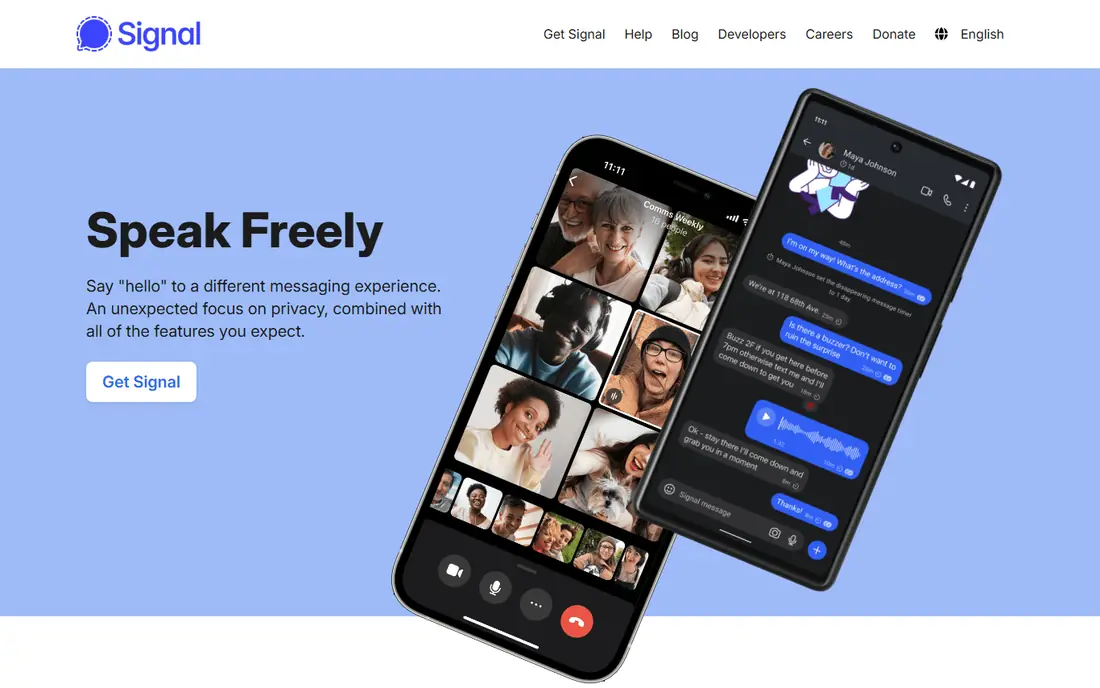
Signal is run by a nonprofit foundation and funded by donations, so there is no premium tier to chase and no advertising in chats. Messages, calls and group chats are end-to-end encrypted by default, and you can set disappearing messages for individual chats. That combination makes it the simplest switch for people who mainly want WhatsApp with stronger default privacy.
The trade-off is practical rather than technical. Signal works well once your contacts are there, but many everyday contacts, local groups and small businesses will still be on WhatsApp. Group calls and stories are available, yet the app deliberately keeps fewer extras than Telegram. If your closest circle moves with you, Signal is the easiest recommendation on this list.
- End-to-end encryption by default
- No ads and no paid tier
- Disappearing messages and screen security options
- Smaller contact network than WhatsApp
- Group size is more limited than Telegram
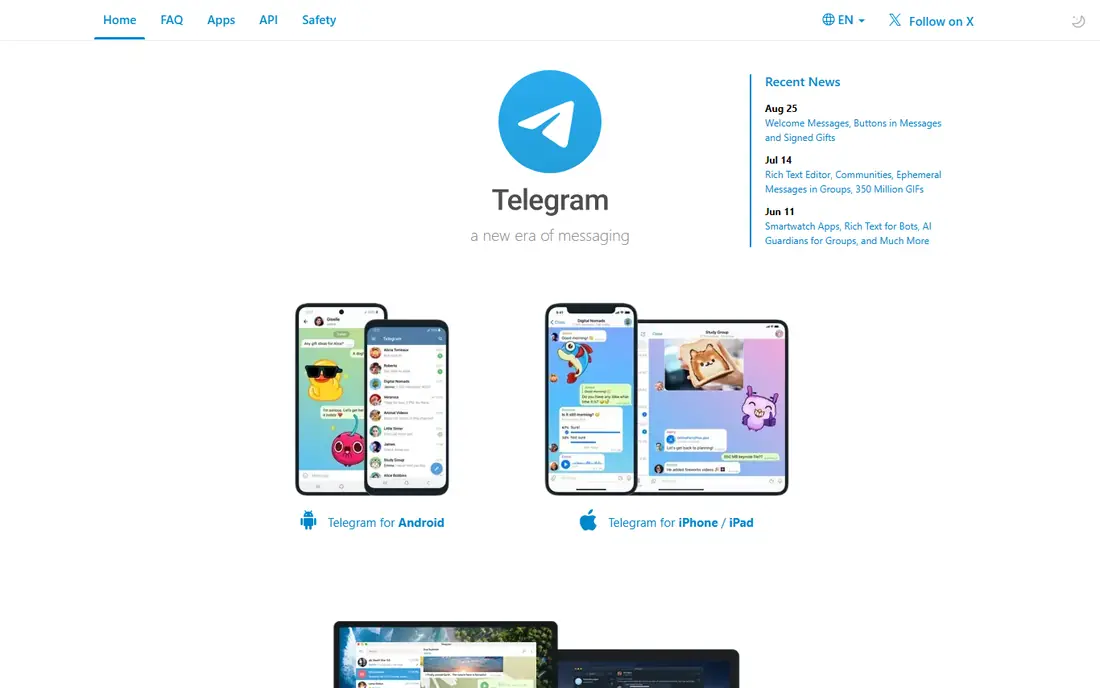
Telegram is the closest alternative for people who use WhatsApp for communities, broadcasts and sharing large files. Groups can be far larger than WhatsApp groups, channels let one account reach many subscribers, and cloud sync makes it easy to pick up a chat on another device. A paid Premium tier adds a higher file limit, faster downloads and extra features, but the core app is free.
Privacy needs more care here than with Signal. End-to-end encryption applies to Secret Chats, which you must start deliberately, rather than to every chat by default. For public community work and casual groups that balance is often fine. For sensitive one-to-one chats, use Secret Chats or a default-encrypted app instead.
- Very large groups and channels
- Generous file sharing
- Works well on phones, tablets and desktop browsers
- Most chats are not end-to-end encrypted by default
- Secret Chats do not sync across devices in the same way

Threema takes a different approach from most free messengers. You get a Threema ID rather than registering with a phone number, which suits people who do not want their number tied to every chat. Polls, file sharing and group chats are included, and the company states that messages are end-to-end encrypted.
The cost is the main barrier. Because Threema is paid, it works best for a small, committed group, a family or a team that agrees to buy it together. It is not a good first suggestion for a large casual group where some members will not pay for a new app. Check the current price in your app store before you recommend it to others, as store prices vary by region.
- No phone number required for an ID-based account
- Messages are end-to-end encrypted
- Made by a Swiss provider
- Paid app, so every contact must buy it too
- Smaller network than free apps
Wire started as a secure messenger and now puts more weight on teams and organisations. Personal accounts can message and call for free, while paid team plans add administration, guest access and compliance features that a casual group does not need. If you are choosing an app for a work team, Wire deserves a closer look than most personal-first apps here.
For family chats, Wire can feel more formal than Signal or Viber. The interface is clean, but the social extras are thinner, and you may find fewer friends already using it. That matters less for a defined team, where everyone is asked to join one tool, and more for open social use.
- End-to-end encryption for messages and calls
- Team and guest controls
- Apps for phones and desktop
- Free personal use is simpler than the paid team plans
- Smaller personal network than WhatsApp
Viber is a familiar choice for people who want a direct WhatsApp replacement rather than a privacy project. It covers messaging, voice and video calls, stickers and communities, and it also offers paid Viber Out calls to phone numbers that do not use the app. That last feature helps when you still need to reach someone on a regular phone line.
The weakness is consistency. Some features and privacy controls vary by chat type, so you should check whether a chat is end-to-end encrypted before treating it as private. Viber fits best for social groups, family calls and communities where reach and fun features matter more than strict default privacy.
- Free calls and messages
- Large communities
- Optional paid calls to regular phone numbers
- Privacy settings need checking chat by chat
- Not as privacy-focused by default as Signal
Session gives you a Session ID instead of asking for a phone number or email address, which appeals to people who want to keep personal identifiers out of a chat account. Messages are end-to-end encrypted, and the app is built on a decentralised network rather than one central server run by a single company. That design is a clear point of difference from WhatsApp, Signal and Telegram.
In everyday use, Session is best for a small group that values that model and accepts its limits. There are fewer stickers, channels and business features, and your contacts are less likely to be there already. For a private side channel with a few trusted people, though, the low-data sign-up is a genuine benefit.
- No phone number or email needed to create an account
- Messages are routed through a decentralised network
- No ads
- Smaller network and fewer features than mainstream apps
- Message delivery can feel slower at times
Element is the main app for Matrix, an open protocol for decentralised chat. In practice, that means different servers can talk to each other, a team can run its own server if it has the skills, and rooms can hold large group discussions. Element also supports voice and video calls, file sharing and threaded replies, which makes it usable for ongoing project chat.
New users should expect a learning curve. Terms such as homeserver, room and space are unfamiliar at first, and the experience varies with the server you join. Element is a strong pick for technical communities, open-source projects and teams that want control over their chat home. It is less suited as a quick family replacement for WhatsApp.
- Built on the open Matrix protocol
- Rooms, spaces and bridging options
- Self-hosting is possible for technical teams
- Setup can confuse new users
- Quality depends on the server and app your group uses
Delta Chat turns email into a chat app. You sign in with an existing email account, and messages are sent as emails behind the scenes, displayed in a chat view. That means anyone with an email address can be reached in principle, without asking them to install a new social network first.
The result is practical but uneven. If your email provider is fast and reliable, Delta Chat feels like a light messenger. If mail is slow or filtered oddly, chats can feel delayed, and voice and video calls are not its strength. It suits people who want a simple, account-light messenger, especially for contacts who already use email every day.
- Uses your email account, so no new network to join
- Open-source apps
- Works on phones and desktop
- Chat experience depends on your email provider
- Group and call features are more limited than WhatsApp
How we picked these
We started from the official feature pages, pricing pages and app store listings for each app, and checked privacy policies for how encryption and account data are described. We compared message and call features, group limits where vendors publish them, desktop support and whether a free plan or paid tier is required. We also read public reviews to see where users report friction, such as slow delivery, confusing setup or limits on free plans.
We did not claim hands-on testing that did not happen, and we did not rank apps on user counts or ratings that we could not verify from a vendor or store page. Prices change, and app store prices vary by region, so we used See website where a vendor price was not clearly stated for the reader's region. Where sources disagreed on a detail, we kept the wording general and pointed readers to the vendor page.
What to check before you switch
Moving a group is a people problem first and a settings problem second. Pick one app for the group, agree a start date, and keep the old group open for a short overlap so no one misses a message. Tell members what will change, such as whether calls, files or old history will move, because most of these apps do not import WhatsApp history in full.
Privacy settings worth five minutes
Check whether chats are end-to-end encrypted by default, turn on disappearing messages where that suits the chat, and review who can add you to groups. On Telegram, remember to start a Secret Chat for private one-to-one talks. On apps that use a phone number, check contact discovery settings so you are not sharing more than you intend.
Groups, calls and files
If your group shares large videos or documents, Telegram and Element handle scale better than Signal for very large groups. If your group mainly does voice and video calls, test call quality with the actual phones your members use before you close the old group. For work teams, check admin controls, guest access and data retention before you choose, not after the team has moved.
If some contacts will not move
That is normal, and it does not mean the switch failed. Keep WhatsApp for those contacts and use the new app for the group that agreed to move. Over time, the new app becomes the default for that circle, and you avoid forcing a choice that leaves people out. A second app on your phone is a small cost for keeping everyone reachable.
Frequently asked questions
What are the best WhatsApp alternatives for privacy?
Signal is the simplest private pick for most people, because encryption is on by default and there are no ads. Threema and Session are also strong if you want an account that is not tied to a phone number. For Telegram, use Secret Chats for private talks, since regular cloud chats are not end-to-end encrypted in the same way.
Are there free alternatives to WhatsApp?
Yes. Signal, Telegram, Wire, Viber, Session, Element and Delta Chat all offer free plans for core messaging, and Threema is the paid exception on this list. Free plans differ, though, so check limits on group size, file size and premium features before you move a large group. A free app can still ask you to pay for extra storage, higher limits or team tools.
Which alternative is best for large groups?
Telegram is the clearest pick for very large groups and channels, with far higher member limits than WhatsApp-style apps. Element also suits large rooms and communities, especially technical groups. Signal and Threema work well for smaller groups, but they are not built for broadcast-scale communities in the same way.
Can I use these apps on desktop as well as my phone?
Most of them offer desktop apps or a web version, including Signal, Telegram, Wire, Viber, Session, Element and Delta Chat. Threema also offers desktop use linked to the mobile app. Check the vendor site for your system, since desktop features and linking steps vary, and some apps need the phone app for setup.
Will I lose my WhatsApp chats if I switch?
In most cases you cannot move full WhatsApp history, with media and replies intact, into a new app. Some apps let you import a chat export as a basic record, but that is not the same as a live, searchable history. Export anything important before you leave a group, and keep WhatsApp installed until you are sure nothing essential is left behind.
Is Telegram safer than WhatsApp?
It depends on the chat type. Telegram Secret Chats use end-to-end encryption, while regular Telegram chats are stored in the cloud and are not end-to-end encrypted by default. WhatsApp uses end-to-end encryption by default for personal chats. If default encryption for every chat matters most to you, Signal is a simpler choice than either.
Sources we checked (8)

Online Jobs is an independent blog about careers, online work, learning new skills and the tools that help people earn. More about us.
Keep reading
All posts
Best Free Message App
The best free message app for everyday chats, compared on encryption, group chats, calls and desktop support, so you can pick the one your contacts use.
Best Encrypted Messaging App
Compare the best encrypted messaging apps for private chats, business use, and large groups, with default encryption, metadata, and prices compared here.

n8n Alternatives
n8n alternatives compared for 2026, with Zapier, Make, Activepieces, and more, covering visual builders, code steps, self-hosting, and pricing models.