Best Messaging Apps in 2026: 8 Apps Compared

How we put this together: we compare official feature and pricing pages, app store listings, privacy policies and public user reviews. Prices change, so check the provider's site before you pay.
Key takeaways
- WhatsApp and Signal cover most everyday needs, with WhatsApp offering wider reach and Signal offering a stronger privacy-first design.
- Telegram is the pick for large groups and channels, while Discord suits communities that mix text, voice and video.
- Slack and Microsoft Teams are work tools first, so they make less sense for purely personal chats.
- Most core chatting is free, and the paid extras mainly add larger uploads, more storage or business controls.
Quick comparison
| Name | Who it suits | Starting price | Free option | |
|---|---|---|---|---|
 WhatsApp | Everyday chats worldwide | Free | Yes | Visit |
 Signal | Private one-to-one and group chats | Free | Yes | Visit |
 Telegram | Large groups and channels | Free | Yes | Visit |
 Messenger | Friends already on Facebook | Free | Yes | Visit |
 Discord | Communities and voice hangouts | Free | Yes | Visit |
 Slack | Small team messaging | Free | Yes | Visit |
 Google Messages | Android texting and RCS chats | Free | Yes | Visit |
 Viber | International calls and chats | Free | Yes | Visit |
The best messaging apps
We compared official feature pages, pricing pages and app store listings for the apps below. The right choice depends less on a single feature and more on where your contacts already are, because a chat app is only useful when the people you need can reply in it.
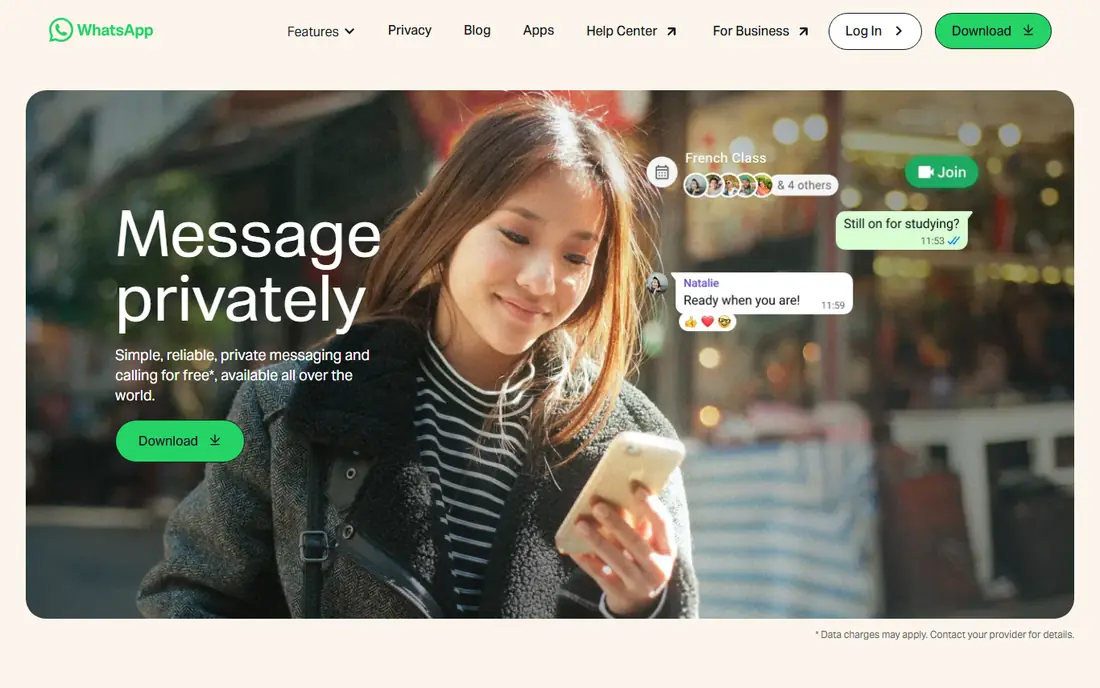
WhatsApp is our pick for most people because it covers the basics so well. Chats, group chats, voice notes, calls and file sharing all sit in one familiar place, and it works across phones and desktop. For families and friends spread across countries, that reach matters more than any single extra feature.
The honest catch is account setup. You need a phone number, and switching phones or managing more than one account takes care. Business messaging can also feel noisy if a company messages too often, so check notification settings early and mute threads that do not need instant attention.
- Very wide adoption
- End-to-end encrypted chats by default
- Voice and video calls included
- Tied to a phone number
- Some business features add complexity for personal users
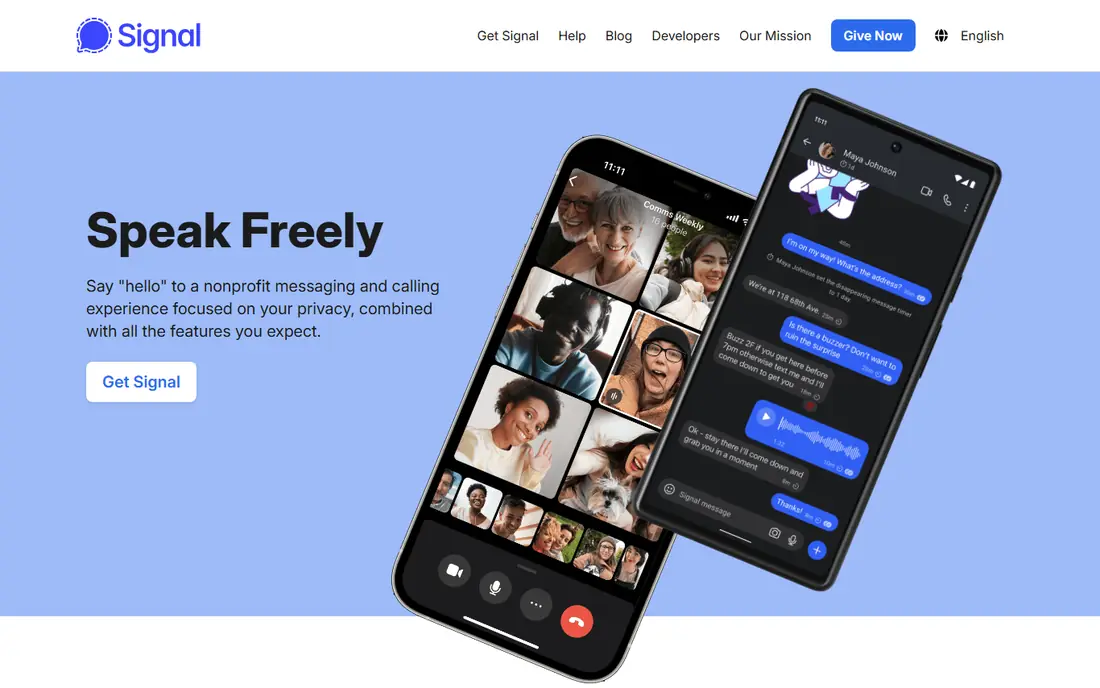
Signal is the app we point to when privacy is the main concern. Messages and calls are encrypted by default, the app carries no ads, and its nonprofit structure means it does not need to sell attention to advertisers. Disappearing messages and a simple layout keep the focus on conversation.
The trade-off is social, not technical. If your friends and family are not on Signal, you will still need another app for them. It is best as a main app for a close circle, or as a second app for chats that deserve extra care, rather than a replacement for every contact at once.
- End-to-end encryption by default
- No ads
- Open source design
- Smaller contact base than WhatsApp
- Fewer novelty features
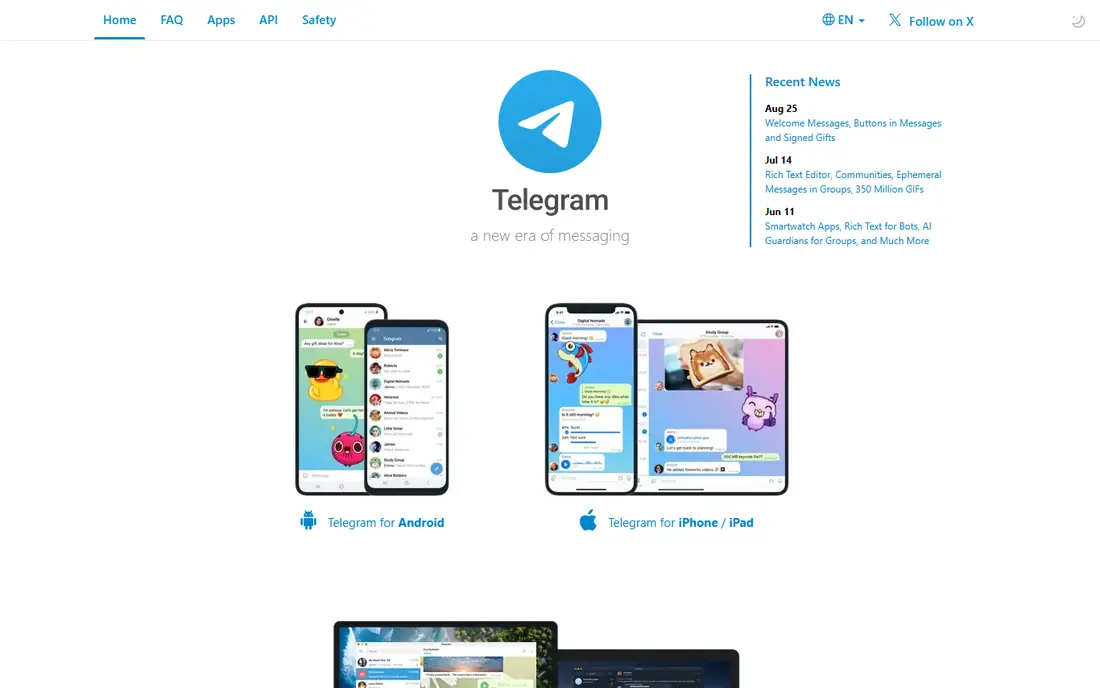
Telegram shines when a group gets big. Channels can reach a wide audience, groups can hold many members, and cloud sync means a chat started on a phone is ready on a desktop without manual transfers. File sharing is also generous compared with many rivals.
Read the privacy details before you rely on it for sensitive talks. Standard cloud chats use a different protection model from end-to-end encrypted secret chats, so use secret chats for material you want locked to specific devices. For public updates, clubs and large communities, that distinction matters far less.
- Very large groups and channels
- Cloud sync across devices
- Generous file sharing
- Cloud chats are not end-to-end encrypted by default
- Secret chats need separate setup
Messenger makes sense when your social circle already lives on Facebook. You can message friends without asking them to install something new, and group chats, calls and photo sharing are all close at hand. The web version is handy for people who spend the day at a computer.
The downside is the wider Meta ecosystem. If you do not want a Facebook account, or you prefer a smaller data footprint, this is not the natural pick. It is a convenience choice, and it works best when convenience, not privacy, is the deciding factor.
- Huge existing contact base
- Video calls and group chats
- Works on the web
- Facebook account needed
- Ads and data practices may put privacy-minded users off
Discord started with gaming communities, but it now suits study groups, hobby clubs and creator audiences too. Voice channels let people drop in and talk without starting a formal call, and text channels keep topics separate so a busy server stays readable.
For simple one-to-one texting, Discord can feel like too much app. Servers, roles and bots add power, but they also add setup. Use it when a group needs a shared home, and keep a simpler app for quick messages with family and close friends.
- Voice channels that stay open
- Strong community tools
- Free core chat
- Can feel busy for simple chats
- Paid Nitro is needed for larger uploads
Slack is a work messaging tool, and it shows in the best way. Channels separate projects, direct messages handle quick questions, and integrations can pull updates from calendars, files and task tools into one place. Small teams can start free and learn the layout in an afternoon.
The free plan is the main limit. Older messages become harder to reach over time, so a growing team should budget for a paid plan or accept a shorter visible history. Slack also makes little sense for family chats, where a simpler app will get faster replies.
- Channels keep work topics tidy
- Many app integrations
- Searchable message history on paid plans
- Free plan limits message history
- Not designed for personal social chats
Google Messages is the default texting app on many Android phones, and that is its main strength. There is nothing new to install, and RCS chats with other supported users add typing indicators, read receipts and higher-quality photos compared with old SMS. When RCS is not available, messages can fall back to SMS or MMS.
Carrier and phone differences are the catch. Not every contact will get the full RCS experience, and iPhone chats may still behave like standard texts in some cases. For Android users who mainly text people in their own country, it is a solid, low-friction starting point.
- Built into many Android phones
- RCS adds typing indicators and better media
- SMS fallback
- Experience varies by phone and carrier
- Some features need both sides on RCS
Viber is worth a look when international contacts are a big part of your life. App-to-app calls and chats are free, and Viber Out can call regular phone numbers where that service is offered. Communities and stickers give it a social feel that goes beyond plain texting.
In the United States, Viber has a smaller base than WhatsApp or Messenger, so you may need to invite contacts. Check Viber Out rates for the countries you call before you rely on it, since those calls are separate from free app-to-app chats.
- Free app-to-app calls and chats
- Viber Out for calling regular phone numbers
- Stickers and communities
- Smaller user base in the United States
- Some calling features are paid
How we picked these
We compared official feature pages, pricing pages and app store listings, and we favoured apps that are still actively offered, work across common phones and computers, and fit a clear use case. We did not claim hands-on testing, and we did not invent user counts, ratings or awards. Where a feature depends on carrier support, a phone model or a paid tier, we said so rather than presenting it as universal.
What to check before you choose
Start with your contacts, then with privacy, then with extras. Ask which app your family, friends or team already open every day, because the best-designed app is useless if replies sit unread. Then check how encryption works for the chats you care about most, and whether disappearing messages or locked chats are available.
For work, check history limits, admin controls and integrations before you commit a team. For communities, check group size limits, moderation tools and whether voice channels matter to you. For international chats, check data use, call quality on slower connections, and whether the app works well on the phones your contacts actually own. A short trial with one real group will tell you more than a long feature list.
Frequently asked questions
What is the best messaging app for most people?
WhatsApp is our pick for most people because it combines wide reach, encrypted chats by default, calls and group chats in one free app. Signal is better when privacy is the top priority, and Telegram is better for very large groups and channels.
What is the best messenger app for privacy?
Signal is the strongest privacy pick here, with end-to-end encryption by default, no ads and an open source design. WhatsApp also encrypts chats by default, while Telegram requires secret chats for end-to-end encryption on specific devices.
Are the best messaging apps free?
Core chatting is free on every app in this list, including texts, group chats and app-to-app calls where offered. Paid extras tend to cover larger uploads, business tools or extra storage, not basic messaging.
What are the best in app messaging tools for a small team?
Slack is the clearest small-team pick, with channels, integrations and direct messages built for work. Microsoft Teams suits teams already on Microsoft 365, while Discord suits informal communities more than formal office work.
What is the best texting app for Android?
Google Messages is the simplest texting app for many Android users because it is often built in and adds RCS features where supported. WhatsApp and Signal are better when you want the same experience across Android and iPhone.
Sources we checked (8)

Online Jobs is an independent blog about careers, online work, learning new skills and the tools that help people earn. More about us.
Keep reading
All posts
Best WhatsApp Alternatives
Looking for WhatsApp alternatives with stronger privacy, bigger groups or better file sharing? We compare eight messaging apps on price and encryption.
Best Free Message App
The best free message app for everyday chats, compared on encryption, group chats, calls and desktop support, so you can pick the one your contacts use.
Best Encrypted Messaging App
Compare the best encrypted messaging apps for private chats, business use, and large groups, with default encryption, metadata, and prices compared here.