Best Encrypted Messaging App in 2026: 9 Apps Compared

How we put this together: we compare official feature and pricing pages, app store listings, privacy policies and public user reviews. Prices change, so check the provider's site before you pay.
Key takeaways
- Signal is our pick for maximum privacy, because end-to-end encryption is on by default and metadata collection is kept to a minimum.
- WhatsApp is the practical choice for most people, since it pairs default encryption with a very large existing contact base.
- Telegram is strong for channels and large groups, but ordinary chats are not end-to-end encrypted by default.
- Threema and Session suit users who do not want to share a phone number to create an account.
- Wire and Element are the strongest business options here, thanks to admin controls, compliance tools, and team features.
Quick comparison
| Name | Who it suits | Starting price | Free option | |
|---|---|---|---|---|
 Signal | Maximum privacy | Free | Yes | Visit |
 WhatsApp | Everyday private chats | Free | Yes | Visit |
 Telegram | Channels and large groups | Free | Yes | Visit |
 Threema | No phone number account | See website | No | Visit |
 Session | Anonymous routing | Free | Yes | Visit |
 Wire | Business teams | Free | Yes | Visit |
 Element | Business and open standards | Free | Yes | Visit |
 Apple iMessage | Apple-only households | Free | Yes | Visit |
 Viber | Encrypted calls and chats | Free | Yes | Visit |
The best encrypted messaging apps
We compared default encryption, metadata handling, open source code, backup safety, group limits, and business controls. Encryption of message content is only part of the story, since metadata and backups can still reveal a lot.
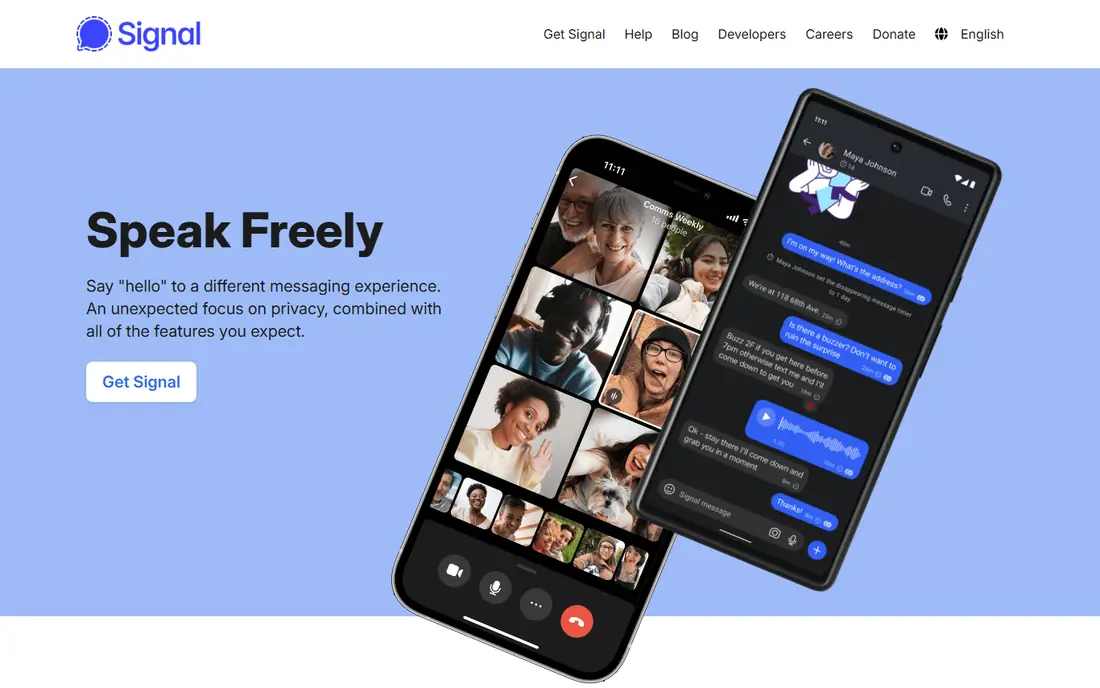
Signal fits anyone whose first priority is keeping message content and metadata away from a company server. Every chat, group, and call uses end-to-end encryption by default, with no need to switch on a special mode. The nonprofit model, with no ads, also removes a common reason to harvest user data.
The app covers the basics well: text, voice notes, photos, files, stickers, and group chats, plus disappearing messages for sensitive threads. The honest catch is reach. If your contacts will not install it, you will still need another app for everyday chats, and Signal requires a phone number to register.
- End-to-end encryption by default for messages, calls, and groups
- Minimal metadata
- Open source code and nonprofit operation
- Smaller contact base than WhatsApp
- Phone number required for registration
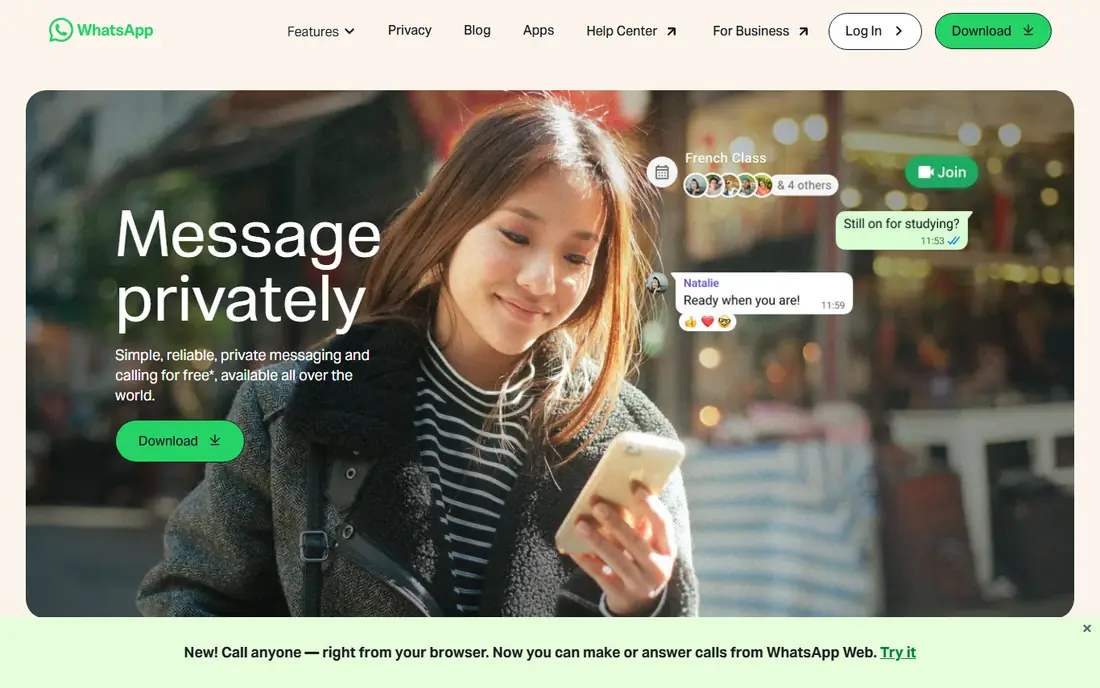
WhatsApp suits most people because the people they already talk to are already there. Personal messages, calls, and group chats use end-to-end encryption by default, based on the Signal protocol. Voice notes, status updates, channels, and file sharing make it a full everyday messenger, not just a secure side app.
The trade-off is metadata and backups. Meta can see who you contact and when, even if it cannot read message content, and an unencrypted cloud backup can expose chat history. Turn on encrypted backups and review privacy settings if you want the strongest setup WhatsApp allows.
- Default end-to-end encryption for personal chats and calls
- Huge contact base
- Voice, video, and group features
- Metadata sits inside Meta systems
- Cloud backups need encrypted backup switched on
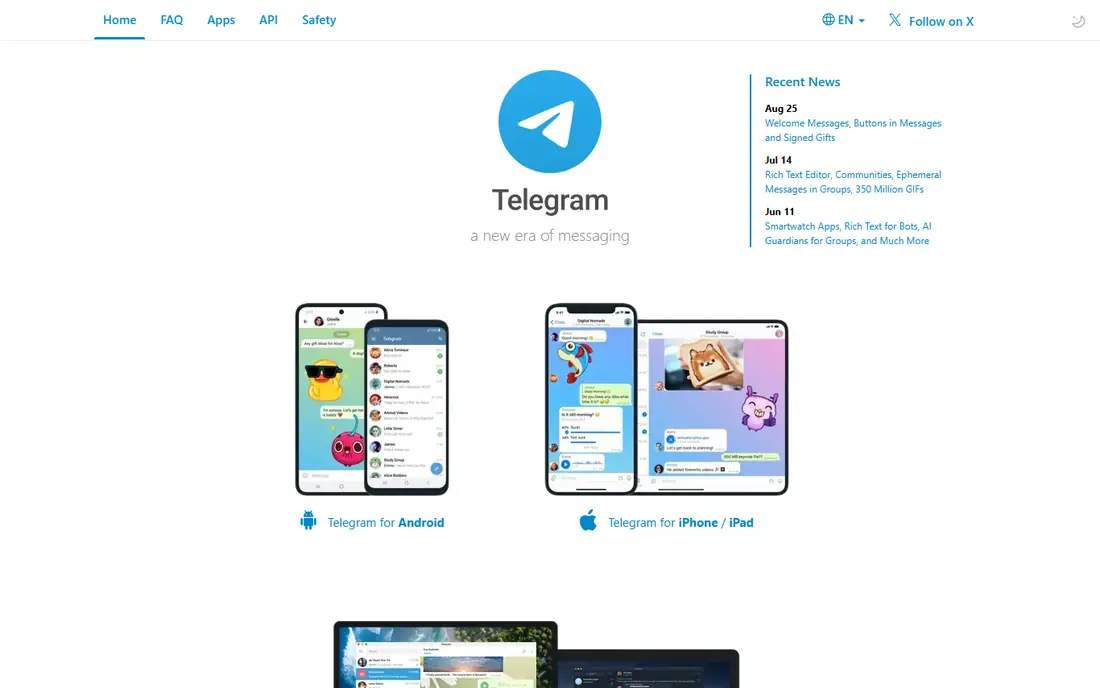
Telegram fits communities, broadcast channels, and large groups better than any app on this list. Cloud sync means a chat opens instantly on phone, tablet, and desktop, and file limits are generous. Bots, channels, and public groups make it a distribution tool as much as a messenger.
The privacy catch is central. Ordinary chats and all group chats use client-server encryption, so Telegram servers can in principle access them. Use a Secret Chat for a one-to-one conversation that needs end-to-end encryption, and do not treat a public group as private.
- Huge groups and channels
- Fast multi-device sync
- Large file sharing and bots
- Ordinary chats are not end-to-end encrypted by default
- Only one-to-one Secret Chats are
Threema suits users who want an account without handing over a phone number. Each user gets a random ID, and messages, calls, and group chats are end-to-end encrypted by default. Server-side messages are deleted after delivery, which limits stored data.
The price is the main barrier, since Threema is a paid app rather than a free download. The network is also smaller, so it works best when a defined group agrees to use it together. For a privacy-first team or family group, that trade can be worth it.
- No phone number or email needed for an account
- End-to-end encryption by default
- Swiss data handling
- Paid app
- Smaller network than mainstream messengers
- Group features are simpler
Session fits users who want to minimise identity linkage as well as message exposure. Registration needs no phone number or email, and messages travel through a decentralised onion-routing network. That design makes it harder to link an account to a person or a location.
The catch is everyday polish. Delivery can feel slower than WhatsApp or Signal, and features such as large group tools are more limited. Session is a strong second app for sensitive contacts, rather than a full replacement for a mainstream messenger.
- No phone number needed
- Messages routed through a decentralised network
- End-to-end encryption by default
- Slower delivery at times
- Fewer mainstream features
- Smaller contact base
Wire suits businesses that need encrypted messaging with proper administration. Teams can manage members, guests, and retention, while chats, calls, and file sharing stay end-to-end encrypted. That combination is why Wire appears in regulated and security-conscious workplaces.
The free tier covers personal use, but the business value sits in paid plans with admin and compliance features. A company that only needs casual team chat may find a simpler tool cheaper. For a firm with compliance duties, the controls justify the cost.
- End-to-end encryption for business chats
- Admin and compliance controls
- Guest and team features
- Paid plans needed for full business controls
- Smaller consumer network
Element fits organisations that want control over where messages live. Because it uses Matrix, a team can run its own server or choose a hosted provider, and still talk to other Matrix users. End-to-end encryption covers direct and group chats when enabled, with verification tools for devices.
The honest catch is complexity. Self-hosting, key backup, and cross-signing take more care than a consumer app. For a team with IT support, that control is a strength. For a casual user, Signal or WhatsApp will feel simpler.
- Built on the open Matrix standard
- End-to-end encryption
- Self-hosting option for organisations
- Setup can be complex
- Encryption and key handling need care for new users
Apple iMessage suits households and teams where everyone uses an iPhone, iPad, or Mac. Messages between Apple devices are end-to-end encrypted, and the app needs no extra download. Features such as reactions, threads, and file sharing work well inside that closed system.
The limit is obvious: a chat with an Android phone falls back to SMS or RCS handling, which does not offer the same encryption guarantee. Turn on Advanced Data Protection for iCloud if you want backups to match the same standard. For mixed-device groups, choose a cross-platform app instead.
- End-to-end encryption for iMessage chats
- Built into Apple devices
- FaceTime integration
- Only works fully between Apple devices
- SMS fallback is not encrypted
Viber fits users who want encrypted chats and free international calls in one familiar app. One-to-one chats, group chats, and calls use end-to-end encryption by default, and the app is widely used in several regions. Communities and channels add a social layer for larger audiences.
The catch is positioning. Viber is a consumer messenger first, not a business compliance tool, and its data policies sit inside a large commercial group. For everyday private chats it is solid, but a regulated team should look at Wire or Element instead.
- End-to-end encryption for one-to-one and group chats
- Free calls
- Stickers and communities
- Owned by Rakuten with its own data policies
- Less focus on business compliance
How we picked these
We compared official privacy pages, encryption documentation, app store listings, and public reviews, and we kept only apps that are live and offer real end-to-end encryption for at least core chats. We favoured default encryption over opt-in modes, since most users never change a default. We also weighed metadata, backup safety, open source code, and business controls.
We treated Telegram honestly: it is excellent for groups and channels, but it is not a private messenger by default. A list that ranked it on privacy alone, without that warning, would mislead readers. Where pricing or plan limits could not be confirmed on the vendor page, we used See website.
What to check before you choose
Start with who you need to reach, then check encryption defaults, backups, and metadata. The most private app is of little use if your contacts refuse to install it.
Default encryption and backups
Check whether encryption is on by default for every chat type, including groups. Then check backups: an unencrypted cloud backup can undo strong chat encryption. Turn on encrypted backups where offered, and review auto-download settings for media.
Metadata and identity
Encryption protects message content, not the fact that you contacted someone. If that matters, favour Signal, Threema, or Session, and consider whether a phone number is required. For business use, also check retention, admin controls, and data residency.
Groups and business use
Large communities need moderation, file sharing, and multi-device sync, which favours Telegram or Element. Regulated teams need admin controls, guest access, and compliance exports, which favours Wire or Element. Match the tool to the job, not just to a privacy ranking.
Frequently asked questions
What is the best encrypted messaging app?
Signal is the best encrypted messaging app for maximum privacy, because encryption is on by default and metadata collection is minimal. WhatsApp is the best practical choice for most people, since it combines default encryption with a huge contact base. The right pick depends on who you need to reach.
What is the best private messaging app without a phone number?
Threema and Session are the strongest options here, since neither requires a phone number to create an account. Threema uses a random ID and is a paid app, while Session routes messages through a decentralised network and is free. Both have smaller networks than WhatsApp or Signal.
What are the best encrypted messaging apps for business?
Wire and Element are the best encrypted messaging apps for business use in this list, thanks to admin controls, team management, and compliance features. Element adds self-hosting through Matrix, while Wire offers a more packaged business product. WhatsApp Business can work for customer chat, but it lacks the same admin depth.
Is Telegram encrypted?
Telegram ordinary chats are encrypted in transit, but they are not end-to-end encrypted by default. Only manually started one-to-one Secret Chats offer end-to-end encryption, and group chats do not. Treat Telegram as a strong community tool, not as a private messenger by default.
Is WhatsApp safe for private messages?
WhatsApp personal messages and calls use end-to-end encryption by default, so message content is protected in transit and storage on WhatsApp servers. The main caveats are metadata and backups: Meta can see contact patterns, and unencrypted backups can expose history. Turn on encrypted backups for the strongest setup.
What is the best app for encrypted messaging on iPhone and Android?
Signal and WhatsApp are the best cross-platform choices, since both run on iPhone and Android with default end-to-end encryption. Signal wins on privacy, while WhatsApp wins on reach. iMessage is strong only when every contact uses an Apple device.
Sources we checked (9)

Online Jobs is an independent blog about careers, online work, learning new skills and the tools that help people earn. More about us.
Keep reading
All posts
Best Free Message App
The best free message app for everyday chats, compared on encryption, group chats, calls and desktop support, so you can pick the one your contacts use.

eBay Alternatives
Looking for ebay alternatives? We compared 9 marketplaces for sellers on fees, buyer reach, categories and ease of listing, to help you sell with confidence.

ZoomInfo Alternatives
The best ZoomInfo alternatives in 2026, compared on price, free plans, data coverage, and which tool fits small teams or large sales teams best in detail.