What Is the Best Free Tool to Rotate a PDF in 2026: 8 Tools Compared

How we put this together: we compare official feature and pricing pages, app store listings, privacy policies and public user reviews. Prices change, so check the provider's site before you pay.
Key takeaways
- PDFsam Basic is our pick for the best free tool to rotate a PDF, because it is free, offline and has no daily cap.
- PDF24 is the best free online option, with per-page rotation and no account needed.
- PDF Candy, AvePDF and DeftPDF are handy free web tools for quick one-off rotations without installing anything.
- A good free rotator saves rotation into the file itself, so the fix survives sending, printing and reopening.
- For private scans, skip online tools entirely and rotate offline, since uploads are unnecessary for this job.
Quick comparison
| Name | Who it suits | Starting price | Free option | |
|---|---|---|---|---|
 PDFsam Basic PDFsam Basic | Free offline rotation | Free | Yes | Visit |
 PDF24 PDF24 | Free online rotation | Free | Yes | Visit |
 PDF Candy PDF Candy | Quick free web rotation | Free | Yes | Visit |
 AvePDF AvePDF | Simple browser rotation | Free | Yes | Visit |
 DeftPDF DeftPDF | Free rotation plus editing | Free | Yes | Visit |
 PDF2Go PDF2Go | Rotation from cloud drives | Free | Yes | Visit |
 RotatePDF RotatePDF | Minimal no-fuss rotation | Free | Yes | Visit |
 PDFResizer PDFResizer | Rotation with page tools | Free | Yes | Visit |
The best free tools to rotate a PDF
Rotating a PDF is a job that should cost nothing, and the tools below prove it. Each one rotates pages for free, and each saves the change into the downloaded file, which is the detail that separates a real fix from a temporary view change. We compared official feature pages and free plan details, judging each tool on per-page control, batch handling, free limits, output quality and whether your file must be uploaded. The focus here is free use only: paid upgrades exist on some services, but you should not need them to turn a page.
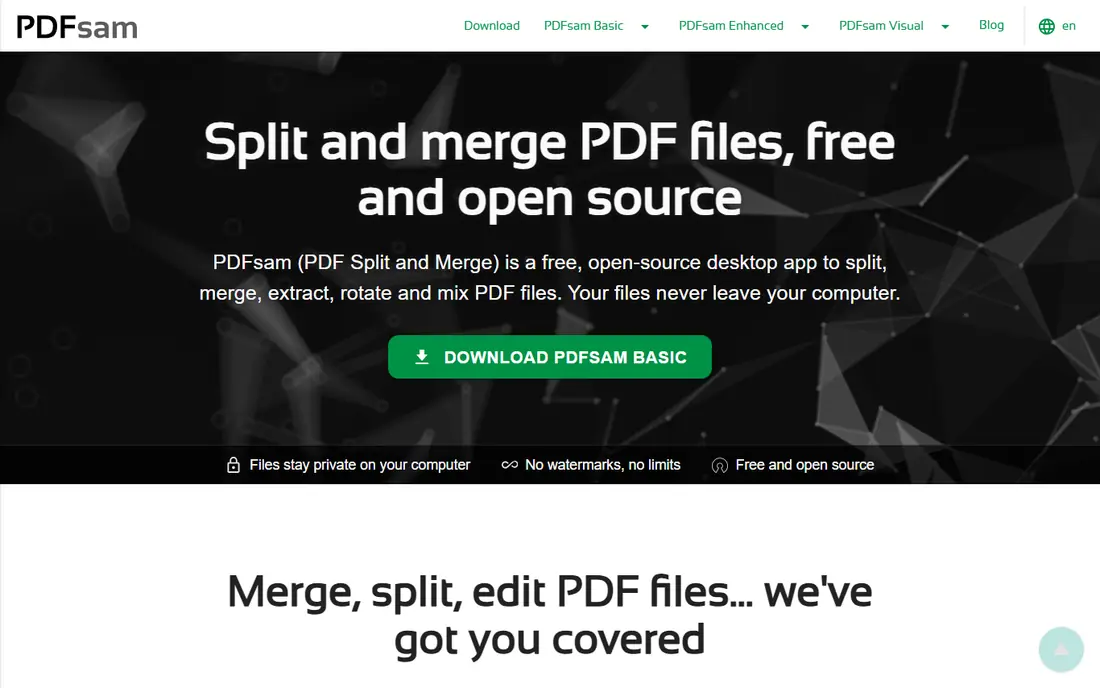
PDFsam Basic is our answer to the question in the title. It is free, open source, and it rotates PDFs on your own computer, which means no upload, no account and no daily limit to hit. You select pages, set the rotation, and save a corrected file that opens correctly everywhere.
The install step is the only friction, and it is a small one for a tool you may use for years. It also merges and splits, so it covers the other common page jobs too. If you rotate PDFs more than occasionally, or if the file is private, start here and skip the web tools entirely.
- Completely free with no daily cap
- Works offline so files stay private
- Handles large files well
- Requires a desktop install
- Interface is plain next to web tools
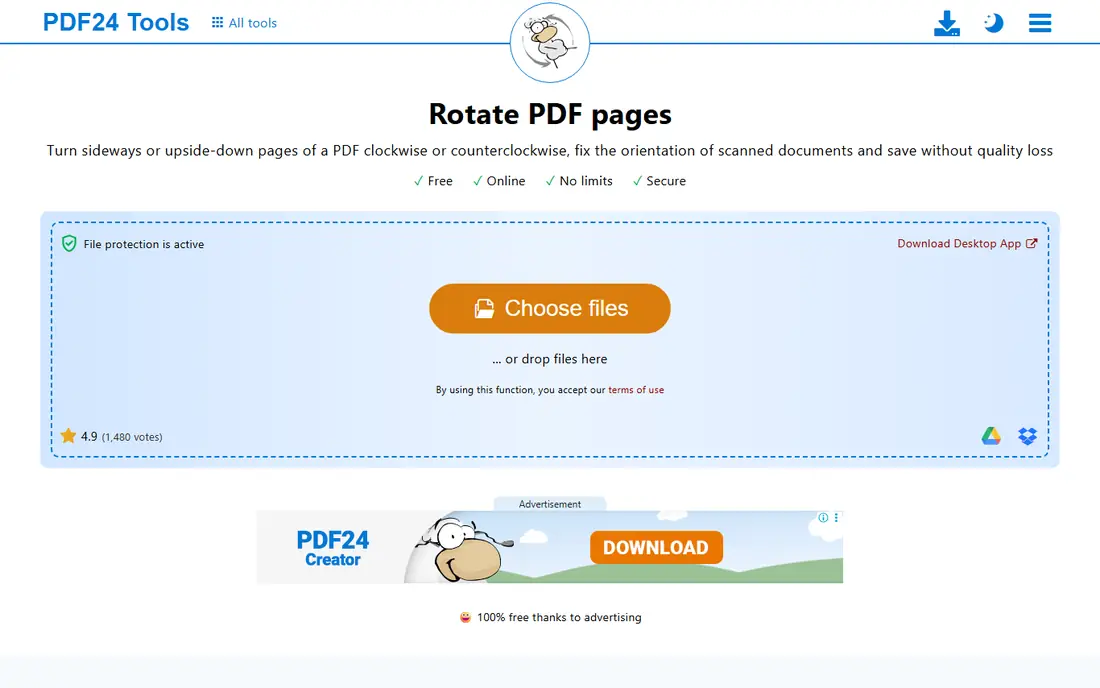
PDF24 is the best free online rotator. Open the tool in any browser, upload your file, rotate individual pages or the whole document, and download the fixed copy. There is no account wall and no charge for this job, and the wider PDF24 suite is there if you later need to merge or compress.
Uploading is the trade-off, as with every web tool. For ordinary files such as reports, forms and study notes, that is fine. For anything confidential, use PDFsam Basic instead and keep the file on your own machine.
- Free with per-page rotation
- No account needed
- Many extra PDF tools in the same suite
- Files are uploaded for processing
- Best for non-sensitive documents
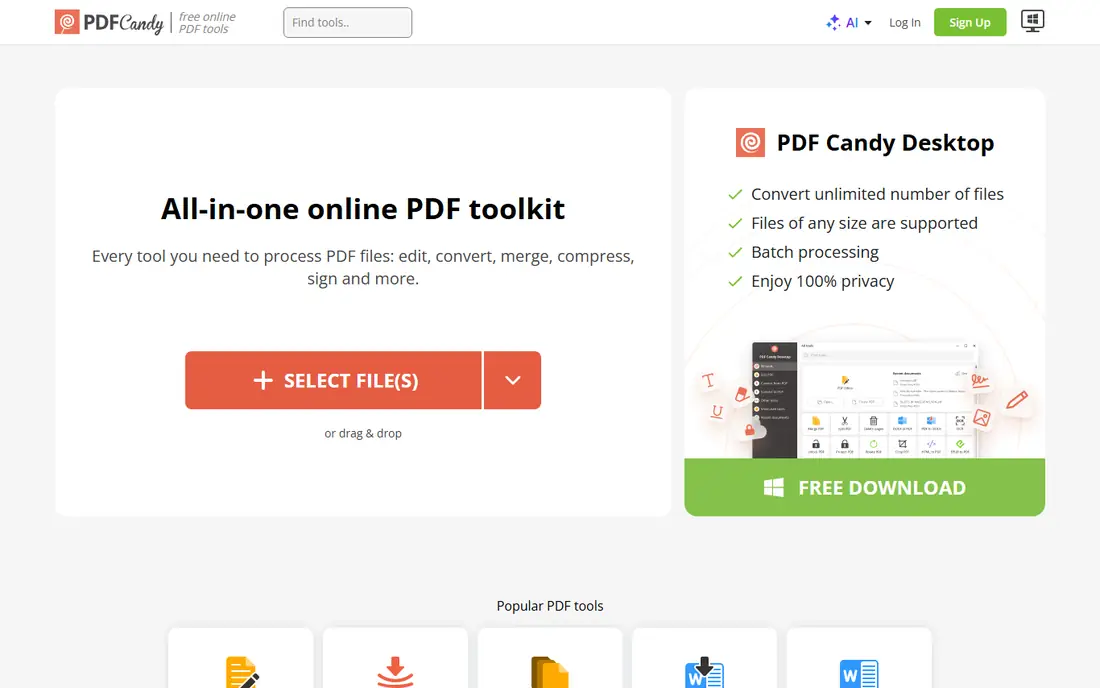
PDF Candy is a good bookmark for quick web rotation. Its rotate tool shows page previews plainly, lets you turn pages as needed, and sits inside a toolkit of more than forty PDF tools, so a rotated file can be compressed or converted next without hunting for another site. The workflow is short and the design is friendly.
Free web use carries hourly task limits and file size caps, so it suits occasional jobs rather than an office workflow. For a single sideways scan that needs fixing now, PDF Candy is fast and free.
- Simple rotate tool inside a large free toolkit
- Clear page previews
- No install needed
- Free web use has hourly and size limits
- Uploads required
AvePDF keeps rotation simple: upload, rotate, download. Its interface avoids clutter, page handling is obvious, and the wider toolkit covers compression, conversion and protection if you need them after rotating. There is nothing to install and no account hurdle for a basic job.
Like other web tools, it processes files online and free use has limits. It is best for the reader who rotates a file now and then and wants the simplest possible web page for the job.
- Straightforward rotate tool with no install
- Clean interface
- Part of a wider free toolkit
- Free use has limits
- Files are processed online
DeftPDF is useful when rotation is the first step in a longer edit. Its rotate tool handles pages individually, and the same site offers editing, merging, splitting and conversion, so a scanned report can be rotated, trimmed and compressed in one visit. The interface is clear and the steps are short.
Free task limits apply, so heavy daily use will hit a wall. For occasional users who want rotation plus a few extra tools in one free place, DeftPDF is a practical choice.
- Rotate tool inside a broad free editor
- Per-page control
- Works in any browser
- Free plan has task limits
- Uploads required for processing
PDF2Go earns its place for cloud users. If your sideways PDF already lives in Dropbox or Google Drive, you can rotate it without downloading it first, which saves a step and avoids duplicate files. Rotation covers single pages or the whole document, and the corrected file downloads cleanly.
Free size limits apply, and the tool uploads files for processing. For cloud-based readers rotating an occasional file, PDF2Go's direct drive access is a genuine convenience.
- Pulls files from Dropbox and Google Drive
- Per-page rotation
- Simple workflow
- Free file size limits
- Uploads required
RotatePDF does exactly what its name promises and little else, which is a virtue for this job. There are no menus to learn and no suite to navigate: upload, set the rotation, and download. Readers who dislike feature-packed sites will appreciate its focus.
The narrow scope means you will go elsewhere for merging or editing, and files are processed online. As a free, minimal rotator for a quick fix, though, it is hard to fault.
- Very simple single-purpose tool
- No install
- Quick for whole-document rotation
- Fewer extra features than full suites
- Web processing means uploads
PDFResizer pairs rotation with the page tools people usually need next: splitting a document, cropping pages and merging files. That grouping suits readers fixing a scanned report, where rotation is rarely the only job. The steps are plain, the tool is free in the browser, and no install is needed.
Its interface looks older than PDF Candy or AvePDF, but that has no effect on the output. For a free browser tool that rotates and then lets you tidy the document further, PDFResizer is a solid final pick.
- Rotation alongside split, merge and crop tools
- Free browser use
- Straightforward steps
- Older-looking interface
- Uploads required
How we picked these
We compared official feature pages and free plan details, judging each tool on whether rotation is genuinely free, whether pages can be turned individually, whether rotation is saved into the file, and whether free limits are reasonable for occasional use. We favoured tools that need no payment for this basic job, and we flagged upload-based processing wherever it applies. We did not claim hands-on testing, and we did not invent limits or ratings.
How to rotate a PDF for free, step by step
First, decide whether the file is private. If it is, install PDFsam Basic and rotate offline; the extra minute is worth it. If it is an ordinary file, open PDF24 or another web tool above, upload the PDF, and check which pages are sideways in the preview. Rotate only the pages that need it, rather than turning the whole document, since mixed files often combine portrait text with wide tables.
Download the new file and reopen it before sending it anywhere. That check confirms the rotation was saved rather than merely previewed. If a page still looks wrong, rotate it again in the same tool: some scans carry conflicting orientation data, and a second pass usually settles it. Keep the original until you have confirmed the fixed copy, since storage is cheap and re-scanning is not.
Why your PDF looked fine to you but sideways to someone else
Many readers let you rotate the view with a shortcut, and that change lasts only until the file closes. If you rotated the view and then sent the original file, your colleague received the unrotated version. The tools above save rotation into the file, which is why they fix the problem permanently. When in doubt, send the downloaded copy from a rotation tool, not the file you merely viewed.
Frequently asked questions
What is the best free tool to rotate a PDF?
PDFsam Basic is our pick, because it is completely free, works offline and has no daily cap. PDF24 is the best free online option if you prefer not to install anything.
Can I rotate a PDF for free without signing up?
Yes. PDF24, PDFsam Basic and several web tools above rotate PDFs without an account. Some web tools ask for an account only when free limits are reached, so an occasional user rarely meets that wall.
Can I rotate only one page of a PDF for free?
Yes. PDFsam Basic, PDF24, PDF Candy, AvePDF, DeftPDF and PDF2Go all support per-page rotation on their free offerings. Turn just the sideways pages and leave correctly oriented pages alone.
Does free PDF rotation reduce quality?
No. Rotation changes orientation data rather than re-rendering text and images, so quality stays sharp. Always reopen the downloaded file to confirm the change was saved.
Is it safe to rotate a PDF online?
For ordinary files, yes, provided you use a reputable tool that deletes uploads after processing. For confidential files, rotate offline with PDFsam Basic, since no upload means no exposure at all.
What if my PDF is too large for a free online tool?
Use PDFsam Basic, which is limited mainly by your own computer rather than a server cap. Alternatively, compress the file first, rotate it, and keep the original safe until you have checked the result.
Sources we checked (8)

Online Jobs is an independent blog about careers, online work, learning new skills and the tools that help people earn. More about us.
Keep reading
All posts
Zoom Alternatives
Zoom alternatives compared for 2026: Google Meet, Microsoft Teams, Webex, Jitsi and more for free calls, large meetings and webinars for teams and classrooms.

What Is the Best AI Dubbing Tool
We compared the best AI dubbing tools in 2026, from ElevenLabs and HeyGen to Rask AI, Dubverse and Veed, for videos and creators in many languages worldwide.
Top PDF Summary Software
Compare the top PDF summary software, from AI chat tools with page citations to research summarizers, editors and free study tools for long documents.