What Is the Best AI Dubbing Tool in 2026: 9 Tools Compared

How we put this together: we compare official feature and pricing pages, app store listings, privacy policies and public user reviews. Prices change, so check the provider's site before you pay.
Key takeaways
- ElevenLabs leads on voice quality and dubbing, with voice cloning and many languages.
- HeyGen suits creators who want lip-synced video translation with avatars.
- Rask AI suits YouTubers and educators localizing long videos into many languages.
- Dubverse suits teams that want fast, affordable dubbing with voice cloning.
- The best dubbing tool follows the video: a talking-head video needs lip sync, while a documentary needs voice quality and language range.
Quick comparison
| Name | Who it suits | Starting price | Free option | |
|---|---|---|---|---|
 ElevenLabs ElevenLabs | Voice quality and cloning | $5 per month | Yes | Visit |
 HeyGen HeyGen | Lip-synced video translation | See website | Yes | Visit |
 Rask AI Rask AI | Long video localization | See website | Free trial | Visit |
 Dubverse Dubverse | Fast affordable dubbing | See website | Free trial | Visit |
 Veed Veed | Browser-based dubbing | See website | Yes | Visit |
 Kapwing Kapwing | Creator dubbing workflow | See website | Yes | Visit |
 Maestra Maestra | Subtitles plus dubbing | See website | Free trial | Visit |
 Camb.ai Camb.ai | Enterprise dubbing | See website | No | Visit |
 Speechify Speechify | Text and video dubbing | See website | Free trial | Visit |
The best AI dubbing tools
AI dubbing tools translate spoken video into other languages with synthetic voices, sometimes syncing lips to match. The options below cover creators, educators, and enterprises. We compared official pricing pages, feature lists, and documentation to sort them by voice quality, lip sync, and language range.
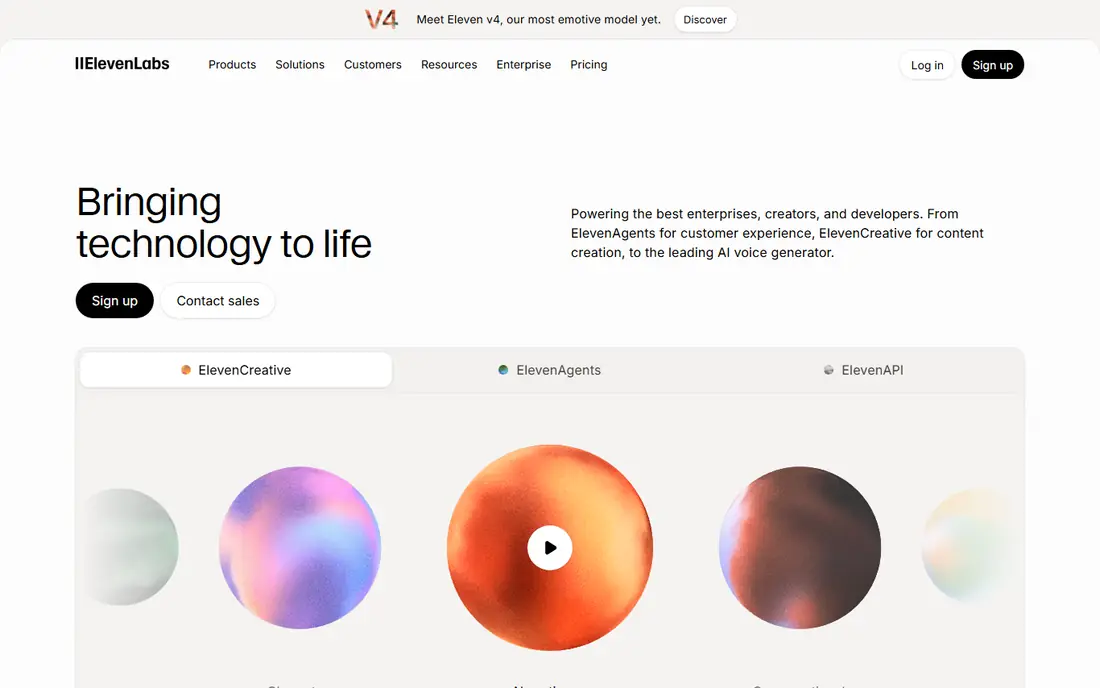
ElevenLabs leads on voice quality, with natural-sounding voices, voice cloning, and a dubbing studio that translates audio and video into many languages. Its voices handle emotion and pacing better than most rivals, making dubbed speech sound human rather than robotic. A free tier covers testing, with paid plans from 5 dollars per month.
Video lip sync is limited next to HeyGen, since ElevenLabs focuses on audio quality. For a creator who values how the dubbed voice sounds above all, ElevenLabs is the strongest choice.
- Best voice quality
- Voice cloning
- Dubbing studio with many languages
- Video lip sync is limited
- Costs scale with usage
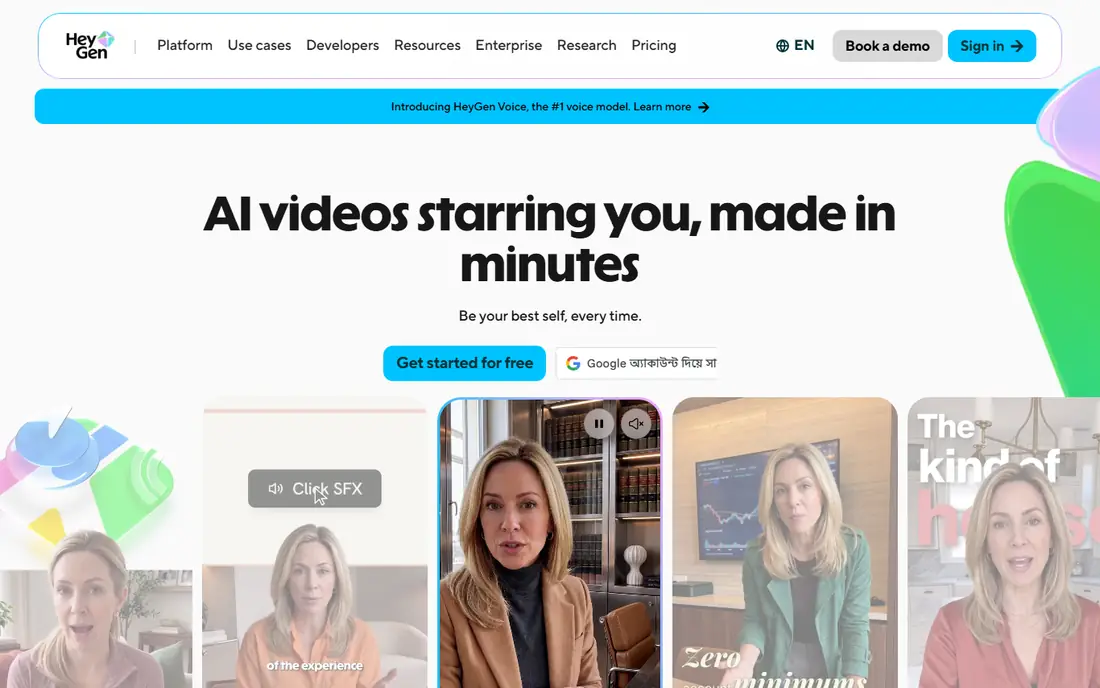
HeyGen translates videos with lip sync, so the speaker's mouth moves to match the new language, creating a more convincing dubbed video. Its avatar tools also generate presenters who speak scripts in many languages. A free tier covers testing, with paid plans priced on HeyGen's site.
Costs scale with video minutes, and avatar quality varies by model. For a talking-head video where lip sync matters, HeyGen's translation is the most convincing option.
- Lip-synced video translation
- Avatars
- Many languages
- Costs scale with video minutes
- Avatar quality varies
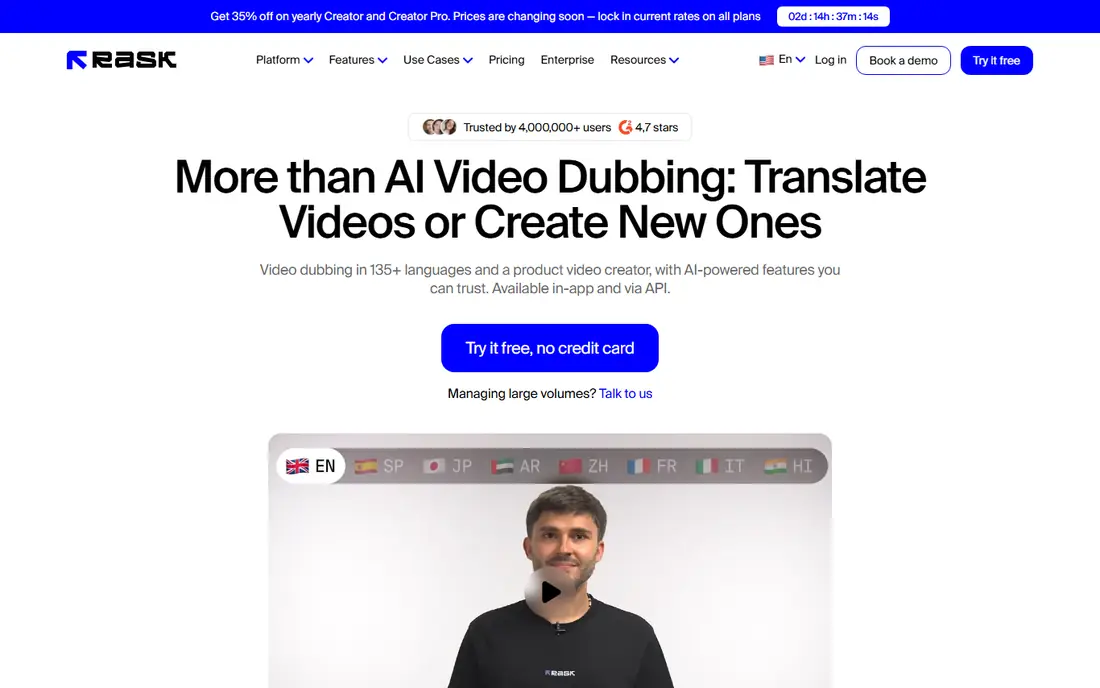
Rask AI suits YouTubers and educators localizing long videos, translating and dubbing content into many languages with voice cloning options. Its workflow handles full videos, from transcription through translation to dubbed audio, with editing tools for review. A free trial covers evaluation, with pricing listed on Rask AI's site.
Voice quality varies by language, and pricing scales with video minutes. For a creator localizing a course or channel into many languages, Rask AI's workflow is the most complete.
- Long video localization
- Many languages
- Voice cloning
- Voice quality varies by language
- Pricing scales with minutes
Dubverse offers fast, affordable AI dubbing with voice cloning and many languages, aimed at creators and teams that need quick turnaround. Its interface is simple, and its pricing suits smaller budgets, with a free trial for evaluation and plans listed on Dubverse's site.
Voice quality trails ElevenLabs on demanding material, and its brand is smaller. For a team that needs good dubbing fast at a modest price, Dubverse is a practical choice.
- Fast dubbing
- Voice cloning
- Affordable plans
- Many languages
- Voice quality trails ElevenLabs
- Smaller brand
Veed offers dubbing inside a full browser-based video editor, so creators translate, subtitle, and edit in one place without installing software. Its translation covers many languages, with voice options and subtitle tools alongside. A free tier covers basic use, with paid plans priced on Veed's site.
Dubbing is one feature among many, and voice quality varies by language. For a creator who edits and dubs in the same tool, Veed's all-in-one workflow saves time.
- Dubbing inside a full browser editor
- Subtitles and translation
- Easy for creators
- Dubbing is one feature among many
- Voice quality varies
Kapwing combines dubbing with a full creator editing suite, including templates, subtitles, and collaboration for social teams. Its dubbing translates video audio into other languages, with editing tools to polish the result. A free tier covers basic use, with paid plans priced on Kapwing's site.
Dubbing depth trails dedicated tools like ElevenLabs and Rask AI, and free exports carry watermarks. For a social team that dubs as part of a wider editing workflow, Kapwing's suite is convenient.
- Dubbing plus full creator editing
- Templates
- Collaboration
- Dubbing depth trails dedicated tools
- Free tier has watermarks
Maestra combines transcription, subtitles, and voice dubbing in one tool, suiting educators and media teams that need all three. Its AI dubbing covers many languages, with team features for review and collaboration. A free trial covers evaluation, with pricing listed on Maestra's site.
Voice quality varies by language, and the interface favors transcription workflows over pure dubbing. For a team that needs subtitles and dubbing together, Maestra's combined tool is efficient.
- Subtitles, transcription, and dubbing in one tool
- Many languages
- Team features
- Voice quality varies
- Interface favors transcription workflows
Camb.ai serves enterprises with dubbing for sports, live events, and media, including real-time translation options and many languages. Its platform suits broadcasters and leagues that need fast, scalable dubbing. Pricing is listed on Camb.ai's site.
Enterprise pricing puts it beyond solo creators. For a media company dubbing live or large-scale content, Camb.ai's enterprise focus is a genuine advantage.
- Enterprise dubbing for sports and live events
- Many languages
- Real-time options
- Enterprise pricing
- Overkill for solo creators
Speechify, known for text-to-speech reading, extends its voice library into video dubbing, letting users translate and voice videos with natural-sounding voices. Its interface is easy, and its voice range suits varied content. A free trial covers evaluation, with pricing listed on Speechify's site.
Dubbing is newer than its reading tools, and video features vary. For a Speechify user who wants dubbing inside a familiar voice tool, it is a convenient addition.
- Strong voice library
- Dubbing plus text-to-speech
- Easy interface
- Dubbing is newer than its reading tools
- Video features vary
How we picked these
We compared official pricing pages, feature lists, and documentation for AI dubbing tools that operate today. We favored tools with real dubbing features, not just text-to-speech, and we included creator, educator, and enterprise options rather than only one audience. Prices are the standard published rates from each vendor's own site, and where pricing scales with minutes we say so rather than guessing.
What to check before you choose
Start with the video type. Talking-head videos need lip sync from HeyGen, documentaries need voice quality from ElevenLabs, and long courses need Rask AI's workflow. Video type decides the shortlist faster than language counts.
Test with your own voice and language pair
Demo voices hide weak language pairs. Test dubbing with your own speaker's voice and your actual target languages, including accents and technical terms, before committing. A tool that shines in English to Spanish may struggle in your pair.
Check voice rights and disclosure
Voice cloning raises consent questions, so clone only voices you own or have permission to use, and disclose AI dubbing to audiences where required. Platforms increasingly label synthetic media, and honest disclosure protects trust with viewers.
Budget by minutes, not by month
Most dubbing tools charge by audio or video minutes, so estimate monthly minutes before comparing plans. A cheap monthly plan that covers few minutes costs more in top-ups than a larger plan. Trial minutes rarely reflect production volume.
Frequently asked questions
What is the best AI dubbing tool?
ElevenLabs is our pick for voice quality and cloning, HeyGen for lip-synced video translation, and Rask AI for long video localization. Dubverse suits fast affordable dubbing, while Veed suits browser-based editing. The best tool follows video type and language needs.
What is the best AI dubbing tool for YouTube?
Rask AI suits YouTubers localizing long videos into many languages, while ElevenLabs suits voice quality and HeyGen suits lip-synced talking-head videos. Test each with your own videos and target languages, since quality varies by language pair.
Can AI dubbing sync lips?
Yes, HeyGen offers lip-synced video translation, matching mouth movement to the new language. Other tools focus on audio dubbing without lip sync, which suits voiceovers, documentaries, and narration. For talking-head videos, lip sync makes dubbing far more convincing.
Is AI dubbing free?
ElevenLabs, HeyGen, Veed, and Kapwing offer free tiers, while Rask AI, Dubverse, Maestra, and Speechify offer free trials. Free tiers cover testing and short clips, while production dubbing needs paid plans priced by minutes or subscription. Camb.ai is enterprise-priced.
How many languages can AI dubbing tools handle?
Leading tools cover dozens of languages, with ElevenLabs, HeyGen, Rask AI, and Dubverse each supporting many major languages. Quality varies by language pair, so test your specific pair before committing. Less common languages may have fewer voice options.
Does AI dubbing sound natural?
Top tools like ElevenLabs sound close to human on many voices, while others sound flatter or more robotic, especially in less common languages. Voice cloning improves naturalness for a known speaker. Listen to samples in your target language before choosing, since demos often use the best voices.
Sources we checked (9)

Online Jobs is an independent blog about careers, online work, learning new skills and the tools that help people earn. More about us.
Keep reading
All posts
Zoom Alternatives
Zoom alternatives compared for 2026: Google Meet, Microsoft Teams, Webex, Jitsi and more for free calls, large meetings and webinars for teams and classrooms.

What Is the Best Free Tool to Rotate a PDF
What is the best free tool to rotate a PDF? We compare eight free rotation tools on per-page control, limits, privacy and saved output quality in detail.
Top PDF Summary Software
Compare the top PDF summary software, from AI chat tools with page citations to research summarizers, editors and free study tools for long documents.