What's the Best AI App for Creating Images in 2026: 9 Apps Compared

How we put this together: we compare official feature and pricing pages, app store listings, privacy policies and public user reviews. Prices change, so check the provider's site before you pay.
Key takeaways
- Midjourney still leads for striking, artistic images, while Adobe Firefly suits commercial work where licensing and brand safety matter.
- Ideogram is the best pick when an image must contain readable text, such as a poster or a logo concept.
- Leonardo AI and Canva suit creators who want ready-made styles and an easy editing flow without learning a complex tool.
- Microsoft Designer and Canva offer the gentlest free starting points for casual creators.
- Always check the commercial use terms for the plan you pay for, since free tiers often limit how images may be used.
Quick comparison
| Name | Who it suits | Starting price | Free option | |
|---|---|---|---|---|
 Midjourney Midjourney | Artistic image quality | See website | No | Visit |
 Adobe Firefly Adobe Firefly | Commercial-safe creation | See website | Yes | Visit |
 Ideogram Ideogram | Images with readable text | Free | Yes | Visit |
 Leonardo AI Leonardo AI | Styles and easy control | Free | Yes | Visit |
 DALL-E DALL-E | Chat-based image creation | See website | No | Visit |
 Flux Flux | Open and flexible models | See website | No | Visit |
 Stable Diffusion Stable Diffusion | Local and custom control | Free | Yes | Visit |
 Canva Canva | Quick social and marketing images | Free | Yes | Visit |
 Microsoft Designer Microsoft Designer | Free everyday image creation | Free | Yes | Visit |
The best AI apps for creating images
We compared image quality, text handling, editing tools, commercial terms, and what is free before a paid plan is needed.
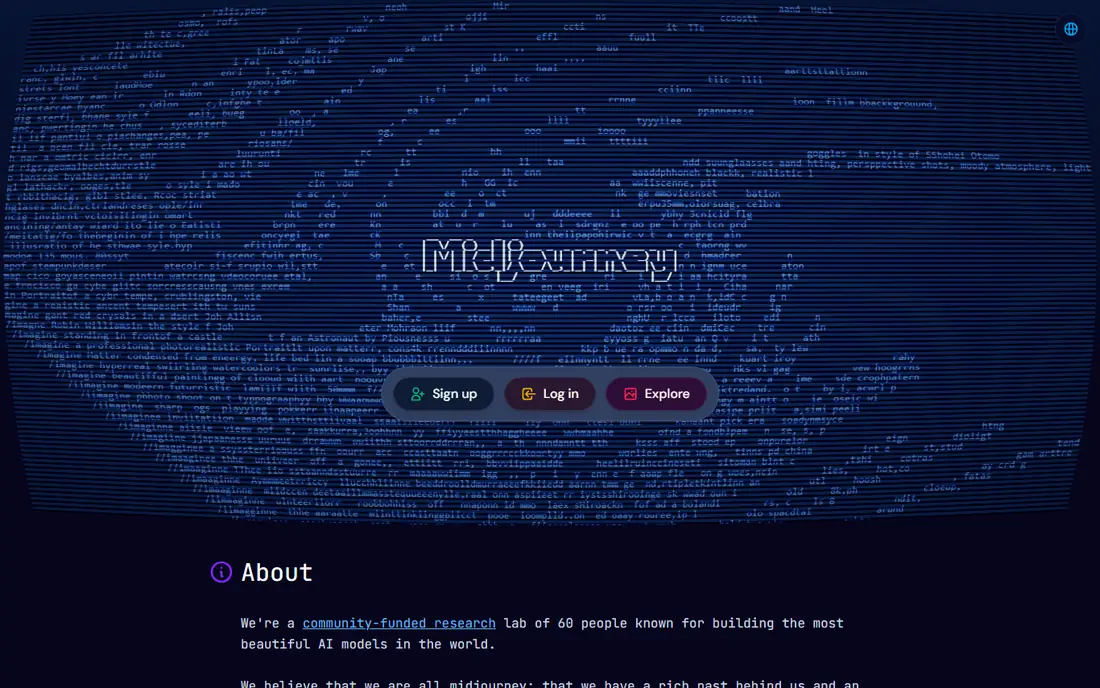
Midjourney remains the name most image creators mention first, and the output explains why. Its images have a distinctive polish and sense of style that suits illustration, concept art, and mood-driven work. Creators who care about atmosphere, lighting, and composition will find Midjourney rewarding once they learn how to prompt for the look they want. It is paid only, so casual users should try a free option first. New users may also find the setup less straightforward than a simple web app. For artists, designers, and creators who want the most striking results and are willing to pay and learn, Midjourney is still our pick.
- Distinctive, high-quality artistic output
- Strong style control
- Active community and showcase
- Paid only, with no free tier
- Works through its own interface and Discord history may confuse new users
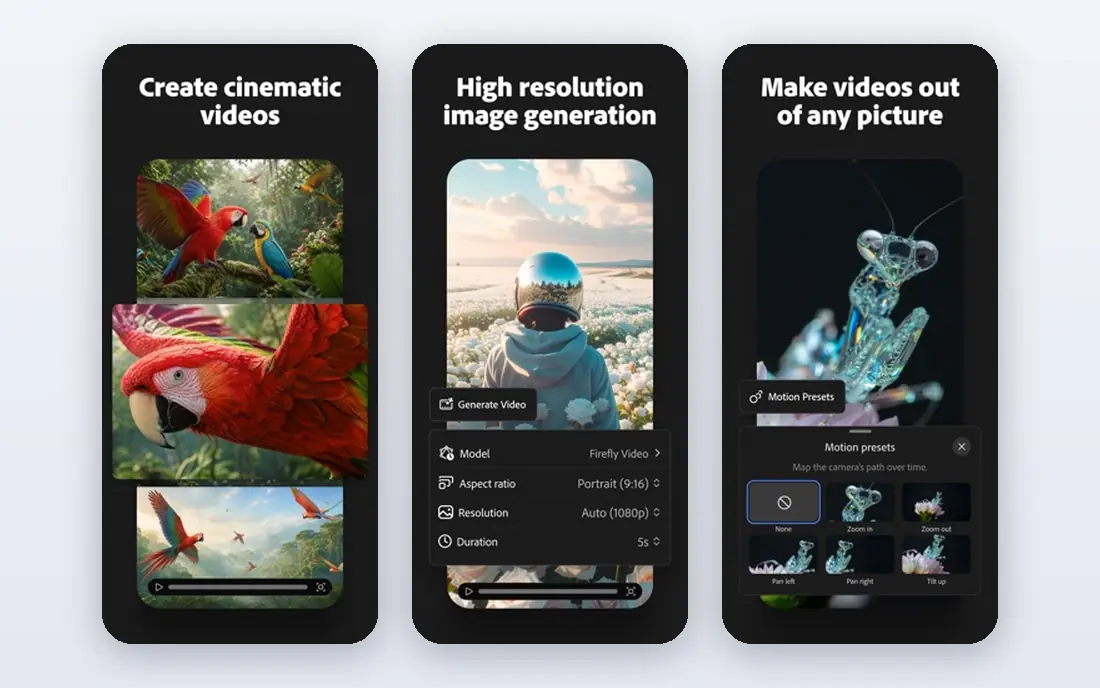
Adobe Firefly is the pick for work that will be published, sold, or used by a brand. Adobe designed it with commercial use in mind, and it integrates with Photoshop, Illustrator, and Express, so images can move straight into a design workflow. Generative fill and text-to-image tools help with practical jobs like extending a background or mocking up a concept. The style can feel more restrained than Midjourney's, and creators chasing a wild artistic look may prefer a rival. For marketing teams, small businesses, and designers who need usable, licensable images inside Adobe tools, Firefly is the safer and more practical choice.
- Built for commercial use with Adobe's licensing approach
- Integrates with Photoshop and Express
- Text and image editing tools
- Artistic range can feel more restrained than Midjourney
- Fuller features need a paid plan
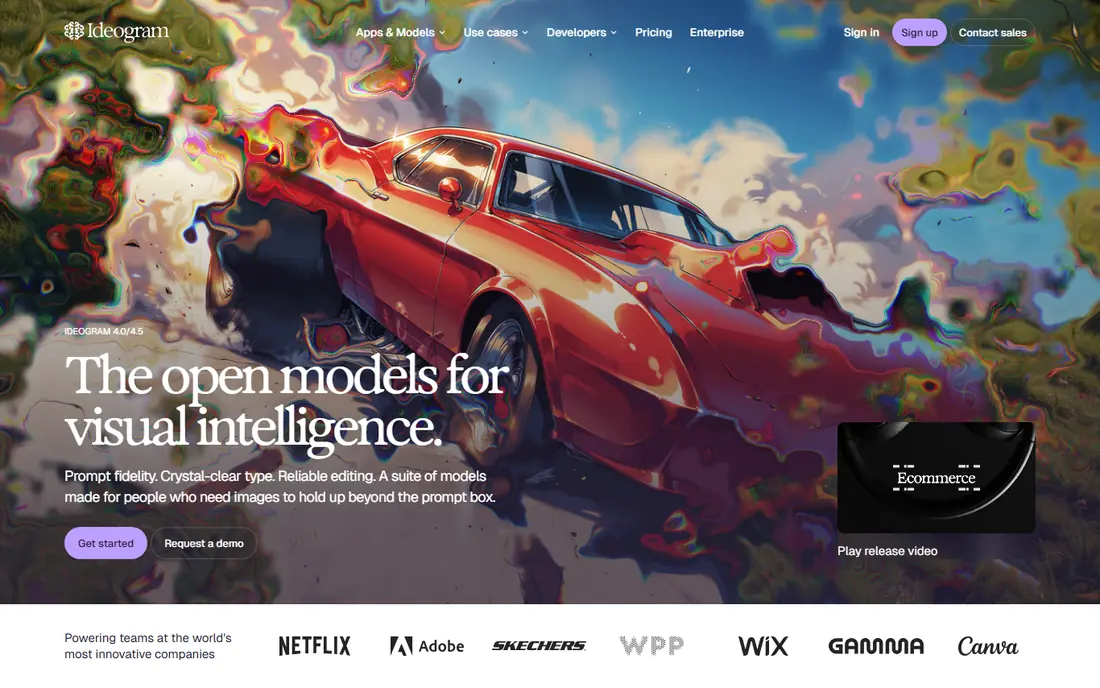
Ideogram solves the problem that frustrated early image tools: text inside an image came out garbled. Its models render words, slogans, and short phrases readably far more often than rivals, which makes it the right tool for posters, invitations, social graphics, and logo concepts. Creators who need a headline inside the image should start here. For pure illustration without text, Midjourney or Leonardo AI may offer more style range. Ideogram's free tier lets you test text rendering on your own phrases before paying, which is the right way to judge it. If your work lives or dies on readable words, Ideogram is the clear pick.
- Best-in-class readable text inside images
- Free tier to start
- Good for posters, logos, and social graphics
- Less artistic range than Midjourney for pure illustration
- Higher tiers are paid
Leonardo AI hits a useful middle ground between power and ease. Ready-made styles and models help beginners get good results without deep prompting skill, while canvas tools let more advanced users refine, extend, and combine images. The free tier with daily credits makes it easy to learn the tool before paying. Heavy users will hit the free credit limit quickly, and the best models and features sit on paid plans. Check current pricing on the site before committing. For creators who want variety, control, and a gentle learning curve in one free-to-start app, Leonardo AI is a strong all-round pick.
- Free tier with daily credits
- Many ready-made styles and models
- Canvas and editing tools for refining images
- Free credits run out fast with heavy use
- Some advanced features need a paid plan
DALL-E, accessed through ChatGPT, is the easiest way for many people to start making images with AI. You describe what you want in plain conversation, refine it with follow-up messages, and get an image without learning a separate tool. That chat flow suits writers, marketers, and small teams who need a quick concept image during other work. Advanced creators may want more style control than DALL-E offers, and access depends on an OpenAI plan, so check current terms on the site. For everyday use inside a tool many people already pay for, DALL-E is convenient and capable, and it handles detailed prompts well.
- Easy image creation through ChatGPT conversation
- Good at following detailed prompts
- Useful for quick concepts
- Access is tied to OpenAI plans
- Less style control than Midjourney for advanced creators
Flux, from Black Forest Labs, is the model family behind many newer image tools, and it earns its place on quality and flexibility. Its images show strong detail and realism, and because Flux models appear in several apps and platforms, creators can use them in the workflow they already prefer. Developers and advanced users value that flexibility. Beginners may find Flux confusing, because pricing and access depend on which app or provider serves the model. If you want a simple app, pick Canva, Leonardo AI, or Microsoft Designer instead. If you want a strong modern model inside a tool you control, Flux is worth exploring.
- Strong image quality from Black Forest Labs models
- Flexible use across apps and tools
- Good realism and detail
- Access varies by provider and plan
- Less beginner-friendly than Canva or Microsoft Designer
Stable Diffusion is the tinkerer's choice, and it offers control no closed app can match. The open models can run on your own computer, community models cover countless styles, and extensions add inpainting, upscaling, and fine-tuned training. For creators with technical skill, that freedom is unmatched, and the core models are free. That freedom comes with work. Setup takes time, good results need capable hardware or a hosted service, and quality varies with the model and settings you choose. Casual creators should start with Canva or Leonardo AI. Creators who want full control and are willing to learn will find Stable Diffusion rewarding.
- Open models that can run locally
- Huge community models and extensions
- No subscription needed for the core models
- Setup needs technical skill and capable hardware
- Results depend heavily on the model and settings chosen
Canva is the pick for creators who need a finished graphic, not just a raw image. Its AI image tools sit inside a design platform with templates, text, fonts, and layouts, so you can generate an image and turn it into a social post, flyer, or presentation without leaving the app. The free tier covers everyday needs for many small teams. Artistic image quality does not match Midjourney, and the strongest AI features need a paid plan. For marketing, social media, and classroom work, though, Canva's speed and templates matter more than pure image artistry. If your goal is a finished post rather than a gallery piece, Canva is the practical winner.
- Free image generation inside a full design tool
- Templates for social, marketing, and presentations
- Easy editing and export
- Image quality trails Midjourney for artistic work
- Best AI features need a paid plan
Microsoft Designer is the easiest free starting point for casual creators, especially those already using a Microsoft account. It turns short prompts into images and social-ready designs with templates that need little design skill. For a birthday card, a social post, or a quick blog image, it is fast and free. Style depth and control trail the specialist tools, and creators with a clear artistic vision will outgrow it. That is fine, because Designer is not trying to replace Midjourney. It is trying to give everyone a decent image in a minute, and at that job it succeeds. Start here if you are new to AI images, then move up when you need more.
- Free image creation with a Microsoft account
- Simple prompts and templates
- Good for social posts and quick ideas
- Less style depth than Midjourney or Leonardo AI
- Best features tie into Microsoft services
How we picked these
We compared official feature pages, pricing pages, app store listings, privacy policies, and public reviews, and we favored tools that are actively maintained and clear about commercial use terms. We weighed image quality, text rendering, editing tools, and ease of use, since a tool that is powerful but unusable helps no one. Prices are listed as See website where a vendor prices by plan or does not publish a clear starting rate, so confirm current pricing and commercial terms on the vendor's site before using images for business.
How to get better images from any AI app
Prompting matters more than most beginners expect, and a few habits raise quality fast.
Describe the scene, then the style
Start with the subject and setting, then add style, lighting, and mood in plain words. A prompt like a quiet bookshop at dusk, warm light, watercolor style gives the model more to work with than a single word. Add what to avoid only if the tool supports it, and keep the first version simple.
Fix text with the right tool
If an image needs words, use Ideogram or a design tool like Canva rather than fighting a model that garbles text. Generate the image, then add the headline in Canva or a design app for full control over font and placement. That two-step approach beats repeated retries in most cases.
Check the license before you publish
Free tiers often limit commercial use, and terms change by plan and provider. Read the commercial use terms for the plan you actually use, keep a record of the tool and plan for published work, and avoid generating images that copy a living artist's distinctive style or a trademarked character for commercial use.
Frequently asked questions
What is the best AI app for creating images?
Midjourney is our pick for artistic quality, Adobe Firefly for commercial work, and Ideogram for images that must contain readable text. Canva and Microsoft Designer suit casual creators who want a finished graphic quickly. The best app depends on whether you need art, marketing images, or text-heavy graphics.
What is the best free AI app for creating images?
Microsoft Designer and Canva offer the gentlest free starting points, with Ideogram and Leonardo AI close behind for creators who want more control. Stable Diffusion is free for technical users willing to set it up. Try two free options with the same prompt to see which style fits your work.
What is the best AI software for creating images with text?
Ideogram is the best pick for readable text inside images, such as posters, invitations, and social graphics. Canva is a strong second choice, because you can generate an image and add exact text in its editor. For a headline that must be perfect, adding text in a design tool beats relying on any image model alone.
Can I use AI images for commercial work?
It depends on the tool and the plan you pay for. Adobe Firefly is built with commercial use in mind, while other tools set commercial rights by plan, with free tiers often more limited. Always read the current terms for your plan on the vendor's site before using an image in a product, ad, or client project.
Is Midjourney better than DALL-E?
Midjourney usually produces more striking, artistic images with stronger style control, while DALL-E is easier to use through ChatGPT conversation and follows detailed prompts well. Artists and designers tend to prefer Midjourney, while writers and teams who want a quick concept inside ChatGPT prefer DALL-E. Try both with the same brief if you can.
Do I need a powerful computer to create AI images?
No, for most apps on this list. Midjourney, Firefly, Ideogram, Leonardo AI, Canva, and Microsoft Designer all run in the cloud, so a basic laptop or phone is enough. Stable Diffusion is the exception, since running it locally needs capable hardware. Cloud tools are the right default for most creators.
Sources we checked (9)

Online Jobs is an independent blog about careers, online work, learning new skills and the tools that help people earn. More about us.
Keep reading
All posts
Best AI Photo Generator Apps
We compared the best ai photo generator app options for art, posters, and social posts, covering free plans, pricing, text handling, and commercial use.
Best AI Image Generation Tools
Looking for the best ai image generation tools in 2026? We compare 8 leading options on price, text handling, commercial use, ease of use and free plans.

Zoom Alternatives
Zoom alternatives compared for 2026: Google Meet, Microsoft Teams, Webex, Jitsi and more for free calls, large meetings and webinars for teams and classrooms.