WeTransfer Alternatives in 2026: 8 Options Compared


Most people needing storage plus sharing · Starting price: See website
How we put this together: we compare official feature and pricing pages, app store listings, privacy policies and public user reviews. Prices change, so check the provider's site before you pay.
Key takeaways
- Google Drive is our pick for most people, because it combines large free storage with sharing, collaboration and familiar apps.
- Dropbox suits users who want simple sharing, reliable sync and a polished experience across devices.
- Smash and TransferNow are strong choices for sending large files without an account, when you just need a quick link.
- Send Anywhere fits direct device-to-device transfers with a simple code, rather than a stored link.
- MASV is the best pick for video and media professionals who regularly send very large files and need delivery tracking.
Quick comparison
| Name | Who it suits | Starting price | Free option | |
|---|---|---|---|---|
| Google Drive | Most people needing storage plus sharing | See website | Yes | Visit |
 Dropbox | Simple sharing and reliable sync | See website | Yes | Visit |
 Send Anywhere | Direct transfers with a code | See website | Yes | Visit |
 Smash | Large files without an account | See website | Yes | Visit |
 Filemail | Large files with tracking | See website | Yes | Visit |
 TransferNow | Quick large transfers with a link | See website | Yes | Visit |
 pCloud | Storage with lifetime options | See website | Yes | Visit |
 MASV | Professionals sending huge media files | See website | Free trial | Visit |
The best wetransfer alternatives
WeTransfer is popular because it lets you send a large file with a link and no account, but it is not the only way to move big files. Some alternatives give you more storage, longer link expiry, better tracking or stronger controls, while others keep the same simple link workflow. We compared official product pages and pricing information for file transfer and storage tools that are live in 2026.
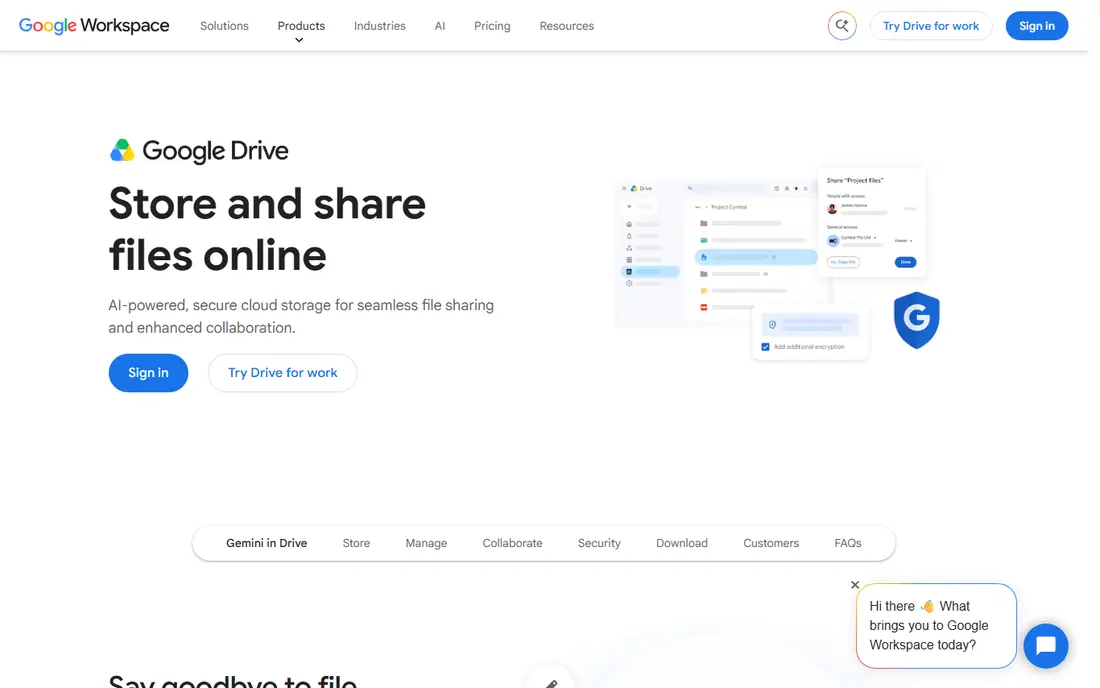
Google Drive is our pick for most people because it does more than a one-off transfer. You can store files, share them with a link or specific people, set view or edit permissions, and collaborate on documents in the same place. The free tier gives a useful amount of storage, and paid plans add more space when you need it.
The main limit is that free storage is shared across Gmail, Photos and Drive, so heavy users can fill it faster than expected. Upload speed also depends on your connection, which matters for very large video files. For everyday sharing, client work and team files, though, Google Drive is the most versatile WeTransfer alternative.
- Free storage tier with sharing and collaboration
- Easy links with permission controls
- Works well with Gmail, Docs and other Google apps
- Free storage is shared across Google services
- Large files still need upload time and bandwidth
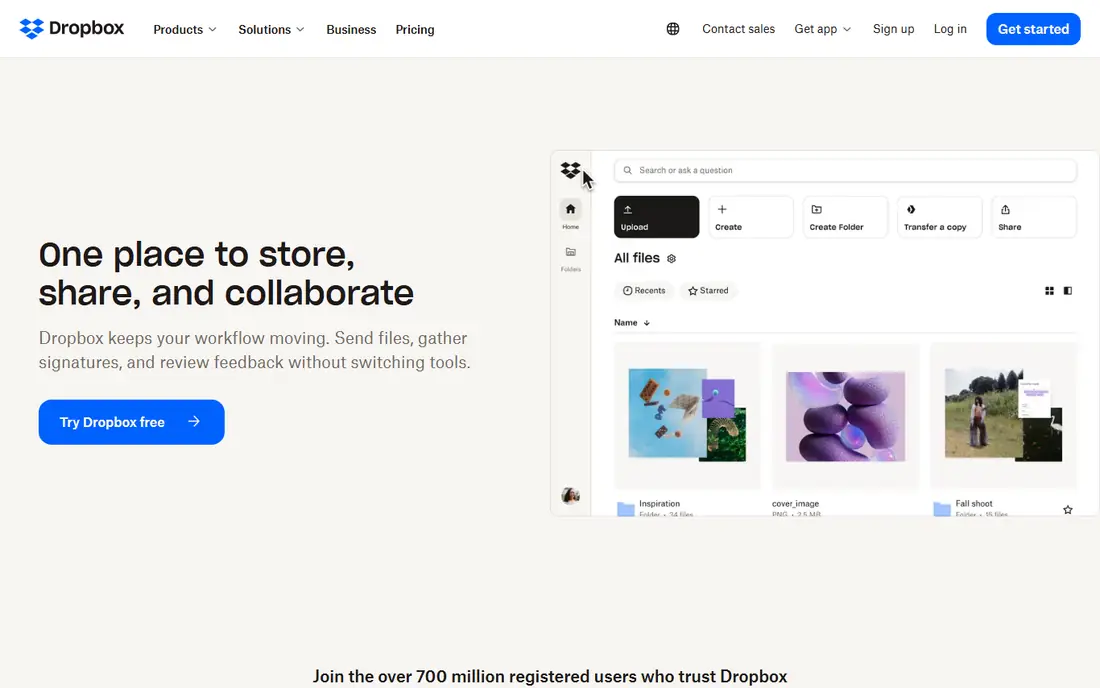
Dropbox has long been the simple choice for sharing files. You can share a file or folder with a link, control who can view or edit it, and use Dropbox Transfer to send files without giving access to a folder. Sync across devices is reliable, which helps teams that work on the same files from several computers.
Free storage is more limited than Google Drive, so users with large libraries will likely need a paid plan. Advanced link expiry and password controls also sit on paid plans. If you value a clean sharing experience and dependable sync over the largest free allowance, Dropbox is a strong pick.
- Simple sharing with link controls and expiry on paid plans
- Reliable sync across computers and phones
- Transfer feature for sending files without sharing a folder
- Free storage is smaller than some rivals
- Paid plans needed for larger storage and controls
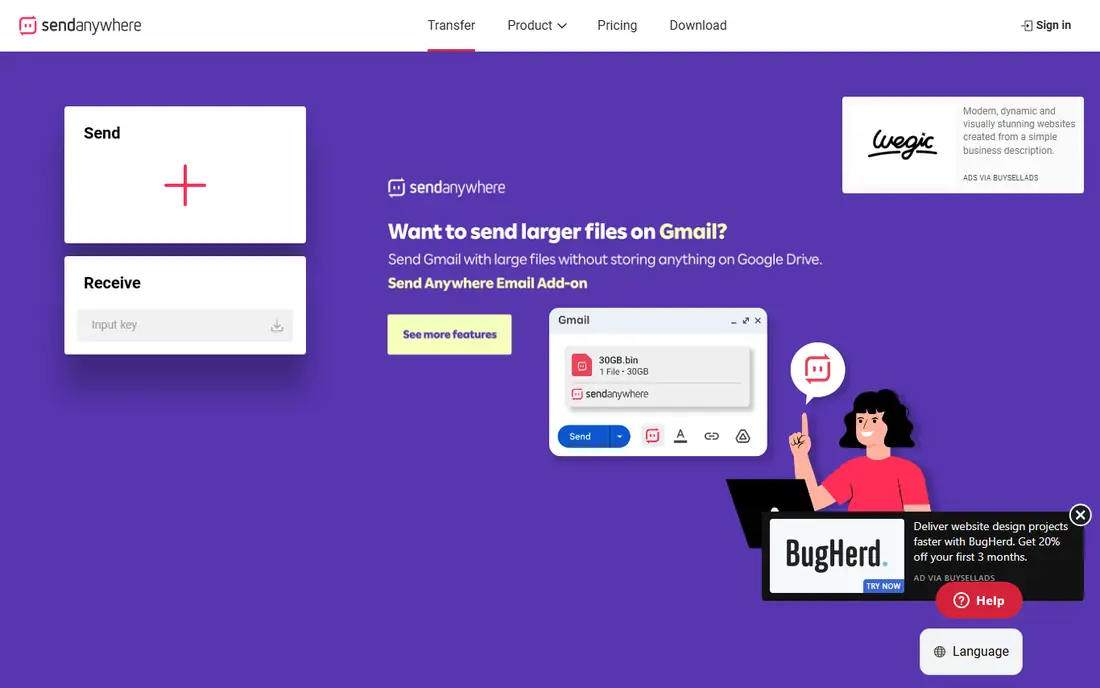
Send Anywhere takes a different approach from link-based tools. You select files, get a short code, and enter that code on the receiving device to start the transfer. That direct model suits sending files to a colleague in the same session, or moving files between your own phone and computer, without storing them on a shared link.
The trade-off is that it is less suited to sending a link that someone opens days later. For a quick, direct transfer, though, the code system is fast and easy to explain. If you often hand files to someone in real time, Send Anywhere is a handy alternative to WeTransfer.
- Simple code-based transfer between devices
- No account needed for basic transfers
- Apps for phones, computers and browsers
- Transfers are direct rather than long-lived links
- Large transfers still depend on connection speed
Smash is the closest match to WeTransfer for users who just want to send a big file quickly. You can upload files and share a link without creating an account, and recipients can preview many file types before downloading. That simplicity makes it easy for clients and collaborators who do not want another login.
Free links do not last forever, so check the availability period before you send an important file, and use a paid plan if you need longer access, password protection or custom branding. For a fast, no-account transfer of a large file, Smash is one of the best options on this list.
- Send large files without an account on the free tier
- Simple link sharing with preview options
- Paid plans add longer availability and customization
- Free link availability is limited in time
- Advanced controls require a paid plan
Filemail is built for sending large files with tracking, so you can see when a recipient downloads your files. It offers web, desktop and mobile sending, and business plans add longer storage, more controls and team features. For professionals who need proof of delivery, that tracking is a practical advantage over a plain link.
The interface is more functional than stylish, which matters little for most work transfers. Free transfers have lower limits than paid plans, so check the current free file size before sending a very large project. If tracking and large files matter more than looks, Filemail is a solid choice.
- Large file transfers with delivery tracking
- Desktop and mobile apps for sending
- Business plans with longer storage and controls
- Interface is functional rather than polished
- Free limits are lower than paid plans
TransferNow is another straightforward WeTransfer alternative. You upload files, get a link, and share it with recipients, without needing an account for basic sends. Paid plans raise file size limits, extend availability and add branding and password options for professional use.
As with Smash, free transfers have limits on size and how long links stay live, so check those details for important deliveries. TransferNow does not try to be a full storage and collaboration suite, and that focus is its strength for quick sends. If you want a simple link workflow with larger limits than a basic free tier, it is worth trying.
- Simple link transfers for large files
- No account needed for basic sends
- Paid plans add more size, storage and customization
- Free transfer limits and expiry apply
- Fewer collaboration features than Drive or Dropbox
pCloud is a cloud storage service that also works well for sharing. You store files, share them with links, set passwords and expiry on paid plans, and access everything from computers and phones. Its lifetime plans appeal to users who prefer a one-time payment over a monthly subscription, though you should compare the total cost carefully.
The sharing flow is a little less instant than a pure transfer tool, since files live in your storage first. That is fine for ongoing client work, but less ideal for a single urgent send to a stranger. If you want storage plus sharing in one place, with a lifetime option, pCloud is a good alternative.
- Cloud storage with sharing and link controls
- Lifetime plan options for long-term users
- Apps for computers, phones and browsers
- Sharing workflow is less instant than a transfer tool
- Lifetime plans need careful comparison with subscriptions
MASV, formerly Massive, is built for media professionals who send huge files every week. It handles large video, audio and project files with fast transfer, delivery tracking and automation options, plus portals where clients can send files to you. For a video team delivering finished projects or raw footage, that reliability and tracking matter more than a free tier.
Casual users will find it more than they need, and pay-as-you-go pricing can add up if you send large files constantly. Compare the cost per transfer with a storage subscription before committing. For professional media delivery, though, MASV is the strongest specialist option on this list.
- Built for very large video and media files
- Fast transfer with delivery tracking and automation
- Team and client portal features
- Pay-as-you-go pricing can add up for frequent large sends
- More tool than a casual user needs
How we picked these
We compared official product pages and pricing information for file transfer and storage tools that are live in 2026 and that serve the same job as WeTransfer: getting large files to another person reliably. We included storage suites, simple link tools, a direct transfer app and a professional media tool, because different users need different strengths. We favored tools with clear free limits, link controls and delivery options, and we left out tools that have closed or that only work inside one narrow ecosystem.
We did not claim hands-on transfer testing, and we did not invent file size limits, speeds or prices. Where a vendor does not publish a simple starting price, we wrote See website, since free limits and paid tiers change often. Check the current limits, expiry and security options on the vendor site before sending sensitive or very large files.
How to choose a WeTransfer alternative
The right tool depends on whether you need a one-off link, ongoing storage or professional delivery tracking.
Match the tool to the job
For a single quick send, Smash, TransferNow or Send Anywhere keep things simple. For ongoing client work, Google Drive, Dropbox or pCloud give you storage, permissions and version history. For regular huge media files, MASV offers speed and tracking that general tools cannot match.
Check size, expiry and security
Confirm the maximum file size, how long the link stays live, and whether you can add a password or set an expiry date. For sensitive files, prefer a tool with password protection and permission controls, and avoid sharing links publicly. Also confirm that the recipient can download without creating an account, if that matters for your audience.
Watch your storage and bandwidth
Large files take time to upload and download, and cloud storage fills up faster than expected. Check your remaining storage before a big project, and use a transfer tool rather than a storage share when you only need a one-time delivery. That habit keeps your storage free for work you actually need to keep.
Frequently asked questions
What are the best alternatives to WeTransfer?
Google Drive and Dropbox are the best all-round alternatives, because they combine storage with sharing and permission controls. Smash and TransferNow are closer to WeTransfer for quick link sends without an account, while Send Anywhere suits direct transfers. MASV fits media professionals who send very large files regularly.
What is the best free alternative to WeTransfer?
Smash and TransferNow offer free large transfers without an account, while Google Drive and Dropbox offer free storage tiers with sharing. The best free choice depends on file size and how long the link needs to stay live, so check the current free limits before you send an important file.
Can I send large files for free?
Yes, several tools on this list offer free large transfers, but free tiers have limits on file size, link expiry and features. For a very large or sensitive file, a paid plan may be needed for a larger limit, longer availability or password protection. Check the vendor pricing page for the current free limit before you rely on it.
What is the best alternative to WeTransfer for video files?
For large video files, MASV is the strongest specialist choice, because it is built for media delivery with tracking and automation. Smash, Filemail and TransferNow also handle large video transfers well for occasional sends. Google Drive and Dropbox work for video too, especially when you also need storage and collaboration.
Is Google Drive better than WeTransfer?
Google Drive is better when you need storage, collaboration and permission controls alongside sharing, while WeTransfer is simpler for a one-off link send. If you already use Google apps, Drive keeps files, sharing and editing in one place. If you only need to send a file once to someone without an account, a transfer tool such as Smash may feel simpler.
Sources we checked (8)

Online Jobs is an independent blog about careers, online work, learning new skills and the tools that help people earn. More about us.
Keep reading
All posts
Zoom Alternatives
Zoom alternatives compared for 2026: Google Meet, Microsoft Teams, Webex, Jitsi and more for free calls, large meetings and webinars for teams and classrooms.

What Is the Best Free Tool to Rotate a PDF
What is the best free tool to rotate a PDF? We compare eight free rotation tools on per-page control, limits, privacy and saved output quality in detail.

What Is the Best AI Dubbing Tool
We compared the best AI dubbing tools in 2026, from ElevenLabs and HeyGen to Rask AI, Dubverse and Veed, for videos and creators in many languages worldwide.