Best Webflow Alternatives in 2026: 8 Tools Compared

How we put this together: we compare official feature and pricing pages, app store listings, privacy policies and public user reviews. Prices change, so check the provider's site before you pay.
Key takeaways
- Framer is the closest direct alternative for design-led marketing sites and landing pages.
- Wix and Squarespace suit small businesses that want an all-in-one site without learning CSS logic.
- WordPress suits blogs and content-heavy sites that need plugin choice and hosting control.
- Shopify suits stores, while Carrd suits single-page sites at a very low cost.
- Bubble suits web apps, not brochure sites, so pick it only when you need app logic.
Quick comparison
| Name | Who it suits | Starting price | Free option | |
|---|---|---|---|---|
 Framer | Design-led marketing sites | $10 per month | Yes | Visit |
 Wix | All-in-one small business sites | See website | Yes | Visit |
 Squarespace | Polished portfolios | $19 per month | Free trial | Visit |
 WordPress | Blogs and content sites | Free | Yes | Visit |
 Shopify | Online stores | $29 per month | Free trial | Visit |
 Carrd | Single-page sites | See website | Yes | Visit |
 Duda | Agency client sites | $19 per month | Free trial | Visit |
 Bubble | Web apps and MVPs | $29 per month | Yes | Visit |
The best webflow alternatives
Webflow gives designers precise visual control and a strong CMS, but it also asks for CSS knowledge and locks hosting to the platform. The alternatives below trade some of that control for speed, simplicity, lower cost or app features. Pick by site type first, since a store, a blog and a web app need different tools.
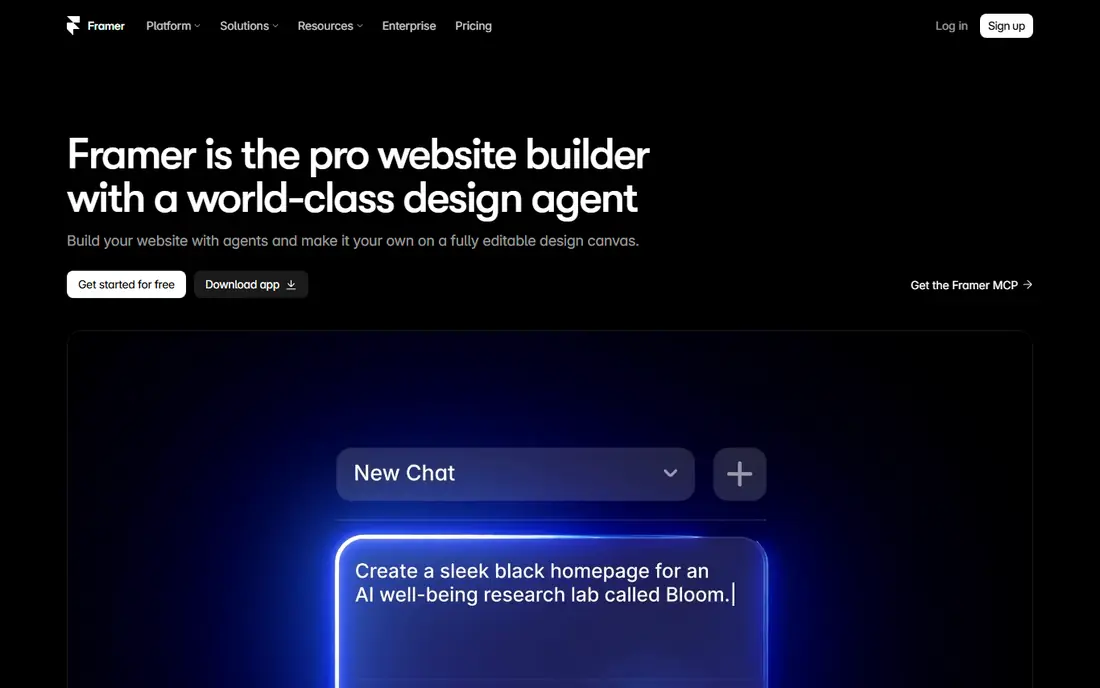
Framer is the most direct Webflow alternative for designers. The canvas feels like Figma, animations are built in, and hosting and publishing are included, so you can go from design to a live landing page quickly. For startup sites, portfolios and marketing pages, that speed is a real advantage. The free plan lets you design a full site before you pay, though a custom domain needs a paid plan. Paid plans raise page, collection and CMS limits, so check those caps if you plan a blog with many posts. For a site of 10 to 30 pages, Framer is often faster than Webflow. The limit is CMS depth. Webflow still handles larger, more complex content structures more comfortably, and Framer caps CMS items on lower plans. If your site is mainly marketing pages with a small blog, Framer fits well. If it is a large content hub, WordPress or Webflow may suit you better.
- Figma-like canvas
- Native animations
- Hosting included
- Fast publishing
- CMS limits on lower plans
- Less suited to very large content sites
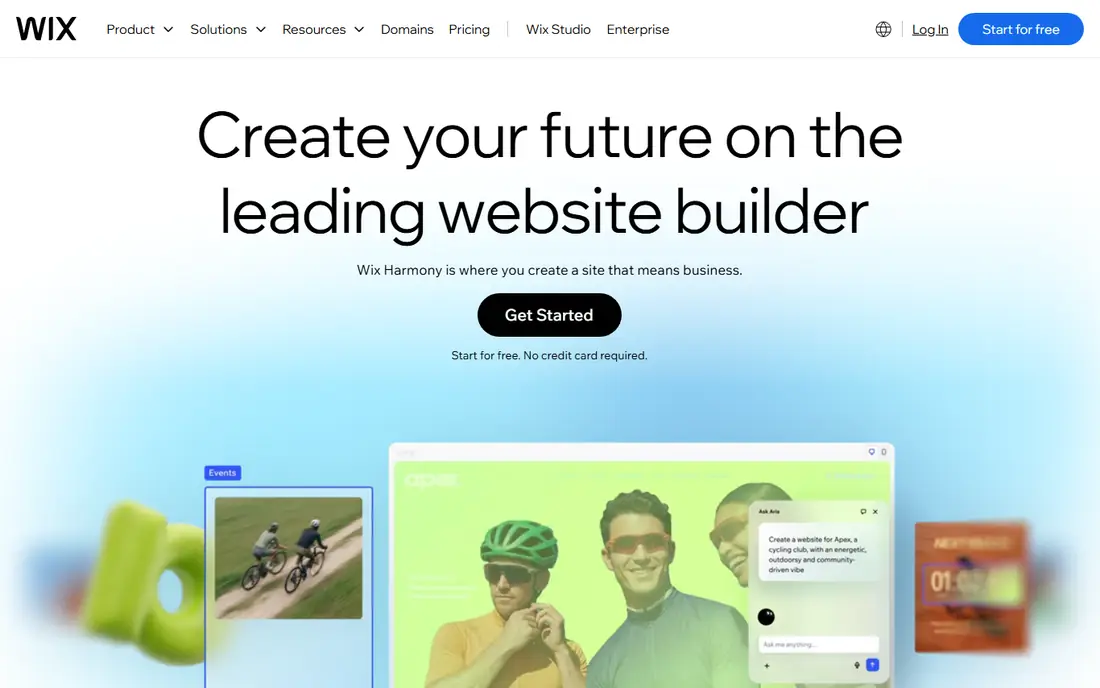
Wix suits small businesses that want a site, bookings, events and basic e-commerce in one place. The template library is large, the editor is drag-and-drop, and built-in apps cover many common needs without extra plugins. Wix Studio adds agency features for teams that build client sites. The free plan lets you test the editor with Wix branding and a subdomain, while paid plans add a custom domain and remove ads. That low-risk start helps owners who are unsure about site builders. For a simple business site, Wix gets you live faster than a code-heavy platform. The downside is control. Wix does not offer the same precise layout control or code export as Webflow, and costs can rise as you add apps. For a complex design-led site, Framer or Webflow fits better. For a practical business site, Wix is a strong all-in-one choice.
- Large template library
- Built-in business apps
- Wix Studio for agencies
- Less design precision than Webflow
- Costs rise with apps and features
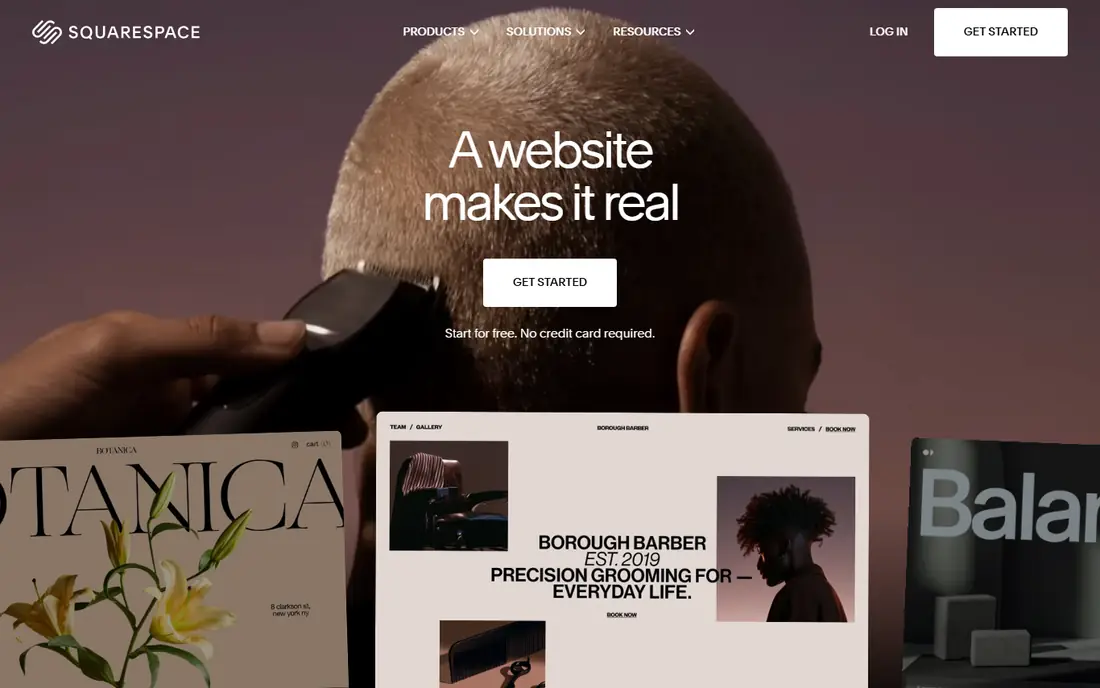
Squarespace suits creatives, portfolios and small stores that want a polished site without design work. Templates are curated and consistent, so a site looks good with less effort than a blank canvas tool. Blogging, commerce, scheduling and email tools sit in the same account, which keeps management simple. The editor is gentler than Webflow, since you work within template sections rather than CSS logic. That trade-off helps owners who want a good site quickly and do not need pixel-level control. AI-assisted setup can also generate a starting site from a short questionnaire. The limit is flexibility. Squarespace templates constrain layout more than Webflow or Framer, and there is no lasting free plan, only a trial. If you need deep custom design or a large CMS, look elsewhere. If you need a beautiful site fast, Squarespace is hard to beat.
- Curated templates
- Polished design out of the box
- Built-in commerce and blogging
- Less customisation than Webflow
- No free plan, only a trial
WordPress is the most flexible alternative, and the best choice for blogs and content-heavy sites. The core software is free and open source, and the plugin ecosystem covers SEO, membership, multilingual sites, forms and e-commerce through WooCommerce. Almost any developer can work on a WordPress site. Hosting choice is another plus. You can pick a host that fits your budget and traffic, move hosts if needed, and own your code and database. That ownership contrasts with closed builders, where moving a site often means rebuilding it. For a high-volume blog or media site, WordPress is often the right long-term choice. The trade-off is maintenance. Updates, backups, security and performance are your responsibility, or your host and agency must handle them. Too many plugins can slow a site, so you need discipline about what you install. If you want a hands-off builder, Wix or Squarespace will feel easier.
- Open source
- Huge plugin ecosystem
- Hosting choice
- Any developer can help
- Maintenance and security are your job
- Performance depends on host and plugins
Shopify is the best Webflow alternative when selling is the main job. Product pages, checkout, payments, shipping, discounts and inventory are built in, and the app store covers marketing, reviews and fulfilment. For a store, that depth beats a general builder with commerce added on. Themes are polished and mobile-ready, and the platform handles hosting, security and updates for you. That managed setup lets store owners focus on products and marketing rather than site maintenance. A short trial lets you test the store setup before you pay. The limit is content flexibility. Shopify content pages are more constrained than Webflow or WordPress, so a content-heavy marketing site may feel limited. Transaction fees and app costs also add to the monthly bill. If your site is mainly a store, Shopify wins. If it is mainly content, pick a content tool first.
- Full e-commerce features
- Payments and shipping tools
- Large app store
- Content pages are more constrained
- Costs rise with apps and transaction fees
Carrd is the cheapest real alternative for a single-page site. You can build a landing page, portfolio, link page or simple business page in minutes, with a clean editor and responsive design. Paid plans are priced per year at a low level, which makes Carrd ideal for a personal site or a campaign page. The free plan covers basic single-page sites, and paid plans add custom domains, forms and more features. For a freelancer who needs a simple online presence, Carrd often beats paying monthly for a full builder. The site loads fast, since the page is simple by design. The limit is obvious: Carrd builds one page, not a multi-page site with a blog and CMS. If you need more pages, a store or a large content structure, Carrd will not fit. Use it for a focused page, and pick a full builder when the site grows beyond one page.
- Very low cost
- Fast single-page sites
- Simple editor
- One page only
- Not suited to blogs or large sites
Duda is built for agencies and freelancers who build sites for clients. Client management, white-label branding, team permissions and site comments sit inside the platform, so an agency can manage many client sites from one dashboard. That workflow saves time compared with managing separate accounts on a consumer builder. The editor is fast and responsive, with templates for local businesses, restaurants and service firms. Widgets cover common needs like bookings, reviews and maps, which helps agencies deliver practical sites quickly. A trial lets agencies test the client workflow before committing. The downside is brand familiarity. Duda is less well known than Wix or Squarespace, and its template range is smaller. Clients may ask for a platform they already know. If you build client sites at volume, Duda workflow tools matter more than brand name. If you build one site for yourself, a consumer builder is simpler.
- Client management tools
- White-label options
- Fast agency workflow
- Less known than Wix or Squarespace
- Template range is smaller
Bubble is different from the other picks, because it builds web apps, not just websites. You can design pages, build a database, set up user accounts and create workflows without writing code. That makes Bubble a strong choice for an MVP, an internal tool, a marketplace or a simple SaaS product. The free plan lets you learn the platform and build a prototype before you pay. Paid plans add custom domains, more capacity and collaboration features. For founders who need app logic, Bubble can replace a small development team for an early version. The catch is fit and learning curve. Bubble logic takes time to learn, and a simple brochure site does not need its power. Performance and cost also depend on workload and capacity, so check pricing for your expected usage. Pick Bubble for an app, and pick Framer, Wix or Squarespace for a standard site.
- Visual app building
- Database and workflows
- No-code MVP speed
- Learning curve for app logic
- Not ideal for simple brochure sites
How we picked these
We reviewed official feature pages, pricing pages, documentation and public reviews for each platform. We focused on editor control, CMS depth, e-commerce, hosting, free plans and total cost, rather than only template style. Where pricing varied by billing cycle, region or plan, we used See website instead of a single figure. We checked that each platform is still sold and working in 2026 and truly offers a website or app alternative to Webflow, not just a design tool with no live hosting. Tools that only prototype designs, with no published site, did not make the list. Confirm current pricing on the vendor site, since builders change plans often.
How to choose by site type
Map your site type before you compare features. A landing page needs speed and design control, so Framer or Carrd fits. A small business site needs bookings, contact and basic commerce, so Wix or Squarespace fits. A blog needs a strong CMS and plugin choice, so WordPress fits. A store needs checkout and inventory, so Shopify fits. An app needs database and workflows, so Bubble fits. Next, check migration cost. Moving a site later often means rebuilding pages, redirecting URLs and moving content by hand. Pick a platform you can stay with for at least two years, and check export options before you build. A cheap start that forces a rebuild in six months is not cheap. Finally, test the editor with a real page, not just a template preview. Build a homepage, add a blog post or product, connect a domain test, and check mobile layout. That one-hour test reveals editor friction, CMS limits and pricing gaps faster than any feature list.
Count the full cost, not just the plan price
Add domain, apps, transaction fees, maintenance and your time to the monthly plan price. WordPress may look free, but hosting and maintenance add cost. A managed builder may look costly, but it includes hosting and updates. Compare the full yearly cost for your actual site, not just the headline plan.
Frequently asked questions
What is the best Webflow alternative?
Framer is the best direct alternative for design-led marketing sites, while Wix and Squarespace are best for simple business sites. WordPress is best for blogs, Shopify is best for stores, and Carrd is best for single-page sites. The best choice depends on your site type, not on a single ranking.
Is Framer better than Webflow?
Framer is faster and easier for landing pages and small marketing sites, with a Figma-like canvas and built-in animations. Webflow is better for large CMS sites, precise interactions and code export. If you need CMS depth and CSS control, Webflow still wins. If you need speed, Framer wins.
What is the cheapest Webflow alternative?
Carrd is the cheapest for a real single-page site, with a low yearly price. WordPress core is free, though you pay for hosting. Framer, Wix and Bubble all offer free plans to start, but a custom domain usually needs a paid plan.
Can I move my Webflow site to another platform?
You can move content and rebuild pages on another platform, but there is no one-click migration that preserves Webflow design exactly. Export content where possible, plan URL redirects, and rebuild pages in the new editor. Budget time for design and testing, not just content transfer.
Is WordPress better than Webflow for SEO?
Both can rank well when set up correctly, since SEO depends on content, site speed, structure and links, not only on the platform. WordPress offers more SEO plugins and hosting control, while Webflow offers clean code and built-in SEO controls. Pick the platform you can maintain well, since maintenance affects SEO over time.
Do I need to know code to use these alternatives?
No, most alternatives on this list are visual builders that do not require code for a standard site. Framer and Webflow benefit from design knowledge, while WordPress benefits from basic maintenance skills. Bubble needs logic skills for app workflows, even though it does not require traditional coding.
Sources we checked (8)

Online Jobs is an independent blog about careers, online work, learning new skills and the tools that help people earn. More about us.
Keep reading
All posts
ZoomInfo Alternatives
The best ZoomInfo alternatives in 2026, compared on price, free plans, data coverage, and which tool fits small teams or large sales teams best in detail.

Workday Alternatives
We compared the best workday alternatives for HR, payroll, and global hiring, from BambooHR and Gusto to Rippling, Deel, and HiBob for growing teams in 2026.

Which SaaS Tools Have the Best Customer Support
Which SaaS tools have the best customer support? Compare eight popular tools on help centres, live help, response options and overall support quality.