Visio Alternatives in 2026: 8 Tools Compared

How we put this together: we compare official feature and pricing pages, app store listings, privacy policies and public user reviews. Prices change, so check the provider's site before you pay.
Key takeaways
- Lucidchart is our pick for most teams leaving Visio, because it combines a large template library, real-time collaboration, and Visio file import and export.
- Diagrams.net, formerly draw.io, is the best free alternative, with full diagramming in the browser at no cost and no paid tier locking core features.
- Miro suits workshops and brainstorming first, with diagramming as one part of a larger whiteboard, while SmartDraw suits automatic formatting and enterprise workflows.
- Creately, Gliffy, yEd, and EdrawMax cover smaller budgets, Atlassian users, automatic layout fans, and all-in-one diagram libraries respectively.
- The best choice depends on whether you need team collaboration, offline desktop work, Visio file compatibility, or a free tool for occasional diagrams.
Quick comparison
| Name | Who it suits | Starting price | Free option | |
|---|---|---|---|---|
 Lucidchart | Team diagramming | $9 per month | Yes | Visit |
 Diagrams.net | Free diagramming | Free | Yes | Visit |
 Miro | Whiteboarding and workshops | $8 per month | Yes | Visit |
 SmartDraw | Automatic formatting | $9.95 per month | No | Visit |
 Creately | Visual planning | $5 per month | Yes | Visit |
 Gliffy | Atlassian users | See website | Free trial | Visit |
 yEd Graph Editor | Automatic layout | Free | Yes | Visit |
 EdrawMax | All-in-one diagrams | See website | Yes | Visit |
The best visio alternatives
Microsoft Visio is powerful, but it is Windows-focused, paid per user, and less friendly for real-time collaboration than modern web tools. These eight alternatives cover free diagramming, team collaboration, and specialized layout work, so you can leave Visio without losing the diagrams your team relies on.
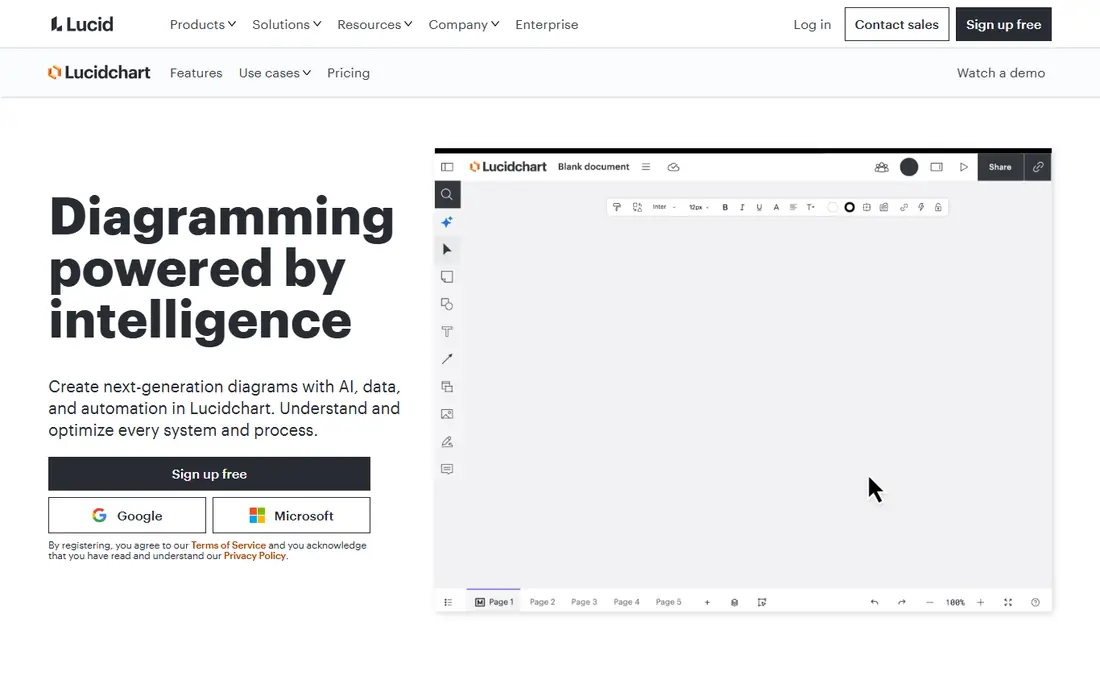
Lucidchart is the closest direct replacement for Visio for most teams. It covers flowcharts, org charts, UML, network diagrams, and process maps, with templates that speed up common work. Real-time collaboration lets several people edit the same diagram, comment, and track changes, which Visio desktop does not handle as smoothly. Visio import and export also help a team migrate existing files without redrawing everything from scratch.
The free plan is useful for trying the tool, but it limits you to a small number of editable documents and shapes per document, so real work quickly needs a paid plan. Individual plans start lower than the team price we list, while team plans start at $9 per user per month billed annually in the figures we found. Lucidchart also works best online, so teams that need full offline desktop diagramming should check that limit. For a team that diagrams together every week, Lucidchart is our top pick.
- Large template and shape libraries
- Real-time collaboration
- Visio import and export
- Free plan limits editable documents and shapes
- Advanced features need team plans
- Offline use is limited
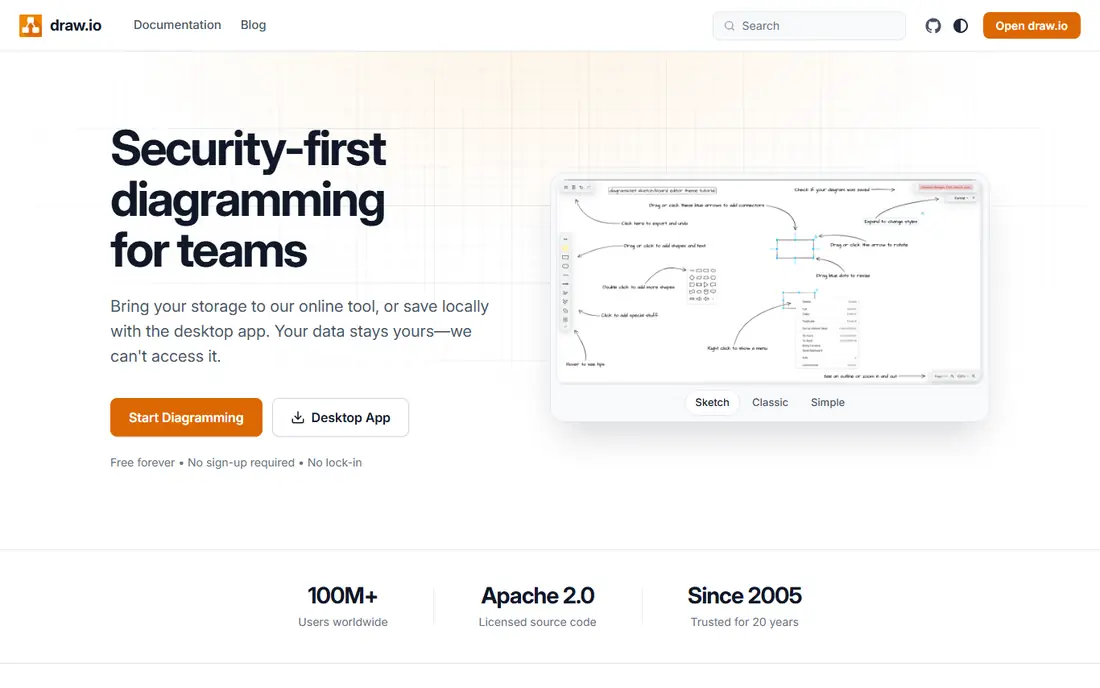
Diagrams.net, formerly known as draw.io, is the free alternative we recommend first. The web app, desktop app, and editor extensions cost nothing, and every shape library and export format is available without a subscription. You can save diagrams to Google Drive, OneDrive, GitHub, or local storage, which suits developers and small teams who want version control rather than a hosted workspace. For occasional flowcharts, network diagrams, and architecture sketches, it is hard to justify paying for another tool.
The trade is collaboration and polish. Shared editing is more basic than Lucidchart or Miro, and the interface feels functional rather than modern. Template guidance is also thinner, so beginners may need to build diagrams from shapes more often. Those limits matter less for technical users who value file control and zero cost. If budget is the main factor, start with Diagrams.net and only move to a paid tool if your team needs live collaboration or advanced admin controls.
- Completely free for web and desktop use
- No core features locked behind a paywall
- Saves to Google Drive, OneDrive, or local files
- Collaboration is basic compared with Lucidchart
- Interface is functional rather than polished
- Fewer guided templates than paid rivals

Miro is a whiteboard first and a diagramming tool second, which makes it ideal for workshops, brainstorming, and agile planning. Teams can add sticky notes, flowcharts, mind maps, and diagrams on one infinite canvas, and everyone can edit live during a meeting. Templates cover retrospectives, user journeys, org design, and many other workshop formats, so a facilitator can start a session in minutes. For remote teams that plan together, Miro is often more useful than a strict diagramming app.
Precision is the weakness. Miro diagrams are shape-based and flexible, but they lack the strict modeling, data linking, and export controls of Lucidchart or SmartDraw. There is also no true offline mode, and version control for technical diagrams is limited. The Starter plan starts at $8 per user per month billed annually in the figures we found, while the free plan limits you to a small number of boards. Choose Miro if collaboration and workshops matter most. Choose Lucidchart or Diagrams.net if precise technical diagrams matter most.
- Infinite canvas for workshops
- Strong real-time collaboration
- Huge template library for brainstorming and planning
- Diagramming is less precise than dedicated tools
- No true offline mode
- Version control is limited for technical diagrams
SmartDraw stands out for automatic formatting. When you add or move shapes, the diagram rearranges lines, spacing, and alignment for you, which saves time on complex org charts and floor plans. The template library covers business, engineering, and facilities diagrams, and integrations with Microsoft 365, Google Workspace, and Confluence help teams embed diagrams where they already work. For enterprise workflows that need consistent, professional-looking diagrams, SmartDraw is a strong Visio replacement.
The drawbacks are price and learning curve. There is no free plan, and the individual price we found is $9.95 per user per month billed annually, so a large team should budget carefully. Advanced features also take time to learn, especially for users who only need simple flowcharts. SmartDraw suits teams that produce many polished diagrams and value automatic layout. For occasional diagrams, Diagrams.net or Creately will cost far less.
- Intelligent formatting that keeps diagrams tidy
- Large template library
- Integrations with Microsoft 365, Google Workspace, and Confluence
- No free plan
- Higher learning curve for advanced features
- Price is per user and adds up for large teams
Creately combines diagramming with visual project planning, which suits cross-functional teams that want diagrams and task views in one place. You can build flowcharts, org charts, and entity diagrams on an infinite canvas, add data fields to shapes, and switch to kanban or timeline views for planning work. The free plan lets small teams try the core features, and paid plans start at $5 per user per month billed annually in the figures we found, which is lower than Lucidchart and Miro.
Performance on very large diagrams can lag, and offline use is limited, so teams that work on huge technical diagrams should test with a real example before committing. Diagramming depth for strict UML and BPMN work is also below dedicated modeling tools. Creately is best for teams that plan visually and want one canvas for diagrams, projects, and collaboration, rather than a pure technical modeling tool. For that use case, its price and flexibility are attractive.
- Infinite canvas with data fields
- Templates for flowcharts, org charts, and project planning
- Kanban and timeline views alongside diagrams
- Can lag on very large diagrams
- Offline use is limited
- Advanced diagramming depth is below Lucidchart for some use cases
Gliffy is the natural Visio alternative for teams that live in Atlassian tools. Its Confluence and Jira integrations let you embed diagrams directly in pages and issues, so documentation and diagrams stay together. The editor is simple and drag-and-drop, which helps non-technical users create flowcharts, network diagrams, and org charts without learning a complex modeling tool. For a Confluence-heavy team, that integration saves more time than a slightly larger template library elsewhere.
Pricing is the reason we list Gliffy as See website, because Atlassian app pricing varies by hosting type and user count, and standalone pricing changes over time. The template library is also smaller than Lucidchart, and advanced UML and BPMN modeling is more limited. Gliffy suits Atlassian teams that want diagrams inside their existing workspace. Teams that do not use Confluence or Jira will get more value from Lucidchart or Diagrams.net.
- Strong Confluence and Jira integration
- Simple drag-and-drop editor
- Good for teams already using Atlassian tools
- Pricing varies by Atlassian tier and user count
- Template library is smaller than Lucidchart
- Advanced modeling features are limited
yEd Graph Editor, from yWorks, is a free desktop tool that excels at automatic layout for large graphs. If you import a network, a dependency graph, or a complex flowchart, yEd can arrange it cleanly with algorithms that paid tools do not always match. It runs on Windows, Mac, and Linux, and it exports to common image and document formats. For analysts, engineers, and researchers who work with large graphs, yEd is a hidden gem that costs nothing.
The interface feels dated, and collaboration is limited compared with web tools, since yEd is mainly a desktop app for one user at a time. Business templates for org charts and process maps are also thinner than Lucidchart or SmartDraw. yEd is best as a specialist tool for automatic layout, alongside a collaboration tool if your team needs shared editing. For a single user who needs clean layouts for complex graphs, it is one of the best free options available.
- Free desktop app
- Powerful automatic layout algorithms
- Good for large graphs and network diagrams
- Interface feels dated
- Collaboration is limited
- Fewer business templates than paid tools
EdrawMax aims to cover almost every diagram type in one tool, from flowcharts and org charts to floor plans, electrical diagrams, and mind maps. That breadth suits users who need many diagram types and do not want to learn a separate tool for each one. Desktop and online versions give flexibility for offline work and sharing, and newer plans add AI-assisted diagram generation for common structures. A free tier lets you try the core editor before paying.
Pricing varies by subscription length and plan, which is why we list it as See website here, so check the current annual or semi-annual price for the features you need. The interface packs in many options and can feel busy at first, and real-time collaboration is less smooth than Lucidchart or Miro. EdrawMax suits a solo user or small team that needs many diagram types in one affordable tool. For large team collaboration, Lucidchart remains the smoother choice.
- Very large diagram library covering many types
- Desktop and online versions
- AI diagram features on some plans
- Pricing varies by plan and billing period
- Interface can feel busy
- Collaboration is less smooth than Lucidchart or Miro
How we picked these
We compared official pricing pages, feature pages, and public Visio alternative guides, and we checked Visio file compatibility, collaboration features, and offline support. We favored tools that are actively maintained, that cover flowcharts and org charts at minimum, and that fit different budgets, from free to team-priced. We excluded tools that only make mind maps or only make whiteboards without diagramming, because a Visio replacement should handle structured diagrams.
We did not migrate a full Visio library through each tool, since import results vary by file complexity. Instead, we weighed published import and export support, template libraries, and collaboration features. Prices change with billing terms and user counts, so the starting prices above reflect figures found during research in October 2026. Always confirm the current price, free plan limits, and Visio import support on the vendor site before you migrate a team.
How to choose and migrate from Visio
Start by listing the diagram types your team actually makes. A team that mainly makes flowcharts and org charts has different needs from a team that makes UML, BPMN, and network diagrams. Check that your chosen tool supports those types well, not just as shapes, and test Visio import with your most complex file, not just a simple flowchart. That test reveals formatting problems early, before you commit a whole library.
Next, decide how your team collaborates. If several people edit diagrams live, choose Lucidchart or Miro. If one person owns each diagram and shares a finished version, Diagrams.net or yEd may be enough and far cheaper. Also decide whether offline desktop work matters. Web tools need a connection, while Diagrams.net desktop, yEd, and EdrawMax desktop versions work offline, which matters for travel or secure environments.
Finally, migrate in phases. Move one project or team first, keep Visio files as backups, and train users on templates and sharing before you cancel Visio licenses. Set naming and folder rules for the new tool, since a shared workspace without structure quickly becomes messy. A phased move reduces disruption and lets you compare the new tool with real work, not just a demo.
Frequently asked questions
What are the best Visio alternatives?
Lucidchart is the best all-around Visio alternative for teams, Diagrams.net is the best free alternative, and Miro is best for workshops and brainstorming. SmartDraw suits automatic formatting, while Creately, Gliffy, yEd, and EdrawMax cover planning, Atlassian integration, automatic layout, and all-in-one diagram types.
What are the best Visio alternatives online?
Lucidchart, Diagrams.net, Miro, and Creately all work well online, with browser editors and sharing links. Diagrams.net is free online, while Lucidchart and Miro offer free tiers with limits. Check offline needs too, since web tools generally require a connection for full editing.
Is there a free alternative to Visio?
Yes, Diagrams.net is completely free for web and desktop diagramming, and yEd Graph Editor is free for desktop automatic layout. Lucidchart, Miro, Creately, and EdrawMax also offer free tiers, though with limits on documents, boards, or shapes. For occasional diagrams, a free tool is usually enough.
Can I open Visio files in these alternatives?
Lucidchart and SmartDraw offer Visio import, and Diagrams.net can open Visio files in many cases, though complex formatting may need cleanup. Always test import with your most complex file before migrating a library. Keep original Visio files as backups until you confirm the imported diagrams look correct.
Which Visio alternative is best for Mac users?
Lucidchart, Diagrams.net, and Miro all work well on Mac through the browser, which avoids Visio's Windows focus. yEd and EdrawMax also offer Mac desktop versions. If you need offline Mac diagramming, check the desktop version for your chosen tool before you buy.
Sources we checked (8)

Online Jobs is an independent blog about careers, online work, learning new skills and the tools that help people earn. More about us.
Keep reading
All posts
Zoom Alternatives
Zoom alternatives compared for 2026: Google Meet, Microsoft Teams, Webex, Jitsi and more for free calls, large meetings and webinars for teams and classrooms.

Which Software Is Best for PDF Page Removal
Which software is best for PDF page removal? We compare free and paid tools for deleting pages quickly, safely, and without harming your file in this guide.

Which Software Is Best for Data Entry
Compare the best data entry software for forms, OCR scanning, and spreadsheets, with free plans, pricing, and honest limits for each tool before you commit.