Best Vercel Alternatives in 2026: 8 Platforms Compared

How we put this together: we compare official feature and pricing pages, app store listings, privacy policies and public user reviews. Prices change, so check the provider's site before you pay.
Key takeaways
- Netlify is our pick for most teams leaving Vercel, thanks to flat team pricing, forms and a mature dashboard.
- Cloudflare Pages is the best pick for high traffic static sites, because static bandwidth is unmetered on its free plan.
- Render and Railway are the best picks when your app needs a server and a database, not just a front end.
- Free plans differ sharply on commercial use, build limits and bandwidth, so read the terms before you move a business site.
- Price your real workload, not the headline price, because seats, credits and overage charges change the monthly total.
Quick comparison
| Name | Who it suits | Starting price | Free option | |
|---|---|---|---|---|
 Netlify | Most teams leaving Vercel | $20 per month | Yes | Visit |
 Cloudflare Pages | High traffic static sites | $5 per month | Yes | Visit |
 Render | Full stack apps with databases | See website | Yes | Visit |
 Railway | Fast full stack deploys | $5 per month | No | Visit |
 Fly.io | Apps close to users worldwide | See website | No | Visit |
 GitHub Pages | Simple static sites and docs | Free | Yes | Visit |
 Coolify | Self hosted control | Free | Yes | Visit |
 DigitalOcean App Platform | Simple cloud apps | See website | Yes | Visit |
The best vercel alternatives
Vercel is excellent for Next.js, but its per seat price, usage charges and Hobby limits push many teams to look elsewhere. The platforms below cover the main reasons people move: lower cost, flat team pricing, unmetered bandwidth, or a server plus a database in one place.
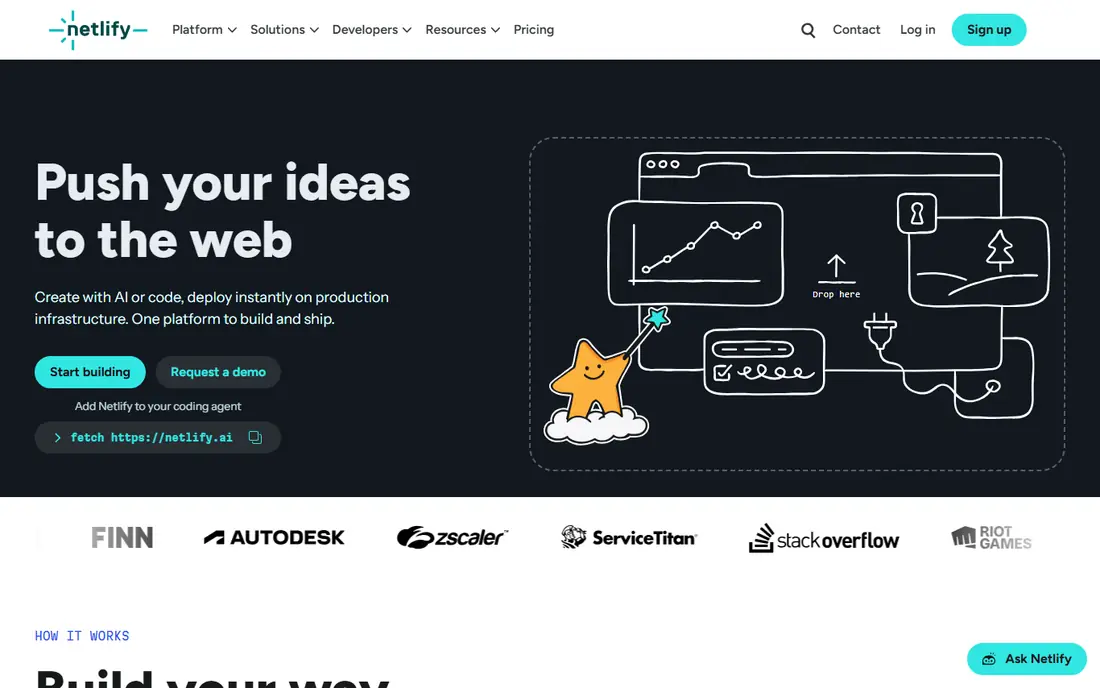
Netlify is our pick for most teams because it feels closest to Vercel without per seat billing on Pro. You connect a Git repo, push, and get a deploy with a preview link for each pull request. Forms, identity and serverless functions are built in, so a marketing site with a contact form does not need a separate forms vendor. That bundled set is the main reason Netlify wins for small marketing and docs teams.
The catch is credits. Netlify Pro is listed at $20 per month, and usage is counted in credits for builds, bandwidth and functions. A site that fits comfortably in the credit allowance is good value, but a site with heavy traffic or many deploys can burn credits faster than expected. Check your first month of usage in the dashboard, set alerts where offered, and compare the credit cost with Cloudflare for a high traffic static site.
- Flat Pro price for a team
- Built in forms and identity
- Mature deploy previews
- Credit model needs care at scale
- Bandwidth overage can add up
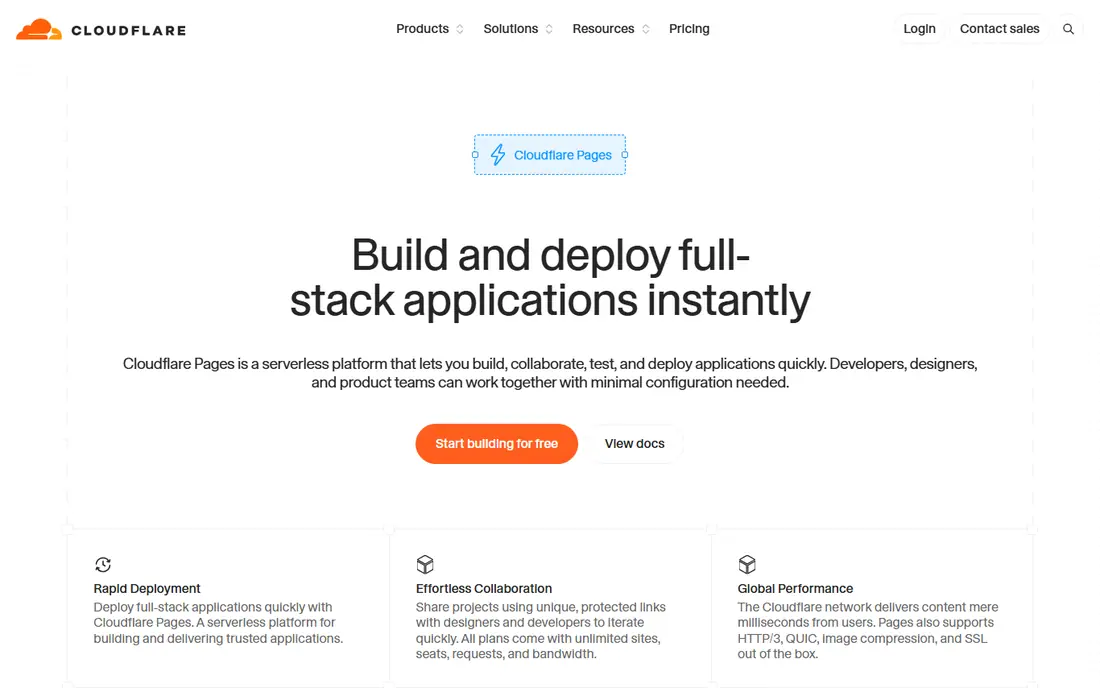
Cloudflare Pages is the best pick if bandwidth is your main cost. Static asset egress is unmetered, so a docs site or marketing site that goes viral does not face the same bandwidth bill shock as a metered host. The free plan covers many static sites, and Workers Paid is listed at $5 per month for dynamic requests. If you already use Cloudflare for DNS, the setup is even simpler.
The trade-off is runtime. Your server side code must run on the Workers runtime, and some Next.js features need an adapter such as OpenNext. That is workable for many apps, but it is extra setup compared with Vercel's native Next.js support. Test your app on Pages early, especially server actions, image optimisation and middleware, before you commit to a move.
- Unmetered static bandwidth
- Large global network
- Workers for dynamic code
- Server code must run on Workers
- Next.js needs an adapter for some features
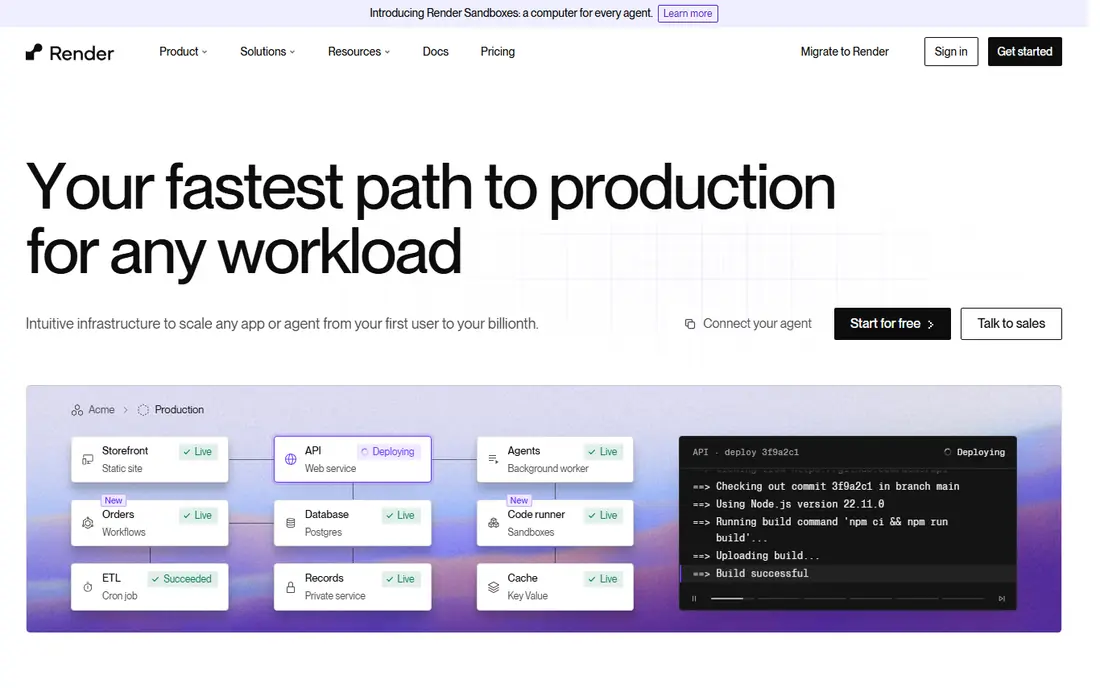
Render suits a team whose app is more than a front end. You can host a web service, a managed Postgres database, a background worker and a cron job from one dashboard, with Git deploys and preview environments. That single place view helps when Vercel alone is not enough and you do not want to stitch together three vendors. Pricing is per service, so you can see what each part costs.
Free services sleep after 15 minutes of inactivity and take about a minute to wake, so free Render is for demos and tests, not for a live user facing app. Check the current starter price on the Render pricing page before you budget, because paid tiers are needed for always on services and managed databases. For a small full stack app with low traffic, Render plus a starter database is often cheaper than a Vercel Pro seat plus a separate database.
- Web services, databases and cron jobs in one place
- Clear pricing per service
- Free services sleep after inactivity
- Paid tiers needed for always on apps
Railway is a good pick for developers who want to ship a full stack app fast. Connect a repo, add a Postgres or Redis service from a template, and deploy. The dashboard shows services, variables and logs in one view, and the usage model means you pay for what you run. For a side project that needs a server and a database, Railway often feels quicker than setting up a virtual server by hand.
The honest catch is the free tier. Railway offers a $5 trial credit for 30 days, not a lasting free tier, and then a Hobby plan starts at $5 per month plus usage. That is still low for a small app, but it is not free forever. Set a budget alert, watch database and compute usage in the first month, and compare the total with Render for the same workload. Railway wins on speed and templates, not on a free plan.
- Fast deploys from Git
- Databases and templates
- Usage based pricing
- No lasting free tier, only a trial credit
- Costs can rise with usage
Fly.io is the pick when your app must run close to users in many places, or when you need more control than a front end host gives. You deploy a container as a machine, pick regions, and scale machines up or down. That model suits APIs, real time apps and apps with persistent storage needs that do not fit a serverless front end host. Developers who like infrastructure control will feel at home here.
The trade-off is effort. Fly.io needs more setup than a Git push host, and recent terms for new users require a card with no lasting free allowance, so check the current pricing page before you start. It is not the best first host for a simple static site. It is a strong host for a team that knows what it runs and wants regions, machines and control in one platform.
- Runs apps in many regions
- Good for stateful and edge apps
- Flexible machines
- More setup than Netlify or Vercel
- No free allowance for new users in recent terms
GitHub Pages is our pick for a simple static site, a project page or documentation. If your code already lives on GitHub, publishing is a few settings clicks, with a custom domain and SSL included. There is no server to manage, no build credit to track for a basic site, and no monthly bill for a public repo site. For an open source docs site, it is hard to beat on simplicity and cost.
The limits are firm. GitHub Pages serves static files only, so it cannot run server code, handle forms on its own, or host a database. It is also not the right host for a large commercial app that needs previews, rollbacks and team controls at scale. Use it where static fits, and pair it with a separate service for forms or dynamic parts if you need them. For a personal site or docs, that pairing is often enough.
- Free for public repos
- Simple Git workflow
- Custom domains and SSL
- Static only
- No server code, forms or databases
- Not for large commercial apps
Coolify is the pick if you want Vercel style deploys without paying a host per seat or per unit of usage. It is open source and self hosted, so you install it on your own server, connect Git repos, and deploy apps, databases and services from its dashboard. The software itself is free, and you pay only for the server you run it on. That control appeals to teams with privacy needs or a cheap virtual server they already manage.
The catch is responsibility. You run, update, secure and back up the server, and an outage is yours to fix. Coolify does not remove server work, it organises it. If you are comfortable with a virtual server and Docker, Coolify can cut hosting bills sharply. If you want someone else to handle uptime and security, a managed host such as Netlify or Render is a better fit.
- Self hosted, open source
- Deploys many app types
- No per seat hosting fee
- You run and secure the server
- Updates and backups are your job
DigitalOcean App Platform suits a team that already uses DigitalOcean or wants a simple path from code to a cloud app. You connect a repo, pick an app size, add a managed database if needed, and deploy. It covers web services, workers and static sites, with a dashboard that is simpler than a full cloud console. For a small team that wants cloud hosting without learning a large cloud platform, that simplicity helps.
Check the current pricing page before you budget, because App Platform pricing varies by instance size and by whether you add a database. Static sites have a free tier, while paid apps start at a low monthly price per component. The front end experience is less polished than Vercel or Netlify, with fewer built in marketing site extras. If you need forms, identity or edge features out of the box, Netlify may fit better. If you need a straightforward cloud app, App Platform is a solid choice.
- Simple app deploys
- Managed databases available
- Clear cloud pricing
- Less front end polish than Vercel or Netlify
- Pricing varies by app size
How we picked these
We compared official pricing pages, docs and free tier terms, and we weighted three things: fit for the workload, total cost at a realistic size, and migration effort. We looked at Next.js support, static hosting, server and database options, preview deploys and bandwidth terms. We did not claim hands-on testing for every platform, and prices and free tier terms change often, so check the vendor pricing page and terms before you move a live site. A platform that is cheapest for a static site can be costly for a server heavy app.
How to move without breaking your site
Start by listing what your Vercel project actually uses. Note the framework, server functions, image optimisation, middleware, redirects, environment variables and any database or third party service. That list decides the shortlist, because a static site, a Next.js app and a full stack app need different hosts. Do not pick on price alone, because a missing feature can cost more in rework than the hosting saving.
Test with a preview, not a cutover
Deploy a copy to the new host first, with a preview link, and test the pages that matter most: home, pricing, signup, checkout and any dynamic page. Check redirects, headers, forms and image loading, and test on mobile. Keep Vercel live until the new deploy passes those checks. Then move DNS, watch logs for a day, and keep a rollback plan in case traffic or errors spike.
Price the workload you will have in six months
Free tiers are for starting, not for scaling. Estimate visitors, bandwidth, build minutes and function calls for a busy month, then price that month on each shortlisted host. Include seats, credits and any separate database or forms cost. A host with a $5 entry price can still cost more than a $20 flat price if usage charges stack up. Set spend alerts on day one, and review the first bill line by line.
Frequently asked questions
What are the best alternatives to Vercel?
Netlify is our pick for most teams, Cloudflare Pages is the best pick for high traffic static sites, and Render or Railway are the best picks for full stack apps with a database. GitHub Pages suits simple static sites, and Coolify suits self hosting. The best alternative depends on your framework, your server needs and your traffic.
Is Netlify cheaper than Vercel?
It can be, mainly because Netlify Pro is a flat $20 per month for a team, while Vercel Pro is $20 per seat per month. For a team of three, that difference is large before usage charges. Netlify still uses credits for usage, so a high traffic site may cost more than the headline price. Price your traffic and build volume on both hosts before you move.
Can Cloudflare Pages host Next.js?
Yes, with limits. Cloudflare Pages supports Next.js through adapters, and some features need extra setup or may behave differently than on Vercel. Test server rendering, middleware and image optimisation on Pages before you move a Next.js app. For a static Next.js export, Pages is a simpler fit.
Which Vercel alternative is best for a database app?
Render and Railway are the strongest picks in this list for a database app, because they host a web service and a managed database in one place. Fly.io is also strong if you want regional machines and more control. Vercel itself can pair with a separate database, but that adds a second vendor and a second bill.
Do any Vercel alternatives offer a free plan?
Yes. Netlify, Cloudflare Pages, GitHub Pages, Coolify and DigitalOcean App Platform offer free options for suitable workloads, with limits on commercial use, bandwidth or sleeping services. Railway offers a trial credit, not a lasting free tier, and Fly.io requires a card for new users. Read the free terms before you move a business site.
How hard is it to move from Vercel?
For a static site, moving is often a few hours of work: connect the repo, set build settings, test a preview, then move DNS. For a Next.js app with server features, allow more time to test adapters, functions and image handling. Keep the old site live until the new one passes your key page tests, and keep environment variables and redirects in a checklist.
Sources we checked (8)

Online Jobs is an independent blog about careers, online work, learning new skills and the tools that help people earn. More about us.
Keep reading
All posts
n8n Alternatives
n8n alternatives compared for 2026, with Zapier, Make, Activepieces, and more, covering visual builders, code steps, self-hosting, and pricing models.

ZoomInfo Alternatives
The best ZoomInfo alternatives in 2026, compared on price, free plans, data coverage, and which tool fits small teams or large sales teams best in detail.

Workday Alternatives
We compared the best workday alternatives for HR, payroll, and global hiring, from BambooHR and Gusto to Rippling, Deel, and HiBob for growing teams in 2026.