Best typeform alternatives in 2026: 9 tools Compared

How we put this together: we compare official feature and pricing pages, app store listings, privacy policies and public user reviews. Prices change, so check the provider's site before you pay.
Key takeaways
- Tally gives the most generous free plan in this group, with unlimited forms and responses for many everyday uses.
- Google Forms remains the simplest free choice when you need a quick survey and already use Google tools.
- Jotform and Fillout suit people who need templates, payments, or a direct link to a database.
- Paperform stands out for design-led forms that look like landing pages rather than plain questionnaires.
- Paid plans are worth checking closely, because response limits and branding rules change the real cost fast.
Quick comparison
| Name | Who it suits | Starting price | Free option | |
|---|---|---|---|---|
 Tally | Free unlimited forms | Free | Yes | Visit |
 Jotform | Templates and widgets | Free | Yes | Visit |
 Google Forms | Simple free surveys | Free | Yes | Visit |
 Fillout | Database-linked forms | Free | Yes | Visit |
 Paperform | Design-led landing pages | See website | Free trial | Visit |
 SurveyMonkey | Research and analysis | Free | Yes | Visit |
 Microsoft Forms | Microsoft 365 teams | Free | Yes | Visit |
 Formstack | Workflows and compliance | See website | Free trial | Visit |
 Zoho Forms | Zoho users and payments | Free | Yes | Visit |
The best typeform alternatives
Typeform made one-question-at-a-time forms popular, but its free plan is tight and its paid plans add up quickly. The tools below cover the same ground in different ways, from completely free builders to research platforms and workflow tools.
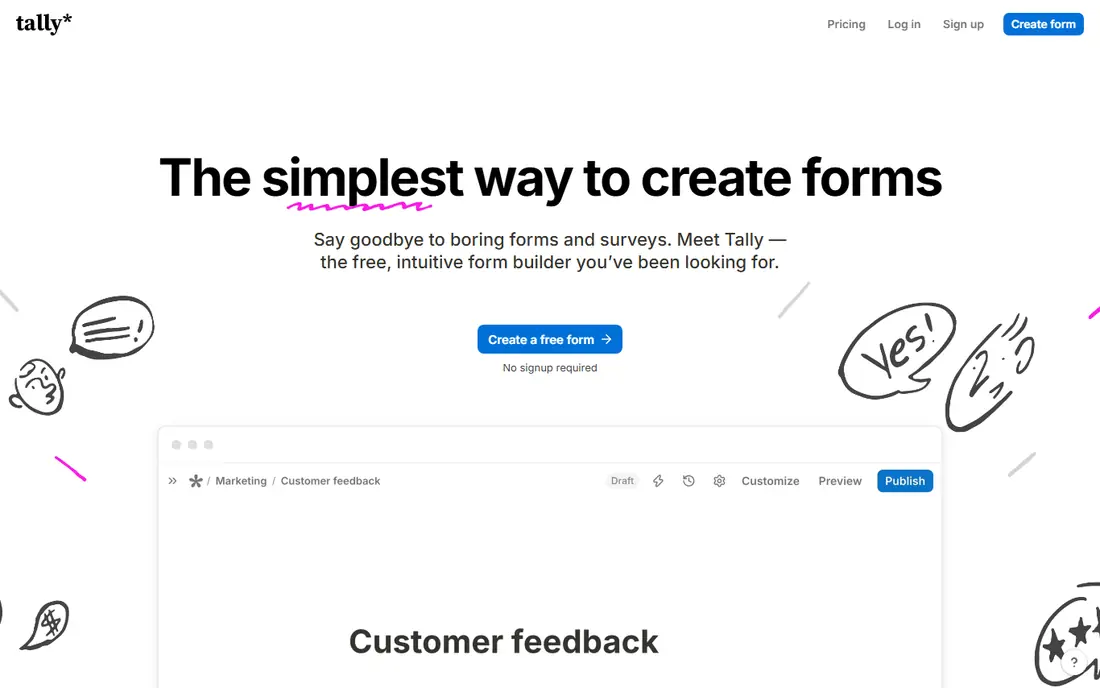
Tally is our pick for most people leaving Typeform for cost reasons. You can build a form, add logic, collect a file, and take a payment without hitting a response cap that forces an upgrade in the middle of a campaign. The editor feels close to writing a document, which keeps the learning curve low for small teams and solo creators.
The trade-off is polish. Tally forms look tidy and modern, but they do not offer the same level of visual customisation as a design-first tool. If your form is also your sales page, you may want something prettier. For lead capture, sign-ups, feedback, and applications, Tally covers the basics well and leaves little reason to pay at the start.
- Unlimited forms and responses on the free plan
- Conditional logic and payment collection included without a paid upgrade
- Clean, simple editor
- Design options are more limited than a landing-page builder
- Advanced reporting is thinner than a dedicated survey platform
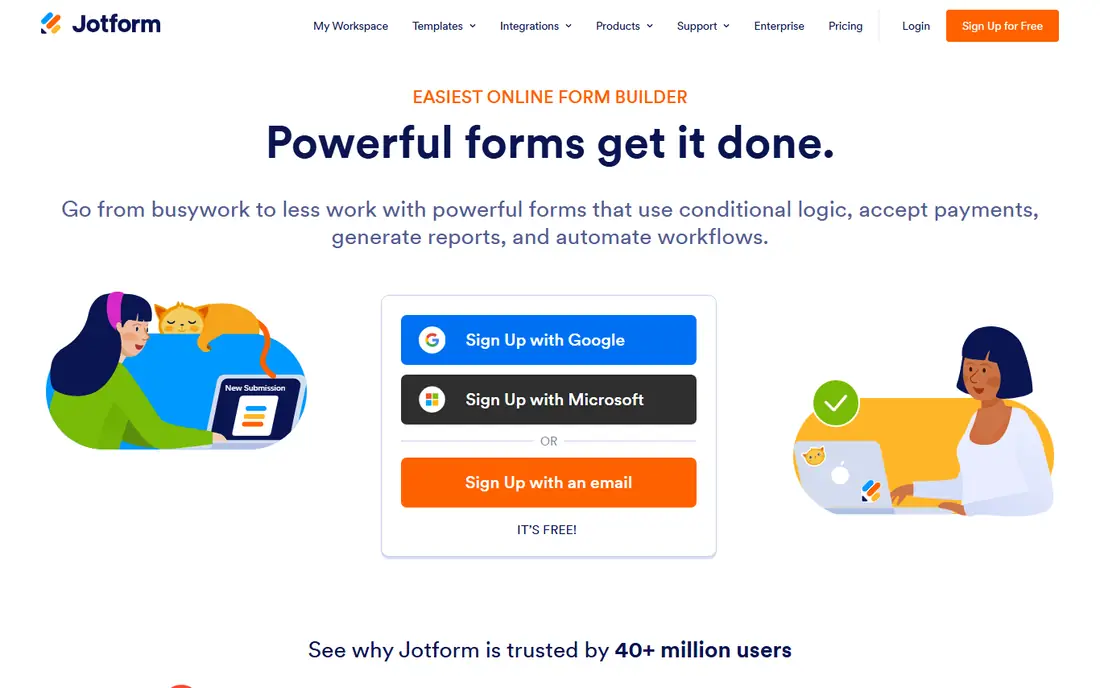
Jotform is the choice when you want to start from something close to finished rather than a blank page. Its template library covers registrations, bookings, orders, job applications, and many niche uses, and you can adjust fields without rebuilding the whole form. Widgets add signatures, appointment slots, and payment options that would take extra tools elsewhere.
That breadth comes with limits on the free plan, so check how many submissions you expect each month before you commit. For a one-off survey, the free tier may be enough. For a busy intake form, a paid plan is likely. Jotform works best for teams that value ready-made starting points and a long list of connected apps.
- Very large template library
- Wide range of widgets, payments, and integrations
- Approval workflows on paid plans
- Free plan limits forms and monthly submissions
- Interface can feel busy when you only need a simple form
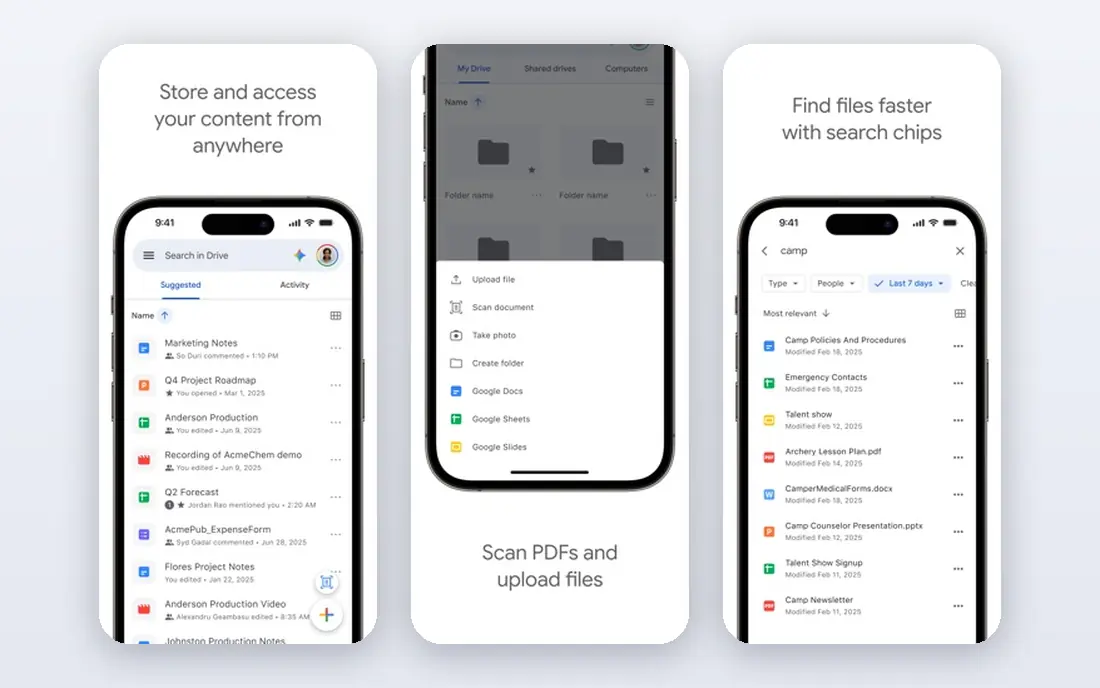
Google Forms will not win a design contest, and it does not try to. It wins on speed and cost. You can create a survey in minutes, share a link, and watch answers collect in a spreadsheet without thinking about plan limits. For internal feedback, class quizzes, event RSVPs, and simple research, that is often all you need.
The limits show up when a form needs to look like part of a brand or take money. You cannot remove Google branding in the same way, and payment collection needs a workaround. If those points matter, pair Google Forms with a paid builder for public-facing pages and keep Google Forms for internal work where simplicity matters more than style.
- Completely free with a Google account
- Unlimited forms and responses for most uses
- Results flow straight into Sheets
- Limited design control
- No built-in payments
- Branching logic is basic compared with specialist builders
Fillout makes most sense if your answers need to live somewhere structured. Instead of exporting a spreadsheet and tidying it by hand, submissions can update a database record directly. That saves time for content teams, hiring pipelines, and anyone who tracks leads in Notion or Airtable.
The form experience itself is clean and close to Typeform in feel, with multi-step layouts that keep long forms less tiring to complete. Fillout is less useful if you have no database workflow, because then its main advantage fades. For database-led teams, though, it is one of the strongest free alternatives to Typeform available now.
- Strong links to Notion and Airtable
- Generous free response allowance
- Modern form layouts
- Smaller template library than Jotform
- Some advanced features sit on paid plans
Paperform suits people who care as much about how a form looks as what it collects. You can build a page with rich media, custom fonts, and layouts that feel closer to a website than a questionnaire. That makes it a good fit for portfolios, studios, coaches, and small brands that use a form as a first impression.
You pay for that control. Paperform is not a free alternative in the same way as Tally or Google Forms, so treat it as a design upgrade rather than a cost saving. If your form needs to sell, book, or persuade, the extra polish may be worth it. If you only need answers, a free tool will do the same job for less.
- Forms that look like full pages, with images, video, and custom styling
- Payment and booking features built in
- Good for branded pages
- No lasting free plan
- Pricing can rise quickly for high-volume use
SurveyMonkey is a different kind of alternative. It is less about a pretty one-question flow and more about asking the right questions and making sense of the answers. Filters, cross-tabulation, and reporting help when you need to compare groups or track results over time. That matters for customer research, employee feedback, and academic-style surveys.
For a short lead form, SurveyMonkey can feel heavy and its free limits may frustrate you. For a proper survey, it is still hard to beat. Choose it when analysis matters more than form design, and when you expect to run the same survey more than once.
- Strong survey design and analysis tools
- Question banks and benchmarking on paid plans
- Trusted for formal research
- Free plan limits questions and responses
- Conversational form style is not its main strength
Microsoft Forms is the practical pick for teams already paying for Microsoft 365. There is no new account to manage, responses land in Excel, and sharing inside an organisation is straightforward. Quizzes with automatic marking also make it useful for training and classroom use.
Outside that ecosystem, the appeal drops. The forms look functional rather than striking, and you will need another tool for payments or rich landing pages. Inside a Microsoft workplace, though, it is often the fastest route from idea to collected responses, with no extra bill to justify.
- Included with many Microsoft 365 plans
- Results feed into Excel
- Simple branching and quiz tools
- Design options are plain
- Payment collection is not built in
- Best value only inside the Microsoft ecosystem
Formstack fits organisations where a form is only the first step. A submission can trigger an approval, generate a document, collect a signature, and route data to other systems. That workflow depth is useful in healthcare, education, finance, and other regulated settings where audit trails matter.
Small teams may find Formstack more tool than they need, and the price reflects its business focus. If your main need is a contact form, start with a free builder. If forms feed into approvals and documents every day, Formstack can replace several separate tools and reduce manual handoffs.
- Approval workflows, document generation, and e-signatures
- Compliance features for regulated teams
- Many integrations
- Higher price than consumer form builders
- Overkill for a simple contact form
Zoho Forms is a sensible middle ground for businesses already using Zoho. Submissions can flow into a CRM record, trigger a notification, or start an approval without a separate integration project. Payment fields and reporting cover common small-business needs without a steep learning curve.
The free plan is useful for testing, but active businesses will likely move to a paid tier as form numbers grow. Zoho Forms does not try to be the prettiest builder here. It tries to be the most useful inside a Zoho setup, and on that measure it does its job well.
- Works well with Zoho CRM and other Zoho apps
- Payment collection and approval options
- Low entry cost
- Free plan has form limits
- Design polish lags behind Paperform
How we picked these
We started with the official feature pages and pricing pages for each builder, then checked app store listings and public help pages for free-plan limits and core features. We kept only tools that are live, offer a working form builder in October 2026, and fit the brief of a Typeform alternative rather than a general survey panel or a website builder with a form widget.
We also weighed the free plan honestly. A tool with a generous free tier ranks higher for cost-led switchers, while a paid-only tool needs a clear design or workflow advantage to earn its place. Prices change often, so we used See website where a starting price was not clearly confirmed on the vendor site at the time of writing.
Choosing the right form builder for your needs
Start with the job, not the feature list. A lead form needs a fast load, a clear call to action, and a reliable notification. A research survey needs sound question types and analysis. A booking or order form needs payments and confirmation messages. When you name the job first, most of the list narrows itself quickly.
Check the free plan against real volume
Count the responses you expect in a busy month, not an average month. A cap that looks fine on paper can block a campaign at the worst moment. Also check whether branding removal, file uploads, and logic are free or paid, because those three features often decide whether a free plan is truly usable.
Match the design to the audience
A plain form is fine for internal feedback and existing customers. A public landing page, a paid offer, or a creative portfolio deserves more visual control. Test the form on a phone before you publish, since many respondents will complete it there, and a long desktop form can feel very different on a small screen.
Plan what happens after submit
Decide where answers go, who gets notified, and whether you need a follow-up email or a CRM record. Tools that connect directly to your spreadsheet, database, or CRM save manual copying and reduce errors. If you need approvals or signatures, shortlist workflow tools early rather than trying to bolt those steps on later.
Frequently asked questions
What are the best typeform alternatives?
Tally, Jotform, Google Forms, and Fillout are the strongest general alternatives, with Paperform leading on design and SurveyMonkey leading on research analysis. The best choice depends on whether price, design, database links, or reporting matters most to you.
Are there free alternatives to typeform?
Yes. Tally and Google Forms offer unlimited forms and responses on free plans for many uses, and Jotform, Fillout, SurveyMonkey, and Zoho Forms offer free tiers with limits. Check response caps and branding rules, because those limits decide whether a free plan stays free in practice.
What is the best free typeform alternative?
For most people, Tally is the best free typeform alternative because it combines unlimited forms and responses with logic and payments on the free plan. Google Forms is the best free option if you want the simplest setup and already use Google Sheets for results.
Which alternative is closest to Typeform in style?
Fillout and Tally feel closest to Typeform for respondents, with clean multi-step layouts and a focus on one section at a time. Paperform feels different, because its pages look more like landing pages, which some brands prefer for public-facing forms.
Can I collect payments with a Typeform alternative?
Yes, several tools in this list support payments, including Tally, Jotform, Paperform, and Zoho Forms, usually through a payment provider such as Stripe. Check transaction fees and supported payment methods on the vendor site before you publish a paid form, since terms vary by plan and region.
Do I lose my data if I switch?
No, provided you export before you cancel. Most builders let you export responses to a spreadsheet or connect to another tool, and many offer imports for form structure. Export a backup copy first, then rebuild or import the form in the new tool and test it with a small group before sending it widely.
Sources we checked (7)

Online Jobs is an independent blog about careers, online work, learning new skills and the tools that help people earn. More about us.
Keep reading
All posts
Zoom Alternatives
Zoom alternatives compared for 2026: Google Meet, Microsoft Teams, Webex, Jitsi and more for free calls, large meetings and webinars for teams and classrooms.

What Is the Best Free Tool to Rotate a PDF
What is the best free tool to rotate a PDF? We compare eight free rotation tools on per-page control, limits, privacy and saved output quality in detail.

What Is the Best AI Dubbing Tool
We compared the best AI dubbing tools in 2026, from ElevenLabs and HeyGen to Rask AI, Dubverse and Veed, for videos and creators in many languages worldwide.