Top Software Localization Platform in 2026: 8 Platforms Compared

How we put this together: we compare official feature and pricing pages, app store listings, privacy policies and public user reviews. Prices change, so check the provider's site before you pay.
Key takeaways
- A software localization platform manages app strings, translations, and releases together, so new features ship in many languages without spreadsheet chaos.
- Lokalise is our pick for product teams shipping mobile and web apps quickly, with strong design and developer integrations.
- Crowdin suits teams that want a huge integration library and community translation, including open-source projects.
- Phrase fits organizations running both software strings and longer content, while Smartling suits enterprises with high volume and complex workflows.
- Weblate and POEditor are the budget-friendly picks, with open-source self-hosting and low-cost string management respectively.
Quick comparison
| Name | Who it suits | Starting price | Free option | |
|---|---|---|---|---|
 Lokalise | Product teams shipping apps fast | See website | Yes | Visit |
 Crowdin | Integration depth and community translation | See website | Yes | Visit |
 Phrase | Software strings plus long-form content | See website | Free trial | Visit |
 Smartling | Enterprise volume and complex workflows | See website | Yes | Visit |
 Transifex | Continuous localization through CI/CD | See website | Free trial | Visit |
 Weblate | Open-source self-hosting | Free | Yes | Visit |
 POEditor | Small teams that want simple string management | See website | Yes | Visit |
 Localazy | Mobile-first teams that want in-app context | See website | Yes | Visit |
The best software localization platforms
Software localization means adapting an app's text, formats, and sometimes images for each language and market it serves. The platforms below store source strings, coordinate translators, plug into code repositories and design tools, and push finished translations back into builds. They differ in price, workflow depth, and whether they suit developers, translators, or both.
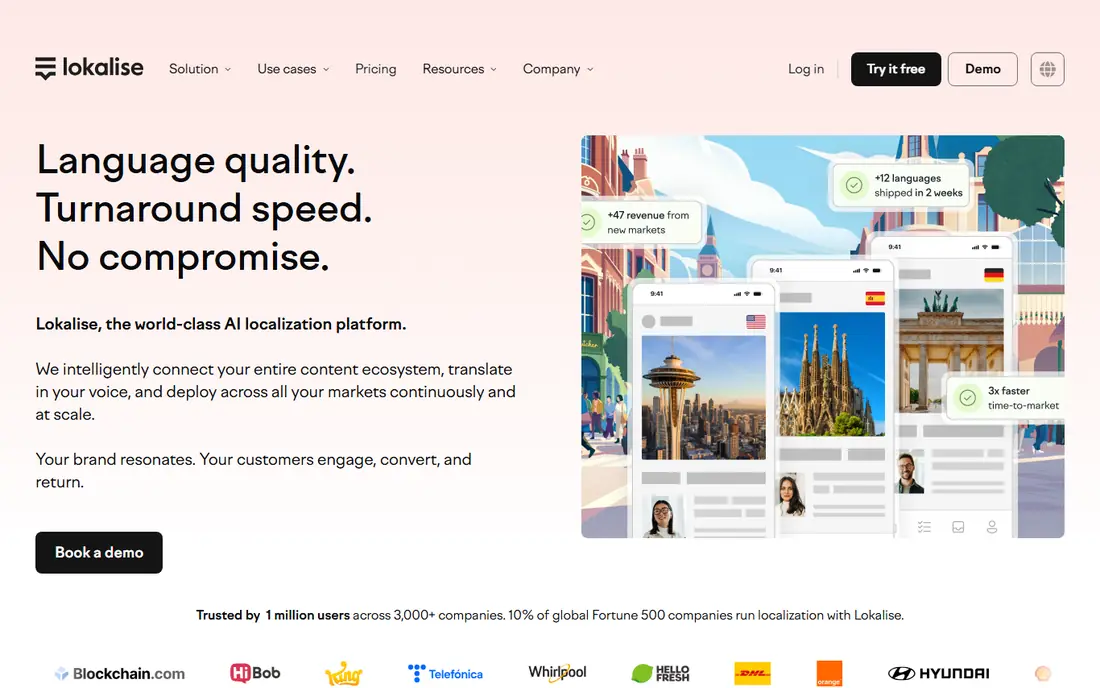
Lokalise is built for product teams that release often. Developers push strings from code or design tools, translators work with screenshots and context, and finished translations flow back into the next build without manual file handling. Its integrations cover the mobile and web stacks most product teams use, and its editor is friendly for non-technical translators.
Pricing scales with hosted keys and seats, so a growing app with many strings and many languages can climb tiers faster than expected. A free plan exists for small projects, which makes it easy to test the workflow before committing. For a team shipping weekly, Lokalise's speed is the main reason to choose it.
- Strong mobile and web integrations
- Design tool plugins
- In-context editing for translators
- Costs scale with keys and seats
- Advanced automation sits on higher tiers
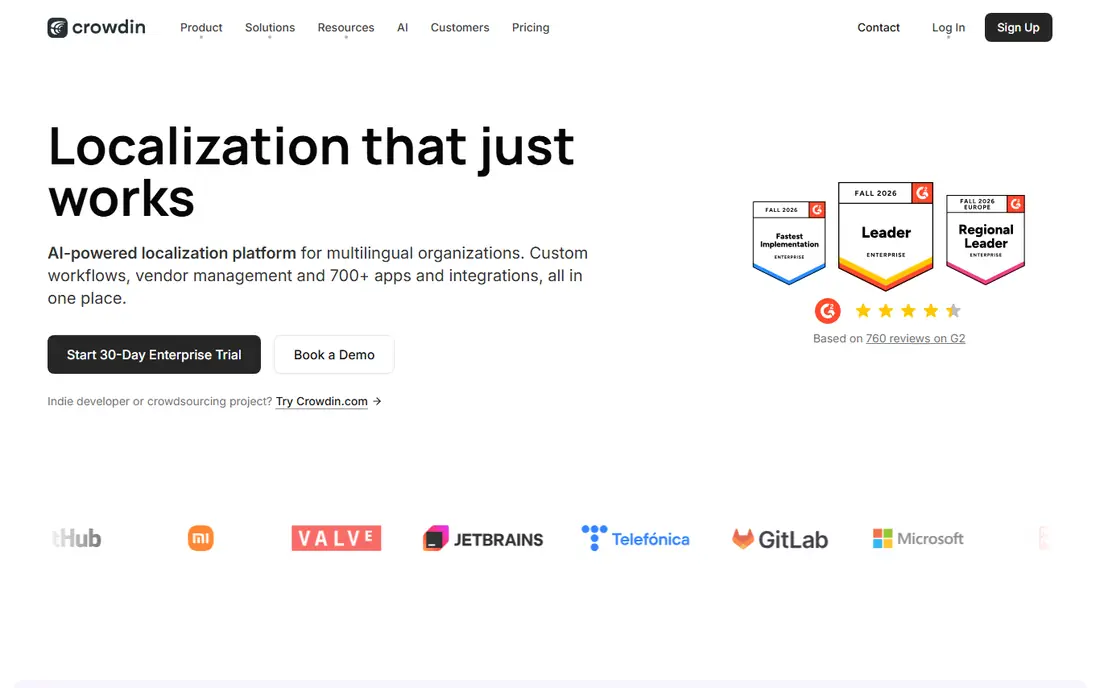
Crowdin is the integration-heavyweight of this list, with connectors for repositories, design tools, content platforms, and app stores. It supports both professional translators and community volunteers, which makes it popular with open-source projects and consumer apps that invite users to help translate. Its free plan covers small projects, and open-source projects can qualify for free hosting.
The breadth brings complexity. New teams may need time to configure workflows, glossaries, and quality checks, and pricing depends on hosted words, managers, and integrations rather than a single flat fee. For a team that wants every tool connected and a community option, Crowdin is hard to beat.
- Huge integration library
- Free plans for open-source projects
- Community and professional translation options
- Interface has a learning curve
- Pricing depends on hosted words and integrations
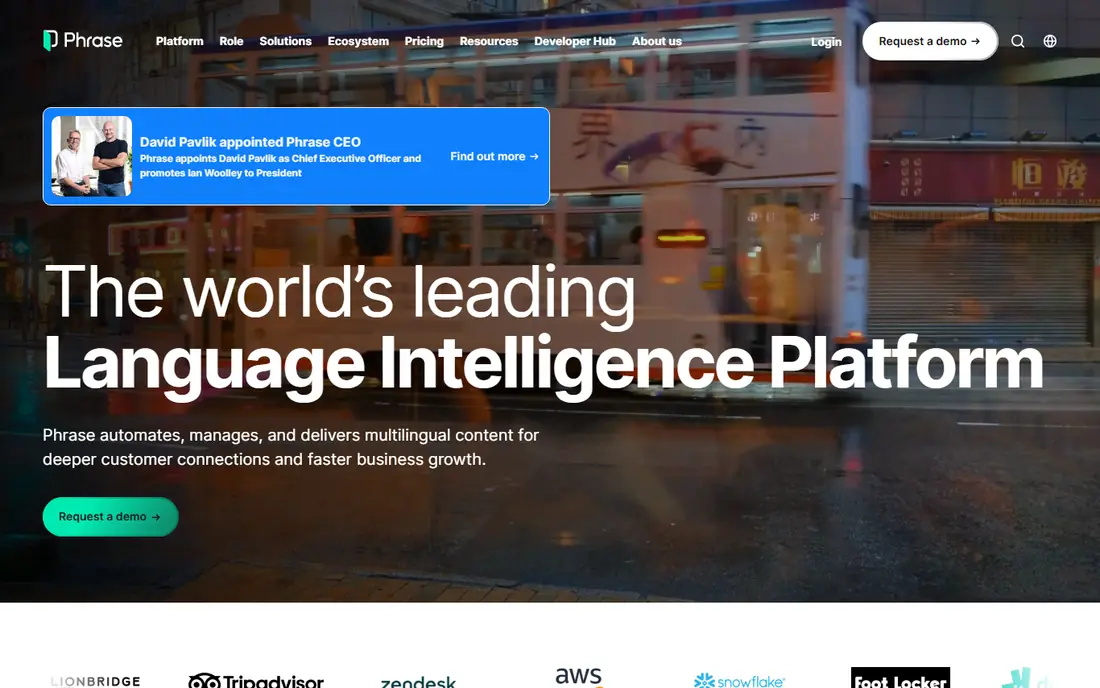
Phrase, formed from the Memsource and PhraseApp products, covers both sides of localization: short software strings and longer documents, help articles, and marketing content. That unity suits organizations tired of running one tool for the app and another for everything else. Its automation, translation memory, and analytics are strong, and it connects to many machine translation engines.
Entry pricing for individuals is low, but team plans start higher, so small teams should confirm which tier their workflow needs. The suite's breadth can also feel complex for a team that only localizes an app. If your content spans product and docs, Phrase brings it together better than any rival here.
- Unifies software localization and document translation
- Strong automation and analytics
- Broad machine translation support
- Team pricing is a step up from freelancer tiers
- Suite breadth can feel complex
Smartling is the enterprise workhorse, built for organizations localizing websites, apps, and documents at high volume with complex approval chains. Its workflow engine, vendor management, and quality controls suit regulated or brand-sensitive content, and its free Core plan lets small users try limited document translation without a sales call.
The full platform is quote-priced and enterprise in scope, so a small app team will find it heavier and pricier than Lokalise or Crowdin. For a company localizing across many teams, languages, and content types, Smartling's governance and scale justify the investment.
- Free Core plan for limited document work
- Enterprise workflow depth
- Strong quality and vendor management
- Full enterprise pricing is by quote
- Overkill for small apps
Transifex suits SaaS teams that practice continuous localization, where every code change automatically sends new strings for translation and pulls finished ones back. Its API and integrations fit CI/CD pipelines well, and its translation memory and glossary keep terminology consistent across releases. Teams that release daily will appreciate how little manual file handling it requires.
Pricing is tiered by hosted words, with a free trial rather than a permanent free plan for most teams. Its design-tool integrations are thinner than Lokalise, so design-heavy teams should compare both. For a developer-led SaaS team, Transifex is a natural shortlist pick.
- Strong continuous localization for SaaS teams
- Developer-friendly API and integrations
- Translation memory and glossary
- Pricing is by hosted words and tier
- Smaller design-tool story than Lokalise
Weblate is the open-source localization platform, and self-hosting it is free. It integrates with version control, supports a wide range of file formats, and gives teams full control over data and hosting. Libre software projects can also qualify for free hosting on Weblate's own service, which has made it a home for many open-source translations.
Self-hosting means your team owns installation, updates, and backups, and the interface prioritizes function over polish. Hosted paid plans exist for teams that want Weblate without the maintenance. For a technical team or an open-source project, Weblate's freedom and price are unbeatable.
- Free open-source software
- Self-hosting with full control
- Gratis hosted tier for libre projects
- You host and maintain it
- Interface is functional rather than polished
POEditor is the simple, affordable end of this list. Small teams can manage software strings, invite translators, and export finished files without learning a complex platform. Its free plan covers up to 1,000 strings, which suits a small app or a side project, and paid plans start low on annual billing.
Simplicity is also its limit. Automation, advanced workflows, and design integrations are thinner than in Lokalise or Crowdin, so growing teams may outgrow it. For a small team that wants string management without enterprise ceremony, POEditor is the best value pick here.
- Simple and affordable
- Free plan for up to 1,000 strings
- Easy for translators to learn
- Fewer automation and workflow features than larger platforms
- Limited design integrations
Localazy focuses on mobile and web apps, with tools that show translators exactly where each string appears in the live app. That context reduces mistranslations, especially for short strings where meaning depends on placement. Its SDKs can deliver updated translations without a full app release in supported setups, which speeds up fixes.
The integration catalog is smaller than Crowdin, and pricing scales with hosted words and seats, so large projects should model costs carefully. For a mobile-first team that values context and fast correction cycles, Localazy is a strong, modern alternative to the bigger platforms.
- Free plan available
- In-context editing and screenshots
- Mobile SDKs for live updates
- Smaller integration catalog than Crowdin
- Pricing scales with words and seats
How we picked these
We compared official product pages, pricing pages, and public documentation for software localization platforms, and checked each homepage to confirm it loads and belongs to that product. We favored platforms that manage software strings end to end, from repository integration through translation and delivery, rather than raw machine translation APIs alone. Where pricing is quote-based or tier-dependent, we say so instead of presenting a single figure as the total cost.
Running localization without slowing releases
The biggest risk in localization is not translation quality but release friction. A platform that forces developers to export files by hand will be bypassed the first time a deadline tightens, and translations will quietly fall behind.
Automate the string flow
Connect your repository or design tool so new strings flow to translators automatically and finished translations return the same way. Manual file exports are where delays and version mix-ups start, and every platform on this list exists to remove them.
Give translators context
Screenshots, key descriptions, and character limits prevent the classic errors: a button label translated as a sentence, or a greeting that breaks the layout. In-context editing, offered by Lokalise and Localazy, is the most reliable way to provide that context.
Lock terminology early
Build a glossary for product names, brand terms, and words that must not be translated, before you add your tenth language. Translation memory then reuses past decisions automatically, which keeps costs down and wording consistent as volume grows.
Frequently asked questions
What is the top software localization platform?
Lokalise is the top pick for product teams shipping apps quickly, Crowdin leads for integration depth and community translation, and Phrase leads for teams localizing both software and longer content. The best choice depends on your release pace and content mix.
What is the best localization platform for a small team?
POEditor is the best low-cost option for small teams, with a free plan for up to 1,000 strings. Lokalise and Crowdin also offer free plans for small projects, and Weblate is free for teams willing to self-host.
How much does a localization platform cost?
Costs vary by hosted words or keys, seats, languages, and integrations, with free plans at the low end and quote-based enterprise pricing at the high end. Model your string count and language count before comparing, since a low starting price can grow fast.
What is the difference between localization and translation?
Translation converts text from one language to another, while localization adapts a product for a market, including text, date and number formats, images, and cultural expectations. A localization platform manages that whole process, not just the translation step.
Do localization platforms use machine translation?
Most do, with connections to engines such as DeepL, Google Translate, and others, plus translation memory that reuses past human translations. Machine output usually needs human review for customer-facing product text.
Can I localize an app continuously with these tools?
Yes, continuous localization is a core feature of Lokalise, Crowdin, Transifex, and Phrase. New strings from code changes are sent for translation automatically, and finished translations flow back into builds without manual file handling.
Sources we checked (8)

Online Jobs is an independent blog about careers, online work, learning new skills and the tools that help people earn. More about us.
Keep reading
All posts
n8n Alternatives
n8n alternatives compared for 2026, with Zapier, Make, Activepieces, and more, covering visual builders, code steps, self-hosting, and pricing models.

ZoomInfo Alternatives
The best ZoomInfo alternatives in 2026, compared on price, free plans, data coverage, and which tool fits small teams or large sales teams best in detail.

Workday Alternatives
We compared the best workday alternatives for HR, payroll, and global hiring, from BambooHR and Gusto to Rippling, Deel, and HiBob for growing teams in 2026.