Top AI Helpdesk Software in 2026: 8 Tools Compared


Large teams with complex ticketing · Starting price: $55 per agent per month
How we put this together: we compare official feature and pricing pages, app store listings, privacy policies and public user reviews. Prices change, so check the provider's site before you pay.
Key takeaways
- Zendesk suits larger teams that need deep ticketing, routing and a large app marketplace, but AI costs can stack on top of seat prices.
- Freshdesk and Zoho Desk offer the clearest low-cost entry points for small teams that still want AI help.
- Intercom is strongest when support lives inside your product through chat, while Gorgias is built around online stores.
- HubSpot Service Hub makes most sense if your team already uses HubSpot CRM for sales and marketing.
- Compare the full cost, including seats plus AI resolutions or sessions, not just the headline plan price.
Quick comparison
| Name | Who it suits | Starting price | Free option | |
|---|---|---|---|---|
| Zendesk | Large teams with complex ticketing | $55 per agent per month | Free trial | Visit |
 Freshdesk Freshdesk | Low-cost teams moving from shared email | $19 per agent per month | Free trial | Visit |
 Intercom Intercom | Support inside a product or app | $19 per seat per month | Free trial | Visit |
 HubSpot Service Hub HubSpot Service Hub | Teams already using HubSpot CRM | Free | Yes | Visit |
 Zoho Desk Zoho Desk | Budget teams, especially Zoho users | Free | Yes | Visit |
 Help Scout Help Scout | Email-first small and mid-size teams | $25 per user per month | Yes | Visit |
 Gorgias Gorgias | Ecommerce stores, especially on Shopify | See website | No | Visit |
 Tidio Tidio | Small businesses starting with chat and AI | See website | Yes | Visit |
The best AI helpdesk software
AI helpdesks promise faster replies, but the details matter. Some tools charge per seat, some charge per AI resolution, and some do both. The eight tools below cover ticketing, chat, ecommerce and CRM-linked support, so you can match the model to your ticket volume.
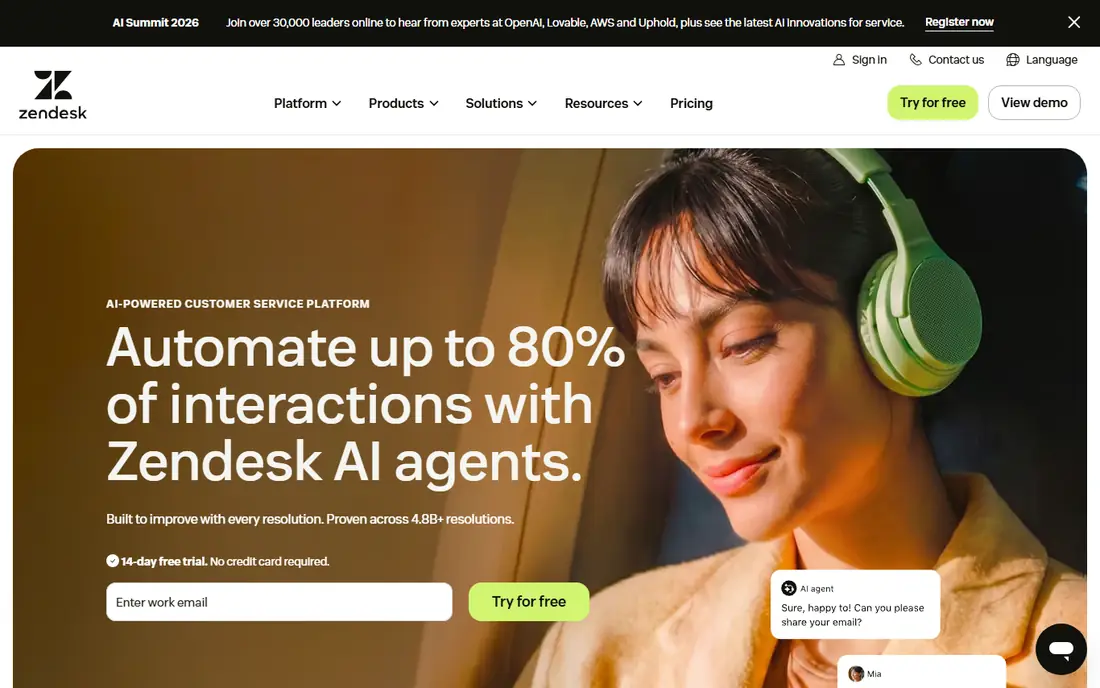
Zendesk is the default choice for support teams that handle high volume across email, chat, voice and social channels. Tickets can be routed by skill, priority and customer tier, and managers get detailed reporting on backlog and agent workload. Its AI tools can suggest replies, summarise tickets and resolve routine questions from help centre content.
The trade is cost and complexity. Copilot and AI resolution charges sit on top of seat prices, so a growing team should model both before signing. Implementation also takes more planning than a simple shared inbox. For a large or fast-growing support operation, that depth is worth it. For a team of three, it may be more than you need.
- Deep ticketing and routing
- Large app marketplace
- AI copilot and automated resolutions
- Costs rise with AI add-ons
- Setup can take time
- Smaller teams may pay for depth they do not need
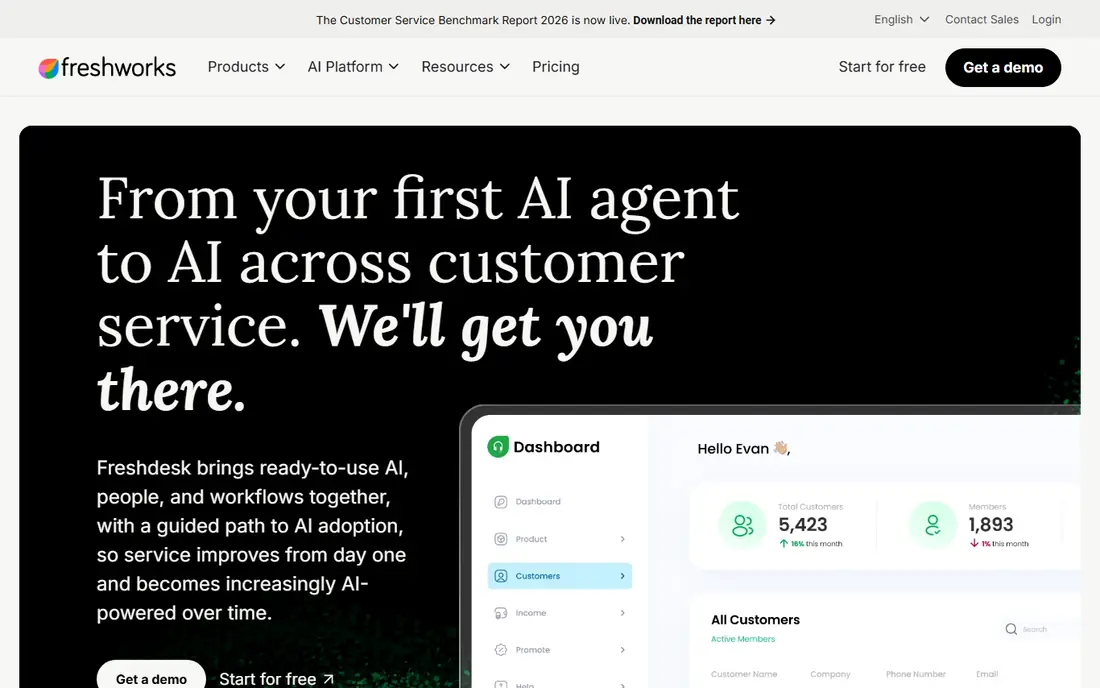
Freshdesk gives small and mid-size teams a familiar helpdesk without enterprise pricing. Email, chat, phone and social tickets land in one queue, and automation can assign work, set priorities and send status updates. Its AI copilot helps agents draft replies and summarise long threads, which cuts handling time on repeat questions.
Watch the add-on maths. Copilot pricing and AI session charges are separate from seats, so a team with heavy AI use should check the included allowance first. Still, as a first proper helpdesk, Freshdesk is easy to learn, quick to set up and priced for teams that are leaving a shared inbox behind.
- Clear entry pricing
- AI copilot and sessions
- Omnichannel tickets in one queue
- Copilot is a paid add-on
- Advanced reporting sits on higher plans
- AI session costs need tracking
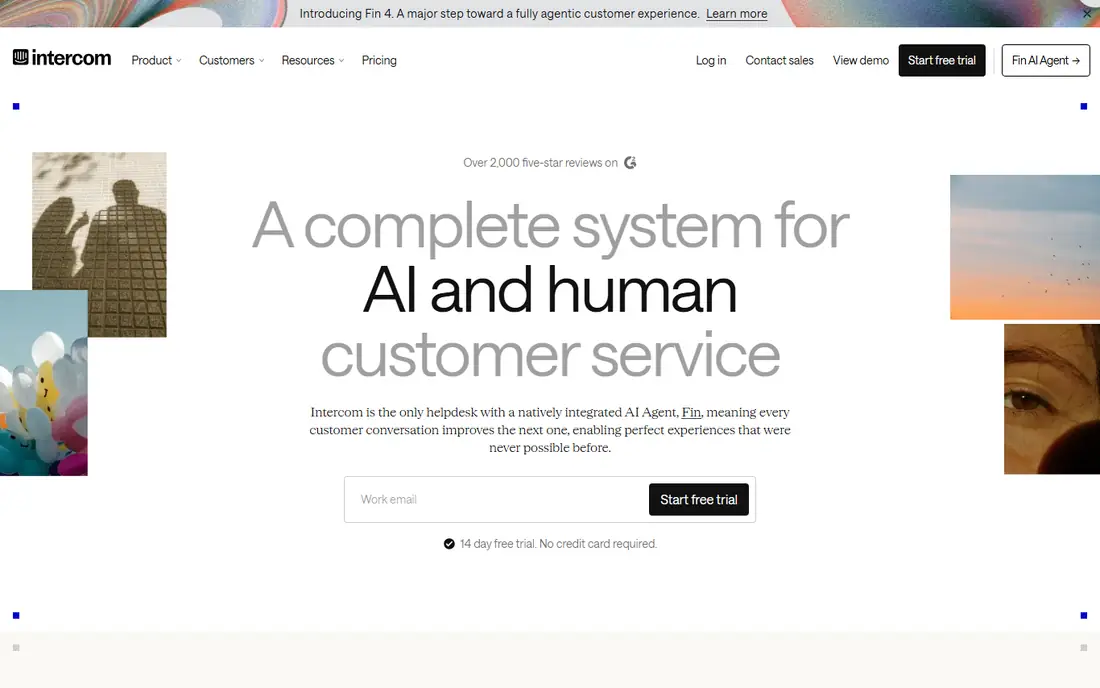
Intercom works best when customers ask for help while they are using your product. The messenger sits inside your app or site, Fin AI can answer common questions from your help content, and human agents take over with full context when needed. That flow suits software and subscription businesses where speed inside the product matters more than a phone queue.
The cost model needs care. You pay per seat and per Fin outcome, so a sudden rise in AI-resolved chats will show up on the bill. Teams with very high chat volume should test with real traffic before committing. If most support happens in-product, Intercom still offers one of the smoothest customer experiences in this list.
- Strong in-product messenger
- Fin AI agent for routine questions
- Good self-serve help centre tools
- Seat plus per-outcome costs can grow fast
- Ticket depth lags Zendesk
- Pricing needs careful modelling
HubSpot Service Hub is a natural fit if sales, marketing and support already share HubSpot. A ticket shows the customer record, past deals and prior conversations beside it, which helps agents answer without asking the customer to repeat details. The free tier covers basic ticketing and chat for very small teams.
The limits are the credit model for AI and the onboarding fee on Professional and above. Teams outside HubSpot will get less value, since the main gain is the shared CRM. If you already pay for HubSpot, though, adding Service Hub keeps support, sales and customer data in one place with less integration work.
- Tickets sit next to CRM records
- Free tier for small teams
- Live chat and help centre included
- AI uses credits
- Onboarding fee on higher plans
- Best value only inside the HubSpot system
Zoho Desk is the value pick in this roundup. A free plan covers small teams, and paid plans start well below most rivals, which makes it attractive for startups and small businesses watching every seat cost. Tickets, knowledge base articles and automation cover the core helpdesk work without a large bill.
The main catch is ecosystem fit. Zoho Desk shines when paired with Zoho CRM, Books or other Zoho apps, and it feels less polished than Intercom or Help Scout in places. AI assistant Zia also sits on higher plans. If low cost matters more than a slick chat-first design, Zoho Desk is hard to beat.
- Free plan for small teams
- Low paid entry price
- Zia AI on higher plans
- Best inside the Zoho suite
- Interface feels dated in places
- AI features need a paid plan
Help Scout suits teams that live in email and want a calm, shared inbox instead of a heavy ticketing system. Conversations are easy to assign, tag and follow, and the docs site helps customers solve simple problems on their own. Its AI answers tool can resolve routine questions, with a per-resolution charge that is easy to understand.
Larger teams with complex routing, strict service level rules or heavy phone volume may outgrow it. Help Scout is also less of an omnichannel phone platform than Zendesk or Freshdesk. For a small team that values clarity and a good customer experience over enterprise depth, it is a strong, friendly choice.
- Clean shared inbox
- Helpful docs site
- AI answers priced per resolution
- Thinner enterprise routing
- Phone support is limited
- AI costs add up at scale
Gorgias is built for online stores, and that focus shows in every ticket. Agents see order status, tracking and refund details beside the customer message, so they can answer delivery and return questions without switching systems. Its AI agent handles common store questions, and pricing follows ticket volume rather than seats.
That focus is also its limit. A software company, agency or service business will pay for store features it does not need, and there is no free plan to test the fit at no cost. For an ecommerce team drowning in order questions, however, Gorgias can cut handling time more than a general helpdesk would.
- Order details beside every ticket
- AI agent for store questions
- Ticket-volume pricing
- Weak fit outside ecommerce
- No free plan
- AI interactions are billed separately
Tidio is a good first step for a small business that wants chat on its site without a long setup project. You can add live chat, set up automated replies and let the Lyro AI agent answer frequent questions from your help content. Email tickets and chat sit together, so a small team does not need two tools.
It is not built for large support operations with complex routing and reporting needs. AI allowances and reporting depth depend on the plan, so growing teams should check limits before they rely on it heavily. For a shop, studio or startup that mainly needs fast chat replies, Tidio is simple, affordable and quick to launch.
- Quick chat setup
- Lyro AI for common questions
- Live chat plus email in one inbox
- Less depth for large ticket teams
- AI limits vary by plan
- Reporting is basic on lower plans
How we picked these
We compared official pricing pages, feature pages and help centre notes for AI helpdesk tools, with a focus on what AI actually costs and where it sits in each plan. We favoured tools that are widely used, still actively developed and clear about AI billing, whether per seat, per resolution or per session. We did not claim hands-on testing, and we excluded tools with no public product or no clear helpdesk function.
What to check before you buy
Start by counting your real support load. List your monthly tickets and chats, the channels customers use most, and the share of questions that repeat. That count decides whether seat pricing, ticket pricing or per-resolution pricing is cheapest for you. A tool that looks cheap at five seats can become costly once AI resolutions are added, and a ticket-priced tool can suit a seasonal business better than a seat-priced one.
Test AI on your own content
Do not judge an AI agent on a vendor demo alone. Load your own help articles, returns policy and product notes, then ask the questions customers actually send. Check whether answers link to a source, how handoffs to a human work, and what happens when the AI is unsure. A clean handoff with full context matters more than a high claimed resolution rate.
Check channels, integrations and data
Confirm the channels you need, such as email, chat, WhatsApp or phone, and check how tickets connect to your store, CRM or billing system. Ask how long data is kept, how exports work, and who can see customer conversations. For ecommerce teams, order data beside the ticket is a major time saver. For software teams, a link to product usage and account status matters more.
Frequently asked questions
What is the best AI helpdesk software for ecommerce?
Gorgias is the strongest ecommerce pick because order details sit beside each ticket and its AI agent handles common store questions. Tidio is a cheaper starting point if your store is small and chat is your main channel.
What is the best AI helpdesk software for small business?
Freshdesk, Zoho Desk and Help Scout all suit small teams, with different strengths. Freshdesk offers broad channels at a low seat price, Zoho Desk is cheapest, and Help Scout is calmest for email-first teams.
How much does AI helpdesk software cost?
Costs vary by model. Some tools charge per seat plus a per-resolution or per-session AI fee, while others price by ticket volume. Always add seats and expected AI use together before you compare plans.
Can AI replace human support agents?
No, not for complex, sensitive or high-value cases. AI works best on repeat questions with clear answers, such as order status, password resets and policy questions. Human agents should still handle complaints, refunds with judgement calls and anything the AI cannot answer with confidence.
Does Intercom Fin charge per resolution?
Intercom prices Fin by outcome, in addition to seat prices, based on its published pricing. That model rewards accurate answers, but teams should track outcomes during a trial to avoid surprise bills.
Sources we checked (8)

Online Jobs is an independent blog about careers, online work, learning new skills and the tools that help people earn. More about us.
Keep reading
All posts
Workday Alternatives
We compared the best workday alternatives for HR, payroll, and global hiring, from BambooHR and Gusto to Rippling, Deel, and HiBob for growing teams in 2026.

Which SaaS Tools Have the Best Customer Support
Which SaaS tools have the best customer support? Compare eight popular tools on help centres, live help, response options and overall support quality.
Sprout Social Alternatives
Compare the best Sprout Social alternatives for 2026, from Hootsuite and Agorapulse to Buffer, Later, and SocialPilot, with prices compared here. today.