Best Virus Protection Software in 2026: 8 Tools Compared


Best overall protection · Starting price: See website
How we put this together: we compare official feature and pricing pages, app store listings, privacy policies and public user reviews. Prices change, so check the provider's site before you pay.
Key takeaways
- Bitdefender Total Security is our top pick for most homes, with strong lab scores, light system impact, and cover for up to 5 devices.
- Norton 360 Deluxe suits families that want VPN, cloud backup, parental controls, and dark web monitoring in one suite.
- Microsoft Defender and Avast One Free are the best free starts, with Defender built into Windows and Avast offering a fuller free suite.
- Check renewal prices before you buy, since first year prices are often much lower than the price you pay in year two.
Quick comparison
| Name | Who it suits | Starting price | Free option | |
|---|---|---|---|---|
| Bitdefender Total Security | Best overall protection | See website | Yes | Visit |
 Norton 360 Deluxe | Families wanting extras | See website | Free trial | Visit |
 McAfee+ | Homes with many devices | See website | Free trial | Visit |
 Microsoft Defender | Free built in protection | Free | Yes | Visit |
 Avast One | Best free suite | Free | Yes | Visit |
 Malwarebytes Premium | Simple malware cleanup | See website | Yes | Visit |
 ESET Home Security | Lightweight protection | See website | Free trial | Visit |
 Trend Micro Maximum Security | Beginners wanting simplicity | See website | Free trial | Visit |
The best virus protection software
We kept tools that block real malware in independent lab tests today, with a mix of free, family, and lightweight options for different homes.
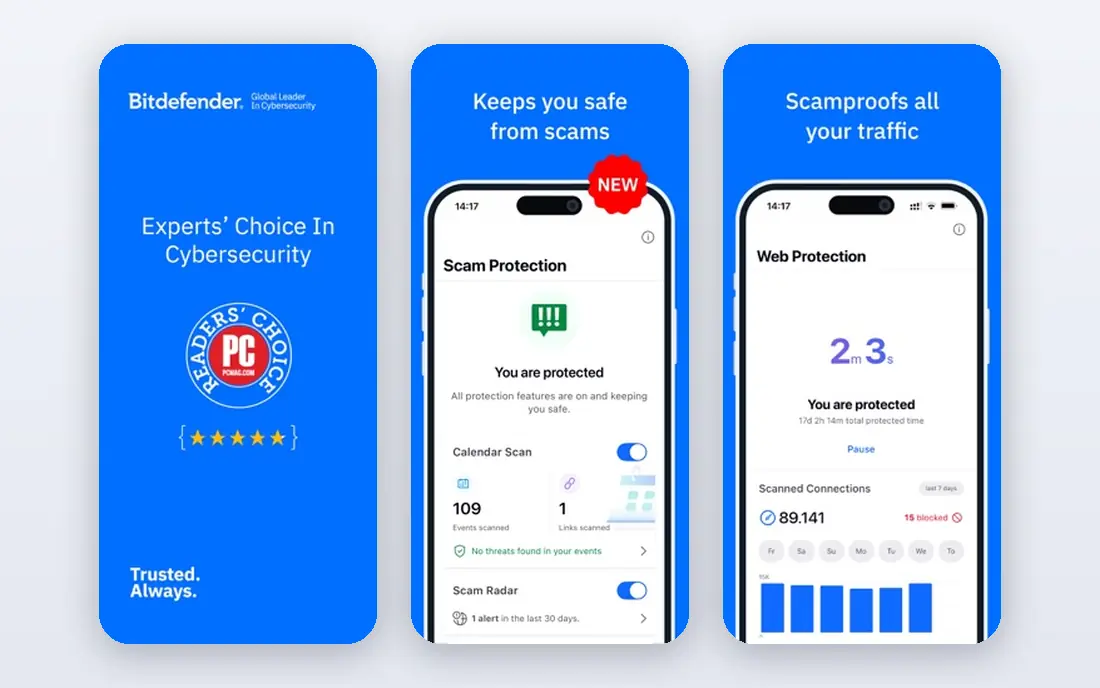
Bitdefender Total Security fits most homes that want strong protection without thinking about security every day. Its engine scores well in independent lab tests, its impact on older PCs is low, and one plan covers up to 5 devices across Windows, Mac, Android, and iOS. Ransomware protection, webcam protection, and a password manager add value beyond basic virus scanning. The catch is upsells and renewal pricing. The bundled VPN caps at 200 MB per day per device on the base plan, and the first year price is often lower than the renewal price. Check the renewal price on the vendor site before you buy, and use the free edition first if you only want the core engine without the full suite.
- Strong independent lab scores
- Light on system resources
- Covers Windows, Mac, Android, and iOS
- Ransomware protection included
- Bundled VPN is limited per day unless you upgrade
- Renewal price rises after year one
- Some advanced features are Windows only
Norton 360 Deluxe fits a family that wants one suite for protection, backup, VPN, and parental controls. Its unlimited VPN is a real advantage over suites with daily VPN caps, and its cloud backup and dark web monitoring help families protect photos, documents, and personal data in one place. Parental controls also help parents manage screen time and web access for children. The trade-off is price and weight. Norton costs more at renewal than in year one, and it can feel heavier on an older PC than Bitdefender or ESET. For a family with several devices and a need for backup and VPN, the bundle still makes sense. For a single user on a fast PC, a lighter or cheaper suite may be enough.
- Unlimited VPN on plans
- 50 GB cloud backup
- Parental controls
- Dark web monitoring
- Covers up to 5 devices
- Higher renewal price than first year price
- Slightly heavier on system resources than Bitdefender
- Some features need separate setup
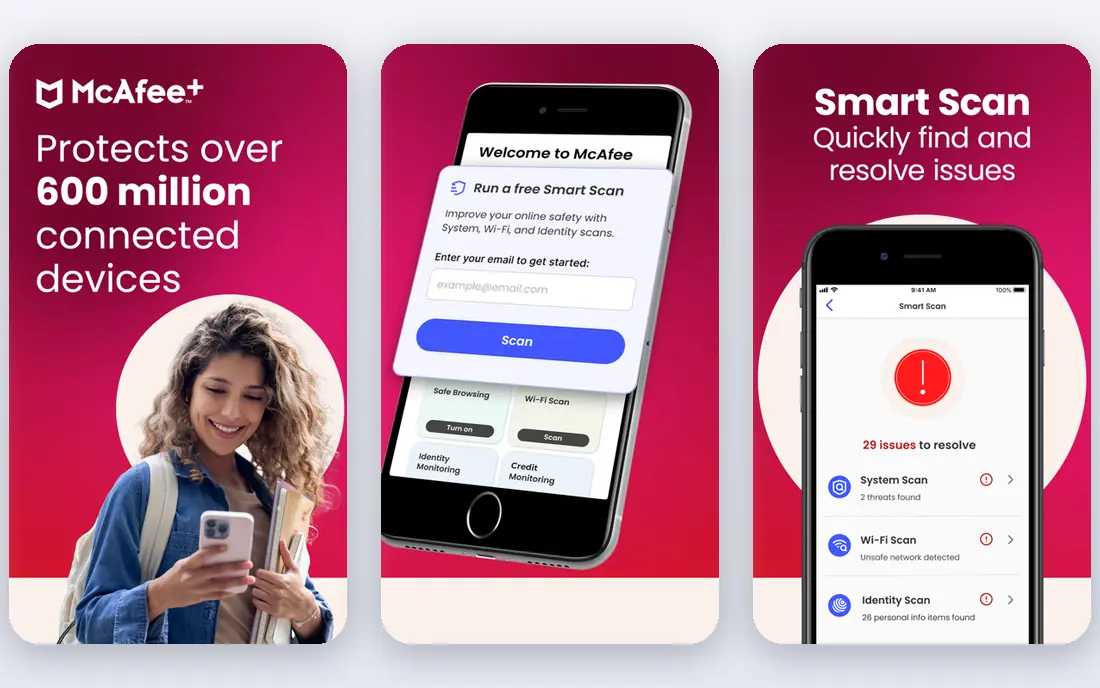
McAfee+ fits a household with many phones, tablets, and computers that wants one plan for everything. Its unlimited device cover on higher plans removes the need to count devices, and its VPN, identity monitoring, and password manager cover common online risks beside malware. That breadth suits families and shared homes where devices keep growing. The catch is price and clutter. McAfee interface can feel busy, and renewal prices rise after the first year, so check the renewal cost before you commit. If you have only one or two devices, Bitdefender or Norton may give better value. If you have many devices, McAfee unlimited cover is hard to beat.
- Unlimited device cover on higher plans
- VPN and identity monitoring included
- Password manager and file shredder
- Interface can feel busy
- Renewal pricing is higher than first year pricing
- Some features vary by plan and region
Microsoft Defender fits a Windows user who wants solid free protection without installing anything. It is built into Windows, scores well in independent lab tests, and updates automatically, which removes the main reason many people skip antivirus. For a single Windows PC used for browsing, email, and documents, Defender is often enough. The honest limit is extras. Defender does not offer a VPN, password manager, identity monitoring, or parental controls, and it does not manage Mac or mobile devices in the same way. If you need those extras, or you share a PC with children, a paid suite such as Norton or Bitdefender will serve you better.
- Built into Windows 10 and 11 at no extra cost
- Strong lab scores
- Low system impact
- Automatic updates through Windows Update
- No VPN, password manager, or parental controls
- No cross device management
- Limited help for Mac, Android, or iOS users
Avast One fits a user who wants more than Defender for free, with a simple interface and cover across devices. Its free plan includes core antivirus, web protection, and basic tools, which is more than many free suites offer. Paid plans add a VPN, system cleanup, and extra privacy tools for users who want a fuller suite. The trade-off is upsells. The free plan includes prompts to upgrade, and paid plan renewal prices are higher than first year prices. If you want a clean free option with no upsell pressure, Defender is simpler. If you want a free suite with more tools and you can ignore upgrade prompts, Avast One is a strong pick.
- Generous free plan
- Covers Windows, Mac, Android, and iOS
- Simple interface
- Paid plans add VPN and cleanup tools
- Paid plans cost more at renewal
- Free plan prompts to upgrade
- Some features need a paid plan
Malwarebytes Premium fits a user who wants simple, effective malware protection without a large suite. Its free scanner is well known for cleaning infected PCs, and its premium plan adds real time protection with a clean interface. That simplicity suits users who find full suites overwhelming or who already use separate tools for VPN and passwords. The catch is breadth. Malwarebytes does not bundle the VPN, backup, parental controls, or identity tools that Norton and Bitdefender include, and its VPN costs extra. Use Malwarebytes when malware cleanup and simple protection are the main need, and pair it with a separate VPN or password manager if you need those tools.
- Simple interface
- Strong malware removal
- Free scanner for on demand checks
- Low clutter
- Fewer suite extras than Norton or Bitdefender
- VPN is a paid add-on
- No password manager in the core plan
ESET Home Security fits a user with an older PC, a gaming PC, or a technical user who wants light protection that stays out of the way. Its engine has a reputation for low system impact, and its premium plans add a password manager and extra tools. Linux support also helps users who run mixed systems at home. The trade-off is simplicity. ESET interface feels more technical than Norton or Avast, and its entry plans include fewer extras. If you want a suite that does everything in one place, Norton or Bitdefender will feel easier. If you want light, fast protection and you are comfortable with settings, ESET is a strong choice.
- Light on system resources
- Good for gamers and older PCs
- Covers Windows, Mac, Linux, and Android
- Password manager on premium plans
- Interface is more technical than Norton
- Fewer bundle extras on entry plans
- No free plan, only a trial
Trend Micro Maximum Security
Who it suits: Beginners wanting simplicity
Trend Micro Maximum Security fits a beginner who wants simple protection without many settings to manage. Its interface is clear, its web threat protection helps with phishing and scam sites, and it covers the main devices in a home. That simplicity suits users who want to install protection and leave it alone. The catch is depth and extras. Trend Micro does not match Bitdefender for advanced tools, and its VPN costs extra. Renewal prices also rise after year one, so check the vendor site before you buy. For a beginner who values simplicity over a large bundle, Trend Micro is a solid virus protection choice.
- Simple interface for beginners
- Covers Windows, Mac, Android, and iOS
- Web threat protection
- Password manager on higher plans
- Fewer advanced tools than Bitdefender
- VPN is a paid add-on
- Renewal pricing is higher than first year pricing
How we picked these
We compared official pricing pages, feature pages, and app listings, plus independent lab results and public reviews, and we kept tools with an active product and proven malware blocking. We favored a mix of free, family, and lightweight options, so different homes can find a fit. Prices change often and renewal prices differ from first year prices, so we marked most starting prices as See website and noted where first year pricing is the main published figure.
What to check before you buy virus protection
Start by counting devices and operating systems in your home, since device limits decide many plans. Then check renewal price, not just first year price, and confirm whether VPN, backup, and parental controls are included or paid extras. Test performance on your oldest PC during a trial, and keep backups separate from any suite backup, so a single account problem does not lock you out of your files. Finally, keep your system and browser updated, since antivirus alone does not stop phishing or scam calls.
Frequently asked questions
What is the best virus protection software for home use?
Bitdefender Total Security is the best overall pick for most homes, thanks to strong lab scores and light system impact. Norton 360 Deluxe suits families that want VPN, backup, and parental controls in one suite. Microsoft Defender is enough for a single Windows PC with careful browsing habits.
What is the best free virus protection software?
Microsoft Defender is the best free option for Windows users, since it is built in and scores well in lab tests. Avast One Free offers a fuller free suite across Windows, Mac, Android, and iOS, with upgrade prompts. Malwarebytes Free is useful as an on demand scanner beside another antivirus.
Do I need antivirus if I have Windows Defender?
For many Windows users, Defender is enough, especially with updated Windows, a modern browser, and backups. A paid suite adds VPN, password management, parental controls, dark web monitoring, and cross device cover. If you share a PC, bank online, or have several devices, a paid suite adds useful protection.
Is Norton or Bitdefender better?
Bitdefender is better for light system impact and overall value, while Norton is better for families that want unlimited VPN, cloud backup, and parental controls in one bundle. Both score well in lab tests. Pick Bitdefender for a lighter, cheaper suite and Norton for a fuller family bundle.
How often should antivirus update?
Antivirus should update automatically, several times a day, through its cloud definitions and program updates. Check that automatic updates are on, restart your PC when prompted, and run a full scan after any major update or after removing a threat. Outdated definitions leave gaps that new malware can exploit.
Sources we checked (10)
- https://rankite.com/blog/best-antivirus-software-for-home-computer
- https://www.cyberguardtips.com/2026/05/best-antivirus-software-of-2026-top-5.html
- https://www.bitdefender.com
- https://us.norton.com
- https://www.mcafee.com
- https://www.microsoft.com/windows/comprehensive-security
- https://www.avast.com
- https://www.malwarebytes.com
- https://www.eset.com
- https://www.trendmicro.com

Online Jobs is an independent blog about careers, online work, learning new skills and the tools that help people earn. More about us.
Keep reading
All posts
Best Identity Management Software
Compare the best identity management software in 2026, from Okta and Microsoft Entra ID to JumpCloud and Duo, with prices and use cases for buyers today.

n8n Alternatives
n8n alternatives compared for 2026, with Zapier, Make, Activepieces, and more, covering visual builders, code steps, self-hosting, and pricing models.

eBay Alternatives
Looking for ebay alternatives? We compared 9 marketplaces for sellers on fees, buyer reach, categories and ease of listing, to help you sell with confidence.