Best Tool for Keyword Analysis in 2026: 9 Tools Compared

How we put this together: we compare official feature and pricing pages, app store listings, privacy policies and public user reviews. Prices change, so check the provider's site before you pay.
Key takeaways
- Ahrefs and Semrush offer the deepest keyword and competitor data, but both carry premium monthly prices.
- SE Ranking and Mangools give smaller teams a more manageable route into serious keyword research.
- Google Keyword Planner is free and useful for volume ranges, but it is built for advertisers, not organic content planning alone.
- Ubersuggest and AnswerThePublic suit tight budgets and question-based content ideas.
- No tool reports exact search volume, so use volume, difficulty, and competitor results as a guide, not a promise of traffic.
Quick comparison
| Name | Who it suits | Starting price | Free option | |
|---|---|---|---|---|
 Ahrefs | Deep keyword and backlink data | $129 per month | Yes | Visit |
 Semrush | All-in-one SEO and PPC research | $139 per month | Free trial | Visit |
 Moz Pro | Beginner-friendly keyword research | $99 per month | Free trial | Visit |
 SE Ranking | All-in-one research at mid-market price | $129 per month | Free trial | Visit |
 Mangools | Simple keyword research | $29.90 per month | Free trial | Visit |
 Ubersuggest | Low-cost keyword ideas | $12 per month | Yes | Visit |
 SpyFu | Competitor keyword history | $39 per month | Yes | Visit |
 Google Keyword Planner | Free volume data from Google | Free | Yes | Visit |
 AnswerThePublic | Question-based keyword ideas | See website | Yes | Visit |
The best tools for keyword analysis
Keyword analysis answers three practical questions: what people search for, how hard a term is to rank for, and what competitors already cover. The tools below differ in database size, difficulty scoring, and price, so the best choice depends on your budget, your site size, and how much competitor research you need.
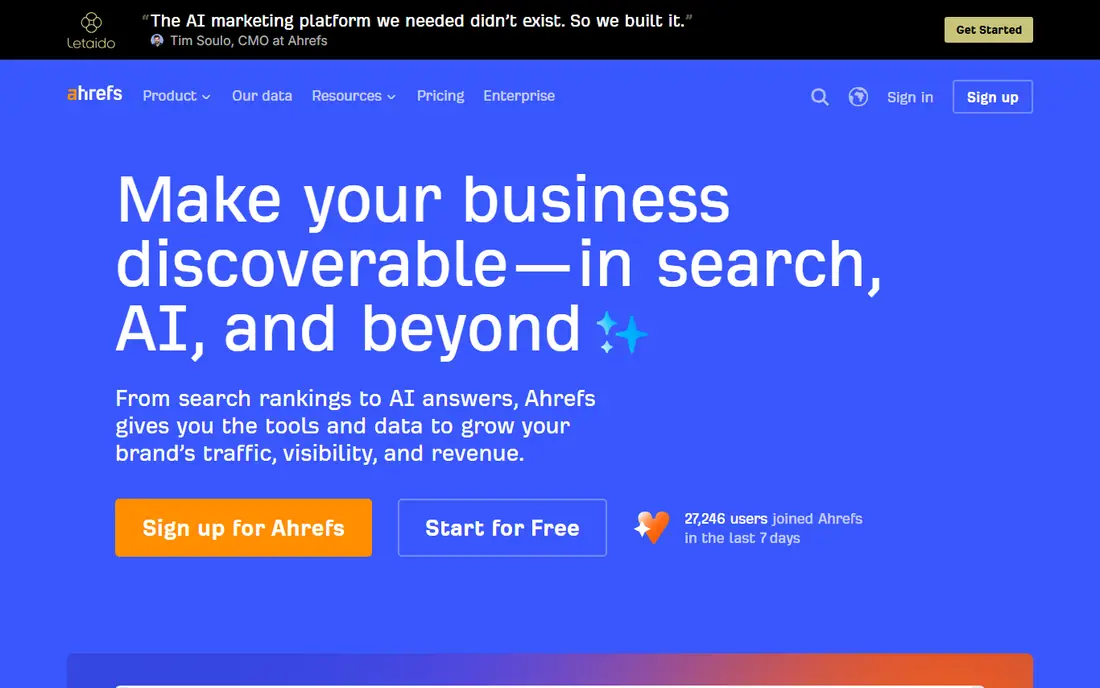
Ahrefs is the tool many SEO professionals open first, and Keywords Explorer is the reason. It returns keyword ideas, volume estimates, difficulty scores, and parent topics that help turn a raw list into a content plan. The backlink index also feeds keyword work, because you can see which pages rank for a term and what links support them. The catch is price and plan limits. Lite starts at $129 per month in the figures we reviewed, and larger teams often need a higher plan for more projects and tracked keywords. Ahrefs Webmaster Tools is a useful free route for your own verified sites, giving site audits and limited Site Explorer access. For pure depth, Ahrefs remains the benchmark, but small sites should check whether they will use that depth every month.
- Large keyword database
- Clickstream-adjusted volume estimates
- Strong backlink data for competitor research
- Premium price for small sites
- Some plans limit tracked keywords and reports
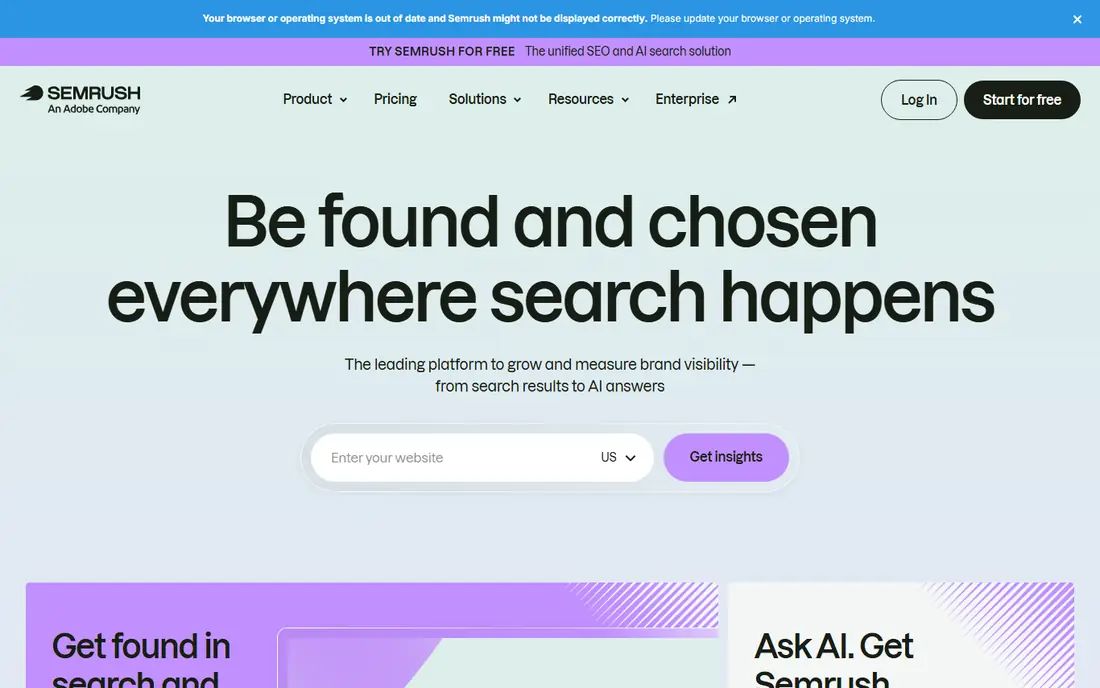
Semrush suits teams that need keyword analysis plus paid search, content, and competitor research in one place. Keyword Magic Tool expands a seed term into large idea lists, while Keyword Gap shows terms competitors rank for that you do not. That combination helps content teams plan clusters, not just single posts. The trade-off is complexity and cost. New users can feel lost among the many tools, and the entry plan starts at $139 per month in the figures we reviewed. A free trial helps you test the workflow, but you should enter it with a real keyword list and a clear question, or the trial week will pass before you learn whether Semrush fits your routine.
- Wide keyword, PPC, and content tools in one account
- Keyword gap and competitor comparison
- Large topic and question data
- Broad feature set can feel complex
- Entry price is high for solo creators
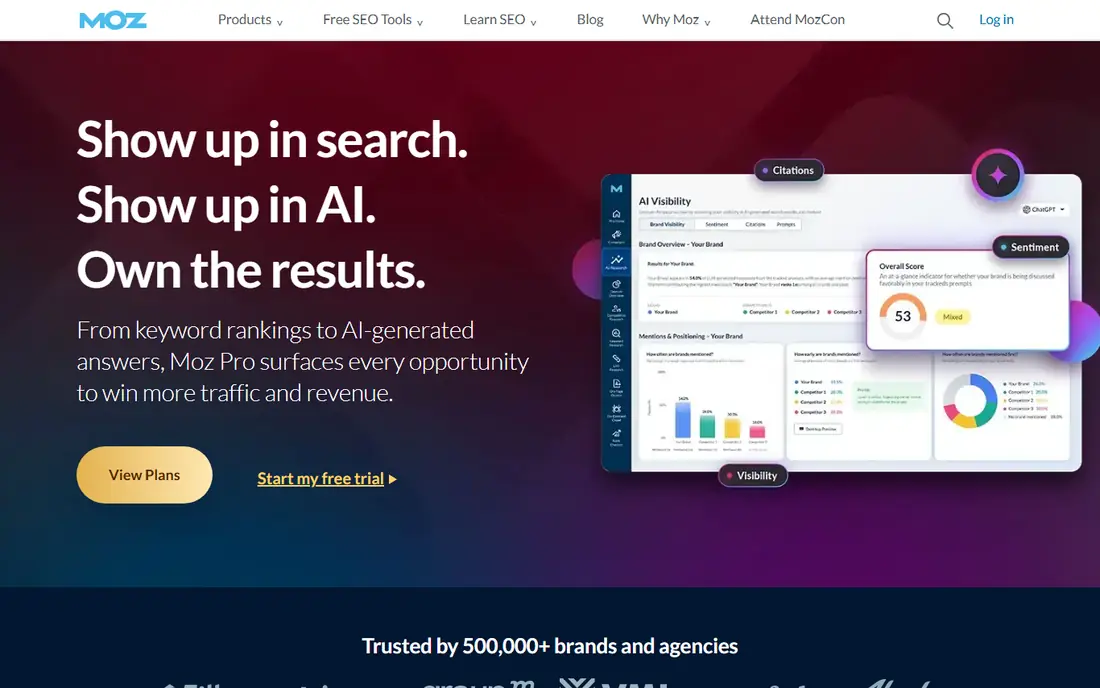
Moz Pro is a good starting point for marketers who want keyword research without a steep learning curve. Keyword Explorer gives volume, difficulty, organic click-through estimates, and a priority score that combines those signals. That guided view helps beginners choose terms they can realistically target, rather than chasing only high-volume head terms. The limit is depth. Moz does not match Ahrefs or Semrush on raw database size or competitor detail in every market, and larger tracking needs push you to higher plans. For small teams, agencies with a clear niche, and in-house marketers learning SEO, Moz Pro still offers a clean, dependable workflow with a free trial to test it.
- Clear keyword difficulty and opportunity scores
- Simple interface for new SEOs
- Domain Authority for benchmarking
- Keyword database is smaller than the largest rivals
- Higher plans needed for larger tracking needs
SE Ranking appeals to agencies and growing sites that need several SEO jobs done in one account. Its keyword research tool gives ideas, volume, difficulty, and search intent signals, while rank tracking and site audit sit in the same dashboard. That integration makes client reporting simpler, because keyword, ranking, and technical data do not live in separate tools. The catch is that specialist depth can lag the largest tools in some competitor areas. If your main job is deep backlink or paid search history, Ahrefs, Semrush, or SpyFu may add more. If your main job is planning content, tracking rankings, and reporting progress for several sites, SE Ranking offers a strong balance, with a free trial to check its data for your market.
- Keyword research, rank tracking, and audit in one plan
- Clear reporting for clients
- Competitive pricing for agencies
- Some advanced competitor data is less deep than top rivals
- Plan limits vary by tracked keywords
Mangools, built around KWFinder, is one of the easiest keyword tools to learn. You enter a seed term, see related ideas with volume, difficulty, and trend data, and you can check the search results for a term without leaving the tool. That speed matters for bloggers and small teams who need a shortlist fast, not a week-long research project. The trade-off is depth. Mangools does not try to replace a full enterprise suite, and its competitor and link data are lighter than Ahrefs or Semrush. For many small sites, that is a fair trade, because a clear tool used weekly beats a powerful tool that sits unused. Check the free trial limits for your language and location, since keyword data quality varies by market.
- Clean and fast KWFinder interface
- Easy difficulty and trend views
- Lower entry price than enterprise tools
- Less competitor and backlink depth
- Report limits on lower plans
Ubersuggest is the budget option that still covers the basics well. It gives keyword ideas, volume ranges, difficulty, and top-ranking pages for a term, plus content ideas drawn from pages that already perform. For freelancers and small site owners, that set covers most planning work without a premium monthly bill. The honest limit is data depth. In competitive or non-English markets, Ubersuggest results can feel thinner than the larger databases, and free searches are limited each day. Use it for shortlists, long-tail ideas, and quick competitor checks, and pair it with Google Search Console data for your own site. At $12 per month for an individual plan in the figures we reviewed, it is easy to justify as a second tool even if you later add a larger suite.
- Low entry price
- Keyword ideas, content ideas, and site audit in one tool
- Free searches for quick checks
- Data depth varies by market
- Free plan limits daily searches
SpyFu stands out for competitor history. You can enter a rival domain and see organic and paid keywords it has ranked for over time, which helps you spot terms it values, ads it has run, and gaps it may have missed. That history is useful for keyword analysis, because past ranking patterns often reveal a competitor content strategy better than a single snapshot. The catch is that SpyFu is not primarily a brainstorming tool. Its keyword discovery is useful, but teams that need large idea lists and clustering may prefer Ahrefs, Semrush, or Mangools. As a companion tool at $39 per month for a basic plan in the figures we reviewed, SpyFu gives smaller teams a clear view of competitor moves without paying for a full enterprise suite.
- Long competitor keyword and ad history
- Easy domain comparison
- Lower price than full suites
- Less strong for fresh keyword discovery alone
- Interface feels dated in places
Google Keyword Planner is free, and that alone makes it worth using, even if you also pay for another tool. It returns keyword ideas, average monthly searches as a range, and competition levels for paid search. For new sites with no budget, it gives a starting list that is grounded in Google data rather than guesswork. The limits matter. Free accounts often see broad volume ranges rather than precise figures, and competition reflects paid ads, not organic difficulty. Use Keyword Planner for seed ideas and rough demand checks, then refine difficulty and intent in another tool or in Search Console. It is a starting point, not a complete keyword analysis workflow on its own.
- Free with a Google Ads account
- Volume ranges direct from Google
- Useful for grouping ideas by theme
- Volume is shown in ranges for many accounts
- Built for advertisers, so organic intent needs interpretation
AnswerThePublic turns a seed term into questions, prepositions, and comparisons that people actually ask. That view is ideal for blog titles, FAQ sections, and content that answers a specific problem. A single seed can reveal dozens of angles that a flat keyword list would miss, and the visual maps make the results easy to share with writers. The catch is depth. AnswerThePublic is an idea tool first, not a full difficulty and competitor suite, so you still need another source for volume and ranking feasibility. Use it early in planning to find questions worth answering, then check the strongest ideas in Ahrefs, Semrush, Mangools, or Keyword Planner before you commit writing time.
- Visual question and preposition maps
- Strong for content angles and FAQs
- Useful free searches for quick ideas
- Volume and difficulty data are limited compared with full suites
- Paid plans needed for regular heavy use
How we picked these
We reviewed official pricing pages, feature pages, and help documentation for each tool, and we checked app and web listings where a free plan or trial was offered. We compared keyword database coverage, volume and difficulty signals, competitor and question data, rank tracking where included, and entry price and free access. Public reviews helped us spot usability issues and data gaps, but we did not treat review scores as proof of accuracy, and we did not claim hands-on ranking experiments. We kept tools that a real content team could use for keyword analysis in 2026, from free starting points to professional suites. Where pricing varies by billing period, seats, or tracked keywords, we used the entry monthly figure shown on the vendor site at review time and noted that plans change. Check the current pricing page before you buy, because keyword tools revise limits and prices often.
How to run keyword analysis that leads to content
Start with a seed list from your product, service, and customer questions, then expand it in your chosen tool and filter by intent. Informational terms suit guides and FAQs, commercial terms suit comparison and product pages, and transactional terms suit landing pages. A tool can surface a term, but only your page type and search results can show whether you can serve that intent well.
Judge difficulty with the search results, not just the score
Open the top results for a term and ask whether your site can realistically join them. Look at domain strength, content depth, freshness, and whether results are dominated by large brands or forums. A low difficulty score means little if the top ten are all strong, well-linked pages. Combine the score with that manual check, and prefer terms where you can offer a clearer, more useful answer.
Build clusters, then measure what happens
Group related terms around one core page, with supporting pages for subtopics, rather than writing a separate thin page for every variant. Track rankings and clicks in Search Console, and update pages that rank on page two before you chase new terms. Keyword analysis is a loop: research, publish, measure, and revise, not a one-time export.
Frequently asked questions
What is the best keyword analysis software for beginners?
Mangools and Ubersuggest are strong beginner choices, because both are easy to learn and priced for small sites. Google Keyword Planner is free and useful for seed ideas, while Moz Pro adds guided difficulty and opportunity scores. Start with a free plan or trial and a real keyword list from your own site.
Is there a free tool for keyword analysis?
Yes. Google Keyword Planner is free with a Google Ads account, Ubersuggest offers limited free searches, and Ahrefs Webmaster Tools gives free data for your own verified sites. AnswerThePublic also offers free searches for question ideas. Free tools carry limits, so pair them with Search Console for your own ranking data.
What is the best keyword analysis software for agencies?
Semrush and SE Ranking suit agencies, because both combine keyword research with rank tracking, audits, and client reporting. Ahrefs suits agencies that need the deepest backlink and competitor data. The right pick depends on how many sites you manage, how much reporting you need, and whether paid search data matters to your clients.
How accurate is keyword search volume?
Search volume is an estimate, not an exact count, and different tools can report different figures for the same term. Treat volume as a guide to relative demand, and check trends, seasonality, and Search Console clicks for terms you already rank for. A term with lower volume but clear buying intent can be worth more than a high-volume term with vague intent.
What is the difference between keyword difficulty and competition?
Keyword difficulty usually estimates how hard organic ranking will be, based on the strength of pages already ranking. Competition in Google Keyword Planner reflects paid ad competition, not organic difficulty. Check both, but do not use paid competition as a direct measure of organic ranking difficulty.
Should I use one keyword tool or several?
One main tool plus a free check is enough for most teams. Use your main tool for research and tracking, and use Search Console and Keyword Planner to cross-check demand and your own performance. Adding more paid tools only helps if you have a clear job for each one, such as SpyFu for competitor history or AnswerThePublic for question ideas.
Sources we checked (9)

Online Jobs is an independent blog about careers, online work, learning new skills and the tools that help people earn. More about us.
Keep reading
All posts
n8n Alternatives
n8n alternatives compared for 2026, with Zapier, Make, Activepieces, and more, covering visual builders, code steps, self-hosting, and pricing models.

ZoomInfo Alternatives
The best ZoomInfo alternatives in 2026, compared on price, free plans, data coverage, and which tool fits small teams or large sales teams best in detail.

Workday Alternatives
We compared the best workday alternatives for HR, payroll, and global hiring, from BambooHR and Gusto to Rippling, Deel, and HiBob for growing teams in 2026.