Teachable Alternatives in 2026: 8 Platforms Compared

How we put this together: we compare official feature and pricing pages, app store listings, privacy policies and public user reviews. Prices change, so check the provider's site before you pay.
Key takeaways
- Thinkific and LearnWorlds suit course creators who want strong course building and student tools without a full marketing suite.
- Podia suits creators who sell courses, downloads and memberships in one simple store, while Kajabi suits creators who want courses plus email and funnels.
- Mighty Networks suits community led courses, while LearnDash suits WordPress site owners who want full control over their site.
- Teachery suits simple, low cost course sites, while MemberPress suits WordPress owners who also sell memberships and subscriptions.
- Check transaction fees, payout timing and student features before you switch, because a low monthly price can hide a high fee per sale.
Quick comparison
| Name | Who it suits | Starting price | Free option | |
|---|---|---|---|---|
 Thinkific | Course building | See website | Yes | Visit |
 Podia | Simple creator store | See website | Free trial | Visit |
 Kajabi | Courses plus marketing | See website | Free trial | Visit |
 LearnWorlds | Interactive courses | See website | Free trial | Visit |
 Mighty Networks | Community courses | See website | Free trial | Visit |
 LearnDash | WordPress courses | See website | No | Visit |
 Teachery | Simple low cost courses | See website | Free trial | Visit |
 MemberPress | WordPress memberships | See website | No | Visit |
The best Teachable alternatives
Teachable is known for simple course creation and selling, but creators switch for many reasons, such as lower fees, better community tools, stronger marketing, or more control over a WordPress site. The best alternative depends on what you sell, how you teach, and whether you want an all in one platform or a tool you own. We compared official product pages, feature lists, pricing models and student tools, and we kept only platforms that are actively sold and supported today.
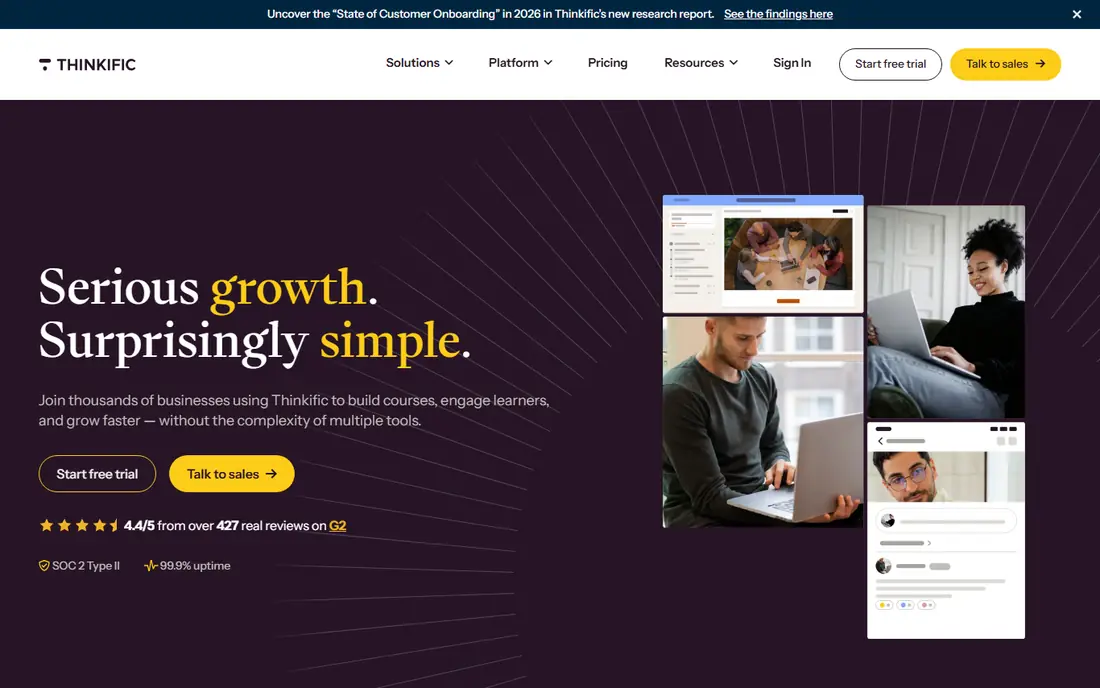
Thinkific is our pick for creators who want to build and sell courses without paying for a full marketing suite they will not use. The course builder supports video, quizzes, assignments and drip content, and student tools include progress tracking and certificates on suitable plans. A free tier lets you test course creation before paying, which lowers the risk of switching from Teachable.
Thinkific marketing tools are narrower than Kajabi, so creators who need advanced email funnels may pair it with another tool. Pricing varies by plan and should be checked on the Thinkific site, including transaction fee rules. For a course first creator who values student experience over marketing automation, Thinkific is a strong and clear choice.
- Strong course builder and student tools
- Free tier for testing
- No transaction fees on most plans
- Marketing tools are narrower than Kajabi
- Some features need higher plans
- Design control varies by plan

Podia suits creators who sell more than courses, such as downloads, coaching, memberships and webinars, and want one simple store for all of it. Setup is guided, the storefront is clean, and email tools are included, so a solo creator can launch without hiring a designer or marketer. Paid plans do not charge Podia transaction fees, although payment processors still charge their own fees.
Podia course tools are simpler than LearnWorlds or Thinkific, with fewer interactive options for large schools. Pricing varies by plan and should be checked on the Podia site. For a creator who wants a simple, friendly store that covers courses and other digital products, Podia is easy to recommend.
- Courses, downloads, memberships and webinars in one store
- Simple setup
- No transaction fees on paid plans
- Course features are simpler than LearnWorlds
- Design options are limited
- Analytics are basic
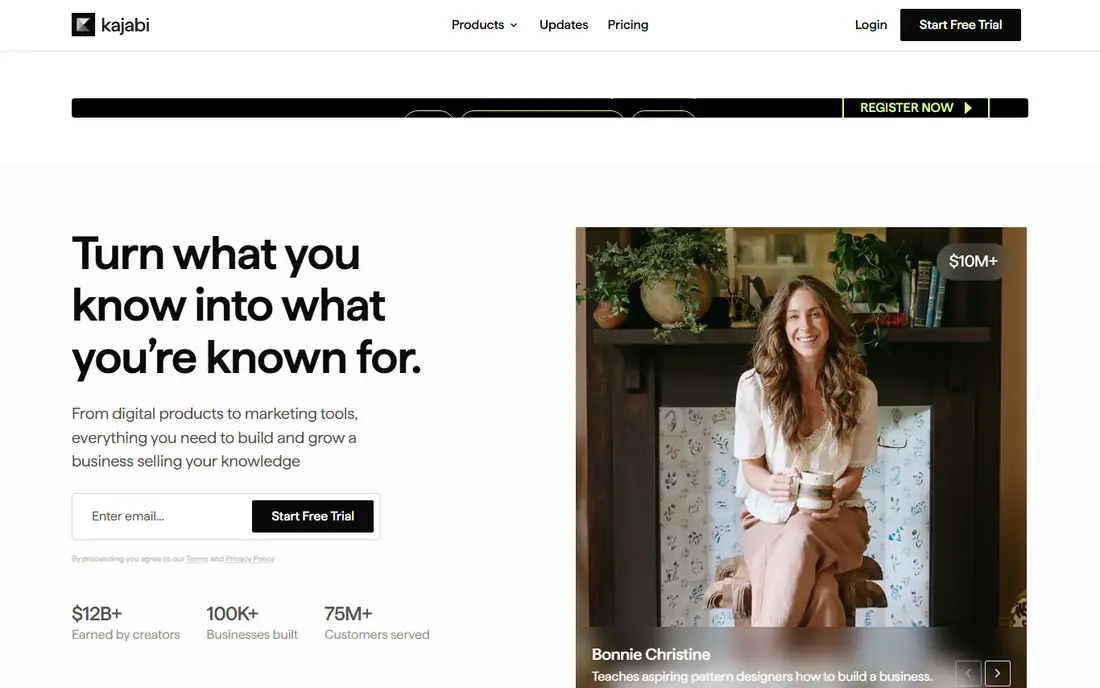
Kajabi is built for creators who want courses, email marketing, landing pages and funnels in one platform, rather than stitching several tools together. You can build a course, create a sales funnel, send email campaigns, and run a website from the same account. That unity helps established creators who sell regularly and want automation to handle launches and follow up.
Kajabi pricing is higher than Thinkific or Podia, and its breadth takes time to learn, so it is not the best pick for a first simple course. Check pricing on the Kajabi site, including what each plan includes for products and contacts. For a creator ready to scale a business around courses, Kajabi is a powerful all in one option.
- Courses, email, funnels and website in one platform
- Strong marketing automation
- Good for scaling creators
- Higher price than Teachable or Thinkific
- Learning curve
- Overkill for a single simple course
LearnWorlds suits schools, trainers and creators who want a polished, interactive student experience. Interactive video, quizzes, assignments, certificates and learning paths help students stay engaged, while white label options let a brand keep its own look and domain. Mobile apps on suitable plans help students learn on a phone.
LearnWorlds pricing varies by plan, and transaction fees depend on the plan chosen, so check the LearnWorlds site carefully before switching. Setup for a large school takes planning, especially for assessments and certificates. For a creator who cares most about how students learn, LearnWorlds is one of the strongest Teachable alternatives.
- Interactive video and assessment tools
- Strong student experience
- White label options
- Pricing varies by plan
- Some plans charge transaction fees
- Setup takes time for large schools
Mighty Networks is the pick when community is part of the course, not just an add on. Members can join a community, take courses, attend events and chat in one place, with a mobile app that keeps the group together between lessons. That structure suits cohort courses, coaching groups and membership communities where peer support matters.
Course building in Mighty Networks is simpler than in LearnWorlds or Thinkific, so a highly structured school may need a dedicated course platform instead. Pricing varies by plan and should be checked on the Mighty Networks site. For a creator whose students learn best together, Mighty Networks combines course and community better than Teachable alone.
- Community, courses and events in one place
- Mobile app
- Good for cohort learning
- Course tools are simpler than LearnWorlds
- Pricing varies by plan
- Best for community led teaching
LearnDash suits WordPress site owners who want to own their course platform completely. As a WordPress plugin, it adds courses, lessons, quizzes, drip content and certificates to a site you already control, with many integrations for memberships, payments and email. You keep your domain, design and student data in one place.
LearnDash needs WordPress hosting, updates and maintenance, and its total cost includes hosting and any extra plugins, so it is not a simple hosted switch from Teachable. Pricing should be checked on the LearnDash site. For a WordPress owner who wants control and is comfortable with site upkeep, LearnDash is a flexible and long term choice.
- Full control on your own WordPress site
- Strong quizzes and drip content
- Many integrations
- Needs WordPress hosting and maintenance
- Setup is technical
- Total cost includes plugins and hosting
Teachery suits first time creators who want a simple, low cost way to sell a course without learning a large platform. You can build course pages, set a price, and sell through a clean checkout, with no complex funnels or community tools to configure. That simplicity helps a trainer or coach launch a first course quickly.
Teachery lacks the advanced quizzes, interactive video and marketing automation of larger platforms, so growing schools will outgrow it. Pricing should be checked on the Teachery site. For a simple course with a clear audience and a tight budget, Teachery is a practical and low stress alternative to Teachable.
- Simple course pages and checkout
- Low cost plans
- Easy for first time creators
- Fewer advanced features than rivals
- Design options are limited
- Best for simple courses
MemberPress is a WordPress membership plugin that suits creators who sell memberships and subscriptions alongside courses. It controls who can access content, handles recurring payments, and pairs with LearnDash for full course delivery on WordPress. That combination gives a site owner control over pricing, access and student data.
MemberPress is not a hosted course platform, so you need WordPress hosting and upkeep, and course features depend on integration with LearnDash or another course tool. Pricing should be checked on the MemberPress site. For a WordPress creator who sells memberships as well as courses, MemberPress is a strong foundation.
- Strong WordPress membership and subscription tools
- Works with LearnDash
- Good access control
- Needs WordPress hosting
- Course features come via integration
- Setup is technical
How we picked these
We compared official product pages, feature lists, pricing models and student tools for course platforms that are actively sold in 2026. We kept platforms with a verifiable official homepage, a current course or membership product, and a clear use case for creators, schools or WordPress owners. We used See website for pricing where plans vary by features, transaction fees or site count, rather than publishing a price that would mislead readers.
We did not claim hands on testing inside live student accounts. Our comparison draws on official pages, documentation and public reviews, and creators should trial a platform with a real course outline and a test purchase before migrating students.
How to choose a Teachable alternative
Start with how you teach and sell. If you sell courses alone, choose Thinkific or LearnWorlds. If you sell courses plus downloads and memberships, choose Podia. If you need marketing funnels, choose Kajabi. If community matters, choose Mighty Networks. If you own a WordPress site, choose LearnDash or MemberPress. If you need a simple first course, choose Teachery.
Check fees, migration and student experience
Before you switch, check transaction fees, payment processor fees, payout timing and what happens to existing students. Test the checkout as a student, check mobile learning, and confirm you can import course content and student lists. A platform that looks cheap monthly can cost more per sale, so compare total cost for your actual sales volume.
Trial with a real lesson, not a demo
Build one real lesson, quiz and checkout page in a trial, and ask a friend to buy and complete it. That test reveals navigation problems, email issues and mobile flaws that a demo will not show. Check support response time as well, because course sales often need help at launch, when timing matters most.
Frequently asked questions
What are the best alternatives to Teachable?
Thinkific is the best course first alternative, Podia is best for a simple creator store, and Kajabi is best for courses plus marketing. LearnWorlds suits interactive courses, Mighty Networks suits community courses, and LearnDash suits WordPress owners. Match the platform to how you teach and sell.
What is the best online training platform for trainers?
For trainers, LearnWorlds and Thinkific offer strong course, quiz and student tools, while Mighty Networks suits cohort training with community support. If you train on WordPress, LearnDash gives more control. Trial each with a real training module before choosing.
Is Thinkific better than Teachable?
Thinkific suits creators who want a free tier, strong course tools and no platform transaction fees on most paid plans. Teachable suits creators who prefer its simple setup and marketplace style. The better choice depends on your course structure, student tools and total fees, so compare both with your real course.
Does Kajabi cost more than Teachable?
Kajabi usually costs more per month than Teachable, because it includes email, funnels and website tools in one platform. That higher price can save money if it replaces several separate tools, but it is costly for a single simple course. Compare total tool cost, not just the platform price.
Can I migrate my courses from Teachable?
Most platforms allow you to rebuild courses and import student lists, but video, quizzes and sales history may need manual work or a migration tool. Check the new platform's migration help, test one course first, and keep your Teachable account live until students have moved successfully.
Sources we checked (8)

Online Jobs is an independent blog about careers, online work, learning new skills and the tools that help people earn. More about us.
Keep reading
All posts
n8n Alternatives
n8n alternatives compared for 2026, with Zapier, Make, Activepieces, and more, covering visual builders, code steps, self-hosting, and pricing models.

ZoomInfo Alternatives
The best ZoomInfo alternatives in 2026, compared on price, free plans, data coverage, and which tool fits small teams or large sales teams best in detail.

Workday Alternatives
We compared the best workday alternatives for HR, payroll, and global hiring, from BambooHR and Gusto to Rippling, Deel, and HiBob for growing teams in 2026.