Tableau Alternatives in 2026: 8 Tools Compared

How we put this together: we compare official feature and pricing pages, app store listings, privacy policies and public user reviews. Prices change, so check the provider's site before you pay.
Key takeaways
- Power BI suits Microsoft shops, while Looker Studio suits teams that need a free start with Google data.
- Qlik Sense and Sisense suit larger teams that need governed, scalable dashboards.
- Metabase and Apache Superset suit technical teams that want open source tools without per-user fees.
- Check data connectors, sharing limits and per-user pricing before you switch, since those decide the real cost.
Quick comparison
| Name | Who it suits | Starting price | Free option | |
|---|---|---|---|---|
 Power BI | Microsoft teams | See website | Yes | Visit |
 Looker Studio | free Google dashboards | Free | Yes | Visit |
 Qlik Sense | governed analytics | See website | Free trial | Visit |
 Domo | business dashboards at scale | See website | Free trial | Visit |
 Metabase | open source dashboards | Free | Yes | Visit |
 Apache Superset | open source data exploration | Free | Yes | Visit |
 Zoho Analytics | low-cost business analytics | See website | Free trial | Visit |
 Sisense | embedded and large-team analytics | See website | Free trial | Visit |
The best Tableau alternatives
Tableau is powerful, but its price, learning curve and licensing can push teams toward other tools. Some readers want a free dashboard, others want tighter Microsoft or Google integration, and technical teams may prefer open source. The tools below cover that range. We compared official pricing pages, feature pages and connector lists, and we use See website where pricing is tiered or quote-based.
Power BI is the natural Tableau alternative for teams already using Excel, Teams and Azure. Data modeling is strong, dashboards share well inside Microsoft 365, and the free desktop tool lets analysts build reports before paying. Templates and community content speed up common reports, from sales to finance.
Sharing is where costs appear. Publishing and sharing dashboards widely needs paid per-user licenses or a capacity plan, so price the sharing model, not just the desktop tool. The desktop app also favors Windows. For a Microsoft shop, Power BI is our pick, and it often costs less than Tableau at team scale.
- Deep Excel and Microsoft 365 integration
- Strong data modeling
- Large community and templates
- Full sharing needs paid licenses
- Windows desktop app focus
- Advanced features need higher tiers
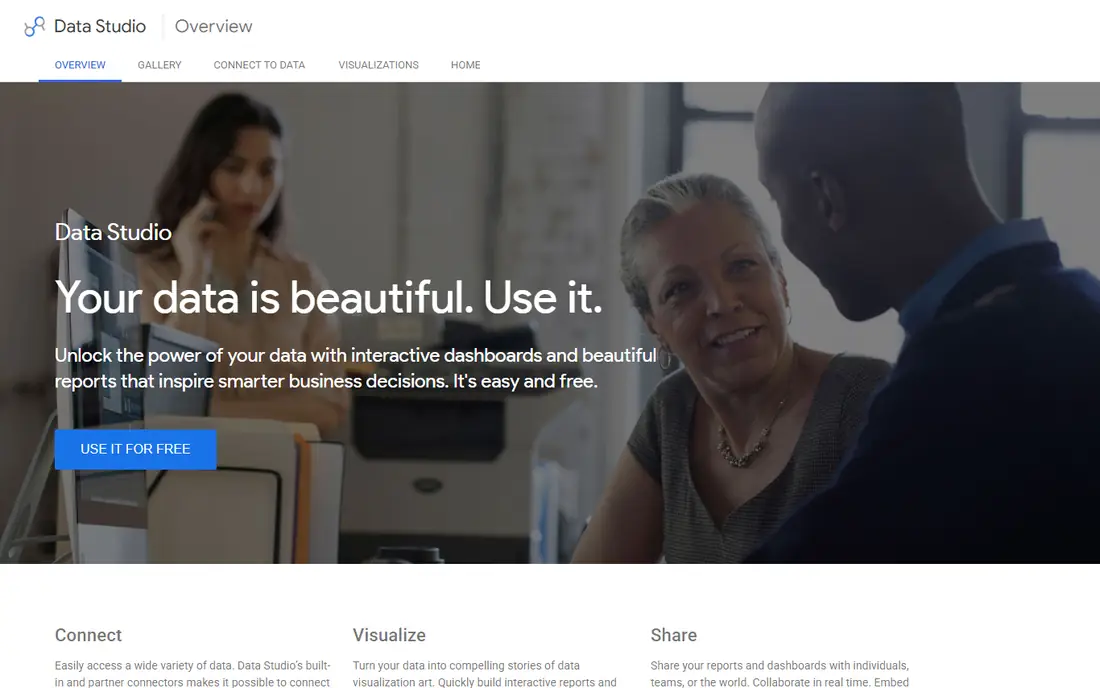
Looker Studio, formerly Data Studio, is the free starting point for many small teams. Connect Google Sheets, Google Analytics or BigQuery, drag fields onto a canvas, and share a live dashboard by link. That simplicity suits marketing reports, small business dashboards and client reporting without a budget.
Advanced modeling, complex calculations and very large datasets will strain it compared with Tableau or Power BI. Performance can also slow with many data sources. For a free, shareable dashboard that covers common reporting needs, Looker Studio is hard to beat, and it pairs well with a paid tool later if needs grow.
- Free to use
- Easy Google Sheets and Analytics connections
- Simple sharing by link
- Fewer advanced analytics features
- Performance limits on large data
- Limited offline use

Qlik Sense uses an associative engine that lets users explore data freely, seeing how selections affect related fields without writing queries. That exploration style suits analysts who need to ask follow-up questions fast. Governance, security and scheduled sharing suit larger teams that need control over who sees what.
Pricing is tiered and setup takes learning, especially for developers building complex apps. The community is smaller than Power BI, though enterprise support is strong. For a larger team that needs governed exploration at scale, Qlik Sense is a serious Tableau rival.
- Strong associative data engine
- Governed sharing and security
- Good for large data sets
- Pricing is tiered
- Learning curve for developers
- Smaller community than Power BI
Domo targets business users who want live dashboards without waiting on a data team. Hundreds of connectors pull data from sales, marketing, finance and operations tools, and alerts flag changes as they happen. Mobile apps keep managers connected to key numbers away from a desk.
Quote-based pricing puts Domo beyond many small teams, and its breadth can feel oversized for a simple reporting need. For a mid-size or larger business that wants a single dashboard layer across many tools, Domo is a strong, business-first alternative to Tableau.
- Many data connectors
- Business-friendly dashboards
- Mobile apps and alerts
- Pricing is quote-based
- Smaller teams may find it oversized
- Some advanced modeling needs care
Metabase is the friendliest open source option here. Non-technical users can ask questions with a visual builder, save charts and build dashboards without SQL, while technical users can write queries when needed. The open source version is free to self-host, which removes per-user fees that make Tableau costly at scale.
Paid cloud plans add permissions, serialization and support, and self-hosting needs someone to maintain updates and scaling. Enterprise controls are lighter on the free tier. For a technical team that wants a free, usable dashboard tool, Metabase is our pick.
- Free open source version
- Easy question builder for non-technical users
- Simple sharing
- Advanced features need paid plans
- Hosting and scaling need technical care
- Fewer enterprise controls on free tier
Apache Superset, originally from Airbnb, offers a wide chart library and strong SQL-based exploration at no license cost. Data teams can build dashboards, explore tables and schedule reports, all on infrastructure they control. That freedom suits companies with strict data rules or a skilled data team.
Setup is the hurdle. Installing, securing and scaling Superset needs technical work, and the interface is less polished than commercial tools. Support comes from community and third-party vendors rather than a single vendor help desk. For a data team comfortable with open source, Superset is a powerful free alternative.
- Free and open source
- Many chart types
- Strong SQL exploration tools
- Setup needs technical skill
- Interface is less polished
- Support relies on community and vendors
Zoho Analytics gives small and mid-size businesses a low-cost dashboard tool with connectors for sales, finance, marketing and support data. AI-assisted insights suggest trends and anomalies, which helps teams without a dedicated analyst. Dashboards share easily, and pricing sits below most enterprise rivals.
Complex data modeling and very large data volumes will favor Tableau, Power BI or Qlik. Zoho Analytics also shines brightest inside the Zoho suite. For a small business that wants affordable, business-friendly dashboards without a data team, Zoho Analytics is a practical pick.
- Low-cost plans
- Many business connectors
- AI-assisted insights
- Advanced modeling trails Tableau
- Best value inside Zoho suite
- Larger data sets need higher tiers
Sisense suits companies that embed analytics into a product or serve many internal users. Its data engine handles large, complex data, and embedded dashboards let customers see insights inside an app without a separate login. Product teams value that embedding path, which Tableau also offers at a higher complexity and cost in some cases.
Quote-based pricing and technical setup put Sisense beyond simple reporting needs. Smaller teams should start with Looker Studio or Metabase. For a company building analytics into a product or scaling dashboards across a large organization, Sisense is a strong enterprise alternative.
- Strong embedded analytics
- Scalable data engine
- Good for product teams
- Pricing is quote-based
- Setup needs technical planning
- Smaller teams may find it oversized
How we picked these
We compared official pricing pages, feature pages and connector lists, and we favored tools that still operate, support common data sources, and offer dashboard sharing. We included free, open source, low-cost and enterprise tools, since Tableau buyers leave for different reasons, and we noted where pricing is quote-based. We did not claim hands-on testing, and we based our notes on vendor documentation and public product information.
How to choose the right alternative
Start with your data sources and your audience. A marketing team reporting from Google tools needs a different tool than a data team modeling a warehouse. Check connectors for your core sources, sharing rules for your audience size, and per-user pricing at your real team size. A free tool that charges per viewer at scale can cost more than a flat-rate tool.
Trial with a real dashboard, not a demo data set. Connect a live source, build the report your team actually needs, and share it with the people who will use it. That test reveals performance, connector gaps and sharing friction that a feature list hides. Also confirm export and migration options, since dashboards are easier to rebuild than the data models behind them. Ask about row-level security, scheduled refresh limits and viewer licensing too, since those three details often decide whether a tool fits a larger audience. A tool that works for five analysts can still fail for five hundred viewers if sharing rules or refresh limits block wider use.
Frequently asked questions
What is the best alternative to Tableau?
Power BI suits Microsoft teams, Looker Studio suits free Google-based reporting, and Metabase suits technical teams that want open source tools. Qlik Sense and Sisense suit larger governed deployments. Your data sources and team size decide the best fit.
Is there a free alternative to Tableau?
Yes. Looker Studio is free, and Metabase and Apache Superset offer free open source versions. Power BI also offers a free desktop tool, though sharing needs paid licenses. Free tools suit small teams and simple dashboards, while large governed deployments usually need paid plans.
Which Tableau alternative is easiest to learn?
Looker Studio and Metabase are the easiest starts here, with visual builders and simple sharing. Power BI is also approachable for Excel users. Qlik Sense, Sisense and Superset need more technical learning, especially for complex modeling.
Can I migrate Tableau dashboards to another tool?
There is no one-click migration for most tools, so plan to rebuild key dashboards and re-check calculations. Export underlying data and document definitions before you move. Start with your most-used dashboards, and run old and new tools in parallel until numbers match.
Does Power BI replace Tableau?
For many Microsoft teams, yes. Power BI covers data modeling, dashboards and sharing at a lower team cost, with strong Excel integration. Teams that need Tableau-specific features or non-Microsoft workflows should trial both with real data before switching.
Sources we checked (8)

Online Jobs is an independent blog about careers, online work, learning new skills and the tools that help people earn. More about us.
Keep reading
All posts
n8n Alternatives
n8n alternatives compared for 2026, with Zapier, Make, Activepieces, and more, covering visual builders, code steps, self-hosting, and pricing models.

ZoomInfo Alternatives
The best ZoomInfo alternatives in 2026, compared on price, free plans, data coverage, and which tool fits small teams or large sales teams best in detail.

Workday Alternatives
We compared the best workday alternatives for HR, payroll, and global hiring, from BambooHR and Gusto to Rippling, Deel, and HiBob for growing teams in 2026.