Supabase Alternatives in 2026: 8 Backends Compared

How we put this together: we compare official feature and pricing pages, app store listings, privacy policies and public user reviews. Prices change, so check the provider's site before you pay.
Key takeaways
- Firebase is the closest like-for-like swap for teams that want a managed backend with realtime sync and mobile SDKs.
- Appwrite and PocketBase are the strongest picks for teams that want to self-host and keep data on their own servers.
- Neon suits teams that want serverless Postgres with branching, but it is a database first, not a full backend.
- Pay-as-you-go pricing can look cheap at launch and grow fast, so model costs at your expected usage before choosing.
Quick comparison
| Name | Who it suits | Starting price | Free option | |
|---|---|---|---|---|
 Firebase | Mobile apps needing realtime sync fast | Free | Yes | Visit |
 Appwrite | Self-hosted backends with broad SDK support | Free | Yes | Visit |
 PocketBase | Small projects that need one simple binary | Free | Yes | Visit |
 Neon | Serverless Postgres with branching | Free | Yes | Visit |
 Convex | Reactive TypeScript apps | $25 per developer per month | Yes | Visit |
 AWS Amplify | Teams already committed to AWS | See website | Yes | Visit |
 Nhost | GraphQL backends on Postgres | $25 per month | Yes | Visit |
 Backendless | Visual app building with a managed backend | $15 per month | Yes | Visit |
The best Supabase alternatives
Supabase pairs Postgres with authentication, storage, realtime updates, and auto-generated APIs, so a true alternative needs to cover several of those jobs at once. The tools below do that in different ways, from full managed backends to databases that pair with other services. We compared official documentation, pricing pages, and self-hosting options to sort them by the job they do best.
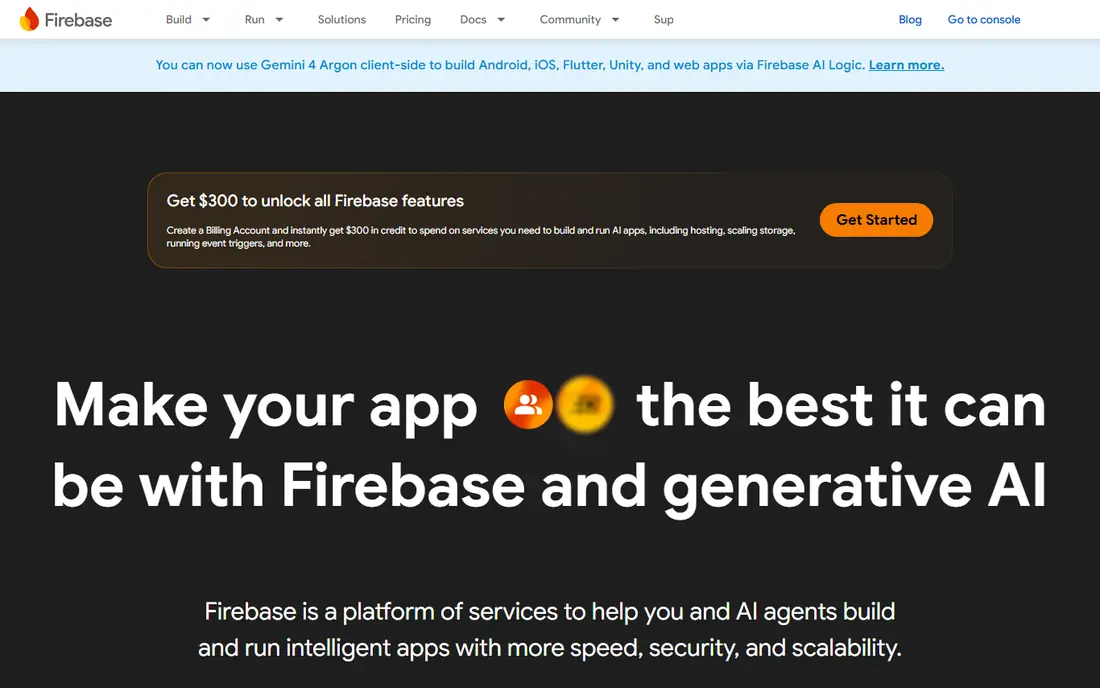
Firebase remains the default alternative for mobile teams because it ships auth, Firestore, Realtime Database, storage, functions, and hosting as one managed set. A small team can ship login, data sync, and file uploads without running servers, and the SDKs for iOS, Android, and web are well documented. For a consumer app that needs offline support and live updates, that combination is hard to beat.
The trade-off is the data model. Firestore is a document database, so teams coming from Supabase Postgres will need to rethink queries, joins, and reporting. Costs also deserve a careful look, since Blaze is pay-as-you-go and a usage spike can produce a larger bill than a fixed monthly plan. Firebase fits best when realtime mobile sync matters more than SQL.
- Mature mobile SDKs and realtime databases
- Generous free Spark plan
- Deep integration with Google Cloud
- NoSQL data model differs from Postgres
- Pay-as-you-go Blaze costs can rise sharply
- Leaving later can be costly
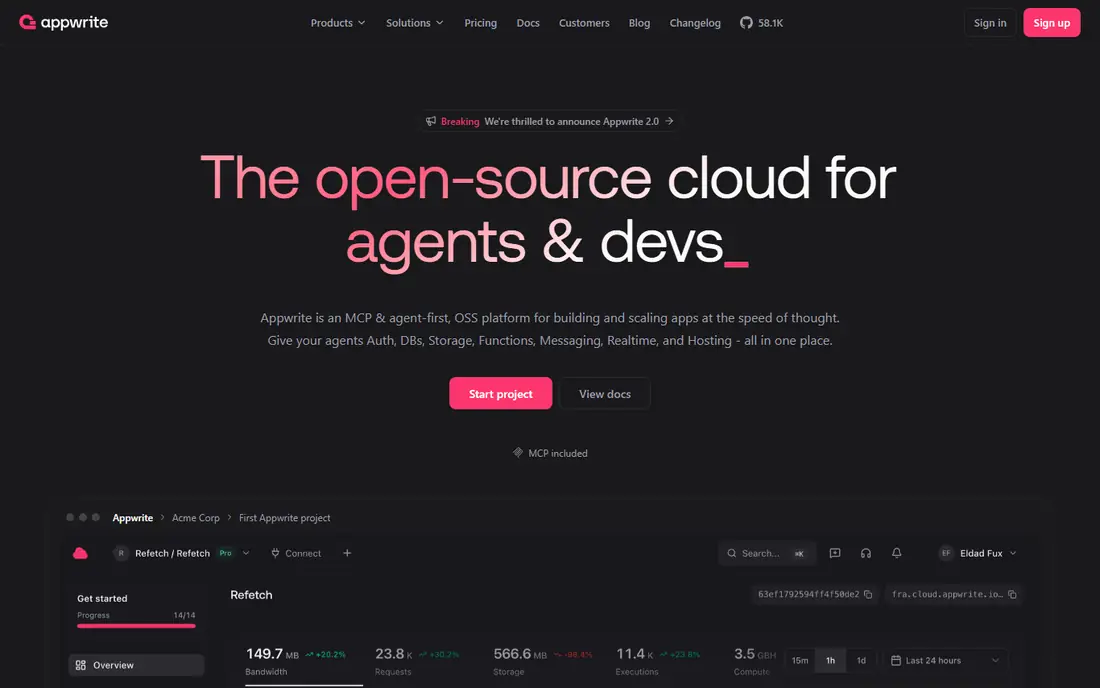
Appwrite is the closest open source answer to the full Supabase package, with auth, databases, storage, functions, realtime, and messaging behind one console. It is popular with teams that need data on infrastructure they control, whether for compliance, cost, or simply preference. Setup uses Docker, and the project covers web, mobile, and server SDKs, which helps teams that do not work only in JavaScript.
The honest catch is operations. Self-hosting is free in license terms, but you still pay for servers, backups, and the time to keep the system updated. Appwrite Cloud removes that burden with a paid plan from $25 per month per project in recent listings, so compare the two routes honestly. For teams that want control without building a backend from parts, Appwrite is a strong pick.
- Open source with Docker-based self-hosting
- Auth, databases, storage, functions, and messaging in one place
- SDKs for many languages
- Self-hosting means you own updates and scaling
- Managed cloud pricing adds up per project
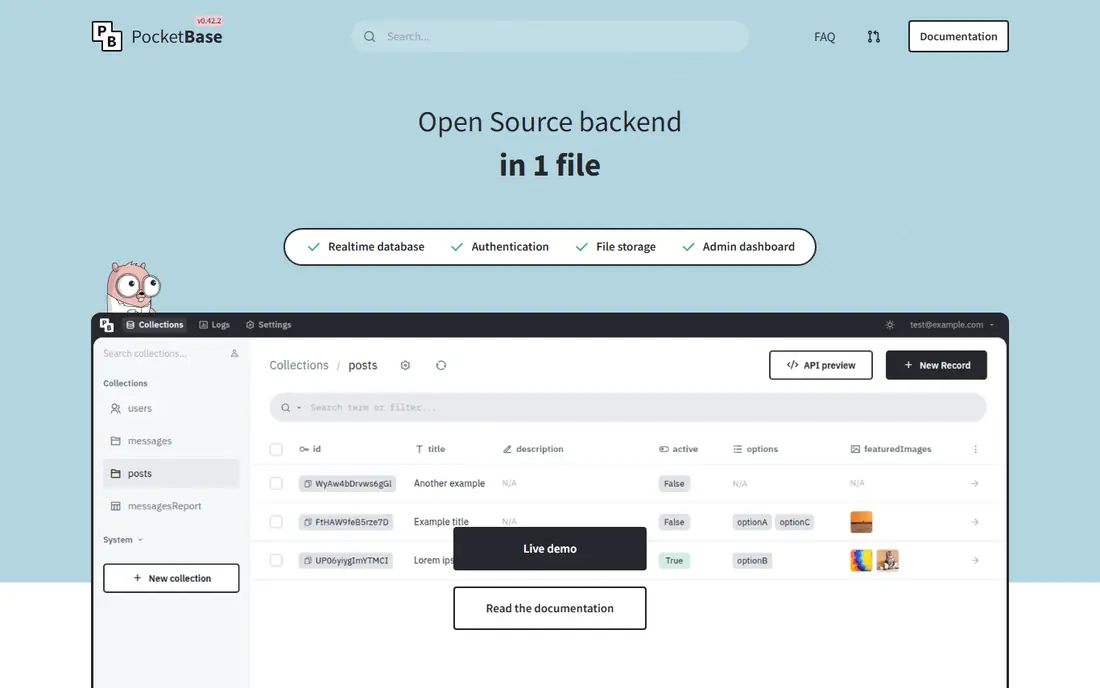
PocketBase takes a deliberately small approach. One binary gives you a database, auth, file storage, realtime, and an admin dashboard, which makes it ideal for side projects, internal tools, and small apps that do not need a large platform. A developer can download it, run it, and have a working backend in minutes, with data stored in SQLite.
That simplicity sets the ceiling. SQLite is excellent for many apps, but it is not the right store for heavy concurrent writes or for a team that expects Postgres-style scaling. PocketBase also has fewer managed hosting options and integrations than larger platforms. Choose it when speed and simplicity matter more than enterprise scale, and plan a migration path if the app grows well beyond its sweet spot.
- Single binary with an embedded admin UI
- Realtime subscriptions and auth built in
- No separate database server to run
- SQLite limits very large or write-heavy workloads
- Smaller ecosystem than Firebase or Appwrite
Neon is the best pick for teams that love Postgres but do not need Supabase auth, storage, and realtime bundled in. Its standout feature is branching, which lets you create a copy of a database for a preview deployment or an experiment, then merge or discard it. That workflow fits modern preview-based development and AI-assisted coding, where disposable environments are useful.
The gap to mind is scope. Neon does not replace auth, file storage, or realtime on its own, so you will pair it with other services or build those parts yourself. That is fine for teams that already have a stack in mind, and less appealing for a team that wants one console for everything. If Postgres and branching are the priority, Neon is a clear leader.
- Real Postgres with database branching for previews
- Serverless scaling that idles to zero
- Familiar SQL tooling
- A database, not a full backend, so auth and storage need other services
- Usage-based pricing needs monitoring
Convex is built for TypeScript teams that want reactive data without hand-wiring websockets or cache invalidation. Queries subscribe to changes, so the interface updates when data changes, which suits collaborative tools, dashboards, and live feeds. The developer experience is a real strength, with typed functions, a clear schema, and deployment handled by the platform.
The limits are fit and price. Teams that do not work in TypeScript, or that need SQL and relational queries, will find Convex a harder sell. Pricing per developer also means a larger team pays more even if usage stays modest, so check the free tier limits and the paid tier math for your team size. For a TypeScript product with live data at its core, it is a compelling Supabase alternative.
- Reactive queries that update the UI automatically
- TypeScript-first functions and schema
- Built-in auth support
- Document model and TypeScript focus narrow its audience
- Pricing is per developer, so team cost grows with headcount
AWS Amplify suits teams that already run on AWS or plan to, since it wires together services such as Cognito for auth, AppSync for APIs, and S3 for storage. That breadth is its advantage, because almost any enterprise requirement, from compliance controls to regional deployment, can be met inside AWS. It also scales in ways that smaller platforms cannot match.
The cost is complexity. Amplify has more concepts to learn, more console screens to manage, and pay-as-you-go billing that varies by service. A solo developer may find it heavy for a simple app, while a team with AWS experience will move faster. Pick Amplify when AWS commitment and scale matter more than the fastest possible start.
- Full AWS service range behind one framework
- Auth, data, storage, and functions
- Enterprise-grade scaling
- AWS complexity and pricing are harder to predict
- Setup takes longer than a single-purpose backend
Nhost is one of the closest structural matches to Supabase, because it also builds on Postgres and adds auth, storage, and functions. Its difference is the API layer, which is GraphQL through Hasura rather than REST, plus a strong focus on realtime subscriptions. Teams that already prefer GraphQL will feel at home quickly, with typed queries and live updates as defaults.
The trade-off is audience. If your team prefers REST or plain SQL access, Nhost adds a layer you may not want. Community size and third-party guides are also smaller than for Firebase or Appwrite, so expect to read official docs more often. For a GraphQL team that wants Postgres without managing Hasura yourself, Nhost is a natural alternative.
- Postgres with Hasura GraphQL and auth out of the box
- Storage and functions included
- Self-hosting option
- GraphQL-first design suits some teams and frustrates others
- Smaller community than Firebase
Backendless targets builders who want a managed backend without writing every API by hand. Its console offers visual tools for data tables, business logic, and user management, alongside SDKs for common platforms. That mix suits agencies, no-code builders, and small teams that need a working backend fast and do not want to manage servers.
The catch is the ceiling for code-first teams. Developers who want full control over queries, migrations, and deployment may find the visual layer gets in the way on complex projects. Pricing also needs a careful read, since the entry paid plan is low but higher tiers and usage limits change the total. For a visual-first team, Backendless is a practical and affordable Supabase alternative.
- Visual data and logic builders lower the coding burden
- Auth, push, and file services included
- Free tier for small projects
- Visual tooling can feel limiting for complex code-first teams
- Paid plans scale with usage and features
How we picked these
We compared official documentation and pricing pages for backends that cover at least several Supabase jobs, such as auth, database, storage, and realtime or functions. We favored products that are available today and that offer either a managed cloud, a self-hosted option, or both, and we excluded pure databases without a backend story except Neon, whose branching makes it a distinct Postgres path. Where a vendor does not publish a stable price, we used See website.
What to check before you switch backends
Start by listing the Supabase features you actually use, since many teams use only a database and auth and pay for the rest unused. If realtime or storage is central, that narrows the field fast, while a database-only team has far more choice. Also check data export options, because a backend that makes leaving hard is a long-term cost even when the monthly price looks low.
Model costs at real usage
Free tiers and pay-as-you-go plans behave very differently under load. Estimate monthly active users, database reads and writes, storage, and function calls, then compare the paid tier that covers those numbers, not the headline free tier. For self-hosted options, add server, backup, and maintenance time to the total.
Frequently asked questions
What are the best Supabase alternatives?
Firebase, Appwrite, and Nhost are the closest full-backend alternatives, while Neon is best for Postgres alone and PocketBase is best for small self-hosted projects. The right pick depends on whether you need SQL, self-hosting, realtime sync, or GraphQL.
What is the best alternative to Supabase for self-hosting?
Appwrite is the strongest self-hosted alternative for most teams, with PocketBase a simpler choice for small projects. Both are open source, but Appwrite covers more backend services in one console, while PocketBase is easier to run.
What are the best alternatives to Supabase that are free?
Firebase, Appwrite self-hosted, PocketBase, and Neon all offer free tiers or free self-hosting for small projects. Free tiers carry limits on usage, storage, or projects, so check those caps before building a production app on them.
Is Firebase better than Supabase?
Firebase is better for mobile apps that need realtime sync, offline support, and mature mobile SDKs, while Supabase is better for teams that want SQL and Postgres. A team moving from Supabase to Firebase should plan for a NoSQL data model change.
Can I migrate from Supabase to another backend easily?
Migration effort depends on how much you rely on Supabase-specific features. Database tables and auth users can usually be exported with work, but realtime subscriptions, storage rules, and edge functions often need rewriting for the new platform.
Sources we checked (8)

Online Jobs is an independent blog about careers, online work, learning new skills and the tools that help people earn. More about us.
Keep reading
All posts
n8n Alternatives
n8n alternatives compared for 2026, with Zapier, Make, Activepieces, and more, covering visual builders, code steps, self-hosting, and pricing models.

ZoomInfo Alternatives
The best ZoomInfo alternatives in 2026, compared on price, free plans, data coverage, and which tool fits small teams or large sales teams best in detail.

Workday Alternatives
We compared the best workday alternatives for HR, payroll, and global hiring, from BambooHR and Gusto to Rippling, Deel, and HiBob for growing teams in 2026.