Best Square Alternatives in 2026: 8 Tools Compared

How we put this together: we compare official feature and pricing pages, app store listings, privacy policies and public user reviews. Prices change, so check the provider's site before you pay.
Key takeaways
- Stripe suits online-first businesses, while Clover and SumUp suit simple in-person selling.
- Lightspeed suits inventory-heavy retail, Toast suits restaurants, and Shopify POS suits omnichannel brands.
- Total cost includes software, processing, hardware, and add-ons, so compare the full monthly figure.
- This is not financial advice, and processing rates and terms vary, so get a written quote before you switch.
Quick comparison
| Name | Who it suits | Starting price | Free option | |
|---|---|---|---|---|
 Stripe | Online-first businesses and developers | Free | Yes | Visit |
 Clover | Shops that want hardware choice | See website | No | Visit |
 Lightspeed | Inventory-heavy retail and multi-site shops | $89 per month | No | Visit |
 Shopify POS | Brands selling online and in store | See website | No | Visit |
 Toast | Restaurants and cafes | $69 per month | No | Visit |
 SumUp | Small sellers and market stalls | Free | Yes | Visit |
 Helcim | Growing businesses that want clear pricing | Free | Yes | Visit |
 PayPal Zettle | Small shops that already use PayPal | See website | No | Visit |
The best Square alternatives
Square is a strong default for small shops, but it is not the best fit for every business. Restaurants need kitchen tools, inventory-heavy shops need deeper stock control, and online brands need one inventory across channels. We compared alternatives on POS depth, processing, hardware, monthly cost, and setup. This is not financial advice, and no provider here guarantees rates, approval, or savings. This is not financial advice. Processing rates, fees, and approval vary by provider and by your business, so get a written quote before you switch.
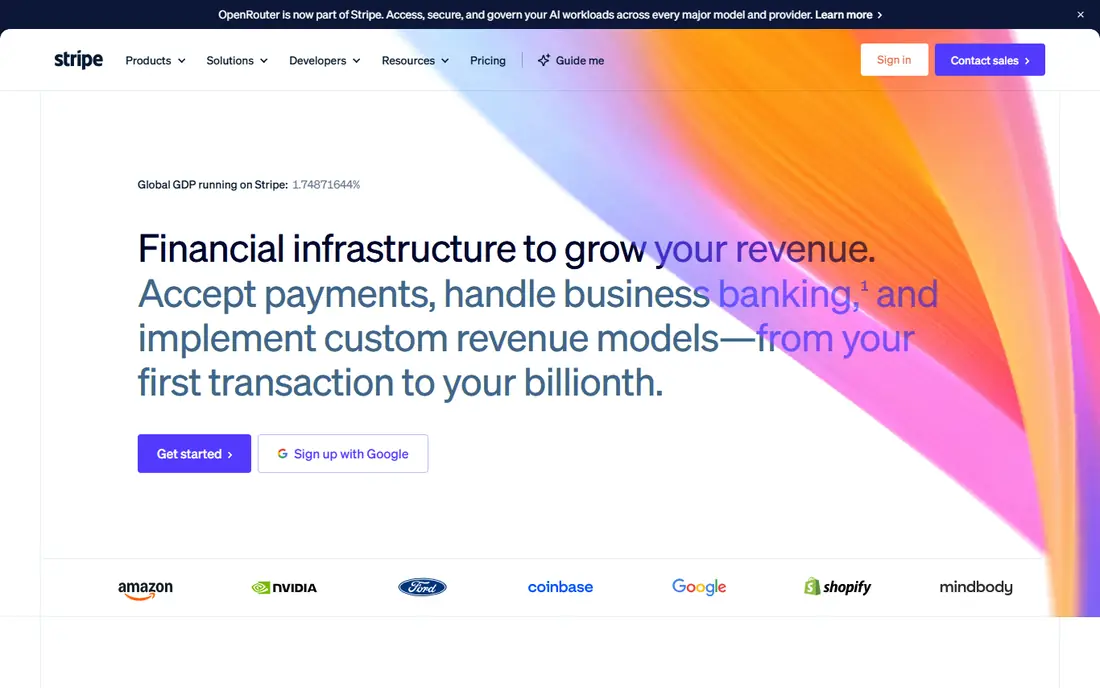
Stripe suits online-first businesses that want flexible payments and a strong checkout. It handles online payments, subscriptions, and in-person sales through Terminal, with a wide range of tools for developers. For our pick, the fit is clearest for readers who match the best-for line above, and who want a clear daily routine rather than a pile of extra settings to manage. The catch is POS depth: a shop that needs a full register, inventory, and staff tools may need extra software. Start with online checkout, then test Terminal with your actual hardware before you replace a register. Before you commit, check the current plan page and the cancellation terms, and try the free option or trial first when one is offered.
- No monthly fee for core payments
- Strong online checkout
- Terminal for in-person sales
- In-person POS features are narrower than dedicated POS systems
- Developer help may be needed
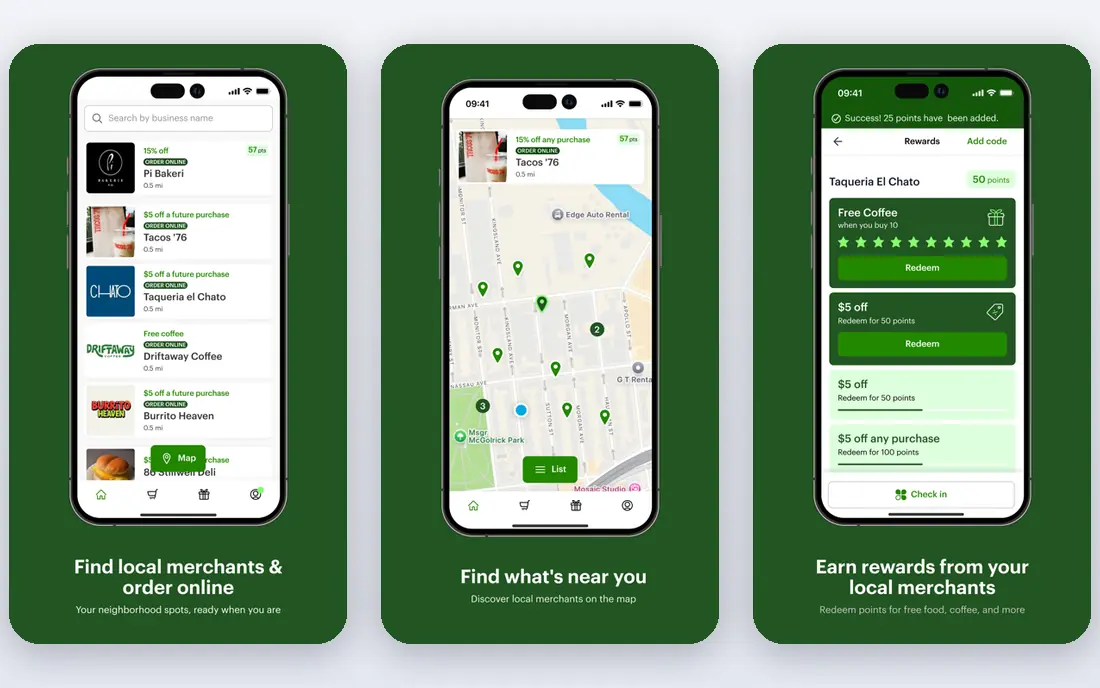
Clover fits shops that want to choose hardware for the counter, the table, or the road. Its hardware range covers small readers, counter stations, and handheld devices, with apps for extra features. For our pick, the fit is clearest for readers who match the best-for line above, and who want a clear daily routine rather than a pile of extra settings to manage. The catch is reseller pricing: the same hardware can come with very different monthly costs and terms. Get a direct written quote, check contract length, and compare total monthly cost including processing. Before you commit, check the current plan page and the cancellation terms, and try the free option or trial first when one is offered.
- Wide hardware range
- App market
- In-person and online options
- Pricing varies by reseller
- Contracts and fees need careful reading
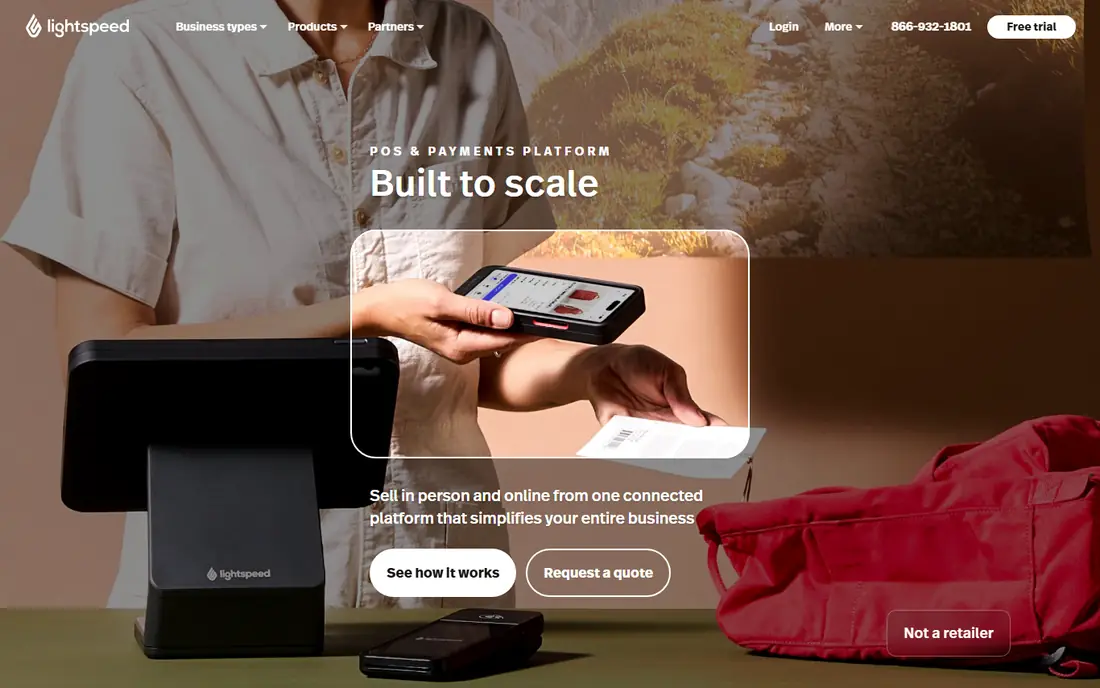
Lightspeed suits retailers with complex stock, variants, or several sites. It handles inventory, suppliers, and multi-site stock in more depth than a simple register. For our pick, the fit is clearest for readers who match the best-for line above, and who want a clear daily routine rather than a pile of extra settings to manage. The catch is cost and setup: the monthly fee and the time to build a catalogue suit larger shops best. Import a sample catalogue first, test variants and stock counts, and price the plan for your site count. Before you commit, check the current plan page and the cancellation terms, and try the free option or trial first when one is offered.
- Strong inventory and multi-site tools
- Retail and restaurant versions
- Higher monthly cost
- Setup takes time for complex catalogues
Shopify POS suits brands that already sell online and want one inventory for both channels. It keeps online and in-store stock together, so a sale in either place updates the same catalogue. For our pick, the fit is clearest for readers who match the best-for line above, and who want a clear daily routine rather than a pile of extra settings to manage. The catch is that restaurant depth is limited, and POS Pro adds a per-location cost. Test it with your online catalogue, and check that in-store discounts and staff permissions match your needs. Before you commit, check the current plan page and the cancellation terms, and try the free option or trial first when one is offered.
- Online and in-store inventory in one place
- POS Pro adds deeper retail tools
- Needs a Shopify plan
- Restaurant features are limited
Toast fits restaurants and cafes that need kitchen, menu, and table tools. It covers ordering, kitchen display, menu changes, and online ordering in a restaurant-focused system. For our pick, the fit is clearest for readers who match the best-for line above, and who want a clear daily routine rather than a pile of extra settings to manage. The catch is total cost: add-ons, hardware, and processing terms can raise the monthly bill. Price the full setup for your site, including hardware and the add-ons you will actually use. Before you commit, check the current plan page and the cancellation terms, and try the free option or trial first when one is offered.
- Restaurant-focused tools
- Kitchen display and menu management
- Online ordering
- Add-ons can raise cost
- Hardware and contract terms vary
SumUp suits small sellers, market stalls, and pop-ups that want simple card payments. Its readers are simple to set up, with no monthly fee for basic use, and in-person rates that compete with Square. For our pick, the fit is clearest for readers who match the best-for line above, and who want a clear daily routine rather than a pile of extra settings to manage. The catch is depth: inventory and staff tools are simpler than Lightspeed or Toast. Test it at a real market day, and check how refunds, receipts, and offline sales work. Before you commit, check the current plan page and the cancellation terms, and try the free option or trial first when one is offered.
- No monthly fee for basic use
- Simple readers
- Easy setup
- POS depth is limited
- Larger shops may need more inventory tools
Helcim suits growing businesses that want pricing tied to card costs, not a flat markup. Its interchange-plus model shows the underlying card cost plus a margin, with discounts as volume grows. For our pick, the fit is clearest for readers who match the best-for line above, and who want a clear daily routine rather than a pile of extra settings to manage. The catch is comparison: interchange-plus quotes need your actual card mix to compare fairly. Get an estimate with recent statements, and compare total cost, not just the margin line. Before you commit, check the current plan page and the cancellation terms, and try the free option or trial first when one is offered.
- Interchange-plus pricing
- Volume discounts
- Free POS tools
- Integration range is smaller than larger rivals
- Availability varies by region
PayPal Zettle suits small shops that want simple in-person payments with PayPal links. Its readers and app cover the core counter job, with links to PayPal for online and invoice payments. For our pick, the fit is clearest for readers who match the best-for line above, and who want a clear daily routine rather than a pile of extra settings to manage. The catch is that larger shops may outgrow its inventory and reporting range. Use it for a busy week, and check that stock, staff, and reporting match your daily routine. Before you commit, check the current plan page and the cancellation terms, and try the free option or trial first when one is offered.
- Simple readers
- PayPal links
- Easy setup for small shops
- POS depth is limited
- Online tools are narrower than Shopify or Stripe
How we picked these
We compared official feature pages, pricing pages, and app store listings, and we read public reviews to check where each option fits and where it falls short. We left out options with thin coverage for the topic, unclear pricing, or a poor match for most readers, and we kept a mix of widely used leaders and smaller options that do one job well. Prices change, so we used the starting price shown on the vendor site where we could confirm it, and we wrote See website where a price depends on a quote, a vehicle, a project, or a local plan. We did not count marketing claims as facts, and we did not assume a feature was included unless the vendor page listed it.
How to compare POS costs without missing hidden fees
Add software, processing, and hardware together
A free POS with higher processing can cost more than a paid POS with lower processing, depending on your sales volume. Use your last month of sales and transaction count to compare total cost, not just one line.
Check contracts, hardware, and exit terms
Ask about contract length, hardware ownership, early exit fees, and data export. A cheap reader tied to a long contract can cost more than a pricier reader with a monthly plan.
Frequently asked questions
What are the alternatives to Square?
Stripe, Clover, Lightspeed, Shopify POS, Toast, SumUp, Helcim, and PayPal Zettle are the main alternatives. The best choice depends on whether you sell online, in store, or in a restaurant, and how complex your inventory is.
What are alternatives to Square POS for restaurants?
Toast leads for restaurants, with kitchen display, menu, and online ordering tools. Lightspeed also offers a restaurant version, while Square and Clover suit simpler food businesses.
What is the cheapest Square alternative?
It depends on your sales volume and transaction count. SumUp and Helcim can be cheaper for small sellers, while Lightspeed or Toast may cost more but add tools that save time. Compare total monthly cost with your real sales data.
Does Stripe replace Square?
Stripe replaces Square for online payments and basic in-person sales, but it is not a full POS for most shops. A shop that needs a register, inventory, and staff tools should pair Stripe with POS software or choose a dedicated POS.
Can I switch POS without losing sales data?
In many cases, yes, but product, customer, and order export varies by provider. Export your data before you switch, test the import with a sample, and keep the old system readable until the new one is proven.
Do POS providers charge monthly fees?
Some offer free basic plans, while others charge monthly fees per location or per device. Processing fees apply in most cases on top of software fees, so read the full pricing page for your plan.
Sources we checked (8)

Online Jobs is an independent blog about careers, online work, learning new skills and the tools that help people earn. More about us.
Keep reading
All posts
n8n Alternatives
n8n alternatives compared for 2026, with Zapier, Make, Activepieces, and more, covering visual builders, code steps, self-hosting, and pricing models.

ZoomInfo Alternatives
The best ZoomInfo alternatives in 2026, compared on price, free plans, data coverage, and which tool fits small teams or large sales teams best in detail.

Workday Alternatives
We compared the best workday alternatives for HR, payroll, and global hiring, from BambooHR and Gusto to Rippling, Deel, and HiBob for growing teams in 2026.