Software Engineering Best Practices in 2026: 8 Tools Compared

How we put this together: we compare official feature and pricing pages, app store listings, privacy policies and public user reviews. Prices change, so check the provider's site before you pay.
Key takeaways
- This article covers software engineering best practices through the tools that support them: CI, testing, code review, security scanning, and observability.
- The practices matter more than any single tool: small pull requests, automated tests, required reviews, and monitoring in production.
- Start with version control, CI, and automated tests, because those three practices catch the most problems for the least cost.
- No tool replaces human review, clear ownership, and a rollback plan, so judge tools by how well they support those habits, not by feature count.
Quick comparison
| Name | Who it suits | Starting price | Free option | |
|---|---|---|---|---|
 GitHub Actions | CI for GitHub repos | Free | Yes | Visit |
 GitLab CI | Integrated DevOps pipelines | Free | Yes | Visit |
 SonarQube Cloud | Code quality and security gates | $34 per month | Yes | Visit |
 Snyk | Security scanning for code and dependencies | $25 per month | Yes | Visit |
 Sentry | Error tracking in production | See website | Yes | Visit |
 Datadog | Observability for apps and infrastructure | $15 per month | Free trial | Visit |
 LaunchDarkly | Feature flags and safe releases | See website | Yes | Visit |
 Postman | API design and testing | Free | Yes | Visit |
The best tools for software engineering best practices
Software engineering best practices are habits, not products: write small changes, test them automatically, review them with a peer, deploy them safely, and watch them in production. The tools below are the ones that make those habits practical for a real team, and each one maps to a specific practice. If you read this list as a shopping list without the practices, you will buy tools and keep the same problems. Read it as a workflow instead, from commit to production and back again.
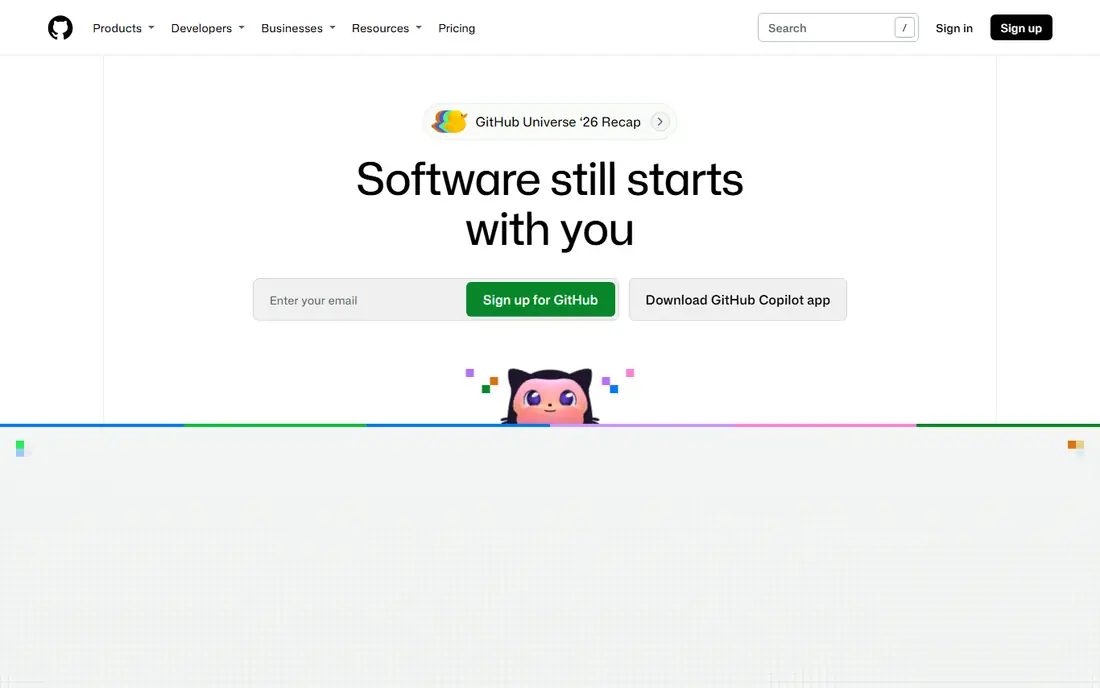
GitHub Actions supports the practice of continuous integration: every pull request runs tests, linting, and builds automatically before it can merge. Because it lives in the same place as code review, a developer sees test results, required checks, and review comments in one view, which makes it easier to keep main branch green. The marketplace of reusable actions also means a small team can add testing, security scanning, and deployment steps without writing every workflow from scratch.
The catch is cost and complexity. Minutes billing, matrix builds, and large test suites can grow quickly if workflows are not tuned, and a complex YAML file can be hard to debug when it fails. Keep workflows small, cache dependencies, and require the important checks on main branch while keeping experimental checks optional. For a team already on GitHub, Actions is the natural CI starting point.
- Built into GitHub
- Large marketplace of actions
- Free tier for public repos and small teams
- Minutes billing needs cost hygiene
- Complex workflows can be hard to debug
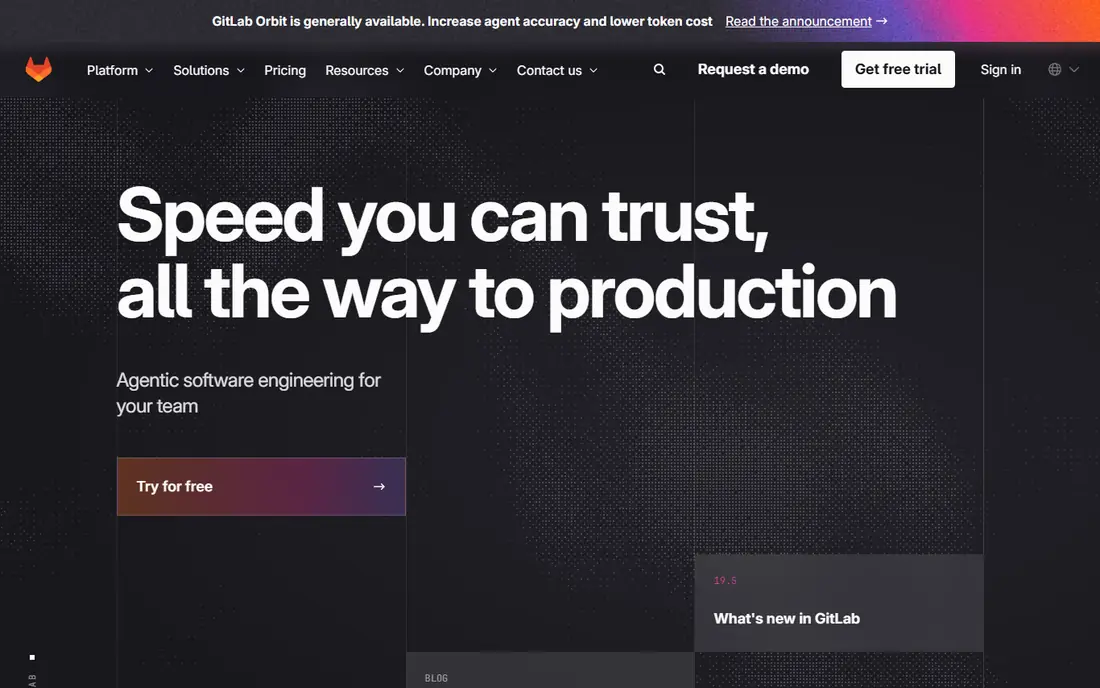
GitLab CI supports the same continuous integration practice as GitHub Actions, but inside a single DevOps platform that also covers issues, code review, security scanning, and deployment. Pipelines defined in YAML sit next to the code they test, which makes the pipeline itself reviewable and versioned like any other change. Security jobs, container scanning, and deployment environments are built in, which helps a team adopt DevSecOps habits without stitching many vendors together.
The limit is runner management. Shared runners are easy to start with, but private runners need sizing, maintenance, and cost control, especially for large test suites. A team that already uses GitLab for source control gets the most value, because the integration is the point. A team on GitHub should not switch to GitLab for CI alone, unless the wider platform fits its workflow.
- Pipelines live next to code
- Strong security jobs
- Integrated review and deployment
- Runner sizing needs care
- Self hosted setup adds work
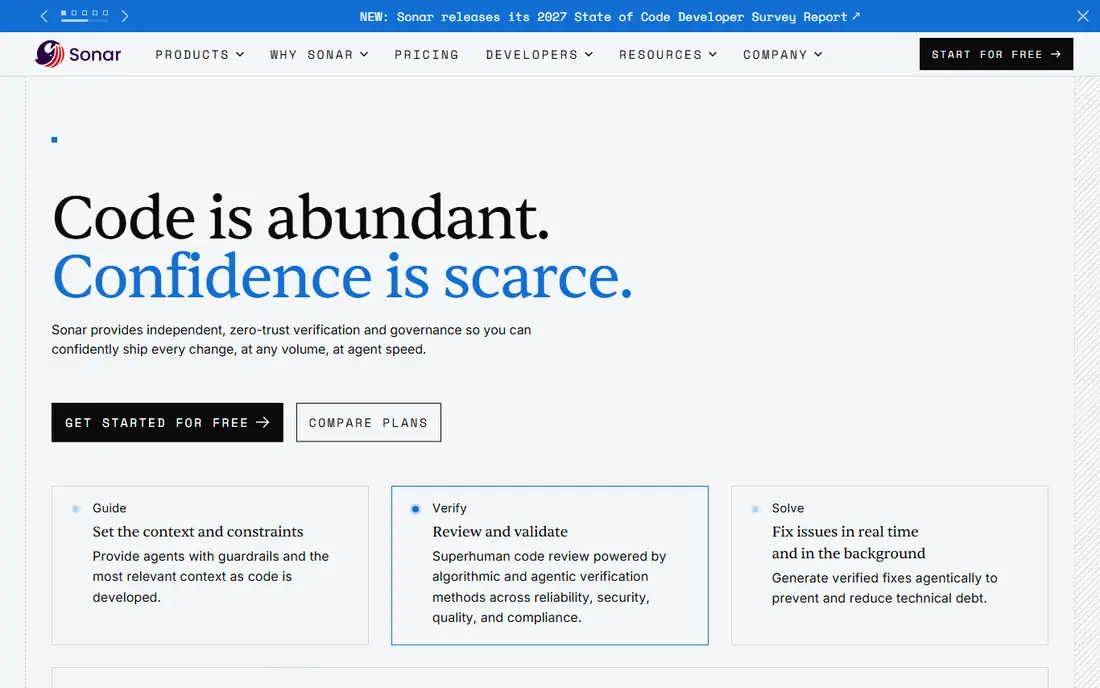
SonarQube Cloud supports the practice of keeping code quality visible and enforceable, by analyzing pull requests for bugs, code smells, security vulnerabilities, and duplication, and by blocking merges that fail a quality gate. That habit matters because quality problems are cheapest to fix in a pull request and most expensive to fix in production. The free tier covers small private projects, and the Team tier starts at $34 per month for larger codebases, which makes it accessible for a small team.
The trade off is scope and pricing. SonarQube pricing is based on lines of code, so a large monorepo costs more than a small service, and advanced security features sit in higher tiers. It also works best when the team agrees on a quality gate and does not simply disable it under deadline pressure. Use SonarQube to make quality a team habit, not as a report that nobody reads.
- Quality gates in pull requests
- Clear code smells and security issues
- Free tier for small private projects
- Pricing is based on lines of code
- Advanced features need higher tiers
Snyk supports the practice of secure by default development, by scanning your code, dependencies, containers, and infrastructure as code for known vulnerabilities and giving fix guidance. That habit is essential because most modern apps depend on hundreds of open source packages, and a vulnerability in one of them can affect your whole app. The free tier covers a small number of projects and tests, which is enough for a side project or a small team to start.
The honest limit is noise. A first scan can surface many issues, and a small team needs a plan to prioritize critical fixes and ignore low risk noise, or security scanning becomes another ignored report. Start with critical and high severity issues, automate dependency updates where safe, and review the rest on a schedule. Snyk is most useful when security fixes are part of the normal pull request flow, not a separate quarterly project.
- Scans code and dependencies for vulnerabilities
- Clear fix guidance
- Free tier for small projects
- Team pricing starts at $25 per month
- Fix volume can overwhelm a small team
Sentry supports the practice of observability in production: when an app crashes or errors in the real world, the team should know quickly, with enough context to fix it. Sentry groups errors, shows the stack trace, the affected release, and the user impact, and it can alert the right team through Slack or another channel. That habit closes the loop between shipping code and learning from real usage, which is the core of good engineering.
The catch is alert tuning. Without careful thresholds and ownership, error alerts become noise and teams start ignoring them, which defeats the purpose. Assign an owner for each service, set alerts for new and spiking errors rather than every single error, and review unresolved errors weekly. Sentry free tier is enough for a small project, and paid pricing varies by events, so check the current plan for your volume.
- Clear error reports with context
- Alerts tied to releases
- Helps teams fix production bugs fast
- Pricing varies by events and users
- Alert tuning takes time
Datadog supports the practice of full stack observability: logs, metrics, traces, and infrastructure health in one place, so a team can trace a slow request from the user through the app to the database. That habit matters as systems grow, because a single dashboard is no longer enough to find a problem. Datadog infrastructure monitoring starts at $15 per host per month on annual billing in many listings, with other modules priced separately, and a free trial is available.
The limit is cost and complexity. Datadog pricing is modular and host based, so a small team can easily overbuy modules it does not need, and the platform has a learning curve. Start with the modules that answer your most painful question, such as application performance or log search, and add more only when a real incident shows the gap. For a small team, Sentry plus simple infrastructure metrics may be enough before Datadog.
- Logs, metrics, and traces in one platform
- Strong dashboards and alerts
- Scales to large systems
- Pricing is complex and host based
- Can be expensive for small teams
LaunchDarkly supports the practice of safe releases through feature flags: deploy code to production, but release the feature to a small group first, then to everyone, and roll it back instantly if it causes problems. That habit is one of the most important best practices for modern engineering, because it separates the risk of deploying code from the risk of releasing a feature. It also enables experiments, gradual rollouts, and kill switches for risky changes.
The trade off is flag hygiene. Old flags accumulate, and a codebase full of dead flags becomes harder to understand and test, so a team needs a rule to remove flags after a full rollout. Pricing is also quote based for larger teams, although a free tier exists for small use. Use LaunchDarkly for risky or user facing changes first, not for every small tweak, and clean up flags as part of the definition of done.
- Decouple deploy from release
- Roll back a feature without a redeploy
- Target releases by user group
- Pricing is quote based for larger teams
- Flag hygiene needs discipline
Postman supports the practice of treating APIs as a contract: design the API, write collections of requests, test them automatically, and document them for other teams. That habit matters because most modern apps are built from services that talk through APIs, and a broken API contract breaks every client that depends on it. Postman free tier covers individual use, and team plans add collaboration, mock servers, and monitors.
The limit is organization. A large Postman workspace without naming rules, folders, and versioning becomes as messy as an undocumented codebase, so treat collections as code: review them, version them, and run them in CI where possible. For a team that builds or consumes APIs, Postman is the simplest way to make API testing a daily habit rather than a manual chore before a release.
- Design, test, and document APIs in one place
- Collections can be versioned
- Good for teams
- Paid team features cost more
- Large collections need organization
How we picked these
We compared official vendor pages and pricing pages for tools that support the core software engineering practices: version control and CI, code quality, security, observability, safe releases, and API testing. We favored tools with a free tier or trial, clear documentation, and a workflow that a small team can adopt without a large platform migration. Prices are US list prices where published, and quote based where the vendor does not publish a price, so check the vendor page for your team size and volume.
Best practices in software engineering: the habits behind the tools
The tools above only help if the habits behind them are real. Keep pull requests small, because a 200 line change is reviewed carefully and a 2,000 line change is skimmed. Write automated tests for the behavior you care about, not for coverage numbers alone, and run those tests in CI on every pull request. Require at least one peer review before merging to main, and protect main branch with required checks so a failing test cannot slip through under pressure.
Ship small, observe, and roll back
Deploy often in small steps, use feature flags for risky changes, and have a rollback plan before you release, not after something breaks. Monitor errors and performance in production, and treat an alert as a task with an owner, not as background noise. When an incident happens, write a short postmortem that focuses on the system and the process, not on blaming a person, and fix the root cause, not only the symptom.
Keep code readable and owned
Write code for the next reader, not only for the compiler: clear names, small functions, and comments that explain why, not what. Own each service with a named team, document its API and its runbook, and keep dependencies updated on a schedule. Refactor continuously in small steps, rather than saving all cleanup for a large rewrite that never happens. These habits, supported by the tools above, are what platform engineering best practices and software engineer best practices share in common.
Frequently asked questions
What are the best software engineering practices for a small team?
For a small team, the best software engineering practices are version control with protected main branch, CI on every pull request, automated tests for core behavior, peer review, and error monitoring in production. Those five habits catch most problems and cost far less than a large platform. Add code quality gates, security scanning, and feature flags once those five are working reliably.
What are platform engineering best practices?
Platform engineering best practices focus on giving product teams a paved path: standard CI templates, golden paths for deployment, self service infrastructure, and observability by default. The goal is to make the right way the easy way, so teams do not build their own pipelines from scratch. Tools such as GitHub Actions, GitLab CI, and Datadog support that platform, but the practice is the standard, not the tool.
How do best practices for software engineering improve code quality?
Best practices improve code quality by catching problems early, when they are cheapest to fix: tests in CI catch regressions before merge, code review catches design problems, quality gates catch duplication and security issues, and observability catches production problems fast. No single practice does it alone, and the combination matters more than any one tool. Measure quality by escaped defects and time to fix, not by lines of code or test count alone.
Should a team adopt all of these tools at once?
No. Adopt tools in the order of pain: start with version control and CI, then automated tests, then code review and quality gates, then security scanning, then observability and feature flags. Each step should solve a problem your team actually feels, such as broken main branch, slow reviews, or production errors you learn about from users. A tool adopted without a painful problem will be ignored, no matter how good it is.
What is the most important software engineering best practice?
The most important practice is small, reviewed, tested changes deployed often with a way to roll back, because it makes every other practice easier. Small changes are easier to review, easier to test, easier to deploy, and easier to roll back than large changes. If your team adopts only one habit from this article, make it small pull requests with automated tests and a peer review before merge.
Sources we checked (8)

Online Jobs is an independent blog about careers, online work, learning new skills and the tools that help people earn. More about us.
Keep reading
All posts
iPhone Alternatives
Looking for iPhone alternatives in 2026? Compare 9 Android phones from Samsung, Google, OnePlus, and more, with cameras, battery life, and honest trade-offs.

Who Has the Best Home Internet Service
Find who has the best home internet service for your address, with fiber, cable, 5G, and satellite providers compared on price, speed, and coverage here.
Best Robotics Companies
Compare the best robotics companies in 2026, from humanoids to factory robots, with focus areas, deployments, and honest limits for buyers and pilots.