Slack Alternatives in 2026: 9 Apps Compared

How we put this together: we compare official feature and pricing pages, app store listings, privacy policies and public user reviews. Prices change, so check the provider's site before you pay.
Key takeaways
- Microsoft Teams is the obvious Slack alternative for companies already on Microsoft 365, since chat, meetings and files sit in one place at no extra cost.
- Google Chat suits Google Workspace teams for the same reason, with chat built into Gmail, Drive and Calendar.
- Mattermost and Rocket.Chat are the strongest open source Slack alternatives, with self-hosting for teams that need control over their data.
- Pumble offers the most generous free plan, with unlimited users and message history, plus paid plans from $2.99 per user per month.
- Discord, Twist and Zoho Cliq cover narrower needs, from community voice chat to async-first threads and low cost team chat.
Quick comparison
| Name | Who it suits | Starting price | Free option | |
|---|---|---|---|---|
 Microsoft Teams Microsoft Teams | Microsoft 365 users | Free | Yes | Visit |
 Google Chat Google Chat | Google Workspace users | $7 per month | Yes | Visit |
 Discord Discord | Communities and voice chat | Free | Yes | Visit |
 Mattermost Mattermost | Self-hosting and security | Free | Yes | Visit |
 Rocket.Chat Rocket.Chat | Open source flexibility | Free | Yes | Visit |
 Zulip Zulip | Threaded team conversation | $8 per month | Yes | Visit |
 Pumble Pumble | Generous free plan | Free | Yes | Visit |
 Twist Twist | Async-first remote teams | $6 per month | Yes | Visit |
 Zoho Cliq Zoho Cliq | Low cost team chat | $3 per month | Yes | Visit |
The best Slack alternatives
Slack is a strong product, but its free plan limits message history to 90 days, and paid plans add up for large teams. The alternatives below match Slack on channels and direct messages while differing on price, hosting and style. The right one usually depends on the software your team already pays for.
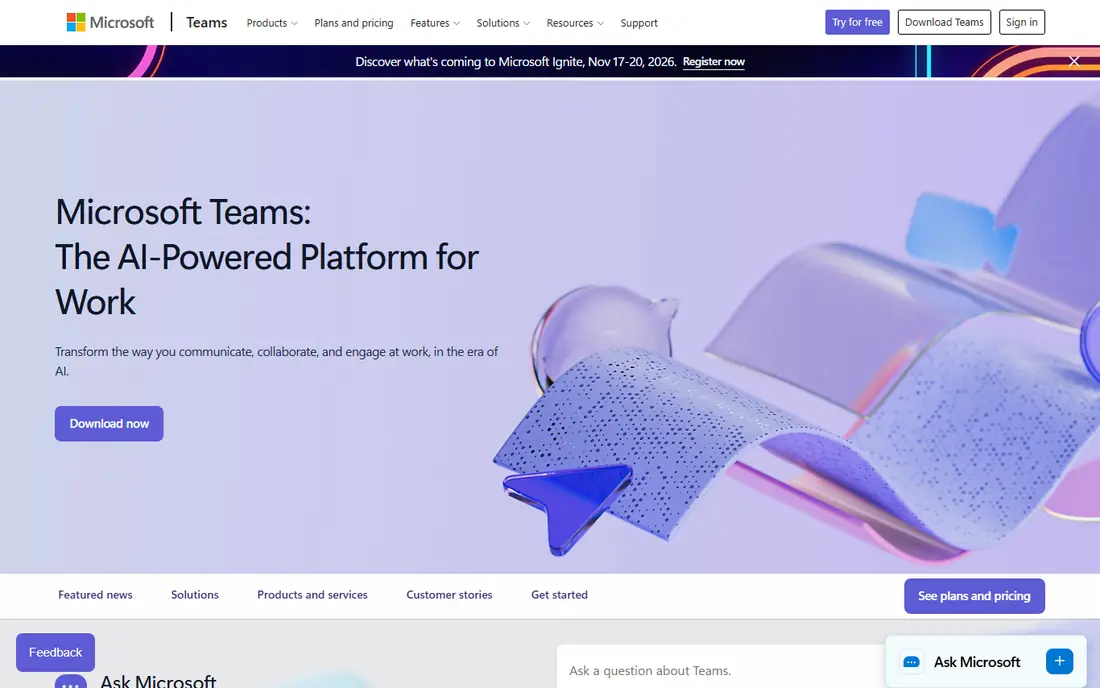
Microsoft Teams is the default Slack alternative for any company already paying for Microsoft 365. Chat, video meetings, file sharing and Office documents sit in one app, and Teams Essentials costs $4 per user per month for businesses that only need the basics. A free tier covers personal and small team use.
The trade off is weight. Teams feels heavier than Slack, especially on older hardware, and its channel and search design takes longer to learn. If your company already runs Outlook, SharePoint and OneDrive, those costs are sunk anyway, and Teams removes the need for a separate chat bill.
- Included with most Microsoft 365 plans
- Chat, meetings and files in one app
- Strong admin and compliance controls
- Heavier than Slack and slower on older machines
- Search and channel organization feel less sharp
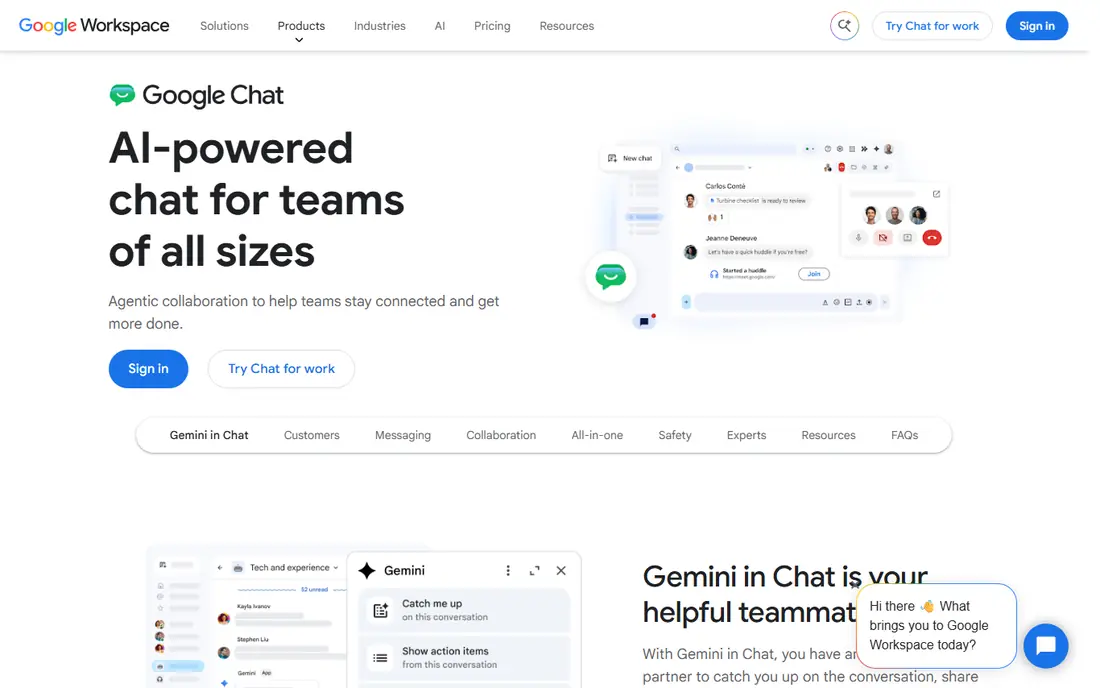
Google Chat is the quiet Slack alternative for Google Workspace teams. It comes with Workspace plans starting at $7 per user per month, connects directly to Gmail, Drive and Calendar, and covers channels, direct messages and spaces for projects. Setup is minimal, since most teams already have Google accounts.
The limit is depth. Google Chat has fewer integrations and automation options than Slack, and its threading and search are simpler. For a team that already lives in Google Workspace and wants chat without a second subscription, that simplicity is enough. For a team that needs deep integrations, look at Mattermost or Zulip instead.
- Included with Google Workspace at no extra charge
- Tight Gmail, Drive and Calendar integration
- Simple interface
- Fewer features and integrations than Slack
- No standalone free tier outside Workspace

Discord started for gamers, but its voice channels and free unlimited history make it a real option for creative teams and communities. Servers organize into text and voice channels, bots automate welcome messages and moderation, and Nitro at $9.99 per month adds larger uploads and video quality for individual users.
The business gaps are real. Discord lacks the admin controls, compliance tools and enterprise support that regulated companies need, and its interface can feel casual for client facing work. For a community, a creator team or a startup that lives on voice, Discord is free and hard to beat. For a corporate rollout, pick Teams or Mattermost.
- Free with unlimited message history
- Best voice channels of any tool here
- Huge community and bot ecosystem
- Built for communities, not business compliance
- Admin controls and enterprise features are thinner than Slack
Mattermost is the self-hosted Slack alternative most often chosen by security conscious teams. It is open source, runs on your own servers, and looks close enough to Slack that staff adapt quickly. Paid plans start from about $10 per user per month for enterprise features, while the open source version is free at any size.
The cost is operational, not financial. Your team handles hosting, updates, backups and scaling, which needs IT time that a cloud tool would cover. For regulated industries, defense, healthcare and government teams, that control is the point, and Mattermost is built for it.
- Open source and self-hostable with data under your control
- Familiar Slack style interface
- Strong fit for regulated industries
- You run the infrastructure, including updates and backups
- Fewer integrations than Slack
Rocket.Chat offers more flexibility than most open source chat tools. It supports self-hosting and cloud plans, connects to external channels such as WhatsApp and Telegram for customer messaging, and includes federation for talking across servers. The community edition is free, with paid tiers for enterprise features.
The interface is less polished than Slack or Teams, and larger deployments need technical care. For a team that wants open source chat plus customer messaging in one system, Rocket.Chat covers more ground than Mattermost. For pure internal chat, Mattermost feels simpler.
- Open source with self-hosting and cloud options
- Omnichannel messaging including WhatsApp and Telegram
- Broad protocol support
- Interface is less polished than Slack
- Setup and scaling need technical effort
Zulip solves a specific Slack pain, which is losing track of conversations in busy channels. Every message belongs to a topic inside a stream, so a channel with ten discussions stays readable instead of turning into one long scroll. Cloud Standard costs $8 per user per month, or $6.67 on annual billing, while the self-hosted version is free.
The learning curve is the catch. Staff used to Slack channels need a week to adopt topics, and the free cloud plan limits searchable history to 10,000 messages. Teams that stick with it often find Zulip the calmest chat tool here, especially for engineering and support teams with long running threads.
- Topic based threading keeps long conversations readable
- Self-hosted version is free with unlimited messages
- Strong search
- Threading model takes a week to learn
- Free cloud plan caps searchable history at 10,000 messages
Pumble is the best free Slack alternative for a small team that cannot afford paid Slack. Its free plan includes unlimited users and unlimited message history, which directly fixes the two limits that push teams off free Slack. Paid Pro starts at $2.99 per user per month on annual billing, adding guest access and more storage.
The catalog of integrations is smaller than Slack, and advanced admin features are thinner on the free plan. For a small business that mainly needs channels, direct messages and searchable history, Pumble covers the core job at no cost, which is a strong offer.
- Free plan includes unlimited users and unlimited message history
- Simple Slack style interface
- Paid plans from $2.99 per user per month
- Smaller integration catalog than Slack
- Fewer advanced admin features on the free plan
Twist, from the makers of Todoist, is built for teams that want less real-time pressure. Conversations are organized into threads by topic, there is no green dot culture of instant replies, and the design pushes staff toward thoughtful messages rather than constant chat. The Unlimited plan costs $6 per user per month, with a free plan for trying it.
The trade off is speed. Twist is a poor fit for support teams or operations that need instant answers, and its free plan keeps only one month of history. Remote teams spread across time zones, where async work is already the norm, will find Twist calmer than Slack.
- Threaded async design reduces always-on pressure
- Clean interface focused on topics, not presence
- Unlimited plan at $6 per user per month
- Poor fit for teams that need real-time chat
- Free plan limits history to one month
Zoho Cliq is the cheapest paid team chat here, with a free plan covering unlimited history and paid plans from about $3 per user per month. It integrates tightly with Zoho Projects, Zoho People, Zoho Calendar and other Zoho apps, which makes it a natural pick for companies already on Zoho.
Outside the Zoho ecosystem, its appeal narrows. Third-party integrations are fewer than Slack, and the interface is functional rather than standout. For a Zoho shop or a budget conscious small business, Cliq gives you solid team chat for very little money.
- Free plan with unlimited message history
- Very low paid pricing
- Deep integration with Zoho apps
- Best inside the Zoho ecosystem
- Smaller third-party integration catalog than Slack
How we picked these
We compared official pricing pages, feature pages and public reviews for team chat tools, and we favored options that cover the core Slack job of channels, direct messages and searchable history. We included both bundled options for Microsoft and Google shops and open source options for teams that need data control, plus the most generous free plan available. Prices change often, so confirm the current plan before migrating a whole team.
What to check before you switch
Switching chat tools touches every team, so a short trial with real work beats a feature checklist. Test these points with two finalists before you move.
What do you already pay for?
If you pay for Microsoft 365 or Google Workspace, Teams or Google Chat may already be included, which makes a separate chat subscription hard to justify. Only pay for a standalone tool if it solves a problem the bundled option does not.
How much history do you need?
Free Slack keeps 90 days of history, while Pumble and Zoho Cliq offer unlimited history free. If your team searches old decisions often, history limits matter more than any other feature.
Do you need to self-host?
Regulated teams should shortlist Mattermost, Rocket.Chat and Zulip self-hosted, since they keep data on your own servers. Everyone else should prefer cloud tools and skip the hosting work.
Will your integrations survive?
List the tools your team connects to chat today, from GitHub and Jira to Zoom and Google Drive. Check each one against your finalist, since a missing integration can break a workflow that chat alone does not replace.
Frequently asked questions
What is the best free Slack alternative?
Pumble is the best free Slack alternative for most small teams, since its free plan includes unlimited users and unlimited message history. Mattermost is the best free option for teams that want to self-host, while Discord suits communities and voice heavy teams.
What is the best open source Slack alternative?
Mattermost is the strongest open source Slack alternative for most teams, with a familiar interface and self-hosting for data control. Rocket.Chat adds omnichannel messaging, and Zulip adds threaded conversations that suit engineering teams.
Is Microsoft Teams a good Slack alternative?
Yes, for companies already on Microsoft 365. Teams includes chat, meetings and files in one app at no extra cost for most Microsoft 365 subscribers, though it feels heavier than Slack and its search is weaker.
Is Discord a good Slack alternative for business?
Discord works for creative teams and communities that value free voice channels and unlimited history. It is a weaker business choice for regulated companies, since its admin and compliance controls are thinner than Slack, Teams or Mattermost.
What is the best Slack alternative for small teams?
Pumble and Zoho Cliq are the best low cost picks for small teams, with free plans covering unlimited history and paid plans from about $3 per user per month. Google Chat and Teams are better if your team already pays for Workspace or Microsoft 365.
Can I migrate my Slack history to an alternative?
Some tools offer import tools for Slack channels and messages, but history migration is rarely complete, and file attachments and app data often need separate handling. Plan a cutover date, export important decisions before you leave, and keep Slack read-only for a transition period.
Sources we checked (9)

Online Jobs is an independent blog about careers, online work, learning new skills and the tools that help people earn. More about us.
Keep reading
All posts
Zoom Alternatives
Zoom alternatives compared for 2026: Google Meet, Microsoft Teams, Webex, Jitsi and more for free calls, large meetings and webinars for teams and classrooms.

What Is the Best Free Tool to Rotate a PDF
What is the best free tool to rotate a PDF? We compare eight free rotation tools on per-page control, limits, privacy and saved output quality in detail.

What Is the Best AI Dubbing Tool
We compared the best AI dubbing tools in 2026, from ElevenLabs and HeyGen to Rask AI, Dubverse and Veed, for videos and creators in many languages worldwide.