SharePoint Alternatives in 2026: 9 Tools Compared


Teams already using Google Workspace · Starting price: Free
How we put this together: we compare official feature and pricing pages, app store listings, privacy policies and public user reviews. Prices change, so check the provider's site before you pay.
Key takeaways
- Google Drive is our pick for most teams leaving SharePoint for documents and collaboration.
- Confluence suits knowledge and documentation, while Notion suits small flexible teams.
- Box suits regulated teams that need strong security controls, and Nextcloud suits teams that want self hosting.
- Dropbox Business suits teams whose main SharePoint use was file sharing, not intranet sites.
- Free plans help small teams start, but check permissions, storage and user limits before you migrate.
Quick comparison
| Name | Who it suits | Starting price | Free option | |
|---|---|---|---|---|
| Google Drive | Teams already using Google Workspace | Free | Yes | Visit |
 Confluence | Team knowledge and documentation | Free | Yes | Visit |
 Notion | Flexible workspaces for small teams | Free | Yes | Visit |
 Dropbox Business | Simple file sharing for teams | Free | Yes | Visit |
 Box | Secure content for regulated teams | Free | Yes | Visit |
 Zoho WorkDrive | Teams using Zoho apps | Free | Yes | Visit |
 Nextcloud | Self hosted file and collaboration | Free | Yes | Visit |
 Bitrix24 | All in one business workspace | Free | Yes | Visit |
 ONLYOFFICE DocSpace | Document rooms and office editing | Free | Yes | Visit |
The best sharepoint alternatives
SharePoint does several jobs at once: document storage, intranet sites, workflows and team collaboration. No single alternative matches every part equally, so the right choice follows which SharePoint features your team actually uses. The tools below cover documents, knowledge, files and self hosting, and each one was checked against its official site.
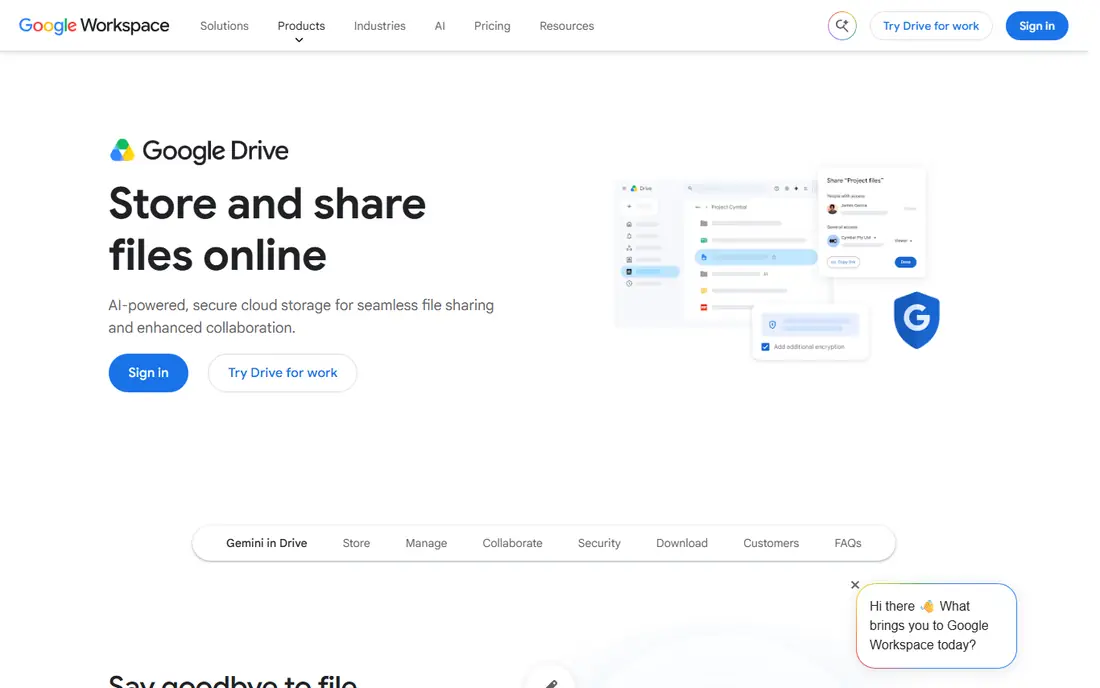
Google Drive, as part of Google Workspace, is the most direct alternative for teams that already use Gmail and Google Docs. Files, docs, sheets and slides live in one place, search is strong, and sharing controls are easy to understand. For small and mid sized teams, it often replaces SharePoint's document side without extra complexity.
It is less of an intranet platform than SharePoint, with thinner workflow and site building features. Large SharePoint migrations also need planning for permissions and metadata. If your main need is documents and collaboration, Google Drive is a strong, simple choice.
- Docs, Sheets and Slides built in
- Strong search
- Easy sharing and permissions
- Intranet and workflow features are thinner than SharePoint
- Large migrations need planning

Confluence suits teams that need a knowledge base more than a file store. It organises pages, spaces and templates for documentation, project notes and company guides, with search that helps new staff find answers. Teams that use Jira will find the pairing especially useful, since work and docs link together.
File handling is secondary to pages, so it does not fully replace SharePoint's document libraries. Pricing grows with users, so large teams should compare the full cost. For knowledge and documentation, Confluence is one of the best SharePoint alternatives.
- Strong for wikis and team docs
- Good search and templates
- Works well with Jira
- File storage is secondary to pages
- Pricing grows with users
- Setup needs structure
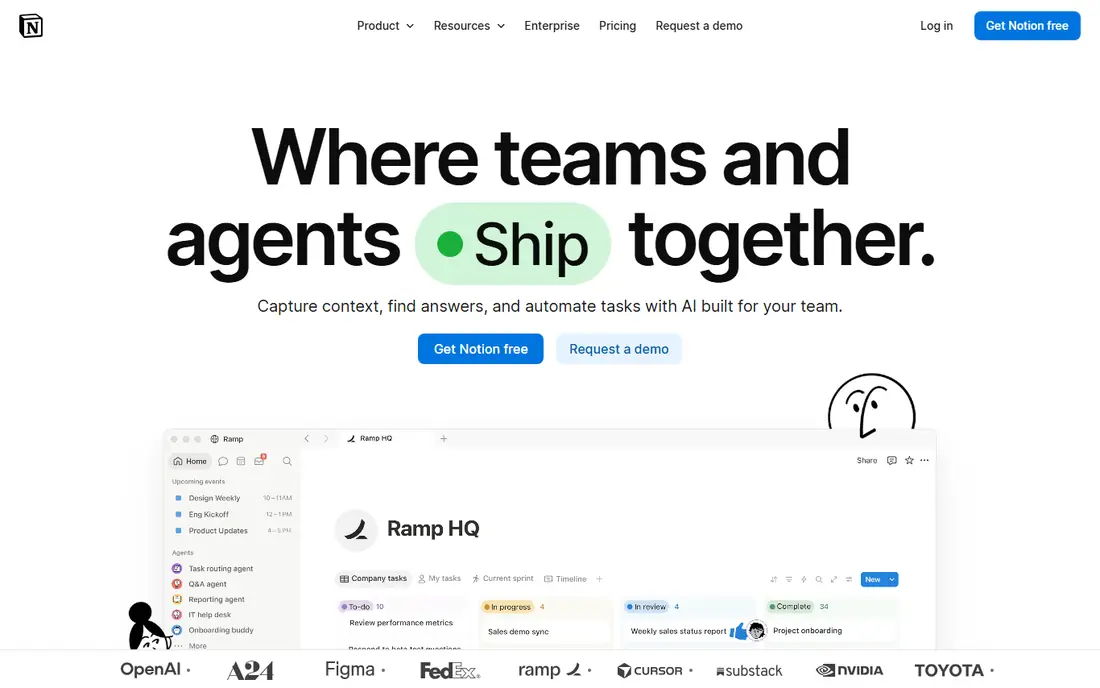
Notion appeals to small teams that want docs, wikis, tasks and databases in one flexible workspace. You can build a team hub, a project tracker and a knowledge base without separate tools, and templates shorten setup. For startups and small teams, that flexibility is a real advantage.
Enterprise controls, permissions and compliance features are thinner than SharePoint, so regulated large organisations should test carefully. Large migrations also need planning. For small teams that value flexibility over enterprise governance, Notion is a strong alternative.
- Pages, databases and wikis in one workspace
- Free plan for personal use
- Many templates
- Permissions and enterprise controls are thinner than SharePoint
- Large migrations need care
Dropbox Business focuses on what it does best: reliable file sync, sharing and admin controls for teams. Files stay in sync across devices, sharing links are simple, and admins can manage users and permissions. For teams whose main SharePoint use was file storage and sharing, Dropbox is a clean replacement.
It does not offer SharePoint style intranet sites, wikis or workflows, so teams that need those will need another tool alongside it. If file sharing is your main need, Dropbox Business keeps the choice simple and dependable.
- Reliable file sync and sharing
- Good admin controls
- Works across devices
- Intranet features are limited
- Wiki and workflow tools need other apps
Box is built for secure content management, with strong permissions, compliance controls and integrations for regulated industries. Teams in healthcare, finance and legal work often choose it for controlled sharing with clients and partners. Its collaboration tools cover comments, tasks and version history well.
Pricing suits business plans rather than casual use, and intranet site building is thinner than SharePoint. If security and compliance matter more than intranet pages, Box is a serious alternative, especially for regulated teams.
- Strong security and compliance controls
- Good sharing and collaboration
- Enterprise integrations
- Price suits business plans
- Intranet features are thinner than SharePoint
- Setup needs planning
Zoho WorkDrive suits teams that already use Zoho apps, with team folders, file management and version history in one place. It integrates with Zoho Writer, Sheet and other Zoho tools, so documents and files stay within one ecosystem. For Zoho households, it is a natural SharePoint replacement for files.
Its wider ecosystem is smaller than Google or Microsoft, and intranet features are limited. Teams outside Zoho may prefer Google Drive or Dropbox. If you already use Zoho, WorkDrive keeps costs and tools together.
- Team folders and file management
- Good Zoho integrations
- Version history and controls
- Smaller ecosystem than Google or Microsoft
- Intranet features are limited
Nextcloud is the choice for organisations that want to host their own collaboration platform. It offers files, sharing, chat, calendars and office editing, with control over where data lives. For public bodies, schools and privacy focused teams, that control is the main reason to choose it.
Self hosting needs technical skill for setup, updates and backups, and support depends on your plan or your own team. It is not a simple plug and play cloud service. If you have IT capacity and you value data control, Nextcloud is a powerful free alternative.
- Self hosted control over data
- Files, chat and office tools
- Open source option
- Self hosting needs technical skill
- Support and maintenance are your responsibility
Bitrix24 combines files, CRM, tasks, chat and intranet style tools in one platform, which suits small businesses that want fewer separate subscriptions. Its free plan covers small teams, and its intranet features, such as news and groups, go further than a pure file store. For a small business hub, it is a useful alternative.
The interface can feel crowded, since it tries to cover many jobs at once, and SharePoint migration needs care. Advanced features sit behind paid plans. If you want one workspace for files, tasks and team communication, Bitrix24 is worth a trial.
- Files, CRM, tasks and chat in one platform
- Free plan for small teams
- Intranet style tools
- Interface can feel crowded
- SharePoint migration needs planning
- Advanced features need paid plans
ONLYOFFICE DocSpace offers document rooms where teams and clients can collaborate on Office files, with strong editing for Word, Excel and PowerPoint formats. It can be used in the cloud or self hosted, which gives teams a choice about data control. For document heavy collaboration, its editing is a strength.
Its wider ecosystem is smaller than Google or Microsoft, and intranet features are limited. It suits document collaboration more than a full intranet replacement. If Office file fidelity matters most, DocSpace is a strong, focused alternative.
- Document rooms for teams and clients
- Strong Office file editing
- Self hosted or cloud options
- Smaller ecosystem than Google or Microsoft
- Intranet features are limited
How we picked these
We compared official feature pages, pricing pages, app store listings, privacy information and public reviews, and we kept only products that exist today and fit the topic closely. We gave weight to clear pricing, a usable free option where one exists, and honest limits, and we treated vendor claims as claims rather than verified facts. We did not claim hands-on testing that did not happen, and where a price could not be confirmed on the vendor site, we wrote See website rather than guessing.
How to choose a SharePoint alternative
List the SharePoint features you actually use
Audit your sites for a month and note whether teams use document libraries, intranet pages, workflows, lists or just file sharing. Many teams find they use only files and pages, which a simpler tool covers well. A full intranet replacement needs a different tool than a file replacement, so start with real use, not the full SharePoint feature list.
Check permissions, search and migration early
Permissions, search and migration decide whether a move succeeds. Test whether the new tool can match your folder permissions, whether search finds old documents, and how files, metadata and versions move across. A tool that looks good in a demo can fail on a large, messy library, so test with a real site, not a clean sample.
Plan for the tools around the files
SharePoint often sits beside Teams, Outlook and Office, so check what the alternative pairs with. Google Drive pairs with Google Workspace, Confluence pairs with Jira, and Zoho WorkDrive pairs with Zoho apps. A good file tool with poor links to your email and chat tools will feel like a step back, even if file sharing itself is better.
Frequently asked questions
What are the best SharePoint alternatives?
Google Drive is our pick for most teams, while Confluence suits knowledge bases and Notion suits small flexible teams. Box suits regulated teams, and Nextcloud suits self hosted use. The best choice follows whether you need files, knowledge, intranet sites or all three.
What are the best free alternatives to SharePoint?
Google Drive, Confluence, Notion, Dropbox, Box, Zoho WorkDrive, Nextcloud, Bitrix24 and ONLYOFFICE all offer free plans or free use, with limits on storage, users or features. Nextcloud offers a free self hosted option for teams with IT capacity. Check limits before you migrate a large library.
What is the best alternative to Microsoft SharePoint for small business?
Google Drive and Notion suit most small businesses, with simple sharing and collaboration. Bitrix24 suits small businesses that want files, tasks and CRM in one place. Choose by the apps your team already uses, to keep training short.
Is Google Drive a good SharePoint alternative?
Yes, for document storage and collaboration, especially for teams already using Google Workspace. It is less strong as an intranet platform, with thinner workflow and site features. If your main SharePoint use is files and docs, Google Drive is a strong replacement.
What is the best SharePoint alternative for intranet sites?
Confluence and Bitrix24 offer intranet style pages, news and team spaces, while Google Drive and Dropbox focus more on files. SharePoint remains strong for complex intranets, so test page, news and permission features with a real site before you switch.
Can I migrate from SharePoint to another tool?
Yes, but plan permissions, metadata, versions and links early, and test with a real site rather than a clean sample. Large libraries take time, and some workflows may need rebuilding in the new tool. Run the old and new systems in parallel for a short period to catch gaps.
Sources we checked (9)

Online Jobs is an independent blog about careers, online work, learning new skills and the tools that help people earn. More about us.
Keep reading
All posts
n8n Alternatives
n8n alternatives compared for 2026, with Zapier, Make, Activepieces, and more, covering visual builders, code steps, self-hosting, and pricing models.

ZoomInfo Alternatives
The best ZoomInfo alternatives in 2026, compared on price, free plans, data coverage, and which tool fits small teams or large sales teams best in detail.

Workday Alternatives
We compared the best workday alternatives for HR, payroll, and global hiring, from BambooHR and Gusto to Rippling, Deel, and HiBob for growing teams in 2026.