Scribe Alternatives in 2026: 8 Alternatives Compared

How we put this together: we compare official feature and pricing pages, app store listings, privacy policies and public user reviews. Prices change, so check the provider's site before you pay.
Key takeaways
- Tango is the closest like-for-like Scribe alternative, with browser step guides from $15 per user per month and in-app walkthroughs on higher tiers.
- Guidde suits teams that want a video and a written guide from one recording, from $19 per creator per month.
- Dubble and Trainual suit teams that want guides plus training, onboarding and process management, not just capture.
- Folge suits solo users who want a one-time payment, at $89 once, rather than a monthly seat price.
- Interactive demo tools such as Supademo and iorad suit sales and product teams, but they are not a direct replacement for a written SOP.
Quick comparison
| Name | Who it suits | Starting price | Free option | |
|---|---|---|---|---|
 Tango | Closest Scribe replacement | $15 per user per month | Yes | Visit |
 Guidde | Video and written guides | $19 per creator per month | Yes | Visit |
 Dubble | Fast written guides with video | See website | Yes | Visit |
 Trainual | Guides plus training and onboarding | See website | Free trial | Visit |
 Whale | SOPs with training and AI | See website | Free trial | Visit |
 Folge | One-time desktop guides | $89 one-time | Yes | Visit |
 iorad | Interactive tutorials | $200 per month | Yes | Visit |
 Supademo | Interactive product demos | $38 per month | Yes | Visit |
The best Scribe alternatives
We compared official pricing pages and product pages for the best alternatives to Scribe, and we focused on what each tool actually produces, since that is where Scribe alternatives differ most. Scribe captures a workflow and produces a written step-by-step guide with screenshots. Some alternatives do the same, some add video, some add interactive demos, and some add training. The eight tools below cover that range, and the right one depends on whether your team needs a written SOP, a video, a demo or a training system.
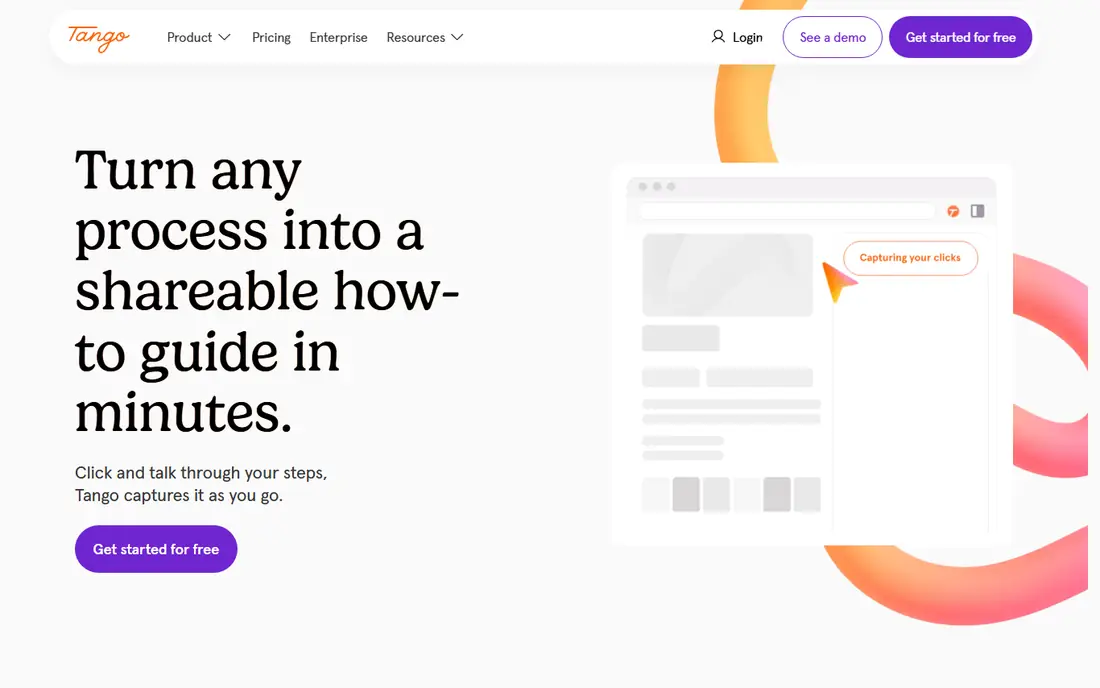
Tango is the closest like-for-like replacement for Scribe, because it records browser activity and generates an annotated step-by-step guide in the same style, with screenshots and written steps you can edit and share. Its free plan covers a small number of workflows in the summaries we checked, and Pro Team is listed from $15 per user per month on annual billing for three or more users. That makes Tango the easiest switch for a team that already works in Scribe's format and does not want to relearn a new output style.
The differentiator is in-app walkthroughs, which let you embed Tango guides inside a web app as interactive walkthroughs, though that feature sits on Enterprise in the summaries we checked. Desktop capture is also more limited than Scribe Pro desktop capture or Folge, so a team that documents desktop apps should test capture on their real apps first. For a browser-based team that wants Scribe-style guides with an in-app option, Tango is the natural first alternative.
- Closest capture flow to Scribe
- Browser step guides
- In-app walkthroughs on Enterprise
- Free plan limits workflows
- In-app guidance sits on Enterprise
- Desktop capture is limited compared with some rivals
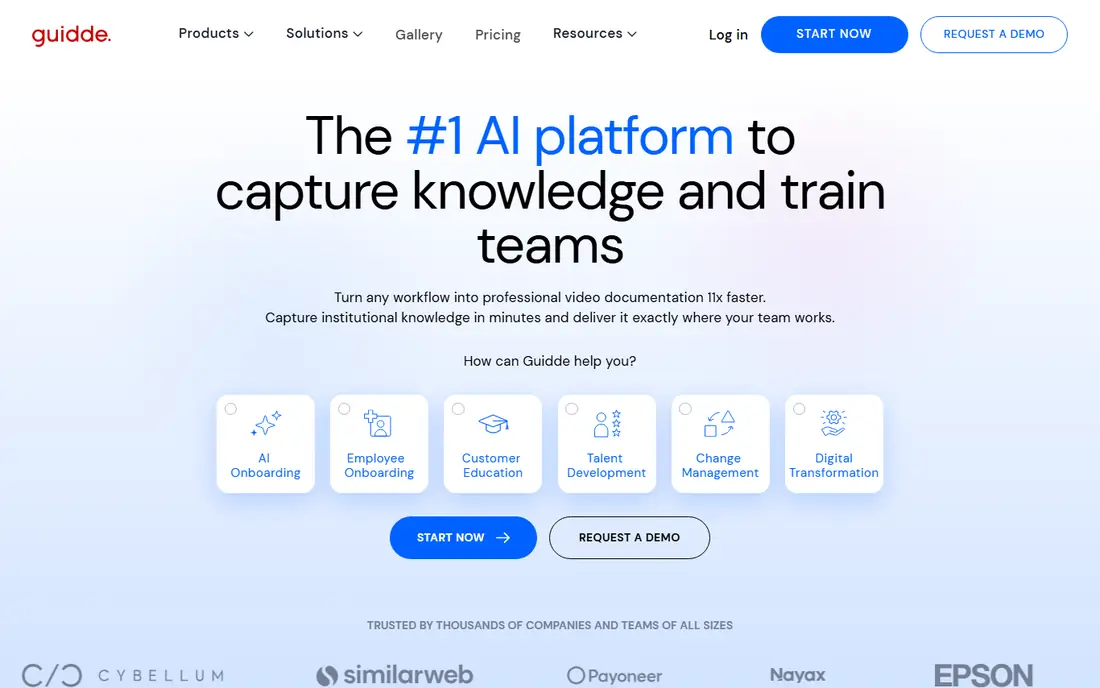
Guidde suits teams that want both a video and a written guide from a single screen recording, rather than a screenshot-only SOP. You record your screen, Guidde generates a narrated video with annotations and a step guide, and you can share it by link or embed it in a help centre. Pro is listed from $19 per creator per month on annual billing, with a free plan covering 25 videos in the summaries we checked, though web capture only on the free tier.
The trade-off is written depth. Guidde's output is video-first, so a team that needs a detailed, searchable written SOP with precise steps may find it thinner than Scribe or Tango. Desktop capture also sits on the Business plan, so a team documenting desktop apps needs to check that tier. For support, customer success and product teams that want a quick video guide that staff actually watch, Guidde is a strong Scribe alternative.
- Video and text guide from one recording
- AI voiceover
- Easy sharing by link or embed
- Free plan limits videos and capture
- Desktop capture sits on Business
- Video focus means less written depth than Scribe
Dubble is a fast capture tool that turns a screen recording into a written step-by-step guide with screenshots, plus video clips where they help, which makes it a close Scribe alternative for teams that want both formats without a heavy setup. Capture is quick, editing is simple, and guides can be shared by link or embedded, which suits operations, support and onboarding teams that write many guides a week.
The limit is price transparency in third-party summaries, since Dubble pricing needs checking on the live pricing page for your team size and plan. It is also a smaller vendor than Scribe or Tango, so check integrations, export options and support coverage before you move a large guide library. For a team that wants fast, simple guides with video alongside text, Dubble is worth a trial alongside Tango and Guidde.
- Fast capture for written guides
- Video clips alongside steps
- Simple editing and sharing
- Pricing needs checking on the live page
- Smaller vendor than Scribe or Tango
- Feature depth varies by plan
Trainual suits teams that want guides to become training, not just documents. It combines SOPs, policies, onboarding plans and accountability tools, with templates, role-based content and completion tracking, so a manager can assign a process, check who completed it and keep it updated in one place. That training layer is the gap in Scribe, Tango and Guidde, which produce guides but do not track whether staff learned them.
The trade-off is scope and price. Trainual is more than a capture tool, so setup takes longer than recording a Scribe guide, and pricing is quote-based in many summaries, with a free trial for testing. A team that only needs a few written guides will find Trainual heavy, while a growing team that onboards staff regularly will get far more value from the training and accountability features. For SOPs plus onboarding, Trainual is a strong step up from Scribe.
- Guides plus training, onboarding and accountability tools
- Templates for SOPs and policies
- Role-based content
- Quote-based pricing in many summaries
- More than a capture tool, so setup takes longer
- Overkill for a single guide
Whale, also listed as UseWhale, combines SOP capture with training and AI tools, which makes it a useful Scribe alternative for operations teams that want guides staff actually complete. Its browser extension captures a workflow into a step guide, and the training layer adds assignments, quizzes and completion tracking, with AI help for drafting and updating guides. That combination addresses the common problem where a guide library grows but no one checks whether new hires read it.
The limits are price and setup. Whale pricing needs checking on the live pricing page or a quote, and the training features add setup time compared with a simple capture tool. Nonprofits receive a discount in the summaries we checked, which helps smaller organisations. For a team that wants Scribe-style capture plus training accountability, Whale is a strong alternative to Trainual, with a more capture-first feel.
- SOP capture plus training, quizzes and AI help
- Browser extension capture
- Templates for operations teams
- Pricing needs a quote or plan check
- Training features add setup time
- Smaller vendor than Scribe
Folge suits solo users, freelancers and small teams who want a step-by-step guide tool without a monthly seat price. It is a desktop app that captures your screen activity and produces a written guide with screenshots, with a free plan and a paid version listed at $89 one-time in the summaries we checked. That one-time model is a clear difference from Scribe, Tango and Guidde, all of which charge per seat per month.
The trade-off is scope. Folge does not offer video, training, quizzes or a cloud team workspace like the larger tools, and its feature set is smaller, with updates tied to the one-time model. For a solo user who writes guides for clients or a small team, and who wants to pay once, Folge is excellent value. For a team that needs collaboration, cloud sharing and training tracking, a subscription tool will fit better.
- One-time payment, not a subscription
- Desktop app capture
- Simple step guide output
- No video or training layer
- Smaller feature set than cloud tools
- Updates and support depend on the one-time model
iorad suits teams that want learners to practise a process, not just read about it, with interactive tutorials that guide a user through clicks and steps in a simulated environment. It supports browser and desktop capture, and its tutorials work well for software training, onboarding and customer education where hands-on practice improves retention. That interactive format is a real difference from a static screenshot guide.
The catch is price and scope. Paid plans are listed from about $200 per month in the summaries we checked, and the free plan is public only, which puts iorad out of reach for a small team that only needs written SOPs. For a training team that needs interactive practice at scale, iorad can justify the price. For a team that needs a quick written guide, Tango or Folge will be cheaper and faster.
- Interactive tutorials learners can practise in
- Desktop and browser capture
- Strong for software training
- High entry price
- Free plan is public only
- Overkill for a simple written SOP
Supademo suits sales, marketing and product teams that want clickable interactive demos, rather than written SOPs for internal processes. You record a product flow, Supademo turns it into a demo a prospect can click through, and you can share it by link or embed it on a landing page, with analytics on views and completion. That demo format helps a prospect understand a product faster than a video or a screenshot guide alone.
The limits are fit and price. Supademo is not a direct Scribe replacement for internal SOPs, since it does not produce a detailed written procedure with the same depth, and entry prices vary by summary, from $38 per month to $50 per creator per month depending on plan and year. The free plan covers five demos in the summaries we checked. For product demos and sales enablement, Supademo is a strong Scribe alternative in spirit. For internal SOPs, pair it with Tango or Guidde, not instead of them.
- Clickable interactive demos for sales and marketing
- Easy sharing and embedding
- Analytics on demo views
- Demo-focused, not a written SOP tool
- Entry price varies by summary
- Free plan limits demos
How we picked these
We compared official pricing pages and product pages, and we kept only tools that capture screen workflows into guides, videos, demos or training in October 2026. We separated written SOP tools from video tools, interactive demo tools and training platforms, since those outputs serve different teams, and we noted where pricing summaries conflict, such as Supademo entry prices. We did not claim hands-on testing, and we treated third-party pricing summaries as a check on vendor pages. Always check the live pricing page, capture limits and export options before you move a guide library.
What to check before you switch
Decide what output your team actually needs: a written SOP, a video, an interactive demo or a training record. A video tool will not replace a searchable written procedure, and a demo tool will not track onboarding completion. Shortlist by output first, then by capture type, since browser-only capture will fail for desktop apps, and desktop capture on a free plan is often limited.
Capture, editing and sharing
Test capture on your real apps, including desktop apps, web apps and multi-window flows, and check editing, redaction, branding and export options. Scribe Pro offers PDF, HTML and Markdown export, while free plans often limit export, so confirm that your chosen alternative exports in the formats your help centre needs. Check sharing, permissions and version history, since a guide that cannot be updated cleanly will drift out of date fast.
Cost for your real team size
Per-seat prices hide minimums. Scribe Pro Team is $13 per seat per month with a five-seat minimum, Tango Pro Team is $15 per user per month for three or more users, and Guidde Pro is $19 per creator per month, so the real monthly floor differs from the headline price. Add creators, viewers and training seats separately, since some tools charge only for creators while others charge for every user. A one-time tool such as Folge can be cheaper for a solo user, while a training platform can be cheaper than separate capture and training tools for a growing team.
Frequently asked questions
What is the best alternative to Scribe?
Tango is the closest like-for-like alternative to Scribe, with browser step guides from $15 per user per month and a similar capture flow. Guidde is better if you want video as well as text, while Folge is better for a solo user who wants a one-time payment. Trial Tango on a real workflow before you switch a full guide library.
Are there free alternatives to Scribe?
Yes, Tango, Guidde, Dubble, Folge, iorad and Supademo all offer free plans, but free plans limit workflows, videos, demos, capture types or export options. Scribe Basic itself is free for browser capture, so compare free plan limits, not just the existence of a free tier, before you choose.
What is the best Scribe alternative for video guides?
Guidde is the best video-first alternative, from $19 per creator per month, with AI voiceover and a written guide from one recording. Dubble also offers video clips alongside written steps, while Loom-style video tools offer recording without a structured guide. Pick Guidde if you want video plus a guide, and Tango if you want a written SOP first.
Can Scribe alternatives capture desktop apps?
Yes, but capture type varies by plan. Scribe Pro includes desktop capture, while Scribe Basic is browser only, and Guidde desktop capture sits on Business. Tango is browser-focused, while Folge and iorad support desktop capture. Test capture on your real desktop apps before you commit, since browser-only capture will miss desktop workflows.
What is the best Scribe alternative for training and onboarding?
Trainual and Whale are the strongest training alternatives, since they combine guides with onboarding plans, assignments, quizzes and completion tracking. Scribe, Tango and Guidde produce guides but do not track learning in the same way. For a team that needs training accountability, shortlist Trainual and Whale first.
How much do Scribe alternatives cost?
Published prices in this list run from $89 one-time for Folge to $15 per user per month for Tango, $19 per creator per month for Guidde, and about $200 per month for iorad, with Dubble, Trainual and Whale on plan checks or quotes. Scribe itself is $13 per seat per month on Pro Team with a five-seat minimum, so compare the real monthly floor, not just the per-seat headline.
Sources we checked (8)

Online Jobs is an independent blog about careers, online work, learning new skills and the tools that help people earn. More about us.
Keep reading
All posts
Zoom Alternatives
Zoom alternatives compared for 2026: Google Meet, Microsoft Teams, Webex, Jitsi and more for free calls, large meetings and webinars for teams and classrooms.

Which Software Is Best for PDF Page Removal
Which software is best for PDF page removal? We compare free and paid tools for deleting pages quickly, safely, and without harming your file in this guide.

Which Software Is Best for Data Entry
Compare the best data entry software for forms, OCR scanning, and spreadsheets, with free plans, pricing, and honest limits for each tool before you commit.