Salesforge Alternatives in 2026: 8 Products Compared

How we put this together: we compare official feature and pricing pages, app store listings, privacy policies and public user reviews. Prices change, so check the provider's site before you pay.
Key takeaways
- Instantly and Smartlead suit high-volume cold email, while Lemlist and Reply suit teams that want personalization and multi-channel steps.
- Apollo stands out when prospect data matters as much as sending, because its database sits next to its sequences.
- Salesforge bundles several products for warm-up, mailboxes, and data, so an alternative may need two tools to match that full stack.
- Deliverability, inbox rotation, and reply handling matter more than raw sending volume, so test those features on a small list first.
Quick comparison
| Name | Who it suits | Starting price | Free option | |
|---|---|---|---|---|
 Instantly Instantly | High-volume cold email | See website | Free trial | Visit |
 Smartlead Smartlead | Agencies and deliverability | See website | Free trial | Visit |
 Apollo Apollo | Prospect data plus outreach | See website | Yes | Visit |
 Lemlist Lemlist | Personalized outreach | See website | Free trial | Visit |
 Reply Reply | Multi-channel sequences | See website | Free trial | Visit |
 Saleshandy Saleshandy | Affordable cold email | See website | Free trial | Visit |
 Woodpecker Woodpecker | Simple and reliable sequences | See website | Free trial | Visit |
 Outreach Outreach | Enterprise sales engagement | See website | No | Visit |
The best salesforge alternatives
We compared official feature pages, pricing pages, and public reviews to find outreach tools that cover cold email, LinkedIn, deliverability, and follow-up in different ways.
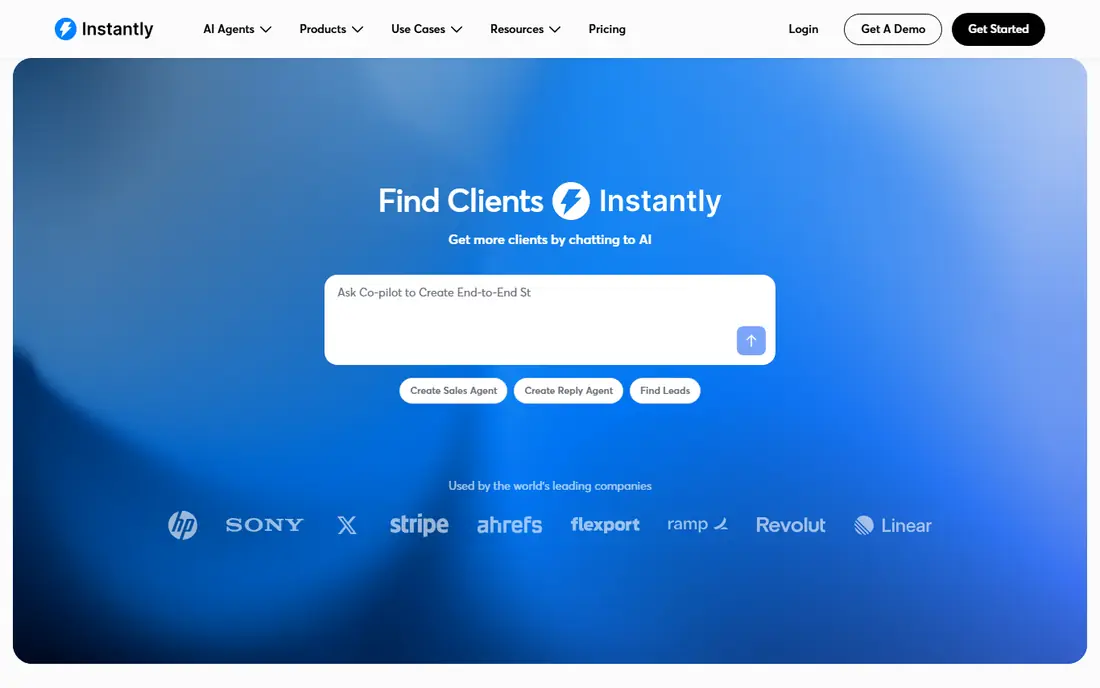
Instantly is the first tool many teams try when they leave a complex stack and want cold email to just work. The setup focuses on connecting mailboxes, warming them, building a campaign, and tracking replies, without asking a new user to learn several separate products first. That simplicity helps founders and small sales teams who need to test an offer quickly and learn from replies.
The limit is scope. Instantly is email-first, so teams that need deep LinkedIn automation, phone steps, or a large built-in prospect database will need to add other tools. If your outbound motion is mainly email, and you value fast setup and deliverability controls, Instantly is a strong direct alternative. Check the current plan for mailbox limits and warm-up features before you scale.
- Simple setup for cold email
- Built-in warm-up tools
- Unlimited sending accounts on some plans
- Lighter on LinkedIn steps than multi-channel tools
- Prospect data may need a separate source
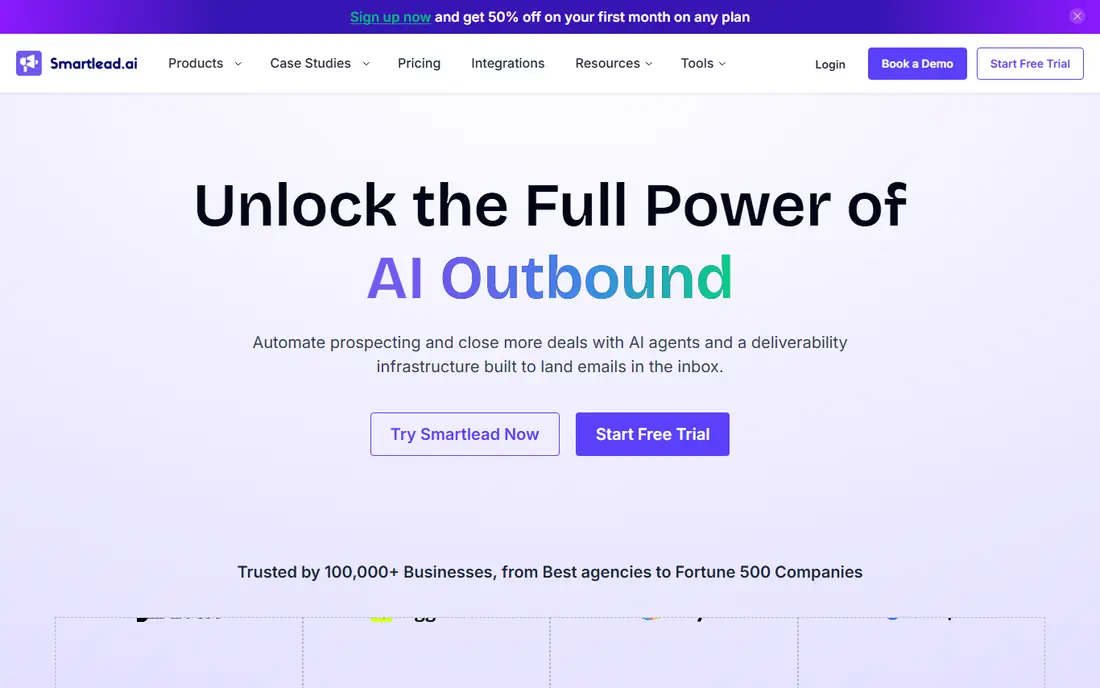
Smartlead appeals to agencies and teams that run many campaigns at once and need to protect sender reputation. Mailbox rotation, warm-up, and a unified inbox help a team manage replies across clients and campaigns without losing track of conversations. The tool is built around deliverability operations, which is the part of cold email that most often decides whether a campaign reaches inboxes at all.
Smartlead does not replace a prospect database on its own. You will still need a source for lead lists, and you will need to plan copy and targeting around the tool. For an agency that already has data and wants control over sending infrastructure, that focus is a strength. For a solo seller who wants data, copy, and sending in one place, Apollo or Reply may fit better.
- Mailbox rotation and deliverability controls
- Unified inbox
- Agency-friendly client handling
- Needs a separate lead source
- Interface takes time to learn at scale
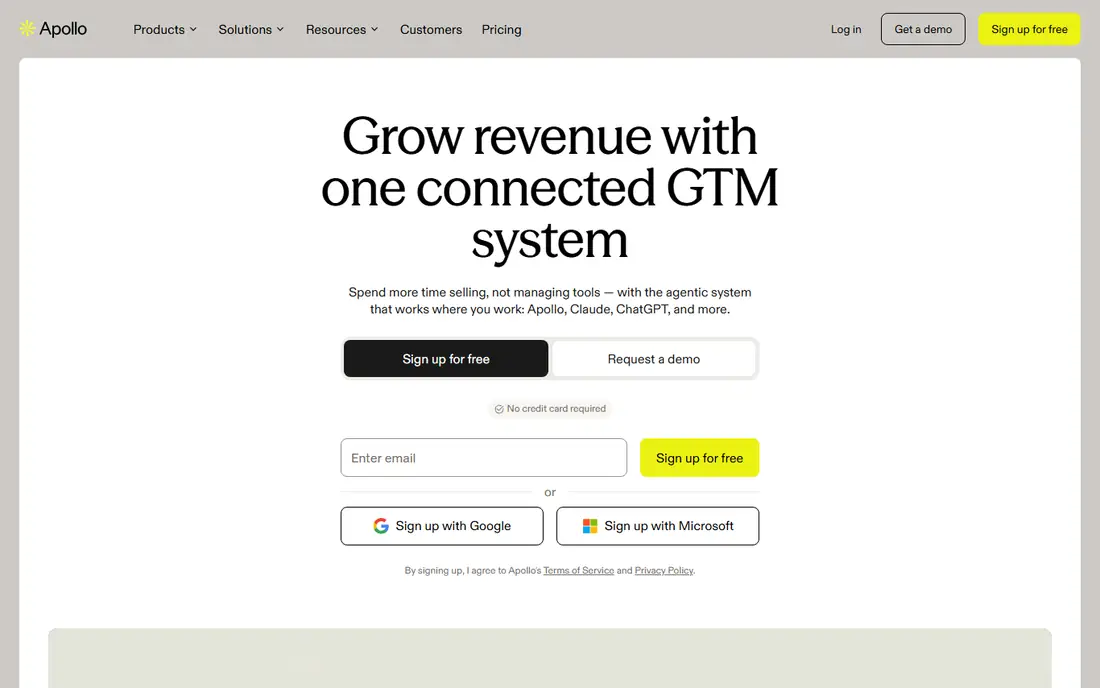
Apollo solves a different problem from pure sending tools: finding the right people in the first place. Its database lets teams filter by title, company size, industry, and other signals, then move those contacts into sequences without exporting lists between tools. That combined prospecting and outreach flow saves time for teams that spend as much effort on list building as on writing emails.
Data quality is the honest catch. No database is perfect in every niche, and smaller or newer companies may have thinner records. Apollo offers a free tier with limited credits, which gives you a useful way to test data quality in your exact market before paying. If the data fits your niche, Apollo can replace two or three separate tools. If it does not, pair a sending tool with a niche data source instead.
- Large contact database with filters
- Sequences and dialer in one platform
- CRM features for small teams
- Data quality varies by niche
- Some features need higher tiers
Lemlist is built for teams that want outreach to feel personal at scale. You can add personalized images, custom landing pages, and video steps to a campaign, and combine email with LinkedIn steps in the same sequence. That personal touch helps when you sell to a smaller, higher-value list where a generic email is easy to ignore and a tailored first line can open a conversation.
The trade-off is price and focus. Lemlist costs more per seat than a basic cold email tool, and it is not a large prospect database on its own. It fits best when you have a defined list, a clear offer, and time to personalize well. Teams that send very high volumes to broad lists may get better value from Instantly or Smartlead and use Lemlist for a smaller, high-value segment.
- Personalized images, videos, and landing pages
- Multi-channel steps
- Clear campaign reporting
- Higher cost per seat than simple email tools
- Prospect data is limited
Reply covers the full multi-channel job that many Salesforge users want: email plus LinkedIn plus calls and SMS, with steps, delays, and conditions in one flow. A/B testing helps teams learn which subject lines, first lines, and follow-up timings get replies, and reporting shows where prospects drop out of a sequence. That breadth makes Reply a good fit for sales development teams that run structured outbound playbooks.
Multi-channel breadth also brings complexity and cost. Higher tiers open up full channel access, and LinkedIn steps need careful limits to stay within platform rules. Reply is best when you have a clear playbook, a team to run it, and a need for more than email alone. Solo sellers who only need email may find a simpler tool faster to run.
- Email, LinkedIn, SMS, and calls in one sequence
- A/B testing
- AI assistant option on some plans
- Costs rise with multi-channel tiers
- Setup needs care for LinkedIn limits
Saleshandy gives smaller teams a lower-cost route into cold email with prospecting, sequences, and deliverability tools in one place. The appeal is practical: you can build a list, run a campaign, track opens and replies, and manage follow-ups without paying for an enterprise platform. For a startup or a small agency testing outbound for the first time, that balance of price and function is useful.
The limit is depth. Saleshandy does not match Apollo on database size or Reply on multi-channel depth, and its integrations are narrower than larger platforms. That may not matter if your motion is email-first and your list is already defined. If you later need deep LinkedIn automation or a large data source, you can add a specialist tool rather than paying for a full platform from day one.
- Lower cost entry for cold email
- Prospecting and sequences in one tool
- Deliverability features
- Smaller ecosystem than Apollo or Reply
- LinkedIn features are lighter
Woodpecker is the steady option in this list. It focuses on reliable email sequences, clear reporting, and deliverability practices, without trying to cover every channel or add a complex AI layer on top. Small teams and agencies often pick Woodpecker because a campaign is easy to explain, easy to audit, and easy to hand over to another team member. That clarity helps when deliverability problems need to be traced to a specific step, mailbox, or list.
Woodpecker is narrower than Reply or Apollo. You will need a separate lead source, and LinkedIn or phone steps are not its core strength. If your main need is dependable email outreach with good controls, that narrow focus is a benefit. If you need a single platform for data, email, LinkedIn, and calls, look at Apollo or Reply first.
- Clear sequence builder
- Deliverability focus
- Good for small teams and agencies
- No large built-in database
- Multi-channel features are narrower
Outreach is the enterprise pick in this list, built for sales teams that need structured sequences, coaching, reporting, and CRM integration at scale. It supports multi-step playbooks, team management, and analytics that link outreach activity to pipeline and revenue. Large sales organizations use Outreach to standardize how reps work a territory, follow up, and hand off qualified meetings.
That power comes with cost and setup time. Outreach is priced for teams, not for a solo seller testing cold email, and implementation takes planning. It is not the closest match for a small team that wants a quick Salesforge replacement, but it is a strong alternative for a larger company that wants governance, reporting, and a proven sales engagement platform. Ask for a demo with your CRM and your playbook before you commit.
- Deep sales engagement workflows
- Strong reporting and forecasting links
- Large integrations
- Higher cost and longer setup
- More than small teams need
How we picked these
We compared official feature pages, pricing pages, and public reviews for tools that users name as Salesforge alternatives. We favored tools that are available today, that cover cold email sending, deliverability, sequences, or prospect data, and that serve different team sizes from solo sellers to agencies and enterprise teams. Where pricing could not be verified on the vendor site at the time of writing, we wrote See website instead of guessing a figure. We did not claim hands-on testing, and we treated review complaints about any tool as signals to check, not as proven facts about every account.
How to choose a Salesforge alternative
Start by naming what you used Salesforge for. If you used it mainly for AI-written email and warm-up, a tool like Instantly or Smartlead may cover the core job with less complexity. If you used it for data, look at Apollo. If you used it for LinkedIn plus email, look at Reply or Lemlist. Matching the alternative to the job you actually did avoids paying for a full stack when you only need one part of it.
Next, test deliverability on a small scale. Connect a small number of mailboxes, warm them as the tool advises, send to a clean and permission-aware list, and watch bounce rates, reply rates, and spam complaints. A tool that looks good in a demo can still fail if your list is stale or your domain is new. Fix list quality and domain setup first, then judge the tool on reply quality, not just on sending volume.
Finally, check the total cost of the stack. A low tool price plus a separate data subscription, a separate warm-up tool, and a separate LinkedIn tool can cost more than one broader platform. Add up mailboxes, seats, data credits, and add-ons for three months, and compare that total across your shortlist. The cheapest single tool is not always the cheapest working system.
What to check on deliverability
Check mailbox rotation, warm-up controls, bounce handling, and unsubscribe handling. Check whether replies are grouped in a unified inbox and whether you can pause a campaign quickly if a problem appears. Ask how the tool handles domain reputation and whether it gives clear guidance on daily sending limits for new domains.
When to keep two tools
Keeping two tools makes sense when one tool is best for data and another is best for sending. Apollo for prospecting plus Smartlead or Instantly for sending is a common pairing. That split gives you better data and better deliverability controls than a single compromise tool, as long as you keep the handoff between tools clean and avoid duplicate outreach to the same contact.
Frequently asked questions
What is the best Salesforge alternative for cold email?
Instantly and Smartlead are strong cold email alternatives, with Instantly favoring simple setup and Smartlead favoring agency deliverability controls. Woodpecker and Saleshandy are also good if you want a simpler or lower-cost email tool. Test each one with a small list and compare reply rates, not just open rates.
Is there a free Salesforge alternative?
Apollo offers a free tier with limited credits, which is useful for testing prospect data and basic sequences. Most dedicated sending tools offer a free trial rather than a permanent free plan. Use the trial to test deliverability and reply handling with real prospects before you pay.
Which alternative has the best prospect data?
Apollo is the strongest in this list for built-in prospect data, because its database and sequences sit in one platform. Saleshandy also offers prospecting features, but at a smaller scale. If your niche is very specific, test data quality in that niche first, since database coverage varies by industry and company size.
Can I do LinkedIn outreach with these tools?
Reply and Lemlist offer LinkedIn steps alongside email, while Instantly, Smartlead, and Woodpecker are mainly email-focused. LinkedIn automation needs careful daily limits and a human review step, so check each tool's current LinkedIn features and limits before you build a multi-channel playbook around it.
Do I need warm-up with a new alternative?
Yes, in most cases. New domains and mailboxes need a gradual warm-up period before high-volume sending, or messages are more likely to land in spam. Tools such as Instantly and Smartlead include warm-up features, but warm-up does not fix a poor list or misleading copy, so keep both list quality and message quality high.
Is Outreach a good Salesforge alternative for a small team?
Outreach is usually more than a small team needs, in both price and setup time. It fits larger sales teams that need governance, reporting, and CRM integration at scale. Small teams usually get faster value from Instantly, Smartlead, Apollo, or Woodpecker, and can move to Outreach later if team size and process demand it.
Sources we checked (8)

Online Jobs is an independent blog about careers, online work, learning new skills and the tools that help people earn. More about us.
Keep reading
All posts
Workday Alternatives
We compared the best workday alternatives for HR, payroll, and global hiring, from BambooHR and Gusto to Rippling, Deel, and HiBob for growing teams in 2026.

Which SaaS Tools Have the Best Customer Support
Which SaaS tools have the best customer support? Compare eight popular tools on help centres, live help, response options and overall support quality.

Top AI Helpdesk Software
Searching for top AI helpdesk software in 2026? We compared 8 AI helpdesks on automation, pricing, channels and ease of setup for small and growing teams.