8 Best Salesforce Alternatives for Small and Growing Businesses

How we put this together: we compare official feature and pricing pages, app store listings, privacy policies and public user reviews. Prices change, so check the provider's site before you pay.
Key takeaways
- HubSpot CRM is the easiest first alternative, with a free CRM and paid hubs that grow with your team.
- Zoho CRM gives the most features per pound for teams that want customization on a budget.
- Pipedrive suits sales teams that mainly need a clear visual pipeline and deal tracking.
- Freshsales is worth a look for small teams that want built-in calling, email, and AI lead scoring.
- Per-user pricing means the five-seat total matters more than the headline single-seat price.
Quick comparison
| Name | Who it suits | Starting price | Free option | |
|---|---|---|---|---|
 HubSpot CRM HubSpot CRM | All-in-one sales and marketing | Free | Yes | Visit |
 Zoho CRM Zoho CRM | Value and customization | Free | Yes | Visit |
 Pipedrive Pipedrive | Visual pipeline management | $14 per month | Free trial | Visit |
 Freshsales Freshsales | Built-in calls, email, and AI scoring | Free | Yes | Visit |
 monday CRM monday CRM | Flexible visual workflows | $12 per month | Free trial | Visit |
 Capsule CRM Capsule CRM | Simple contact and deal tracking | Free | Yes | Visit |
 Less Annoying CRM Less Annoying CRM | Very small teams that want simplicity | $15 per month | No | Visit |
 Bitrix24 Bitrix24 | Free tools plus collaboration | Free | Yes | Visit |
The best Salesforce alternatives
Salesforce is powerful, but its price, setup time, and admin overhead are more than many small businesses need. The alternatives below cover the main reasons teams switch: lower cost, simpler setup, a better pipeline view, or tools that fit a small team from day one.
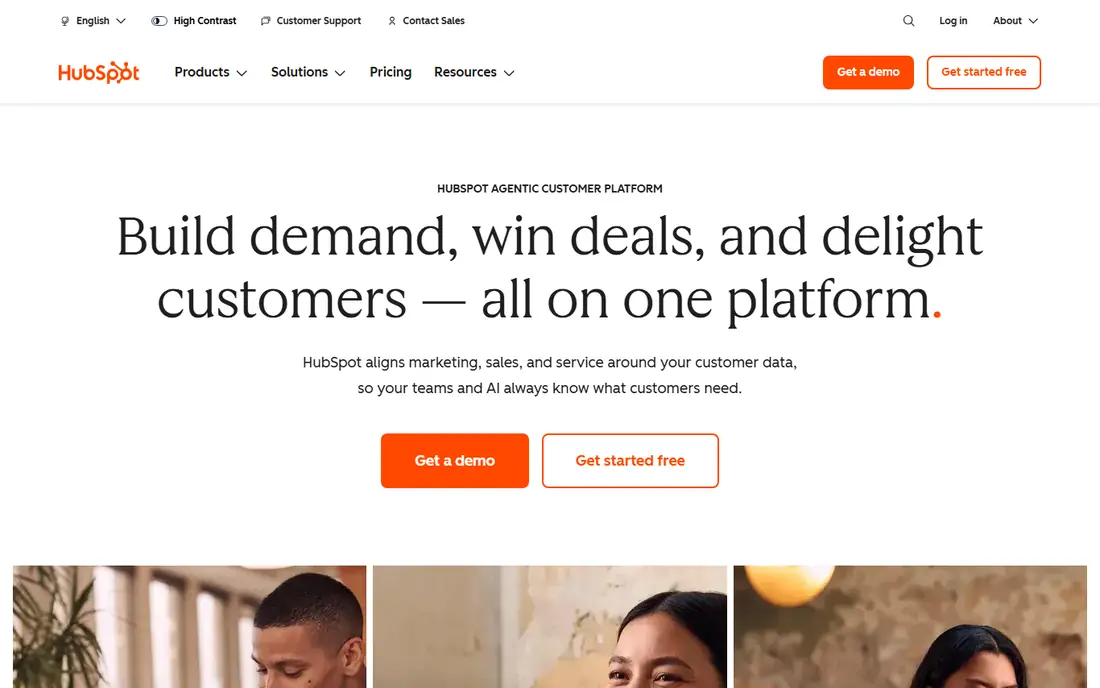
HubSpot is the first alternative most teams should test, because the free CRM is genuinely usable rather than a trial in disguise. Contacts, companies, deals, and pipelines are included, and meeting links, email tracking, and basic automation help a small sales team from the first week. When the team grows, Marketing Hub, Sales Hub, and Service Hub add campaigns, sequences, and support tools on the same contact record. The catch is the upgrade path. Each hub has its own tiers, and the features a growing team wants, such as deeper automation and reporting, sit on higher plans. That can make the total bill rise faster than a single flat CRM price. Still, for a team that wants sales and marketing in one place and prefers to start free, HubSpot is the safest default in this list.
- Free CRM for contacts, deals, and pipelines
- Strong marketing and service hubs
- Large integration library
- Paid hubs can get costly as you add features
- Advanced automation sits on higher tiers
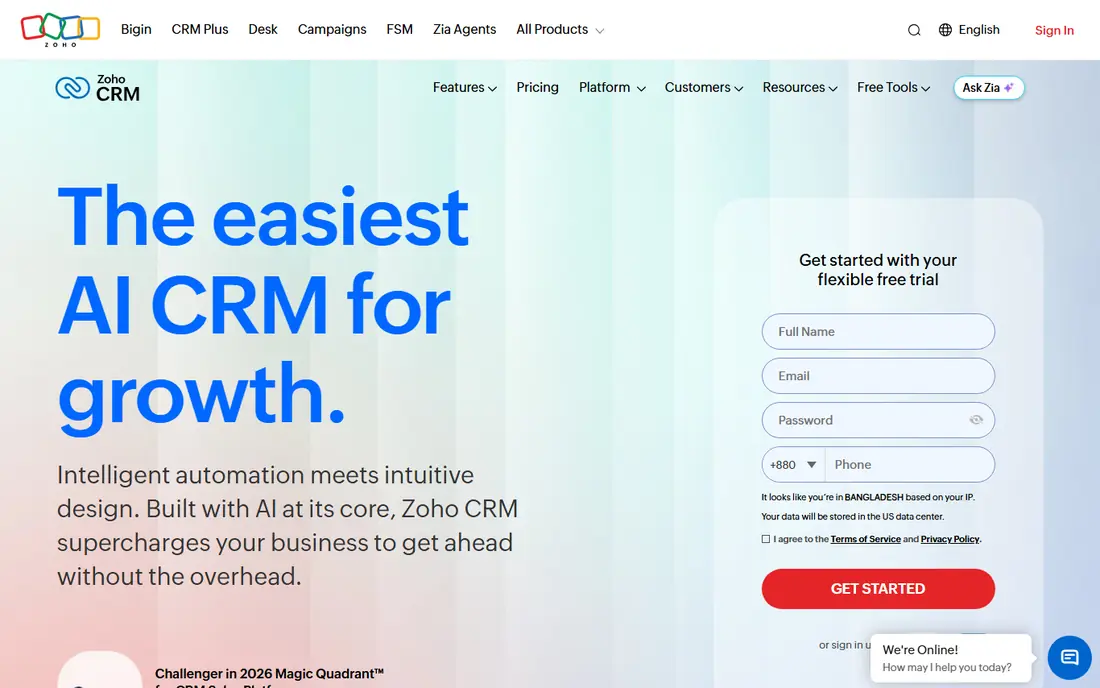
Zoho CRM packs a lot into a low price. The free plan covers up to three users, and paid plans add workflow automation, custom modules, forecasting, and an AI assistant. Teams that need their CRM shaped around a specific sales process can adapt fields, layouts, and pipelines without paying enterprise prices. The interface is denser than Pipedrive or Capsule, and new users should allow time for setup and training. Zoho also rewards teams that use its wider suite, since email, accounting, and support apps share data with the CRM. For a budget-conscious team that wants room to customize and does not mind a learning curve, Zoho offers the strongest value in this list.
- Free plan for up to three users
- Deep customization and automation
- Wide Zoho app ecosystem
- Interface takes time to learn
- Best value needs other Zoho apps for full effect
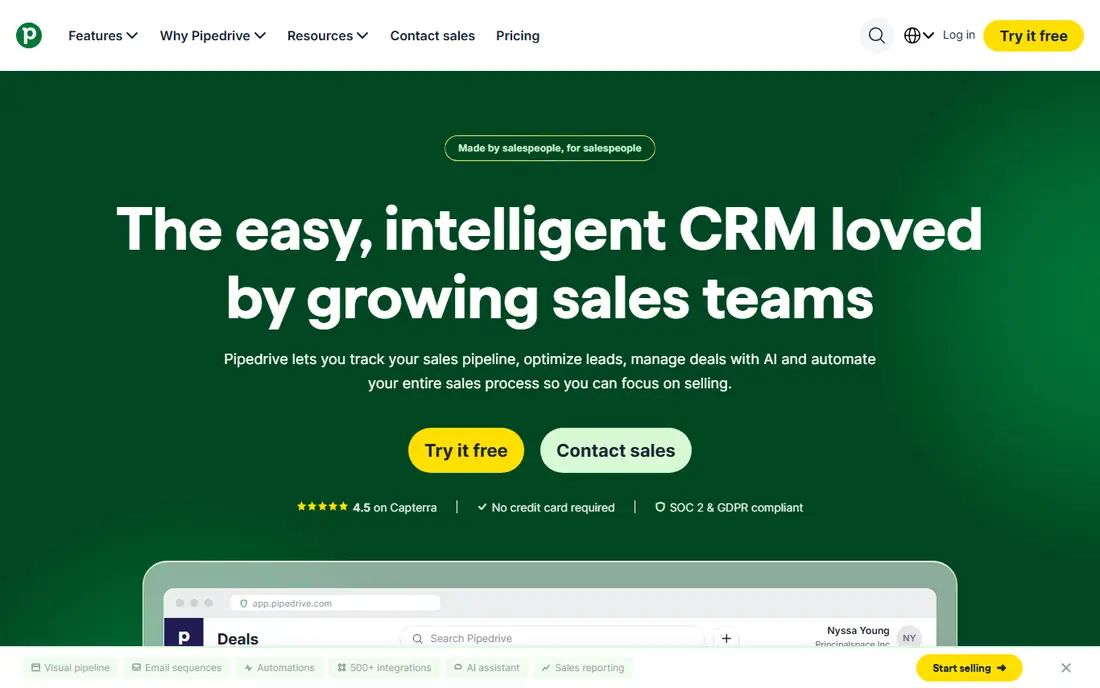
Pipedrive is built around one idea: a sales pipeline you can read at a glance. Deals sit in stages, you drag them forward as they progress, and activity reminders prompt the next call or email. That focus suits sales teams that live in the pipeline all day and want less clutter from marketing or service tools. Pipedrive does not try to be an all-in-one platform, so teams that need deep marketing automation will add other tools or choose a higher tier. There is no free plan, only a trial, so the entry cost is real from the start. For a team whose main job is moving deals through stages, that focus is a strength, and the low entry price keeps the decision simple.
- Clear drag-and-drop pipeline
- Activity reminders keep deals moving
- Solid integrations for email and calendars
- No permanent free plan
- Marketing features need add-ons or higher tiers
Freshsales, from Freshworks, gives small teams communication tools inside the CRM. You can call, email, and track conversations without switching apps, and paid plans add AI lead scoring that ranks which leads deserve attention first. Kanban pipeline views, deal tracking, and workflow automation cover the standard CRM jobs well. The free tier is useful for a very small team, but its limits mean growing teams will move to a paid plan fairly quickly. Reporting depth also improves with higher tiers, so teams that live on custom reports should check the plan that includes them. For a communication-heavy sales team on a tight budget, Freshsales is a strong, practical pick.
- Free tier for small teams
- Built-in phone and email
- AI lead scoring on paid plans
- Free tier limits features and users
- Some advanced reports need higher plans
monday CRM suits teams that want sales work connected to delivery. Boards show deals, tasks, and projects in one visual system, and dashboards pull pipeline, activity, and revenue views together. Automation recipes handle follow-up reminders, status changes, and notifications without manual work. The pricing catch is the minimum seat count, which raises the entry bill for a one-person business. Teams that only need a classic CRM may also find the board style less familiar than a standard contact-and-deal layout. For teams that already plan work in monday.com, or that want sales and delivery in one visual workspace, monday CRM is a natural fit.
- Highly visual boards and dashboards
- Flexible pipelines for sales and delivery
- Automation recipes
- Minimum seat purchase on paid plans
- Can feel like a work tool first and a CRM second
Capsule CRM is for teams that want a CRM without a manual. Contacts, deals, tasks, and a simple pipeline are easy to set up, and the free plan covers two users, which suits a founder plus one sales hire. The interface stays out of the way, so adoption is fast and records stay current. The limit is depth. Capsule does not match HubSpot or Zoho on automation, marketing, or reporting, and a team with a complex, multi-stage process may outgrow it. That is a fair trade for many small businesses: a simple CRM that staff actually use beats a powerful one that sits empty. If simplicity matters more than feature count, Capsule is a good fit.
- Free plan for up to two users
- Clean, simple interface
- Easy contact and pipeline management
- Fewer automation and marketing features than larger CRMs
- Limited depth for complex sales processes
Less Annoying CRM does what its name promises: one price, one set of features, and a short learning curve. Contacts, pipelines, tasks, and email logging cover the daily work of a very small business, and support is known for plain, helpful answers. There are no tiers to compare, so the buying decision is refreshingly short. The trade is scale. Integrations and automation are lighter than in HubSpot or Zoho, and a team that needs marketing automation or deep reporting will need another tool. For a team of one to five people who hate complex software and just want contacts and follow-ups handled, Less Annoying CRM is a sensible, low-friction choice.
- One flat price per user
- Simple contacts, pipelines, and tasks
- No tier maze to decode
- No free plan
- Fewer integrations and automation options than larger rivals
Bitrix24 bundles a CRM with collaboration tools: chat, tasks, projects, and document sharing sit next to contacts and deals. The free tier covers a small team with core CRM features, which makes it attractive for businesses that want a lot for no initial cost. Paid plans add automation, more storage, and higher limits. The interface packs in many tools, so new users may need time to find the CRM features among the collaboration options. Teams that only want a CRM may prefer a simpler tool. For a small business that wants CRM, team chat, and task management in one free starting point, Bitrix24 offers the broadest bundle in this list.
- Generous free tier
- CRM plus chat, tasks, and project tools
- Useful for teams that want one workspace
- Interface can feel busy
- Paid plans are priced for the whole account rather than per user in some tiers
How we picked these
We focused on the reasons small businesses leave Salesforce: cost, setup time, and admin overhead. We checked each vendor's own feature pages and pricing pages, app store listings, and public reviews for pipeline tools, automation, free plan limits, and integration depth. Tools stayed on the list when they served a distinct kind of team, from a free all-in-one CRM to a simple pipeline tool. Prices shown are starting points, and per-user or minimum-seat rules can change the real monthly total.
How to choose a Salesforce alternative
Map your sales process first
Write down your stages, from first contact to closed deal, before you test tools. A CRM that matches those stages will need less customization and will be adopted faster.
Price the full team, not one seat
Multiply per-user prices by every person who will log in, and add any minimum seat rule. A tool that looks cheap for one user can cost far more for a team of five.
Test migration with real data
Import a sample of contacts and deals during the trial, and check that history, custom fields, and email threads carry over cleanly. A messy migration is the most common reason a CRM switch stalls.
Check automation limits by tier
Follow-up reminders, lead assignment, and email sequences often sit on different tiers. Confirm that the plan you can afford includes the automation you will actually use each week.
Frequently asked questions
What is the best Salesforce alternative for small business?
HubSpot CRM is the best first choice for most small businesses, thanks to its free CRM and the option to add marketing and service tools later. Zoho CRM suits teams that want more customization for less money, and Pipedrive suits teams that mainly need a clear pipeline.
Are there free Salesforce alternatives?
Yes. HubSpot CRM, Zoho CRM, Freshsales, Capsule CRM, and Bitrix24 all offer free tiers, though limits on users, contacts, or features differ. Check the free plan limits before you build your whole process on a free tier.
What is the best CRM alternative to Salesforce for a sales team?
Pipedrive is the strongest pipeline-first choice, with a visual board and activity reminders that keep deals moving. Freshsales suits teams that want calls and email inside the CRM, while monday CRM suits teams that link sales work to delivery tasks.
Is HubSpot really free compared with Salesforce?
HubSpot CRM itself is free for contacts, deals, and pipelines, while Salesforce paid plans start at a monthly per-user price. HubSpot paid hubs add cost as you add features, so compare the full hub total with a Salesforce plan for the same features.
How hard is it to move from Salesforce to another CRM?
Most tools in this list offer import tools for contacts, companies, and deals, and HubSpot and Zoho both publish migration guides. Plan time to map custom fields, clean duplicate contacts, and retrain staff, since those steps take longer than the import itself.
What is the best dashboard tool among Salesforce alternatives?
HubSpot and monday CRM both offer strong dashboards, with pipeline, activity, and revenue views you can shape by team or period. Zoho CRM also offers customizable dashboards on paid plans, so the best pick depends on whether you want sales dashboards, delivery dashboards, or both in one place.
Sources we checked (8)

Online Jobs is an independent blog about careers, online work, learning new skills and the tools that help people earn. More about us.
Keep reading
All posts
Best CRM Platforms for Small Sales Team Reporting
Compare the best crm platforms for small sales team reporting, with pipeline views, forecasts, dashboards and prices for small teams in 2026, for buyers

Zoom Alternatives
Zoom alternatives compared for 2026: Google Meet, Microsoft Teams, Webex, Jitsi and more for free calls, large meetings and webinars for teams and classrooms.

Workday Alternatives
We compared the best workday alternatives for HR, payroll, and global hiring, from BambooHR and Gusto to Rippling, Deel, and HiBob for growing teams in 2026.