Best Client Management Software in 2026: 8 Tools Compared


Teams that want a free start with a clear upgrade path · Starting price: Free
How we put this together: we compare official feature and pricing pages, app store listings, privacy policies and public user reviews. Prices change, so check the provider's site before you pay.
Key takeaways
- HubSpot and Zoho CRM offer the most generous free starting points for small teams.
- Pipedrive suits sales-led teams that live in a visual pipeline and want little setup friction.
- Salesforce suits larger firms that need deep customisation and a wide integration ecosystem.
- monday Sales CRM suits teams that already run projects on monday and want sales and delivery in one view.
- Per-seat pricing multiplies fast, so total cost for the full team matters more than the headline seat price.
Quick comparison
| Name | Who it suits | Starting price | Free option | |
|---|---|---|---|---|
| HubSpot CRM | Teams that want a free start with a clear upgrade path | Free | Yes | Visit |
 Zoho CRM | Budget-conscious small firms wanting full CRM features | Free | Yes | Visit |
 Pipedrive | Sales teams that want a clear visual pipeline | $14 per user per month | No | Visit |
 Salesforce Sales Cloud | Larger firms needing deep customisation and scale | $25 per user per month | No | Visit |
 monday Sales CRM | Teams that already use monday for projects and want sales beside delivery | $12 per seat per month | No | Visit |
 Freshsales | Teams wanting fast setup with phone, chat, and email built in | See website | Yes | Visit |
 Capsule CRM | Small teams wanting simple, reliable relationship management | $18 per user per month | Yes | Visit |
 Bitrix24 | Larger teams wanting flat pricing plus projects and communication | $49 per month | Yes | Visit |
The best client management software
Client management software, often called CRM, keeps contacts, deals, conversations, and tasks in one place so nothing depends on one inbox or spreadsheet. The tools below differ in price model, learning curve, and depth. A freelancer needs a simple contact and deal tracker. A growing firm needs automation, reporting, and integrations. A large firm needs custom objects, permissions, and forecasting. Match the tool to team size first, then to feature depth.
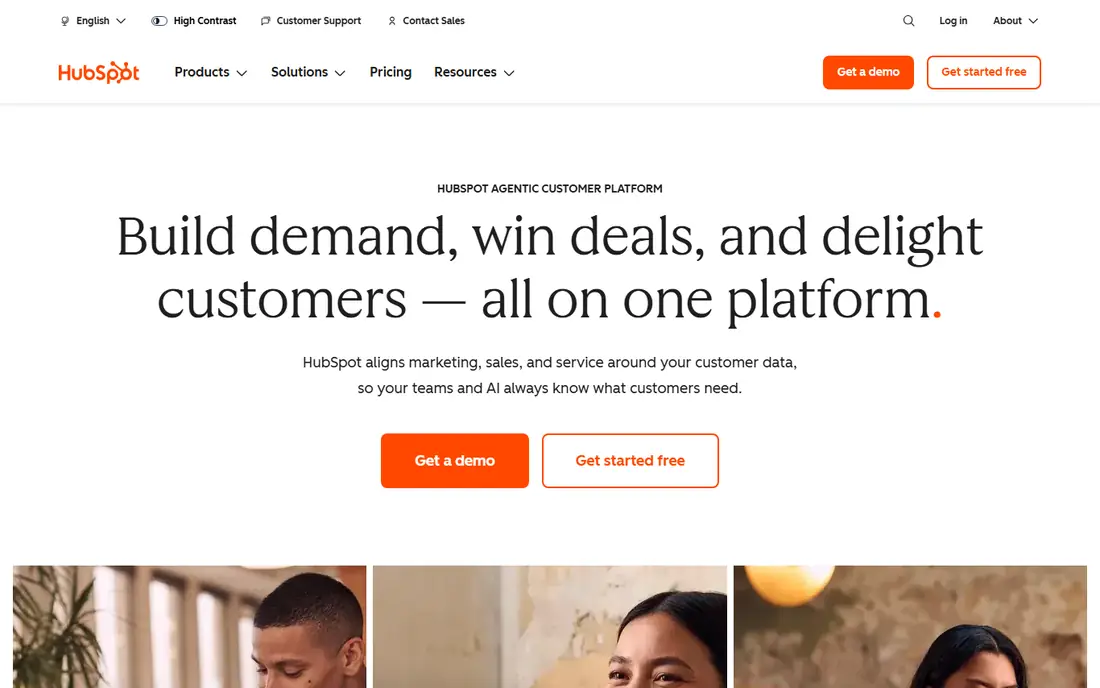
HubSpot Smart CRM gives small teams a real free starting point: contacts, deals, tasks, live chat, and email tracking with no time limit. That breadth matters, because many free CRMs limit the user to contacts alone. As a team grows, marketing, sales, and service hubs add automation, sequences, and reporting under the same contact record, so history does not need migration to a new system.
Price jumps are the caution. Paid seats start near $20 per seat per month for starter hubs, but Professional and Enterprise tiers cost far more, and some features need a specific hub rather than the base CRM. A team should map which hub features it actually needs before upgrading, and test the free plan with real deals for a few weeks first.
- Generous free plan, contacts plus deals plus tasks plus live chat, wide integration range
- Professional and enterprise tiers jump sharply in price, advanced automation needs paid hubs
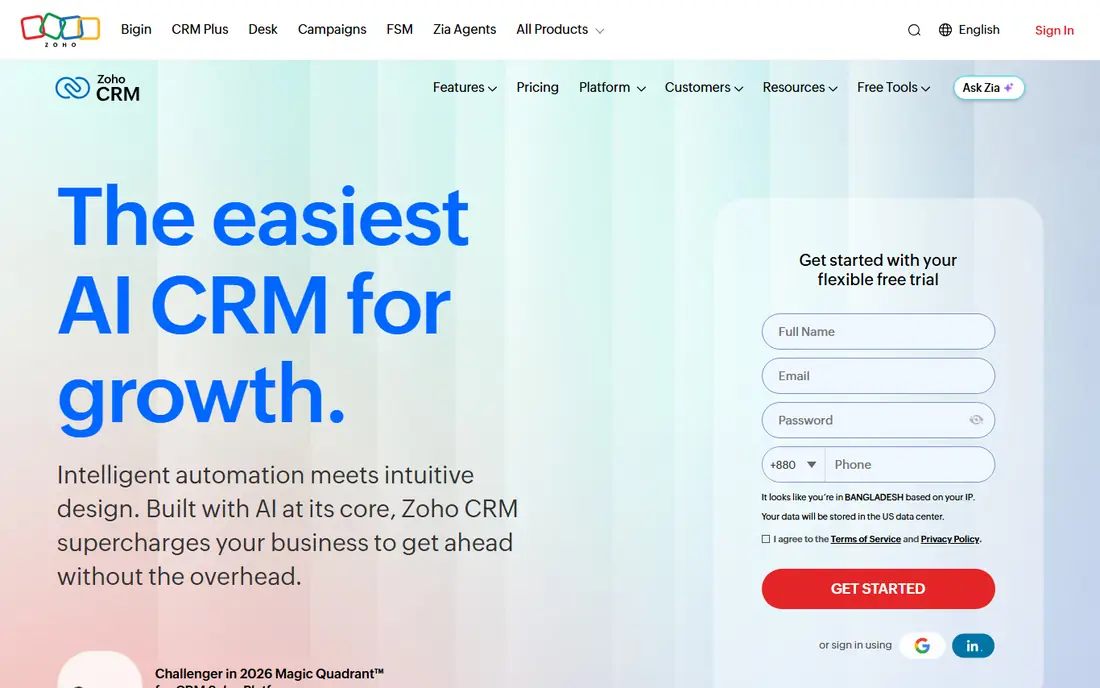
Zoho CRM offers a free plan for up to three users, which suits a founding team or a small partnership. Paid tiers stay affordable compared with Salesforce and HubSpot Professional, while still covering automation, pipelines, email integration, and reporting. The AI assistant on paid plans helps with lead scoring and next-step suggestions, though it does not replace human judgment on complex deals.
The interface packs many features into each screen, which can overwhelm a first-time CRM user. Teams should set up pipelines, fields, and automation in stages rather than enabling everything at once. For a budget-conscious firm that wants a full CRM without a large monthly bill, Zoho remains one of the strongest value picks.
- Free plan for up to 3 users, affordable paid tiers, built-in AI assistant on paid plans
- Interface feels busy to new users, advanced customisation needs learning
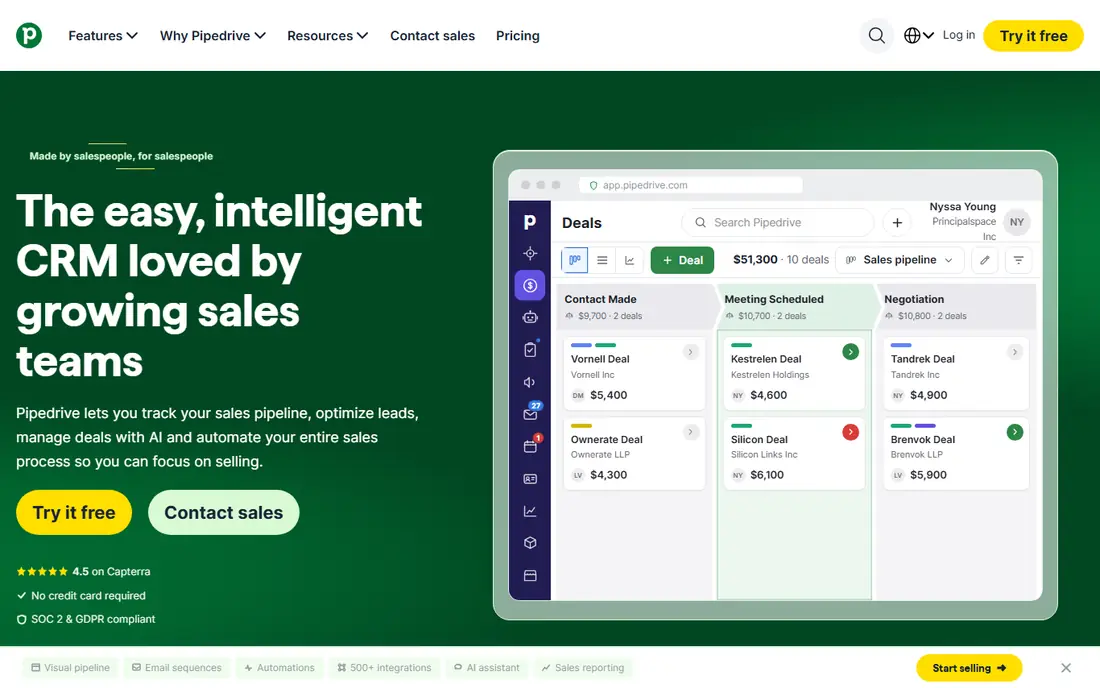
Pipedrive centres on the deal pipeline. Deals move across stages by drag and drop, and each deal carries next activities, so a salesperson always knows the next step. That activity focus keeps pipelines honest: a deal without a next activity stands out at a glance. Setup is fast, and most teams can import contacts and start working the same day.
Limits follow from focus. Pipedrive lacks built-in marketing automation and native support ticketing at the depth of HubSpot or Salesforce, so teams that need those jobs must add tools. There is also no standing free plan, only a 14-day trial. For a sales-led team that values pipeline clarity above all else, those limits rarely matter.
- Clearest visual pipeline, activity-based selling, fast setup
- No free plan beyond a trial, marketing automation and ticketing need other tools
Salesforce Sales Cloud
Who it suits: Larger firms needing deep customisation and scale
Salesforce Sales Cloud is the enterprise standard for client management. Custom objects, workflows, approval processes, forecasting, and territory management cover complex sales organisations that smaller CRMs cannot model. The AppExchange adds thousands of integrations, from CPQ to industry-specific tools, which extends the platform without custom code in many cases.
That depth brings cost and complexity. The $25 per user per month entry tier covers core sales features, but larger firms often need higher tiers plus implementation help. Small teams can find Salesforce heavy for simple contact and deal tracking, and adoption suffers when setup outruns training. Choose Salesforce when scale, customisation, and forecasting justify the investment, not as a first CRM for a team of two.
- Deep customisation, forecasting, huge app ecosystem, strong reporting
- Steeper learning curve, implementation often needs specialist help, costs rise with add-ons
monday Sales CRM
Who it suits: Teams that already use monday for projects and want sales beside delivery
monday Sales CRM builds client management on visual boards. Deals, contacts, and activities appear as cards and columns that teams can reshape without code, which suits firms where sales and delivery share the same workspace. A deal won on a sales board can hand off to a delivery board with history intact, reducing the lost-context problem that plagues handoffs between separate tools.
Pricing starts at $12 per seat per month billed annually, with a three-seat minimum, so a solo user pays for three seats. There is no standing free plan, only a 14-day trial. Teams already on monday will get the most value, because boards, automations, and dashboards carry over. Teams new to monday should trial the CRM workflow itself, not just the project boards.
- Visual boards, configurable workflows, sales-to-delivery handoff in one system
- Three-seat minimum on paid plans, no free plan beyond a trial
Freshsales
Who it suits: Teams wanting fast setup with phone, chat, and email built in
Freshsales, part of Freshworks, suits teams that want communication tools inside the CRM. Built-in phone, chat, and email mean a rep can call, message, and log activity without switching apps. Setup is fast, and the free plan lets a small team test contacts and deals before paying. AI scoring on higher plans helps prioritise leads when volume grows.
Custom reporting depth needs higher tiers, so managers who want detailed pipeline analytics should check plan limits before buying. Pricing tiers have also changed over time, so the vendor page on the day of purchase is the final source. For a team that values built-in calling and simple setup, Freshsales offers a practical middle path between Capsule simplicity and Salesforce depth.
- Built-in phone and chat, AI contact scoring on higher plans, fast setup
- In-depth custom reports need higher tiers, pricing tiers change often
Capsule CRM
Who it suits: Small teams wanting simple, reliable relationship management
Capsule CRM keeps client management simple on purpose. Contacts, organisations, opportunities, and communication history sit in a clean layout that new users learn quickly. That simplicity suits relationship-led firms, such as consultancies and agencies, where the next conversation matters more than complex automation. A free plan lets a solo user or tiny team start without cost.
Automation and reporting are lighter than HubSpot or Salesforce, so firms that need sequences, forecasting, and deep dashboards will hit limits. Capsule also suits teams that already use separate tools for marketing and support, and want the CRM to do contact and deal tracking well. For that job, its clarity is a strength, not a gap.
- Simple interface, strong contact history, good for relationship-led selling
- Less automation depth than larger CRMs, reporting is lighter
Bitrix24
Who it suits: Larger teams wanting flat pricing plus projects and communication
Bitrix24 prices by organisation rather than per seat on paid plans, starting at $49 per month billed annually. That model favours larger teams, because adding users does not multiply the bill the way per-seat CRMs do. CRM, project management, chat, and telephony sit in one workspace, which suits firms that want fewer subscriptions and a single login for daily work.
The workspace packs many tools into one interface, which can feel crowded until a team hides what it does not use. Setup also takes tuning: pipelines, permissions, and project templates need decisions before daily use feels smooth. For a larger team that accepts that setup cost, flat pricing plus broad features make Bitrix24 a strong value alternative to per-seat suites.
- Flat organisation pricing, CRM plus projects plus chat in one workspace, free plan for unlimited users
- Interface feels crowded, setup takes time to tune
How we picked these
We compared official feature pages, pricing pages, app listings, and public documentation for tools that manage contacts, deals, tasks, and communication history for clients. We weighted free-plan generosity, per-seat versus flat pricing, setup speed, automation depth, and reporting. We did not claim hands-on testing. Prices reflect per-user or per-seat billing where vendors state it, and should be confirmed on the vendor page, because seat minimums and promotions change.
What to check before you buy
Start by counting seats honestly. A $14 seat looks cheap until ten seats, add-ons, and a higher tier for reporting turn it into a large annual bill. Calculate total cost for the full team at the tier that includes the automation and reporting you need, not the entry tier alone.
Next, trial with real data. Import a sample of contacts, move five real deals through the pipeline, and log calls and emails for a week. That test exposes import pain, missing fields, and workflow friction that a demo hides. Check mobile use too, because field teams live on the app, not the desktop.
Finally, decide who owns the CRM. A tool without an owner becomes a dumping ground for stale contacts. Assign one person to fields, pipelines, and data hygiene, and agree on simple rules: every deal has a next activity, every contact has an owner, and every closed deal gets a reason. Those rules matter more than any feature list.
Frequently asked questions
Sources we checked (8)

Online Jobs is an independent blog about careers, online work, learning new skills and the tools that help people earn. More about us.
Keep reading
All posts
Best CRM Platforms for Small Sales Team Reporting
Compare the best crm platforms for small sales team reporting, with pipeline views, forecasts, dashboards and prices for small teams in 2026, for buyers
8 Best Salesforce Alternatives for Small and Growing Businesses
Looking for Salesforce alternatives? We compare 8 CRM options on price, free plans, pipelines, and automation to find the right fit for your team in 2026.

n8n Alternatives
n8n alternatives compared for 2026, with Zapier, Make, Activepieces, and more, covering visual builders, code steps, self-hosting, and pricing models.