Best CRM Platforms for Small Sales Team Reporting in 2026: 9 Apps Compared

How we put this together: we compare official feature and pricing pages, app store listings, privacy policies and public user reviews. Prices change, so check the provider's site before you pay.
Key takeaways
- Pipedrive is our pick for most small sales teams because pipeline reporting stays close to the deals reps actually work each day.
- HubSpot Sales Hub is stronger when sales, marketing and service need shared reporting, though advanced reports sit on higher tiers.
- Close, Freshsales and Zoho CRM give smaller teams useful dashboards at lower starting prices, with different strengths in calling, automation and value.
- Reporting is only useful if data is clean, so pick a CRM your reps will update daily and check forecast reports weekly.
Quick comparison
| Name | Who it suits | Starting price | Free option | |
|---|---|---|---|---|
 Pipedrive Pipedrive | Pipeline and forecast reporting | $14 per month | Free trial | Visit |
 HubSpot Sales Hub HubSpot Sales Hub | Shared sales and marketing reports | See website | Yes | Visit |
 Close Close | Calling teams and activity reports | See website | Free trial | Visit |
 Zoho CRM Zoho CRM | Value and custom reports | See website | Yes | Visit |
 Freshsales Freshsales | Simple dashboards for small teams | See website | Yes | Visit |
 monday CRM monday CRM | Visual boards and team reports | See website | Free trial | Visit |
 Capsule Capsule | Simple contact and sales reports | See website | Yes | Visit |
 Less Annoying CRM Less Annoying CRM | Simplest reporting for tiny teams | $15 per month | No | Visit |
 Salesflare Salesflare | Automatic data capture and reports | See website | Free trial | Visit |
The best CRM platforms for small sales team reporting
Small sales teams do not need enterprise dashboards with fifty charts. They need to answer four questions quickly: what is in the pipeline, what closes this month, who needs a follow-up today, and which deals are stuck. A good CRM for reporting makes those answers visible without a spreadsheet export or a weekly data cleanup. The nine platforms below cover pipeline-first reporting, shared marketing and sales reporting, calling reports and simple value options.
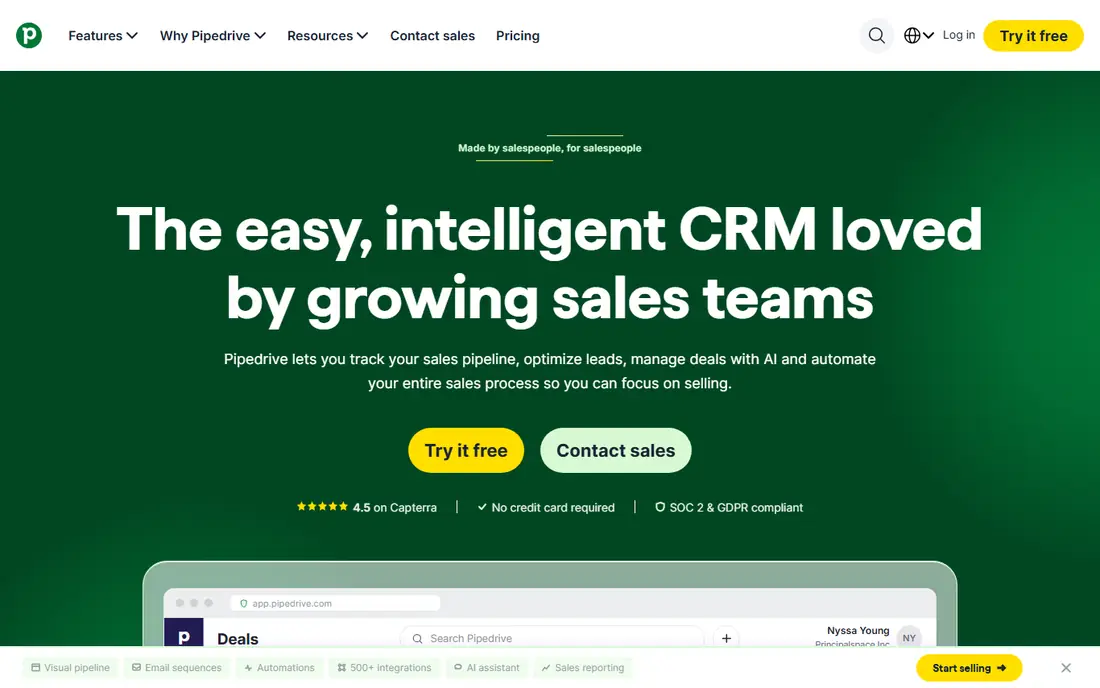
Pipedrive works for reporting because the pipeline view is the product, not an extra tab. Reps drag deals across stages, set the next activity, and managers can see stage value, ageing deals and forecast totals without asking for a manual update. That link between daily use and reporting is why small teams often keep data cleaner in Pipedrive than in a broader platform. The limit appears when you need highly custom reports or marketing attribution. Basic reporting covers pipeline, activity and forecast needs well, but deeper custom dashboards and revenue insights sit on higher plans. If your main reporting job is pipeline health and forecast accuracy, Pipedrive is a strong, low-friction pick.
- Clear visual pipeline that reps actually update
- Forecast and activity reports on paid plans
- Predictable per-seat pricing
- Custom reporting needs higher tiers
- Marketing tools are thinner than HubSpot
HubSpot earns its place when reporting needs to span more than sales alone. Because contacts, deals, marketing activity and service tickets can share one database, managers can trace a lead from first touch to closed deal without stitching tools together. That shared view helps small firms that run marketing and sales with the same small team. The warning is cost. The free CRM covers contacts, deals and basic reporting, but custom reports, sequences and deeper automation require paid tiers, and Professional pricing is a large step up. Start free, list the reports you actually need each week, and upgrade only when a specific report or automation saves measurable time.
- Free CRM to start
- Shared contact and deal data across marketing and service
- Strong templates and sequences on paid plans
- Advanced reporting and automation require higher tiers
- Price jumps can surprise small teams
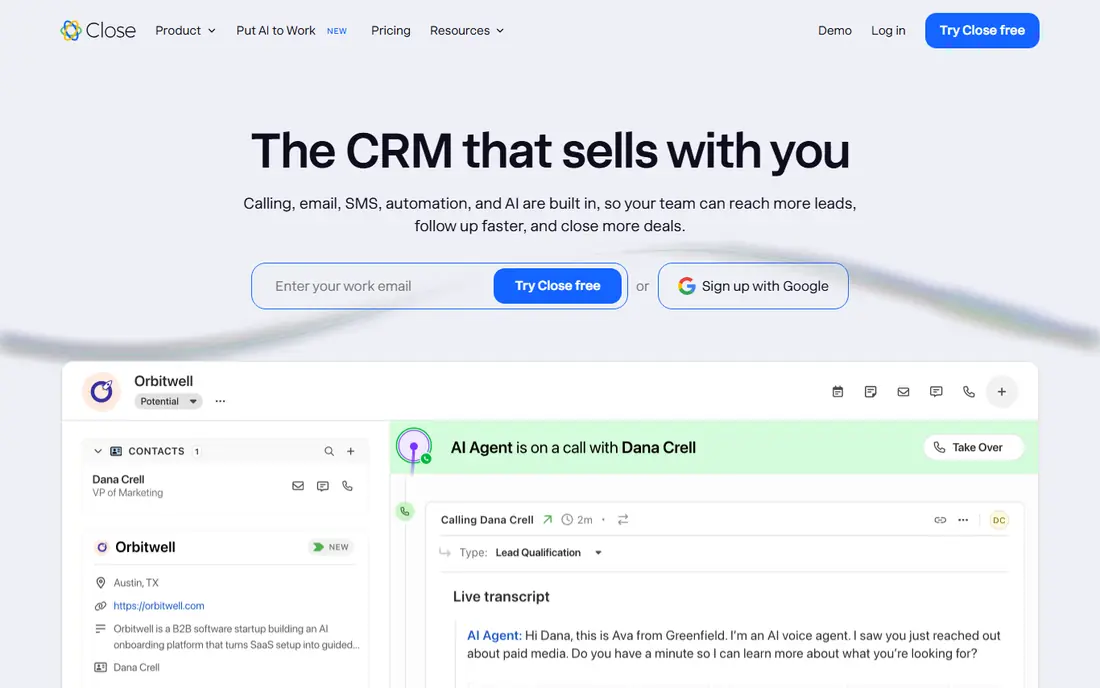
Close is built for teams whose day is calls and follow-ups. Because calling, SMS and email live inside the CRM, activity reports reflect real work rather than manual logging. Managers can see call volume, follow-up completion and pipeline movement in one place, which helps coaching for outbound teams. For a team that mainly manages inbound deals with little calling, Close may be more tool than needed. Its strength is outbound reporting, so judge it on call and activity data, not on marketing features. If your reps live on the phone, the built-in dialer can remove a separate tool and a separate report.
- Built-in calling, SMS and email in one inbox
- Power dialer for high-volume outreach
- Clear activity reporting
- Higher starting price than simple CRMs
- Less marketing depth than HubSpot
Zoho CRM appeals to small teams that want customisation without enterprise pricing. You can build dashboards for pipeline, sales by rep, lead source and forecast, and you can add automation as the team grows. The wider Zoho suite also helps if you already use Zoho Books, Mail or other Zoho apps for the business. The risk is complexity. Zoho offers many modules and settings, and a team that turns everything on can end up with reports no one reads. Start with three dashboards, pipeline, forecast and activity, and add custom fields only when a manager asks for a decision that current reports cannot answer.
- Broad feature set for the price
- Custom dashboards and reports on paid plans
- Large integration range
- Interface can feel busy
- Setup takes care to keep reports simple
Freshsales, from Freshworks, is a practical middle ground for teams that want a modern CRM without a long setup project. Dashboards show pipeline, deal progress and rep activity in a format managers can read at a glance, and built-in communication tools help reps log calls and emails without switching apps. Larger teams with complex forecasting or territory reporting may need a higher tier or a different platform. For a team of two to twenty sellers, Freshsales covers the weekly reporting rhythm well, provided you keep stages simple and review the dashboard together each week rather than treating it as a private manager tool.
- Clean interface for small teams
- Built-in phone and email tools
- Useful dashboards without heavy setup
- Advanced reporting and AI features sit on higher plans
- Smaller marketplace than HubSpot or Pipedrive
monday CRM suits teams that think in boards rather than traditional CRM screens. Deals, tasks and follow-ups sit on visual boards, and dashboards can pull pipeline value, stage counts and activity into a shared view. That visual style helps small teams that also manage projects, onboarding or delivery work alongside sales. Pure sales teams should compare it carefully with Pipedrive. monday CRM is flexible, but it may need more configuration to match a sales-first pipeline, forecast and activity flow. It works best when the same team uses boards for sales and for the work that follows a closed deal.
- Visual boards that non-technical teams grasp quickly
- Flexible columns and dashboards
- Good for shared team work
- Sales depth is thinner than Pipedrive for pure pipeline work
- Pricing rises with seats and features
Capsule is a good fit for tiny teams that want a CRM they will actually use. Contacts, opportunities and tasks are easy to enter, and basic reports show pipeline value and sales activity without a training course. That simplicity helps when the team has no dedicated CRM admin and no time for a complex rollout. Growth is the limit. Once you need territory reporting, advanced forecasts or deep automation, Capsule can feel thin. Use it as a clean starting point, export your data regularly, and move to Pipedrive or HubSpot when reporting needs outgrow simple pipeline and activity views.
- Simple, fast setup
- Clear contact and opportunity tracking
- Useful free plan for tiny teams
- Reporting depth is limited for growing teams
- Fewer automation options than larger CRMs
Less Annoying CRM does what its name suggests, which is to keep CRM work simple. There is one plan, one clear price, and a straightforward way to track contacts, follow-ups and pipeline value. For a founder-led sales team or a tiny firm that has avoided CRMs because they felt too complex, that simplicity is the main selling point. Teams that need custom dashboards, forecasting models or marketing automation should look elsewhere. Less Annoying CRM is best for basic pipeline and task reporting, and its value falls if you need the kind of reporting that larger sales teams use for coaching and territory planning.
- Single simple plan
- Easy contact, task and pipeline tracking
- Helpful support for small firms
- No free plan
- Limited custom reporting and automation for larger teams
Salesflare targets the most common reporting problem for small B2B teams, which is reps not logging activity. It pulls contacts and interactions from email and calendar automatically, so pipeline and activity reports reflect real conversations without relying on manual entry. That automation can improve forecast accuracy simply because the data is more complete. The trade-off is scope. Salesflare is sales-focused, so teams that need full marketing automation or service ticketing will need another tool. If your team is small, B2B and email-heavy, and your reports suffer from missing data, Salesflare is worth a trial on real inboxes before you judge it.
- Automatic capture of contacts and interactions from email and calendar
- Clear pipeline and revenue reports
- Low manual data entry
- Less suited to teams that need deep marketing tools
- Pricing and tiers need checking for larger teams
How we picked these
We compared official feature pages, pricing pages and reporting descriptions, plus public reviews that describe pipeline views, forecast tools and dashboard limits. We favoured CRMs that a small team can set up without a consultant, that show pipeline, forecast and activity clearly, and that offer a free plan or trial for testing. We did not run hands-on trials for this guide, and we did not invent report counts or accuracy scores.
Reports a small team should actually run
A small sales team needs a short weekly reporting rhythm, not a large dashboard library. Start with pipeline by stage, which shows value and deal count at each step and highlights where deals stall. Add a forecast for this month and next month, split by close date and stage, so managers can see whether the pipeline supports the target or needs more prospecting. Add an activity report for calls, emails and meetings, because activity gaps often explain forecast gaps before a deal is lost. Then add a stuck-deal report. List deals with no activity in the past seven or fourteen days, deals past their close date, and deals with no next step set. That report drives the weekly sales meeting better than a long list of charts, because each row becomes a decision: follow up, requalify or close the deal. Review these four reports together each week, and retire any report no one uses for a month.
Keep stages honest
Reporting fails when stages mean different things to different reps. Define each stage by a customer action, not by rep optimism, such as proposal sent, trial started or verbal agreement. Require a next step and a close date for every open deal, and review stage definitions when forecast accuracy drops.
Make data entry part of selling
Reps update a CRM when it helps them sell, not when it helps a manager report. Use the pipeline view as the daily work list, set follow-up tasks from the deal itself, and keep required fields to a minimum. If a field does not change a decision, remove it.
Frequently asked questions
What is the best CRM for small sales team reporting?
Pipedrive is our pick for most small sales teams because pipeline and forecast reporting stay close to daily selling. HubSpot is better when marketing and service reporting must share the same data.
Do small teams need a paid CRM for reporting?
Not always. HubSpot, Zoho CRM, Freshsales and Capsule offer free plans that cover basic pipeline and contact reporting. Paid plans become useful when you need custom reports, forecasts, sequences or automation that free plans do not include.
What reports matter most for a small sales team?
Pipeline by stage, monthly forecast, rep activity and stuck deals matter most. Those four reports show what is in play, what should close, whether follow-ups are happening, and which deals need a decision this week.
How can we improve forecast accuracy?
Use stages tied to customer actions, require a next step and close date on every deal, and review forecasts weekly against actual closes. Accuracy improves when reps update deals daily and managers coach on stuck deals rather than only on totals.
Is HubSpot too expensive for a small sales team?
HubSpot can be expensive at Professional level, but the free CRM and Starter plans suit many small teams. List the reports and automations you need before you upgrade, and check the current price on the vendor page, because tiers and onboarding fees change.
Should we pick a CRM for reporting or for ease of use?
Pick for both, with ease of use first. A CRM with strong reports that reps avoid will produce poor data, while a simple CRM that reps update daily will produce reports you can trust and act on.
Sources we checked (9)

Online Jobs is an independent blog about careers, online work, learning new skills and the tools that help people earn. More about us.
Keep reading
All posts
Zoom Alternatives
Zoom alternatives compared for 2026: Google Meet, Microsoft Teams, Webex, Jitsi and more for free calls, large meetings and webinars for teams and classrooms.

Top Rated Poster Maker Software
Top rated poster maker software compared for 2026: Canva, Adobe Express, VistaCreate, PosterMyWall and more for events, sales and classrooms for US users.

Surfshark Alternatives
Looking for Surfshark alternatives? We compare 8 VPN services on price, privacy, streaming, and device limits to help you find a VPN that fits your needs.