Best Pocket Alternatives in 2026: 8 Read-It-Later Apps Compared


Simple, distraction-free reading · Starting price: $59.99 per year
How we put this together: we compare official feature and pricing pages, app store listings, privacy policies and public user reviews. Prices change, so check the provider's site before you pay.
Key takeaways
- Pocket shut down on July 8, 2025, and its export window closed on November 12, 2025, so former users need a new home for saved articles.
- Instapaper is the closest one-to-one replacement for simple, distraction-free reading with offline access.
- Raindrop.io is the best choice if your Pocket library was really a large bookmark collection rather than a reading queue.
- Readwise Reader suits power readers who highlight, annotate, and send notes to other apps.
- If you exported Pocket data before the deadline, most tools here can import that file.
Quick comparison
| Name | Who it suits | Starting price | Free option | |
|---|---|---|---|---|
| Instapaper | Simple, distraction-free reading | $59.99 per year | Yes | Visit |
 Raindrop.io | Visual bookmark collections | See website | Yes | Visit |
 Readwise Reader | Power readers and highlighters | $9.99 per month | Free trial | Visit |
 Matter | Listening to articles on Apple devices | $60 per year | Yes | Visit |
 Wallabag | Self-hosting and data ownership | See website | Yes | Visit |
 GoodLinks | Apple users wanting a one-time purchase | $9.99 one-time | No | Visit |
 Cubox | Deep tagging and archiving | See website | Yes | Visit |
 Pinboard | Fast, plain bookmarking | See website | No | Visit |
The best Pocket alternatives
Pocket is gone, and that changes how to shop for a replacement. Mozilla shut Pocket down on July 8, 2025, and the export window closed on November 12, 2025, after which saved items were deleted. The tools below do not all do the same job, so pick based on whether you mostly read articles, collect links, or both.
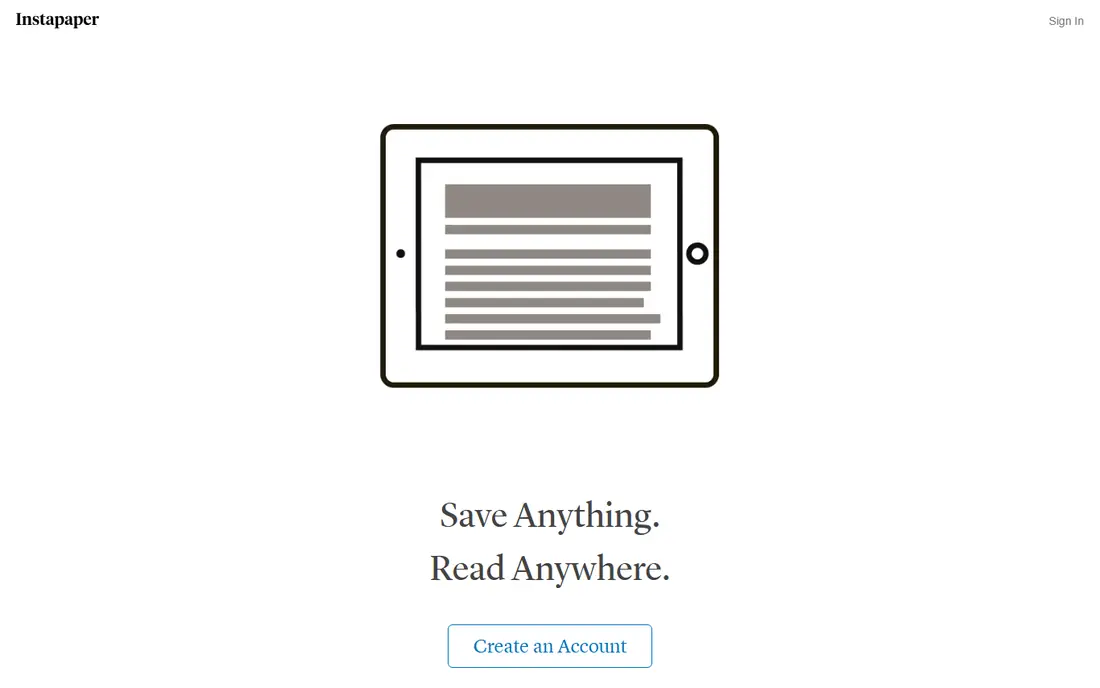
Instapaper is the most direct answer to the question of what replaces Pocket for reading. You save an article with one tap, it opens in a clean view stripped of clutter, and you can read it offline on your phone or send it to a Kindle. The free tier covers unlimited saves, which is enough for many readers who simply want a queue that works.
Premium adds full-text search, unlimited notes, text-to-speech, and speed reading, at $59.99 per year. The honest catch is organization. Instapaper is a reading queue first, so if you saved thousands of links in Pocket as a reference library, you may find its folders and tags thinner than a bookmark manager. For reading-first users, though, it is our pick for most people.
- Clean reading view
- Unlimited saves on the free tier
- Offline reading and Kindle support
- Free tier limits notes
- Fewer organization features than bookmark managers
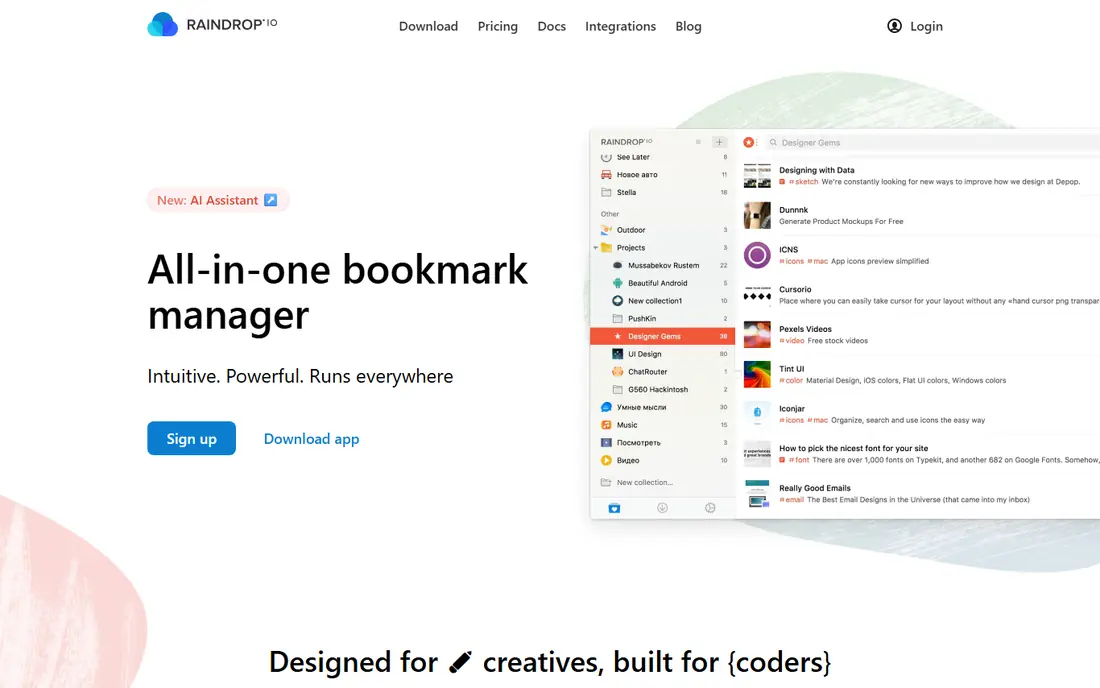
Raindrop.io is where many former Pocket users landed when they realized their library was a collection, not a queue. It stores links, articles, PDFs, images, and videos in visual collections with tags and full-text search, and it works across iOS, Android, Mac, Windows, and the web. The free tier is generous, with unlimited bookmarks, collections, and devices.
The trade-off is focus. Raindrop is a bookmark manager that can show articles, not a reading app that happens to store links, so its reading experience is less polished than Instapaper or Matter. If your goal is to find something again months later, Raindrop wins. If your goal is to finish a long article on a flight, pair it with a reading app or choose a reading-first tool.
- Unlimited bookmarks on the free tier
- Collections, tags, and full-text search
- Imports Pocket exports
- Reading view is secondary to bookmarking
- Some advanced features need the paid plan
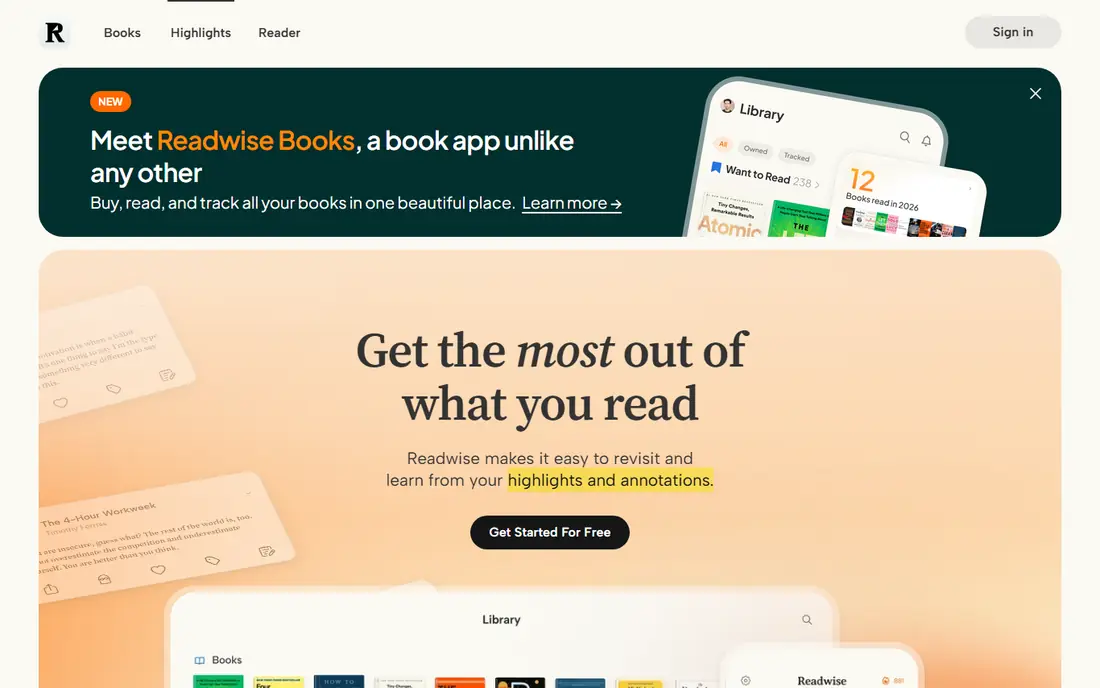
Readwise Reader is built for people who read a lot and want to keep what they read. Articles, RSS feeds, PDFs, newsletters, and videos land in one inbox, and highlights and notes can flow into note apps such as Obsidian and Notion. That makes it a strong choice for researchers, students, and anyone building a personal knowledge base from reading.
The price is the catch. At $9.99 per month billed annually, with only a trial on the free side, it costs far more than Instapaper or Raindrop for casual use. It also has more settings and features than a simple queue, so it can feel heavy if you only save a few articles a week. Power readers will find the cost easy to justify, while casual readers should start elsewhere.
- Highlights, notes, RSS, PDFs, and newsletters in one inbox
- Strong export to note apps
- AI summaries
- No permanent free tier
- Price is high for casual readers
- Learning curve for new users
Matter pairs a clean reading view with high-quality text-to-speech, which makes it a strong pick for people who listen to articles on walks, commutes, or workouts. Core saving is free, and the $60 per year Premium plan adds listening features, newsletters, RSS, and AI tools. The iPhone and iPad apps feel modern and fast, and the web reader covers desktop use.
The main limit is platform. Matter is iOS-first, so Android users will not get the same experience, and some features are gated behind Premium. If you live in the Apple world and want Pocket with better audio, Matter is an easy recommendation. If you switch between Android and iOS, Instapaper or Raindrop will serve you better.
- Polished reading and listening experience
- Core saving is free
- Good iOS and iPad apps
- Apple-first experience
- Premium features need the paid plan
Wallabag is the answer for readers who watched Pocket disappear and decided they never want a company to hold their library again. It is open source, it can be self-hosted at no software cost, and it keeps the full article text with your data so exports stay useful. A dedicated Pocket import helps former Pocket users who exported before the deadline.
The catch is effort. Self-hosting means setting up and maintaining a server, and the interface is functional rather than polished. A managed hosted plan exists for readers who want Wallabag without the server work, priced on the Wallabag site. If data ownership matters more to you than polish, Wallabag is the most durable choice on this list.
- Open source
- Self-host for free
- Pocket import
- Full article text kept with your data
- Self-hosting needs technical setup
- Managed hosting costs extra
- Interface is plain
GoodLinks is a quiet, fast read-it-later app for people who are fully inside the Apple ecosystem and dislike subscriptions. A one-time purchase of $9.99 covers iPhone, iPad, and Mac, with offline reading, article parsing, tags, and folders, and no account required for core use. It feels closer to a local library than a cloud service.
The limit is obvious. There is no Android or web version, so it only works if your reading happens on Apple devices. It also lacks the highlighting and note-export depth of Readwise Reader. For an Apple-only reader who wants a simple, private queue without a monthly bill, GoodLinks is hard to beat.
- One-time purchase, no subscription
- Fast and private
- Offline reading on Apple devices
- Apple only
- No free plan
- No web or Android app
Cubox sits between a reading app and an archive, with deep tagging, search, and annotation that suit readers who save a lot and need to find it again. It handles articles, highlights, and notes in a single library, and it works across phones and desktop. Readers who found Pocket too simple but Readwise Reader too expensive often land here.
The honest catch is familiarity. Cubox is less widely covered than the bigger names, and its pricing pages vary, so you should confirm the current plan on its site before committing. It also has a smaller community for help and integrations. If tagging and long-term archiving matter most, it deserves a trial alongside Raindrop.
- Strong tagging and search
- Good archiving for articles and highlights
- Cross-platform apps
- Pricing and plans vary by region
- Less well known than Instapaper or Raindrop
Pinboard is the oldest-school option here, and that is its appeal. It is a fast, plain bookmarking service with strong tagging and search, no feed, and no clutter, and it has run for years without chasing trends. Readers who saved links in Pocket mainly to find them again will appreciate its speed and simplicity.
Pinboard is not a reading app. There is no polished article view, no offline reading queue, and no free tier, so it works best as a bookmark home paired with a reading tool, or on its own for people who read in the browser. If you want one app that does both jobs, choose Instapaper or Raindrop instead.
- Very fast and simple
- Strong tagging
- Stable service with a long history
- No reading view to match Pocket
- Paid only
- Plain interface
How we picked these
We compared official feature pages, pricing pages, and app store listings, and we checked the Pocket shutdown dates against Mozilla announcements and current reporting. Only tools that exist and work today made the list, and we excluded Omnivore because its hosted service closed in November 2024. Prices shown come from vendor pages or current pricing summaries, and where a price was unclear we used See website rather than guessing.
How to move from Pocket without losing your library
If you exported Pocket data before November 12, 2025, start by finding that export file, since that window is now closed and unexported data is gone. Most tools here accept a Pocket CSV or HTML export, with Raindrop, Instapaper, Readwise Reader, and Wallabag all offering import paths. Import into one tool first and check that article text, tags, and favorites came across before deleting anything.
Next, decide whether you are a reader or a collector, because that choice shapes the tool. Readers should trial Instapaper or Matter for a week of real articles, while collectors should trial Raindrop or Pinboard with a messy set of links. Run an export from your new tool on day one, too, since Pocket taught a clear lesson about keeping your own copy.
A note on free tiers
Free tiers change, and several tools here limit notes, highlights, or search on free plans. Before you rebuild a large library in a free tier, check what stays free and what requires payment, and check whether free images or articles are public. A tool that fits your budget today should still fit it after you have saved a thousand items.
Frequently asked questions
What happened to Pocket?
Mozilla shut Pocket down on July 8, 2025, and the export window closed on November 12, 2025, after which saved items were deleted. Pocket no longer works as a read-it-later app, so former users need one of the alternatives in this guide.
What is the best alternative to Pocket?
Instapaper is the closest one-to-one replacement for simple reading, while Raindrop.io is the best replacement if your Pocket library was mainly bookmarks. Power readers should look at Readwise Reader, and Apple users who like audio should try Matter.
Can I import my old Pocket data into a new app?
Yes, if you exported before November 12, 2025. Raindrop, Instapaper, Readwise Reader, and Wallabag all accept Pocket exports in common formats. If you missed the export window, that data is no longer recoverable from Pocket.
Is there a free app like Pocket?
Yes. Instapaper and Raindrop both offer generous free tiers, Matter offers free core saving, and Wallabag can be self-hosted for free. Free tiers differ on notes, search, and highlights, so check the limits before you commit.
What is the difference between a read-it-later app and a bookmark manager?
A read-it-later app is built for consuming content, with a clean article view, a reading queue, and offline access. A bookmark manager is built for retrieval, with collections, tags, and search over a large permanent library. Many readers end up using one of each.
Sources we checked (8)

Online Jobs is an independent blog about careers, online work, learning new skills and the tools that help people earn. More about us.
Keep reading
All posts
Zoom Alternatives
Zoom alternatives compared for 2026: Google Meet, Microsoft Teams, Webex, Jitsi and more for free calls, large meetings and webinars for teams and classrooms.

What Is the Best Free Tool to Rotate a PDF
What is the best free tool to rotate a PDF? We compare eight free rotation tools on per-page control, limits, privacy and saved output quality in detail.

What Is the Best AI Dubbing Tool
We compared the best AI dubbing tools in 2026, from ElevenLabs and HeyGen to Rask AI, Dubverse and Veed, for videos and creators in many languages worldwide.