Plex Alternatives in 2026: 8 Tools Compared

How we put this together: we compare official feature and pricing pages, app store listings, privacy policies and public user reviews. Prices change, so check the provider's site before you pay.
Key takeaways
- Jellyfin is the best free Plex alternative, with no paid tier and hardware transcoding included.
- Emby offers Plex-style polish at a lower lifetime price, with Premiere for DVR and hardware transcoding.
- Kodi suits single-device playback and deep customization, but it is not a server in the same way.
- Remote access is the key split: Jellyfin and Emby need setup, while Plex charges for remote streaming.
Quick comparison
| Name | Who it suits | Starting price | Free option | |
|---|---|---|---|---|
 Jellyfin | Free open-source server | Free | Yes | Visit |
 Emby | Polished Plex-style server | Free | Yes | Visit |
 Kodi | Local playback and customization | Free | Yes | Visit |
 Stremio | Streaming aggregator | Free | Yes | Visit |
 Universal Media Server | Simple DLNA streaming | Free | Yes | Visit |
 Infuse | Apple playback | Free | Yes | Visit |
 Serviio | Lightweight DLNA server | Free | Yes | Visit |
 MediaPortal | Windows home theater | Free | Yes | Visit |
The best Plex alternatives
Plex still works well for many households, but its 2025 and 2026 price changes pushed many users to look elsewhere. The tools below cover personal media servers, local players, and simple streaming to TVs and phones.
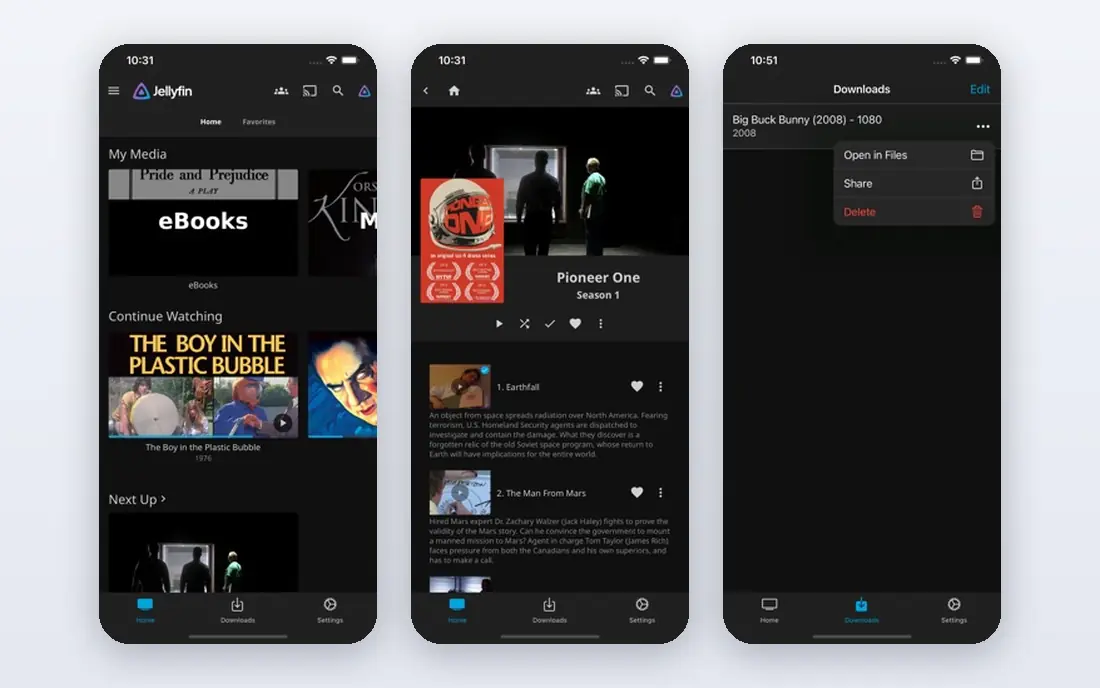
Jellyfin is the clearest free replacement for Plex. Install the server on Windows, macOS, Linux, or Docker, point it at your media folders, and stream to phones, TVs, and browsers. Every feature, including hardware transcoding and live TV, is free, and you do not need a cloud account to use it.
The trade-off is setup and polish. Remote access needs manual network setup, and some TV clients are less smooth than Plex apps. If you are comfortable with basic server setup and you value privacy and zero cost, Jellyfin is hard to beat.
- Fully free with no paid tier
- Hardware transcoding included
- Local accounts with no cloud account need
- Setup needs more care than Plex
- Some TV apps are less polished
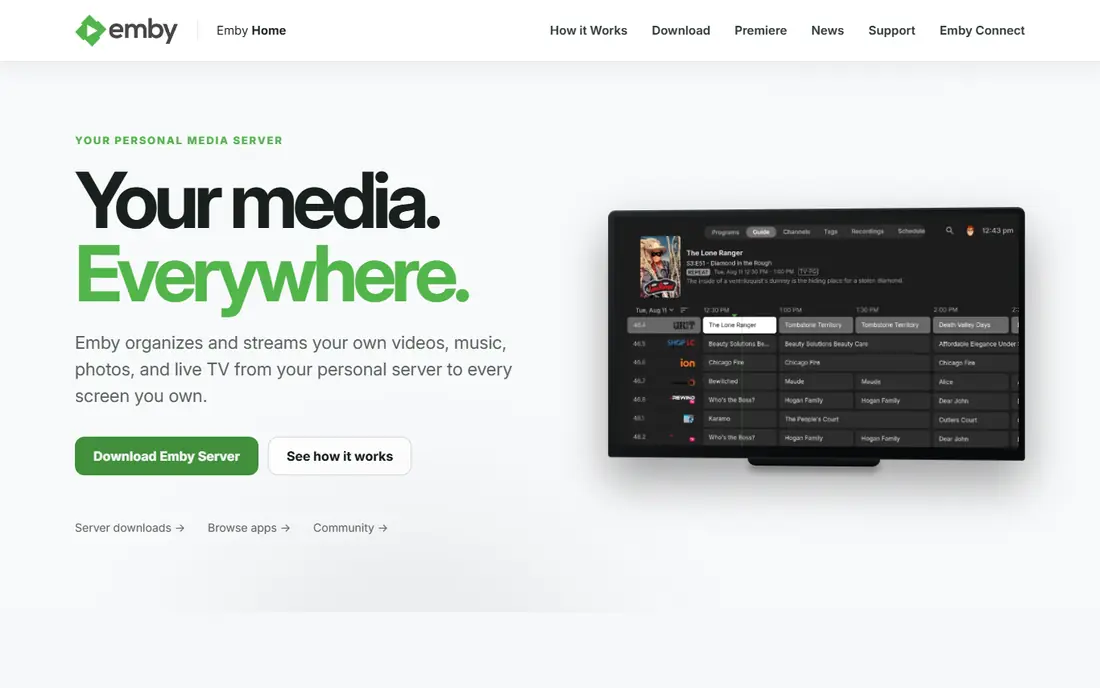
Emby feels closest to Plex in daily use, with a polished library view, good TV apps, and mobile clients. The free core covers local playback and library management, while Emby Premiere adds hardware transcoding, DVR, offline sync, and other extras.
Premiere costs $4.99 per month, $54 per year, or $119 for a lifetime license, based on recent pricing reports. That is well below a new Plex Pass lifetime price, which makes Emby a sensible middle ground for people who want polish without Plex pricing.
- Plex-style library and apps
- Premiere at $4.99 per month
- Good TV and mobile clients
- Hardware transcoding and DVR need Premiere
- Closed source since 2018
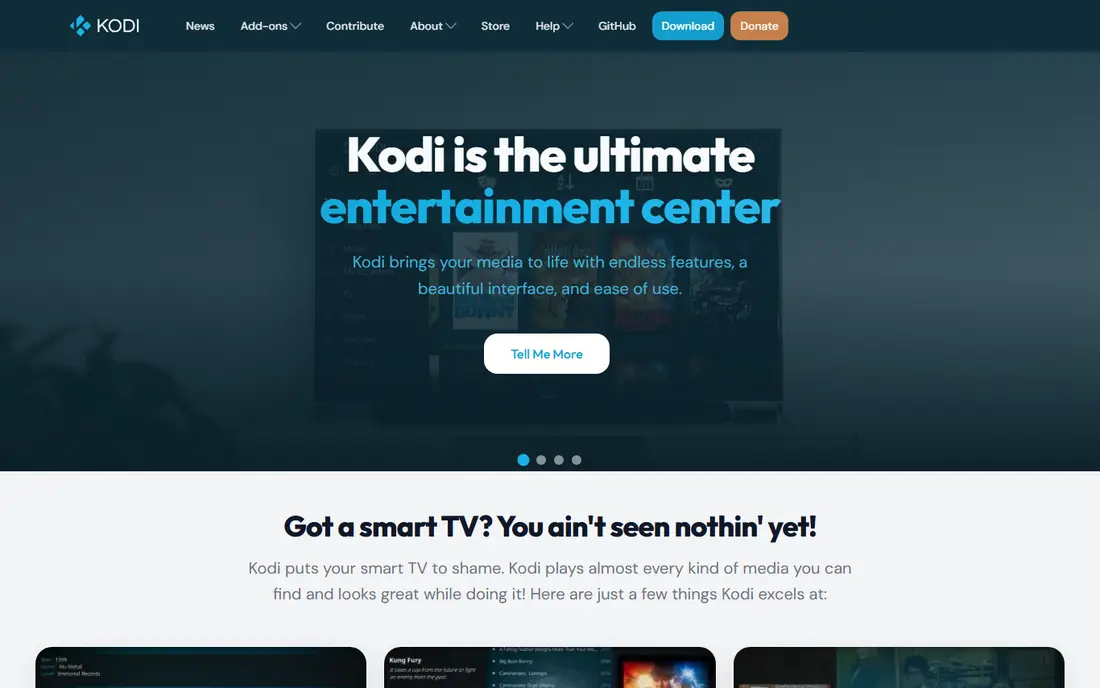
Kodi is a media center, not a server in the Plex sense. You install it on a TV box, PC, or other device, point it at shared storage, and play files directly with a rich library view. Codec support is broad, and skins and add-ons let you shape the interface to your taste.
That local model is both a strength and a limit. You do not need a server or an account, but sharing to phones outside the home needs extra work. Pick Kodi for a home theater PC or a single TV setup, and pick Jellyfin or Emby for multi-device streaming.
- Free and open source
- Wide codec support
- Skins and add-ons for customization
- Not a client-server system by default
- Remote streaming needs extra setup
Stremio takes a different route. It aggregates streaming sources through add-ons, tracks what you watch, and keeps a personal library view across services. Setup is fast, and the interface is clean on desktop, mobile, and TV devices.
Stremio is not a replacement for a personal media server in the Jellyfin sense, since it does not organize your own files in the same way. It suits people who want one place to find and track streaming content, with add-ons filling the gaps.
- Simple setup
- Add-on system for sources
- Library and watch tracking
- Not a personal media server
- Add-on quality varies
Universal Media Server is the simplest server on this list. Install it, add folders, and any DLNA device on your network can play your media without a client app or an account. That makes it ideal for older TVs, consoles, and speakers that support DLNA.
The library view is basic compared with Jellyfin or Emby, and there are no rich client apps for browsing posters and collections. If you want plug-and-play playback on local devices, it is excellent. If you want a Netflix-style library, pick a fuller server.
- Free and open source
- No account needed
- Streams to many DLNA devices
- Basic library view
- No polished client apps like Plex
Infuse is a player, not a server, and it shines on Apple TV, iPhone, iPad, and Mac. Point it at files on a NAS or a server, and it plays a wide range of formats with a clean library view, artwork, and subtitles. Many Apple households pair Infuse with Jellyfin or Emby as the back end.
Infuse is less useful outside Apple devices, and the full feature set needs a subscription or lifetime purchase. Check current pricing on the vendor site before you buy, and try the free tier first to test playback with your files.
- Excellent playback on Apple devices
- Plays files from a server or NAS
- Clean interface
- Apple focused
- Full features need a paid plan
- Not a server itself
Serviio is another DLNA server, with a light footprint and automatic profiles that match media to each device. That helps on low-power machines and older hardware, where a fuller server might feel heavy. The free version covers basic streaming well.
Pro adds features such as web access and richer browsing for a one-time fee, reported at around $25. If you want a simple, low-resource server for local TVs, Serviio is a solid pick. If you want rich apps and remote access, Jellyfin or Emby fit better.
- Lightweight server
- Automatic device profiles
- Free core version
- Pro features need a paid license
- Library view is simpler than Jellyfin or Emby
MediaPortal turns a Windows PC into a home theater system, with TV tuning, DVR, and media playback in one interface. Plugins extend it for different tuners, skins, and features, which suits users who already run a Windows media PC.
The Windows-only limit is real, and setup takes more care than a modern server app. MediaPortal suits a dedicated Windows home theater build, not a household that needs apps on many phones and TVs. For that broader job, Jellyfin or Emby are better.
- Free and open source
- TV and DVR features on Windows
- Plugin system
- Windows only
- Setup suits technical users
How we picked these
We compared official project pages, pricing pages, and public reviews for media servers and players that are still maintained in October 2026. We kept tools that play personal media libraries, serve media to TVs and phones, or act as a strong front end for a server. We left out streaming services that do not handle your own files, and tools with no clear current release.
How to choose a Plex replacement
Start with how you watch. If most viewing happens at home on a TV, a local player such as Kodi or a DLNA server may be enough. If family or friends watch from outside the home, you need a server with remote access, and you should test that setup before you move your whole library.
Test with a small library first
Install your top choice, add a small test folder, and check playback on each device you use. Test subtitles, audio tracks, and 4K files if you have them, since codec support varies. A short test saves a long migration, and it shows whether transcoding or direct play works on your hardware.
Plan the move from Plex
Keep your Plex server running while you test, since your files stay the same and only the library database changes. Rebuild collections and playlists in the new app, check watched status, and confirm remote access before you switch household members over. That overlap avoids a weekend without working TV. Also test playback on a phone over mobile data, not just on home Wi-Fi, since remote playback can expose transcoding or network issues that local playback hides. Note which devices direct play and which need transcoding, so you can plan server power and storage with real evidence.
Frequently asked questions
What is the best Plex alternative?
Jellyfin is the best free alternative for most self-hosters, since every feature is free. Emby is the best Plex-style alternative if you want more polish and are willing to pay for Premiere.
Are there free alternatives to Plex?
Yes, Jellyfin, Kodi, Universal Media Server, and MediaPortal are free and open source. Emby and Serviio offer free core versions, with paid tiers for extra features such as hardware transcoding and DVR.
Can I use Jellyfin on a smart TV?
Yes, Jellyfin offers apps for major TV platforms, including Android TV, Fire TV, and webOS, plus a Samsung Tizen app reported in early 2026. Check the Jellyfin site for the current app list for your TV model.
Is Emby cheaper than Plex?
Yes, based on recent pricing, Emby Premiere costs $4.99 per month or $119 for a lifetime license, while a new Plex Pass lifetime price is reported much higher. Check both vendor sites for current prices before you buy.
Does Kodi replace Plex?
Kodi replaces Plex for local playback and library browsing on one device, but it is not a client-server system by default. For streaming to many devices, Jellyfin or Emby is a closer Plex replacement.
What are alternatives to Plex for Apple devices?
Infuse is the strongest Apple player, often paired with Jellyfin or Emby as the server. Jellyfin and Emby also offer iOS and tvOS apps, so test both and pick the interface you prefer.
Sources we checked (8)

Online Jobs is an independent blog about careers, online work, learning new skills and the tools that help people earn. More about us.
Keep reading
All posts
Zoom Alternatives
Zoom alternatives compared for 2026: Google Meet, Microsoft Teams, Webex, Jitsi and more for free calls, large meetings and webinars for teams and classrooms.

Which Software Is Best for Data Entry
Compare the best data entry software for forms, OCR scanning, and spreadsheets, with free plans, pricing, and honest limits for each tool before you commit.

What's the Best App to Read PDFs
Find what's the best app to read PDFs in 2026, from Adobe Acrobat Reader and Foxit to PDF Expert and Xodo, with free options and honest limits for every device.