Best Pipedrive Alternatives in 2026: 9 Tools Compared

How we put this together: we compare official feature and pricing pages, app store listings, privacy policies and public user reviews. Prices change, so check the provider's site before you pay.
Key takeaways
- The best Pipedrive alternatives differ in whether you need a free start, deep automation, built in calling, or enterprise customisation.
- HubSpot is the easiest free start for growing teams, while Zoho CRM is the strongest value pick for automation on a budget.
- Close suits outbound teams that live on calls and texts, and Salesforce suits large teams with complex workflows.
- Monday Sales CRM suits teams that already plan work in Monday, but it is lighter on classic sales reporting.
- Check migration before you pay: pipeline stages, custom fields, and activity history do not always transfer cleanly.
Quick comparison
| Name | Who it suits | Starting price | Free option | |
|---|---|---|---|---|
 HubSpot CRM | Free start that scales | Free | Yes | Visit |
 Salesforce Sales Cloud | Enterprise customisation | $25 per user per month | Free trial | Visit |
 Zoho CRM | Automation on a budget | Free | Yes | Visit |
 Close | Outbound calling and SMS | See website | Free trial | Visit |
 Freshsales | Fast setup with built in phone | Free | Yes | Visit |
 Monday Sales CRM | Visual teams already on Monday | $12 per user per month | Free trial | Visit |
 Copper | Google Workspace teams | See website | Free trial | Visit |
 Nutshell | Small teams at a low entry price | $13 per user per month | Free trial | Visit |
 Insightly | CRM plus project tracking | See website | Free trial | Visit |
The best pipedrive alternatives
Pipedrive is popular because its pipeline is clear and activity based selling feels natural. People usually leave it for a different reason: they need a free tier, stronger marketing tools, built in calling, deeper automation, or a system that handles projects as well as deals. The tools below cover those reasons, rather than simply copying the same pipeline view.
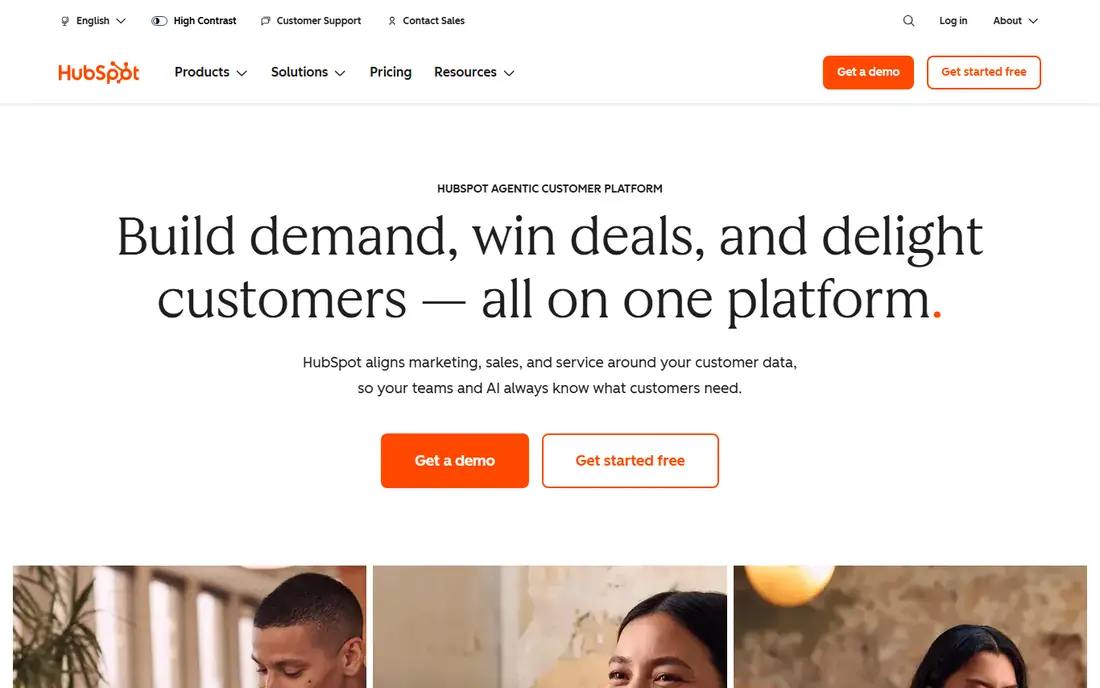
HubSpot is the natural first alternative when budget is tight but growth is likely. The free CRM covers contacts, deals, tasks, email tracking, and live chat, which is enough for many small teams to run a pipeline properly. As you grow, you can add marketing, service, and CMS tools without moving your data to a new system. The risk is price creep. Starter plans look affordable, while Professional and Enterprise plans, plus onboarding on higher tiers, can change the total cost sharply. Start free, prove the workflow, and only upgrade when a specific limit, such as automation or reporting, actually blocks your team.
- Generous free CRM
- Sales, marketing, and service tools in one platform
- Large integration range
- Paid Sales Hub tiers rise quickly
- Advanced automation needs higher plans
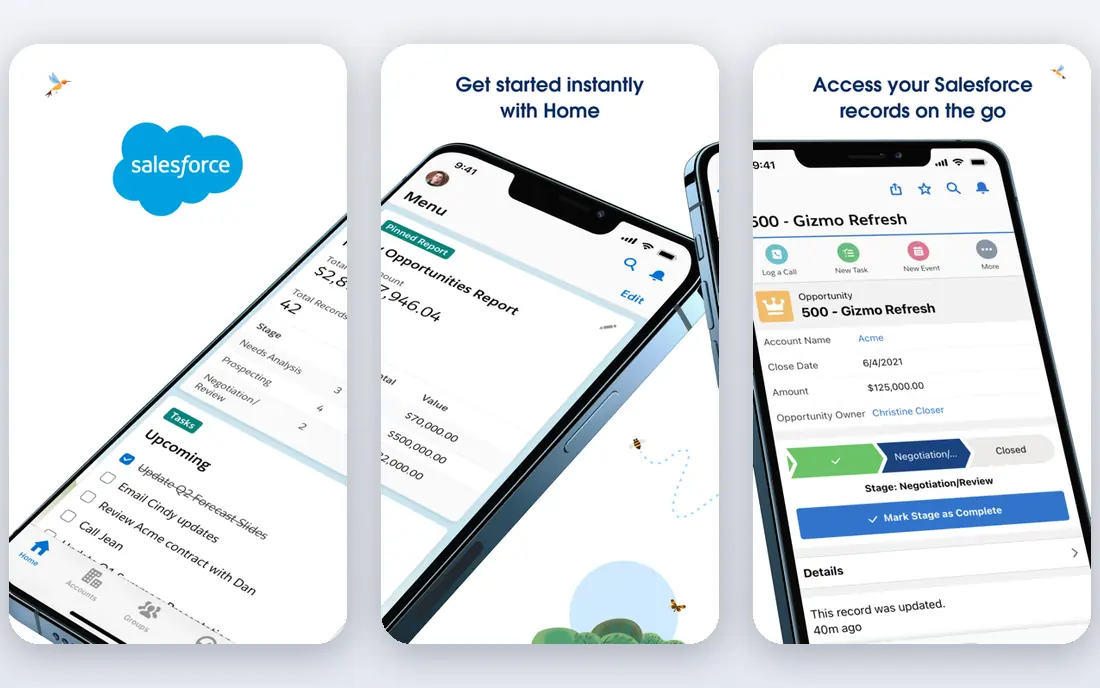
Salesforce suits teams that have outgrown a simple pipeline and need custom objects, approval flows, territory rules, and detailed forecasting. Its ecosystem means almost any integration or add on already exists, and its reporting can answer questions that simpler CRMs cannot. For large sales organisations, that depth is the point. Smaller teams should be cautious. Without an admin or implementation partner, Salesforce can feel slow to configure and easy to overbuild. Only choose it when you have a clear list of workflows Pipedrive cannot handle, and a realistic budget for setup and ongoing admin.
- Deep customisation and automation
- Huge AppExchange ecosystem
- Strong forecasting and reporting
- Setup is complex and often needs admin help
- Total cost rises with add ons
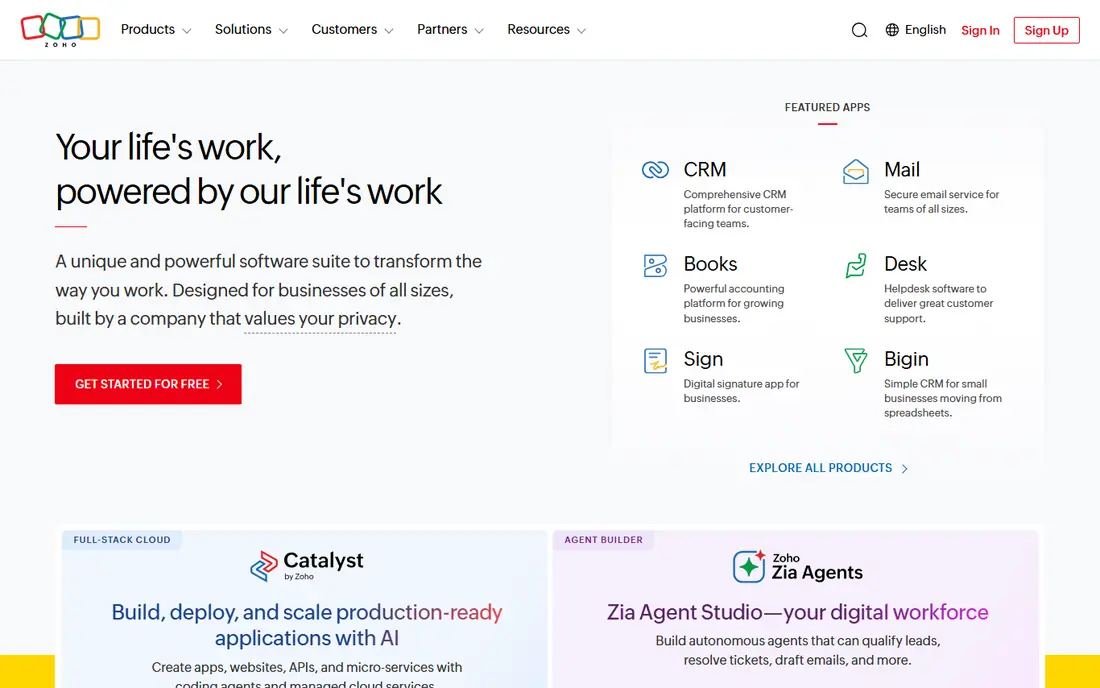
Zoho CRM is the value pick for teams that want automation without enterprise pricing. Workflows, blueprints, and its Zia assistant on higher tiers help small teams follow up consistently, route leads, and keep deal stages honest. If you already use other Zoho apps, the bundle value improves further. The interface takes a little learning. There are many settings, and a new user can feel lost among modules and customisation options. Start with a simple pipeline, turn on one automation at a time, and document your stages before you invite the whole team.
- Free for up to three users
- Strong workflow automation and blueprints
- Multichannel contact in one place
- Interface feels busy to new users
- Some advanced features need higher tiers
Close is built for inside sales teams that spend the day on the phone. Calling, SMS, and email sequences live inside the CRM, so reps do not switch apps to work a list, and activity is logged automatically. That focus makes it faster than a generic CRM with a phone add on for outbound work. It is less suited to teams that mainly need marketing automation or complex project tracking. Check the seat price plus expected calling and SMS use, test the dialer with your real lists, and confirm number and compliance rules for your market before you migrate.
- Built in calling with power and predictive dialers
- Native SMS and email sequences
- Unified inbox
- No free plan
- Calling and SMS usage adds to the seat price
Freshsales, part of Freshworks, suits teams that want a quick move from Pipedrive without a long implementation. Setup is fast, the pipeline view is familiar, and built in phone and email mean reps can work deals without extra tools. For small and mid sized teams, that speed is a real advantage. As teams grow, some will hit limits in custom reporting and forecasting. Test your must have reports during the trial, and check which features sit on Growth, Pro, or Enterprise tiers. Freshsales is a strong mid point between simplicity and depth, but it is not a full enterprise replacement.
- Free plan available
- Built in phone, email, and chat
- Freddy AI lead scoring on higher tiers
- Advanced automation and forecasting need higher tiers
- Reporting is simpler than Salesforce
Monday Sales CRM makes sense when sales is only part of a wider Monday workflow. Deals, projects, and handoffs can live on connected boards, which helps agencies, consultancies, and creative firms where work does not follow a rigid funnel. Teams that already use Monday will adopt it faster than a separate CRM. Sales leaders who need weighted forecasts, territory management, and deep coaching reports may find it thin. Use Monday when visual workflow and cross team work matter most, and keep a dedicated CRM shortlist if forecasting and pipeline discipline are your main needs.
- Visual boards your team may already know
- Flexible workflows across departments
- Easy customisation
- Three seat minimum on paid plans
- Classic sales forecasting is lighter than dedicated CRMs
Copper is the pick for teams that live in Gmail and Google Calendar. It pulls contact and activity data from email automatically, keeps the pipeline close to the inbox, and reduces manual data entry. For freelancers, agencies, and small teams on Google Workspace, that fit can save hours each week. If your team uses Outlook and Microsoft 365, the advantage fades. Check the current pricing page, because Copper tiers have changed, and test the Gmail integration with your real mail volume before you commit. A CRM that fits your inbox is only useful if it also fits your reporting needs.
- Deep Gmail and Google Workspace integration
- Automatic data capture from email
- Simple pipeline view
- Less suited to Microsoft centred teams
- Pricing and tiers have changed over time
Nutshell suits small teams that want Pipedrive style clarity at a lower entry price, without a large platform to learn. The pipeline, activities, and reporting cover daily sales work cleanly, and the interface stays approachable for new reps. That simplicity helps adoption, which is often the real problem with a new CRM. Larger teams with complex automation, marketing, and service needs will outgrow it. Check integrations for your email, calendar, and accounting tools during the trial, and confirm that import from Pipedrive preserves your stages, fields, and notes in a usable form.
- Low entry price
- Clear pipeline and activity tracking
- Good for small teams that need the basics done well
- Smaller integration range than HubSpot or Salesforce
- Advanced automation is limited
Insightly fits service businesses where winning a deal is only half the work. Once a deal closes, the same record can become a project with tasks, milestones, and files, which reduces the handoff gap between sales and delivery. That matters for consultancies, agencies, and firms that deliver custom work. It is less flashy than HubSpot or Monday, and some users find the interface dated. Choose Insightly when project delivery is part of your sales process, not when you only need a fast pipeline and calling tools. Test the deal to project flow with a real past project during the trial.
- CRM plus project and task tracking in one tool
- Good for service businesses
- Clear deal to project handoff
- Interface is less modern than newer CRMs
- Pricing needs checking on the vendor site
How we picked these
We compared official feature pages, pricing pages, app store listings, privacy policies, and public reviews, and we kept only CRMs that are still available and clearly able to replace Pipedrive for pipeline sales in October 2026. We looked for a usable trial or free tier, a clear pipeline view, and a realistic migration path, rather than ranking on review scores alone. Prices in this category change often, so we direct you to the vendor pricing page for the final figure. We also focused on the reason for switching. A team leaving Pipedrive for price needs a different answer from a team leaving for calling, automation, or enterprise reporting, so our list covers each of those paths rather than repeating the same type of tool nine times.
How to migrate without losing pipeline history
Export and map before you sign
Export deals, contacts, activities, and custom fields from Pipedrive, then map each field to the new CRM before you pay for a full year. Pipeline stages rarely match one to one, so write the mapping down and test it with a small sample. A clean import on day one saves weeks of cleanup later.
Run both systems for one sales cycle
Keep Pipedrive live while the new CRM handles new deals, or run a pilot team on the new tool for two to four weeks. Compare reporting, activity logging, and rep adoption before you move the whole team. A pilot reveals training gaps that a demo never shows.
Decide what history you actually need
Full activity history is useful, but importing years of notes and emails can slow a new system and confuse reporting. Import active deals and recent history in full, archive older records separately, and agree on a cut off date with the team. That balance keeps the new CRM fast and trustworthy.
Frequently asked questions
What is the best free alternative to Pipedrive?
HubSpot CRM has the most generous free plan for growing teams, and Zoho CRM is free for up to three users. Freshsales also offers a free plan. Start with the free tier that matches your team size, and upgrade only when automation, reporting, or user limits block real work.
Is HubSpot better than Pipedrive?
It depends on your needs. HubSpot is stronger for free starts, marketing alignment, and scaling across sales, marketing, and service. Pipedrive is simpler for pure pipeline selling and activity based workflows. Choose HubSpot when you need breadth, and stay with a simpler CRM when pipeline clarity is the main job.
Which Pipedrive alternative is best for outbound sales?
Close is the strongest outbound pick, because calling, SMS, and sequences are built in. Freshsales and CloudTalk style phone integrations are alternatives if you want a broader CRM with calling added. Test the dialer with your real lists, because dialer quality varies by plan and region.
How hard is it to switch from Pipedrive to another CRM?
Most CRMs offer CSV import and, in some cases, a direct Pipedrive import. Deals and contacts usually transfer well, while custom fields, activities, and automation need manual mapping. Allow time for a pilot, training, and a cleanup week, and do not cancel Pipedrive until the new reports match your old ones.
Do I need Salesforce if I outgrow Pipedrive?
Not always. Zoho, HubSpot, and Freshsales cover many mid sized teams well. Salesforce earns its complexity when you need deep customisation, territory rules, complex approvals, and enterprise forecasting. If a mid tier CRM handles your workflows, the simpler tool will usually be adopted better.
Can I use Monday as a CRM?
Yes, if your sales process is visual and cross functional. Monday Sales CRM works well for teams already on Monday, and for deals that flow into projects. It is weaker for classic sales forecasting and coaching reports, so sales led teams should test those reports carefully before committing.
Sources we checked (9)

Online Jobs is an independent blog about careers, online work, learning new skills and the tools that help people earn. More about us.
Keep reading
All posts
ZoomInfo Alternatives
The best ZoomInfo alternatives in 2026, compared on price, free plans, data coverage, and which tool fits small teams or large sales teams best in detail.

Workday Alternatives
We compared the best workday alternatives for HR, payroll, and global hiring, from BambooHR and Gusto to Rippling, Deel, and HiBob for growing teams in 2026.

Which SaaS Tools Have the Best Customer Support
Which SaaS tools have the best customer support? Compare eight popular tools on help centres, live help, response options and overall support quality.