PagerDuty Alternatives in 2026: 8 Incident Management Tools Compared


Low cost PagerDuty style alerting · Starting price: $9 per month
How we put this together: we compare official feature and pricing pages, app store listings, privacy policies and public user reviews. Prices change, so check the provider's site before you pay.
Key takeaways
- Squadcast at $9 per user per month is the closest low cost PagerDuty style option, with a free tier for five users.
- xMatters at $16 per user per month suits larger teams that need complex notification workflows and reporting.
- FireHydrant and Rootly are built around Slack based incident response, with FireHydrant offering a free tier for up to ten responders.
- Grafana OnCall is free open source software for teams already running Grafana, although self hosting still costs staff time.
- Opsgenie is excluded from our main list because Atlassian ended new sales, so existing customers should plan a migration rather than start fresh with it.
Quick comparison
| Name | Who it suits | Starting price | Free option | |
|---|---|---|---|---|
| Squadcast | Low cost PagerDuty style alerting | $9 per month | Yes | Visit |
 xMatters | Complex notification workflows | $16 per month | Yes | Visit |
 FireHydrant | Slack based incident response | Free | Yes | Visit |
 Rootly | Slack first response and postmortems | $20 per month | Free trial | Visit |
 incident.io | Modern on-call plus response | See website | Free trial | Visit |
 Grafana OnCall | Free open source on-call | Free | Yes | Visit |
 Splunk On-Call | Splunk monitoring teams | See website | Free trial | Visit |
 OnPage | Simple alerting for small teams | $13.99 per month | Free trial | Visit |
The best PagerDuty alternatives
We compared incident management tools on on-call scheduling, alert routing, escalation, integrations, status pages, and price. The list below covers both pure on-call alerting and fuller incident response platforms that also handle declarations, timelines, and postmortems.
Squadcast is our pick for teams that want PagerDuty style alerting without PagerDuty pricing. It covers on-call schedules, rotations, escalations, and alert deduplication, with integrations for common monitoring tools and a built in status page for customer communication. The free tier covers five users, and the Pro plan at $9 per user per month billed annually, or $12 monthly, is a clear saving over larger platforms.
The catch is scale and depth. Squadcast does not match PagerDuty on every enterprise integration or automation feature, and very large teams may need its higher tiers for advanced workflows. Squadcast fits startups, mid size engineering teams, and any team that mainly needs reliable alerting, schedules, and escalations at a lower price.
- Free tier for five users
- Pro plan at $9 per user per month billed annually
- Built in status pages and broad integrations
- Smaller ecosystem than PagerDuty
- Advanced automation needs higher tiers
- Interface is simpler than enterprise platforms
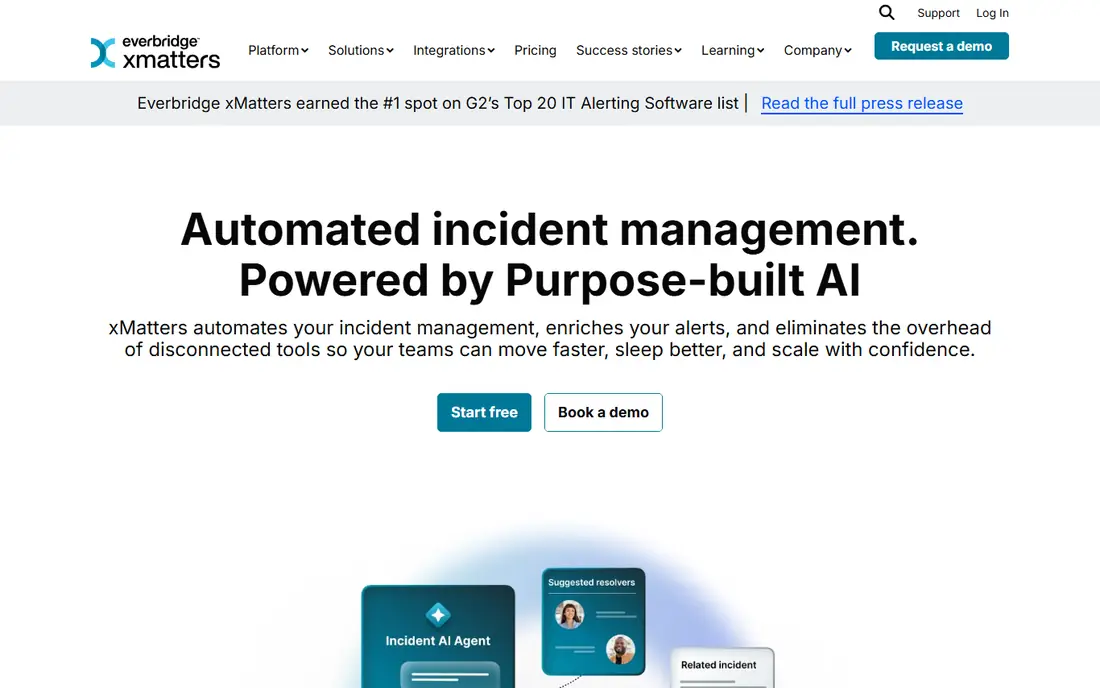
xMatters is built for teams where notification is not just a page, but a workflow. It routes alerts through multiple channels, lets responders acknowledge and escalate from a phone, and automates follow up steps without custom code. The free tier covers up to ten users, and the Starter plan at $16 per user per month suits teams that need more workflows and reporting.
The trade off is complexity. Small teams with a simple rotation may find xMatters heavier than Squadcast or Grafana OnCall, and the learning curve is real. xMatters fits IT and DevOps teams in larger organisations, regulated environments, and any team where an incident touches many groups and needs a clear audit trail.
- Free tier for up to ten users
- Starter plan at $16 per user per month
- Code free workflow automation and strong reporting
- Implementation can feel complex for small teams
- Price rises with users and features
- Interface takes time to learn
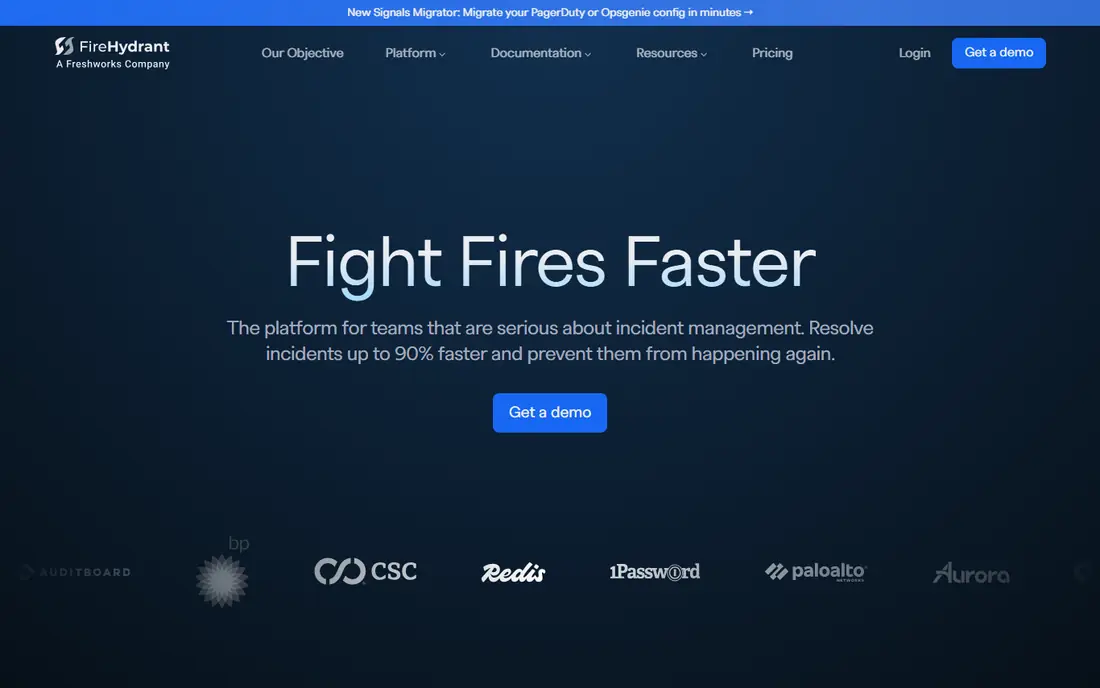
FireHydrant turns Slack into the incident command centre. Teams declare incidents from Slack, follow runbooks, assign roles, track timelines, and generate postmortems without switching tools, which reduces the chaos of a major outage. The free tier covers up to ten responders, and the Pro plan at $25 per responder per month billed annually adds automation and deeper integrations.
The honest limit is fit. If your team does not live in Slack, FireHydrant loses much of its advantage, and teams that only need paging may prefer a simpler alerting tool. FireHydrant fits SaaS engineering teams, Slack centric organisations, and teams that want incident response, not just alert routing, in one place.
- Free tier for up to ten responders
- Pro plan at $25 per responder per month billed annually
- Strong Slack based runbooks and automation
- Full incident response focus may be more than a simple alerting team needs
- Some features need higher tiers
- Best for Slack centric teams
Rootly is similar to FireHydrant in spirit, with a strong focus on running incidents inside Slack and learning from them afterwards. It helps teams declare incidents, coordinate roles, communicate status, and build retrospectives from the incident timeline, which makes follow up work less manual. The Essentials plan starts at $20 per user per month, with a 14 day trial to test the workflow.
The catch is price and AI gating. There is no permanent free tier, and the AI assisted retrospective features that many teams want sit on Enterprise tiers. Rootly fits engineering teams that already work in Slack, that run frequent incidents, and that value structured postmortems as part of the product rather than a separate document.
- Strong Slack based incident workflow
- AI assisted retrospectives on higher tiers
- Built in status pages
- No free plan beyond a 14 day trial
- Incident Response Essentials starts at $20 per user per month
- AI features are gated to Enterprise tiers
incident.io combines on-call scheduling with incident response in a single modern product, so a team does not need one tool for paging and another for running the incident. Responders manage schedules, declare incidents from Slack, track action items, and publish status updates without leaving the workflow. Pricing is custom for many plans, so check the vendor pricing page and request a quote based on responder count.
The trade off is transparency and breadth. Custom pricing makes budgeting harder to compare, and teams with unusual monitoring tools should test integrations early. incident.io fits growing engineering teams that want a polished, unified on-call and response experience and that are willing to talk to sales for a quote.
- Modern interface for on-call and response in one product
- Built in status pages
- Strong Slack integration
- Pricing is custom and not published for all plans
- Smaller integration catalogue than PagerDuty
- Best for teams comfortable with a newer vendor
Grafana OnCall is the best free option for teams already running Grafana. It handles on-call schedules, rotations, escalations, and alert grouping, and it connects naturally to Grafana dashboards and alerts that teams already watch. The open source version is free with unlimited users, which makes it very attractive for small teams and open source friendly organisations.
The catch is operations. You host it, you upgrade it, and you keep it running during the very outages it is meant to help with, unless you use Grafana Cloud. Grafana OnCall fits platform teams that already run Grafana, that have the skill to host a critical service, and that want zero licence cost for on-call management.
- Free open source software
- Deep integration with Grafana monitoring
- Unlimited users in the open source version
- Self hosting needs staff time for upgrades and reliability
- Status pages are not built in
- Support depends on community or Grafana Cloud plans
Splunk On-Call, formerly VictorOps, is the natural on-call choice for teams already invested in Splunk monitoring. It routes alerts, manages schedules, and supports collaboration during incidents, with the benefit of staying inside a monitoring stack the team already knows. Pricing is custom, so request a quote and confirm trial terms before planning a migration.
The honest limit is independence. As part of a larger Splunk portfolio, its roadmap is tied to Splunk strategy, and teams outside Splunk may find better value and clearer pricing elsewhere. Splunk On-Call fits enterprises already using Splunk, teams that need enterprise support, and organisations that want alerting close to their existing monitoring data.
- Strong fit for Splunk monitoring users
- Collaboration features for incident response
- Established enterprise support
- Pricing is custom quote based
- Development as a standalone product is less clear since the Splunk acquisition history
- Best value only inside Splunk
OnPage is a straightforward alerting tool for small teams that need reliable paging without a large platform. It delivers critical alerts to mobile devices with loud, persistent notifications, supports escalations when no one responds, and keeps the setup simple enough for a small IT or operations team. Public comparisons list entry pricing from $13.99 per user per month, with trial terms to test before buying.
The trade off is depth. OnPage does not offer the full incident command, runbook automation, or postmortem tooling of FireHydrant, Rootly, or incident.io, so larger teams may outgrow it. OnPage fits small teams, healthcare and IT operations groups, and any team where the core need is simple: make sure the right person sees a critical alert, fast.
- Simple alerting and escalation workflow
- Mobile focused paging
- Entry price from $13.99 per user per month in public comparisons
- Narrower incident response features than FireHydrant or Rootly
- Smaller integration catalogue
- Reporting is simpler than enterprise tools
How we picked these
We compared official vendor pages and public comparisons checked in October 2026, and we favoured tools that are available to new buyers, that cover on-call scheduling and alert routing, and that span different budgets, from free open source to enterprise platforms. We excluded Opsgenie from the main list because Atlassian ended new sales and existing customers face an end of life timeline, which makes it a poor choice for a new buyer in 2026. We did not claim hands on incident testing, because reliability depends on your monitoring tools, notification channels, and schedule design as much as on the paging product.
How to choose an on-call tool
Start with your alert volume and your response model. A team with a few alerts a week needs simple schedules and reliable mobile paging, while a team with hundreds of alerts needs deduplication, grouping, and automation to prevent alert fatigue. Next, check integrations with the monitoring tools you already use, because a paging tool that misses alerts is worse than no tool at all. Then test the mobile experience, because responders will use it at night, on poor connections, and under stress.
Plan the migration carefully
Run the new tool alongside PagerDuty for at least one rotation, copy schedules and escalation policies exactly, and test a real page to every responder before you switch. Keep status page links, stakeholder notification lists, and postmortem templates ready, because the paging tool is only one part of incident response. Review alert noise after the first month and tune thresholds, because a new tool will not fix noisy monitoring on its own.
Frequently asked questions
What are the best PagerDuty alternatives?
Squadcast is the best low cost PagerDuty style alternative, xMatters suits complex enterprise workflows, FireHydrant and Rootly suit Slack based incident response, and Grafana OnCall is the best free open source option. The best choice depends on team size, budget, and whether you need full incident response or just paging.
What is the best free PagerDuty alternative?
Grafana OnCall is free open source software for teams that can self host, while Squadcast offers a free tier for five users and FireHydrant offers a free tier for up to ten responders. For a team that cannot self host, Squadcast or FireHydrant free tiers are the simplest starting points.
Is Opsgenie still a good PagerDuty alternative?
No, not for new buyers, because Atlassian ended new sales of Opsgenie and existing customers face an end of life timeline. Existing Opsgenie customers should plan a migration to Squadcast, xMatters, Grafana OnCall, or another tool on this list rather than expanding their Opsgenie use.
How much does a PagerDuty alternative cost?
Prices on this list range from free open source and free tiers to $9 per user per month for Squadcast Pro, $16 for xMatters Starter, $20 for Rootly Essentials, and $25 per responder for FireHydrant Pro. Enterprise tools such as incident.io and Splunk On-Call use custom pricing, so request a quote based on responder count.
Do I need a status page as well as on-call alerting?
Yes, for customer facing services, because a status page tells customers what is happening without flooding support with tickets during an outage. Squadcast, FireHydrant, Rootly, and incident.io include status pages, while Grafana OnCall and xMatters may need a separate status page tool.
How do I reduce alert fatigue when switching tools?
Tune alert thresholds in your monitoring tools first, group related alerts, set clear severity levels, and use escalation only for alerts that truly need a human at night. Review alerts weekly for the first month after a switch, and remove or downgrade alerts that never lead to action.
Sources we checked (10)

Online Jobs is an independent blog about careers, online work, learning new skills and the tools that help people earn. More about us.
Keep reading
All posts
n8n Alternatives
n8n alternatives compared for 2026, with Zapier, Make, Activepieces, and more, covering visual builders, code steps, self-hosting, and pricing models.

ZoomInfo Alternatives
The best ZoomInfo alternatives in 2026, compared on price, free plans, data coverage, and which tool fits small teams or large sales teams best in detail.

Workday Alternatives
We compared the best workday alternatives for HR, payroll, and global hiring, from BambooHR and Gusto to Rippling, Deel, and HiBob for growing teams in 2026.