Otter AI Alternatives in 2026: 8 Tools Compared


sales and customer teams · Starting price: $10 per seat per month
How we put this together: we compare official feature and pricing pages, app store listings, privacy policies and public user reviews. Prices change, so check the provider's site before you pay.
Key takeaways
- Fathom is the best free starting point for individuals, with a generous free plan for meeting capture.
- Fireflies suits sales and customer teams that need CRM sync and conversation search.
- Notta suits global teams that need many languages and file transcription.
- Rev remains the choice when a transcript must be exact, thanks to its human transcription option.
Quick comparison
| Name | Who it suits | Starting price | Free option | |
|---|---|---|---|---|
| Fireflies.ai | sales and customer teams | $10 per seat per month | Yes | Visit |
 Fathom | individuals who want free meeting capture | Free | Yes | Visit |
 Notta | global teams and file transcription | $8.17 per month | Yes | Visit |
 Descript | creators editing audio and video | $16 per month | Yes | Visit |
 Rev | accuracy-critical transcripts | See website | Yes | Visit |
 Trint | newsrooms and media teams | $52 per seat per month | Free trial | Visit |
 Fellow | teams that want notes plus agendas | $7 per user per month | Yes | Visit |
 Transkriptor | high-volume file transcription | See website | Yes | Visit |
The best Otter AI alternatives
Otter AI is a strong meeting notetaker, but it is not the only option, and its minute caps and language range push some teams elsewhere. We compared alternatives on meeting capture, summaries, language support, integrations and free plans, and we kept only tools that transcribe meetings or recordings in a usable, searchable form.
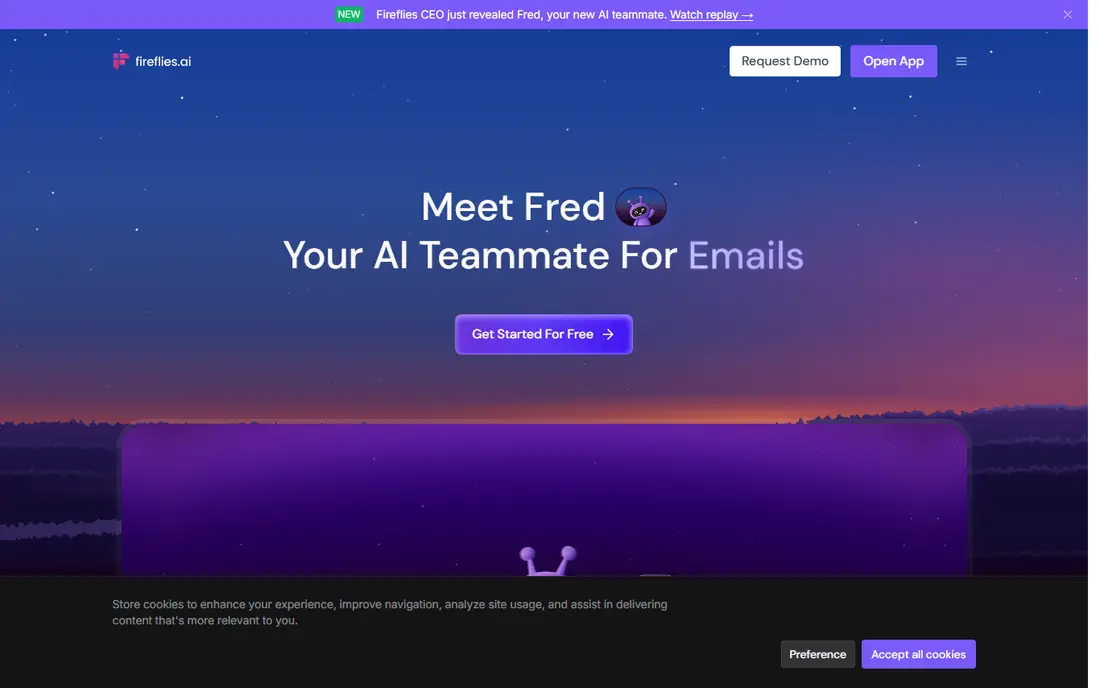
For readers who want sales and customer teams, Fireflies.ai is a name worth checking first. Its strengths include meeting bot for major platforms; crm sync; searchable transcripts and that mix shapes who will get the most from it. We compared its official feature and pricing pages against the other tools in this list, and we looked at what it does well, what it limits, and who should look elsewhere before paying. Fireflies joins meetings, transcribes them and produces summaries, action items and searchable transcripts that teams can query later. Its CRM integrations push notes and deal details into Salesforce, HubSpot and Pipedrive, which saves sales teams manual note-taking after every call. Conversation search also helps managers review key moments without replaying a full call. The free plan is storage-limited, and heavy users may face extra AI credit costs, so check the plan that matches your meeting volume. If you mainly need personal notes rather than team CRM workflows, Fathom or Notta may be simpler and cheaper.
- Meeting bot for major platforms
- CRM sync
- Searchable transcripts
- Free plan storage is limited
- AI credits can add cost on heavy use
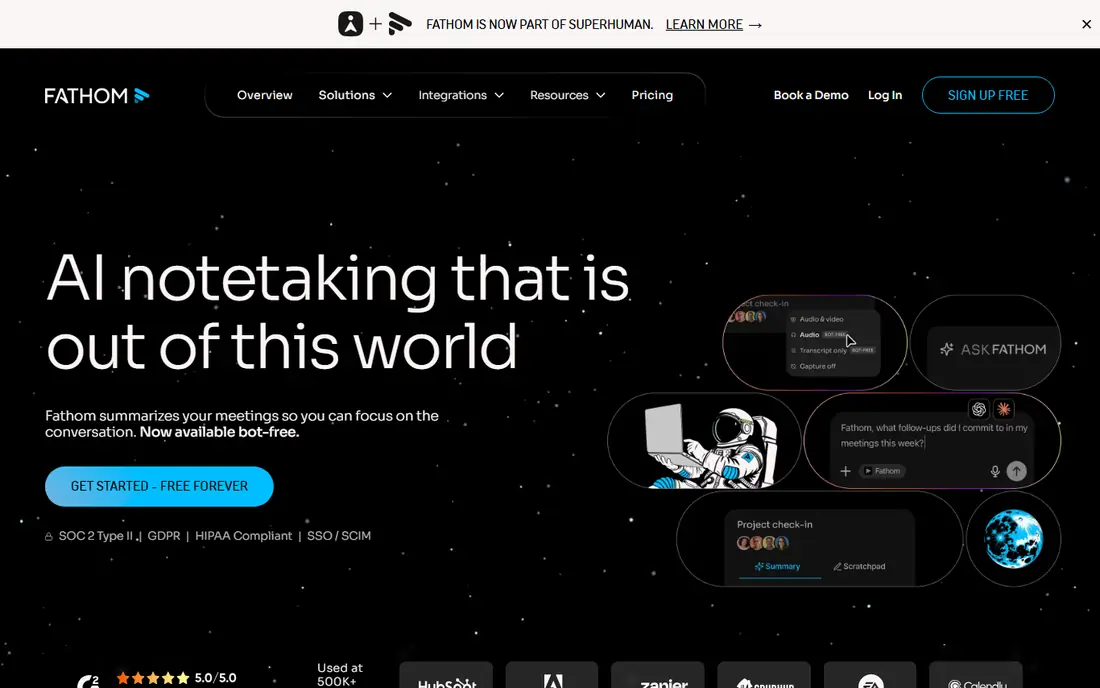
For readers who want individuals who want free meeting capture, Fathom is a name worth checking first. Its strengths include free meeting recording and transcription; summaries; highlights and that mix shapes who will get the most from it. We compared its official feature and pricing pages against the other tools in this list, and we looked at what it does well, what it limits, and who should look elsewhere before paying. Fathom offers a free plan for meeting recording, transcription and summaries, which makes it the lowest-risk starting point for individuals. Its highlights let you mark key moments during a call, and its summaries give a quick follow-up without re-reading a full transcript. For a freelancer or a small team testing AI notes, it is hard to beat on value. Paid plans add team features and deeper integrations, so a larger team will need to budget for them. Language support is also narrower than Notta, so global teams should check language coverage before switching. For English-language meetings, Fathom is a strong free-first choice.
- Free meeting recording and transcription
- Summaries
- Highlights
- Paid features need a paid plan
- Language range is narrower than Notta
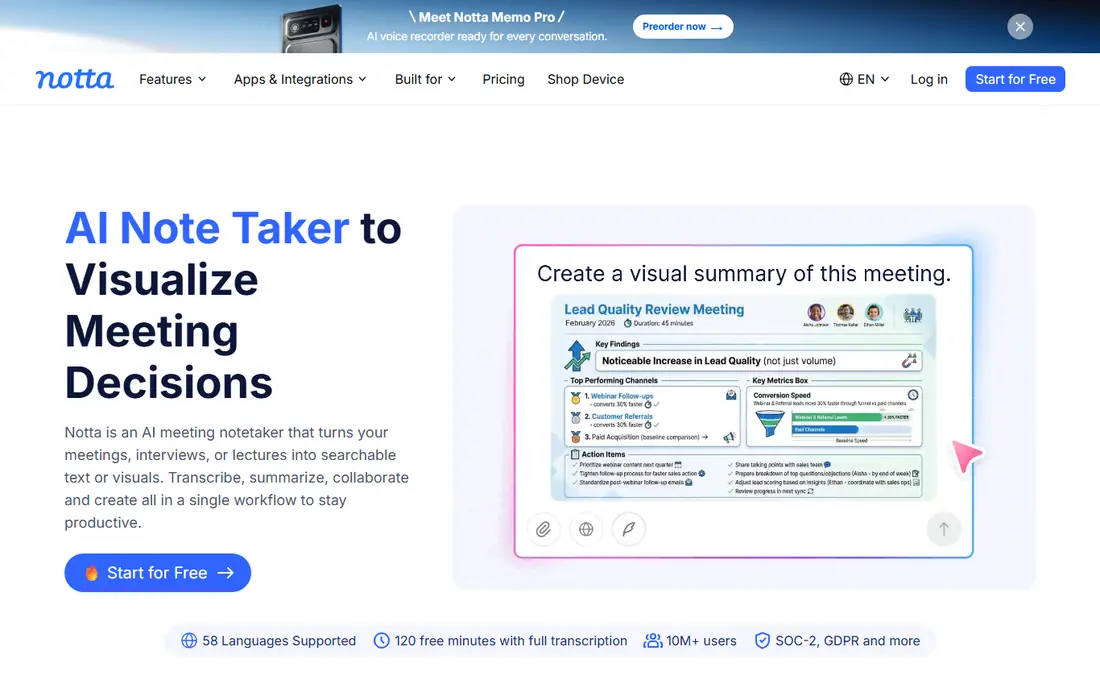
For readers who want global teams and file transcription, Notta is a name worth checking first. Its strengths include many languages; file and meeting transcription; summaries and q and a and that mix shapes who will get the most from it. We compared its official feature and pricing pages against the other tools in this list, and we looked at what it does well, what it limits, and who should look elsewhere before paying. Notta supports many languages and handles both live meetings and uploaded audio and video files, which suits global teams and researchers. Its summaries and question-and-answer features help you find answers inside long recordings, and its export options cover common document and subtitle formats. The free plan caps each conversation at a short length, so it suits voice notes more than full meetings. Paid plans remove that limit and add far more minutes. Check language accuracy for your specific languages with a real recording before you commit.
- Many languages
- File and meeting transcription
- Summaries and Q and A
- Free plan per-meeting limit is short
- Accuracy varies by language and audio quality
For readers who want creators editing audio and video, Descript is a name worth checking first. Its strengths include edit media by editing text; transcription plus editing; subtitles and that mix shapes who will get the most from it. We compared its official feature and pricing pages against the other tools in this list, and we looked at what it does well, what it limits, and who should look elsewhere before paying. Descript is different from a pure meeting notetaker: it transcribes audio and video, then lets you edit the media by deleting or moving text. That workflow is ideal for podcasters and video creators who turn recordings into publishable content, and its subtitle and publishing tools support that path. It is not built as a meeting bot for every call, and longer media needs a paid plan. If your main need is meeting summaries and CRM notes, Fireflies or Fathom will fit better. If your recordings become content, Descript is the clear pick.
- Edit media by editing text
- Transcription plus editing
- Subtitles
- Meeting bot features are limited
- Paid plans needed for longer media
For readers who want accuracy-critical transcripts, Rev is a name worth checking first. Its strengths include ai plus human transcription; captions; team sharing and that mix shapes who will get the most from it. We compared its official feature and pricing pages against the other tools in this list, and we looked at what it does well, what it limits, and who should look elsewhere before paying. Rev offers AI transcription for everyday use and human transcription when accuracy matters most, such as legal, medical or research work. Its caption service and team sharing also suit media teams that need transcripts and captions in one place. When a transcript must be right, the human option is a genuine advantage. Human transcription is priced per minute, so it is not the cheapest route for long recordings, and AI subscription costs add up at high volume. Use Rev AI for routine work and reserve human transcription for the recordings where errors would carry real cost.
- AI plus human transcription
- Captions
- Team sharing
- Human transcription is priced per minute
- AI plan costs add up at volume
For readers who want newsrooms and media teams, Trint is a name worth checking first. Its strengths include collaborative transcript editing; many languages; media integrations and that mix shapes who will get the most from it. We compared its official feature and pricing pages against the other tools in this list, and we looked at what it does well, what it limits, and who should look elsewhere before paying. Trint suits journalists and media teams who edit transcripts together, search across recordings and turn interviews into stories. Its collaborative editor, speaker labelling and media integrations support a newsroom workflow where several people work on the same transcript at once. The price is high for an individual, and there is no free plan beyond a trial, so it fits teams with a media budget rather than casual users. If you need solo meeting notes, Fathom or Notta will cost far less. For a newsroom, Trint's editing depth earns its place.
- Collaborative transcript editing
- Many languages
- Media integrations
- Price is high for individuals
- No free plan, only a trial
For readers who want teams that want notes plus agendas, Fellow is a name worth checking first. Its strengths include meeting notes, agendas and action items; many integrations; transcript search and that mix shapes who will get the most from it. We compared its official feature and pricing pages against the other tools in this list, and we looked at what it does well, what it limits, and who should look elsewhere before paying. Fellow combines meeting agendas, notes, action items and transcription, which suits teams that want one place for meeting preparation and follow-up. Its integrations and searchable transcripts help managers track decisions across meetings, not just capture one call at a time. Transcription depth varies by plan, and the full value needs a paid tier. If you only need a transcript, a dedicated transcription tool may be simpler. If you want agendas and follow-up in the same tool, Fellow is a strong Otter alternative.
- Meeting notes, agendas and action items
- Many integrations
- Transcript search
- Transcription depth varies by plan
- Best value needs a paid plan
For readers who want high-volume file transcription, Transkriptor is a name worth checking first. Its strengths include many languages; file transcription; daily free minutes and that mix shapes who will get the most from it. We compared its official feature and pricing pages against the other tools in this list, and we looked at what it does well, what it limits, and who should look elsewhere before paying. Transkriptor suits people who transcribe many uploaded files across many languages, with a free plan that offers daily minutes. Its web and mobile apps make it easy to upload a recording and get a searchable transcript, summary and export without joining a live meeting. Its live meeting features are lighter than Fireflies or Fathom, so it is better for files than for live calls. Accuracy also depends on audio quality, accents and crosstalk, as with every AI tool here. For file-heavy work, it is a strong, low-cost option.
- Many languages
- File transcription
- Daily free minutes
- Meeting bot features are lighter
- Accuracy varies by audio quality
How we picked these
We compared official feature pages, pricing pages, app store listings and public documentation for each product, and we checked that each official homepage belongs to the product named. We did not claim hands-on testing that did not happen, and we did not invent prices, awards, user counts or ratings. Where a price could not be confirmed from the vendor site, we wrote See website rather than guessing. We also weighed fit over fame. A well-known tool that does not match the topic was left out, while a smaller tool that matches the job well was kept in. That is why each list mixes leaders with smaller options, and why the best choice for one reader may not be the best choice for another.
How to pick an Otter AI alternative
Start with how you capture meetings. A bot that joins calls suits scheduled meetings, while a desktop or mobile recorder suits ad-hoc conversations and interviews. Next, check the free plan in detail, since minute caps, per-meeting limits and storage caps differ a lot and can make a generous headline number hard to use. Language support matters too: if your team meets in more than one language, check which languages are supported for live capture, not just file upload. Then look at what happens after the meeting: summaries, action items, search and CRM sync are where these tools save time, so trial them with a real meeting. Finally, check privacy and consent rules for your region and your company, and tell participants when a meeting is being recorded.
Check the free plan before you pay
Open the pricing page and read the free plan limits in full, including export quality, storage, minutes, seats and any watermark. A free plan that looks generous can still limit the exact feature you need, such as high-resolution export, CRM sync or team seats. Trial the paid feature you care about most during any trial period, and set a reminder before the trial ends.
Compare the total cost, not just the headline price
Add up the monthly or yearly fee, any per-seat or per-minute cost, payment processing where it applies, and the cost of add-ons you will actually use. A low headline price with expensive add-ons can cost more than a higher plan that includes them. If pricing is quote only, ask for the full cost in writing, including setup, support and renewal terms, before you compare vendors.
Frequently asked questions
What are the best Otter AI alternatives?
Fathom, Fireflies, Notta, Descript and Rev are the strongest alternatives, each with a different strength. Fathom is best for free individual use, Fireflies for sales teams, Notta for languages, Descript for creators and Rev for accuracy.
Are there Otter AI free alternatives?
Yes. Fathom offers a free plan with meeting capture, Fireflies offers a free tier with limited storage, and Notta offers a free plan with monthly minutes. Check per-meeting caps, since a free plan with a short per-meeting limit may not cover a full call.
What is the best alternative to Otter.ai for sales teams?
Fireflies is a strong sales choice, with CRM sync, conversation search and deal insights. It helps sales teams find key moments in calls and push notes into Salesforce, HubSpot or Pipedrive without manual copying.
Which Otter alternative is best for creators?
Descript suits creators, because it lets you edit audio and video by editing the transcript. That workflow is different from meeting notes, and it is ideal when a recording becomes a podcast, video or article.
Do I need consent to record a meeting?
In many places, yes, and company policy may also require it. Tell participants before you record, check your local rules, and use the tool's consent or bot announcement features where they are offered.
Sources we checked (8)

Online Jobs is an independent blog about careers, online work, learning new skills and the tools that help people earn. More about us.
Keep reading
All posts
Zoom Alternatives
Zoom alternatives compared for 2026: Google Meet, Microsoft Teams, Webex, Jitsi and more for free calls, large meetings and webinars for teams and classrooms.

Which Software Is Best for Data Entry
Compare the best data entry software for forms, OCR scanning, and spreadsheets, with free plans, pricing, and honest limits for each tool before you commit.
What's the Best App to Read PDFs
Find what's the best app to read PDFs in 2026, from Adobe Acrobat Reader and Foxit to PDF Expert and Xodo, with free options and honest limits for every device.