Best OpenRouter Alternatives in 2026: 8 Gateways Compared


Production observability and routing · Starting price: $49 per month
How we put this together: we compare official feature and pricing pages, app store listings, privacy policies and public user reviews. Prices change, so check the provider's site before you pay.
Key takeaways
- OpenRouter alternatives split into managed routers, observability gateways, and self-hosted gateways, and each type suits a different team.
- The real cost is not just a monthly plan, because token markups, log charges, and hosting time all add to the total.
- Bring-your-own-key support matters for teams that already hold provider accounts and want to keep billing direct.
- Observability gateways suit production teams that need logs, cost tracking, and fallbacks, not just model access.
- Self-hosted gateways offer control over data and routing, but they need someone to run and maintain them.
Quick comparison
| Name | Who it suits | Starting price | Free option | |
|---|---|---|---|---|
| Portkey | Production observability and routing | $49 per month | Yes | Visit |
 LiteLLM | Self-hosted gateway control | Free | Yes | Visit |
 Helicone | LLM analytics and monitoring | $79 per month | Yes | Visit |
 Cloudflare AI Gateway | Cloudflare-based apps | Free | Yes | Visit |
 Vercel AI Gateway | Vercel and Next.js teams | See website | Yes | Visit |
 Requesty | Lightweight managed routing | See website | Yes | Visit |
 Together AI | Open model inference | See website | Yes | Visit |
 Eden AI | Multi-model and multimodal access | See website | Yes | Visit |
The best openrouter alternatives
OpenRouter gives developers one endpoint for many models, but teams may want stronger observability, self-hosting, platform integration, or different pricing. We compared official pricing pages, routing and fallback options, observability features, bring-your-own-key support, and deployment models for the tools below.
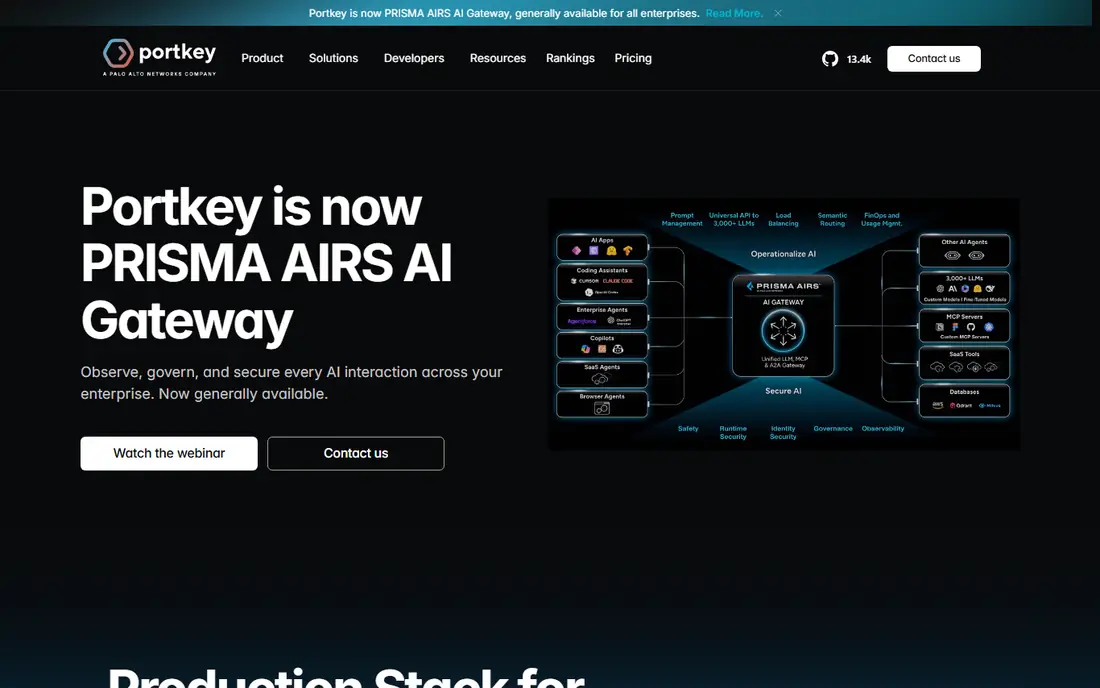
Portkey suits production teams that need to see what their AI calls actually do. Logs, traces, and cost analytics help engineers find failed calls, slow responses, and expensive prompts, while routing and fallbacks keep an app working when a provider has problems. That observability matters once AI features serve real users.
The catch is volume pricing. The free tier covers a limited number of logs, and higher volumes need a paid plan. Teams with heavy traffic should model log costs against real request counts. For production AI work, Portkey offers a strong balance of routing and visibility.
- Strong logs, traces, and cost analytics
- Routing and fallbacks
- Open-source gateway option
- Paid plan needed for higher log volumes
- Enterprise features sit on higher tiers
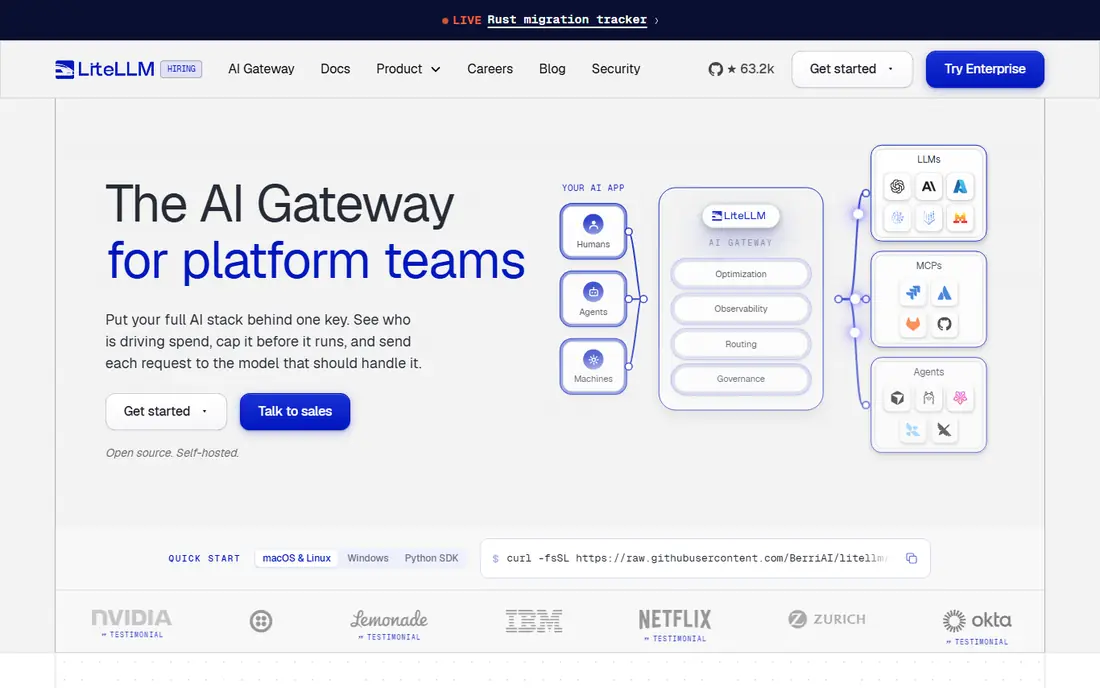
LiteLLM suits platform teams that want to own their gateway. As an open-source proxy, it lets teams route to many providers through one interface, track spend, and manage keys, while keeping data and routing under their own control. That control matters for data residency and custom routing rules.
The downside is operations. Hosting, updates, monitoring, and scaling fall to your team, so a small team without DevOps time may struggle. Enterprise features also need a paid plan. LiteLLM is best when control outweighs convenience, and when someone can own the gateway long term.
- Free open-source proxy
- Wide provider coverage
- Spend tracking and key management
- You host and maintain it
- Enterprise features need a paid plan
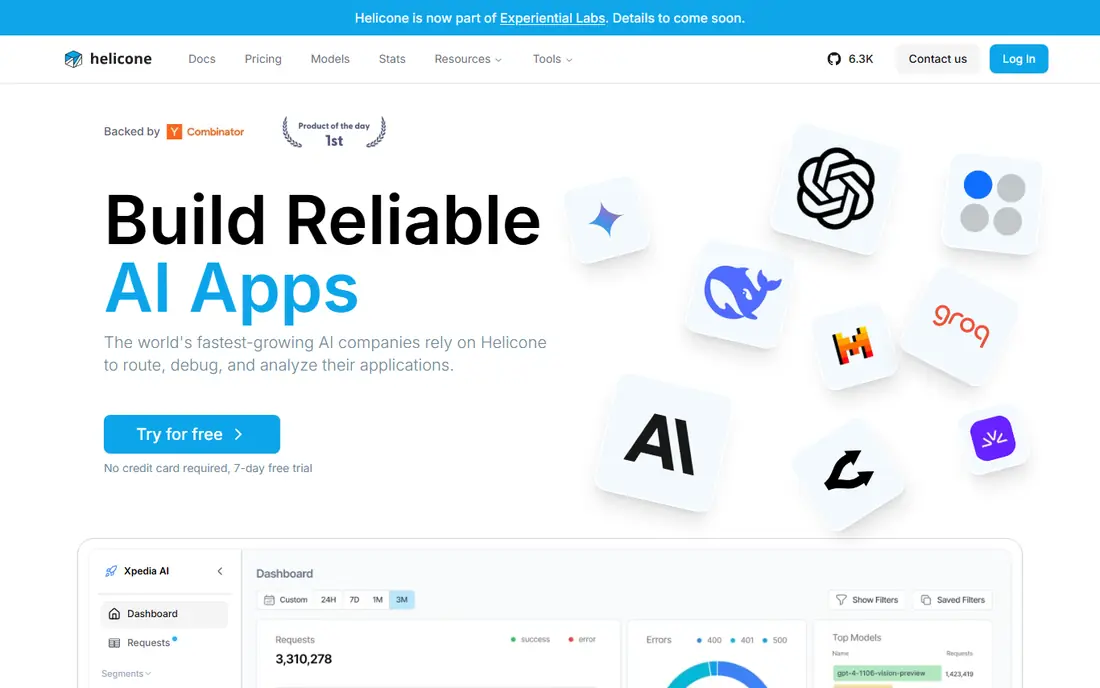
Helicone suits teams that want observability first, with routing as a supporting job. Request logs, cost tracking, and monitoring help engineers spot problems early, and the open-source option lets teams self-host if needed. For a team debugging production AI calls, that clarity is valuable.
The limit is volume. The free tier covers a limited number of requests, and higher volumes need paid plans, with a large jump to team tiers. Teams should model request counts before committing. For observability-led teams, Helicone is a practical alternative to a pure router.
- Clear request logs and cost tracking
- Open-source option
- Useful for production monitoring
- Paid plan needed for higher request volumes
- Some features sit on higher tiers
Cloudflare AI Gateway suits teams already running on Cloudflare. Core gateway features are available on Cloudflare plans, with logs, analytics, caching, and rate limiting that fit well with existing Cloudflare workflows. For teams that already use Workers or other Cloudflare services, setup is straightforward.
The catch is platform fit. Teams not on Cloudflare gain less, and fallback handling is more manual than in some dedicated gateways. Unified billing also adds a fee on some credit purchases, so check the total. For Cloudflare-native apps, it is a low-friction alternative.
- Free core features on Cloudflare plans
- Logs and analytics
- Caching and rate limiting options
- Tied to Cloudflare infrastructure
- Fallback options are more manual than some rivals
Vercel AI Gateway suits teams building with Vercel and Next.js, because it integrates with the Vercel AI SDK and existing deployment workflows. No markup on provider token prices keeps the cost model simple, and logs and metrics help teams monitor AI calls without a separate observability tool.
The limit is ecosystem fit. Teams outside Vercel gain less, and bring-your-own-key rules vary by plan, so check the plan that matches your billing setup. For Vercel teams, it is a clean alternative to a standalone router. For other stacks, a platform-neutral gateway may fit better.
- No markup on provider token prices
- Easy setup for Vercel apps
- Logs and metrics
- Best inside the Vercel ecosystem
- Bring-your-own-key rules vary by plan
Requesty suits developers who want managed routing without running infrastructure. One endpoint covers many models, spend limits help control costs, and logs give a basic view of usage. For a small team or a side project, that simplicity is appealing.
The downside is markup and depth. Some plans add a markup on token costs, which matters at high volume, and observability is lighter than in Portkey or Helicone. Requesty is best for lightweight routing, not for deep production monitoring. Check the markup and free credit terms before committing.
- Simple managed routing
- Broad model coverage
- Spend limits and logs
- Token markup on some plans
- Less observability depth than dedicated gateways
Together AI suits teams that build on open models and want inference, fine-tuning, and dedicated options in one place. Pay-per-token pricing is simple to understand, and free credits let teams test models before committing. For open-model work, Together AI offers depth that a general router cannot match.
The limit is breadth. Together AI is not a general router for every closed provider in the way OpenRouter is, so teams that need many closed models may still need a gateway. For open-model teams, though, it is a strong alternative, especially when fine-tuning matters.
- Strong open model coverage
- Inference and fine-tuning options
- Pay-per-token pricing
- Focus is open models, not every provider
- Less of a general router than OpenRouter
Eden AI suits teams that need more than text models, including image, speech, and other AI tasks alongside language models. A unified API covers many providers and task types, which simplifies projects that mix models. Free credits let teams test coverage before committing.
The catch is fees and focus. Credit fees need checking against your usage, and teams that need only text routing may find a simpler gateway cheaper. Eden AI is best for mixed AI workloads, where one API for many task types saves integration time.
- Wide model coverage including multimodal tasks
- Free credits to test
- Unified API for varied jobs
- Fee on credits needs checking
- Less suited to teams that need only text models
How we picked these
We compared official pricing pages, routing and fallback options, observability features, bring-your-own-key support, and deployment models. We included managed routers, observability gateways, platform gateways, and self-hosted options, because the best alternative to OpenRouter depends on whether you need access, visibility, control, or platform fit. We treated model counts with care, because vendors count models differently.
Buying guide: choosing an OpenRouter alternative
Start with your main need: model access, observability, control, or platform fit. If you only need access to many models, a managed router is enough. If you run production AI features, observability matters more than access. If data control matters, self-hosting wins. Naming the main need first prevents buying a tool that solves the wrong problem.
Cost, keys, and fallbacks
Model the total cost, including token markups, log charges, and hosting time. A free gateway that needs a week of DevOps time is not free. Check bring-your-own-key support, because direct provider billing can change the total a lot. Then check fallbacks: what happens when a provider fails, and can you set retry and fallback rules without code changes? Test fallbacks before launch, not after an outage.
Testing a gateway
Run a small trial with real traffic, not just a hello-world call. Send a mix of prompts, check logs for errors and costs, and test a provider failure. Ask whether the gateway supports the models you need, whether it handles streaming, and whether it exports logs to your monitoring tools. A gateway that passes a small trial is far safer than one chosen from a feature list alone.
Frequently asked questions
What are the best alternatives to OpenRouter?
Portkey suits production observability, LiteLLM suits self-hosting, and Requesty suits lightweight managed routing. Cloudflare AI Gateway and Vercel AI Gateway suit teams already on those platforms. The best choice depends on whether you need access, visibility, control, or platform fit.
Is there a free OpenRouter alternative?
Yes, several tools offer free tiers or open-source options. LiteLLM is free as open-source software, though hosting costs apply. Portkey, Helicone, Cloudflare AI Gateway, and Vercel AI Gateway offer free tiers with limits. Free tiers suit testing and small projects, while production use usually needs a paid plan.
Should I self-host a gateway or use a managed service?
Self-host when data control, custom routing, or residency matter, and when someone can maintain the gateway. Use a managed service when you want fast setup, vendor support, and no operations burden. Small teams usually gain more from managed services, while platform teams gain more from self-hosting.
Do gateways add a markup to model prices?
Some do, some do not. Managed routers may add a markup or a credit fee, while observability gateways may charge per log or request instead. Platform gateways may charge no token markup but add other fees. Always check the pricing page for your plan, and model the total at your real usage.
What is the difference between a router and an observability gateway?
A router focuses on sending requests to the right model and handling fallbacks. An observability gateway focuses on logs, traces, costs, and monitoring, with routing as a supporting feature. Many tools do both, but their strengths differ, so choose based on whether access or visibility is your main need.
Sources we checked (8)

Online Jobs is an independent blog about careers, online work, learning new skills and the tools that help people earn. More about us.
Keep reading
All posts
Replit Alternatives
Replit alternatives for 2026 compared: browser coding, AI app builders and team workspaces, with free plans, limits and honest trade-offs for developers.
Docker Alternatives
Compare Docker alternatives for 2026, with Podman, Rancher Desktop, OrbStack, containerd, Colima, Finch, Portainer and Kubernetes on cost, fit and licensing.

Custom AI Agent Tools Best Practices
Learn custom ai agent tools best practices with tools for building custom AI agents, from frameworks to low-code builders, plus safety and testing notes.