Docker Alternatives in 2026: 9 Tools Compared

How we put this together: we compare official feature and pricing pages, app store listings, privacy policies and public user reviews. Prices change, so check the provider's site before you pay.
Key takeaways
- Podman is the closest full Docker replacement, free and open source, with daemonless and rootless containers as its main security advantage.
- Podman Desktop and Rancher Desktop are the best free desktop replacements for Docker Desktop, with graphical container and Kubernetes management.
- OrbStack is the fastest Mac option, with near instant startup and low resource use, at $8 per user per month for commercial use.
- containerd, Colima and Finch suit terminal-first developers and production clusters, where a graphical interface is not needed.
- Kubernetes and Portainer are not direct Docker Desktop replacements, but they complete the picture for orchestration and management at scale.
Quick comparison
| Name | Who it suits | Starting price | Free option | |
|---|---|---|---|---|
 Podman Podman | Full Docker replacement | Free | Yes | Visit |
 Podman Desktop Podman Desktop | Free desktop GUI | Free | Yes | Visit |
 Rancher Desktop Rancher Desktop | Desktop plus Kubernetes versions | Free | Yes | Visit |
 OrbStack OrbStack | Fast Mac development | Free | Yes | Visit |
 containerd containerd | Production Kubernetes runtime | Free | Yes | Visit |
 Colima Colima | Terminal-first Mac containers | Free | Yes | Visit |
 Finch Finch | AWS focused Mac development | Free | Yes | Visit |
 Portainer Portainer | Web based container management | Free | Yes | Visit |
 Kubernetes Kubernetes | Orchestration at scale | Free | Yes | Visit |
The best Docker alternatives
Docker Desktop changed its licensing in recent years, requiring paid subscriptions for larger companies, which pushed many teams to look at alternatives. The tools below are not all the same kind of product: some replace the Docker engine, some replace the desktop app, and some handle orchestration or management around containers. Match the tool to the job you actually need.
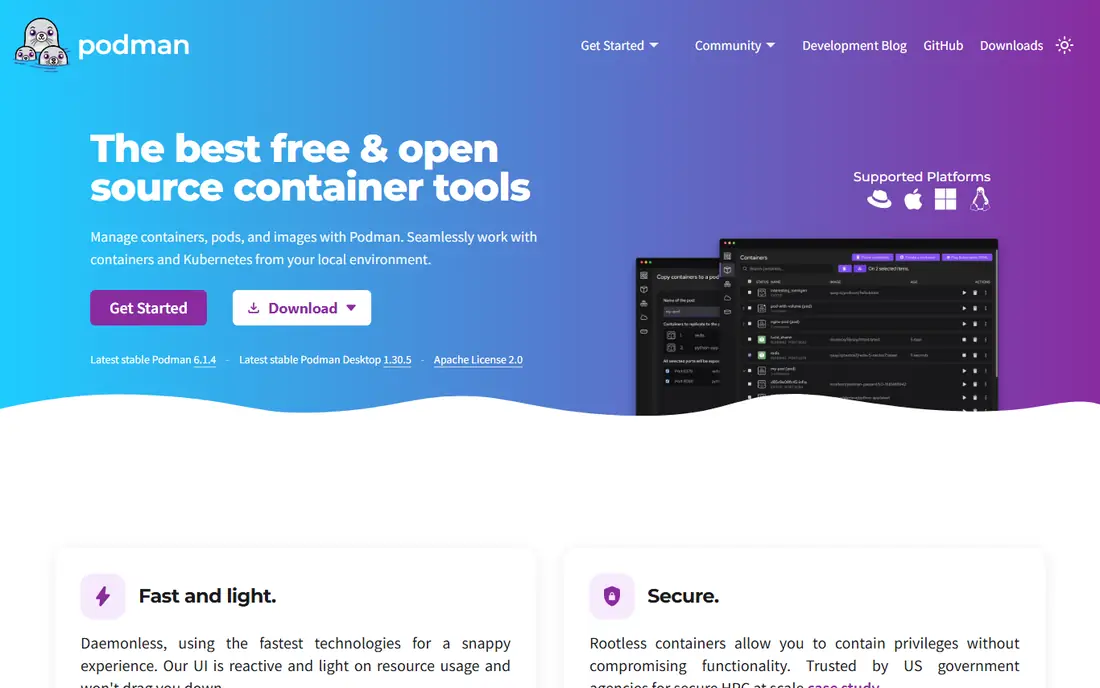
Podman is the most direct Docker replacement for developers and CI pipelines. It runs containers without a central daemon, and it can run containers without root privileges, which reduces the damage a compromised container can do. Most Docker commands work with Podman by replacing the word docker with podman, and Podman can build images, run Compose files and manage pods of containers.
The gaps are edge cases. A few Docker specific features behave differently, and rootless networking sometimes needs extra configuration on Linux. Red Hat backs Podman and offers supported builds for enterprises that want vendor support. For a team that wants Docker compatibility without Docker Desktop licensing, Podman is the first tool to test.
- Free and open source at any size
- Daemonless and rootless by design for stronger security
- Largely Docker compatible commands
- Some edge-case Docker features behave differently
- Rootless networking can need extra setup
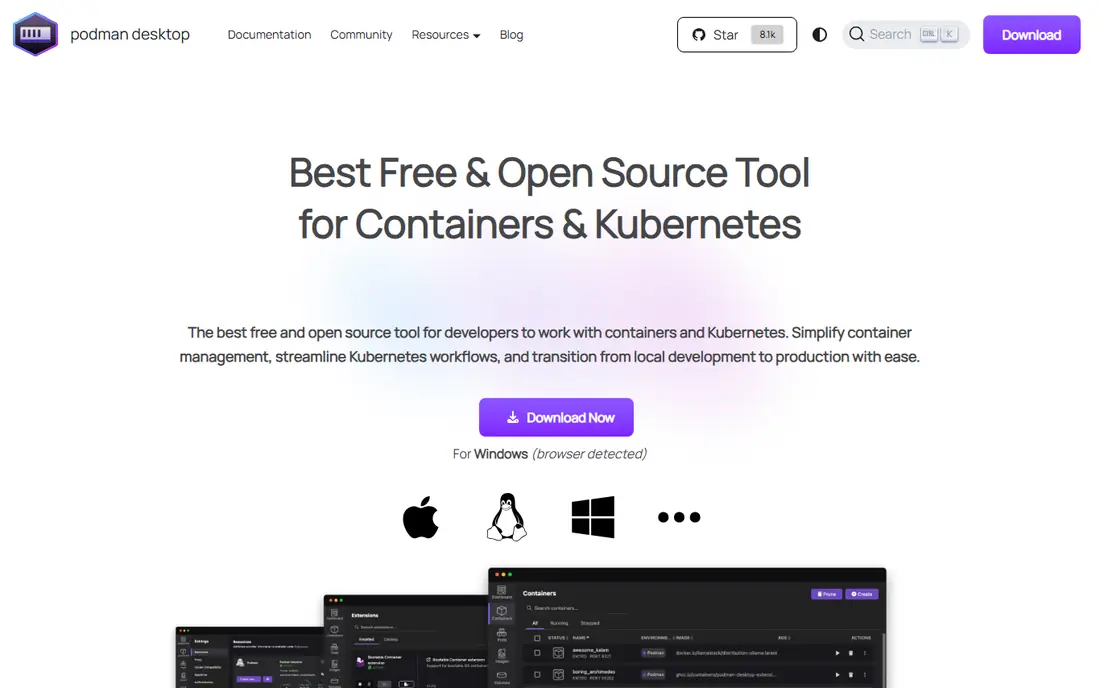
Podman Desktop is the graphical companion to Podman, and the closest free replacement for Docker Desktop as an app. It manages containers, images, pods and volumes from a clean interface, runs on Windows, Mac and Linux, and connects to Kubernetes through Kind or Minikube for local cluster work. Extensions add features such as Compose support.
The extension catalog is smaller than Docker Desktop, and features such as Dev Environments are missing. For most day-to-day desktop container work, though, Podman Desktop covers the core job at no cost and no licensing threshold, which is exactly why many teams switch.
- Free open source desktop app for Windows, Mac and Linux
- Graphical container, image and pod management
- Kubernetes integration through Kind and Minikube
- Extension catalog is smaller than Docker Desktop
- Lacks Docker Dev Environments
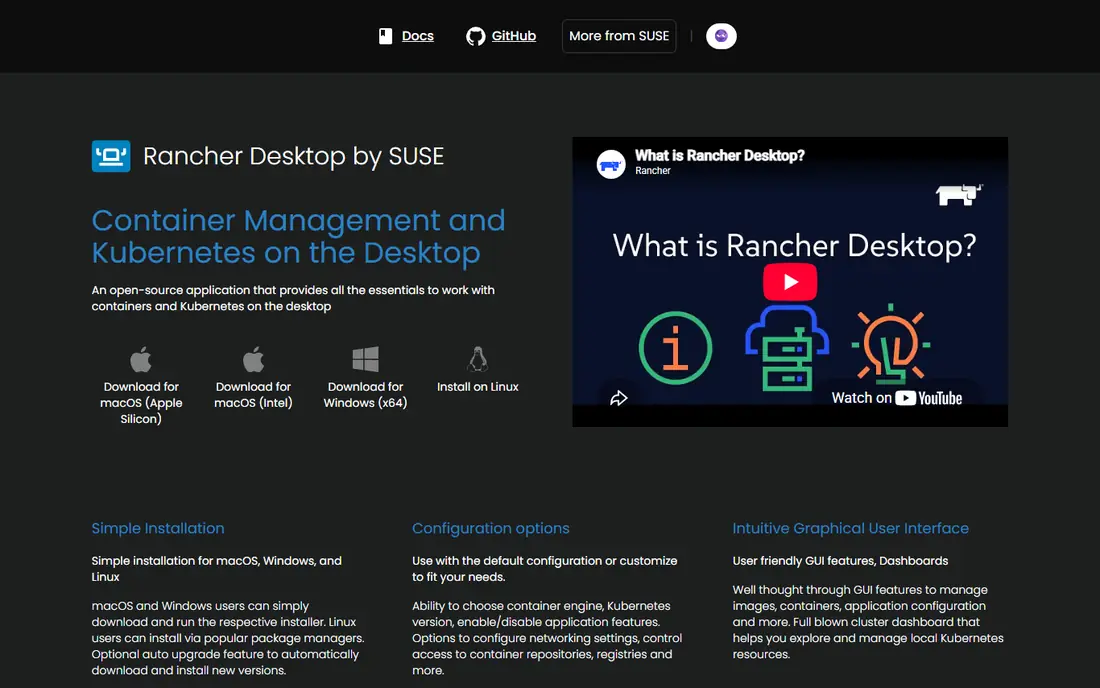
Rancher Desktop, from SUSE, combines a desktop container app with a local Kubernetes cluster. Its standout feature is the Kubernetes version selector, which lets teams test against the exact cluster version they run in production. You can choose containerd or the Docker daemon as the runtime, and nerdctl provides Docker compatible command line tooling.
The app is heavier than OrbStack on Mac, and early releases of major versions have had rough edges. For teams that test against specific Kubernetes versions, though, Rancher Desktop is the most useful free desktop option, and its cross-platform support suits mixed Windows, Mac and Linux teams.
- Free and open source on Windows, Mac and Linux
- Built-in Kubernetes with a version selector
- Choice of containerd or dockerd runtimes
- Heavier than OrbStack on Mac
- Some versions have had stability issues in early releases
OrbStack is the Mac developer favorite among Docker alternatives. It starts containers almost instantly, uses far less memory and CPU at idle than Docker Desktop, and includes Kubernetes support with a simple migration path from Docker Desktop. Personal use is free, while commercial use costs $8 per user per month.
The limits are platform and licensing. OrbStack runs on Mac only, so mixed teams need a second tool for Windows and Linux, and every commercial seat is paid, unlike the free open source options. If your team is all Mac and values battery life and speed on 16 GB machines, OrbStack is the most pleasant desktop container tool here.
- Very fast startup with low memory and CPU use
- Built-in Kubernetes and Docker compatibility
- Simple migration from Docker Desktop
- Mac only, so Windows and Linux teams need another tool
- Commercial seats cost $8 per user per month
containerd is the runtime that actually runs containers inside most Kubernetes clusters, and it was originally donated from Docker itself. It is free, open source and deliberately minimal, handling image transfer, container execution and storage without the extra layers of a desktop app. Production teams already rely on it whether they know it or not.
It is not a desktop tool. There is no GUI, and a Docker-like command line needs nerdctl or a similar tool on top. containerd belongs in this list because it answers the question of what runs containers in production, and because Linux developers can build a full container workflow from containerd plus nerdctl without Docker at all.
- Industry standard runtime inside Kubernetes clusters
- Free and open source with minimal overhead
- Stable and widely supported
- No graphical interface and no desktop tooling
- Needs extra tools such as nerdctl for a Docker-like command line
Colima is the terminal-first Mac alternative to Docker Desktop. It runs containers inside a lightweight Linux virtual machine on Mac, exposes a Docker compatible socket so existing Docker commands keep working, and stays scriptable for automation. It is free under the MIT license and popular with developers who prefer the command line to a GUI.
The trade offs are a missing GUI and fixed virtual machine sizing that needs manual tuning for larger workloads. Colima suits developers who live in a terminal and want a predictable, free container setup on Mac without paying for a desktop app.
- Free and open source with a scriptable command line
- Predictable and light on Mac
- Docker compatible through a socket
- No graphical interface
- Fixed virtual machine sizing needs manual tuning
Finch is AWS answer to a local container tool for Mac developers. It provides a simple command line to build, run and push container images, with a focus on workflows that end up on AWS services such as ECS and EKS. It is free and open source, and its simplicity appeals to developers who want a small tool rather than a platform.
The community is smaller than Podman, and the feature set is narrower, so teams that need pods, desktop GUIs or broad plugin support should look elsewhere. For an AWS focused Mac developer who wants a minimal local tool, Finch is a clean fit.
- Free and open source from AWS
- Simple command line for building and running containers on Mac
- Good fit for AWS container workflows
- Mac only in practice for desktop use
- Smaller community and feature set than Podman
Portainer solves a different problem from the tools above. Instead of running containers on your laptop, it gives you a web interface to manage Docker and Kubernetes hosts, local or remote, from one dashboard. The Community Edition is free and covers small teams, while Business adds role-based access and advanced controls.
That distinction matters. Portainer does not replace Docker Desktop on a developer machine, but it is the best tool here for a team that manages many hosts and wants one view of them. Combine it with Podman or Docker on the hosts themselves, and Portainer becomes the management layer on top.
- Web based control plane for Docker and Kubernetes across many hosts
- Free Community Edition for small teams
- Useful for teams managing remote hosts
- It manages containers rather than replacing the engine
- Advanced features need the paid Business Edition
Kubernetes is not a Docker replacement in the desktop sense, but no Docker alternatives list is complete without it, since it is where most production containers end up. It schedules containers across clusters, handles scaling, self-healing and rolling updates, and runs on every major cloud as well as on premises. The software itself is free, though compute costs apply.
The complexity is the catch. Kubernetes is overkill for local development on a laptop, and it needs a runtime such as containerd underneath. Use Podman Desktop, Rancher Desktop or OrbStack for local work, and Kubernetes for production workloads at scale, where its orchestration earns its learning curve.
- Industry standard orchestration for production workloads
- Free and open source with a huge ecosystem
- Runs on every major cloud and on premises
- Far more complex than Docker for local development
- Needs a runtime such as containerd underneath
How we picked these
We compared official project pages, documentation and public reviews for container tools, and we separated engine replacements, desktop apps, runtimes and orchestration, since comparing them as one category misleads buyers. We favored free and open source tools where they genuinely match Docker, and we noted licensing, platform limits and missing features rather than presenting every tool as a drop-in replacement. Docker Desktop itself remains free for individuals and small businesses under its current thresholds.
What to check before you switch
A container tool switch touches developer machines, CI pipelines and production clusters, so test it in stages rather than migrating everything at once.
Start with local development
Pilot a desktop replacement such as Podman Desktop, Rancher Desktop or OrbStack with a few developers first. Check that your Compose files, images and volumes work, and that build times are acceptable before rolling out to a whole team.
Check Docker compatibility gaps
Most tools accept Docker commands and Compose files, but extensions, specific networking setups and Docker Desktop features may not carry over. List the Docker features your team actually uses, then test each one against your finalist.
Decide on hosting and support
Open source tools are free, but someone must run updates and fix issues. Enterprises that need support contracts should price Red Hat builds of Podman or paid Portainer and OrbStack seats alongside the free options.
Keep production separate from desktop
Local desktop tools and production runtimes are different jobs. Use containerd inside Kubernetes for production, and a desktop tool for development, rather than forcing one tool to cover both.
Frequently asked questions
What is the best Docker alternative?
Podman is the best overall Docker alternative, since it is free, open source and largely Docker compatible, with stronger security through daemonless and rootless containers. Podman Desktop adds the graphical interface for developers who want a Docker Desktop replacement.
What is the best free Docker Desktop alternative?
Podman Desktop and Rancher Desktop are the best free Docker Desktop alternatives, since both are open source and run on Windows, Mac and Linux. OrbStack is faster on Mac but charges $8 per user per month for commercial use.
Is Podman better than Docker?
Podman is better for security conscious teams and for companies over the Docker Desktop licensing thresholds, since it is free at any size and runs containers without a daemon or root privileges. Docker remains better for teams that rely on Docker extensions, Dev Environments or the broadest integration ecosystem.
What is the best Docker alternative for Mac?
OrbStack is the fastest Mac option, with near instant startup and low resource use, while Colima suits terminal-first Mac developers who want a free scriptable tool. Rancher Desktop and Podman Desktop cover Mac plus Windows and Linux for mixed teams.
Do Docker alternatives work with Docker Compose?
Most do, since Podman, Rancher Desktop and OrbStack support Compose files, and Podman accepts Docker compatible commands. Test your own Compose files during a pilot, since edge-case features and networking setups can behave differently.
Is Kubernetes a Docker alternative?
Kubernetes is an orchestration platform rather than a direct Docker replacement, since it schedules and manages containers at scale instead of running them on a developer machine. It pairs with containerd as its runtime, while desktop tools such as Podman Desktop handle local development.
Sources we checked (9)

Online Jobs is an independent blog about careers, online work, learning new skills and the tools that help people earn. More about us.
Keep reading
All posts
Replit Alternatives
Replit alternatives for 2026 compared: browser coding, AI app builders and team workspaces, with free plans, limits and honest trade-offs for developers.
Best Platform for Data Science
Compare the best platform for data science for teams and solo analysts, with notebooks, AutoML, governance and open source options for 2026 projects today.
9 Best Coding Software Picks for Beginners and Pros
Find the best coding software for beginners and pros, with free and paid editors and IDEs compared on price, languages, debugging, and ease of use today.