Replit Alternatives in 2026: 8 Products Compared


VS Code in the browser on GitHub repos · Starting price: See website
How we put this together: we compare official feature and pricing pages, app store listings, privacy policies and public user reviews. Prices change, so check the provider's site before you pay.
Key takeaways
- The best Replit alternative depends on the job: writing code in a browser, building an app from a prompt, or running a full project with a team.
- GitHub Codespaces, CodeSandbox and Gitpod are the closest matches for browser based coding on real projects.
- Cursor is a desktop editor with strong AI help, while Bolt.new, Lovable and v0 build apps from plain language prompts.
- Free tiers are real but capped by hours, credits or messages, so check limits before moving a project.
- Our pick for most developers is GitHub Codespaces for code work, with Bolt.new or Lovable for fast prototypes.
Quick comparison
| Name | Who it suits | Starting price | Free option | |
|---|---|---|---|---|
| GitHub Codespaces | VS Code in the browser on GitHub repos | See website | Yes | Visit |
 CodeSandbox CodeSandbox | web app sandboxes and team previews | See website | Yes | Visit |
 Cursor Cursor | AI assisted desktop coding | See website | Yes | Visit |
 Bolt.new Bolt.new | full stack apps from prompts | See website | Yes | Visit |
 Lovable Lovable | web apps built by chat | See website | Yes | Visit |
 v0 v0 | front end apps with Vercel hosting | See website | Yes | Visit |
 Gitpod Gitpod | cloud dev environments for teams | See website | Yes | Visit |
 CodePen CodePen | front end experiments and demos | See website | Yes | Visit |
The best Replit alternatives
These eight tools cover the main reasons people leave Replit: browser coding, AI building, team workspaces and simple front end demos.
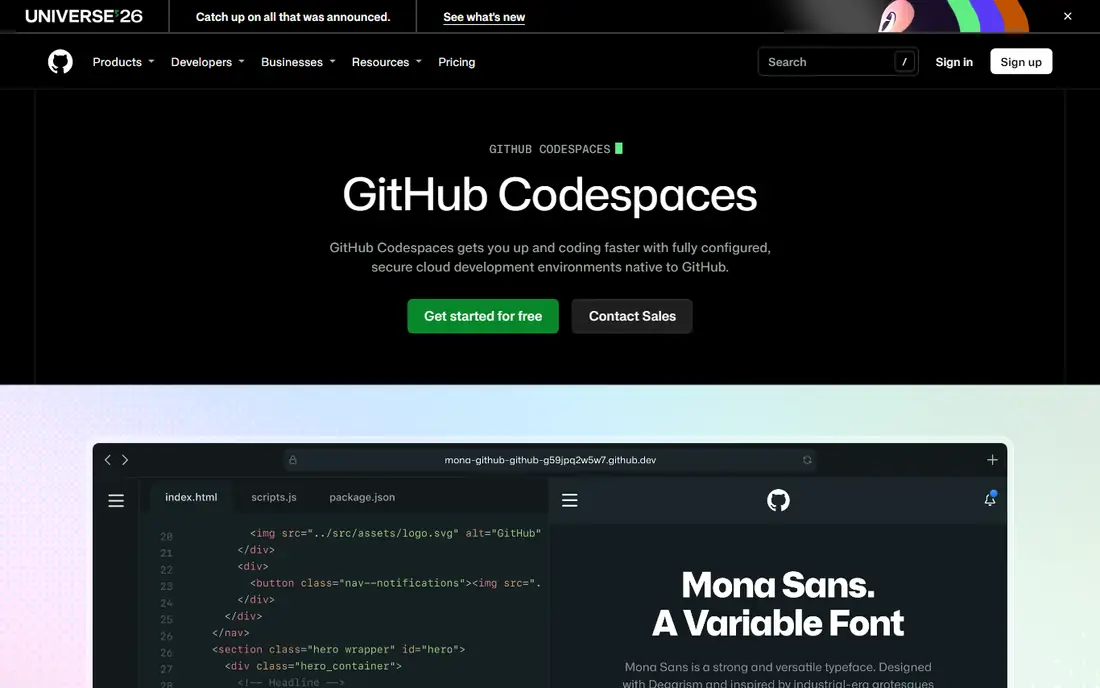
GitHub Codespaces is the most direct replacement for Replit for serious code work. It opens a VS Code workspace in the browser, tied to a GitHub repo, with extensions, terminals and dev container settings. Teams can share the same setup, which cuts down on the usual problem of code that works on one machine and fails on another. The catch is cost control. Free core hours are limited, and heavier machines cost more, so a long running workspace can add up. Stop environments when not in use, pick the smallest machine that runs the project, and treat Codespaces as a work session tool rather than a host that stays on all day.
- Full VS Code experience in a browser
- Close GitHub integration
- Configurable dev containers
- Usage based costs after free hours
- Needs a GitHub workflow to get full value
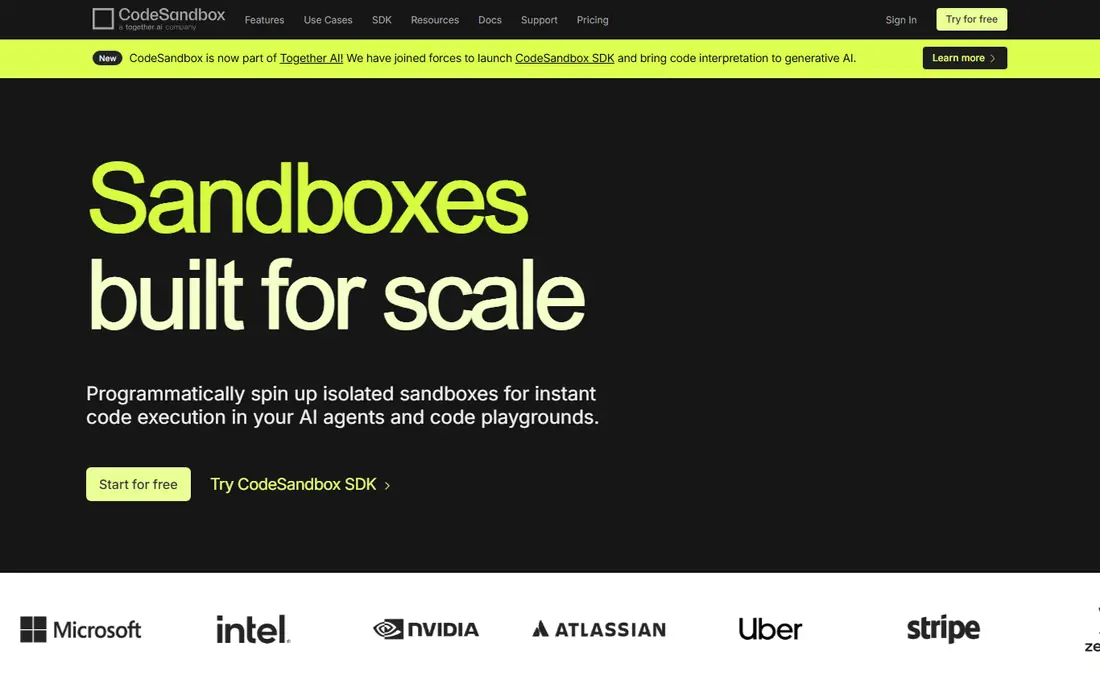
CodeSandbox shines for web projects. Import a repo or start from a template, and a live preview appears quickly, which makes it easy to share work with a teammate or a client. Real time collaboration lets several people edit and review the same sandbox, and preview links are useful for design feedback. The limit is scope. CodeSandbox is built around web apps, so it is not the best home for Python data work, mobile apps or systems code. Check the free limits on members and VM hours before relying on it for a whole team, and keep large production hosting separate from sandbox previews.
- Fast web app previews
- Live collaboration
- GitHub import
- Team plans are priced per workspace
- Less suited to non web languages
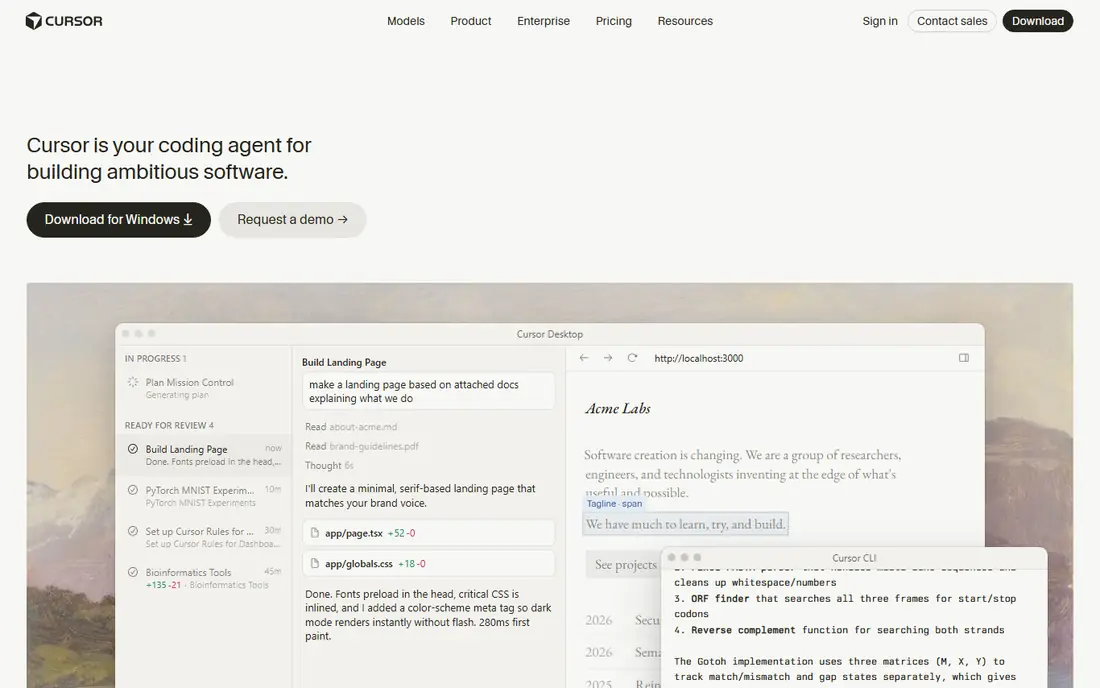
Cursor is not a browser IDE, and that matters. It is a desktop editor built for AI assisted coding, with agent mode that can edit across files, explain code and help with refactors. Developers who already work locally will feel at home, and the AI help is most useful on large codebases where searching by hand takes time. The trade-off is that Cursor does not replace Replit hosting. Code still needs a repo and a deployment step, and teams must arrange their own hosting and preview links. Pair Cursor with GitHub and a simple host, and it becomes a strong Replit alternative for people who prefer local editing with AI help.
- AI agent editing across files
- Familiar VS Code style workflow
- Strong code completion
- No built in hosting
- AI usage limits apply on free and paid plans
Bolt.new fits people who want an app without setting up a project by hand. Describe the app in plain language, and it generates code, pages and a working preview in the browser. That speed makes it useful for prototypes, internal tools and early product demos that need to exist quickly. The honest catch is review. Generated code can look finished while hiding rough edges in data handling, security or error cases. Treat Bolt.new output as a strong first draft, read the code before shipping, and plan a cleanup pass for anything that handles real user data or payments.
- Builds full stack apps from prompts
- One click deploy options
- Fast prototypes
- Token limits shape how much can be built
- Generated code needs review
Lovable takes a similar chat first approach, with a focus on polished web apps. Users describe changes in chat, see a live result, and refine it step by step. The ability to export code matters, since it avoids being locked into a single builder and lets a developer take over a project later. Free credits are the main limit. A few prompts a day can be enough for a small prototype, but a larger app will need a paid plan. Keep prompts specific, ask for one feature at a time, and save regular checkpoints so a bad change can be rolled back without losing good work.
- Chat driven app building
- Code can be exported
- Clean modern front ends
- Daily credit limits on free plans
- Back end features need care
v0 is the pick when the front end matters most. It generates React interfaces from prompts and designs, and deployment to Vercel is straightforward. For landing pages, dashboards and product demos, the output often looks more polished than a generic builder, which saves design time. The limit is breadth. v0 is not a full replacement for a back end, a database plan or a complex workflow, though it can connect to other services. Use it for the interface and the user flow, then pair it with a proper back end when the app needs accounts, payments or stored data at scale.
- Strong React front ends
- Smooth Vercel deployment
- Good design output
- Front end focus
- Message limits on free plans
Gitpod appeals to teams that want a fresh, ready to code environment for every branch. Open a repo and Gitpod builds an environment with the right tools, so new developers can start without a long local setup. That consistency helps code reviews and pair work, especially on larger projects. The cost is setup time up front. Custom stacks, private services and large monorepos need configuration before the automation pays off. Small solo projects may find Codespaces or CodeSandbox simpler, while larger teams with repeatable setups will get more value from Gitpod over time.
- Automated dev environments from repos
- Supports several editors
- Team friendly
- Setup takes effort for custom stacks
- Free hours are limited
CodePen is the simplest tool on this list, and that is its strength. Front end developers can test an idea, build a demo or share a component in minutes, with a live preview and a link that anyone can open. The community examples are also useful for learning a technique or checking how a layout works. CodePen will not replace Replit for full apps. There is no real back end, database or server hosting in the usual sense, so a CodePen demo is a starting point, not a finished product. Use it for experiments, teaching and UI demos, and move to Codespaces or CodeSandbox when the project grows.
- Instant HTML, CSS and JavaScript previews
- Large community examples
- Easy sharing
- Not for full stack apps
- Limited back end and hosting options
How we picked these
We compared official feature pages, pricing pages, app store and marketplace listings and public reviews for tools that cover browser coding, AI app building and front end demos. We favoured tools that are actively maintained in 2026, that offer a free plan or trial, and that match a clear Replit use case rather than a general code editor with no cloud option. We excluded Glitch hosting, since its project hosting ended in 2025. We did not claim hands-on testing for every tool, and we did not rank by review scores that change often. Instead, we looked at what each tool does best, where its free plan stops, and what kind of project it suits. Prices and credit limits change often, so check the vendor site before moving a project or paying for a plan.
Choosing the right alternative
Start by naming what Replit did for you. If it was a browser editor for real code, pick Codespaces, CodeSandbox or Gitpod. If it was fast app building from prompts, pick Bolt.new, Lovable or v0. If it was a place to test front end ideas, CodePen may be enough, and Cursor fits developers who prefer a desktop editor with AI help.
Watch the free limits
Free tiers differ in what they limit: hours, messages, tokens or members. A tool that looks free for a weekend demo can become costly for daily work. Count how many hours or prompts a normal week needs, then compare that number to the free tier before committing to a move.
Plan hosting separately
Replit combined editing and hosting, and most alternatives split those jobs. Decide where the finished app will live before building too much in a builder. A clear hosting plan avoids a late surprise, when a prototype works well but has no simple path to a public, stable deployment.
Keep code portable
Export code regularly, keep it in a Git repo, and avoid features that only exist inside one builder. Portable code makes it easier to switch tools later, hand a project to another developer, or move from a prototype to a production setup without starting again.
Frequently asked questions
What is the best free Replit alternative?
GitHub Codespaces, CodeSandbox, Gitpod and CodePen all offer free tiers, and Bolt.new, Lovable and v0 offer free credits or messages. The best free pick depends on the job: Codespaces for code on GitHub repos, CodeSandbox for web previews, and Bolt.new or Lovable for prompt built prototypes. Check hours and credit limits against real weekly use.
Are there Replit alternatives that are completely free?
CodePen is free for basic front end pens, and open source editors can be free, but most cloud tools limit free use by hours, credits or members. A completely free plan usually means a smaller project, fewer hours or a simpler feature set. For daily professional work, expect to pay for at least one plan or for usage.
What is the best alternative to Replit for beginners?
Bolt.new and Lovable are the friendliest for beginners who want an app without setting up tools, since they build from plain language prompts. CodePen is best for learning front end code with instant previews. Beginners who want to learn real coding should still look at Codespaces or CodeSandbox, where code stays visible and editable.
Can I host a full stack app with a Replit alternative?
Yes, but hosting often sits outside the editor. Bolt.new and v0 offer deployment options, while Codespaces, CodeSandbox and Gitpod focus on development environments and need a separate host for production. Choose the host early, and check database, domain and scaling options before building a large app.
Is Cursor a good Replit alternative?
Cursor is a good alternative for developers who want AI help while coding on their own machine, but it is not a browser IDE or a host. It works best paired with GitHub for code and a separate host for deployment. If browser editing and one click hosting were the main Replit draws, Codespaces or Bolt.new will feel closer.
Sources we checked (8)

Online Jobs is an independent blog about careers, online work, learning new skills and the tools that help people earn. More about us.
Keep reading
All posts
Docker Alternatives
Compare Docker alternatives for 2026, with Podman, Rancher Desktop, OrbStack, containerd, Colima, Finch, Portainer and Kubernetes on cost, fit and licensing.

Best Platform for Data Science
Compare the best platform for data science for teams and solo analysts, with notebooks, AutoML, governance and open source options for 2026 projects today.
9 Best Coding Software Picks for Beginners and Pros
Find the best coding software for beginners and pros, with free and paid editors and IDEs compared on price, languages, debugging, and ease of use today.