OpenClaw Alternatives in 2026: 9 Products Compared

How we put this together: we compare official feature and pricing pages, app store listings, privacy policies and public user reviews. Prices change, so check the provider's site before you pay.
Key takeaways
- Open WebUI and LibreChat are the closest free, self-hosted replacements for a personal AI front end that talks to many models.
- Dify, Flowise, and Langflow suit builders who want visual agent workflows rather than a chat assistant that lives in a messaging app.
- Manus is the simplest hosted option, since there is nothing to install, but you give up the local control that draws people to OpenClaw.
- Jan is the best pick for a private desktop assistant that runs local models without a server.
- Every open source option here still needs a model API key or local model setup, so budget for that cost on top of the free software.
Quick comparison
| Name | Who it suits | Starting price | Free option | |
|---|---|---|---|---|
 Open WebUI Open WebUI | Self-hosted AI front end | Free | Yes | Visit |
 LibreChat LibreChat | Multi-model chat hub | Free | Yes | Visit |
 Dify Dify | Team agent workflows | Free | Yes | Visit |
 Manus Manus | Hosted agent tasks | See website | Free trial | Visit |
 Jan Jan | Private desktop AI | Free | Yes | Visit |
 Flowise Flowise | Visual agent building | Free | Yes | Visit |
 n8n n8n | Automating agent workflows | Free | Yes | Visit |
 Langflow Langflow | Visual LangChain agents | Free | Yes | Visit |
 CrewAI CrewAI | Multi-agent teams in code | See website | No | Visit |
The best openclaw alternatives
OpenClaw is a self-hosted personal AI assistant that connects chat apps to agents with tools, memory, and scheduled tasks. These alternatives cover the same ground from different angles, from free self-hosted front ends to hosted agents that need no server at all.
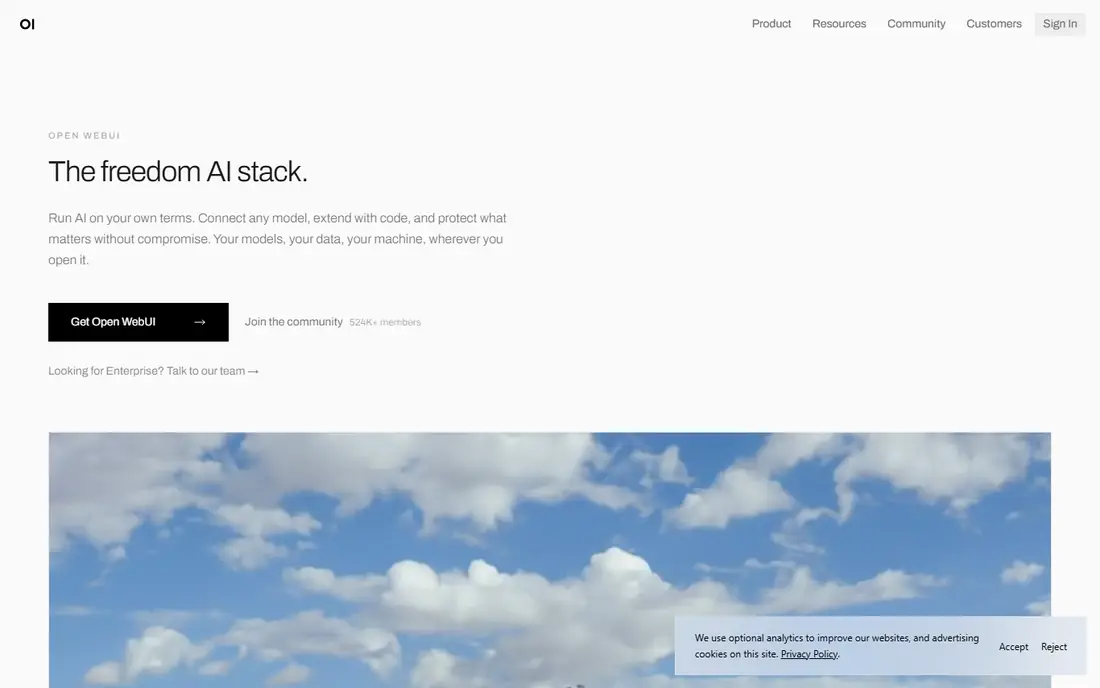
Open WebUI is the first place to look if you liked the idea of running your own AI setup but want a cleaner interface. It connects to Ollama, OpenAI, Anthropic, and other compatible providers, so you are not locked to one model family. The project is open source and actively developed, with a community hub for prompts, models, and tools.
Where it differs from OpenClaw is purpose. Open WebUI is mainly a chat interface with tools and retrieval, not a messaging-first assistant with scheduled jobs and chat channels. You can extend it with Python functions and pipelines, but building a WhatsApp or Telegram assistant takes extra work. For a private, daily AI workspace on your own server, it is hard to beat at this price, which is nothing for the software itself.
- Works with local and hosted models
- Large community and extension library
- Runs on your own hardware
- Setup takes real effort
- Agent and automation features are less focused than OpenClaw
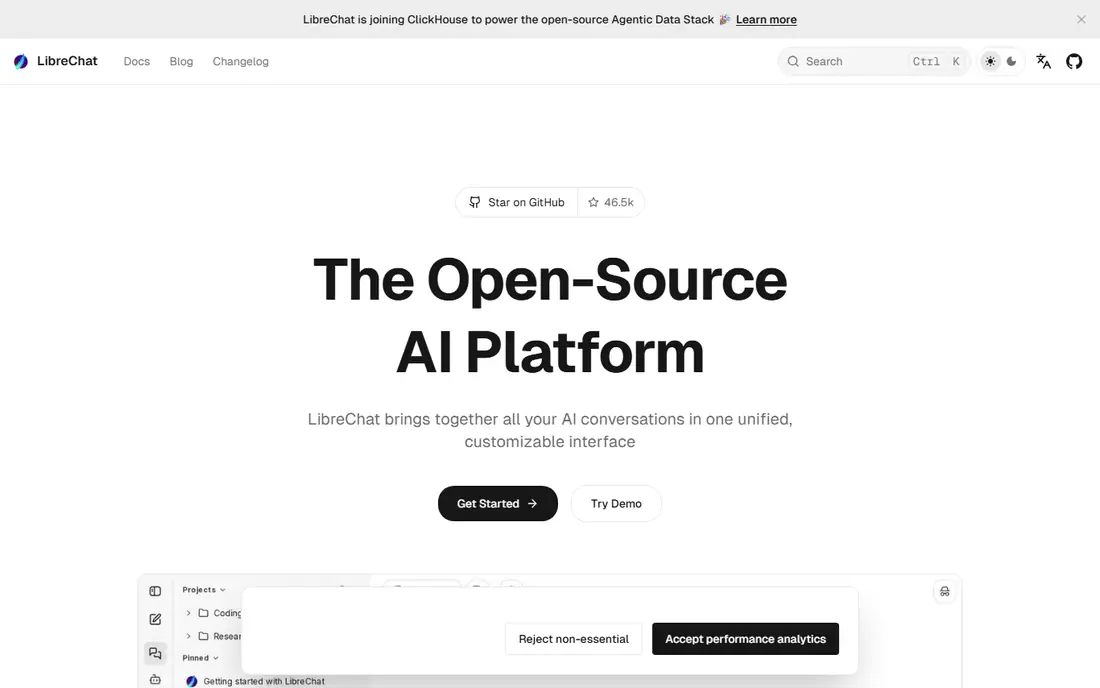
LibreChat brings all your AI conversations into one open source interface, with agents that can handle files, run code, and call tools through MCP. It supports Anthropic, OpenAI, Azure, AWS, and other providers side by side, which makes switching models mid-project painless. The interface feels polished for a self-hosted tool, and the project has a large contributor base.
The honest catch is that LibreChat is a chat platform first. If your main OpenClaw habit was messaging an assistant from Telegram and getting things done, LibreChat will not replace that flow out of the box. It shines instead as a team or personal hub where model choice, memory, and agent tools matter more than chat app channels.
- One interface for many providers
- Agents, memory, and MCP support
- Strong enterprise options
- Self-hosting needs Docker comfort
- Messaging channels are not the focus
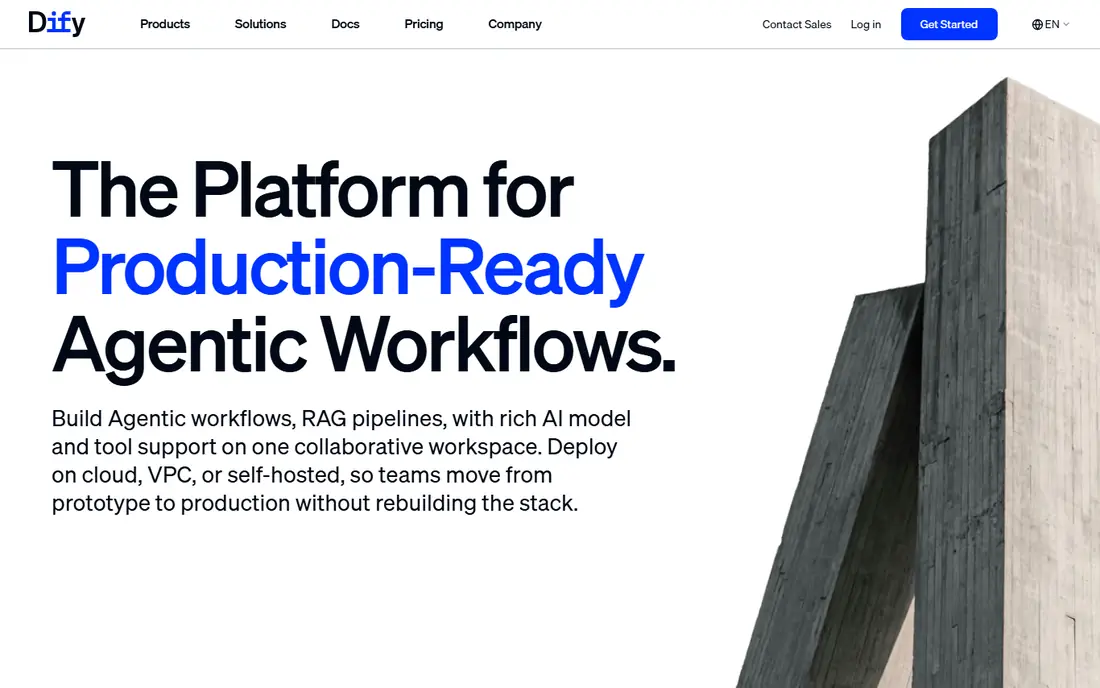
Dify takes a different route to the same destination. Instead of a personal assistant you message, it gives you a visual canvas for building agents, retrieval pipelines, and AI apps, then shipping them as a web app or API. Teams can collaborate in one workspace, and the community edition is open source with Docker deployment.
That builder focus is both the strength and the limit. You can recreate much of what OpenClaw does, including scheduled and tool-using agents, but you assemble it yourself rather than chatting with a ready-made assistant. If you want to build agent apps for other people or for a team, Dify is a stronger fit than a personal chat tool.
- Visual workflow builder for agents and RAG apps
- Self-hosted community edition
- Deploys as web app or API
- More of a builder platform than a personal assistant
- Hosted plans add cost as usage grows
Manus is the option for people who liked the idea of an agent that does tasks but do not want to run a server. You describe a job in the browser, and Manus works through research, files, slides, and web tasks on its own. It now covers design, slides, video, and wide research, which makes it broader than a chat assistant.
The trade is control. Your data and tasks run on Manus infrastructure, and you pay a subscription rather than just a model bill. For someone who wants an agent working while they do other things, that trade is often worth it. For someone who chose OpenClaw specifically for self-hosting, Manus points in the opposite direction.
- No server or setup required
- Handles research, slides, websites, and documents
- Works from a browser
- Hosted only, so less local control
- Pricing is subscription based and usage limited
Jan is an open source desktop app that runs models locally, which makes it the most private option on this list. You can pick open models or plug in hosted providers, and your chats stay on your machine when you use local models. The app is straightforward to install compared with a server project, and it suits people who mainly want a capable assistant on their laptop.
What Jan does not do is live in your chat apps around the clock. There is no server daemon waiting for Telegram messages or running scheduled jobs while your computer sleeps. If your goal is a personal, offline-first assistant for daily work, Jan fits well. If you need an always-on agent, pair it with a server tool instead.
- Runs local models offline on your own machine
- Clean desktop app
- Open source
- Desktop only, so no always-on messaging assistant
- Agent tooling is lighter than OpenClaw
Flowise lets you build LLM apps and agents by dragging nodes onto a canvas instead of writing glue code. You connect models, vector stores, tools, and memory, then deploy the result as a chatbot or API. The open source version is free to self-host, and the project has a large community sharing flows and templates.
Compared with OpenClaw, Flowise is more workshop than assistant. You will spend time designing flows before you get a helpful agent, and scheduled messaging workflows take deliberate setup. The payoff is flexibility. If you want custom agents for a product, a support flow, or an internal tool, Flowise gives you more control than a fixed assistant.
- Drag and drop agent and chatbot building
- Open source with self-hosting
- Wide model and tool support
- Builder tool, not a ready personal assistant
- Complex flows need patience to debug
n8n is a workflow automation platform that has grown into a genuine agent tool, with AI nodes that let workflows reason, call tools, and branch on results. It connects to chat apps, email, calendars, databases, and hundreds of other services, which covers much of what OpenClaw users automate. The self-hosted version is free, and the visual editor makes flows easy to inspect.
The difference is framing. n8n thinks in workflows triggered by events, not in a persistent assistant personality you message all day. That is actually an advantage for scheduled reports, inbox triage, and multi-step jobs. If you want a conversational companion, n8n will feel mechanical. If you want reliable automation with agent steps inside, it is one of the strongest picks here.
- Hundreds of integrations for automation
- Self-hosted version is free
- AI nodes for agent steps
- Workflow automation first, chat assistant second
- Learning curve for larger builds
Langflow gives LangChain a visual interface, so you can assemble agents, chains, and retrieval flows without writing every line by hand. It is open source, runs locally or on a server, and is a fast way to test an agent idea before committing to code. Developers who already use LangChain will feel at home, and the component library covers models, tools, memory, and vector stores.
Like Flowise and Dify, Langflow is a builder, not a finished assistant. You will not get OpenClaw style chat channels and scheduled nudges without adding them yourself. Its value is speed of prototyping. If you want to try an agent design in an afternoon and then harden it, Langflow is a practical starting point.
- Visual builder on top of LangChain
- Free and open source
- Good for prototyping agents fast
- Needs some Python and LangChain familiarity for serious work
- Not a messaging assistant out of the box
CrewAI is a framework for building teams of agents that each take a role, such as researcher, writer, or analyst, and work together on a job. It is code-first, which makes it a developer tool rather than a consumer assistant, but the multi-agent design is genuinely useful for research reports, content pipelines, and business workflows. The company also offers enterprise tooling around the open framework.
The honest limit is audience. If you do not write Python, CrewAI is not a drop-in OpenClaw replacement. If you do, it gives you a structured way to build agent teams that are easier to reason about than one giant prompt. Think of it as the option for builders who outgrew a single assistant and want a crew instead.
- Built for teams of specialized agents
- Strong framework for role-based tasks
- Enterprise tooling available
- Code-first, so non-developers will struggle
- Hosted pricing is quote based for larger use
How we picked these
We compared official feature pages, pricing pages, documentation, and public project pages for tools that cover OpenClaw's core jobs: self-hosted AI, messaging or chat access, tool use, scheduled work, and multi-agent tasks. We kept only tools that are live and maintained in 2026 and that genuinely fit at least one of those jobs, rather than listing every chatbot on the market. Prices are stated only where the vendor publishes them clearly; otherwise we say to see the website, since hosted plans and model costs change often.
What to decide before you install anything
The OpenClaw alternatives split into two camps, and your pick depends on which camp matches your daily habit. Start by naming the job you actually want done, then match the tool to it.
If you want a private assistant
Pick Open WebUI, LibreChat, or Jan. All three are free and open source, and all three keep you in control of models and data. Jan is simplest if you only need a desktop app, while Open WebUI and LibreChat suit a home server that the whole household or team can use.
If you want to build agents
Pick Dify, Flowise, Langflow, or CrewAI. These tools trade a ready-made assistant for a workshop where you design the agent yourself. Dify is the friendliest for teams, Flowise and Langflow are best for visual prototyping, and CrewAI fits developers building role-based agent teams in code.
If you want automation without a server project
Pick Manus for hosted agent tasks or n8n for event-driven workflows. Manus needs no setup but costs a subscription and runs on someone else's infrastructure. n8n can be self-hosted for free, but you think in workflows rather than conversations. Check the security model before connecting any tool to email, files, or chat apps, since an agent with broad permissions is a powerful thing to leave running unattended.
Frequently asked questions
What is the best OpenClaw alternative for self-hosting?
Open WebUI is our pick for most self-hosters, since it is free, open source, and connects to local and hosted models in one clean interface. LibreChat is close behind if you want agents, memory, and MCP support in the same hub. Both need a server or an always-on machine, plus a model API key or local models.
Are there free alternatives to OpenClaw?
Yes. Open WebUI, LibreChat, Jan, Dify community edition, Flowise, n8n self-hosted, and Langflow are all free as open source software. You still pay for model usage if you use hosted models, and you need hardware to run local models well. Hosted options like Manus charge a subscription instead.
What is the best alternative to OpenClaw for messaging apps?
None of the free chat front ends here replaces OpenClaw's messaging channels directly. n8n comes closest for automation, since it connects to chat apps and can run agent steps on incoming messages. If messaging access is the main requirement, expect some setup work with any alternative on this list.
Can I run an OpenClaw alternative fully offline?
Jan with local models is the simplest offline path, since it runs on your desktop without a server. Open WebUI and LibreChat can also run local models through Ollama, but web search, hosted models, and chat channels need network access. Check each project's docs for the model setup that matches your hardware.
Is Manus a good replacement for OpenClaw?
Manus is a good replacement if you want an agent that completes tasks without managing infrastructure. It is not a good replacement if you chose OpenClaw for self-hosting, local control, or messaging channels. Decide which of those matters more before switching.
Do I need to know how to code to use these alternatives?
No for Open WebUI, LibreChat, Jan, and Manus, which are usable without coding. Dify, Flowise, and Langflow reward some technical comfort but do not require full development skills. CrewAI is code-first and suits developers building agent teams.
Sources we checked (9)

Online Jobs is an independent blog about careers, online work, learning new skills and the tools that help people earn. More about us.
Keep reading
All posts
Best AI Image-to-Video Generation Tools
We compared the best AI image-to-video generation tools for 2026, checking prices, credits and free plans, so you can turn your stills into moving clips.
Best AI Chatbot App
Compare the best ai chatbot app options for writing, research, coding and daily help, with prices, free plans and honest trade-offs for 2026, for buyers

Zoom Alternatives
Zoom alternatives compared for 2026: Google Meet, Microsoft Teams, Webex, Jitsi and more for free calls, large meetings and webinars for teams and classrooms.