Grok Imagine Alternatives in 2026: 8 Tools Compared


Still images with strong style · Starting price: $10 per month
How we put this together: we compare official feature and pricing pages, app store listings, privacy policies and public user reviews. Prices change, so check the provider's site before you pay.
Key takeaways
- Midjourney remains the strongest pick for still images, while Runway, Kling, and Pika lead for short AI video clips.
- Most video tools run on credits, so the monthly price alone does not tell you how many finished clips you will get.
- Leonardo and Adobe Firefly suit people who need usable images for work, with clearer commercial terms than many social-first tools.
- Free plans are useful for testing style, but paid plans usually remove watermarks and raise resolution and usage limits.
- Check commercial use, content rules, and if people in generated images or video need consent before you publish work.
Quick comparison
| Name | Who it suits | Starting price | Free option | |
|---|---|---|---|---|
| Midjourney | Still images with strong style | $10 per month | No | Visit |
 Runway | Video with editing controls | $15 per month | Yes | Visit |
 Kling | Realistic video motion | $10 per month | Yes | Visit |
 Pika | Fast social video clips | $10 per month | Yes | Visit |
 Luma Dream Machine | Quick video from text or images | See website | Yes | Visit |
 Leonardo | Work-ready images and styles | $12 per month | Yes | Visit |
 Ideogram | Images with readable text | See website | Yes | Visit |
 Adobe Firefly | Safe commercial image work | $9.99 per month | Yes | Visit |
The best grok imagine alternatives
Grok Imagine combines AI image and short video generation in one social app, but it is not the only route to that kind of work. The tools below split into image-first and video-first options, and the best pick depends on if you need posters, product shots, social clips, or storyboards. We compared official pricing pages, feature pages, and public documentation, and we noted where credit limits change the real cost.
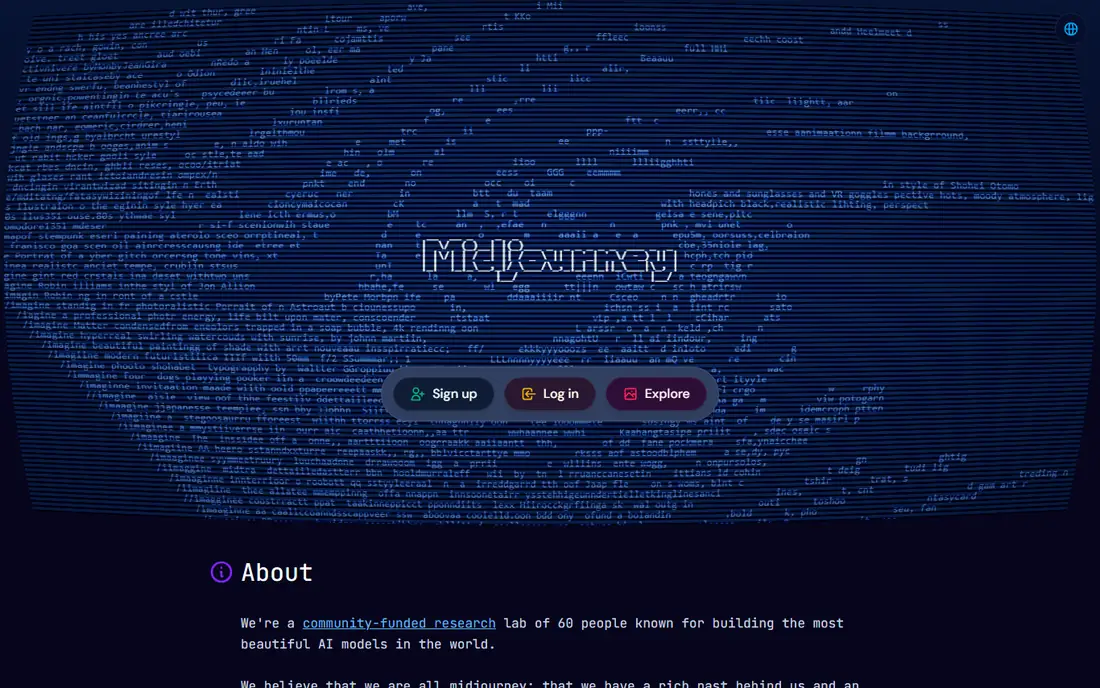
Midjourney is the image pick most creators name first, and for still images it still earns that place. Prompts produce polished, stylised results that work well for posters, book covers, concept art, and social graphics, and the community around it makes it easy to learn prompt styles. If your main need is a striking image rather than a moving clip, Midjourney gives you the most consistent quality per prompt in this list.
The limits are clear. There is no free plan, so you pay to test it properly, and video is not its main strength compared with Runway or Kling. Commercial terms also depend on your plan, so read the current terms before using images for client work. For image-led projects, though, Midjourney is the closest direct rival to the image side of Grok Imagine.
- Distinctive, polished image style
- Strong community styles and prompts
- Good for posters and concept art
- No free plan
- Video features are newer and less central than image work
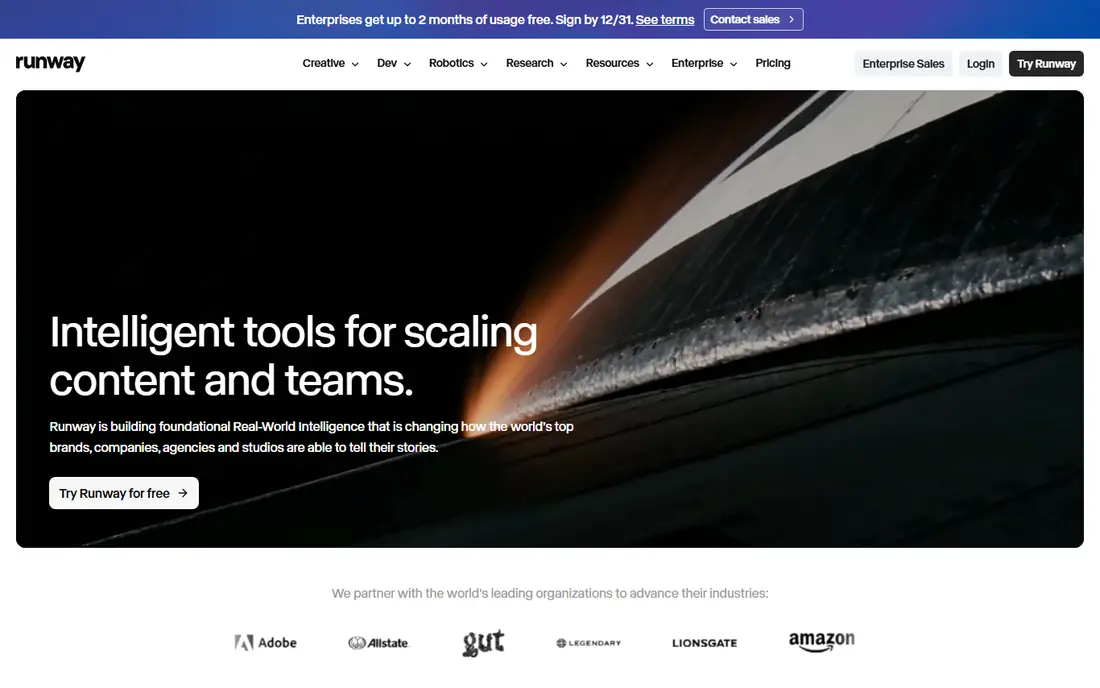
Runway suits people who want more than a one-click clip. You can generate video from text or images, then edit, extend, and refine shots in the same workspace, which helps when a clip needs a second take or a cleaner ending. That control matters for ads, explainers, and short films where pacing and framing matter. The free tier lets you test the core video tools before paying.
The catch is credits. Higher resolution, longer clips, and repeated takes use credits faster than the monthly price suggests, so budget for retakes. The editing tools also take time to learn, though you can ignore most of them for simple social clips. If you want video with real control, Runway is a strong alternative to Grok Imagine.
- Video generation plus editing tools
- Good control over shots and motion
- Useful for creators and small studios
- Credits run out fast on high-resolution clips
- Learning curve for full editing suite
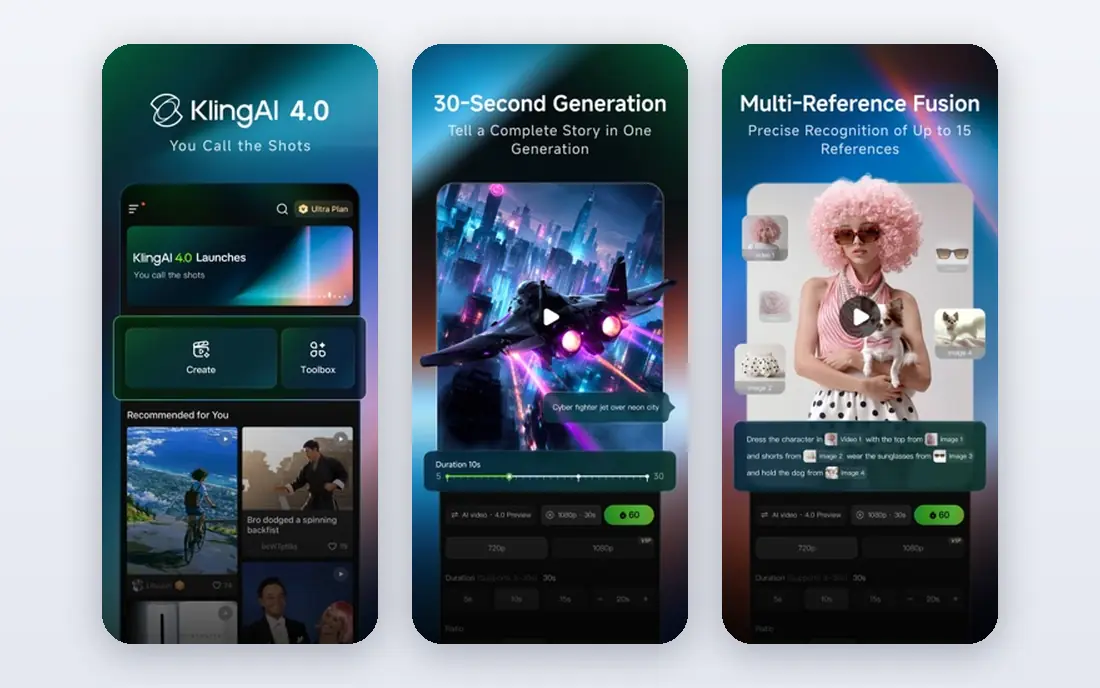
Kling is known for realistic motion, especially for people walking, talking, and moving in a scene. That makes it a good pick for short narrative clips, product demos with a presenter, and social videos where stiff motion would spoil the result. The entry price is competitive, and the free tier gives you a way to test motion quality on your own prompts before committing.
As with other video tools, credits are the real limit. Long clips, high resolution, and many takes will use your allowance quickly, and you should check current credit amounts on the pricing page. Some advanced features may also vary by region or plan. If natural motion is your top priority, Kling deserves a test alongside Runway.
- Strong human motion and lip sync
- Longer clips than many rivals
- Good value at entry level
- Credit system needs careful tracking
- Some features vary by region
Pika is the quick social pick. You type a prompt or upload an image, pick a style, and get a short clip with little setup, which suits creators who post often and need volume. Effects, transitions, and simple edits help a clip feel finished without opening a separate editor. For memes, product teasers, and short social posts, Pika is faster to learn than Runway.
The trade-off is length and depth. Clips are short, and serious film work will need a tool with more control. Commercial use also sits on paid plans, so check the terms if you plan to use clips for a business. If speed and simplicity matter more than long-form video, Pika is a good Grok Imagine alternative.
- Fast to learn
- Good for short social clips
- Simple text and image to video workflow
- Shorter clips than some rivals
- Commercial use needs a paid plan
Luma Dream Machine is built for speed. A short prompt or an image can become a moving clip in minutes, and the results handle everyday scenes, camera moves, and simple actions well. That makes it useful for storyboards, social posts, and quick concept clips where you want to see an idea move before you invest more time. The free tier lets you test that workflow without paying first.
Pricing is the part to check carefully, since Luma plans and prices have changed over time and different product pages have shown different tiers. Confirm the current plan, credit amount, and commercial terms on the vendor site before you buy. If you want fast, simple video and you verify the current plan, Luma is a useful alternative.
- Fast video from a simple prompt
- Good motion for everyday scenes
- Easy to test with a free tier
- Pricing and plans have changed often
- Higher tiers cost more than entry rivals
Leonardo suits people who need images for work rather than just for fun. You can pick from many styles and models, train a consistent style for a brand or character, and generate product shots, game art, and marketing images in a repeatable way. The free tier gives you daily credits to test styles, which is more useful than a one-off trial for learning what works.
The breadth can overwhelm new users at first, since there are many models, settings, and tools to explore. Start with one model and one style, and keep prompts simple until you see consistent results. For teams that need a steady supply of usable images, Leonardo is a practical alternative to the image side of Grok Imagine.
- Many trained styles and models
- Good for game, product, and marketing images
- Free tier for testing
- Interface has many options for beginners
- Best results need prompt practice
Ideogram stands out for one practical reason: text inside images. Many image tools garble words on posters, packaging, and signs, while Ideogram handles short phrases, titles, and labels more reliably. That makes it useful for event posters, social graphics, product mockups, and any design where the words must be readable. The prompt workflow is simple, so you can test it quickly.
It is an image tool first, not a video studio, so pair it with Runway, Kling, or Pika if you also need moving clips. Paid plan limits and prices change, so check the current pricing page before you rely on it for client work. If readable text is your main frustration with other tools, Ideogram is worth a close look.
- Better text rendering in images than many rivals
- Good for posters, logos, and signs
- Simple prompt workflow
- Less depth for complex video work
- Paid limits vary by plan
Adobe Firefly is the safest pick for commercial image work. It is designed to be used in client and business projects, and it connects with Photoshop and other Adobe apps that many designers already use. That integration saves time when you need to edit, extend, or clean up a generated image before delivery. For agencies and in-house teams, that workflow matters as much as raw image quality.
The style range is narrower than Midjourney, and the best value comes if you already pay for Adobe tools. A standalone plan still works for occasional commercial images, but compare it with Leonardo if style variety matters more. If commercial safety and Adobe workflow are top priorities, Firefly is a strong alternative.
- Designed for commercial use
- Works with Photoshop and other Adobe apps
- Clear content approach
- Style range is narrower than Midjourney
- Best value if you already use Adobe tools
How we picked these
We compared official pricing pages, feature pages, and public documentation for AI image and video tools that are available today and truly cover the same jobs as Grok Imagine: generating images from text, generating short video from text or images, or both. We favoured tools with a clear free or trial route, published pricing, and different strengths, from still images to realistic video motion. We did not claim hands-on testing, and we used See website where a current price was not clearly published.
How to choose between image and video tools
Start with the output you actually need. If you need posters, thumbnails, and product images, an image tool such as Midjourney, Leonardo, Ideogram, or Firefly will serve you better than a video tool used for stills. If you need moving clips for social posts or ads, a video tool such as Runway, Kling, Pika, or Luma is the right starting point. Many creators end up with one of each, and that is often cheaper than forcing one tool to do both jobs badly.
Next, test with your own prompts, not demo prompts. Use the same five prompts in two tools, and compare faces, hands, text, motion, and consistency. Count how many takes you need to get a usable result, since retakes use credits and time. Also read the commercial terms and content rules for each tool, especially if you plan to publish work with recognisable people or brand names.
Finally, watch the credit maths. A low monthly price can still be costly if each clip uses many credits, and a higher plan can be cheaper if it includes enough credits for your weekly output. Track one week of real use before you commit to a yearly plan, and keep a free tool in reserve for quick tests.
Frequently asked questions
What is the best alternative to Grok Imagine for images?
Midjourney is a strong pick for stylised still images, while Leonardo and Adobe Firefly suit work projects. Ideogram is best if your images need readable text on posters or packaging, so pick based on the output you need most.
What is the best Grok Imagine alternative for video?
Runway gives the most editing control, Kling is strong for realistic human motion, and Pika is fastest for short social clips. Test the same prompt in two tools, since motion quality varies a lot by scene type.
Is there a free alternative to Grok Imagine?
Yes, Runway, Kling, Pika, Luma, Leonardo, Ideogram, and Adobe Firefly all offer a free tier or free credits in some form. Free tiers usually add watermarks, limit resolution, or restrict commercial use, so check the terms before publishing.
Can I use AI images and video for commercial work?
It depends on the tool and plan. Adobe Firefly is designed for commercial use, while other tools allow commercial use on paid plans with specific terms. Always read the current terms for the plan you buy, and avoid using real people or brands without permission.
Why do AI video tools use credits?
Credits let vendors charge for computing time, since longer and higher-resolution clips cost more to generate. That means the monthly price alone is not the full cost, so check how many credits a typical clip uses before you choose a plan.
Sources we checked (8)

Online Jobs is an independent blog about careers, online work, learning new skills and the tools that help people earn. More about us.
Keep reading
All posts
Sora Alternatives
Compare the best sora alternatives now that Sora is discontinued, from Google Veo to Runway and Kling, with strengths and limits for video makers today.
OpenClaw Alternatives
Looking for openclaw alternatives? We compare 9 self-hosted and hosted AI agent tools, from Open WebUI and LibreChat to Manus, on setup, control, and price.

Best Text to Video AI Tools
Compare the best text to video AI tools in 2026 for cinematic clips, avatar videos, and script-to-video workflows, with pricing and free plans explained.