OneNote Alternatives in 2026: 9 Apps Compared

How we put this together: we compare official feature and pricing pages, app store listings, privacy policies and public user reviews. Prices change, so check the provider's site before you pay.
Key takeaways
- Notion is our pick for OneNote users who want notes, docs, and databases in one workspace.
- Obsidian is best for private, local notes that stay as plain files on your own device.
- Evernote still suits heavy collectors who clip web pages and search scanned notes.
- Joplin and Logseq are strong free options for users who value open source and local control.
- The right switch depends on handwriting, clipping, collaboration, and how much structure you want.
Quick comparison
| Name | Who it suits | Starting price | Free option | |
|---|---|---|---|---|
 Notion Notion | Notes plus docs and databases | Free | Yes | Visit |
 Obsidian Obsidian | Private local notes | Free | Yes | Visit |
 Evernote Evernote | Web clipping and search | Free | Yes | Visit |
 Zoho Notebook Zoho Notebook | Low-cost notebook switch | Free | Yes | Visit |
 Joplin Joplin | Open source notes | Free | Yes | Visit |
 Google Keep Google Keep | Quick notes and lists | Free | Yes | Visit |
 Bear Bear | Clean Markdown writing | Free | Yes | Visit |
 Logseq Logseq | Linked outline notes | Free | Yes | Visit |
 Standard Notes Standard Notes | Encrypted notes | Free | Yes | Visit |
The best OneNote alternatives
OneNote users leave for different reasons: they want databases, local files, better search, lower cost, or a simpler app. The alternatives below cover those reasons, so the best pick depends on what OneNote did for you.
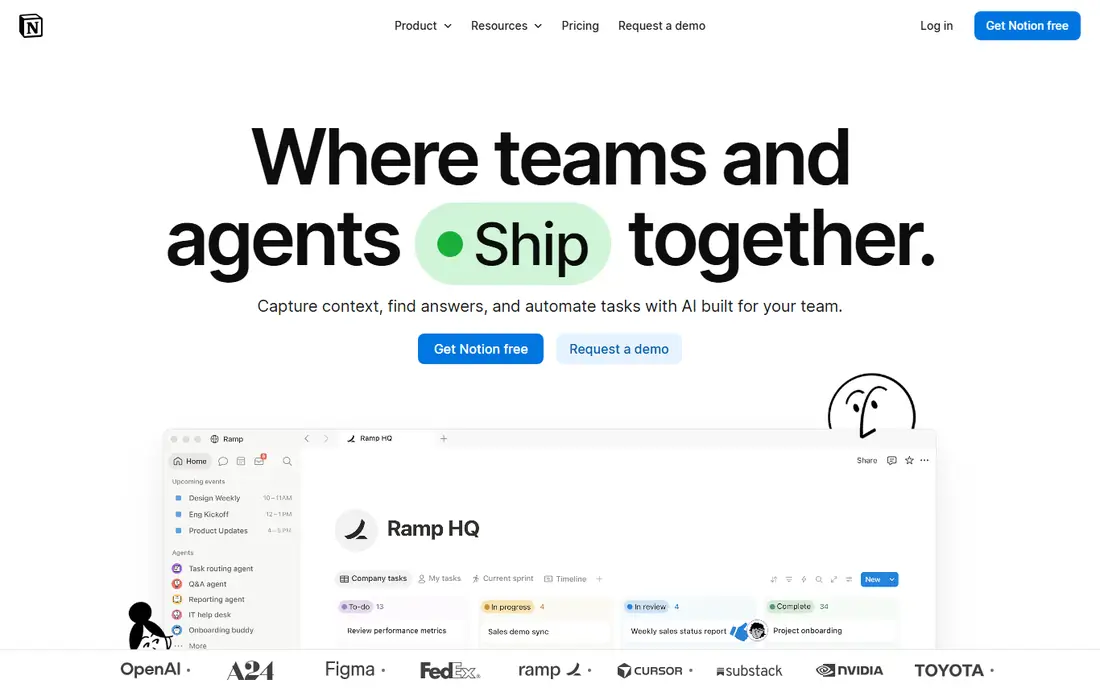
Notion is the most capable replacement for users who outgrew simple notebooks. Notes can live beside task lists, project trackers, wikis, and shared docs, and databases let you filter and sort information in ways a notebook page cannot. Templates for meeting notes, study plans, and project docs make the first week easier.
The cost is complexity. A blank Notion workspace can feel overwhelming, and users who only want a quick note may find it slow. Offline access is also less complete than a local-first app. For users who want one workspace for notes and work, though, Notion is the strongest all-round switch.
- Flexible pages and databases
- Strong templates
- Good team sharing
- Learning curve is steeper
- Offline use is weaker than local apps

Obsidian appeals to users who want to own their notes. Files are stored locally as plain Markdown, so they can be opened in other editors, backed up easily, and kept working even if the app changes. Links between notes and a graph view help build a connected archive over years, not just a set of separate pages.
Sync across devices is the main extra cost, since the built-in sync service is paid, although users can arrange their own sync method. Real-time collaboration is also not a core strength. For a personal knowledge base that must last, Obsidian is our pick for privacy and portability.
- Notes stored as local Markdown files
- Linked notes and graph view
- Large plugin library
- Sync is a paid add-on
- Collaboration is not built in
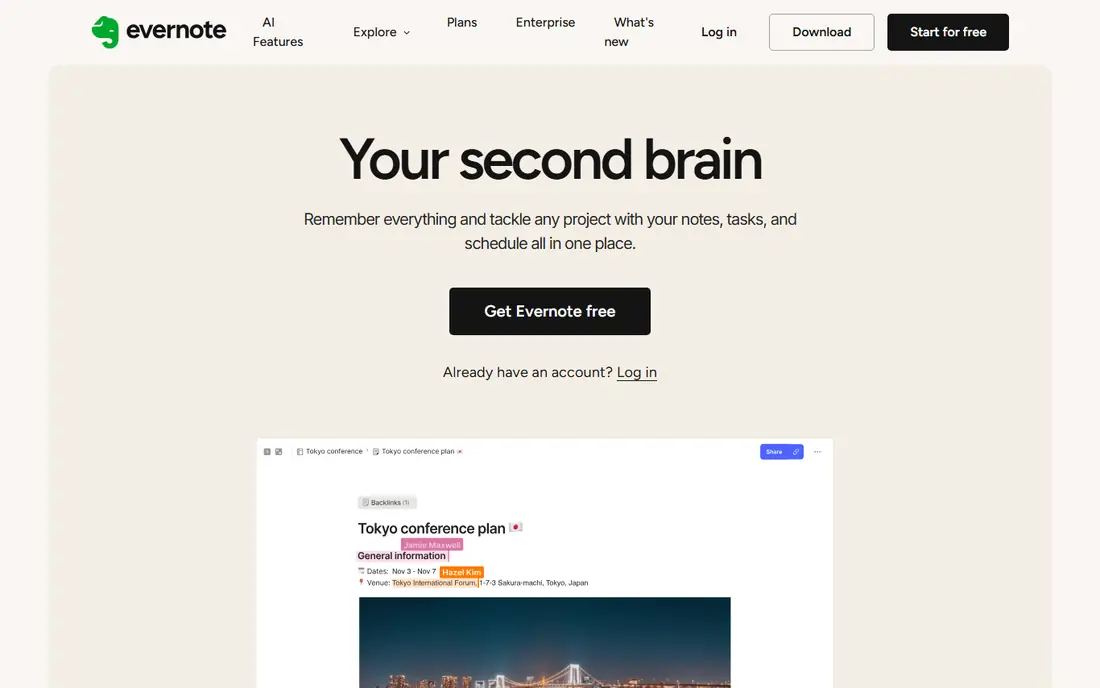
Evernote is the veteran collector in this list. Its web clipper captures articles, receipts, and research cleanly, and search can find text inside notes and attached documents. Notebooks and tags give a familiar structure for OneNote users who liked sections and pages, without needing to learn a database system.
The free plan is now quite limited, with caps on notes and notebooks, so heavy users will likely need a paid plan. That makes Evernote harder to recommend as a free switch, but for users whose main job is capturing and finding material, it remains a strong, focused tool.
- Strong web clipper
- Search across notes and documents
- Notebook and tag organisation
- Free plan is limited
- Paid plans are pricier than many rivals
Zoho Notebook is the closest low-cost look and feel to OneNote for many switchers. It uses notebooks, cards, and sections in a visual layout, and it includes a migration tool for OneNote content. Sync across phone, tablet, and computer is included, which matters for users who take notes on more than one device.
It does not match Notion for databases or Obsidian for linked thinking, and its integration list is smaller. For users who simply want a clean notebook app that works everywhere without a high subscription, Zoho Notebook is a sensible, budget-friendly choice.
- Notebook-style layout similar to OneNote
- Low-cost paid plans
- Sync across devices
- Fewer third-party integrations
- Advanced features lag larger rivals
Joplin is the best free, open source switch for users who care about control. Notes are stored as Markdown, attachments are supported, and end-to-end encryption can protect synced notes. It runs on Windows, Mac, Linux, iOS, and Android, so platform is rarely a barrier.
The interface is functional rather than polished, and sync requires choosing a service or a Joplin Cloud plan. Users who enjoy setting up their own tools will not mind, while users who want a ready-made polished app may prefer Zoho Notebook or Notion. For privacy-minded users on a zero budget, Joplin is hard to beat.
- Free and open source
- Markdown notes
- End-to-end encryption option
- Interface is plain
- Sync setup needs a little care
Google Keep is not a full OneNote replacement, and that is its point. It is for quick notes, shopping lists, reminders, and ideas captured in seconds. Notes can be coloured, labelled, pinned, and shared, and they sync through a Google account across devices and the web.
Long documents, deep organisation, and complex notebooks are not its strengths. Users who try to move a whole OneNote archive into Keep will feel the limits quickly. As a capture companion beside Notion, Obsidian, or Joplin, Keep is excellent, and for light note users it may be all they need.
- Very fast capture
- Reminders and labels
- Free with a Google account
- Limited structure for long notes
- No real notebook hierarchy
Bear is for writers who want notes to look good and stay out of the way. The editor is clean, Markdown is handled gracefully, and tags replace folders for organisation. Search is fast, and the app feels quick even with a large library. For drafting, journaling, and personal notes on Apple devices, it is a pleasure to use.
The limit is platform. Bear does not run on Windows or Android, so mixed-device users should look elsewhere. Sync across Apple devices also needs the paid plan, although local notes work on the free plan. Apple-only writers who value focus will find it a worthy switch.
- Beautiful, focused editor
- Tags instead of folders
- Fast search
- Apple devices only
- Sync needs the paid plan
Logseq suits users who think in outlines and daily notes. Each day gets a journal page, ideas link together, and a graph shows how topics connect. Like Obsidian, it is local-first, so notes stay as files on your device, and it is free to use. That combination appeals to researchers, students, and writers building a long-term archive.
New users may find the outline style unfamiliar at first, especially if they are used to free-form notebook pages. The interface is also less polished than Bear or Notion. For users who like structured, linked thinking and want a free local tool, Logseq is a strong alternative to both OneNote and Obsidian.
- Free and local-first
- Outline and graph views
- Daily journal pages
- Interface can feel technical
- Learning curve for new outline users
Standard Notes is for users who put privacy first. Notes are encrypted end to end, so the service cannot read them, and sync works across devices on the free plan for plain text notes. The app is deliberately simple, which helps users who found OneNote cluttered or who want a note app that will still work in ten years.
Rich text, markdown, and advanced editors are available through paid plans and extensions, so the free version is plainer than rivals. Collaboration is also limited. For personal notes, journals, and sensitive material, that trade is worth it, and Standard Notes is the safest pick in this list for privacy.
- End-to-end encrypted sync
- Simple editor
- Long-term focus on privacy
- Rich formatting needs paid extensions
- Fewer collaboration features
How we picked these
We compared official feature pages, pricing pages, and app store listings, and we favoured apps that are actively maintained, available on major platforms, and offer a real path from OneNote-style notes. We included a mix of all-in-one workspaces, local-first tools, open source options, and simple capture apps, since OneNote users do not all use the same features.
We did not claim hands-on migration tests for every app. Instead, we weighed structure, sync, search, clipping, privacy, and free-plan limits, and we noted where a paid plan is needed for sync or advanced features. Prices and limits change, so check the vendor page before moving a large archive.
How to choose the right OneNote alternative
Start by listing the OneNote features you actually used. Handwriting and drawing point toward a different set of apps than databases or web clipping, and a user who mainly shared notebooks with a team needs collaboration that a local-first app may not provide. Matching the app to those real habits avoids a switch that looks good but misses the main job.
Try migration with a small notebook first
Move one notebook, not the whole archive, and live with the new app for a week. Check whether images, attachments, and formatting survive, and whether search finds what you expect. A small test reveals problems while the old notebooks are still intact.
Decide how much you want to own your files
Local Markdown apps such as Obsidian, Joplin, and Logseq keep notes as files you can open elsewhere. Cloud workspaces such as Notion and Evernote offer more sharing and structure, but leaving them takes more work. There is no wrong answer, but the choice should be deliberate for a long-term archive.
Check sync and cost before you commit
Free plans differ on sync, device limits, and storage. Confirm that the devices you use daily are covered, and that the paid plan, if needed, fits your budget. A note app that only syncs on one device will quietly fail as a daily tool.
Frequently asked questions
What is the best alternative to OneNote?
Notion is the best all-round alternative for most users, because it covers notes, docs, and databases in one workspace. Obsidian is better for private local notes, and Evernote is better for web clipping and search.
What are Microsoft OneNote alternatives for free?
Obsidian, Joplin, Logseq, Google Keep, and Zoho Notebook all have useful free plans. Standard Notes also offers free encrypted notes, while Notion has a generous free plan for individuals.
Is Obsidian a good OneNote alternative?
Yes, if you want local, portable notes and linked thinking. Obsidian is less suited to users who need real-time collaboration or built-in handwriting like OneNote, so check those needs before switching.
Can I migrate notes from OneNote to Notion or Zoho Notebook?
Zoho Notebook offers a OneNote migration tool, and Notion offers import options for several formats. Results vary with formatting, images, and attachments, so test with one notebook first and keep the originals until you are happy.
Which OneNote alternative is best for privacy?
Standard Notes and Obsidian are the strongest privacy picks here. Standard Notes encrypts notes end to end by design, while Obsidian keeps notes as local files on your device.
Do any OneNote alternatives support handwriting?
OneNote remains strong for handwriting, and none of the apps here matches it exactly on every platform. Tablet users should test handwriting and PDF annotation in their chosen app before moving handwritten notebooks.
Sources we checked (9)

Online Jobs is an independent blog about careers, online work, learning new skills and the tools that help people earn. More about us.
Keep reading
All posts
Zoom Alternatives
Zoom alternatives compared for 2026: Google Meet, Microsoft Teams, Webex, Jitsi and more for free calls, large meetings and webinars for teams and classrooms.

What Is the Best Free Tool to Rotate a PDF
What is the best free tool to rotate a PDF? We compare eight free rotation tools on per-page control, limits, privacy and saved output quality in detail.

What Is the Best AI Dubbing Tool
We compared the best AI dubbing tools in 2026, from ElevenLabs and HeyGen to Rask AI, Dubverse and Veed, for videos and creators in many languages worldwide.