OneDrive Alternatives in 2026: 8 Services Compared


Google ecosystem and collaboration · Starting price: $1.99 per month
How we put this together: we compare official feature and pricing pages, app store listings, privacy policies and public user reviews. Prices change, so check the provider's site before you pay.
Key takeaways
- Google Drive is the best all round OneDrive alternative for collaboration, with 15 GB free.
- pCloud suits people who want a lifetime payment instead of a subscription, while MEGA offers the largest free tier here.
- Proton Drive and Sync.com lead for end to end encryption, at the cost of fewer integrations.
- Dropbox still wins for sync reliability, but its 2 GB free tier is the smallest on this list.
Quick comparison
| Name | Who it suits | Starting price | Free option | |
|---|---|---|---|---|
| Google Drive | Google ecosystem and collaboration | $1.99 per month | Yes | Visit |
 Dropbox | fast reliable sync | See website | Yes | Visit |
 pCloud | lifetime plans and media streaming | See website | Yes | Visit |
 MEGA | generous free tier with end to end encryption | See website | Yes | Visit |
 Sync.com | privacy first storage for solo users | See website | Yes | Visit |
 Proton Drive | encrypted storage inside Proton ecosystem | See website | Yes | Visit |
 iCloud | Apple device sync | $0.99 per month | Yes | Visit |
 Box | business storage with controls | See website | Yes | Visit |
The best onedrive alternatives
OneDrive alternatives differ on free storage, privacy, and ecosystem fit. Google Drive wins for collaboration, pCloud wins for lifetime value, and Proton Drive and Sync.com win for encryption. The right choice depends on which devices you use and whether you need office editing, privacy, or simply cheap space.
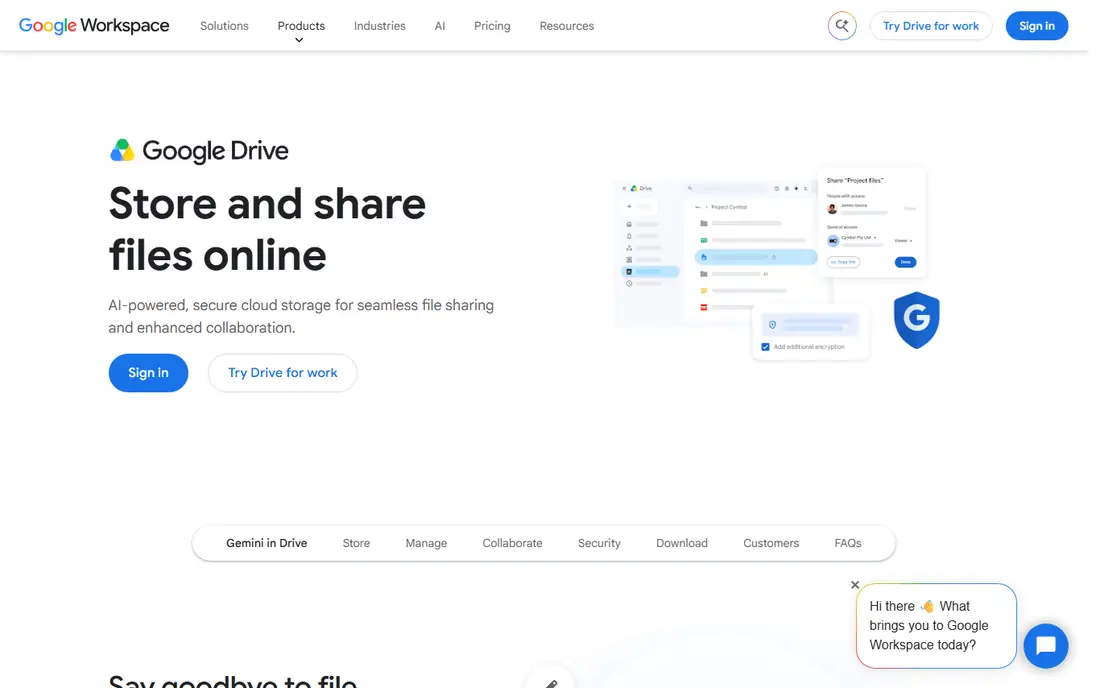
Google Drive is the easiest OneDrive alternative for most people, especially if Gmail and Google Docs already sit at the centre of your work. Real time collaboration in Docs, Sheets, and Slides is its strength, and sharing links with permission controls is simple.
The 15 GB free tier sounds generous until Gmail and Photos share it, so check your current usage before assuming free storage will last. Before you commit, check the current plan page and the app store listing, since prices and limits change often.
- 15 GB free shared across Gmail, Drive, and Photos
- Strong Docs collaboration
- Powerful search
- Free storage is shared, so it fills fast
- Privacy concerns for some users
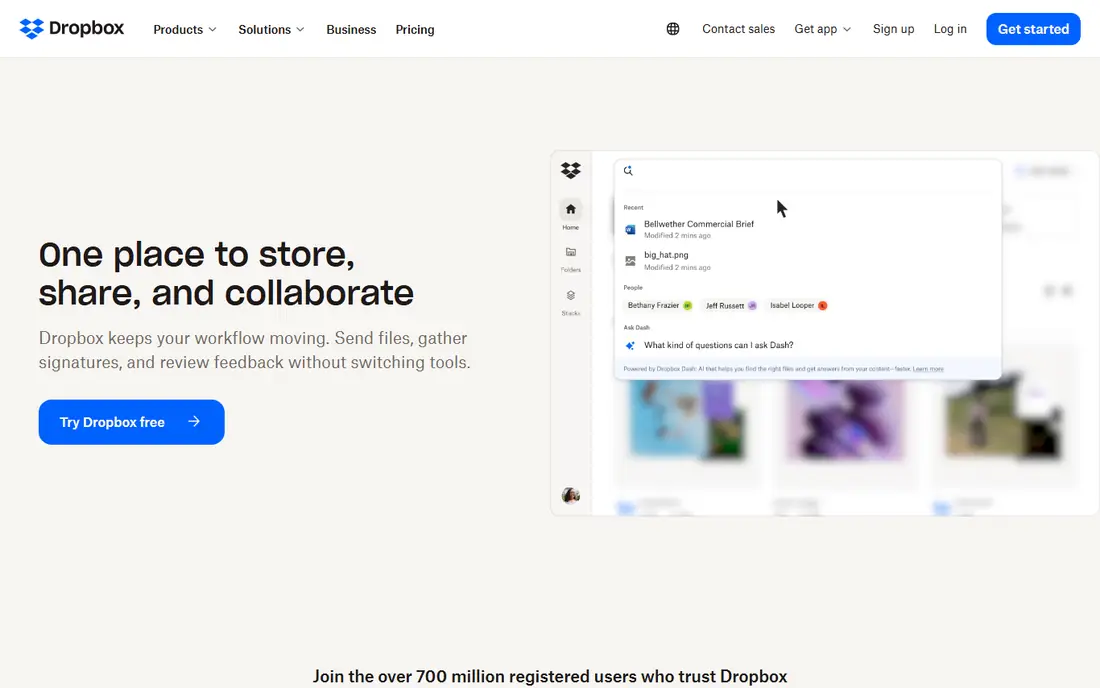
Dropbox suits people who value sync reliability above all, with files that appear quickly and correctly across devices. Its folder model is simple to learn, and integrations with many work tools make it a safe team choice.
The 2 GB free tier is small beside Google Drive or MEGA, so Dropbox fits best as a paid choice rather than a free one. Try the free option first on one real item, then decide if the paid tier adds enough to justify the cost.
- Fast, reliable sync
- Strong sharing and integrations
- Simple folder model that teams learn quickly
- Only 2 GB free
- Paid plans cost more per gigabyte than some rivals
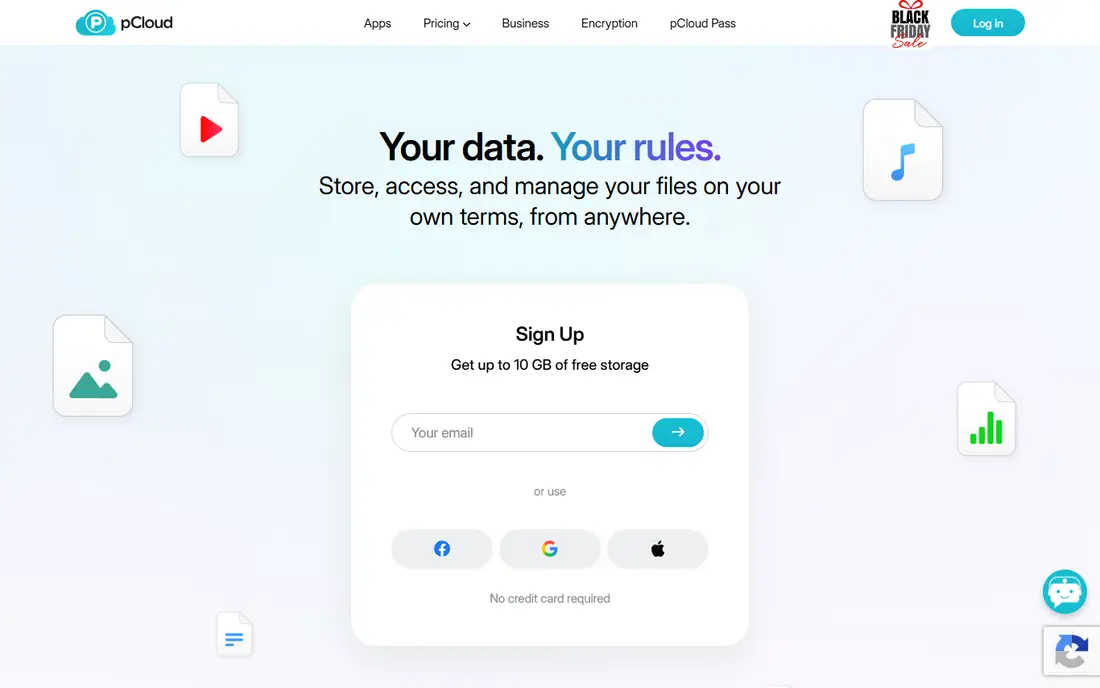
pCloud suits people who dislike subscriptions, since lifetime plans offer a one time payment for long term storage. Media streaming and file versioning add value for photo and video collections, and the free tier gives room to test sync first.
If you need built in document editing, Google Drive or Microsoft tools fit better, since pCloud focuses on storage rather than office apps. Read the plan page closely before you pay, and keep an eye on renewal terms and what the free tier leaves out.
- Up to 10 GB free
- Lifetime one time payment options
- Media streaming and file versioning
- Client side encryption costs extra
- No built in office suite like Google or Microsoft
MEGA suits privacy minded users who want a large free tier without giving up end to end encryption. Files are encrypted in a way that even the provider cannot read them in plain form, which matters for sensitive documents.
Check current free limits and paid prices on the site before moving a large library, since tiers have changed in past years. Start small, use it on a real project, and only upgrade once you know which paid feature you actually need.
- 20 GB free tier
- End to end encryption by design
- Chat and sharing built in
- Paid plans and free limits change over time
- Interface is less polished than Drive or Dropbox for some users
Sync.com suits solo users and small teams who want strong privacy without a complex enterprise setup. End to end encryption covers files by default, and secure links and versioning handle everyday sharing needs.
Teams that live inside Google or Microsoft apps may miss deep integrations, so test sharing with collaborators before switching. Compare it with one other pick on this list before you settle, since the right fit depends on your budget and habits.
- End to end encryption
- 5 GB free
- Secure links and versioning for individuals and teams
- Fewer integrations than Dropbox or Google Drive
- Collaboration tools are simpler
Proton Drive suits people already using Proton Mail who want storage with the same privacy model. End to end encryption is central, not an add on, and the service fits neatly beside Proton Mail and Calendar.
If you need large cheap storage or rich office editing, Google Drive or pCloud may fit better, since Proton prioritises privacy over scale. Check current pricing and platform support before you sign up, because both can change between updates.
- End to end encryption by design
- 5 GB free
- Fits Proton Mail and Calendar users
- Storage tiers are smaller than some rivals at similar prices
- Office editing is basic
iCloud is the natural OneDrive alternative for Apple owners, since it syncs photos, files, and device backups without extra setup. At $0.99 per month for 50 GB, the entry paid tier is cheap, and sync across Apple devices feels invisible.
Windows and Android users get a weaker experience, so iCloud fits best when Apple devices dominate your setup. Use the free tier for a week on real tasks, then judge it on results rather than on the feature list alone.
- 5 GB free
- 50 GB from $0.99 per month
- Invisible sync across iPhone, iPad, and Mac
- Weak cross platform experience on Windows and Android
- Free tier is small
Box suits businesses that need admin controls, permissions, and integrations more than cheap personal storage. Its enterprise features, including admin controls and audit tools, fit teams with compliance needs.
Personal users who just want backup will find Google Drive or pCloud cheaper and simpler, so only choose Box for work use. Look at the plan limits first, then test it with your own files or items before you move anything important over.
- 10 GB free
- Business security and admin controls
- Wide enterprise integrations
- Business pricing can rise fast
- Overkill for simple personal backup
How we picked these
We compared official pricing and feature pages for cloud storage services that compete with OneDrive. We kept services that offer real file sync and sharing, that publish free tier and paid tier details, and that work on desktop and mobile. Where pricing varied by billing period or region, we used a published figure or wrote See website rather than guessing a single price.
We also rechecked plan pages for free tiers and paid limits, and we left out tools that no longer publish clear pricing or that failed to fit the topic. That check matters because prices, free limits, and product availability change often, and a list built on old pages would mislead readers who need a working tool today. When two sources disagreed on a price, we used the vendor page and noted the gap rather than picking the lower figure.
How to switch from OneDrive without losing files
Audit what you actually store
Check how much OneDrive space you use, which folders sync to which devices, and which files are shared with others. Moving a smaller, cleaned library is faster and cheaper than copying years of duplicates.
Test sync and sharing before you move everything
Move one folder first, check sync speed on each device, and test a shared link with a collaborator. Confirm version history and trash recovery work as you expect, since those features matter most when a file is deleted by mistake.
Keep a local backup during the move
Keep a local copy of important files until the new service shows the full library synced and intact. Cloud storage is not a backup on its own, so a local drive or a second service adds safety during any switch.
Frequently asked questions
What are the best OneDrive alternatives?
Google Drive is the best all round alternative, Dropbox is best for sync reliability, pCloud is best for lifetime value, and Proton Drive and Sync.com are best for privacy. The best pick depends on your devices and your need for office tools.
What are alternatives to OneDrive for free storage?
MEGA offers 20 GB free, Google Drive offers 15 GB shared across Gmail and Photos, and pCloud offers up to 10 GB free. Dropbox offers only 2 GB free, so it suits paid use more than free use.
Is Google Drive a good Microsoft OneDrive alternative?
Yes, for most people. Google Drive offers strong collaboration in Docs and Sheets, 15 GB free, and simple sharing. Microsoft users who need deep Office integration may prefer to stay with OneDrive or use both services.
What is the most private OneDrive alternative?
Proton Drive and Sync.com both offer end to end encryption by design, and MEGA also encrypts files end to end. Check each service privacy page for details on what is encrypted and how account recovery works.
Can I use OneDrive alternatives on Windows?
Yes. Google Drive, Dropbox, pCloud, MEGA, Sync.com, Proton Drive, and Box all offer Windows apps or web access. iCloud works on Windows too, but its experience is weaker than on Apple devices.
Sources we checked (8)

Online Jobs is an independent blog about careers, online work, learning new skills and the tools that help people earn. More about us.
Keep reading
All posts
Zoom Alternatives
Zoom alternatives compared for 2026: Google Meet, Microsoft Teams, Webex, Jitsi and more for free calls, large meetings and webinars for teams and classrooms.

Which Software Is Best for Data Entry
Compare the best data entry software for forms, OCR scanning, and spreadsheets, with free plans, pricing, and honest limits for each tool before you commit.
What's the Best App to Read PDFs
Find what's the best app to read PDFs in 2026, from Adobe Acrobat Reader and Foxit to PDF Expert and Xodo, with free options and honest limits for every device.