Ollama Alternatives in 2026: 8 Tools Compared

How we put this together: we compare official feature and pricing pages, app store listings, privacy policies and public user reviews. Prices change, so check the provider's site before you pay.
Key takeaways
- LM Studio is the easiest desktop replacement for people who want to chat with local models without the command line.
- Jan is the closest open-source desktop match, with a clean chat view and a local server for other apps.
- llama.cpp and vLLM suit people who need control or high throughput, but they ask for more setup.
- Open WebUI does not run models itself, so pair it with a runner such as Ollama, LM Studio, or llama.cpp.
Quick comparison
| Name | Who it suits | Starting price | Free option | |
|---|---|---|---|---|
 LM Studio | Easy desktop local chat | Free | Yes | Visit |
 Jan | Open-source desktop chat | Free | Yes | Visit |
 GPT4All | Simple chat with documents | Free | Yes | Visit |
 AnythingLLM | Chat with your documents | Free | Yes | Visit |
 Open WebUI | Multi-user web chat front end | Free | Yes | Visit |
 LocalAI | Drop-in local API server | Free | Yes | Visit |
 vLLM | High throughput serving | Free | Yes | Visit |
 Msty | Side-by-side model comparison | Free | Yes | Visit |
The best Ollama alternatives
Ollama made local models easy by wrapping download, serving, and chat into a few commands. The tools below cover the same ground in different ways, from friendly desktop apps to servers built for many users at once.
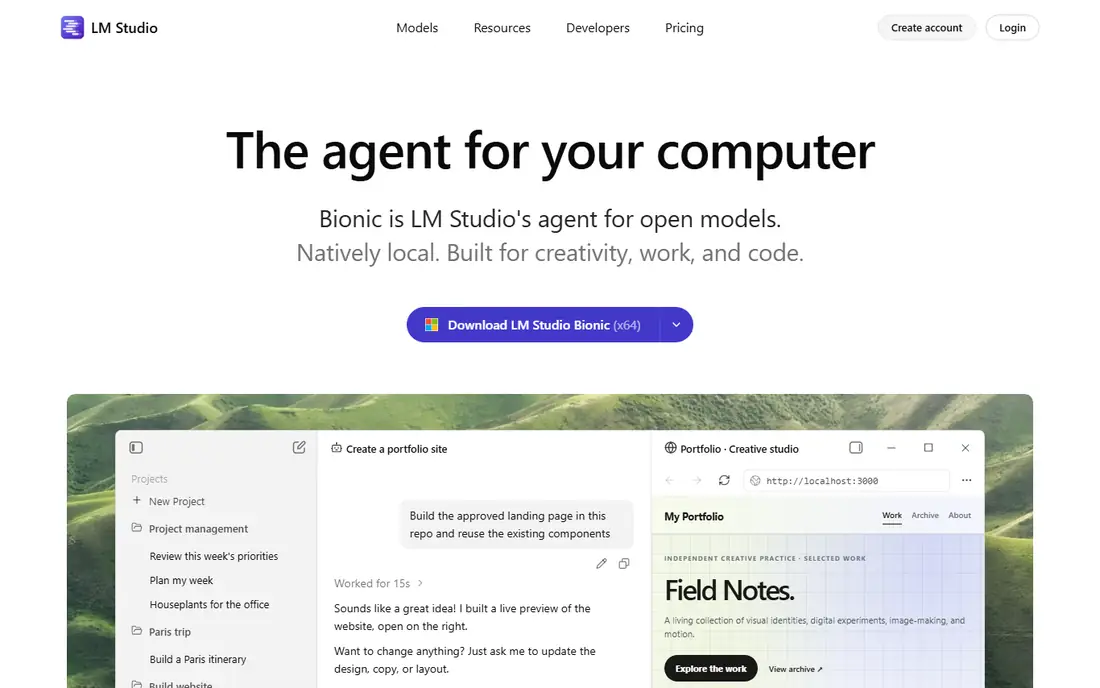
LM Studio is the first place most desktop users should look. You search for a model inside the app, download it, and start chatting, with settings for context length and system prompts close at hand. A local server mode lets coding tools and other apps talk to the model through an OpenAI-compatible endpoint.
The main caveat is licensing. The app itself is closed source, even though its SDKs are open, and commercial use terms have changed before. Read the current terms on the vendor site if you plan to use it at work. For personal use, it remains the smoothest desktop path.
- Built-in model search and download
- Chat view with no command line
- Local server for other apps
- Closed source app
- Business terms need a check for commercial use
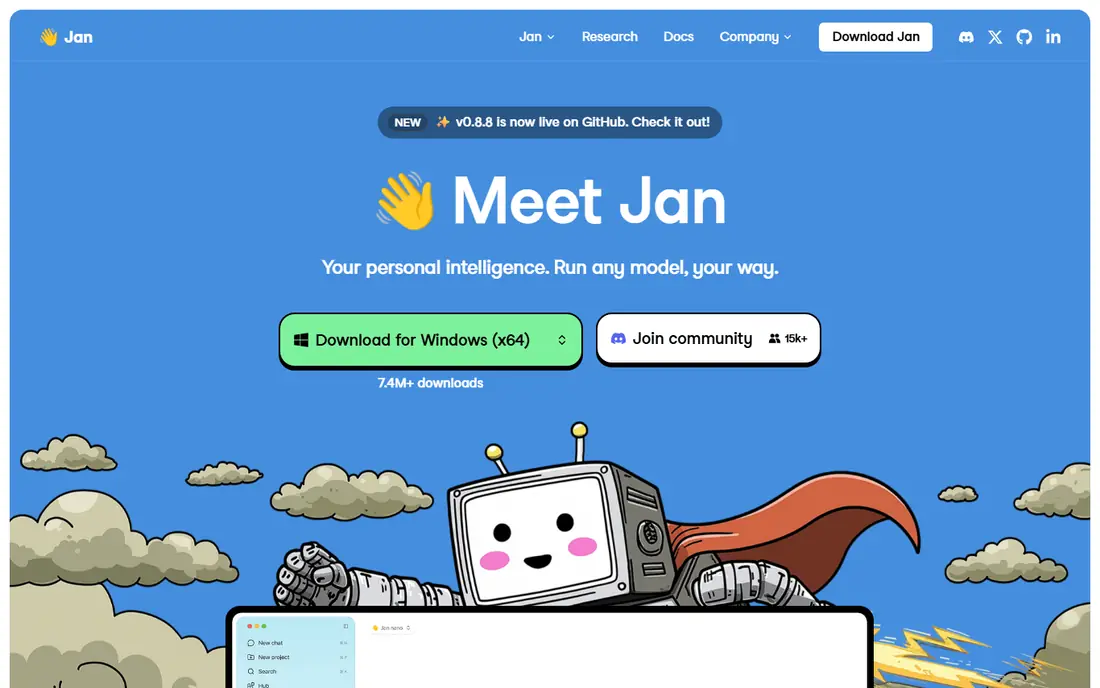
Jan feels like a local version of a familiar chat app, with conversations, model switching, and a local server you can turn on for other tools. Because the code is open, teams that need to audit software or avoid closed tools can inspect it and run it with confidence.
Jan does not hold your hand quite as much when you hunt for models, and some features arrive through extensions. That is a fair trade for openness and for a tool that also connects to cloud providers when a local model is not enough. For many Ollama users, Jan is the most direct desktop swap.
- Open source code
- Clean chat interface
- Local server and cloud provider options
- Fewer built-in model discovery features than LM Studio
- Extensions add complexity
GPT4All focuses on getting you chatting fast. Install it, pick a model, and ask questions, with a document chat option that lets you ask about your own files. That local document feature is useful for notes, manuals, and reports you do not want to upload to a cloud service.
The downside is momentum. Recent releases have been less frequent than some rivals, so check current activity before you build a workflow around it. If you want a plain, private chatbot with document help, it still does that job well.
- Simple setup
- Document chat feature
- Open source
- Release pace has slowed
- Model choice is narrower than larger runners
AnythingLLM is built around documents first. You create a workspace, add files, and chat with that collection, which suits support docs, research notes, and internal guides. It can use local models, cloud models, or a mix, and it offers agent features for multi-step tasks.
That power comes with setup time. You will spend longer configuring workspaces and providers than you would opening Jan or LM Studio. Pick AnythingLLM when document chat is the core job, not just an extra.
- Workspaces for different document sets
- Agent and tool options
- Desktop and Docker install
- Setup is heavier than a simple chat app
- Local model serving needs a separate runner in some setups
Open WebUI gives you a ChatGPT-style interface in a browser, with accounts, chat history, and document knowledge features. It is a strong pick for a household or a small team that wants one web address for chat, rather than a desktop app on each machine.
Remember the layer split. Open WebUI is the front end, so you still need a runner such as Ollama, LM Studio, Jan, or llama.cpp behind it. If that split sounds like extra work, a desktop app may be simpler. If you want shared access, it is worth the setup.
- Polished web chat interface
- User accounts and knowledge features
- Works with many back ends
- Does not run models on its own
- Docker setup suits technical users
LocalAI aims to replace cloud APIs with a local server that speaks the same API shape. That makes it useful for developers who want existing code to keep working while inference moves on site. It runs well in Docker and covers more than text, including image and audio models in some setups.
It is not a chat app first. You will likely pair it with Open WebUI or your own code, and you will need to read docs to configure models. For API work, that trade is worth it. For casual chat, pick a desktop app instead.
- OpenAI-compatible API
- Runs in Docker
- Supports text, image, and audio models
- Configuration is technical
- Chat interface is not the focus
vLLM is a serving engine, not a chatbot. It is built to handle many requests at once with efficient batching and memory use, which matters when you serve a model to an app, a team, or a product. If Ollama felt slow under load, vLLM is the tool to study next.
The cost is complexity. It is Linux and GPU focused, and you need a separate interface or API client to use it. Do not pick vLLM for a single laptop chat session. Pick it when throughput, latency under load, or multi-user serving is the real requirement.
- High throughput for many requests
- Strong GPU serving features
- Open source
- Linux and GPU focused
- No built-in chat interface
Msty stands out for comparison. You can run two models side by side and see how each answers the same prompt, which helps when you choose a model for coding, writing, or summarising. It also brings local and cloud providers into one chat view, so you can switch without switching apps.
Note the role split again. In many setups Msty uses Ollama or another local engine behind the scenes, so it complements a runner rather than fully replacing it. That still counts as a useful alternative for the daily chat job, especially for model testing.
- Compare models side by side
- Local and cloud providers in one app
- Clean chat view
- Local serving often relies on Ollama or another runner
- Paid tier for extra features
How we picked these
We compared official docs, licensing pages, and public project pages for local model tools that are still maintained in October 2026. We kept tools that run models locally or provide a local chat or API layer, and we noted clearly where a tool is a front end or a serving engine rather than a full runner. We left out cloud-only chatbots and tools that had no clear local path.
How to choose the right replacement
Start with how you use Ollama today. If you mainly chat in a terminal or through an API, a desktop app such as LM Studio or Jan will feel familiar, and both expose a local server for your code. If you run a shared service, look at Open WebUI in front of a runner, or LocalAI and vLLM for API serving.
Check hardware before you pick a model
The app matters less than the model and the memory on your machine. Small models in the 3 to 8 billion parameter range often run on a laptop with 8 to 16 GB of memory, while larger models need far more memory or a strong GPU. Start with a small model, test speed and answer quality, and only move up when you know your machine can handle it.
Mind privacy and licenses
Local inference keeps prompts on your machine, which is a plus for private notes and code. Still, check two licenses: the app license and the model license. Some open-weight models carry use limits, and some apps have separate business terms. Reading both takes a few minutes and avoids trouble later.
Frequently asked questions
What is the best Ollama alternative for beginners?
LM Studio is the easiest start for most desktop users, since model search, download, and chat live in one app. Jan is the best open-source beginner option if you want code you can inspect.
Are Ollama alternatives free?
Most tools on this list are free for local use, including LM Studio, Jan, GPT4All, and vLLM. Paid tiers tend to cover cloud hosting, business features, or extra app features, not basic local chat. Check the vendor pricing page for current terms.
Can I use Open WebUI without Ollama?
Yes, Open WebUI can connect to other OpenAI-compatible back ends such as LM Studio, Jan, LocalAI, or llama.cpp. It does not run a model by itself, so you need one of those runners behind it.
Do local models work offline?
Yes, once you have downloaded a model, chat and API use can run without an internet connection. You need internet for the first download, and for any cloud provider you add as a fallback.
Which alternative is best for serving many users?
vLLM is built for high throughput serving on GPU servers. LocalAI is a simpler Docker-based API server for smaller teams, while Open WebUI adds user accounts and a shared chat front end.
Is LM Studio open source?
No, the LM Studio app is closed source, although its SDKs and command line tools are open. Jan, GPT4All, llama.cpp, and vLLM publish their source code, which is a key difference for teams with audit needs.
Sources we checked (8)

Online Jobs is an independent blog about careers, online work, learning new skills and the tools that help people earn. More about us.
Keep reading
All posts
Zoom Alternatives
Zoom alternatives compared for 2026: Google Meet, Microsoft Teams, Webex, Jitsi and more for free calls, large meetings and webinars for teams and classrooms.

Which Software Is Best for Data Entry
Compare the best data entry software for forms, OCR scanning, and spreadsheets, with free plans, pricing, and honest limits for each tool before you commit.

What's the Best App to Read PDFs
Find what's the best app to read PDFs in 2026, from Adobe Acrobat Reader and Foxit to PDF Expert and Xodo, with free options and honest limits for every device.