Official Company Contact Directory Best Practices in 2026: 8 Tools Compared

How we put this together: we compare official feature and pricing pages, app store listings, privacy policies and public user reviews. Prices change, so check the provider's site before you pay.
Key takeaways
- Keep one official directory as the source of truth, and let other tools read from it instead of keeping their own copies.
- Limit personal contact details to what each role needs, and keep private mobile numbers out of a company-wide directory.
- Update the directory on hiring, role changes, and leaving, not in a quarterly clean-up.
- BambooHR and Zoho People suit smaller teams, while Rippling and Workday suit larger or more complex workforces.
- Google Workspace and Microsoft Entra ID work best when your email, calendar, and sign-in already run on that platform.
Quick comparison
| Name | Who it suits | Starting price | Free option | |
|---|---|---|---|---|
 BambooHR | Small and mid-size teams | See website | No | Visit |
 Rippling | Unified HR, payroll, and IT records | See website | No | Visit |
 Zoho People | Affordable HR directory | See website | Yes | Visit |
 HiBob | Growing, culture-focused teams | See website | No | Visit |
 Workday | Large enterprise workforces | See website | No | Visit |
 Personio | European teams | See website | No | Visit |
 Google Workspace | Google-based companies | See website | No | Visit |
 Microsoft Entra ID | Microsoft-based companies | See website | No | Visit |
The best official company contact directory tools
A company contact directory sounds simple until it goes wrong: a leaver still listed as a contact, two different phone numbers for the same manager, or a personal mobile shared with the whole company. Good practice is less about software features and more about ownership, accuracy, and privacy, with one official source that other systems can trust. We compared official feature pages, pricing pages, and public reviews, and we chose tools that include a real employee directory, not just a spreadsheet export.
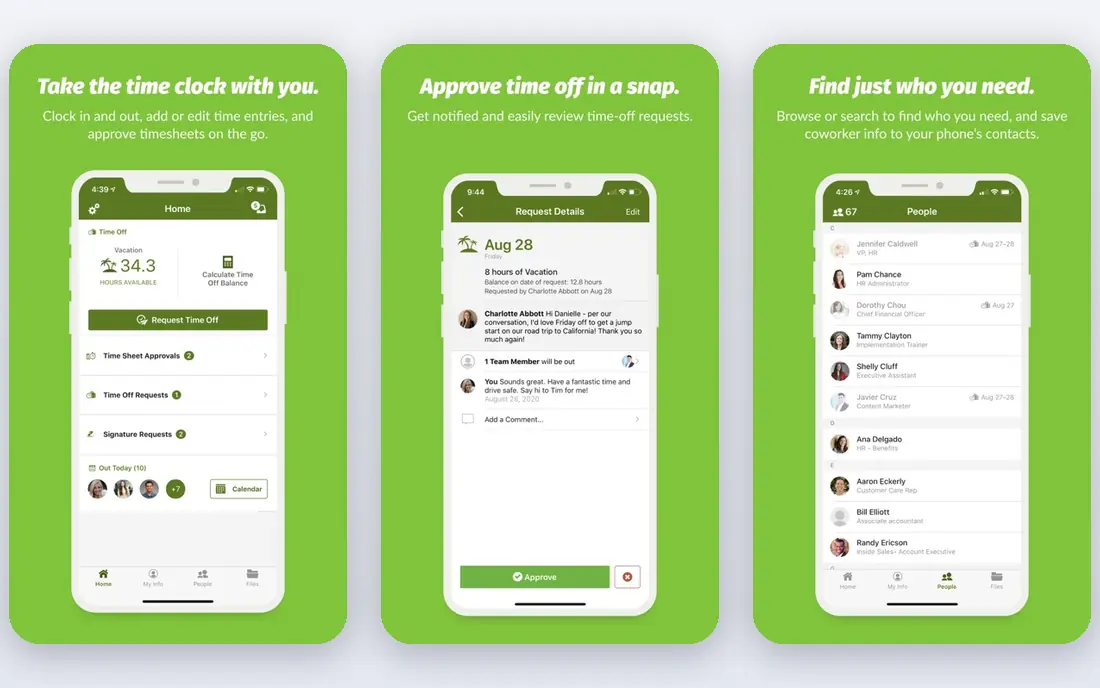
BambooHR is a good default for a small or mid-size company that needs its directory to stay accurate without a dedicated HR systems team. Employee records, job titles, managers, locations, and contact details live in one place, and employees can update their own details through self-service, which reduces the stale-data problem that kills most directories.
The directory works best when you set a rule: BambooHR is the source, and no team keeps a separate contact list that drifts away from it. Pricing is per employee or flat for very small teams, so check the current terms on the vendor site. For a team moving off spreadsheets, BambooHR is the calmest upgrade on this list.
- Clear employee records and org charts
- Simple self-service updates
- Approachable admin interface
- Quoted or per-employee pricing
- Payroll and benefits are add-ons
- Reporting depth is limited at scale
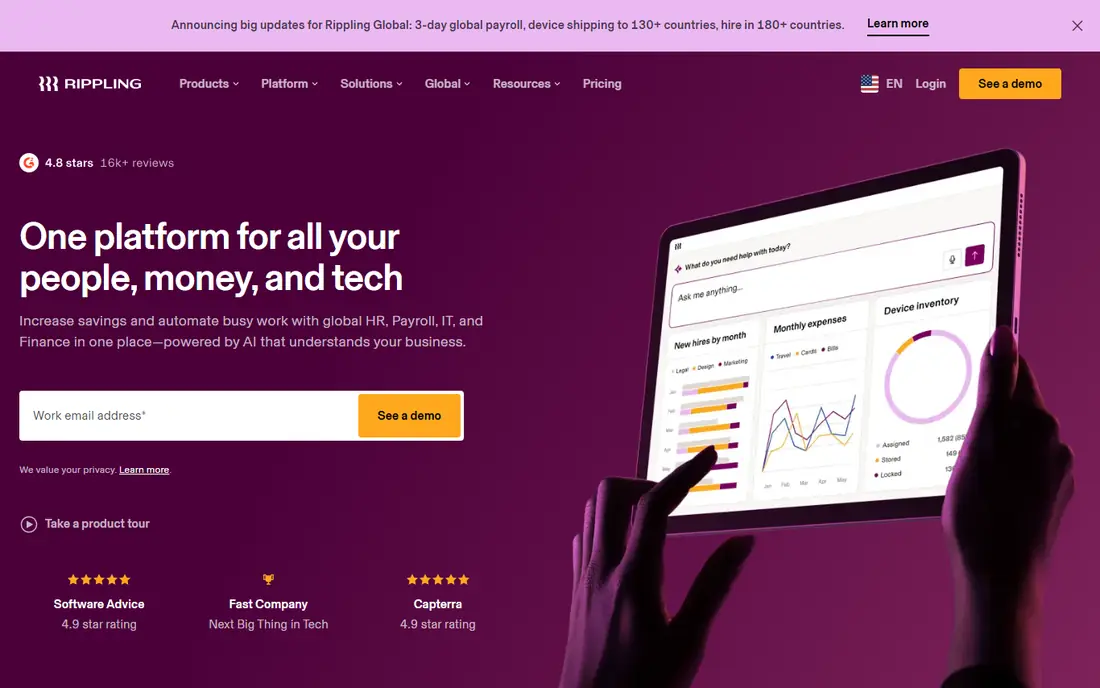
Rippling suits companies where the directory problem is really a systems problem: HR has one list, IT has another, and payroll has a third. By keeping one employee record across HR, payroll, benefits, and device management, Rippling makes joiner and leaver updates flow through to the directory automatically, which is the single best practice for accuracy.
That breadth comes with quote-based pricing and a platform that can feel large for a ten-person team. It fits best for tech-forward mid-size companies and distributed teams that already need unified HR and IT. If your main need is only a simple directory, start with BambooHR or Zoho People instead.
- One employee record across HR, payroll, and IT
- Org chart and directory included
- Strong automation for joiners and leavers
- Quote-based pricing
- Broad platform can feel heavy for a tiny team
- Module choices affect total cost
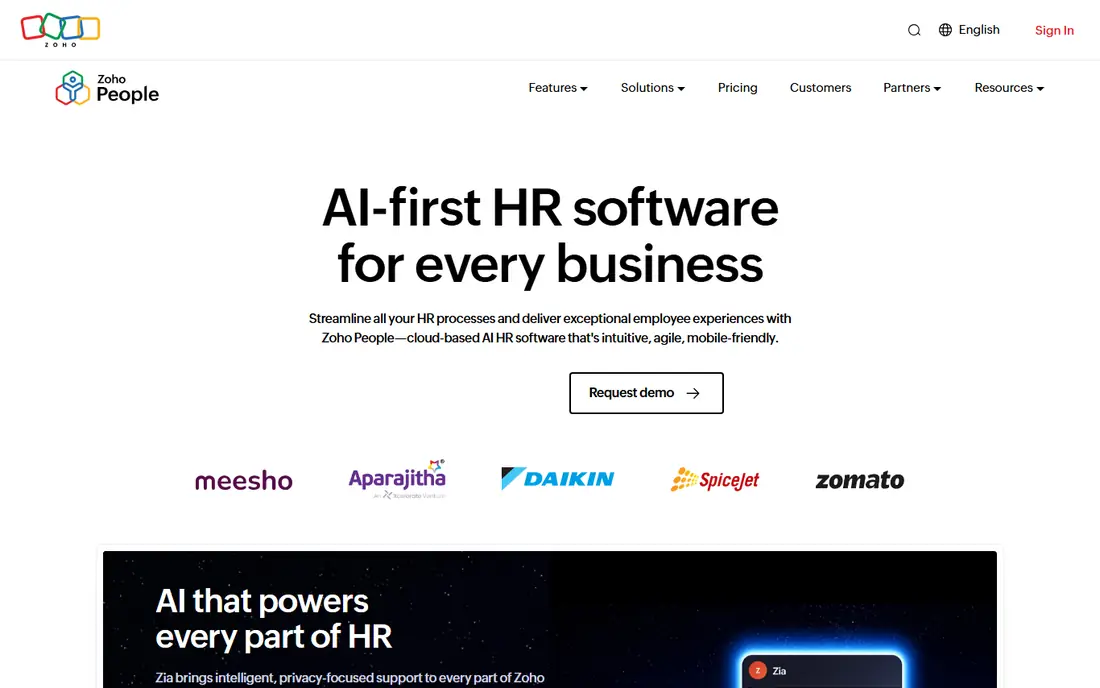
Zoho People is the budget-friendly way to run an official directory properly. It centralises employee records, shows an org structure, and handles leave and attendance alongside contact details, so the directory is part of daily HR work rather than a separate document nobody updates. A free plan for small teams makes it easy to test.
The interface is more functional than beautiful, and the best features sit on higher plans, so check what your plan actually includes before you promise a feature to managers. For a small company already using Zoho apps, or for a team that needs a low-cost directory with real HR structure, Zoho People is a practical pick.
- Employee directory with leave and attendance
- Free plan for small teams
- Fits the wider Zoho suite
- Interface feels less polished than BambooHR
- Advanced features need higher plans
- Support quality varies by plan
HiBob, often called Bob, works well when the directory needs to be used, not just maintained. Its profiles, org charts, and people pages are designed to be pleasant to browse, which sounds minor but matters: a directory nobody opens will go stale, while one people actually use gets corrected. It scales from a growing startup toward the mid-market without forcing a move to a new system.
Pricing is quote-based, and payroll coverage is narrower than Rippling, with US and UK native payroll and a hub for other countries. If your team values employee experience and you expect steady headcount growth, HiBob is a strong directory choice. If you only need a basic list, it may be more platform than you need.
- People-first design that staff enjoy using
- Org charts and employee profiles
- Scales from small teams to mid-market
- Quote-based pricing
- Native payroll covers fewer countries
- Directory is part of a larger HR platform
Workday is the enterprise answer to the directory problem. For a company with thousands of staff, many locations, and strict permission needs, a directory must respect who can see what, track role changes across departments, and feed payroll, learning, and access systems from one record. Workday is built for exactly that scale.
For a small or mid-size company, Workday is the wrong tool: implementation is long, pricing is enterprise-level, and the admin effort is high. Large organisations should still compare it with Rippling and HiBob, but for a company directory at enterprise scale, Workday sets the standard for control and reporting.
- Enterprise-grade employee records
- Strong permissions and reporting
- Built for very large, complex organisations
- Quote-based enterprise pricing
- Long implementation
- Overkill for small teams
Personio is a strong pick for European teams that need a directory built around European employment practice. Employee records, absence, recruiting, and org structure sit in one system, so a new hire's directory entry appears as part of onboarding rather than as an afterthought. That workflow link is what keeps directories accurate.
US-focused teams will find less payroll depth here than in Rippling or BambooHR, and pricing is quote-based. For a European mid-size company, or a company with a large European workforce, Personio is a natural directory home. For a US-only small team, a US-focused rival will usually be simpler.
- Employee records and org structure for European employers
- Recruiting and absence in the same system
- Good fit for mid-size firms
- Quote-based pricing
- Less US payroll depth than US rivals
- Directory features sit inside a wider HR suite
Google Workspace is the practical directory for a company that already runs on Gmail, Calendar, and Drive. The directory appears inside email and calendar, so staff find colleagues without opening a separate app, and admins manage contacts from one console. That everyday visibility is a real advantage for accuracy.
The limit is depth: Google Workspace is an identity and collaboration directory, not an HR record. Job history, compensation, and detailed HR workflows still belong in an HR system like BambooHR, with Google reading the official record. If your company is Google-first and small, Workspace alone may be enough. Larger companies should treat it as the front door, with an HR system behind it.
- Directory built into Gmail and Calendar
- Contacts update from one admin console
- Easy for staff who already use Google
- Directory depth is limited compared with an HR system
- HR data still needs a separate system
- Admin controls need care
Microsoft Entra ID, formerly Azure Active Directory, is the directory backbone for Microsoft-based companies. It controls sign-in, groups, and access, and it feeds the contact lists staff see in Outlook and Teams. Good group design here is a best practice in itself: a well-named group for each team, location, or role makes the directory useful and keeps access tidy.
Like Google Workspace, Entra ID is an identity directory, not a full HR system, so detailed employee records still belong elsewhere. Its strength is permission control and integration with Microsoft 365. If your company runs on Microsoft, build your official directory on Entra ID and sync it from your HR system, rather than maintaining two separate lists.
- Directory tied to sign-in and Microsoft 365
- Strong group and permission controls
- Works across Outlook and Teams
- Admin setup needs care
- HR depth needs a separate system
- Licensing varies by Microsoft plan
How we picked these
We compared official feature pages, pricing pages, and public reviews, and we required each tool to include a real, searchable employee directory with permission controls, not just a contact export. We also weighed how each tool handles joiners, leavers, and role changes, because a directory is only as good as its update process. Prices are quote-based for most tools here, so we wrote See website rather than publishing a figure that would not match your headcount or modules.
Official company contact directory best practices
First, name one owner and one source. The directory should have a named owner, usually in HR or operations, and one system that counts as official. Every other tool, from email to chat to a printed list, should read from that source or be retired. Two official lists will always disagree, and staff will trust neither.
Second, decide what belongs in the directory and what does not. Work email, work phone, job title, manager, location, and team are directory data. Personal mobile numbers, home addresses, and private emails are not, unless a specific on-call role needs a controlled exception. Publish that rule, and review exceptions regularly.
Third, tie updates to HR events. A hire, a role change, a manager change, and a leaving date should each trigger a directory update on the same day, ideally through automation from your HR system. A quarterly clean-up is not a practice, it is an admission that the directory has been wrong for months.
Fourth, control who sees what. Not every field needs to be visible to every employee, and contractors, interns, and external partners need different views. Use groups and permissions in your directory tool, and test them with a non-admin account before you publish a sensitive field.
Finally, audit the directory. Once a quarter, check for duplicate entries, leavers still listed, missing managers, and blank phone fields for customer-facing roles. A short audit report to the directory owner, with fixes assigned, keeps a boring but important system trustworthy.
Frequently asked questions
What is an official company contact directory?
An official company contact directory is the single trusted list of employee names, job titles, teams, managers, and work contact details for a company. It should have one owner and one source system, so staff, customers, and other tools all use the same accurate information.
Should personal mobile numbers be in the company directory?
In most cases, no. A company-wide directory should list work contact details, and personal numbers should only appear for a specific on-call or emergency role, with the employee's agreement and strict viewing controls. Publishing personal numbers widely creates privacy and safety risks.
How often should a company directory be updated?
A directory should be updated on the day of a hiring, role change, manager change, or leaving date, not in a periodic clean-up. Automation from your HR system to your directory is the best way to achieve that, because manual updates are easy to forget during busy weeks.
What is the best tool for a small company directory?
BambooHR is a strong pick for small and mid-size teams, thanks to its clear records and self-service updates. Zoho People is the best low-cost option, especially for teams already using Zoho apps, while Google Workspace or Microsoft Entra ID may be enough if your company is small and already runs on that platform.
How do I keep a directory accurate for remote teams?
Use one HR system as the source, let employees update their own contact details, and tie directory changes to onboarding and offboarding workflows. For remote teams, also record time zone and working location in the directory, so colleagues know when and how to reach each other.
Should customers see our internal directory?
No, customers should see a separate public contact list with only the roles and channels you want to share, such as support, sales, or a main office number. Your internal directory, with full staff details, should stay behind sign-in and permission controls.
Sources we checked (8)

Online Jobs is an independent blog about careers, online work, learning new skills and the tools that help people earn. More about us.
Keep reading
All posts
n8n Alternatives
n8n alternatives compared for 2026, with Zapier, Make, Activepieces, and more, covering visual builders, code steps, self-hosting, and pricing models.

ZoomInfo Alternatives
The best ZoomInfo alternatives in 2026, compared on price, free plans, data coverage, and which tool fits small teams or large sales teams best in detail.

Workday Alternatives
We compared the best workday alternatives for HR, payroll, and global hiring, from BambooHR and Gusto to Rippling, Deel, and HiBob for growing teams in 2026.