Office Alternatives in 2026: 9 Tools Compared

How we put this together: we compare official feature and pricing pages, app store listings, privacy policies and public user reviews. Prices change, so check the provider's site before you pay.
Key takeaways
- LibreOffice is our pick for free desktop work, with a full suite, no subscription, and strong Microsoft file support for everyday documents.
- Google Workspace suits teams that live in a browser and need real-time collaboration, while ONLYOFFICE suits teams that need close Microsoft format fidelity.
- WPS Office suits users who want a familiar Microsoft-style interface with PDF tools, while Apple iWork suits Mac and iPad users.
- Zoho Workplace, FreeOffice, SoftMaker Office, and Collabora Online each suit a narrower need, from business bundles to lightweight desktop use and self-hosting.
Quick comparison
| Name | Who it suits | Starting price | Free option | |
|---|---|---|---|---|
 LibreOffice | Free desktop suite | Free | Yes | Visit |
 Google Workspace | Browser collaboration | Free | Yes | Visit |
 WPS Office | Familiar Microsoft-style suite | Free | Yes | Visit |
 ONLYOFFICE | Microsoft format fidelity | Free | Yes | Visit |
 Apple iWork | Mac and iPad users | Free | Yes | Visit |
 Zoho Workplace | Business bundle | See website | Free trial | Visit |
 FreeOffice | Lightweight free desktop use | Free | Yes | Visit |
 SoftMaker Office | Paid desktop suite | See website | Free trial | Visit |
 Collabora Online | Self-hosted collaboration | Free | Yes | Visit |
The best office alternatives
An Office alternative needs to handle Word, Excel, and PowerPoint files well enough for real work, not just for simple notes. The tools below were compared on file compatibility, offline use, collaboration, platforms, PDF tools, and price. No alternative matches every Microsoft 365 feature, so the best pick depends on whether you work alone, in a team, or across many devices.
LibreOffice is the default free desktop alternative for most users. Writer handles word processing, Calc handles spreadsheets, and Impress handles presentations, while Draw, Math, and Base add graphics, formulas, and databases. The suite is open source, free to install on Windows, macOS, and Linux, and it needs no account to work. For a student, writer, or small business that mainly works alone, that combination is hard to beat.
Collaboration is the honest limit. LibreOffice lacks the built-in real-time co-editing found in Google Workspace, and very complex Microsoft files with macros, tracked changes, or advanced formatting can shift when opened and saved. For everyday documents, spreadsheets, and slides, compatibility is good. For a team that edits the same document at the same time every day, Google Workspace or ONLYOFFICE will feel smoother.
- Full suite with Writer, Calc, and Impress plus Draw, Math, and Base
- No subscription or ads
- Works fully offline
- Real-time collaboration is limited
- Complex Microsoft files can shift in layout
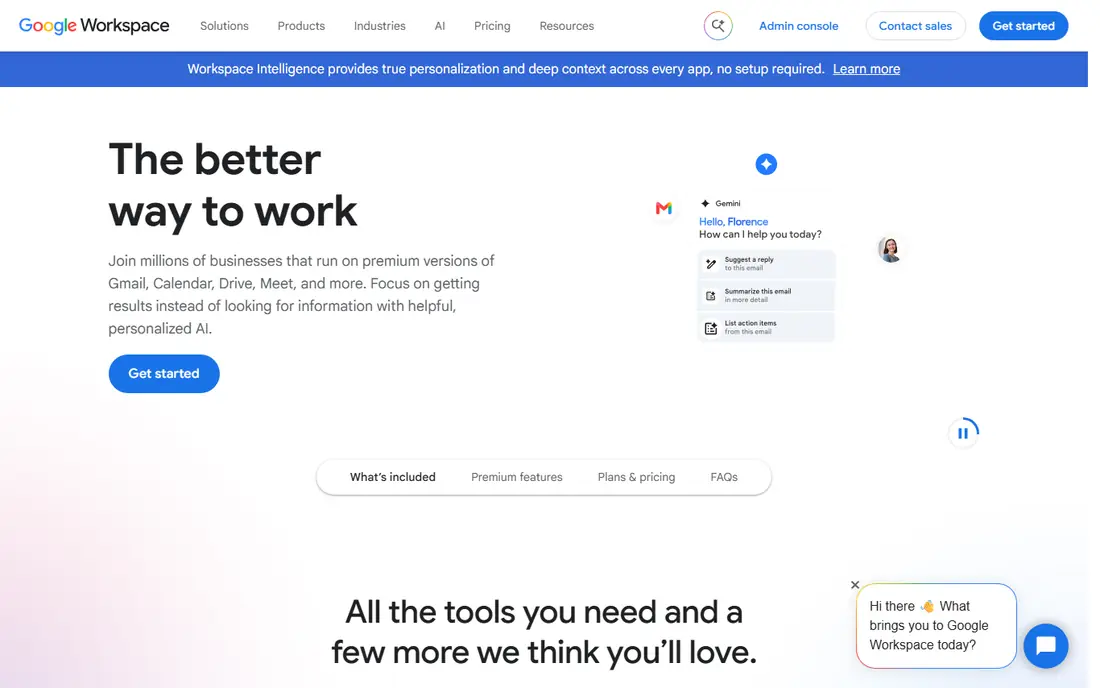
Google Workspace, with free Docs, Sheets, and Slides under a Google account, is the collaboration pick. Several people can edit the same document at once, see each other's cursors, comment, and track changes in a browser, with no install needed. That workflow suits remote teams, classrooms, and families who share documents often. Drive storage, Gmail, and Meet links add to the bundle for paid business plans.
Offline work needs setup in Chrome, and complex Excel files with macros or PowerPoint files with advanced animations can lose detail when converted. A team that needs desktop Excel power for financial models should test those files in Sheets before switching fully. For everyday writing, spreadsheets, and slides with live collaboration, Google Workspace is the smoothest free starting point.
- Best real-time collaboration
- Works on any device with a browser
- Docs, Sheets, and Slides plus Drive and Meet
- Offline use needs setup
- Complex Microsoft files can lose formatting on import
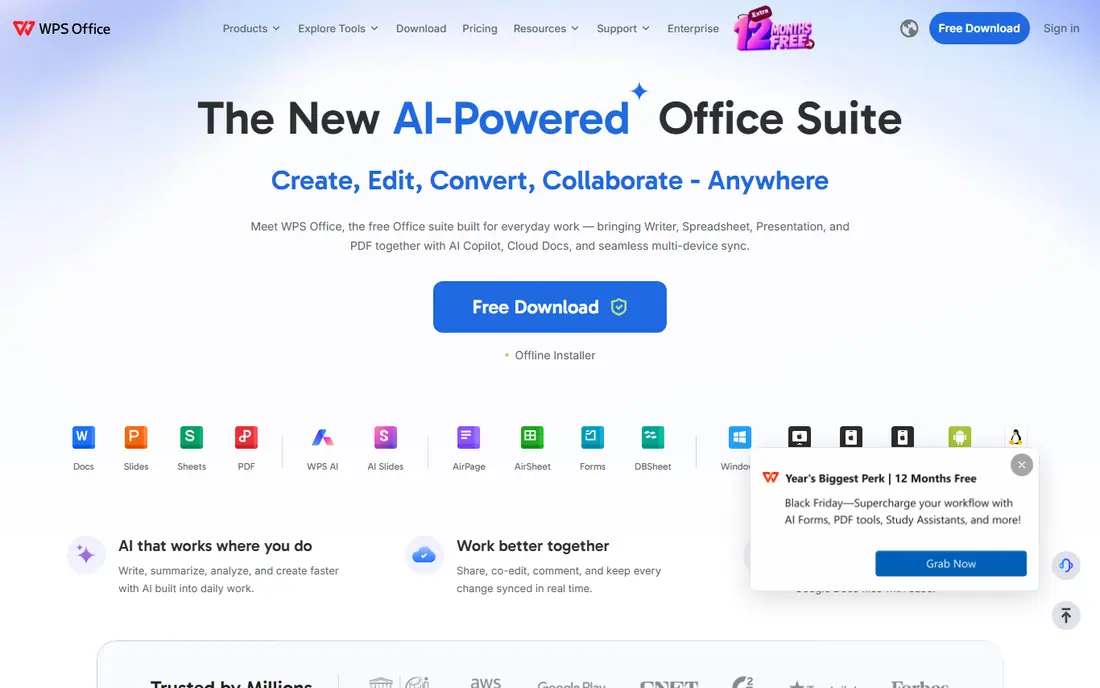
WPS Office feels familiar to Microsoft Office users from the first open. The ribbon-style interface, tabbed documents, and file handling make the switch easy, and built-in PDF tools cover reading, editing, and conversion tasks that other free suites handle less well. Desktop, web, and mobile apps let a user start a document on a laptop and finish it on a phone.
The free tier includes ads and limits on some premium features, which may annoy users who want a clean, fully free suite. Privacy terms and account settings also deserve a read before storing sensitive documents in the cloud version. For a user who wants a Microsoft-like look, PDF tools, and cross-device apps without paying, WPS Office is a strong choice, with LibreOffice as the ad-free alternative.
- Familiar Microsoft-style interface
- Writer, Spreadsheets, and Presentation plus PDF tools
- Desktop, web, and mobile apps
- Free tier includes ads and some premium limits
- Privacy and account terms need reading
ONLYOFFICE focuses on staying faithful to Microsoft file formats. Its desktop editors open .docx, .xlsx, and .pptx files with layout that often survives better than other free suites, which matters when you share files with Microsoft Office users every day. ONLYOFFICE Docs adds browser collaboration, comments, and version history, and teams can self-host for control over data.
Self-hosting and larger team collaboration need setup or a paid plan, so a single user should start with the free desktop editors. The interface packs many features into each app, which can feel busy for a user who only writes simple notes. For a small team that shares Microsoft files constantly and wants good fidelity plus collaboration, ONLYOFFICE is a strong rival to Google Workspace.
- Strong Microsoft format compatibility
- Desktop editors plus collaborative Docs
- Self-hosting options for teams
- Some collaboration features need a server or paid plan
- Interface can feel busy for simple use
Apple iWork, with Pages, Numbers, and Keynote, is free for Mac, iPad, and iPhone users, with web access through iCloud for other devices. The apps are clean, well designed, and strong for documents, spreadsheets, and presentations that need a polished look. Keynote in particular is popular for slides, and collaboration works well across Apple devices and in a browser for invited guests.
Microsoft file fidelity is the limit. A complex Word or Excel file may shift when imported into Pages or Numbers, and exported files may need checking before sending to a Microsoft Office user. For a household or team that already lives on Apple devices, iWork is a free and capable suite. For a mixed Windows and Mac team that shares complex Office files daily, LibreOffice or ONLYOFFICE will cause fewer conversion surprises.
- Free on Apple devices
- Pages, Numbers, and Keynote with clean design
- Collaboration on Apple devices and web
- Apple-focused
- Complex Microsoft files can shift on export
Zoho Workplace bundles office apps with email, chat, and cloud storage for small businesses. Writer, Sheet, and Show cover documents, spreadsheets, and presentations, while Mail, Cliq, and WorkDrive handle communication and files in one subscription. That bundle suits a small team that wants one vendor for office, mail, and storage, without paying separately for each service.
Users coming from Microsoft or Google will need a short adjustment period, and very advanced spreadsheet work may still need desktop Excel. Zoho's strength is the bundle value and admin controls, not single-app power. For a small business that wants a complete, low-cost workplace suite with office apps included, Zoho Workplace is worth comparing with Google Workspace business plans.
- Writer, Sheet, and Show plus Mail, Cliq, and WorkDrive
- Business admin controls
- Good value bundle for small teams
- Less familiar than Microsoft or Google for new users
- Advanced Excel features are lighter than desktop Excel
FreeOffice, from SoftMaker, offers TextMaker, PlanMaker, and Presentations as a free desktop suite for Windows, macOS, and Linux. It is lightweight and fast, which helps on older machines, and its Microsoft file support is good for everyday documents. Users who want a simple, free desktop suite without the full LibreOffice app set often find FreeOffice easier to learn.
The suite is smaller than LibreOffice, with no database tool and limited collaboration or cloud features. That is fine for solo desktop work, but a team that needs live co-editing should use Google Workspace or ONLYOFFICE instead. For a single user on an older computer who wants free Word, Excel, and PowerPoint-style apps, FreeOffice is a clean and practical pick.
- Free desktop suite from SoftMaker
- Good Microsoft file support
- Lightweight and fast on older machines
- Fewer apps than LibreOffice
- Collaboration and cloud features are limited
SoftMaker Office is the paid version of the FreeOffice family, with TextMaker, PlanMaker, and Presentations plus extra features, templates, and support. It is fast, handles Microsoft files well, and offers a one-time purchase option for users who dislike subscriptions. That purchase model appeals to users who want to buy a suite once and use it for years without a monthly fee.
Collaboration is not the main strength. SoftMaker Office is a desktop suite first, so teams that edit together in real time will still prefer Google Workspace or ONLYOFFICE Docs. For a solo user or small office that wants a polished, fast desktop suite with a one-time price and no subscription, SoftMaker Office is a strong alternative to Microsoft Office.
- Fast desktop suite with strong Microsoft compatibility
- One-time purchase option
- Good PDF and ribbon interface
- Paid, unlike LibreOffice and FreeOffice
- Collaboration is less central than Google Workspace
Collabora Online brings LibreOffice technology to the browser, with collaborative editing for documents, spreadsheets, and presentations. Teams that need to control their own data can self-host Collabora Online on their own servers, which suits schools, public bodies, and businesses with strict data rules. Integrations with Nextcloud and other platforms also help teams that already host their own files.
Self-hosting needs technical skill, server setup, and maintenance, so a single user should not choose Collabora Online as a desktop replacement. LibreOffice desktop is simpler for solo work, and Google Workspace is simpler for hosted collaboration. For a team that needs browser collaboration plus data control, Collabora Online is a serious and open option.
- Browser collaboration based on LibreOffice
- Self-hosting for data control
- Good Microsoft file support for teams
- Self-hosting needs technical setup
- Single-user desktop use is better served by LibreOffice
How we picked these
We compared official suite pages, pricing pages, documentation, and public reviews for suites that handle documents, spreadsheets, and presentations now. We kept suites that are available on at least one major platform, that open Microsoft files, and that fit solo, team, or business use. We left out single-app note tools, closed suites, and suites that only offered a viewer with no editing. Prices change by plan and region, so check the vendor pricing page before buying.
What to check before you choose
Test your real files first
Open your most complex Word, Excel, and PowerPoint files in the new suite, then save and reopen them. Check tables, charts, tracked changes, and slide layouts, because everyday files convert well while complex files reveal the gaps.
Decide desktop, browser, or both
Desktop suites suit offline work and complex files. Browser suites suit collaboration and any-device access. Many users end up with both, using LibreOffice or ONLYOFFICE on desktop and Google Workspace in a browser for shared documents.
Check PDF and mobile needs
If you edit PDFs often, WPS Office and SoftMaker Office add value. If you edit mainly on a phone, check the mobile app for your suite before switching, because mobile editing varies a lot between suites.
Frequently asked questions
What are the best microsoft office alternatives for free?
LibreOffice, Google Workspace free, WPS Office free, ONLYOFFICE desktop, Apple iWork, and FreeOffice all offer free office use. LibreOffice suits desktop work, Google Workspace suits collaboration, and WPS Office suits a Microsoft-style interface.
What are the alternatives to microsoft 365 for teams?
Google Workspace, ONLYOFFICE, Zoho Workplace, and Collabora Online suit teams best. Google leads on hosted collaboration, ONLYOFFICE leads on Microsoft format fidelity, Zoho leads on a business bundle, and Collabora leads on self-hosting.
What are the ms office alternatives for Mac users?
Apple iWork, LibreOffice, Google Workspace, WPS Office, and ONLYOFFICE all work on Mac. iWork suits Apple-only users, LibreOffice suits free desktop power, and Google Workspace suits browser collaboration.
Is LibreOffice a good Microsoft Office alternative?
Yes, LibreOffice is a good free alternative for most everyday documents, spreadsheets, and presentations. It lacks real-time collaboration and can shift very complex Microsoft files, so test your complex files before a full switch.
What is the best Microsoft Office alternative for Excel power users?
Desktop Excel remains strongest for very advanced models, macros, and PowerPoint automation. Among alternatives, LibreOffice Calc, ONLYOFFICE, and SoftMaker PlanMaker handle many Excel files well, but test your specific models and macros first.
Can office alternatives open Microsoft files?
Yes, all suites in this list open .docx, .xlsx, and .pptx files, with varying fidelity. Simple and medium files usually convert well, while complex files with macros, advanced charts, or tracked changes need testing before you rely on a new suite for shared work.
Sources we checked (9)

Online Jobs is an independent blog about careers, online work, learning new skills and the tools that help people earn. More about us.
Keep reading
All posts
Zoom Alternatives
Zoom alternatives compared for 2026: Google Meet, Microsoft Teams, Webex, Jitsi and more for free calls, large meetings and webinars for teams and classrooms.

Which Software Is Best for Data Entry
Compare the best data entry software for forms, OCR scanning, and spreadsheets, with free plans, pricing, and honest limits for each tool before you commit.

What's the Best App to Read PDFs
Find what's the best app to read PDFs in 2026, from Adobe Acrobat Reader and Foxit to PDF Expert and Xodo, with free options and honest limits for every device.